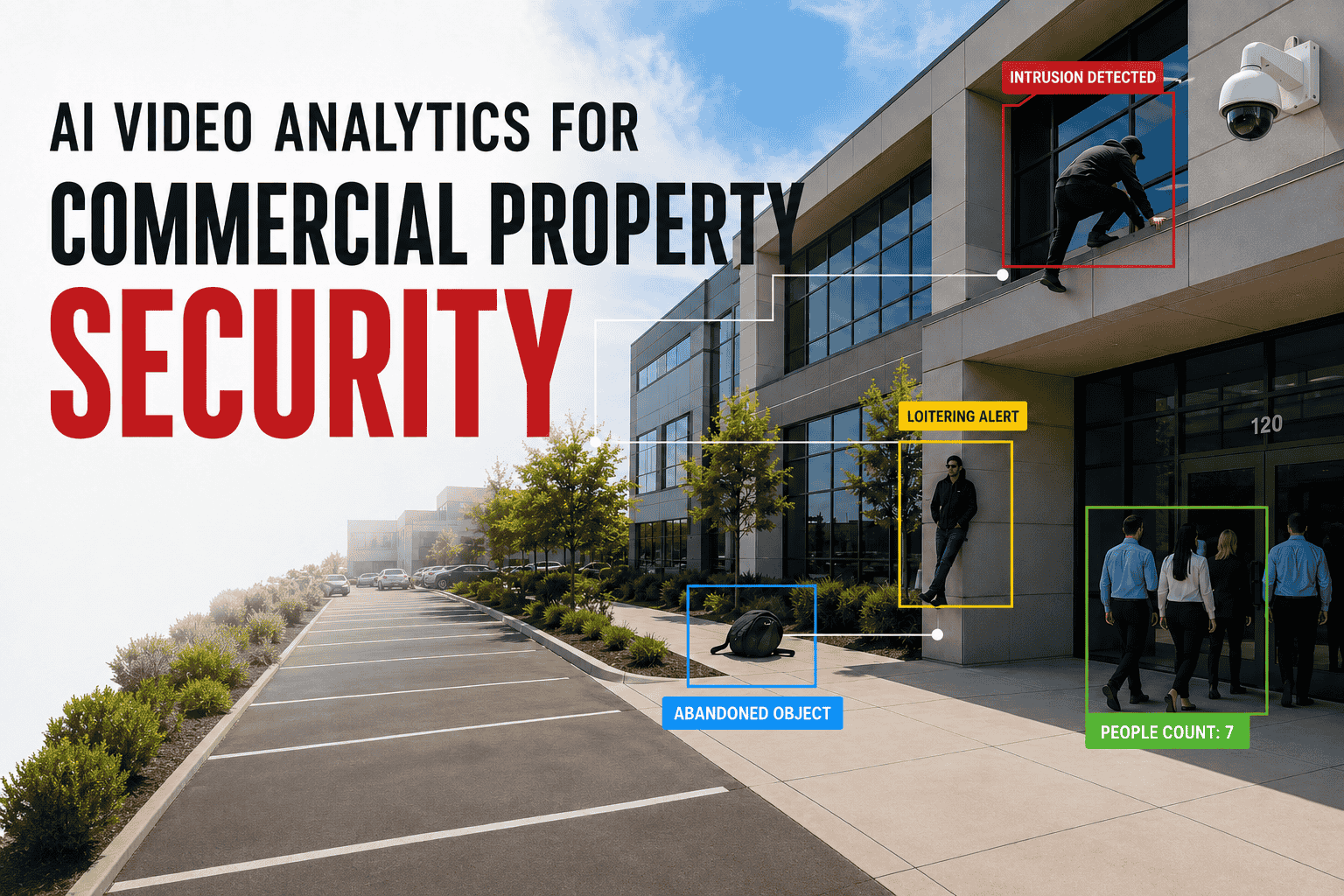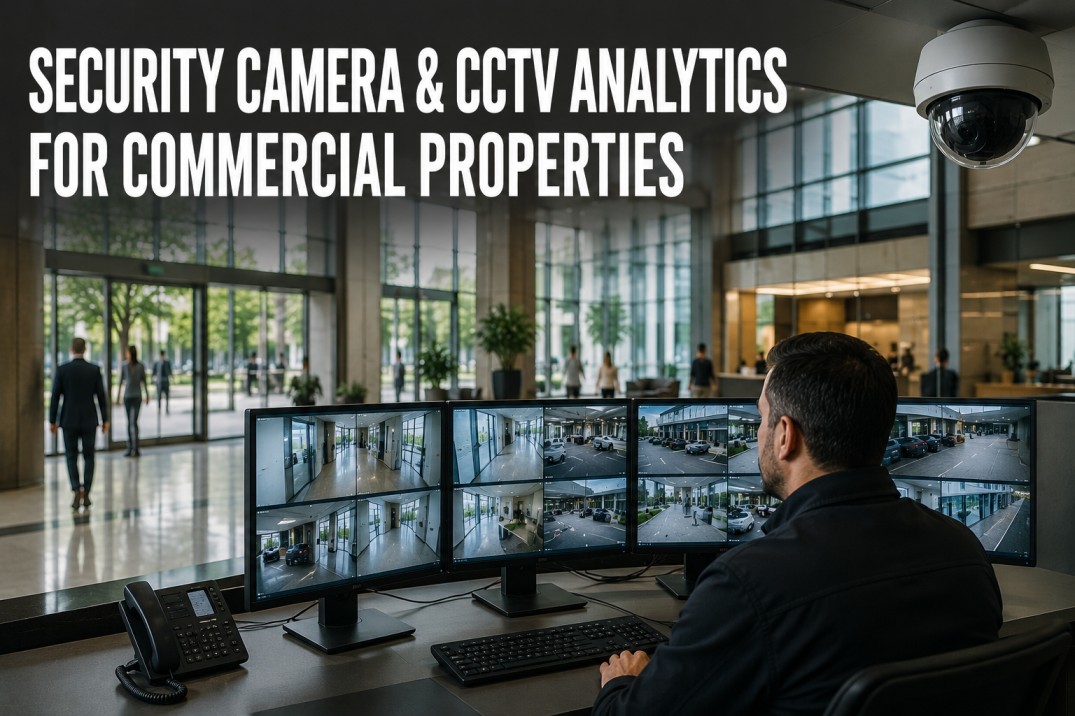
Security camera and CCTV systems are the most visible and most neglected components of commercial property security infrastructure, with an estimated 30–40% of installed cameras suffering from degraded image quality, incorrect positioning, recording gaps, or storage failures within 12 months of installation — not because the equipment is faulty, but because systematic maintenance is rarely performed. A single camera with a smudged lens, shifted angle, or full storage drive creates a blind spot that can compromise the entire surveillance network, making regular inspection and servicing as critical as the initial system design. Effective CCTV system maintenance covers six essential domains: lens and housing cleaning to maintain image clarity, recording verification to confirm footage is captured and retrievable, storage capacity management to prevent recording interruptions, night vision testing to ensure 24-hour coverage, camera positioning optimization to eliminate blind spots and capture optimal field of view, and network infrastructure checks to verify bandwidth, cabling integrity, and cybersecurity. This page profiles five common camera types and their maintenance requirements, presents a comprehensive inspection checklist organized by service category, maps the typical CCTV system architecture with key maintenance touchpoints, provides a quick-reference troubleshooting table for the most frequent camera system issues, and outlines a maintenance cadence from daily checks through annual deep service.
Security Camera & CCTV Analytics for Commercial Properties
A well-maintained CCTV system is the backbone of commercial property security, providing both real-time situational awareness and forensic evidence when incidents occur. Yet most property managers and security teams lack a structured maintenance program, relying on reactive repairs after a camera fails rather than preventive servicing that keeps the entire system operating at specification. The framework below provides a complete maintenance and inspection reference for commercial CCTV systems of any scale.
Keep Your CCTV System Operating at Peak Performance
iFactory's platform includes real-time camera health monitoring, recording status verification, storage capacity alerts, and automated inspection scheduling for commercial security systems. Book a demo to see how proactive CCTV maintenance reduces downtime and eliminates blind spots across your property.
Common Camera Types and Their Maintenance Requirements
Each camera type has distinct mechanical, optical, and environmental characteristics that determine its maintenance frequency and the specific inspection points that matter most. Understanding these differences allows maintenance teams to tailor their inspection procedures rather than applying a generic approach to all cameras.
CCTV Inspection Checklist — Six Service Categories
A comprehensive CCTV maintenance program covers six service categories, each with specific inspection items that should be checked at defined intervals. The checklist below provides a complete reference for technicians performing routine camera system servicing, with items organized by category for efficient workflow.
- Clean lens with microfibre cloth and approved solution
- Check housing seal integrity and gasket condition
- Verify housing heater and blower function (outdoor)
- Inspect for condensation or moisture inside housing
- Confirm sun shield and wiper are secure (if equipped)
- Verify live feed from every camera on the system
- Test playback from each recorder for all channels
- Confirm date and time stamps are accurate
- Check motion detection recordings triggered correctly
- Verify export function produces viewable footage
- Check remaining storage capacity on all recorders
- Verify retention period meets policy requirements
- Test RAID or redundancy status (if configured)
- Check for disk errors or degraded drive performance
- Confirm auto-delete or overwrite is functioning
- Test IR illumination in complete darkness
- Verify IR range covers intended field of view
- Check for IR bleed or hotspot in image
- Clean IR LED array and sensor window
- Confirm day/night switching activates correctly
- Confirm camera angle covers intended area
- Check for new obstructions (signage, foliage, equipment)
- Verify PTZ preset positions are correct
- Test auto-tracking and patrol patterns (PTZ)
- Adjust field of view for seasonal changes
- Check PoE switch port status and power budget
- Verify cable connections are secure and corrosion-free
- Test network bandwidth utilization per camera
- Confirm UPS backup is functioning for all recorders
- Review system event log for errors or warnings
Streamline Your CCTV Maintenance With Automated Monitoring
iFactory's platform continuously monitors camera health, recording status, storage capacity, and system events across your entire CCTV network, sending real-time alerts when maintenance is needed. Book a demo to see how automated monitoring reduces blind spots and cuts maintenance costs.
CCTV System Architecture — Key Maintenance Touchpoints
Understanding the end-to-end flow of video data from camera lens to viewing station helps maintenance teams identify the critical touchpoints where failures are most likely to occur. Each component in the chain has specific inspection and service requirements that must be addressed to maintain system reliability.
Image capture, IR illumination, on-camera processing. Lens cleanliness and alignment are the most common failure points.
Cat6/Coax cable integrity, PoE power delivery, connector corrosion, bandwidth capacity, and VLAN configuration.
Recording, compression, storage, motion detection processing. Hard drive health, RAID status, and firmware are key.
Video display, VMS software, user access, alarm notifications. Software updates and user permission audits are critical.
Remote viewing, cloud storage, off-site backup, cybersecurity. Bandwidth limits and encryption compliance are key risks.
Common CCTV Issues — Causes and Solutions
Most CCTV system issues fall into a small number of recurring categories. The table below provides a quick-reference troubleshooting guide for the ten most common problems encountered during routine maintenance, organized by symptom, likely cause, and recommended solution.
CCTV Maintenance Cadence — Daily Through Annual
A structured maintenance cadence ensures that critical inspections happen at the right frequency without overwhelming the maintenance team. The schedule below groups service activities by interval, from quick daily visual checks through comprehensive annual deep service that includes firmware updates, full system testing, and documentation review.
Frequently Asked Questions About CCTV System Maintenance
How often should security camera lenses be cleaned?
Indoor camera lenses should be cleaned monthly, outdoor cameras every two weeks in normal conditions and weekly in dusty, coastal, or construction-adjacent environments. Use a microfibre cloth with an approved lens cleaning solution — never standard glass cleaner or paper towels, which can damage the lens coating. Dome cameras require special attention because the dome itself accumulates dust and fingerprints that degrade image quality even when the internal lens is clean, and scratches on the dome can cause permanent image degradation that requires dome replacement rather than cleaning.
How do I verify that CCTV recordings are actually being saved correctly?
The most reliable method is to perform a weekly spot check where you export and play back footage from at least one camera per recorder, verifying that the recording covers the expected time period, the timestamp is accurate, and the video quality matches the live feed. Do not rely solely on the NVR status indicator — many systems report "recording" even when storage is full and recording has stopped. Configure automated email or push alerts for storage capacity thresholds (75%, 90%, 95%) and drive health warnings, and test these alerts quarterly to confirm they reach the right personnel.
What storage capacity is recommended for a commercial CCTV system?
Storage requirements depend on the number of cameras, resolution, frame rate, compression format, and required retention period. For a typical commercial property with 4MP cameras recording at 15 fps using H.265 compression with 30-day retention, plan for approximately 1–2 TB per camera per year. A 16-camera system with 30-day retention requires roughly 3–6 TB of usable storage. Always deploy RAID 5 or RAID 6 for fault tolerance, monitor disk health with S.M.A.R.T. alerts, and configure the system to send automatic notifications when storage utilization exceeds 80% to allow time for archival or drive replacement before recording is interrupted.
Why do PTZ cameras lose their preset positions over time?
PTZ cameras lose preset accuracy primarily due to gear wear (the mechanical gears develop backlash over thousands of positioning cycles), limit switch drift (mechanical stops shift slightly with temperature changes and repeated impacts), and encoder resolution limitations (small positioning errors accumulate over many movements). Regular recalibration — typically every 3–6 months depending on usage — corrects these errors. To minimize drift, avoid programming preset positions that require the camera to approach from different directions (always use the same direction of approach), and use the camera's end-stop calibration feature if available.
How can I tell if a camera's night vision is working correctly?
The definitive test is to view the camera feed in complete darkness and verify that the IR illumination provides adequate coverage across the full field of view at the required distance. During daylight, you can test by covering the light sensor (which triggers day/night switching) and observing whether the IR LEDs activate and the image switches to monochrome mode. Common night vision problems include IR reflection off nearby surfaces (walls, eaves, signage) that washes out the image, insufficient IR range for the area being monitored, and IR hotspot in the center of the image with darkness at the edges — all of which require physical repositioning or additional IR illuminators rather than camera adjustment alone.
Never Miss a Critical CCTV Maintenance Check Again
iFactory's platform automates camera health monitoring, recording verification, storage capacity tracking, and inspection scheduling for commercial CCTV systems. Schedule a demo to see how proactive maintenance management eliminates blind spots and extends the life of your security camera infrastructure.