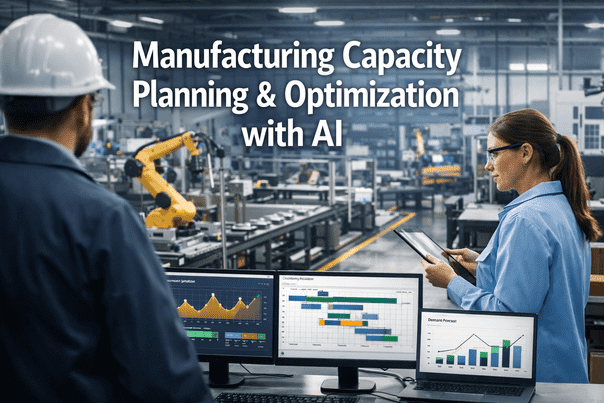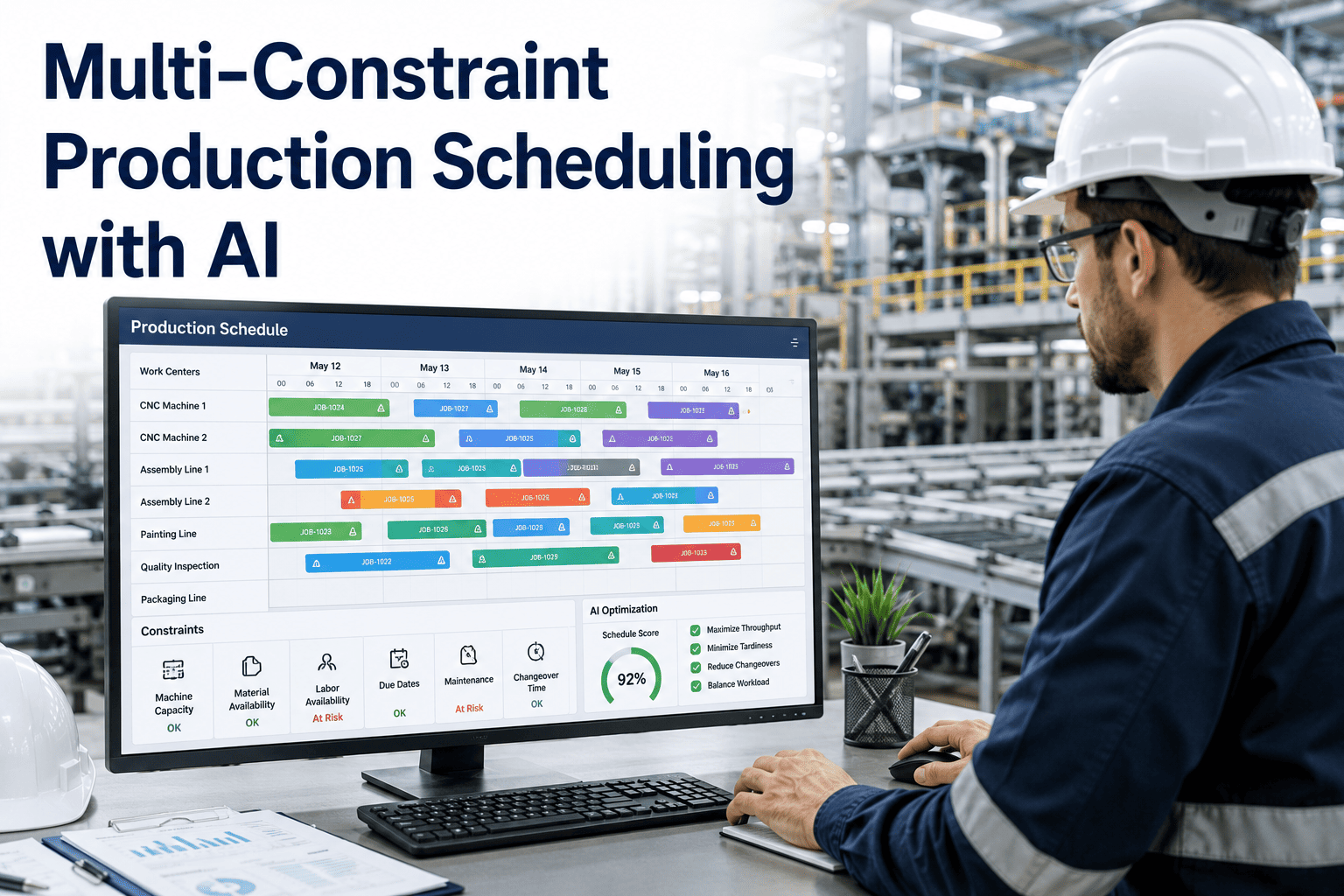
A production planner sits down on Monday morning with a whiteboard, a spreadsheet, and ten constraints that all need to be true at once: machine availability, changeover time, material lead times, labor shifts, tooling conflicts, rush orders, and a customer who called twice already. By Wednesday, the schedule she built is already wrong, because one constraint shifted and nothing downstream recalculated with it. This is the reality of manual production scheduling in most discrete and process manufacturing plants, and it is why AI-driven schedulers are moving from pilot projects to standard practice. Book a Demo with iFactory AI to see multi-constraint scheduling built for real shop floor volatility.
Ten Constraints. One Schedule. Minutes, Not Days.
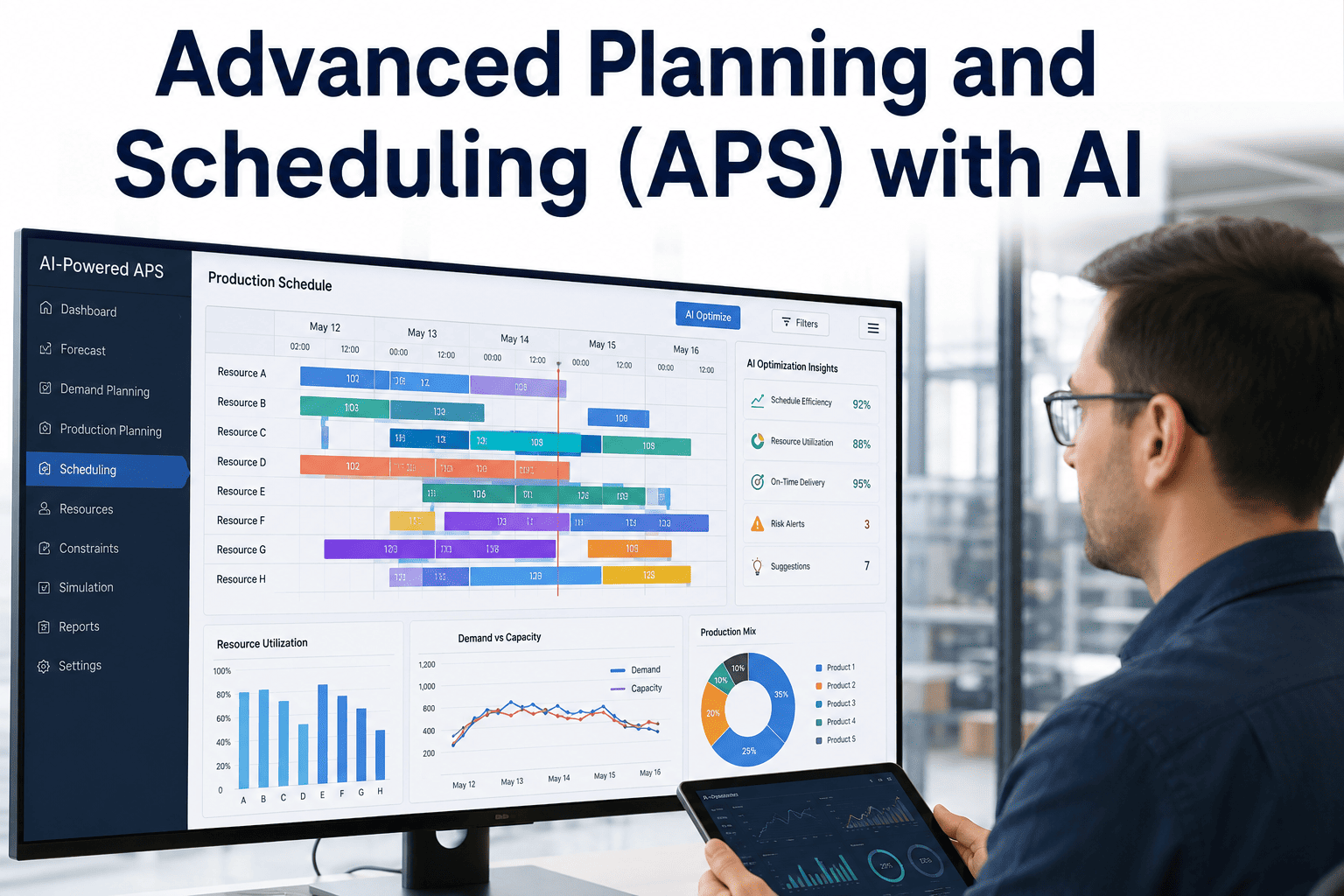
iFactory AI's scheduling engine evaluates machine, labor, material, and tooling constraints simultaneously, running more valid scenarios in minutes than a planning team can run manually in a week.
The Math Behind Why Spreadsheets Cannot Keep Up
A production schedule with even a modest number of jobs, machines, and constraints has an enormous number of technically valid sequences, and only a small fraction of those sequences are actually good ones once cost, on-time delivery, and changeover time are factored in. A human planner, no matter how experienced, can realistically hold a handful of scenarios in mind and compare them by intuition and experience. That intuition is valuable, but it is not the same as exhaustively searching the solution space, and it cannot recompute instantly the moment one constraint changes, which on most shop floors happens multiple times a day.
The result is a schedule that was optimal when it was built on Monday morning and is measurably suboptimal by Monday afternoon. Rush orders, machine downtime, absent operators, and late material shipments all invalidate assumptions baked into the original plan, and by the time a planner manually reworks the schedule, the plant has already absorbed the cost of running on stale information.
This is not a knock on the planners doing the work. It is a structural limitation of trying to solve a combinatorial optimization problem with a tool built for static record-keeping. Spreadsheets are excellent at storing and displaying data, but they were never designed to search thousands of feasible orderings and rank them against multiple competing objectives simultaneously. Asking a planner to do that search manually, job after job, week after week, is asking them to perform a task that is fundamentally better suited to a purpose-built optimization engine, freeing up their expertise for the judgment calls that actually require a human in the loop.
Four Constraint Layers an AI Scheduler Evaluates Together
The core advantage of an AI scheduling engine is not speed alone, it is the ability to hold every constraint layer in view simultaneously rather than sequentially, which is how manual planning inevitably works even when a planner tries hard to consider everything at once.
Machine & Capacity Constraints
Real-time machine availability, planned maintenance windows, and changeover sequencing rules are evaluated together so the engine never proposes a sequence that looks efficient on paper but triggers three extra changeovers in practice.
Labor & Shift Constraints
Operator certifications, shift patterns, and labor availability are treated as hard constraints, not afterthoughts, so a schedule never assumes a skilled operator is available for a job when they are actually on a different line or shift.
Material & Lead Time Constraints
Inbound material timing, safety stock thresholds, and supplier lead time variability feed directly into sequencing decisions, preventing schedules that look feasible but depend on parts that have not actually arrived yet.
Priority & Commitment Constraints
Customer due dates, contractual penalties, and internal priority rules are weighted explicitly, so the engine can show a planner the tradeoff between hitting one customer's date and protecting overall plant throughput.
Scenarios Evaluated: Manual Planning vs. AI Scheduling
The clearest way to see the value of a multi-constraint AI scheduler is to compare how many genuinely different, constraint-valid scenarios each approach can actually evaluate before committing to a plan.
Scenarios a skilled planner can realistically build and compare by hand, typically limited to the most obvious tradeoffs.
Constraint-valid scenarios evaluated and ranked by cost, on-time delivery, and utilization, refreshed as conditions change.
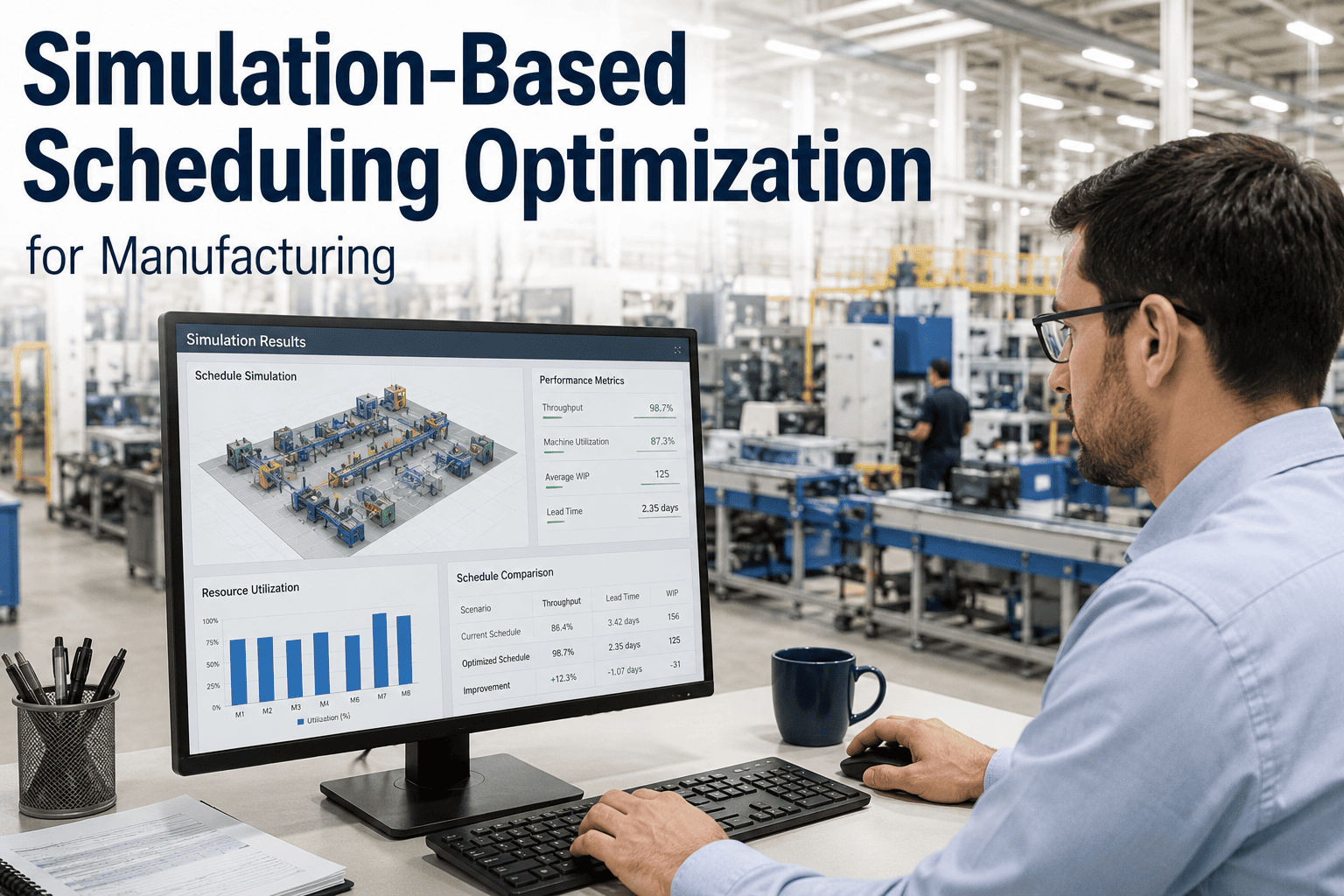
The gap between these two numbers is not a marketing exaggeration, it reflects a fundamental difference in method. A planner working manually has to mentally simulate the downstream consequences of each sequencing choice, which is cognitively expensive and naturally limits how many options get seriously considered. The scheduling engine evaluates the same downstream consequences computationally, which means it can afford to consider options a human planner would never think to try, including combinations that seem counterintuitive at first glance but turn out to reduce total changeover time or better balance labor utilization across a shift.
Getting From Spreadsheet Scheduling to AI Scheduling
Replacing a manual or spreadsheet-based scheduling process does not require a disruptive rip-and-replace of existing ERP or MES systems. iFactory AI's scheduling engine connects to the data planners already maintain, work orders, routings, BOMs, labor calendars, and material inventories, and builds the constraint model from that existing source of truth. The planner's role shifts from manually sequencing every job to reviewing and approving the top-ranked scenarios the engine proposes, adjusting priority weightings when business context changes that the system would not otherwise know, such as a strategic customer relationship or an upcoming plant shutdown. Most plants see the engine running in a shadow mode alongside existing manual scheduling within the first few weeks, allowing planners to build confidence by comparing AI-generated schedules against their own before shifting primary responsibility to the engine.
This shadow-mode period also serves a second purpose beyond building trust: it surfaces data quality issues in the underlying ERP and routing records that may have gone unnoticed for years under manual scheduling, where an experienced planner simply worked around known inaccuracies by memory. Correcting those records not only improves the AI scheduler's output, it improves the accuracy of every other system downstream that depends on the same routing and BOM data, from costing to capacity planning, making the transition a broader data quality win for the plant beyond scheduling alone.
What Plants Report After Adopting AI Scheduling
Time spent building and revising the weekly production schedule
Improvement in on-time delivery performance
Reduction in changeover time from better sequencing
These figures come from plants that started with a manual or spreadsheet-driven scheduling process and adopted AI scheduling alongside their existing ERP and MES infrastructure, without a disruptive system replacement. The time savings alone often justify the investment, since planners freed from manual schedule-building can spend that time on higher-value work such as supplier collaboration and capacity planning. But the on-time delivery improvement is usually the metric that resonates most with plant leadership, because it directly reflects customer-facing performance rather than an internal efficiency gain that is harder to connect to revenue.
What-If Analysis Without the What-If Panic
Every production planner has lived through the phone call that arrives at the worst possible moment: a key machine just went down, or a customer just moved up a due date by a week, and the question on the other end of the line is simple — what happens to everything else on the schedule? Answering that question manually usually means dropping everything to rebuild the plan by hand, a process that can eat an entire afternoon and still leave the planner unsure whether the new sequence is actually the best available option or just the first one that worked.
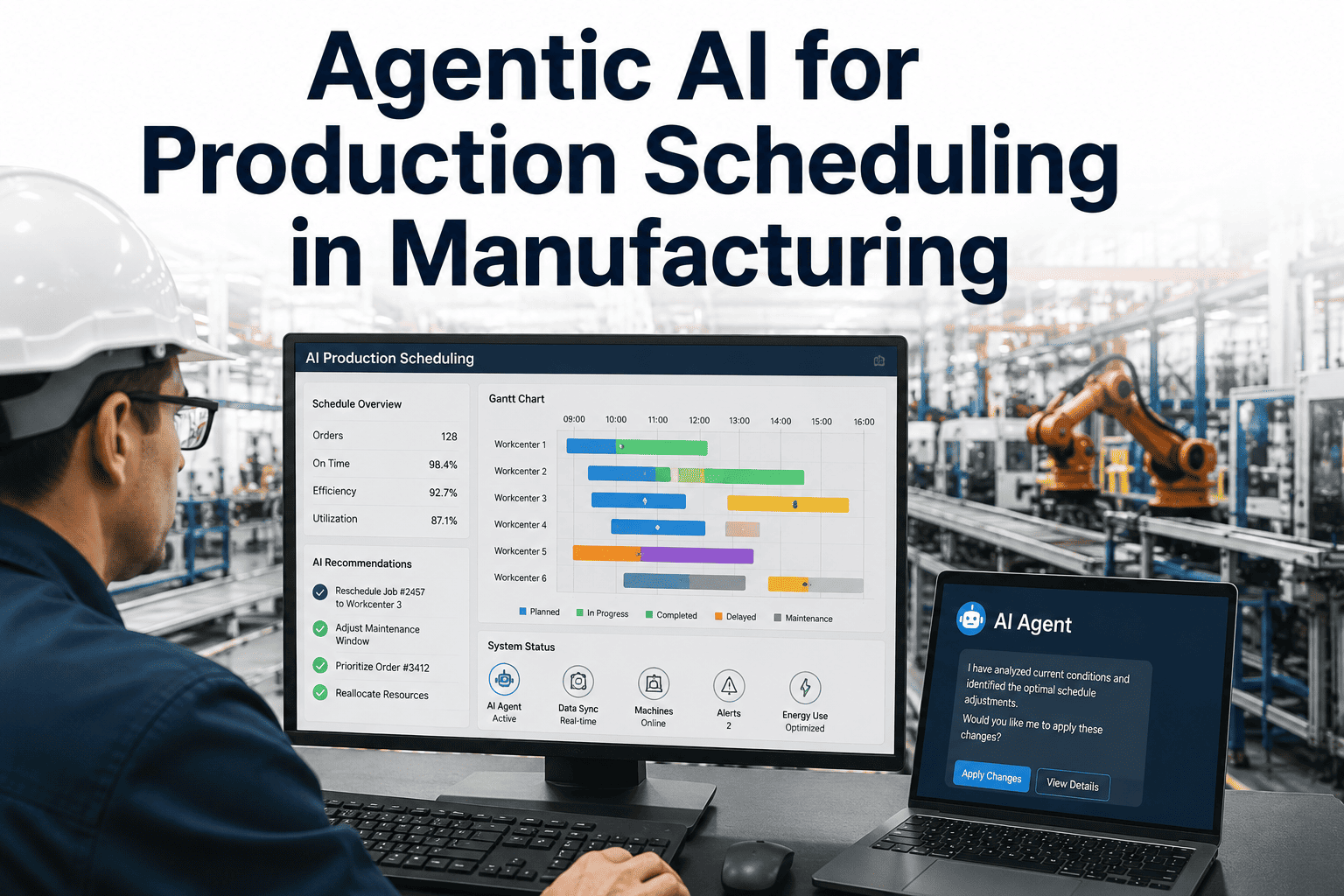
An AI scheduling engine turns that same question into a five-minute exercise instead of an afternoon crisis. Because the constraint model already reflects every machine, labor, and material limitation in the plant, a planner can simulate the impact of a machine outage or an expedited order and see the ranked list of feasible responses immediately, each scored against on-time delivery and cost impact. This does not just save time during a crisis. It changes the nature of the planner's role from reactive firefighting to proactive scenario management, since what-if questions can be explored calmly before they become urgent rather than only after they already are.
AI Production Scheduling — Common Questions
How is AI scheduling different from a standard APS tool?
Traditional advanced planning and scheduling tools often rely on fixed rule sets and require manual reconfiguration whenever a constraint changes. An AI scheduling engine continuously learns from actual plant performance, refining its constraint weighting over time, and can re-optimize a full schedule in minutes rather than requiring a planner to manually rebuild rules. Our team can walk through the technical distinction for your specific environment.
Does the system require perfect data to work?
No. The engine is designed to work with the data quality most plants actually have, and it flags data gaps or inconsistencies it encounters rather than silently producing an unreliable schedule. Data quality improves the precision of recommendations over time, but a reasonably maintained ERP and routing dataset is sufficient to start.
Can planners override the AI-generated schedule?
Yes, planners retain full override authority at all times. The system is built to support planner judgment with better options and faster scenario comparison, not to remove the planner from the decision. Every override is captured and can inform future constraint weighting if the reasoning behind it is documented.
How quickly does the schedule update when a constraint changes?
Most constraint changes, such as a machine going down or a rush order arriving, trigger a re-optimization within minutes rather than requiring a manual rebuild. This is the core operational difference from spreadsheet-based scheduling, where a single change often requires reworking the entire plan by hand.
What ERP and MES systems does this integrate with?
iFactory AI's scheduling engine is built to connect with major ERP and MES platforms used across discrete and process manufacturing, pulling work orders, routings, and inventory data directly rather than requiring duplicate manual entry. Book a Demo to confirm compatibility with your specific systems.
See Your Own Constraints Solved in Minutes, Not Days
Bring your real machine, labor, and material constraints to a live session and watch the engine generate ranked, feasible schedules in real time.