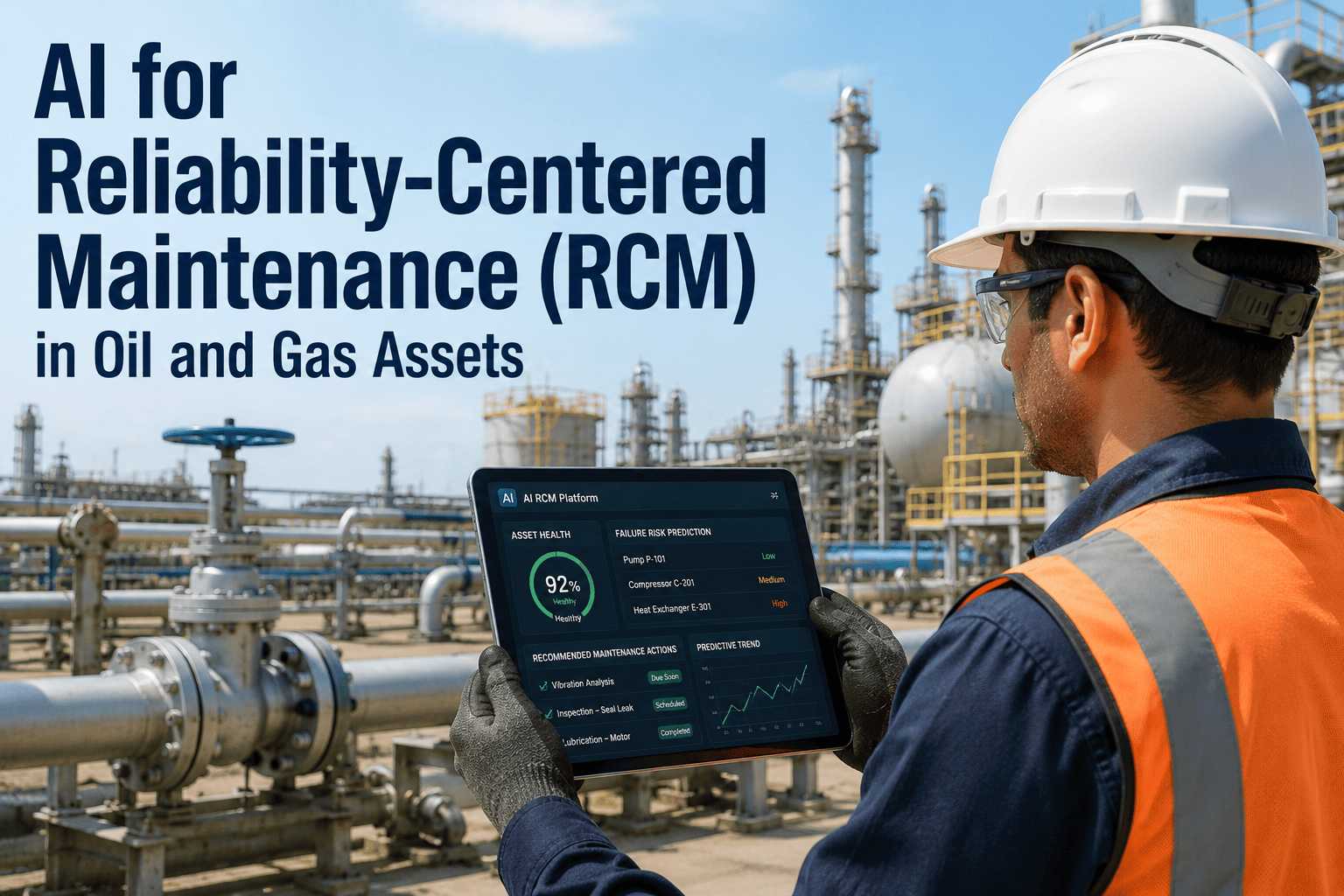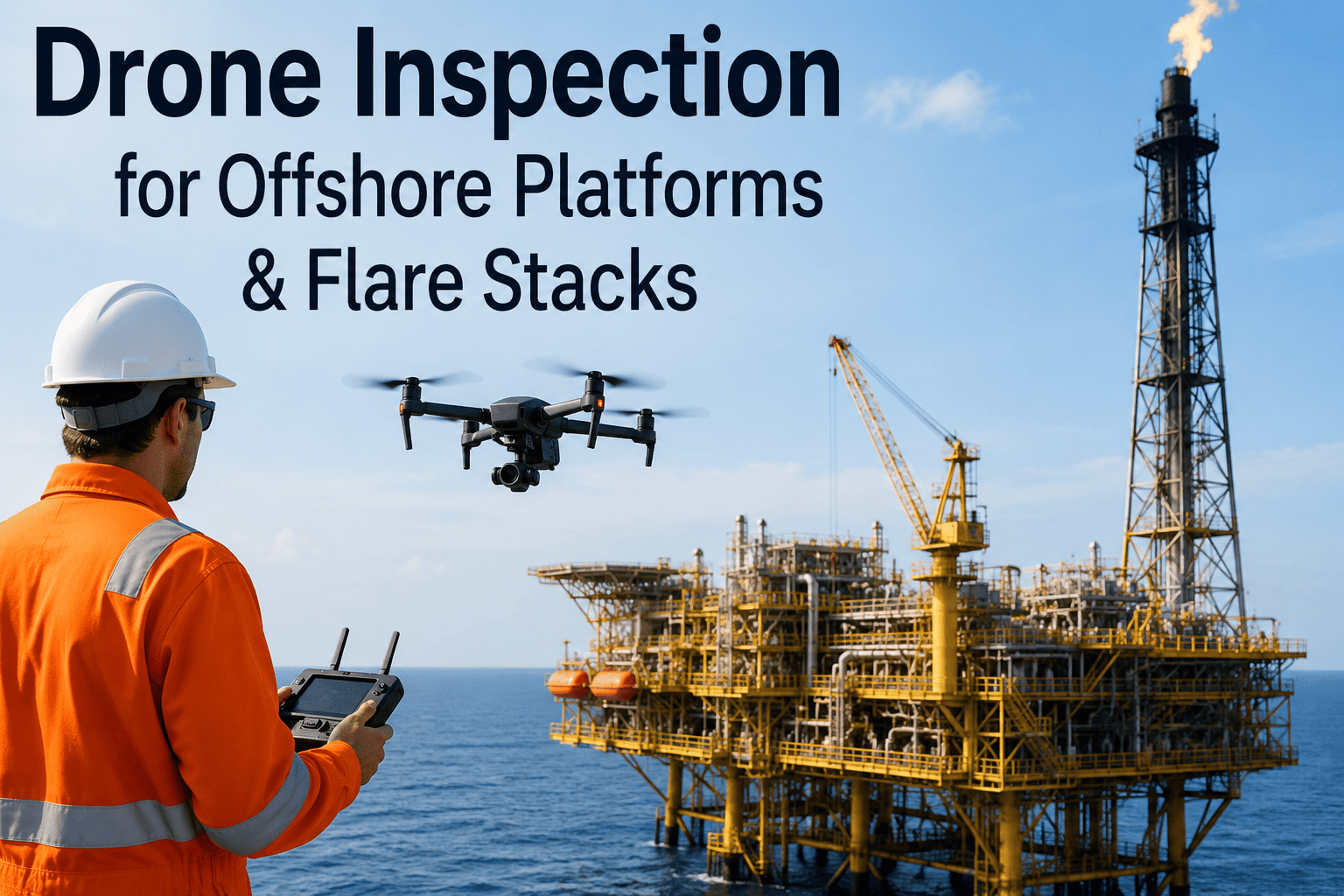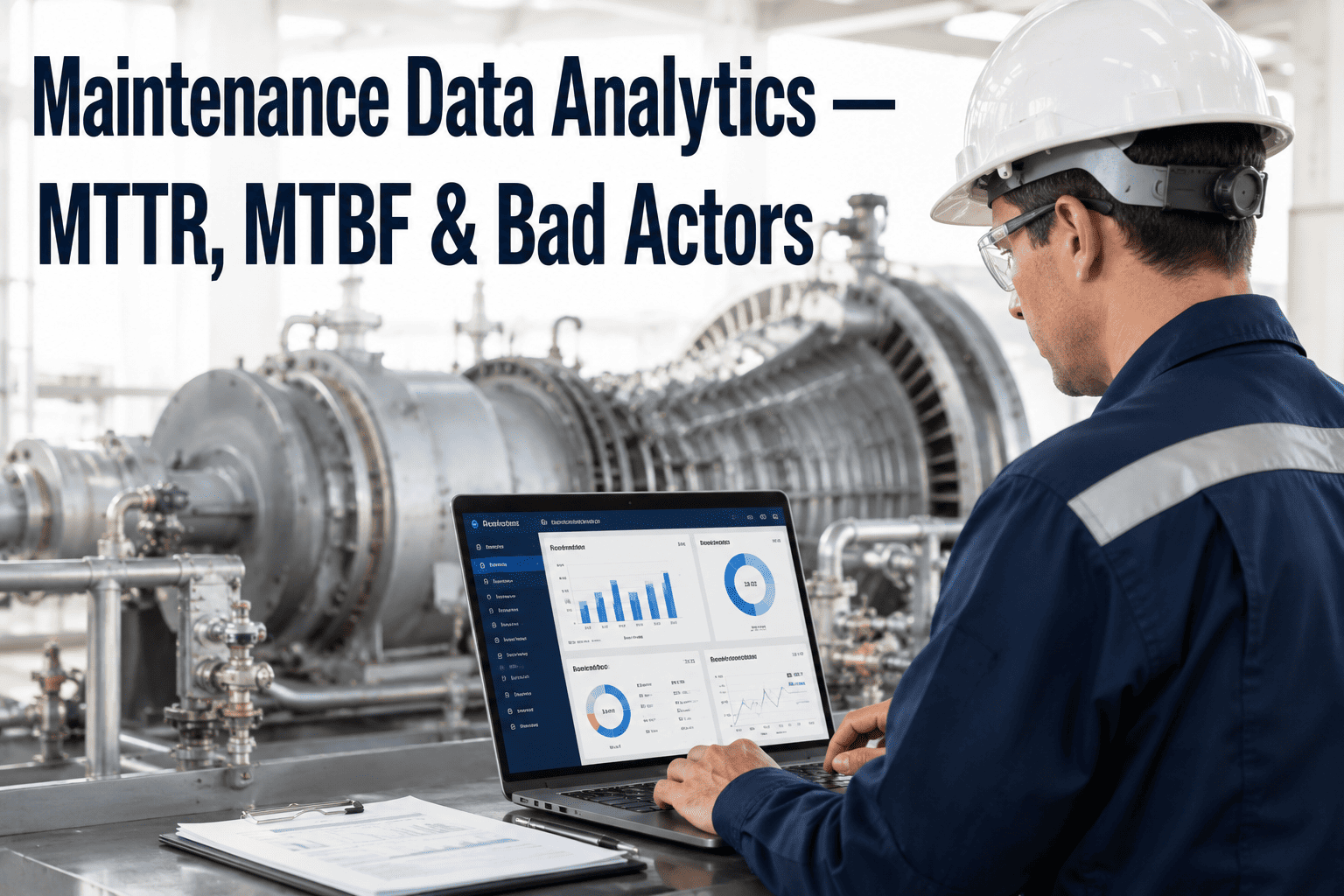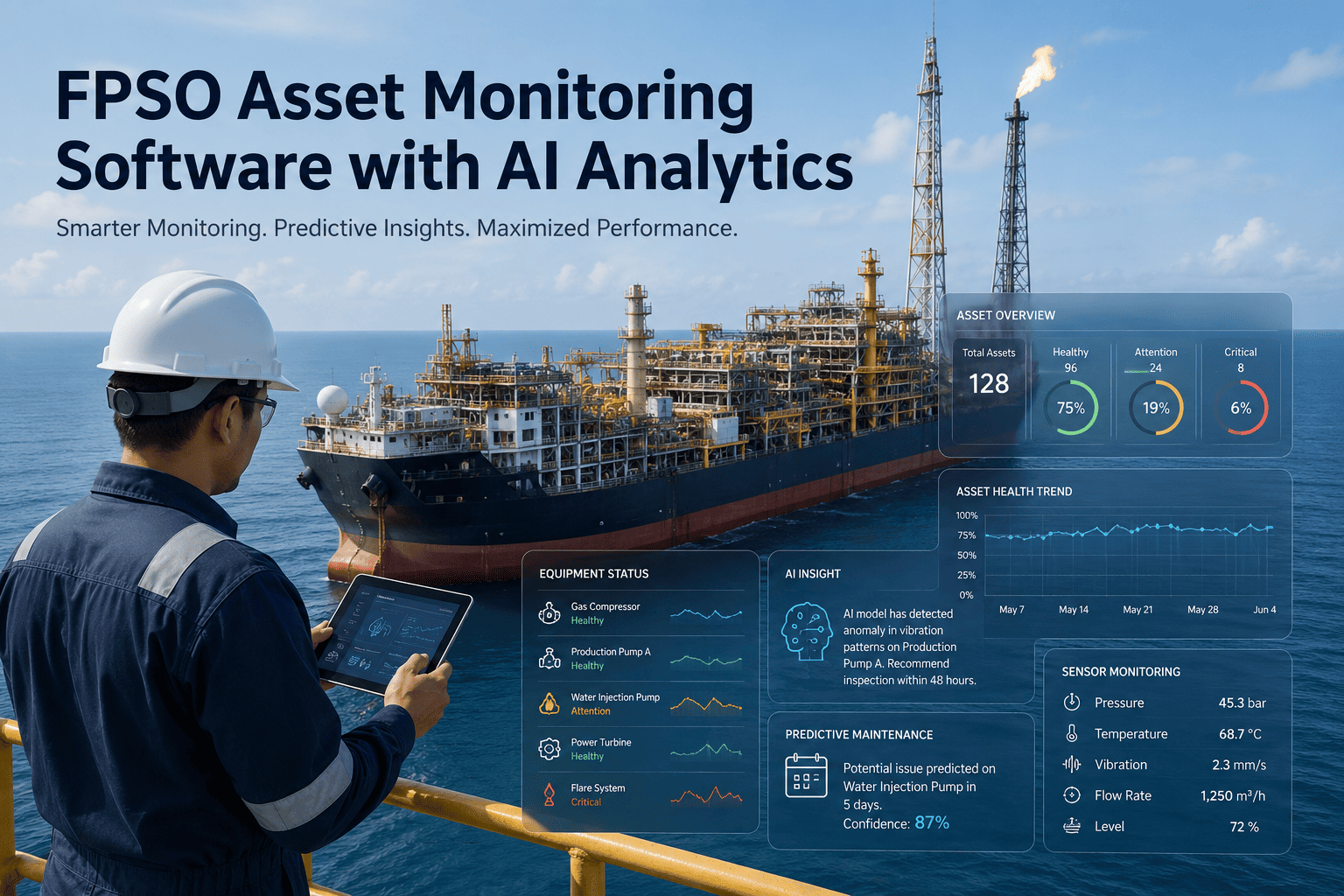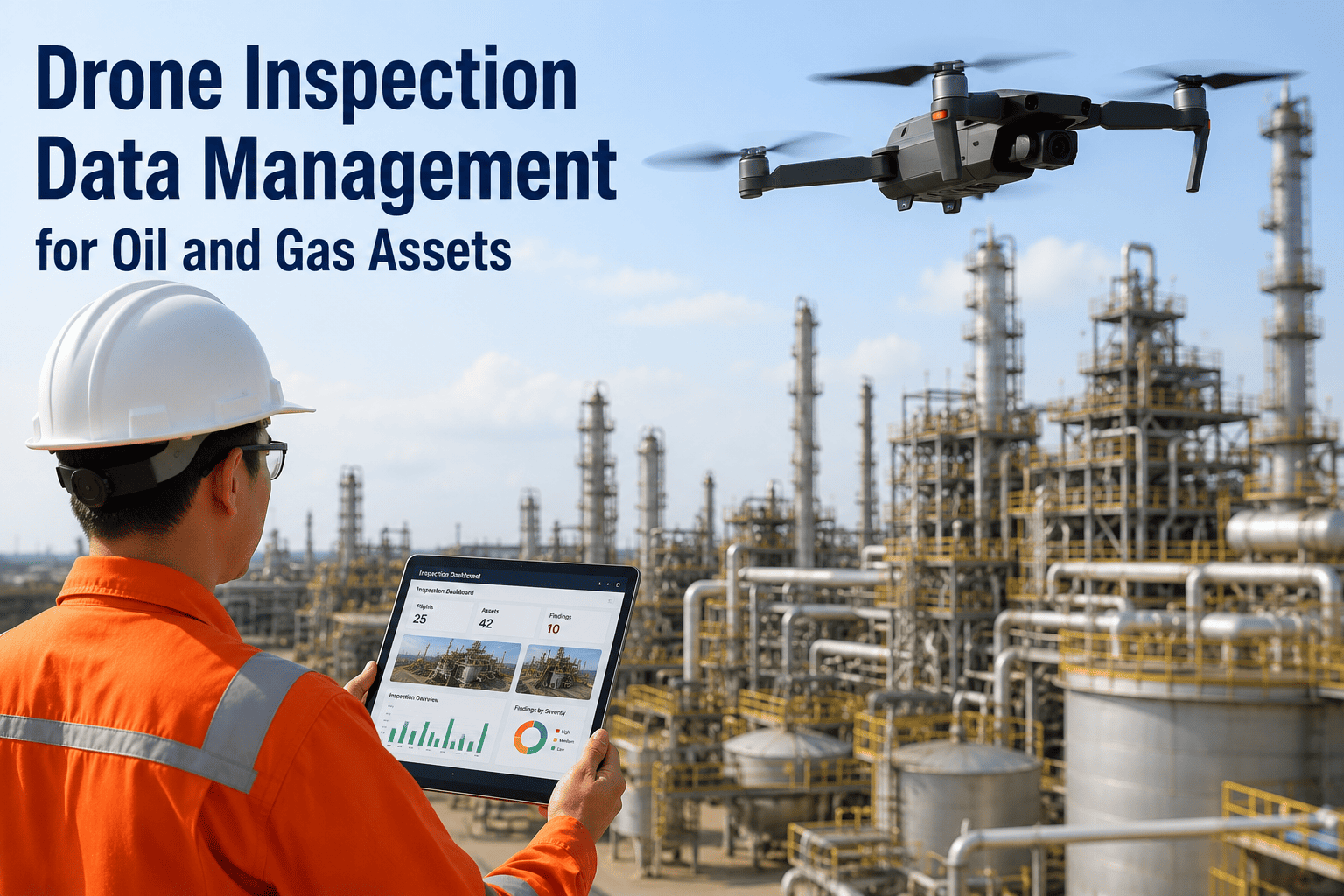
An asset integrity engineer who has run a few drone campaigns already knows the part nobody warns you about: the flight itself is the easy afternoon. A single pass over a tank farm or a flare stack can generate several thousand images and video clips, and every one of those files then has to be opened, reviewed, and manually matched to the right tank, the right weld seam, or the right joint on a pipeline right-of-way. Most teams end up with a shared drive full of folders named by date instead of a searchable inspection record, and a real corrosion finding sitting unnoticed in frame four thousand of a flight nobody had time to fully review. iFactory ingests that footage automatically and turns it into flagged, geotagged, and prioritized findings your maintenance team can act on the same day, and you can schedule a drone inspection demo to see it process a real flight from your own site.
A Drone Can Capture Ten Thousand Images In an Afternoon — Someone Still Has to Find the Ones That Matter
iFactory takes the raw imagery from your tank, flare stack, pipeline, and offshore drone flights and turns it into searchable inspection evidence and prioritized maintenance actions, so a real defect never sits buried in an unreviewed folder again.
The Flight Was Never the Hard Part
Drone-based inspection has moved well past the pilot-project stage across oil and gas, with most major operators either already flying regular inspection programs or actively building one out. The bottleneck that remains isn't access, altitude, or flight time, it's what happens after the drone lands. Reviewing footage manually means an inspector scrubbing through hours of video looking for a hairline crack or a hot spot that might appear for two seconds in one clip, then writing it up by hand with no direct link back to the asset's maintenance history. Scale that across a tank farm with forty vessels or a pipeline corridor running for miles, and the review backlog grows faster than any team can work through it, which is exactly how a genuine defect ends up sitting unflagged for months.
Four Asset Types, Four Different Defect Signatures
A crack on a flare stack doesn't look like a crack on a tank shell, and a pipeline corridor overgrowth issue has nothing in common with splash-zone corrosion on an offshore jacket. Treating every flight with one generic anomaly detector is how legitimate defects get missed, because the model was never trained on the specific texture, geometry, or thermal pattern of what it's actually looking at. iFactory's models are trained per asset type instead, so the analysis matches what's actually being inspected.
What Actually Happens to Your Footage After the Drone Lands
Every flight moves through the same six stages before a finding ever reaches a maintenance planner. Skipping any one of them is exactly how a real defect ends up sitting unreviewed in a folder instead of on a work order. Most in-house drone programs stop at stage one or two, capturing excellent footage and then losing the thread the moment that footage needs to be reviewed at scale.
What Changes When Footage Turns Into a Structured Record
| Review Task | Manual Review | iFactory AI Data Management |
|---|---|---|
| Review time per flight | Days to weeks of manual video scrubbing | Automated detection across every frame shortly after upload |
| Defect consistency | Depends on which inspector reviewed the footage and how tired they were by frame six thousand | Same detection criteria applied consistently across every flight |
| Asset correlation | Manually matched to asset records after review, if at all | Automatically linked to the specific asset and component identified |
| Historical comparison | Requires manually pulling and comparing old flight folders | Automatic comparison against the asset's prior inspection flights |
| Maintenance handoff | Written up separately and re-entered into the work order system | Prioritized findings routed directly into a maintenance work order |
Every Unreviewed Frame Is a Defect You Haven't Found Yet
iFactory turns raw drone footage into flagged, prioritized findings your maintenance team can act on the same day.
Five Defect Categories the Models Are Trained to Catch
Each detection model is trained on the visual and thermal signatures specific to the defect it's looking for, rather than one generic anomaly detector applied across every asset type. That distinction is what separates a system that surfaces a handful of real findings from one that buries the safety team in false alarms every time a shadow moves or the sun reflects off a wet tank roof.
Corrosion & Coating Breakdown
Surface rust, coating loss, and blistering identified on tank shells, pipeline sections, and offshore structural members from standard visual imagery.
Thermal Anomalies & Insulation Failure
Hotspots and temperature irregularities flagged from thermal footage, often the earliest visible sign of insulation breakdown or an internal process issue.
Structural Cracks & Deformation
Hairline cracking, bowing, and deformation detected on flare stacks, tank roofs, and platform structural members that would be easy to miss frame by frame.
Methane & Gas Leak Signatures
Visual indicators consistent with a gas release flagged for follow-up, supporting environmental compliance reporting alongside structural findings.
Volumetric & Dimensional Change
LiDAR and photogrammetry data compared across flights to track subsidence, tank roof deflection, or dimensional change over time.
What Changes for an Inspection Program After Going Live
The value shows up less as one dramatic catch and more as the steady accumulation of findings that get acted on instead of forgotten. A tank roof deflection caught two flights earlier than it would have been under manual review, a flare stack crack flagged before it needed emergency downtime to address, a pipeline coating failure fixed while it was still a small patch job instead of a full re-coat.
Questions Asset Teams Ask Before Digitizing Drone Inspection Data
Stop Storing Drone Footage. Start Acting On It.
iFactory turns every flight over your tanks, stacks, pipelines, and offshore structures into searchable evidence and prioritized maintenance actions.