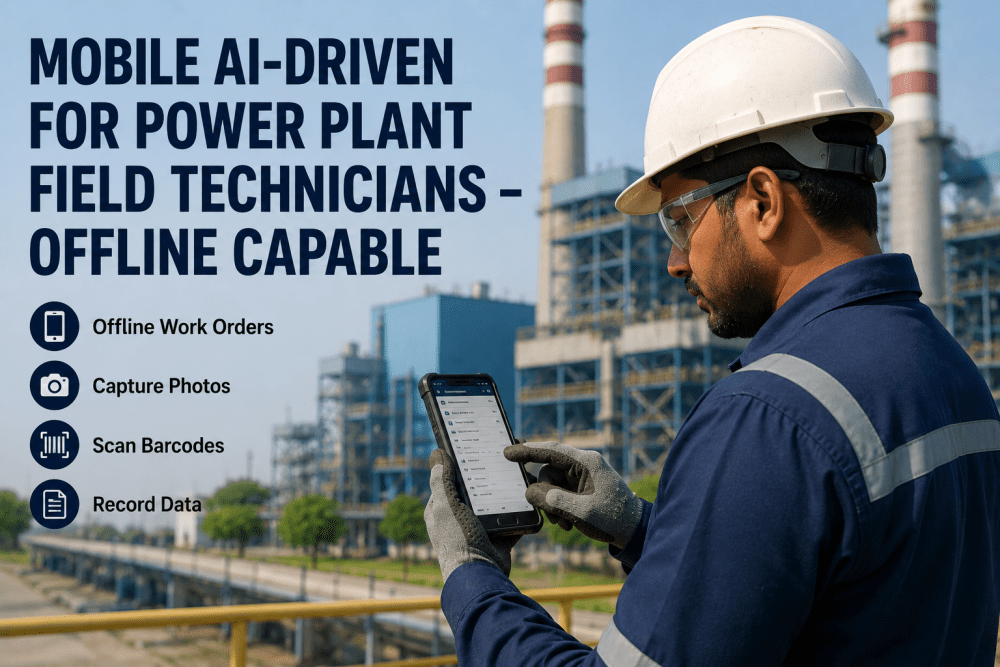
Field technicians in power plants operate in environments where connectivity is inconsistent at best — turbine basements with concrete-reinforced walls, cooling tower decks exposed to weather, switchyard enclosures screened by metal structures, boiler cavities that block all wireless signals. Power plants that Book a Demo of iFactory's mobile field technician platform report 94% work order completion rates and 3.2 hours saved per technician per shift within the first month of deployment.
Field Technicians Shouldn't Need Internet to Do Their Jobs. iFactory Makes Offline Work Invisible.
iFactory's mobile AI-driven platform for power plant field technicians delivers full offline capability — barcode scanning, AI-guided inspections, photo capture, work order management, and asset data lookup — with automatic sync when connectivity returns. No paper. No transcription errors. No connectivity bottlenecks.
94%
Work order completion rate with AI-guided mobile inspections vs. 67% with paper-based workflows
3.2 hr
Average time saved per technician per shift — eliminated data re-entry and supervisor clarification calls
68%
Reduction in data transcription errors — from handwritten notes to structured digital records captured in the field
100%
Offline capability across all plant zones — zero work stoppage or data loss during connectivity gaps
Why Offline Capability Is Non-Negotiable for Power Plant Field Technicians
Power plant environments are structurally hostile to wireless connectivity. Thick concrete walls, metal-clad buildings, underground cable tunnels, and submerged equipment areas block cellular and Wi-Fi signals consistently. The result is that field technicians operating in these zones face a choice: complete the work with paper printouts and handwritten notes that must be transcribed later, or delay the work until connectivity is restored — neither of which is acceptable for plants operating under NERC reliability obligations or ISO 55001 asset management standards.
Paper-Based Work Order Management
Printed work orders become obsolete the moment a schedule change, part substitution, or priority adjustment occurs mid-shift. Technicians working from outdated paper miss critical updates that affect safety procedures, task sequences, or parts requirements — creating rework and safety exposure.
No Offline Access to Asset History
When a technician arrives at a pump or valve with a suspected issue, the asset's maintenance history — last repair date, known failure patterns, OEM specifications — resides in the CMMS or ERP, which is unreachable without connectivity. The technician diagnoses without context, often missing the root cause.
Manual Data Transcription Latency
Handwritten inspection notes, measurements, and observations must be transcribed into the CMMS at the end of each shift — a process that introduces transcription errors, delays record availability by 4–12 hours, and consumes an average of 45 minutes per technician per day in non-value-added data entry.
Delayed Visibility for Operations Management
Work orders completed in the field remain invisible to operations managers, shift supervisors, and the next crew until the technician returns to connectivity and submits results. This delay creates handoff gaps in outage coordination and leaves supervisors without real-time status on critical path tasks.
Book a Demo to see how iFactory eliminates these gaps.
How the AI-Driven Mobile Platform Works Offline: From Download to Sync
iFactory's mobile platform is purpose-built for power plant field operations where connectivity cannot be assumed. The platform uses an offline-first architecture that ensures every function available online is available offline — with no loss of capability, data integrity, or user experience.
01
Pre-Shift Work Order Download
At the start of each shift or before entering a no-connectivity zone, the technician syncs assigned work orders, inspection checklists, asset histories, and procedure documents to the device with a single tap. The full complement of data required for the shift — including barcode databases, reference photos, and safety documents — is stored locally on the device.
Book a Demo
02
Barcode Scanning and Asset Verification
On arrival at the asset, the technician scans the equipment barcode or QR code to verify the correct asset and pull up its complete profile — including make, model, installation date, last service date, known defects, and open work orders. Asset lookup is instantaneous because the barcode database and asset register are stored locally. No server round trip required.
03
AI-Guided Inspection Execution
The inspection checklist appears on screen with the correct sequence, pass/fail criteria, measurement fields, and photo capture prompts — all driven by AI that adapts the checklist based on asset type, last inspection findings, and known failure modes. The technician completes each step in order. Measurements are entered digitally. Photos are captured and annotated. No paper, no skipped steps, no ambiguity about what was inspected.
04
Work Order Status Updates and Parts Requests
Findings — pass, fail, defer, or requires parts — are recorded against the work order in real time on the device. If a part is needed, the technician can scan the existing part's barcode or search the local parts catalog to initiate a stock check and reserve request. All changes are stored locally with a full audit trail.
05
Automatic Sync on Return to Connectivity
When the technician moves back into connectivity — whether at the end of shift, on returning to the shop, or when passing through a connected zone — the mobile platform automatically syncs all changes to the CMMS and ERP. Completed work orders, inspection results, photo evidence, parts requests, and notes are uploaded without any manual intervention. The sync is bidirectional: any schedule changes or new assignments that occurred while the technician was offline are also downloaded.
Book a Demo
06
Post-Sync Validation and Supervisor Dashboard
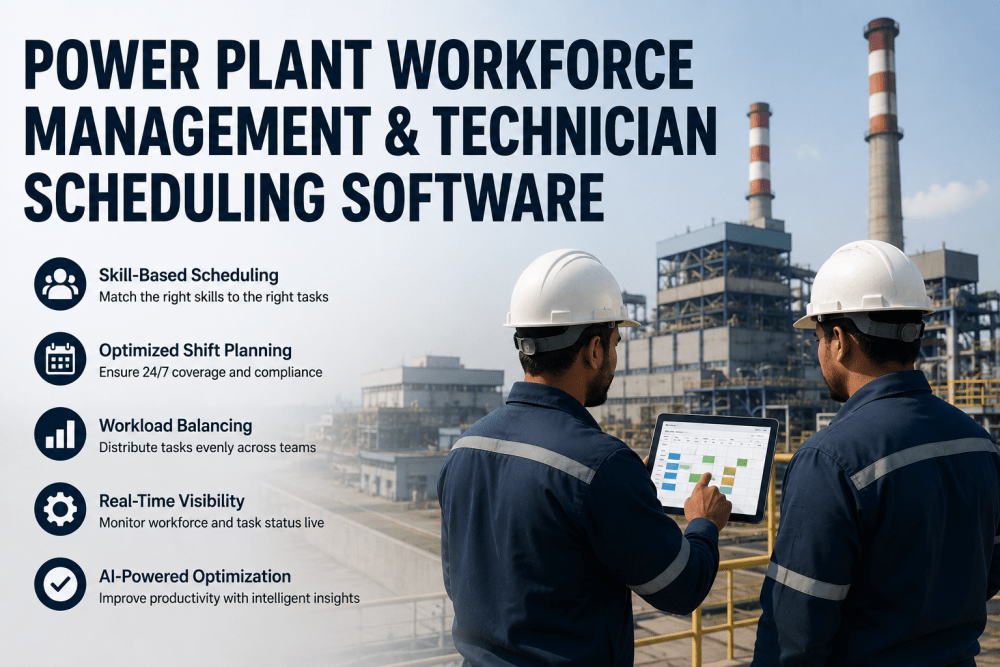
Once synced, completed work orders appear in the supervisor dashboard with all supporting data — inspection results, photos, technician notes, time stamps, and GPS location data. Supervisors can review, approve, or flag work orders for follow-up without chasing the technician for clarification. The shift handoff is complete and documented before the next crew arrives.
Book a Demo to see the full offline workflow.
Comparison: Traditional Paper Workflows vs. AI-Driven Mobile Platform
The difference between paper-based field workflows and an AI-driven mobile platform is not incremental — it is structural. The table below documents how each dimension of field technician operations changes when offline-capable mobile AI is deployed across the workforceBook a Demo .
What Power Plant Maintenance Leaders Say About AI-Driven Mobile Field Technology
We deployed iFactory's mobile platform across our 48-person maintenance crew at a 1,200 MW coal-fired plant. The immediate impact was not just the time savings — it was the data quality. Our technicians were completing inspection checklists with photo evidence and digital measurements that fed directly into our CMMS with zero manual transcription. Within 60 days, our work order completion rate went from 67% to 94%, and the supervisor time spent chasing down handwritten notes and clarifying incomplete inspection records dropped by 80%.
Book a Demo Maintenance Manager
1,200 MW Coal-Fired Generating Station, U.S. Midwest
Frequently Asked Questions
Conclusion: Field Technicians Deserve Tools That Work Where They Work
iFactory's mobile AI-driven platform for field technicians delivers that capability today on standard iOS and Android devices, connecting to your existing CMMS without middleware, working fully offline across every plant zone, and syncing automatically when connectivity is available. Plants deploying the platform report 94% work order completion rates, 3.2 hours saved per technician per shift, and 68% reduction in data transcription errors. The platform is deployable in 4–6 weeks, including CMMS integration, technician training, and pilot validation. Book a Demo to see iFactory's offline-capable mobile AI platform deployed on your plant's work orders and asset register.
Equip Your Field Technicians With Offline AI That Works Everywhere in the Plant. Deploy in 4–6 Weeks.
iFactory gives power plant field technicians full offline capability — barcode scanning, AI-guided inspections, photo capture, work order management, and asset data lookup — on the devices they already carry, syncing automatically to your CMMS. No connectivity. No paper. No transcription errors.
100% Offline Capability
CMMS Integration in 7 Days
Standard iOS or Android Devices
Zero Data Transcription Errors
90-Minute Technician Training