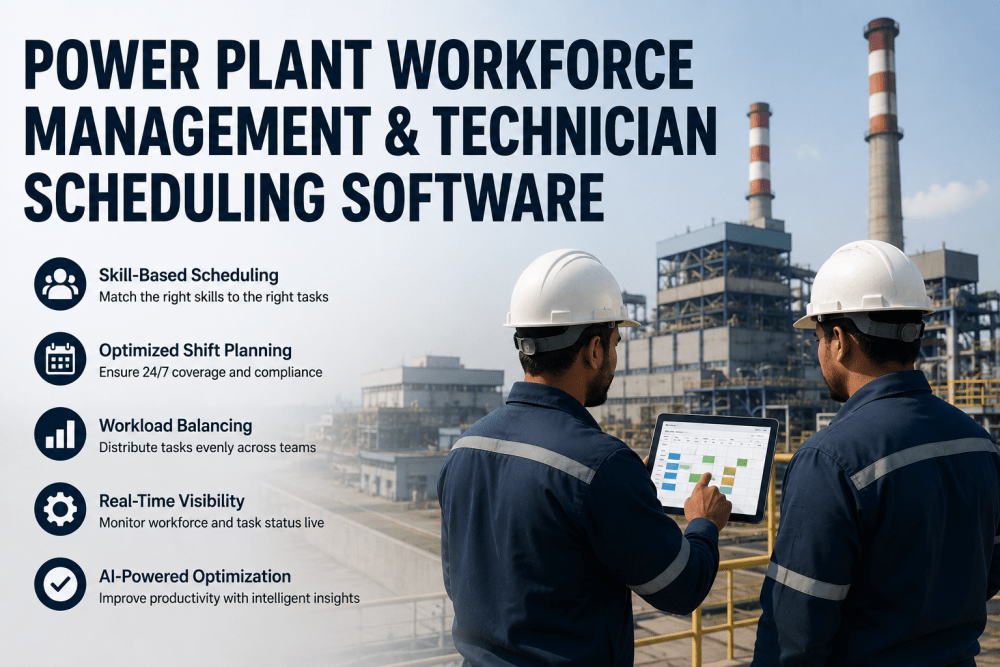
Every power plant runs on the availability of its people as much as its equipment — yet workforce scheduling is often managed with the same tools that failed a decade ago: spreadsheets passed between shift supervisors, whiteboards in the control room, and tribal knowledge about who is qualified for which task on which unit Power plants that Book a Demo of iFactory's workforce platform report 35% reduction in overtime costs and 42% improvement in skill-to-task match accuracy within the first quarter of deployment.
Why Power Plant Workforce Scheduling Is Structurally Different from Generic Shift Planning
Power plant scheduling carries constraints that generic workforce management tools are not designed to handle.The optimization runs in seconds, not hours, and updates in real time as call-ins, schedule changes, or outage plan adjustments occur. Book a Demo to see the platform applied to your plant's specific crew configuration and scheduling rules.
- Schedules created manually in spreadsheets and handed off between shifts
- Skill matching based on supervisor memory, not a searchable skills inventory
- Overtime distributed unevenly — the same technicians cover gaps repeatedly
- Compliance with training currency and certification requirements checked manually
- Schedule changes communicated by phone call, often missing key stakeholders
- Workforce analytics limited to headcount and overtime totals at month end
- AI-generated optimized schedules created in seconds, not hours
- Skill-to-task matching automated — best-qualified technician assigned every shift
- Overtime balanced across the crew using configurable fairness rules
- Certification and training currency tracked automatically — lapses flagged before scheduling
- Schedule changes pushed to all stakeholders via mobile app instantly
- Real-time workforce analytics: utilization, overtime risk, skill gap identification
Skill-Based Scheduling: The Analytics Foundation of Workforce Optimization
The single most impactful capability in AI-driven workforce management is skill-based scheduling — the automatic matching of technician qualifications to task requirements at the individual shift and individual task level. Book a Demo
The AI Scheduling Engine: From Demand Forecast to Shift Assignment
iFactory's workforce scheduling engine follows a structured process from demand forecasting through optimized shift assignment. Each stage applies AI to a specific dimension of the scheduling problem, producing a schedule that satisfies all coverage, skill, and compliance constraints simultaneously.
Workforce Analytics Features: From Schedule Compliance to Strategic Workforce Planning
iFactory's workforce management platform includes analytics and visualization capabilities that transform scheduling data from an operational tool into a strategic workforce planning asset. The platform enables workforce managers to identify trends, predict staffing risks, and optimize crew composition over time.
Expert Perspective: What AI Workforce Management Changes in Power Plant Operations
We had been managing workforce scheduling for our two-unit combined-cycle plant the same way for 14 years. The senior shift supervisor built the schedule in Excel, emailed it to the crew, and spent the first hour of every shift dealing with change requests and skill mismatches. When we deployed iFactory's workforce platform, the immediate impact was not just faster scheduling — it was the visibility into who was actually qualified for each task. We discovered that we had been consistently assigning junior technicians to high-complexity turbine inspection tasks because the senior techs were already committed elsewhere, and we had no system to flag the mismatch. The AI schedule started matching certifications to task requirements and automatically suggested shift swaps that kept qualified coverage on critical work.
Frequently Asked Questions: Power Plant Workforce Management
iFactory's scheduling engine supports configurable constraint rules that can be set to match the specific provisions of each collective bargaining agreement. Common union rule constraints that the platform accommodates include: minimum and maximum shift hours, required rest periods between shifts, shift rotation patterns, overtime distribution by seniority, bid shift assignment priority, and restrictions on consecutive weekend or holiday work. Book a Demo
Yes. iFactory's workforce management platform integrates with major HRIS platforms including Workday, SAP SuccessFactors, Oracle HCM, and ADP, as well as with payroll systems and time-tracking platforms. The integration is bidirectional: employee master data, job classifications, certifications, and training records are imported from the HRIS into iFactory's skills inventory, and completed schedule data including actual hours worked, overtime.
Planned outage scheduling is one of iFactory's highest-value applications. The platform supports multi-phase outage scheduling where workforce demand is modeled per outage phase (shutdown, maintenance window, startup, return to service) and per craft category. The AI generates an optimized crew schedule that accounts for the surge in contractor staffing, shift length extensions permitted under the outage plan, and the interaction between the outage crew and the operations crew maintaining the online unit. Contractor qualification and site access requirements are tracked alongside employee qualifications in the same skills inventory.
For a single power plant with existing HRIS, CMMS, and time-tracking systems in place, a full workforce management deployment with iFactory runs $55,000 to $110,000 over an 8–12 week timeline. The implementation breaks into three phases: Phase 1 (weeks 1–3) covers HRIS integration for employee master data and skills inventory import, CMMS integration for work order and task requirement data, and configuration of union rules
Real-time schedule adjustment is a core capability of iFactory's workforce platform. When a technician calls in sick or an emergency work order is created that requires immediate staffing, the platform automatically re-optimizes the affected shifts — finding the best-qualified available technician to cover the gap while respecting all active constraint rules. The re-optimization runs in under 30 seconds and pushes the updated assignment to the affected technician's mobile app. Shift supervisors see the change in their dashboard with a clear audit trail of what changed and why. For emergency work orders during a shift, the platform checks current crew workload and overtime status against the emergency task requirements and recommends the optimal technician for reassignment, including estimated impact on existing scheduled tasks. This eliminates the manual phone call chain that typically consumes 15–45 minutes of supervisor time per schedule change eventBook a Demo.
Conclusion: Your Workforce Data Is Already Telling You Where Scheduling Inefficiency Lives. iFactory Acts on It.
iFactory's workforce management and technician scheduling platform delivers the analytics layer that transforms workforce data from a collection of disconnected records into a continuously optimized scheduling engine. The result is a plant where every shift has the right number of people with the right qualifications assigned to the right tasks — and where the schedule is generated in minutes, not hours, and adjusted in real time as conditions change. The platform is deployed and producing measurable results within 8–12 weeks. The data is already available. The scheduling intelligence just needs to be applied to it. Book a Demo to see iFactory's workforce management platform applied to your plant's crew configuration.