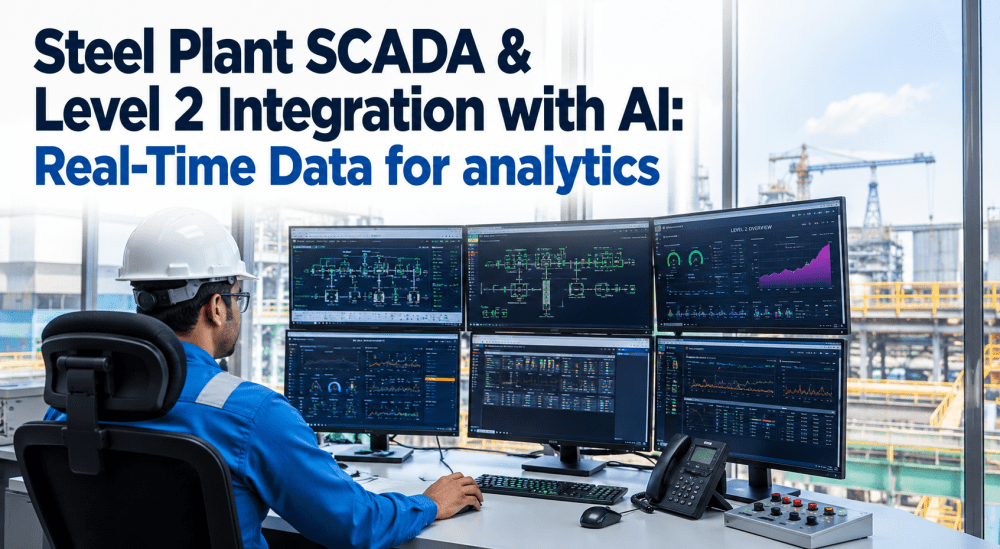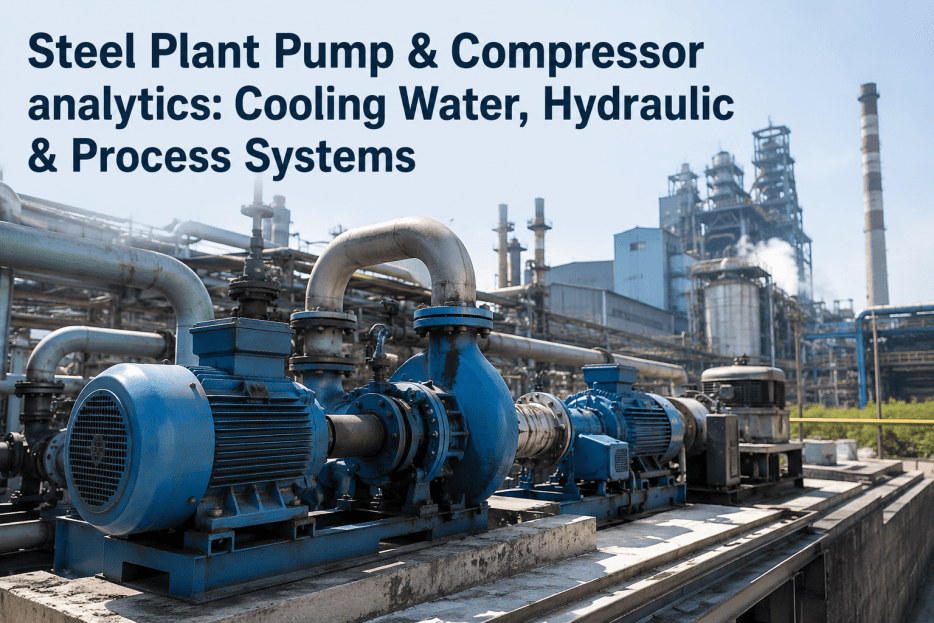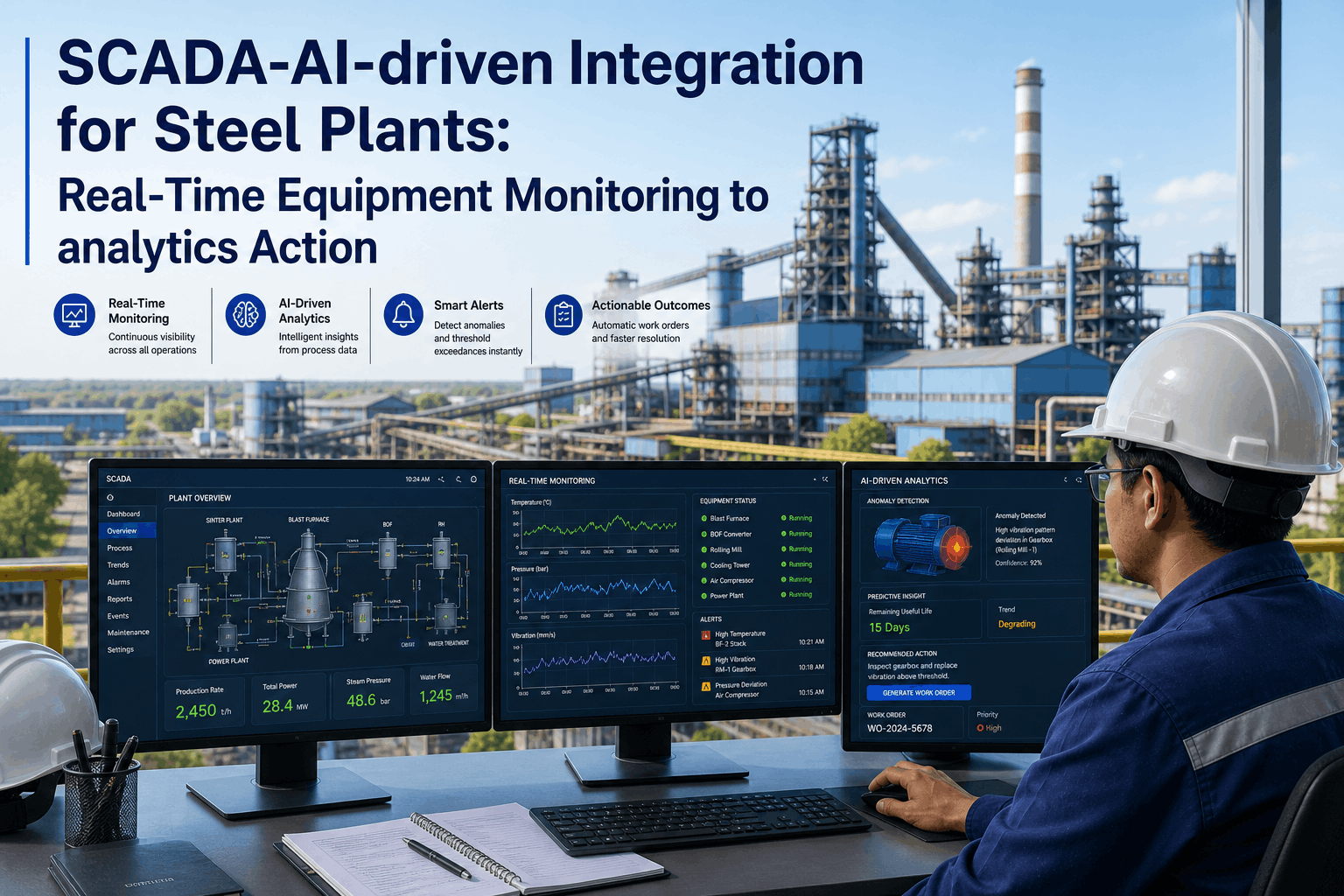
In modern steelmaking, a massive disconnect exists between the control room and the maintenance floor. Your SCADA (Supervisory Control and Data Acquisition) systems generate millions of data points per second—tracking furnace temperatures, hydraulic pressures, and motor vibrations. However, when a critical parameter crosses a danger threshold, the resulting alarm often flashes on an HMI screen while the maintenance team remains completely unaware until an operator picks up a radio. iFactory eliminates this latency by physically linking your SCADA architecture to our AI-driven Enterprise Asset Management (EAM) platform. By ingesting real-time PLC data via OPC-UA or MQTT, iFactory automatically generates, populates, and dispatches a digital work order the exact second an equipment anomaly is detected. Schedule a SCADA Integration Audit.
The "Alarm Fatigue" Problem: Why Manual SCADA Fails
Control room operators in steel mills suffer from profound "alarm fatigue." With hundreds of warnings triggering daily, critical preventive maintenance indicators are easily missed. Furthermore, even when an alarm is acknowledged, the process of translating that alarm into a maintenance action is manual, slow, and error-prone. iFactory solves this by acting as an intelligent middleware. It ingests the raw SCADA feed, filters out the noise using AI-driven parameter logic, and only triggers an actionable event when a true mechanical deviation occurs. Instead of a flashing red light on an operator's screen, a technician instantly receives a digital work order on their mobile device containing the exact machine ID, the offending parameter, and the required spare parts.
The 5 Pillars of SCADA-to-EAM Integration
Integrating plant-floor machinery with cloud-based analytics requires a robust, secure data pipeline. iFactory achieves this through a standardized industrial edge architecture.
Industrial Protocol Ingestion
We deploy localized edge connectors that interface directly with your existing Siemens, Allen-Bradley, or legacy PLCs. Utilizing OPC-UA, Modbus, or MQTT, we extract high-frequency tag data without disrupting local control loops.
Edge Parameter Normalization
Raw PLC data is messy. The iFactory Edge layer cleans, normalizes, and contextualizes this data—matching cryptic tag names (e.g., "MOT_VIB_04") to the exact unified asset ID in the digital registry.
Threshold-Triggered Automation Engine
Corporate reliability engineers set specific logical parameters within iFactory (e.g., "If bearing temperature > 85°C for 5 sustained minutes"). The AI engine monitors these thresholds continuously in real-time.
Instant Digital Work Order Dispatch
When a threshold is breached, iFactory bypasses the operator radio entirely. A digital work order is instantly created, prioritized, and pushed directly to the mobile device of the shift mechanic assigned to that plant zone.
Closed-Loop Resolution Tracking
The mechanic receives the order, reviews the historical PLC graph attached to the ticket, performs the fix, and scans the barcode to close the job. This data feeds back into the centralized dashboard to calculate true MTTR. Explore the Dispatch Engine.
Mapping Machine Conditions to Maintenance Actions
iFactory translates raw telemetry into precise maintenance directives. This matrix illustrates how common steel plant SCADA alerts are automatically converted into actionable digital workflows. Request a custom SCADA mapping.
| SCADA Telemetry Alert | Traditional Manual Process | iFactory Automated Workflow |
|---|---|---|
| Hydraulic Pressure Drop (Rolling Mill) | Operator notices HMI alarm, radios maintenance, mechanic spends 20 mins diagnosing | Auto-generates urgent work order, attaching schematic and indicating likely seal failure |
| Exhaust Fan Vibration Spike | Ignored due to alarm fatigue until catastrophic bearing failure occurs | Triggers preemptive inspection ticket; auto-checks EAM for replacement bearing stock |
| Cooling Water Temp > 40°C | Operator manually logs deviation on paper clipboard at end of shift | Instantly alerts Shift Supervisor via mobile push notification; logs event in permanent digital ledger |
| Motor Amp Draw Increasing | Caught during routine calendar-based PM inspection (if lucky) | AI detects degradation trend; schedules a motor swap for the next planned downtime window |
| Furnace Refractory Thermocouple Alert | Manual data export to Excel for metallurgist review | Ingests temperature profile into Digital Twin, automatically mapping hotspot severity |
Eliminating the "Silent" Machine Failures
In a massive industrial facility, minor deviations often go unnoticed until they cascade into major production stops. Relying on human operators to perfectly monitor thousands of tags is an impossible standard. iFactory acts as a tireless, digital watchdog over your entire PLC network.
Consider a lubrication pump on a continuous caster. If the pump pressure drops, the SCADA system triggers an alarm. In a traditional mill, it might take 15 minutes for the operator to radio maintenance, and another 15 minutes for a mechanic to arrive. By then, 30 minutes of friction has caused irreversible scoring on the caster rolls, resulting in a $50,000 replacement job. With iFactory's SCADA integration, the pressure drop instantly auto-dispatches the mechanic, reducing the latency gap to zero and saving the asset. Calculate Your Response Latency.
Core Capabilities: Merging SCADA and AI-Driven EAM
iFactory provides the missing architectural link between your operational technology (OT) and your information technology (IT), ensuring data flows seamlessly into action.
Universal Protocol Translators
You don't need a homogenous network. iFactory's edge nodes translate proprietary PLC languages into a unified data stream, allowing you to monitor an 80s-era drive right next to a modern networked motor.
Dynamic Rule Configuration
The threshold logic isn't hardcoded by programmers. Maintenance managers use a simple, no-code dashboard to define rules—easily adjusting sensitivity to prevent false positives and alarm flooding.
Context-Rich Dispatching
When an automatic work order is triggered, it isn't just a text alert. The technician receives a mobile ticket containing the live parameter graph, the machine's maintenance history, and a link to the digital manual.
Predictive Yield Analytics
By continuously ingesting SCADA data and comparing it against quality outcomes, iFactory's AI helps identify optimal parameter ranges, advising operators when adjustments will improve overall metallurgical yield.
The Risks of Disconnected Systems
Maintaining a firewall between your control systems and your maintenance systems is a severe operational liability. Here is what happens when SCADA and EAM remain siloed.
"The integration between our Siemens PLCs and the iFactory platform completely changed our maintenance culture. Before, we were purely reactive—waiting for an operator to call us when a machine was smoking. Now, iFactory reads the temperature spike and generates the work order before the operator even realizes there's an issue. We've shifted 40% of our breakdowns into planned, condition-based interventions." — Plant Maintenance Manager, Global Steel Corporation
The SCADA Integration Deployment Roadmap
Connecting critical control systems to the cloud requires strict security and phased execution. iFactory employs a safe, read-only deployment strategy. Schedule an infrastructure review.
Network Auditing & OT Security
We begin by mapping your industrial network, identifying PLC IP addresses, and establishing secure, one-way (read-only) data diodes to ensure cloud connectivity can never disrupt local machine control.
OPC-UA Server Configuration
We deploy our localized edge software to connect to your central SCADA or local PLCs, configuring the specific tags (temperature, vibration, speed) that need to be monitored.
Asset Hierarchy Mapping
The raw PLC tags are digitally mapped to the specific machines in the iFactory EAM platform, ensuring the data is correctly contextualized to the right asset profile.
Rule Definition & Thresholding
Your reliability team uses the dashboard to build the automation logic, defining exactly which parameter limits should trigger "Warning" alerts versus "Critical" work orders.
Automated Dispatch Activation
The automation engine is activated. Shift supervisors and mechanics begin receiving instant digital work orders with live parameter data pushed directly to their mobile devices.
Frequently Asked Questions: SCADA-to-AI Integration
Does iFactory write data back to our PLCs?
No. To ensure absolute operational safety, iFactory's default SCADA integration is completely read-only. We extract telemetry to trigger maintenance workflows, but we do not write control commands back to the PLC, guaranteeing we will never accidentally stop a machine.
What industrial protocols do you support?
iFactory's edge connectors support all major industrial protocols, primarily focusing on OPC-UA and MQTT for modern systems, but also encompassing Modbus TCP, Ethernet/IP, and PROFINET to handle legacy equipment architectures.
How do you prevent the system from generating hundreds of work orders for a fluctuating parameter?
We use intelligent "debounce" logic and sustained threshold requirements. For example, you can set a rule that triggers a work order only if a temperature exceeds 90°C for 5 continuous minutes, preventing rapid-fire tickets during momentary, safe spikes.
Can this system handle older machines without modern PLCs?
Yes. For legacy, "dumb" machines, iFactory provides Edge IoT kits. We can retrofit older assets with simple vibration or temperature sensors that bypass a PLC entirely, streaming data straight via WiFi/5G to the iFactory edge node.
Does this eliminate the need for routine PMs (Preventive Maintenance)?
It significantly reduces them. Instead of a mechanic walking the line every week to manually check temperatures with a heat gun, iFactory continuously monitors it digitally. You transition from labor-heavy "calendar maintenance" to highly efficient "condition-based maintenance."
How fast is the latency between a SCADA alarm and a work order dispatch?
The integration is practically real-time. Assuming standard edge connectivity, the moment the logic threshold is breached in the edge processor, the digital work order is generated and pushed to the mechanic's mobile device in under 3 seconds.
Who decides the rules for triggering a work order?
Your internal reliability and maintenance engineers control the logic. iFactory provides a simple, no-code interface where your team can select a machine, select a tag, set the condition (>, <, =), and choose who receives the dispatch ticket.
Can the system integrate with existing ERPs like SAP?
Yes. When iFactory auto-generates a work order from a SCADA trigger, and the mechanic consumes spare parts to fix it, that inventory reduction can automatically sync back to your corporate SAP or Oracle ERP for seamless financial tracking.