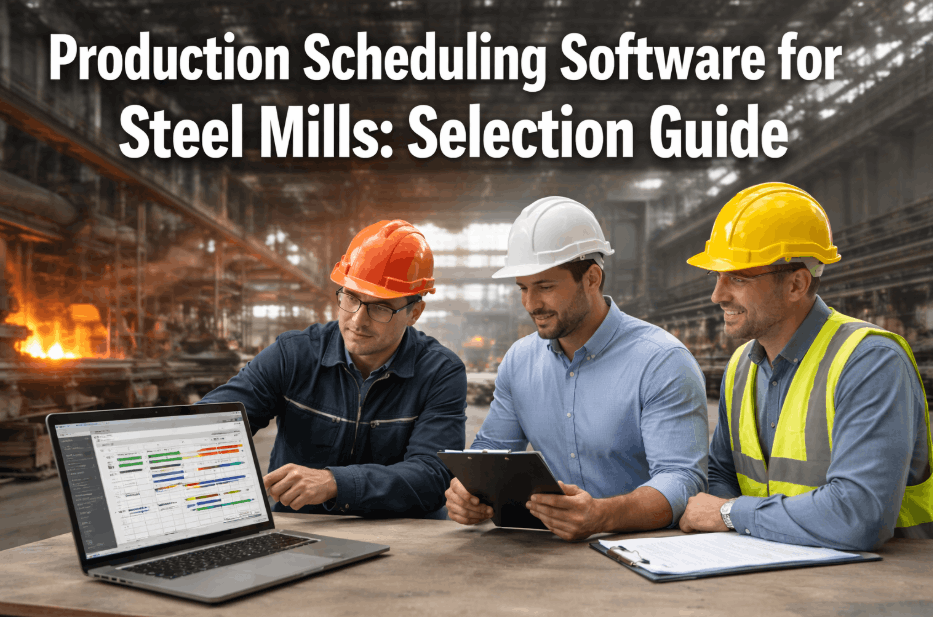
Six months ago, the scheduling team at a 500-worker automotive parts plant spent every Monday morning manually piecing together a production plan in spreadsheets — cross-referencing machine availability, material stock, and shift calendars by hand. By Wednesday, the plan was already obsolete because a stamping press went down for unscheduled maintenance. The scheduler spent the rest of the week firefighting, expediting orders, and explaining to the VP of Operations why on-time delivery slipped to 68%. Today, that same plant runs a single AI-generated schedule that updates in real time, accounts for every machine constraint, and delivers 94% on-time delivery without a single Monday morning meeting. The difference is production scheduling — not as a static spreadsheet exercise, but as a live, intelligent system that turns plant-floor chaos into predictable throughput.
From Spreadsheet Chaos to Real-Time, AI-Driven Production Scheduling
Stop firefighting. Start scheduling with a system that respects your machines, materials, and people — and delivers on-time delivery above 90% in one quarter.
Real Results from a Smarter Production Schedule
When production scheduling moves from static spreadsheets to a live, constraint-aware system, the numbers change fast. These are the outcomes iFactory delivers within the first 12 weeks of deployment.
Capabilities That Make Production Scheduling a Competitive Advantage
iFactory isn't another Gantt chart. It's an AI-native scheduling engine that ingests your plant's real constraints and outputs a plan the floor can actually execute.
Finite Capacity Scheduling
Every schedule respects machine run rates, tooling availability, and labor constraints. No overloading a press that can only run 18 hours a day. The system knows that because it reads live OEE data from your PLCs.
Forward & Backward Scheduling
Push orders through as fast as possible with forward scheduling, or work backward from a customer due date to find the latest feasible start. iFactory runs both in parallel and recommends the optimal mix.
Real-Time Rescheduling
A press breaks, a rush order arrives, a material shipment is late — the schedule re-optimizes in seconds. Operators see the updated plan on the shop-floor dashboard without waiting for a new spreadsheet.
Constraint-Aware Sequencing
Minimizes changeover time by grouping similar products, respects perishable-material windows, and flags orders that need expediting before they miss the due date. The AI learns your sequence preferences over time.
What-If Scenario Simulation
Test the impact of adding a shift, accepting a new order, or swapping a machine. iFactory simulates the outcome in seconds — so you know the cost of a decision before you make it.
Plant-Floor Execution Integration
The schedule pushes directly to operator terminals and MES screens. Completed operations update the plan automatically, closing the loop between what was planned and what actually happened.
Three Problems That Kill Your Production Plan
If your current scheduling process feels like a losing battle, it's because the tools weren't built for the complexity of a modern plant. Here's what's actually costing you.
Static Plans in a Dynamic Plant
Spreadsheets and legacy ERP scheduling modules assume everything runs perfectly. They don't account for the 20 minutes a press loses to a tool change, the 15-minute material delay, or the operator who calls in sick. By hour two of a shift, the plan is fiction — and every decision after that is reactive firefighting. That reactive mode costs manufacturers an average of $1,200 per minute of downtime in automotive and $800 per minute in general discrete manufacturing.
Hidden Capacity Trapped in Changeovers
Without intelligent sequencing, changeovers stack up. A scheduler who doesn't see the full picture might run A-B-C when A-C-B would save 45 minutes of changeover time. Over a week, that's hours of lost throughput. Most plants leave 15–20% of effective capacity on the table simply because their scheduling method can't optimize sequence across dozens of orders and multiple work centers.
The Visibility Gap Between Plan and Floor
The schedule lives in a spreadsheet on the planner's desktop. The floor runs off a printed sheet from 6 AM. No one knows the schedule changed until the supervisor gets a call that a job is missing. That gap creates expedite costs, missed due dates, and a permanent tension between planning and production. It's not a people problem — it's a data-flow problem that costs 3–5% of revenue in premium freight and overtime.
Production scheduling should be a competitive advantage, not a weekly crisis. Book a 30-min walkthrough and see how iFactory turns your plant data into a live, executable plan.
From Data to Schedule in Four Steps
No rip-and-replace. No months of consulting. iFactory connects to your existing data sources and delivers a working schedule within weeks.
Connect
iFactory plugs into your PLCs, MES, ERP, and CMMS — whatever data sources define your plant's constraints. No cloud dependency, no data leaving your network.
Model
The AI learns your machine rates, changeover matrices, material flows, shift calendars, and labor rules. It builds a digital twin of your production capacity in days, not months.
Optimize
iFactory runs forward and backward scheduling algorithms against your order book, respecting every constraint. It outputs a sequenced, time-phased schedule with projected completion times.
Execute & Adapt
The schedule appears on operator screens. As the floor reports completions and machines send OEE data, the plan updates in real time. You always know what to run next and when it will finish.
Four Promises That Come With Every iFactory Deployment
We don't hand over software and walk away. iFactory is an end-to-end service that delivers a working pilot in 6–12 weeks and absorbs the operational burden of scheduling.
End-to-End, Turnkey Deployment
You give us access to your data sources. We configure the scheduling engine, build the constraint model, and deliver a working pilot in 6–12 weeks. No integration project on your side.
On-Premise, Zero Cloud Dependency
iFactory runs on an NVIDIA appliance inside your plant network. No data egress, no cloud subscription. Your schedule lives where your plant lives — on your floor, under your control.
Pilot to ROI in One Quarter
We measure on-time delivery, schedule adherence, and scheduling time from day one. Most customers see measurable improvement within 4 weeks and full ROI within the first quarter.
24x7 Managed Service
iFactory runs as a managed service. Our team monitors the system, updates the constraint models as your plant changes, and ensures the schedule is always accurate. You focus on running the floor.
What Plant Leaders Ask About Production Scheduling
Stop Scheduling Chaos. Start Delivering.
Your plant already generates the data iFactory needs. In 12 weeks, you can have a live, AI-driven production schedule that delivers 94% on-time delivery and eliminates Monday morning firefighting. Book a 30-minute walkthrough and we'll show you how it works with your data.