A loom stops mid-shift and the operator waves down a passing supervisor, who radios maintenance, who is already handling a call two buildings away. Fifteen minutes pass before anyone with the right skill actually looks at the machine, and by then the stop has quietly cost more output than the original fault ever would have on its own. This is not a maintenance speed problem, it is a routing problem: the right person did not know about the right issue at the right time. Andon and escalation software closes that gap by triggering an alert the moment a stop, quality deviation or material shortage happens, and routing it automatically to whoever is supposed to respond, with a built-in escalation path if nobody does. Book a shop-floor alerting demo to see how fast a response actually gets triggered on your floor today.
The Right Person Should Know in Seconds, Not After a Radio Call
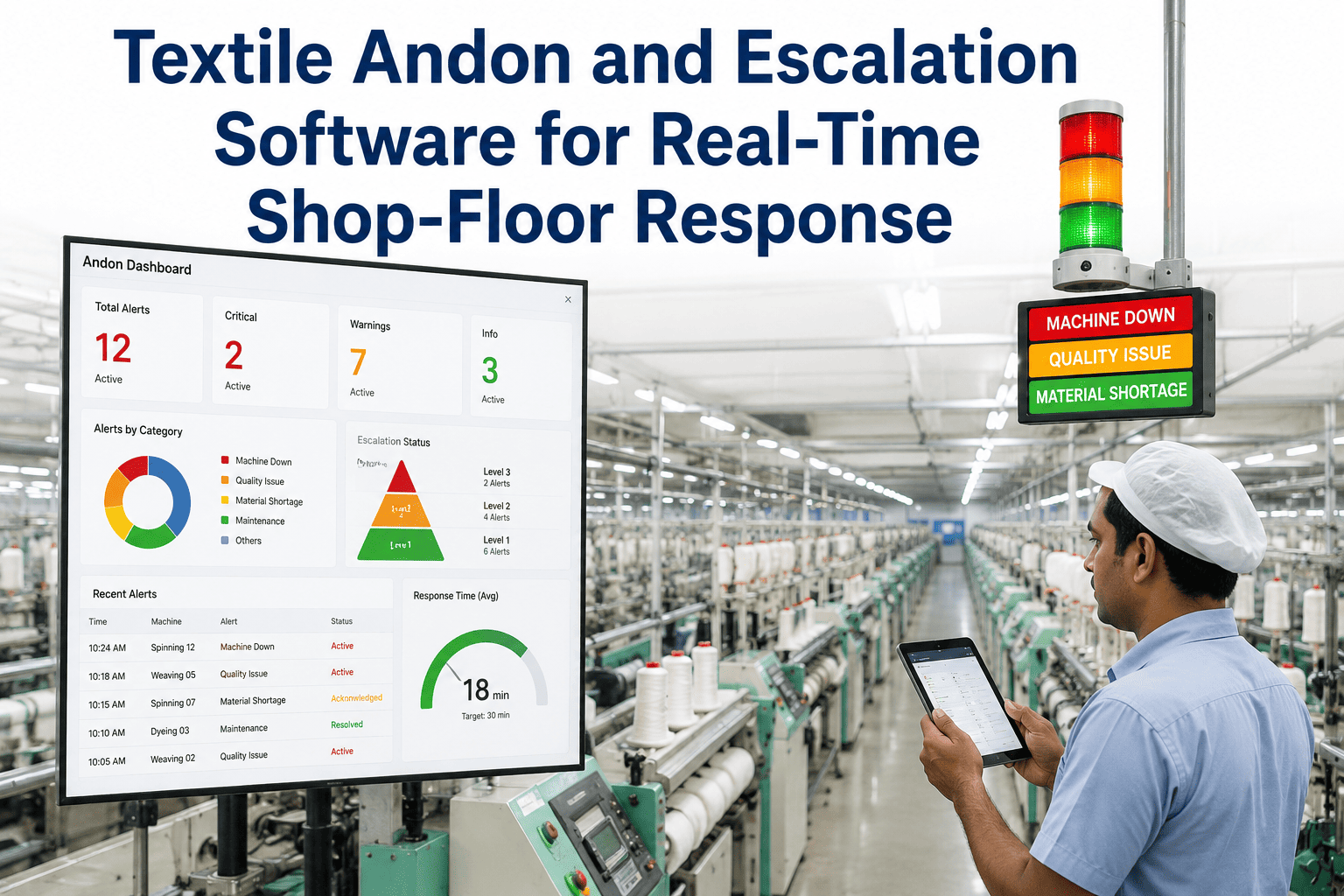
iFactory triggers real-time alerts for machine stops, quality deviations and material shortages, routes them to the right responder automatically, and escalates when response time slips.
What Happens From Stop to Response, Minute by Minute
The escalation ladder is the core of the system: an issue does not sit unanswered because one person missed a page. Each rung has a time limit, and if it is not cleared, the alert moves up automatically.
Event Detected
Machine stop, quality hold or material shortage is detected automatically from line signals or a manual trigger.
First Responder Alerted
The operator or technician assigned to that machine or zone receives an immediate alert on their device.
Escalate to Supervisor
If unacknowledged, the alert escalates automatically to the shift supervisor, no manual follow-up radio call needed.
Escalate to Plant Manager
Extended unresolved stops escalate further, so a stalled response never quietly eats an entire shift unnoticed.
See the Escalation Ladder Run on a Live Alert
iFactory will walk through a real stop-to-response scenario using your shift structure and response roles, so you see exactly how routing would work on your floor.
What Triggers an Alert Across the Floor
Machine Stoppages
Unplanned stops on looms, spinning frames and knitting machines trigger an alert the instant the signal is lost, not when someone happens to notice.
Quality Deviations
Out-of-spec readings from inline quality checks route directly to the quality team, with the exact machine and parameter attached.
Material Shortages
Low yarn, dye or chemical stock at the point of use triggers an alert to materials handling before the line actually runs dry.
Manual Operator Calls
Operators can still trigger a manual andon call for anything the system does not detect automatically, with the same routing and escalation logic applied.
Radio and Walk-Over Response vs Automated Escalation
| Factor | Radio / Walk-Over | iFactory Andon Escalation |
|---|---|---|
| Detection speed | Depends on someone noticing | Automatic, at the moment it happens |
| Routing | Manual, relies on who is nearby | Routed to the assigned responder directly |
| Unanswered alerts | Can sit unresolved for a full shift | Escalates automatically on a timer |
| Response history | Not tracked or reviewed | Logged for response-time analysis |
Impact on Response Time and Downtime
reduction in average time from stop to first responder arrival
fewer unresolved alerts carried past a full shift without action
of alerts logged with a full response timeline for later review
Frequently Asked Questions
Do operators need a special device, or does this work with what they already carry?
Alerts route to whatever devices your team already uses, whether that is a shared handheld, a personal mobile device, or a floor-mounted andon light and display panel. Most mills use a mix, with critical roles like maintenance technicians receiving mobile alerts and general floor visibility handled through display boards at each zone. The specific device mix is configured during setup based on what your team already has in place.
Can we customize who gets alerted for different types of issues?
Yes. Routing rules are configured per issue type and per zone, so a quality deviation routes to the quality team while a mechanical stop routes to maintenance, and a material shortage routes to materials handling, all from the same event detection layer. Escalation timers are also configurable per issue type, since a quality hold and a full machine breakdown often warrant different response urgency.
What happens if the assigned responder is genuinely unavailable, not just slow to respond?
The escalation ladder is built specifically for this case. If the first responder does not acknowledge the alert within the configured window, it automatically moves to the next level, typically a supervisor, without requiring anyone to notice the delay and manually escalate it themselves. This is the core difference from a radio call, where an unavailable responder simply means the issue goes unanswered until someone else happens to notice.
Does the alert history feed into our downtime or OEE reporting?
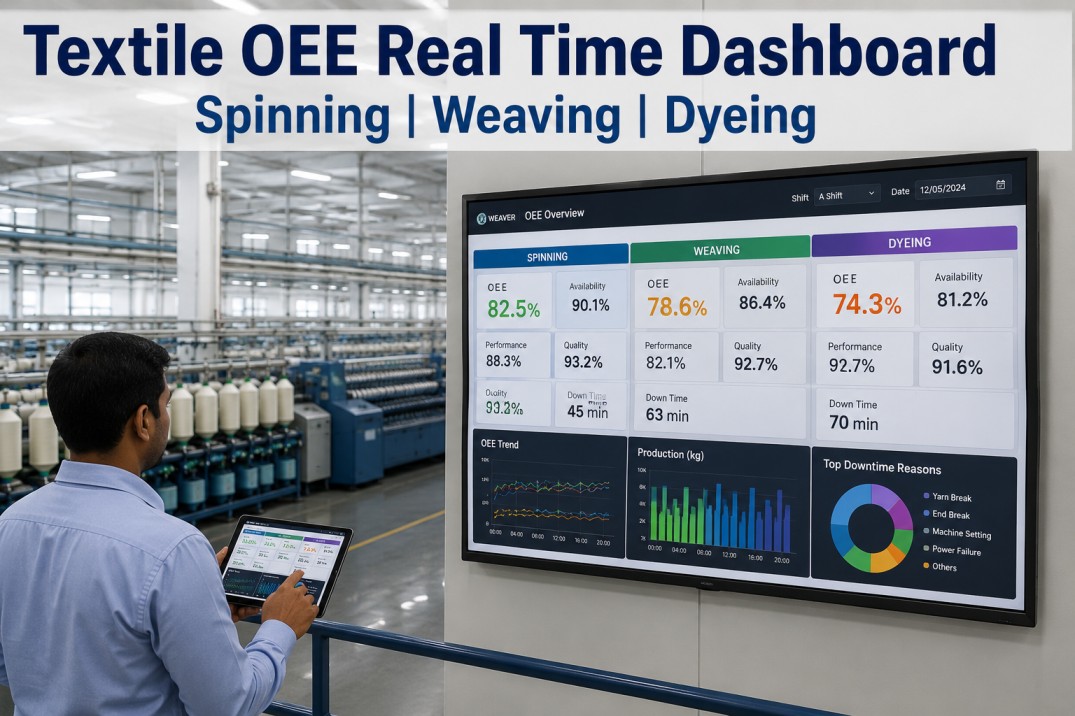
Yes, every alert, its response time and its resolution are logged and can feed into downtime tracking and OEE reporting, giving you not just what stopped but how efficiently your team responded to it. This response-time data is often what surfaces which shifts or zones have a genuine responsiveness gap that a downtime report alone would not show. Talk to a specialist about connecting this to your existing OEE dashboard.
How long does it take to get alerting live on one production zone?
Most single-zone pilots are live within three to five weeks, covering event detection setup, routing rule configuration and responder device rollout. Because the system layers onto existing machine signals and communication devices rather than requiring new hardware on every machine, most of the pilot time goes into configuring routing and escalation rules correctly for your shift structure. Book a scoping call to get a timeline for your floor.
Stop Losing Minutes to Who-Should-I-Call
Every minute between a machine stopping and the right person knowing about it is lost production that a radio call and a lucky hallway encounter cannot get back. Automated andon and escalation software removes the guesswork from shop-floor response, routing every stop, deviation and shortage to the right person immediately and escalating automatically when nobody responds in time. Talk to iFactory about what this would look like running on your own floor.