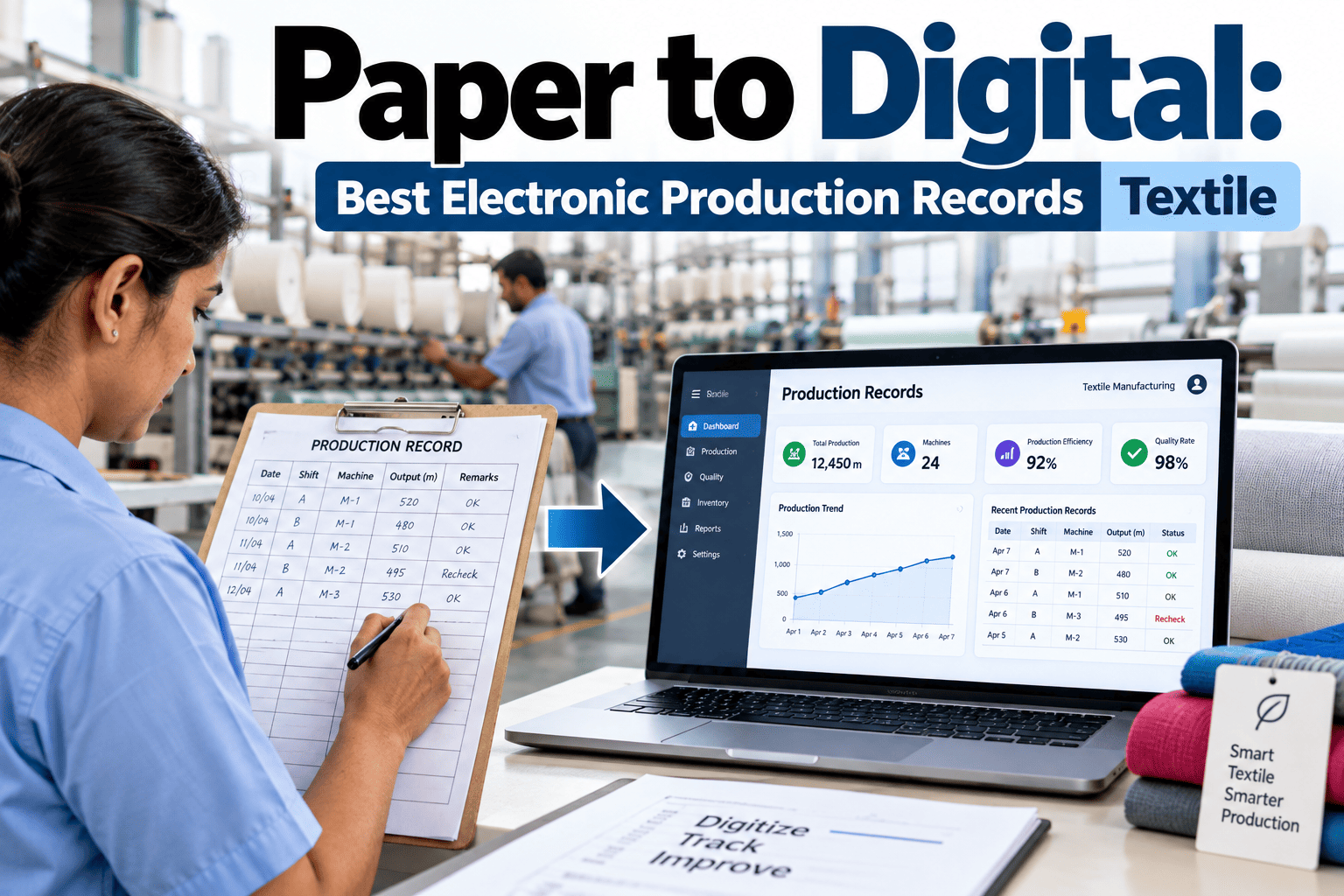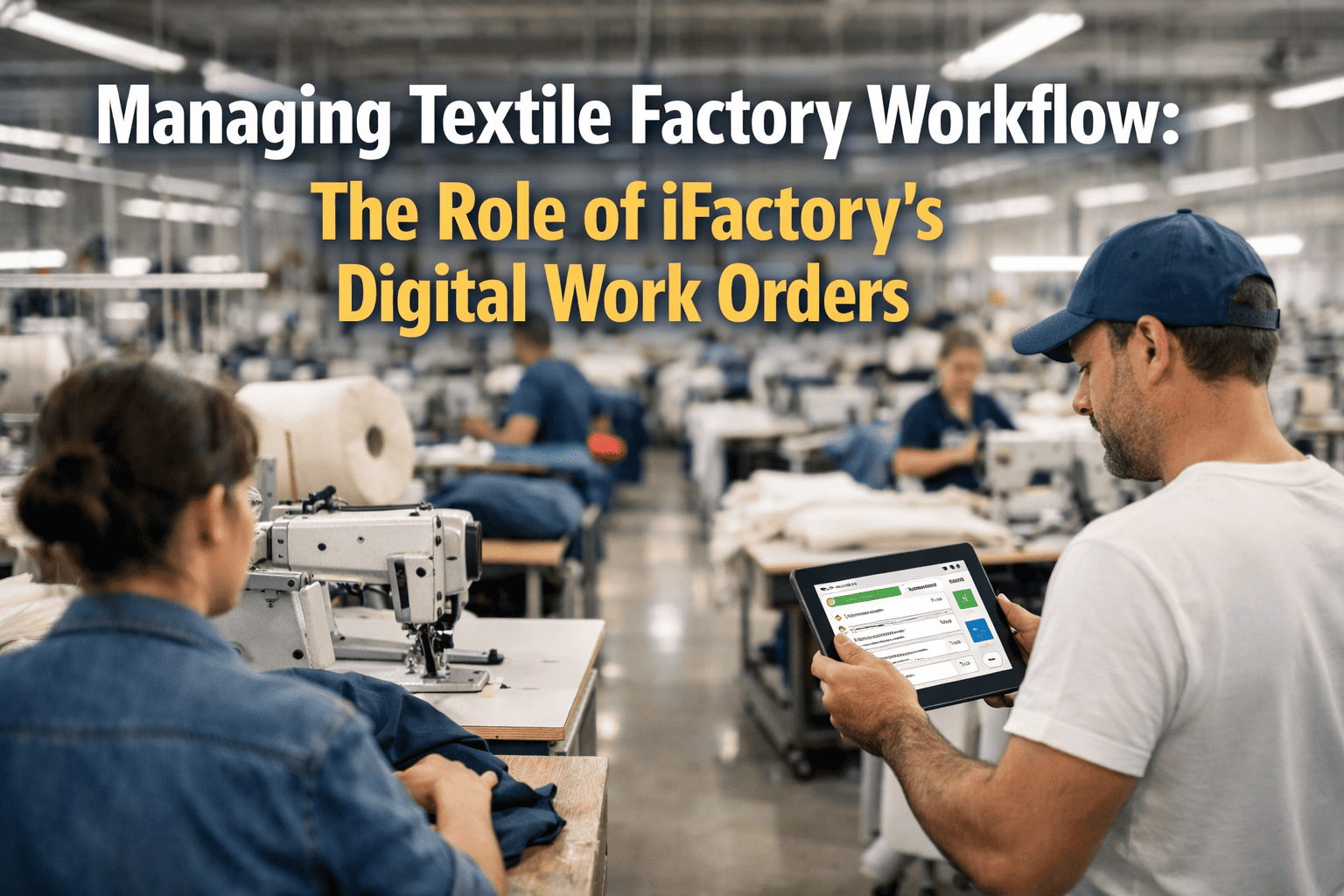
Every textile factory manager has lived through the chaos of a misplaced job card, a task assigned to the wrong operator, or a production order that slipped through the cracks between departments. In a mill running hundreds of machines across spinning, weaving, dyeing, and finishing — paper-based work orders aren't just inefficient, they're a liability. iFactory's Digital Work Order system replaces all of that with smart, real-time task management that keeps every shift, every floor, and every machine perfectly in sync. Book a free demo today and see how factories cut workflow errors by up to 70% in the first month.
Digital Work Orders:
The End of Production Chaos
One platform. Every task. Every machine. Every shift — tracked, assigned, and completed with zero paperwork.
See It Live →The Hidden Cost of Paper Work Orders in Textile Factories
Before solving the problem, it's worth understanding how deep it runs. Paper-based and manual workflow systems in textile manufacturing create losses that are rarely measured — but deeply felt every single day.
Lost or Damaged Job Cards
Paper cards get damaged near dyeing machines, lost on the loom floor, or misrouted between departments — causing production stops and confusion.
Wrong Task Assignments
Without skill-based routing, tasks go to unavailable operators or those without the right training — resulting in poor quality and rework.
No Real-Time Status Tracking
Supervisors walk the floor to check progress. Managers wait for end-of-shift reports. Decisions are made on outdated information, every single time.
No Audit Trail or Accountability
When a quality issue is found, there's no way to trace which operator, machine, or shift was responsible. Accountability disappears with the paper trail.
How much is your factory losing to paper chaos? Book a free assessment — our specialists will calculate your exact cost and show you the fix.
What Are Digital Work Orders — and Why Do They Change Everything?
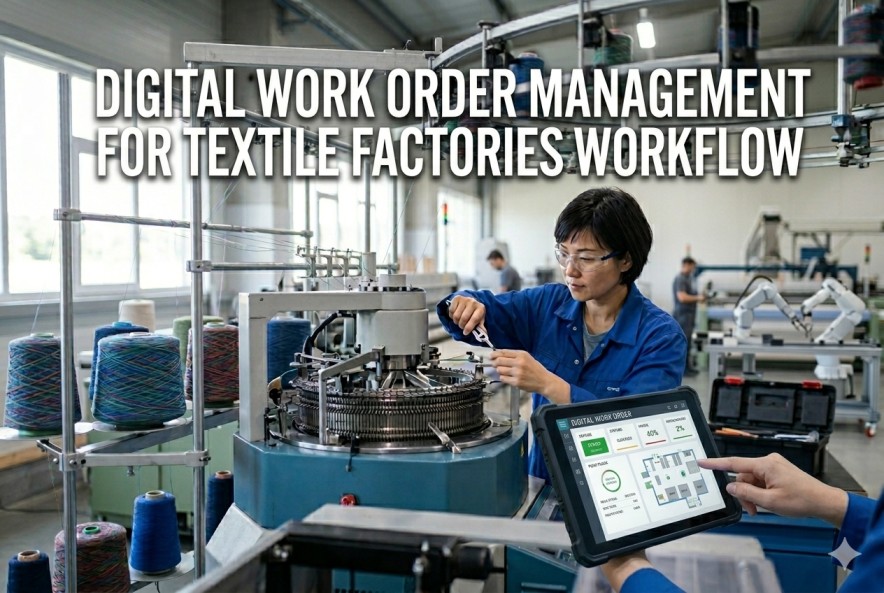
A Digital Work Order is a live, intelligent task record that moves through your factory floor electronically. It carries everything a paper card does — plus machine history, operator skill data, priority flags, quality checkpoints, and real-time status — all visible to everyone who needs it, instantly.
Core Features of iFactory's Digital Work Order System
iFactory's work order system is purpose-built for textile manufacturing — not a generic tool adapted from another industry. Here's what makes it uniquely powerful for mills and garment factories.
Automated Work Order Creation
When a new production order is received, iFactory automatically generates work orders for each stage — spinning, warping, weaving, dyeing, finishing — broken down by machine, shift, and quantity. Zero manual entry required.
Skill-Based Smart Assignment
The system matches each task to the best available operator based on skill rating, shift schedule, and current workload. Critical jobs — like high-value fabric runs — are automatically routed to senior operators.
Mobile Notifications for Operators
Every operator receives their work order directly on their phone — with machine number, task details, quality parameters, and deadline. No need to walk to a notice board or wait for a supervisor's instruction.
Real-Time Progress Tracking
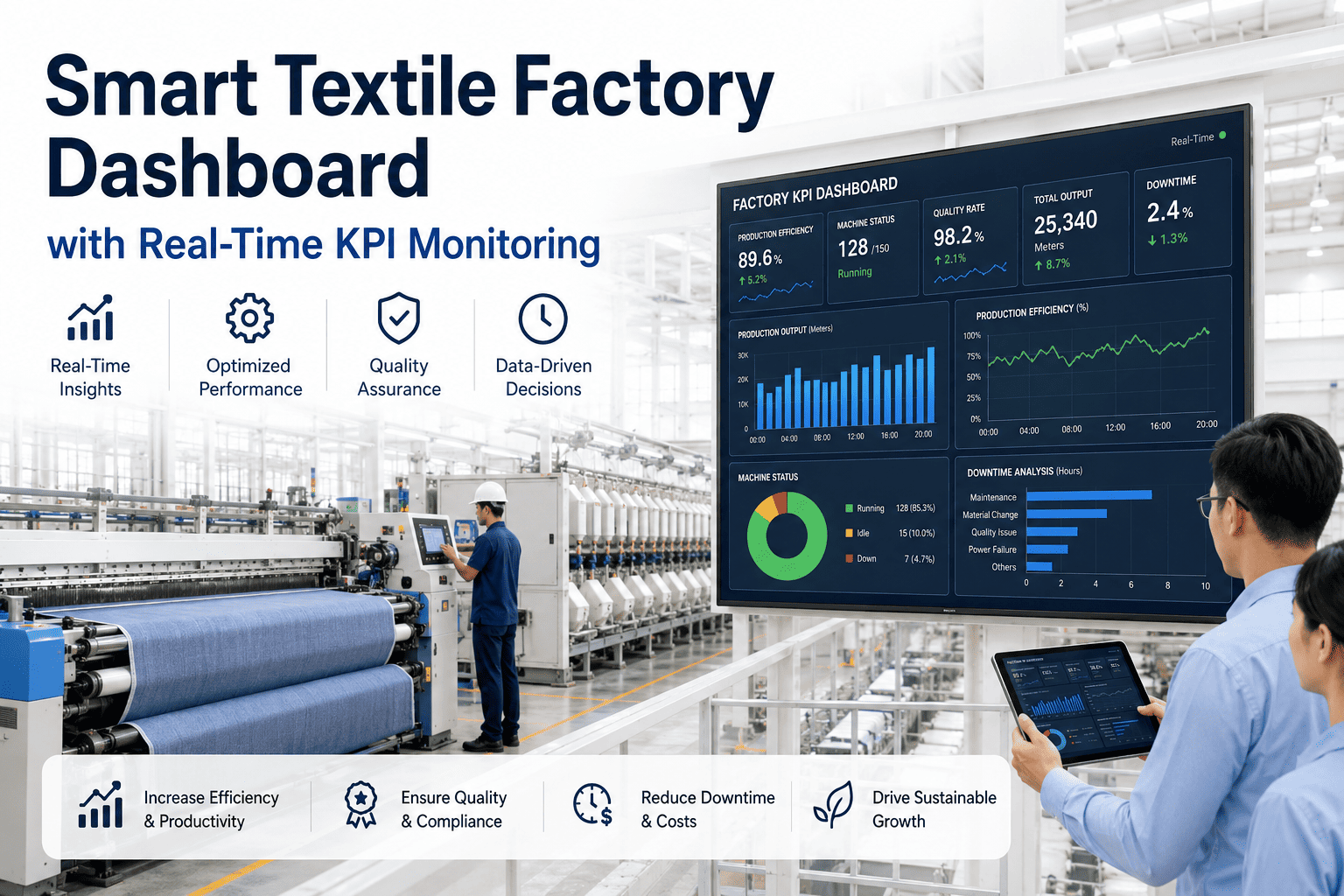
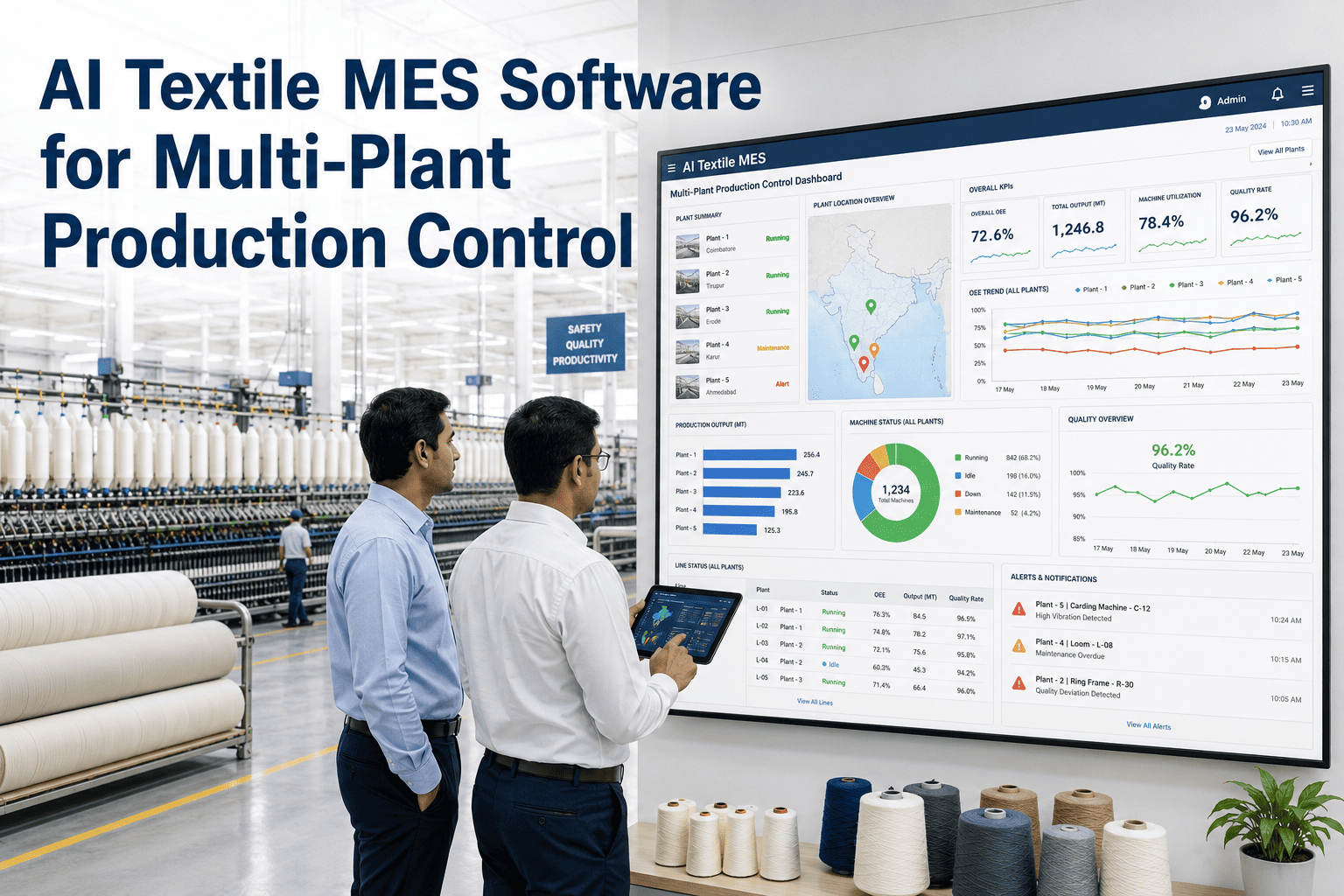
Supervisors and managers get a live dashboard showing exactly how many work orders are pending, in-progress, completed, or flagged — for every department, every shift, right now. Not after the shift ends.
In-Process Quality Checkpoints
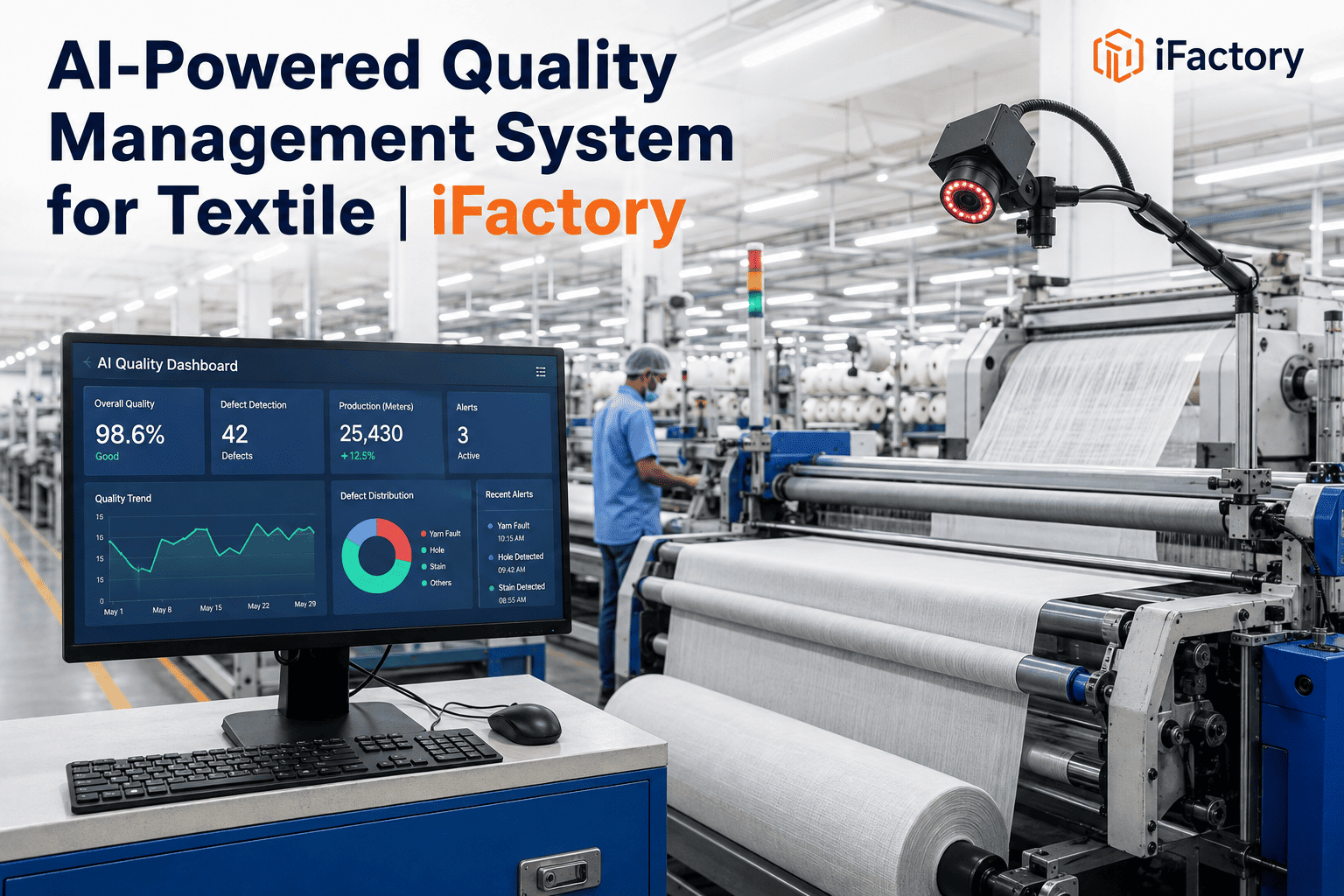
Quality gates are embedded within each work order. Operators confirm quality parameters at each stage — yarn count, tension, shade matching — before the job progresses to the next department. Defects are caught mid-process, not at final inspection.
Full Audit Trail & Accountability Log
Every action on a work order is timestamped and operator-tagged. When a quality issue arises, you can trace exactly which machine, which operator, which shift, and which batch was involved — in seconds, not hours.
Want to See These Features on Your Factory Floor?
Our textile specialists will walk you through a live demo using real production scenarios — spinning, weaving, dyeing, finishing. No generic demos.
How a Work Order Flows Through Your Factory
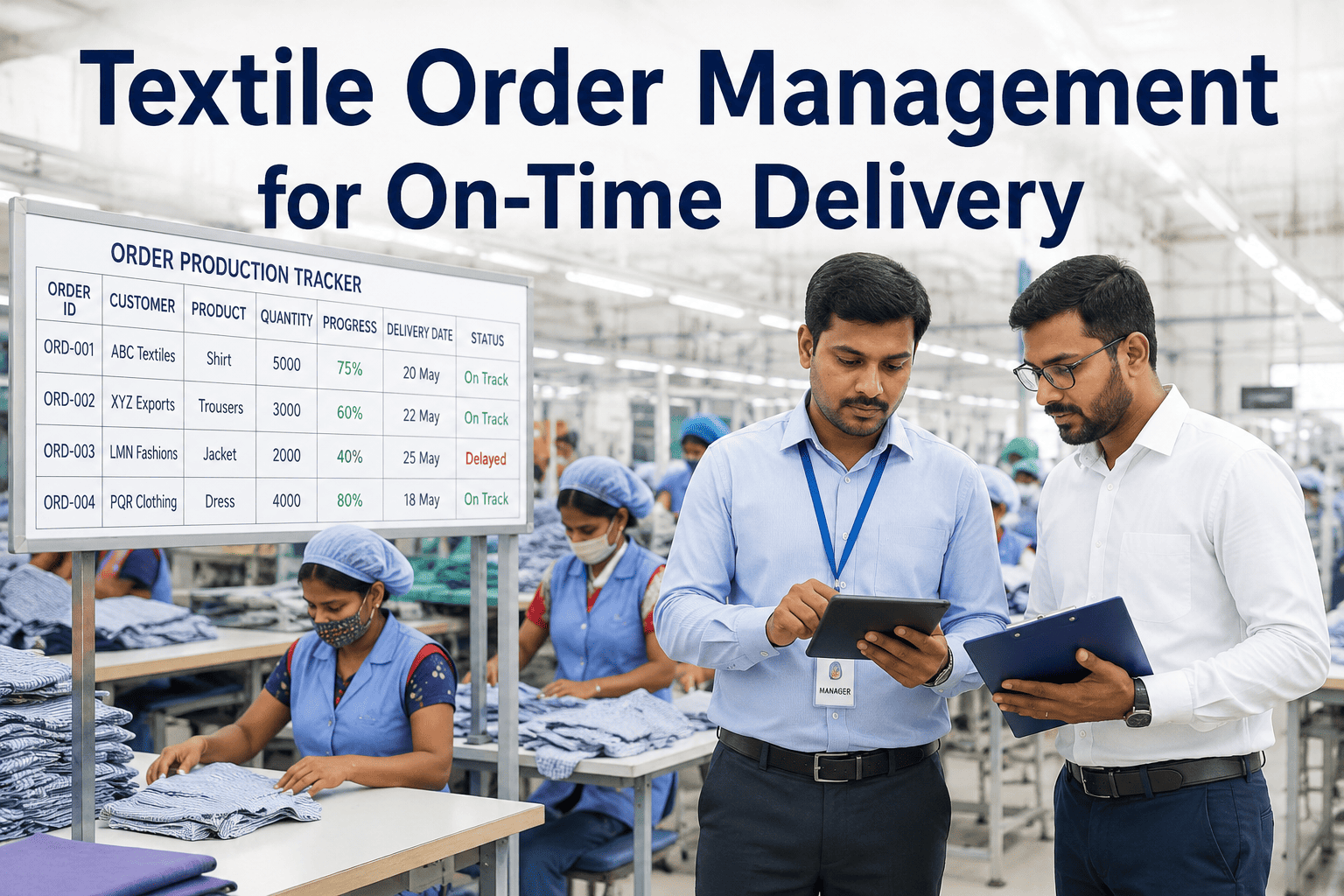
From the moment a buyer order is confirmed to the final delivery — every step is tracked, every task is assigned, and every delay is flagged automatically.
Buyer Order Received
Order is entered or imported from your ERP. iFactory auto-breaks it into department-wise work orders with quantities, deadlines, and specifications.
Yarn Production Work Order
Assigned to the best-fit spinning frame and operator. Yarn count, twist, and speed parameters are embedded in the work order. Quality sign-off required before release.
Loom Setup & Weaving Work Order
Warp beam preparation and loom configuration details sent to operator's phone. Picks per inch, reed width, and design parameters auto-populated from order specs.
Dye Lot & Recipe Work Order
Dye recipe, machine selection, temperature profile, and batch quantity all linked to the work order. Any deviation from recipe parameters triggers an immediate alert.
Final Finishing & Delivery
Stenter settings, width control, and finish type embedded. Final QC checkpoint before dispatch. Buyer shipment confirmed and order marked complete with full traceability log.
Real Impact: Before and After Digital Work Orders
The shift from paper to digital is not just about convenience — it creates measurable, trackable improvements across every KPI that matters in textile manufacturing.
Who Benefits Most from Digital Work Orders?
iFactory's work order system creates value for every role across your factory — from the shop floor to the boardroom. Here's how different teams experience the change.
- Real-time overview of all active orders
- Instant bottleneck identification
- Accurate daily output reports — auto-generated
- Delivery commitment backed by live data
- Work orders auto-assigned — no manual routing
- Operator availability visible at a glance
- Escalation alerts for delayed tasks
- Digital shift handover — nothing is missed
- Tasks delivered directly to phone — no confusion
- Clear quality parameters for every job
- One-tap status updates — no paperwork
- Recognition for on-time, quality completion
- In-process QC checkpoints at every stage
- Full traceability for any defect batch
- Defect trends visible across machines and shifts
- Compliance reports generated automatically
Industry Pulse: Why Textile Factories Are Going Digital Now
The shift to digital work order management isn't a future trend — it's happening across textile hubs in India, Bangladesh, Vietnam, and Turkey right now. The pressure is real.
Why iFactory Is the Right Choice for Textile Work Order Management
There are generic task management tools — and there is iFactory. The difference is that iFactory was designed from the ground up for textile manufacturing, which means it understands your machines, your workflow stages, and your production language.
Pre-built work order templates for spinning, weaving, dyeing, knitting, finishing — not generic factory templates that need months of customization.
Operators in dyeing basements or finishing halls with poor network can still update work order status — synced automatically when connection returns.
iFactory integrates with SAP, Oracle, Tally, and most ERPs — so work orders pull from your existing order management system without double entry.
Work order alerts and instructions available in Hindi, Bengali, Tamil, and other regional languages — ensuring every operator understands every task.
With textile-specific onboarding, most factories have their first digital work orders running within 2–3 weeks. No lengthy IT projects.
Reduction in rework, overtime, and production delays typically delivers full investment payback within 60–90 days of go-live.
The biggest shift wasn't the technology — it was accountability. When every operator knows their task is tracked and timestamped, output quality improves by itself. Digital work orders gave our supervisors visibility they never had before — and our customers noticed the difference in delivery reliability.
Frequently Asked Questions
Transform Your Textile Factory Workflow Today
Join hundreds of textile manufacturers using iFactory to replace paper chaos with digital clarity — and deliver orders faster, with fewer errors, every single time.