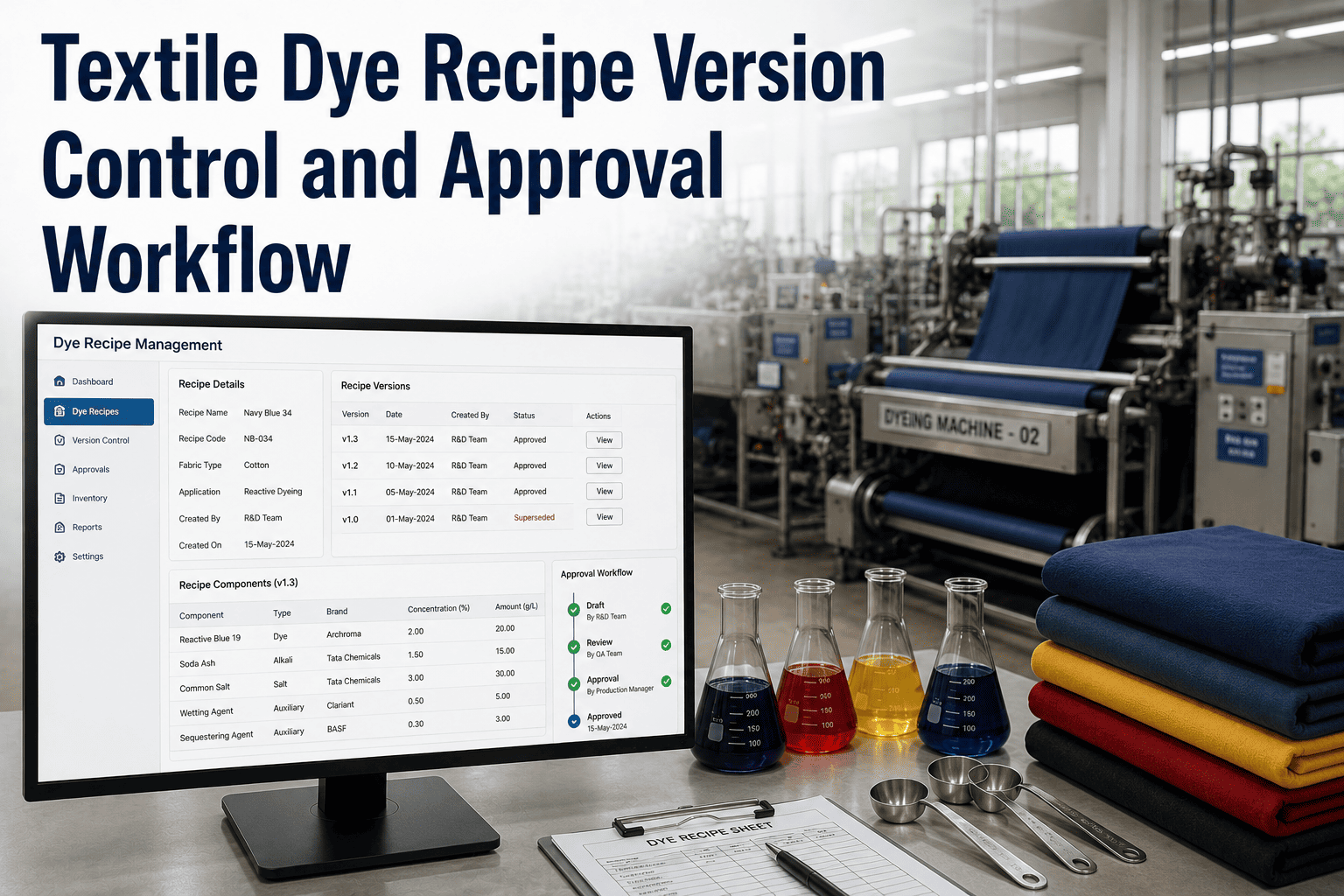
In the high-stakes world of textile manufacturing, a single deviation in dye recipe formulation can cascade into catastrophic batch failures, costly reworks, and irreparable brand reputation damage. Modern dye houses operate under immense pressure to deliver consistent, vibrant colors across thousands of meters of fabric, while navigating complex supply chains, varying raw material lots, and stringent regulatory requirements. Traditional spreadsheet-based or paper-driven recipe management systems are no longer viable; they introduce version chaos, approval bottlenecks, and compliance risks that threaten operational excellence. This comprehensive guide delves into the technical intricacies of dye recipe version control and approval workflows, offering enterprise-grade strategies to digitize, automate, and secure your color management processes. From chemical metering precision to audit trail integrity, we explore how iFactory's Digital Workflow Management platform empowers textile leaders to eliminate recipe errors, enforce standardized procedures, and achieve predictable, repeatable color outcomes. Discover how a robust, AI-driven approach to recipe governance can transform your dye house into a lean, compliant, and highly efficient production unit. If you are ready to elevate your recipe control, Book a Demo to see iFactory in action.
Eliminate Recipe Chaos
Secure every formula with automated version control and approval workflows. Achieve flawless batch consistency today.
Version Control Architecture
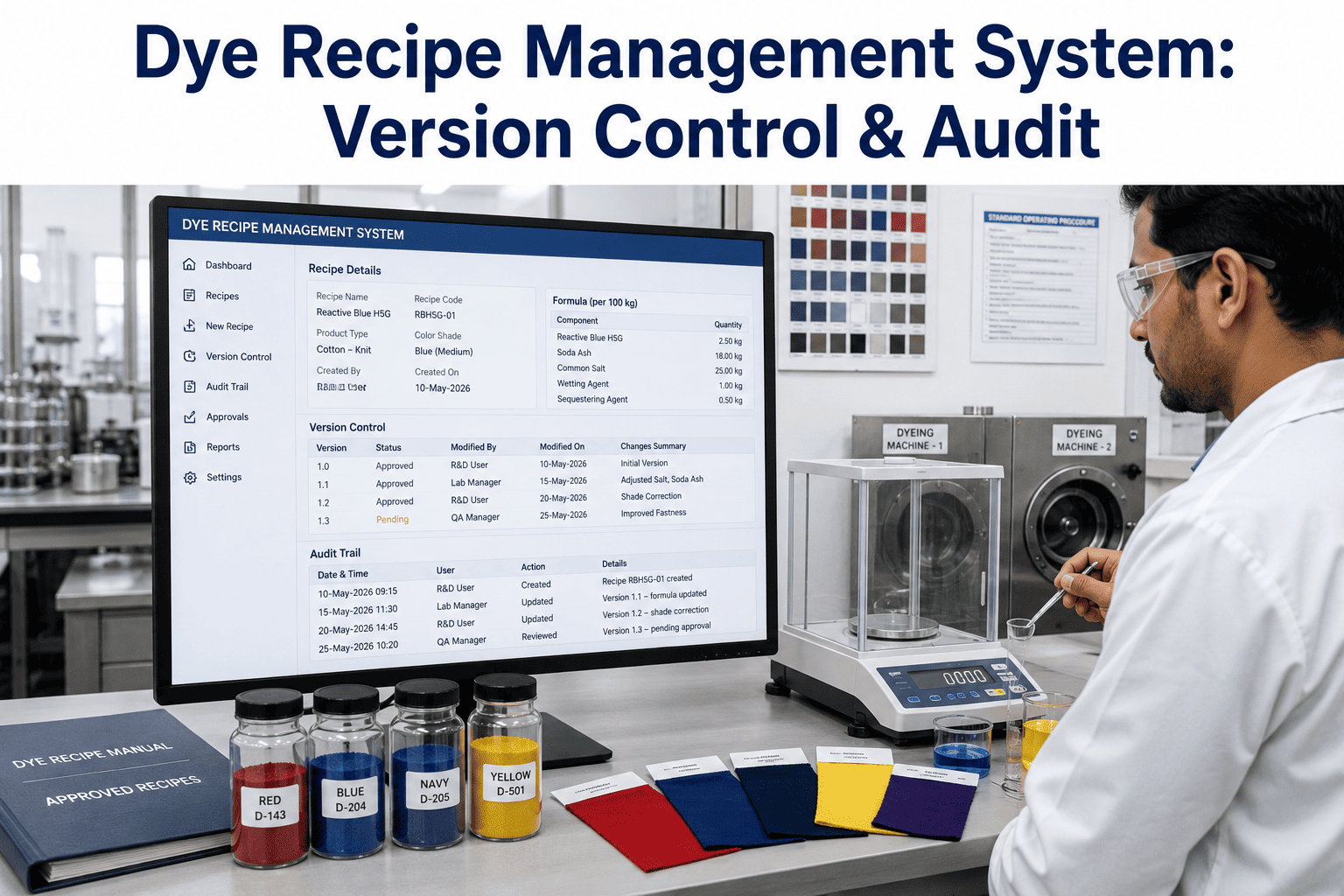
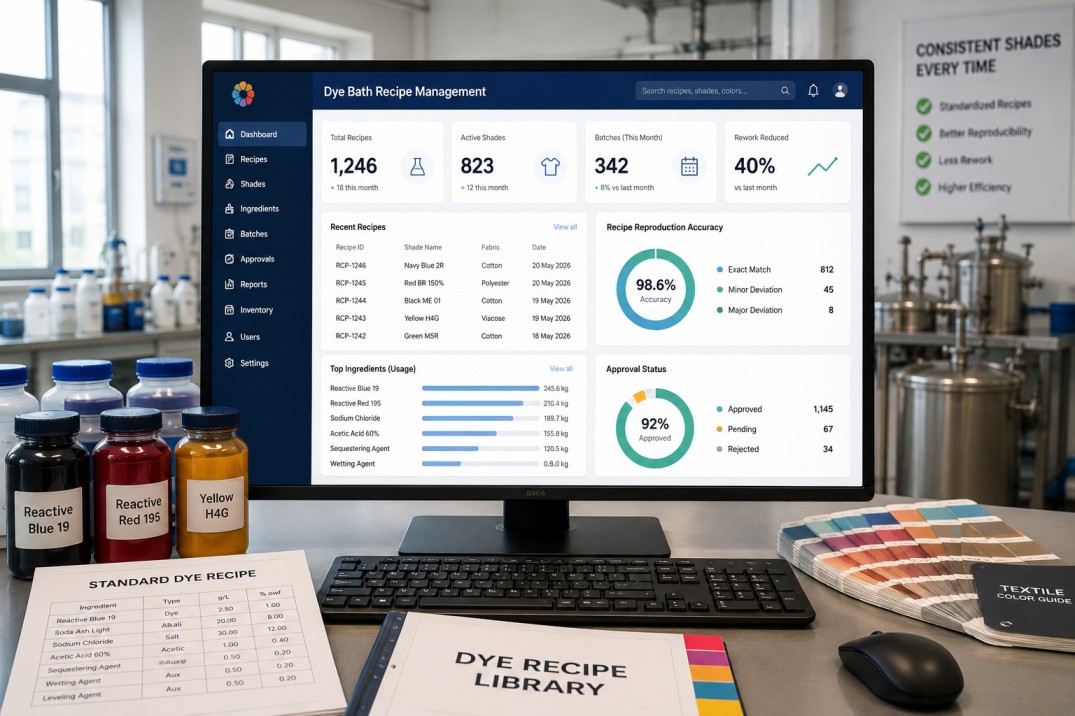
Every dye recipe modification is automatically logged with a unique version ID, timestamp, and author credentials. The system maintains a complete lineage of changes, from initial formulation to the latest revision. Rollback to any historical version is instantaneous, ensuring that operators always work with the correct, approved formula. This eliminates the risk of using outdated or unapproved recipes on the production floor.
Approval Workflow Engine
Multi-stage approval chains are configurable to match your organizational hierarchy. A recipe change can require sequential sign-offs from lab technicians, quality managers, and production supervisors. Conditional routing based on chemical type, batch size, or customer specification ensures that only authorized personnel can approve critical modifications. Notifications and escalation policies prevent bottlenecks.
Chemical Substitution Management
When a primary chemical is unavailable, the system suggests pre-approved substitutes based on chemical compatibility and historical performance. Each substitution triggers a temporary version branch that must be validated through the approval workflow before use. This ensures that alternative chemicals do not compromise color fastness or shade consistency.
Machine Parameter Binding
Dye recipes are tightly coupled with machine parameters such as temperature profiles, dosing rates, and dwell times. When a recipe version changes, the system automatically updates the programmable logic controller (PLC) settings to match the new formulation. This eliminates manual entry errors and ensures that the production equipment executes the exact process defined by the approved recipe.
Audit Trail & Compliance
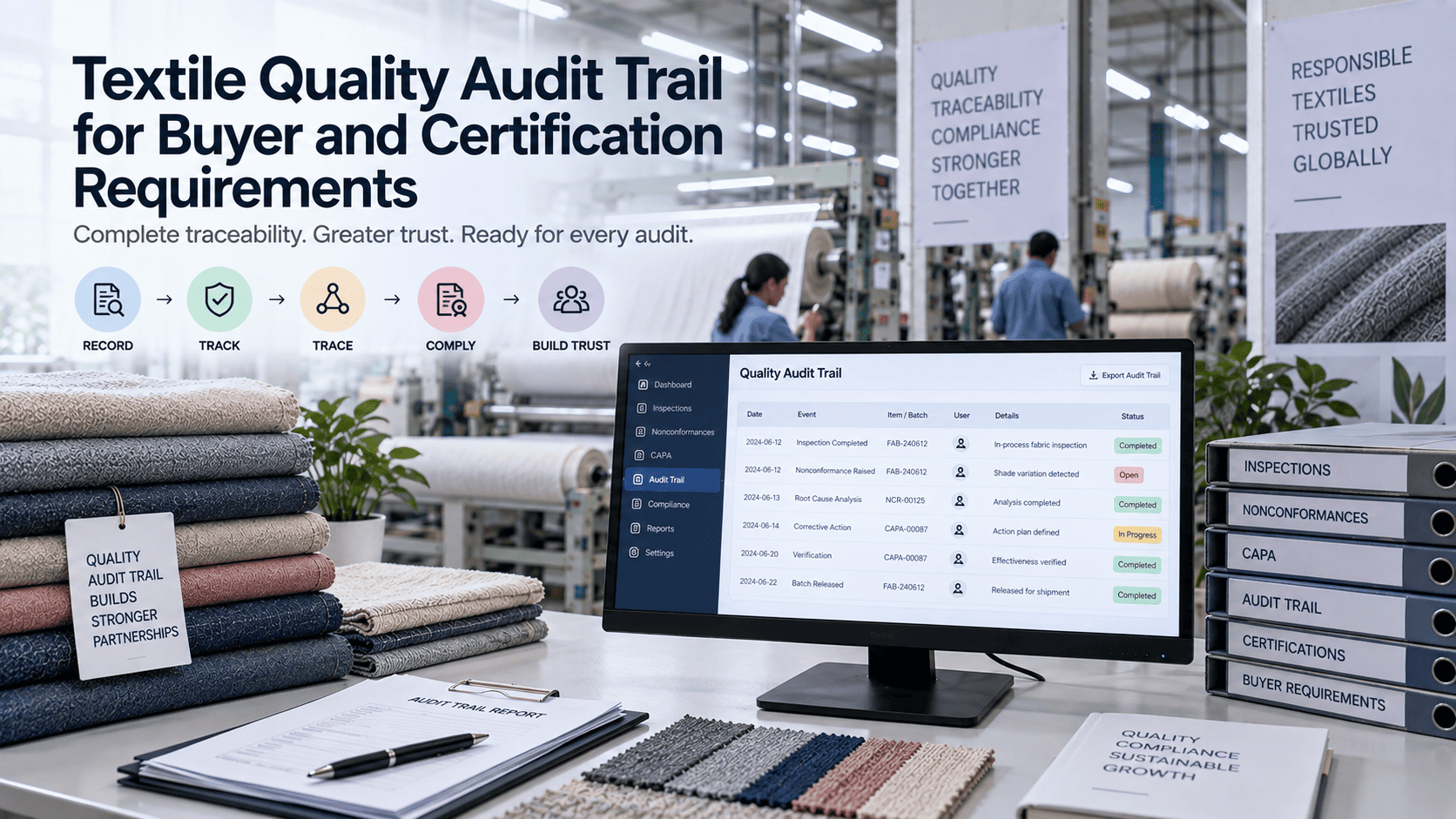
Every action—from recipe creation to batch execution—is recorded in an immutable audit trail. This includes version history, approval decisions, chemical lot numbers, and machine parameters. The data is structured to support regulatory audits (e.g., OEKO-TEX, GOTS) and internal quality reviews. Export reports in PDF or CSV format for seamless compliance documentation.
Real-Time Batch Traceability
Each produced batch is linked to the exact recipe version, chemical lots, and machine settings used during its creation. This end-to-end traceability enables rapid root cause analysis when defects occur. If a shade variation is detected, the system can instantly identify which recipe version, operator, or chemical lot contributed to the issue, facilitating corrective actions.
The Recipe Lifecycle: From Lab to Production
Lab Formulation
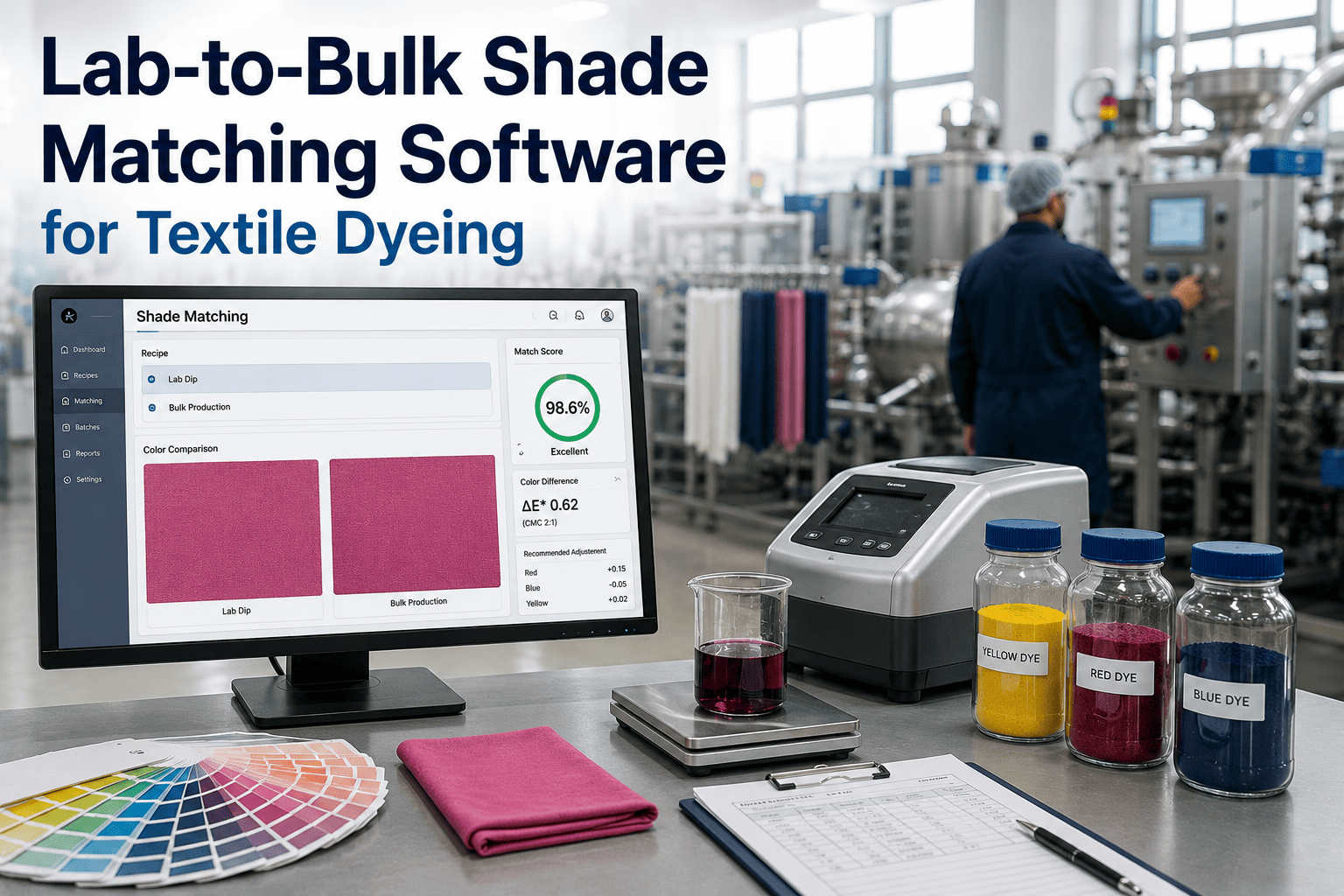
Chemists create initial dye recipes using spectrophotometric data and color matching algorithms. The recipe is saved as version 1.0 in the system, with all chemical concentrations and process parameters documented.
Internal Review & Approval
The recipe enters the approval workflow. A senior colorist reviews the formulation for technical feasibility and cost efficiency. Upon approval, the recipe status changes to 'pending production trial'.
Production Trial
A small-scale batch is executed using the approved recipe. The system records machine parameters and batch results. If the trial passes quality checks, the recipe is promoted to 'production ready'.
Full Production Release
The recipe is locked for production use. Any future modifications require a new version and re-approval. The system ensures that only the latest approved version is available on the shop floor.
Continuous Improvement
Post-production data feeds back into the system. If a batch shows slight shade drift, a new recipe version is created with adjusted parameters. The cycle repeats, ensuring continuous optimization of color consistency.
Version Control vs. Traditional Methods
| Capability | iFactory Digital Workflow | Spreadsheet/Paper |
|---|---|---|
| Version History | Automatic, immutable, with full lineage | Manual, error-prone, often lost |
| Approval Routing | Configurable multi-stage with escalation | Email chains or physical signatures |
| Chemical Substitution | Intelligent, pre-approved alternatives | No systematic support |
| Machine Integration | Direct PLC parameter binding | Manual entry, high error risk |
| Audit Trail | Complete, exportable, compliant | Fragmented, incomplete |
| Batch Traceability | End-to-end lot and version linkage | Limited, time-consuming |
| Rollback Capability | Instant to any prior version | Not possible |
Transform Your Dye House Operations
Implement robust recipe version control and approval workflows that eliminate errors and ensure compliance.
Preventing Unauthorized Recipe Changes
In a typical dye house, recipe modifications can be made by operators without proper authorization, leading to inconsistencies. iFactory enforces strict access controls: only users with specific roles (e.g., lab manager, production supervisor) can initiate or approve changes. Any attempt to alter a locked recipe is blocked and logged. This prevents unauthorized modifications that could compromise batch quality or regulatory compliance.
Intelligent Chemical Substitution
When a specific dye or auxiliary chemical is out of stock, the system does not simply allow a manual swap. It suggests pre-vetted alternatives based on chemical compatibility, cost impact, and historical performance data. The substitution creates a temporary recipe version that must pass through the approval workflow before being used in production. This ensures that even under supply chain disruptions, color consistency is maintained.
Frequently Asked Questions
How does iFactory handle version conflicts when two users edit the same recipe simultaneously?
iFactory employs a pessimistic locking mechanism for recipe editing. When a user opens a recipe for modification, the system locks that recipe for other users. Any attempt to edit a locked recipe displays a notification indicating who is currently editing it and since when. This prevents version conflicts and ensures that only one version of the recipe is being worked on at any time. Once the user saves or cancels, the lock is released. Additionally, the system maintains a detailed edit history, so even if a conflict were to occur due to a network issue, the audit trail provides a clear record of all changes. For more details on how our locking system works, visit our support page.
Can the approval workflow be customized for different customer specifications or product lines?
Absolutely. iFactory's workflow engine allows you to define conditional approval paths based on any recipe metadata, such as customer ID, product type, chemical hazard class, or batch volume. For example, recipes for a high-end fashion brand may require additional sign-off from the quality director and a third-party lab test validation, while standard industrial fabrics may only need a supervisor approval. You can create as many workflow templates as needed and assign them dynamically. The system also supports parallel approvals, where multiple stakeholders must approve simultaneously, and serial approvals, where each step must be completed in order. To learn how to set up custom workflows for your specific needs, book a demo with our team.
How does the system integrate with existing ERP or MES platforms?
iFactory offers robust API-based integration with leading ERP (e.g., SAP, Oracle) and MES systems. Recipe data can be synchronized bi-directionally: approved recipes from iFactory can be pushed to the MES for production execution, and batch results from the MES can be pulled back to update the recipe's performance history. The integration supports standard protocols like REST, SOAP, and OPC UA. For legacy systems, we provide middleware adapters that map data fields without custom coding. This ensures that your recipe version control workflow becomes a seamless part of your existing digital ecosystem. For integration blueprints and technical documentation, refer to our support resources.
What happens if a recipe version is approved but later found to be flawed?
If a flaw is discovered after approval, the system allows you to create a new version that supersedes the flawed one. The flawed version is not deleted; it remains in the audit trail with a status of 'superseded'. All batches produced with the flawed version are tagged, enabling immediate traceability. The system can trigger a containment workflow to quarantine affected batches and notify relevant stakeholders. Root cause analysis tools help identify whether the flaw originated from the recipe itself, the chemical lots, or the machine settings. This ensures that corrective actions are precise and that the new version incorporates the necessary adjustments. For a step-by-step guide on handling post-approval issues, check our knowledge base.
How does the system ensure that operators use the correct recipe version on the production floor?
iFactory integrates directly with the production execution system and machine PLCs. When a production order is created, the system automatically assigns the latest approved recipe version for that product and customer. The operator's interface displays only that version, preventing them from selecting any other. If a recipe is updated mid-production, the system will not allow the new version to be used for already-started batches unless explicitly re-released. Additionally, barcode scanning of chemical containers and machine IDs ensures that the correct materials and equipment are used for the assigned recipe. This closed-loop control eliminates human error and guarantees that every batch is produced exactly as specified. To see a live demonstration of this workflow, book a demo now.
Secure Your Dye Recipes Today
Implement enterprise-grade version control and approval workflows with iFactory. Achieve zero-defect color consistency.