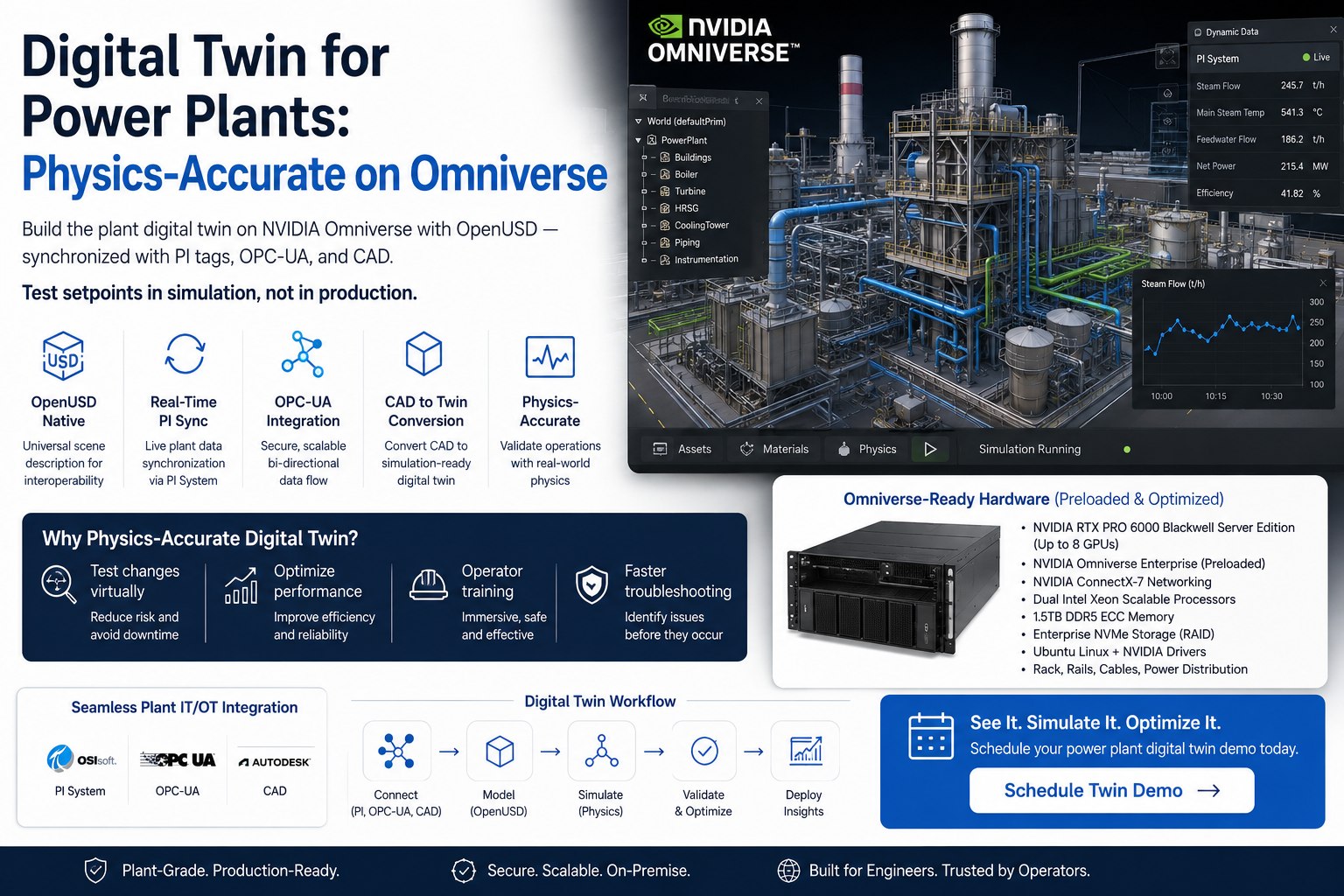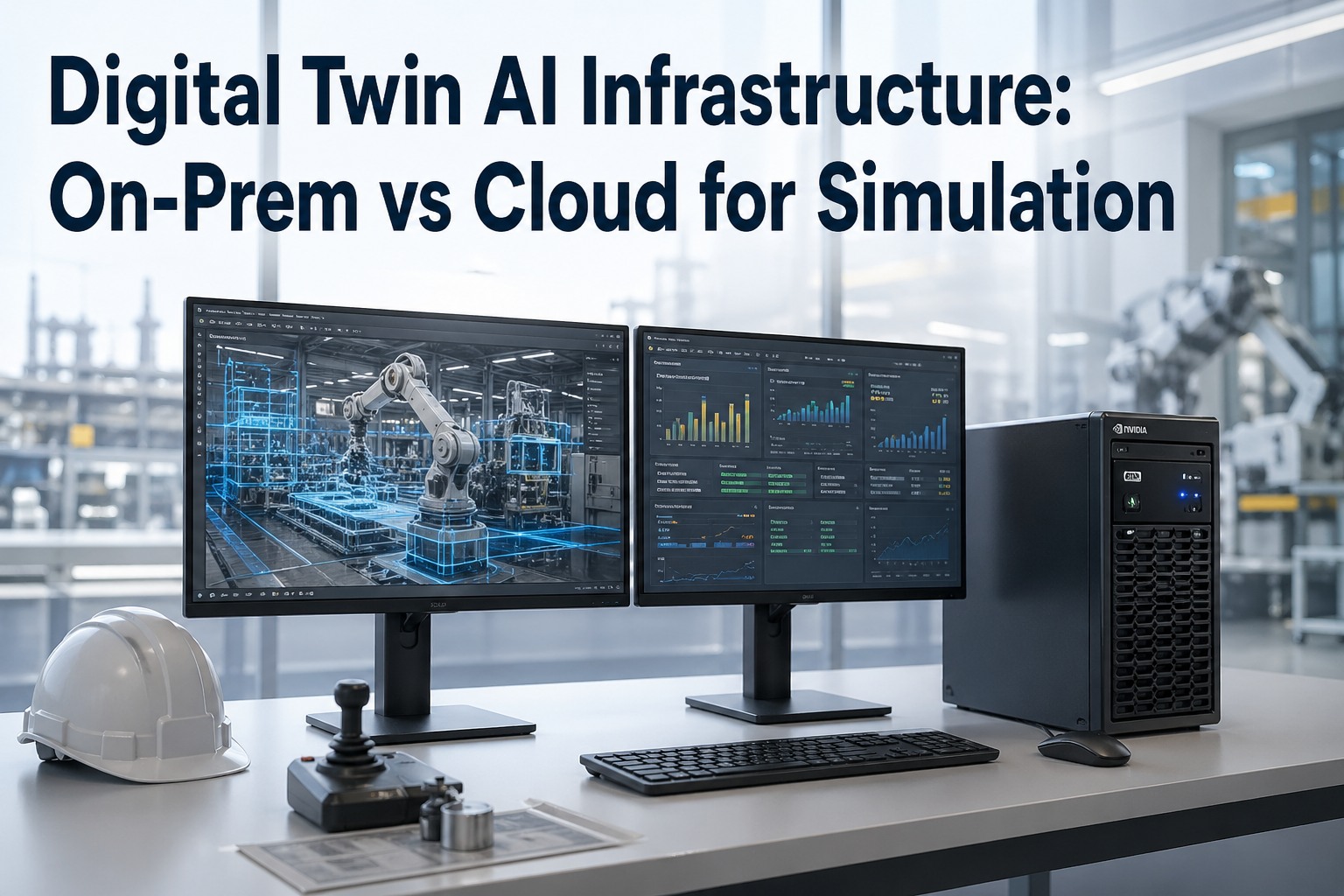
A digital twin isn't a 3D model — it's a real-time, physics-accurate simulation of your factory, refinery, warehouse, or wind tunnel that runs continuously alongside the physical asset, ingesting telemetry, predicting failures, optimizing throughput, and training the AI agents that will eventually run the plant. The infrastructure question isn't "do I need GPUs?" — you do. The question is whether those GPUs sit in your facility, in NVIDIA DGX Cloud, or in a hybrid where geometry generation and synthetic-data training run in the cloud while real-time operations rendering and OT-bridged inference run on-prem. This page maps the decision honestly. Where on-prem RTX PRO 6000 Blackwell or DGX Spark architectures win on latency, sovereignty, and amortized cost. Where cloud Omniverse on AWS L40S, Azure A10, or DGX Cloud wins on burst rendering and synthetic data generation. And where hybrid is the only architecture that actually scales to a 1,200× faster simulation pipeline.
Map Your Digital Twin Infrastructure Path Live
Join the iFactory team at SAP to model your exact digital twin deployment scenario — on-prem RTX PRO 6000, DGX Cloud, or hybrid Omniverse architecture coupled to your S/4HANA and OT stack. Walk in with your facility CAD and OT topology; walk out with a costed, defensible 2026–2028 plan.
A Digital Twin Has Five Workload Layers — Each Has a Different Best Home
Every honest digital twin conversation starts here. The phrase "digital twin" hides five very different workloads that each have wildly different GPU, bandwidth, and latency profiles. Where each layer runs is the architecture decision — and it's almost never "all in cloud" or "all on-prem." Walk through these five layers with our twin engineers against your facility specifics.
Converting CAD, BIM, point clouds, and PLM data into SimReady USD assets. One-time or batched workload — heavy on initial conversion, lighter steady-state.
PhysX, Modulus, and CAE workloads — CFD, FEA, structural, thermal. Foxconn cites 150× faster thermal simulations; CAE blueprints reach 1,200× speedups.
NVIDIA Cosmos world-foundation models generate variations for autonomous-robot training. Massively parallel, batch-friendly, GPU-hungry but interruptible.
The always-on twin running alongside the plant — physically based rendering at 30–60 fps for operators, sub-100ms response to telemetry changes.
Reading PLC, SCADA, MES telemetry into the twin and pushing AI inference back to control systems. Touches OT — failures here are physical, not virtual.
GPU Selection — Matching Hardware to Twin Complexity
Below is the practical sizing guidance we use in customer engagements. Twin complexity is measured in scene size, real-time concurrency, and physics simulation load — not just polygon count. Want this sized against your specific facility? Send us a CAD export and we'll build the GPU plan in 24–48 hours.
- Best for: warehouse twins under 50K m², single-operator viewing, physics-light scenarios
- Twin complexity: 5–20K USD assets, real-time at 1080p, single-user concurrency
- What it can't do: simultaneous multi-user, large-scale CFD, real-time DLSS Ray Reconstruction at 4K
- Best for: mid-to-large factory twins, multi-user collaboration, real-time CAE workflows
- Twin complexity: 20–100K USD assets, 4K rendering, 2–4 concurrent operators, Modulus-accelerated physics
- NVIDIA's reference architecture for Industrial Facility Digital Twins specifies this tier as the workhorse
- Best for: entire-plant twins, multi-site collaboration, autonomous robot training, synthetic data factory
- Twin complexity: 100K+ assets, 8+ concurrent users, Cosmos-driven synthetic data, 24/7 always-on operations
- Pairs with: Enterprise Nucleus Server, VMware vSphere virtualization for 10+ creator seats
- Best for: fleet-wide twins, gigawatt AI factory simulation, BMW/Foxconn-scale deployments
- Twin complexity: millions of assets, real-time CFD across full facility, training Cosmos on proprietary data
- 2026 successor: Vera Rubin platform delivers 3.3× performance gains via dual-GPU R100 designs
Bandwidth & Latency — The Constraint Most Cloud Pitches Hide
Digital twin pitches love to skip past bandwidth math. We won't. A real-time twin with even moderate fidelity moves data at rates most cloud architectures can't sustain economically. Here's the honest picture across four representative twin scenarios.
Six Twin Use Cases — Where Each Should Run
Match your use case to the patterns below. Each maps to a host (on-prem, cloud, or hybrid) based on workload profile, sensitivity, and economics. Book a 30-minute architecture call to validate against your specifics.
Plant-floor operations twin (24/7)
Always-on rendering coupled to PLC/SCADA. Operators watch the twin alongside the physical asset; predictive AI nudges control loops. Latency budget under 20ms — cloud is physically out.
Synthetic data factory for robot training
Generating millions of variations of a facility for autonomous-robot policy training. Massively parallel, batch-friendly, no real-time constraint. Cloud spot pricing wins decisively.
CAE-driven design twin
CFD/FEA iteration during product design. Bursty heavy compute (cloud) for new design variations; persistent rendering and review (on-prem) for the engineering team's daily workflow.
Defense, pharma, semiconductor twins
Factory layouts, manufacturing recipes, defense supply chains — IP that legally cannot leave the facility. Air-gapped on-prem with NVIDIA-Certified Systems is the only acceptable architecture.
Distributed-team design review
50+ engineers across three continents collaborating on the same twin. Kit App Streaming via WebRTC means each user only needs a browser; cloud rendering is the only way this scales.
Multi-site manufacturing fleet
Each plant runs its own real-time twin on-prem (latency, OT). Central HQ runs the fleet-wide aggregation in DGX Cloud for executive dashboards, cross-site benchmarking, and synthetic data sharing.
A Production-Grade Hybrid Twin — Component by Component
This is the architecture pattern we deploy most often for industrial customers. Each box represents a real component; the arrows are real data flows. Want this sketched against your facility's OT topology? Our twin engineers turn it around in 24–48 hours.
Why iFactory Is the Right Partner for Your Twin
Most digital twin vendors sell software. Most cloud vendors sell compute. Most hardware vendors sell GPUs. We've shipped 1000+ enterprise AI deployments with twin and OT integration as a core competency. Book a 30-minute call with our twin engineers — bring your CAD, OT topology, and use case; we'll model the architecture live.
Omniverse Engineering Depth
OpenUSD, Kit SDK, Modulus physics, Isaac Sim, Cosmos. We build custom Omniverse extensions, not just deploy stock blueprints. Your twin behaves the way your plant behaves.
OT-to-USD Bridge Engineering
The hardest part of an industrial twin is getting OPC UA, MQTT, MES, and Historian data into USD reliably and back out as control signals. We've built this bridge for 50+ industrial systems.
Vendor-Neutral Architecture
RTX PRO 6000, DGX Spark, L40S clusters, DGX Cloud, AWS, Azure, hybrid — we model whichever combination wins for your specific workload. The recommendation is whatever the math says.
SAP, MES & ERP-Native Integration
Your twin has to live alongside SAP S/4HANA, your MES, and your existing data fabric. 50+ pre-built connectors mean your twin reads real production data on day one — not after a six-month integration project.
Sovereign-Grade Compliance
Defense IL5, pharma GMP, semiconductor IP. We've shipped twin deployments behind air-gaps, in regulated cleanrooms, and across multi-jurisdiction residency boundaries with full audit trails.
Lifecycle & Roadmap Continuity
Blackwell to Vera Rubin to Rubin Ultra (576 GPUs/rack by 2027). We don't ship and disappear — engineers stay engaged through hardware refreshes, Cosmos model upgrades, and full deployment lifecycle.
Digital Twin Infrastructure FAQ
Get a Costed Twin Architecture Plan in 30 Minutes
On-prem RTX PRO 6000, DGX Cloud, hybrid? The right answer depends on your facility, OT topology, latency budget, and data sovereignty requirements — not on whoever pitches you first. Bring us your CAD, your OT diagram, and your use case; we'll model the architecture, GPU sizing, and bandwidth plan backed by 1000+ enterprise deployments.