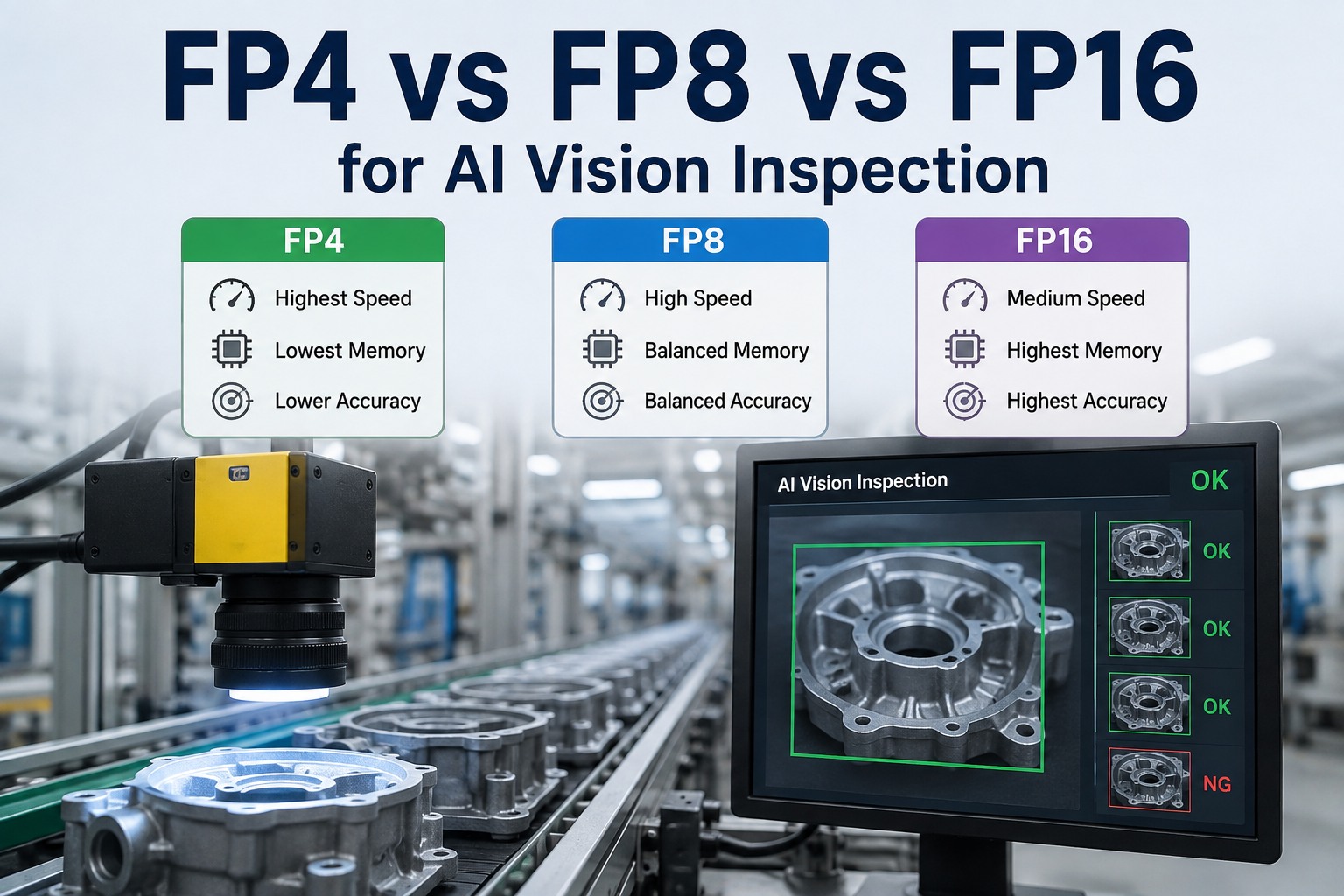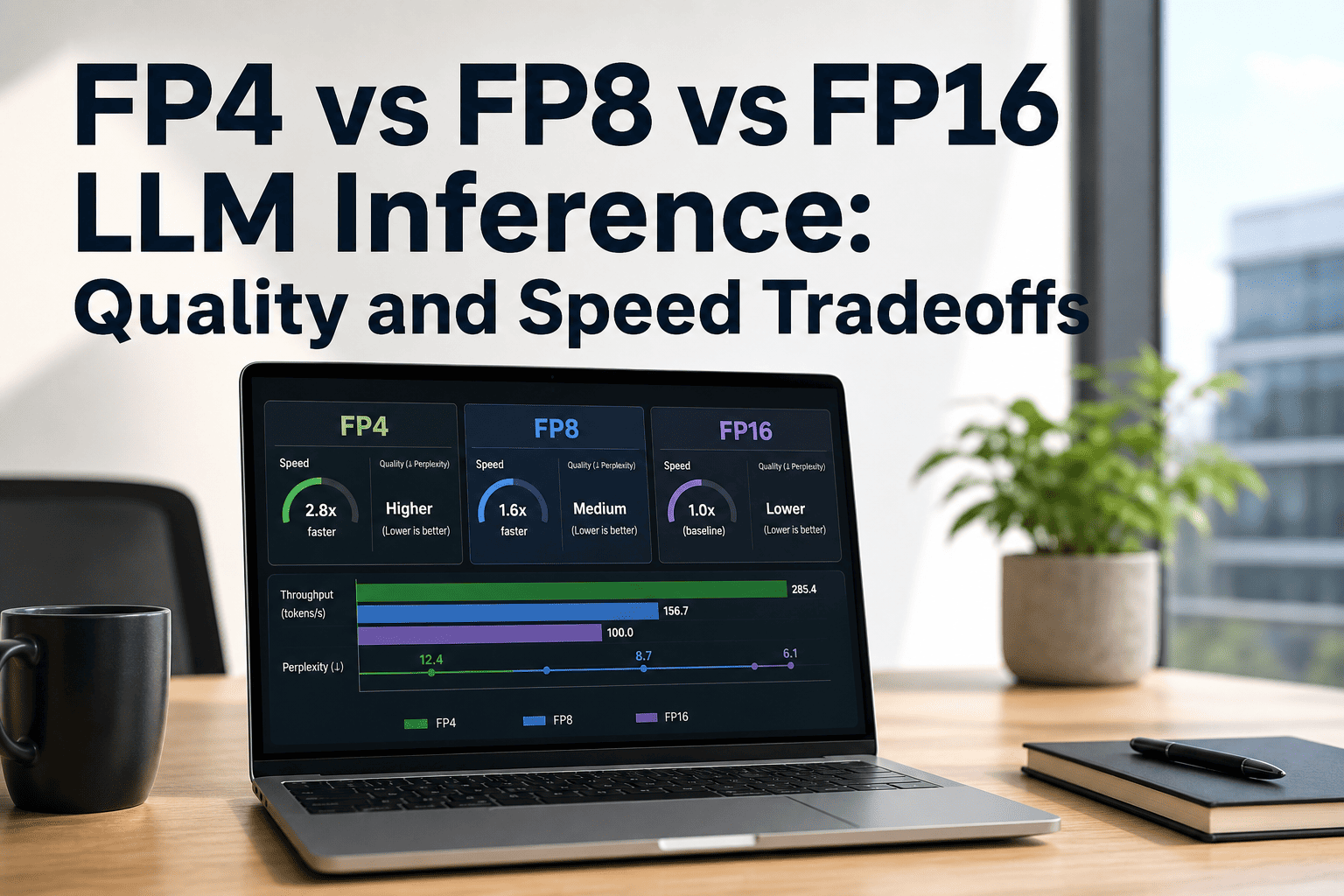
For enterprise teams running LLM inference at scale, precision is not a setting you configure once and forget.Whether you're on AWS or on-prem, the choice between FP4, FP8, and FP16 directly controls three things simultaneously: how much VRAM your model consumes, how many tokens per second you generate, and how accurate the outputs are. These levers are not independent — compressing further saves memory and boosts throughput while introducing quantization error that can silently degrade production quality. This page maps the real tradeoffs with benchmark data, hardware compatibility, and a decision framework built from 1000+ enterprise AI deployments.
FP4 vs FP8 vs FP16: Map Your LLM Inference Precision Live
Join the iFactory to benchmark your exact inference workload across precision formats on Blackwell hardware. Walk in with your model and latency SLO — walk out with a precision strategy, VRAM budget, and a defensible 2026 production plan.
What FP4, FP8, and FP16 Actually Mean — and Why It Matters
Every LLM weight is a floating-point number. The bit width of that number determines the memory it occupies, the speed it computes, and the precision it preserves. Halving the bit width approximately halves VRAM — but it also narrows the range of representable values, which is where accuracy risk lives. Modern quantization methods like GPTQ, AWQ, and NVIDIA's TensorRT Model Optimizer use calibration datasets to minimize this error, but the tradeoff never fully disappears.
Real Throughput Numbers — Llama 2 70B, MLPerf Validated
These numbers come from MLPerf Inference v5.0 (April 2025) and v5.1 (September 2025) — the only independently validated LLM inference benchmarks. Per-GPU estimates for B200 are derived by dividing 8-GPU results. Your workload will differ by model architecture, batch size, and sequence length; treat these as directional anchors, not deployment guarantees.
| GPU | Precision | Tokens/sec (8-GPU) | vs H100 FP16 baseline | VRAM per GPU |
|---|---|---|---|---|
| H100 SXM | FP16/BF16 | ~19,000 | 1× (baseline) | 80 GB |
| H100 SXM | FP8 | ~24,525 | +1.29× | 80 GB |
| H200 SXM | FP8 | ~34,988 | +1.84× | 141 GB |
| B200 (Blackwell) | FP8 | ~55,776 | +2.93× | 192 GB |
| B200 (Blackwell) | FP4 (NVFP4) | ~102,725 | +5.41× | 192 GB |
Accuracy Degradation by Task Type — What the Data Actually Shows
Throughput numbers are easy to quote. Quality degradation is harder to measure and far more consequential for production deployments. NVIDIA's TensorRT Model Optimizer FP4 PTQ achieves less than 1% accuracy loss on language modeling tasks for DeepSeek-R1-0528. On AIME 2024 reasoning benchmarks, NVFP4 scored 2% higher than the FP8 baseline. But FP4 errors compound through reasoning chains — for chain-of-thought workloads, the tradeoff is more consequential than for standard generation.
Model Memory Footprint by Precision — The Hardware Selection Reality
VRAM is the constraint that forces hardware decisions. A 70B model at FP16 requires 140GB — that means two H100 80GB GPUs minimum. Shift to FP8 and it fits a single RTX PRO 6000 Blackwell 96GB card. Push to FP4 and a 405B model that needed 810GB at FP16 can run on a four-GPU setup. These are not theoretical savings — they determine whether your workload requires one machine or five.
| Model Size | FP16 VRAM | FP8 VRAM | FP4 VRAM | FP4 Hardware Fit |
|---|---|---|---|---|
| 7B | ~14 GB | ~7 GB | ~3.5 GB | Single RTX 5090 / consumer GPU |
| 13B | ~26 GB | ~13 GB | ~6.5 GB | Single RTX PRO 6000 (96 GB headroom) |
| 70B | ~140 GB | ~70 GB | ~35 GB | Single RTX PRO 6000 Blackwell |
| 405B (Llama) | ~810 GB | ~405 GB | ~200 GB | 2× RTX PRO 6000 or 1× DGX Blackwell node |
| 671B (DeepSeek-V3) | ~1,340 GB | ~670 GB | ~335 GB | 4–8× B200 or AWS p5en cluster |
Which Precision Wins for Your Workload — The Production Decision Matrix
The right precision is not FP4 because it's newest or FP16 because it's safest. It's whichever format passes your accuracy benchmark on your actual task set while meeting your VRAM budget and throughput SLO. This matrix maps the most common enterprise inference scenarios to their recommended starting precision — treat it as a first filter, not a final answer.
| Workload Type | Recommended Precision | Reason | Hardware Fit |
|---|---|---|---|
| Legal / compliance document analysis | FP16 | No tolerance for factual drift; audit trail requires determinism | H100, H200, RTX PRO 6000 |
| Medical summarization or clinical notes | FP16 | PHI environments; even 0.5% error rate unacceptable in diagnosis support | Air-gapped on-prem preferred |
| SAP ERP query / document generation | FP8 | Structured output tolerates minor rounding; throughput improves batch processing | H100, RTX PRO 6000 (Blackwell) |
| Customer-facing chatbot / support agent | FP8 | Quality acceptable at 0.5–2% delta; VRAM reduction fits more sessions per GPU | H100 SXM, A100, RTX 6000 Ada |
| Code generation / developer copilot | FP8 | Functional correctness matters; FP4 introduces subtle logic errors in complex completions | H100, Blackwell preferred |
| High-volume content / translation / summarization | FP4 | Throughput is primary metric; 2–3% quality delta acceptable at scale | B200, RTX PRO 6000 Blackwell |
| Real-time API serving (multi-tenant, high concurrency) | FP4 | FP4 doubles batch capacity per GPU — cost-per-token economics dominate | B200 or 8×RTX PRO 6000 Blackwell |
| DeepSeek-R1 / reasoning model inference | FP8 default / FP4 with calibration | Chain-of-thought errors compound in FP4; only deploy FP4 with PTQ-calibrated weights | B200 cluster for FP4 |
Not sure which precision fits your workload? We'll tell you in 30 minutes.
iFactory's ML engineers have benchmarked FP4, FP8, and FP16 across Llama, Mixtral, Qwen, and DeepSeek on both AWS and on-prem Blackwell hardware. Bring your model, your task set, and your latency SLO — we'll deliver a precision recommendation with VRAM math and quality risk score.
Precision Support by NVIDIA GPU Generation — What Runs Where
Hardware-native precision support is not the same as software emulation. FP8 and FP4 emulated through higher-precision kernels on pre-Hopper GPUs deliver no latency advantage — they actually add overhead from the emulation itself. This table shows what runs natively and what gets emulated, so you know which precision claims are real on your existing hardware stack.
| Architecture | Example GPUs | FP16 Native | FP8 Native | FP4 (NVFP4) |
|---|---|---|---|---|
| Ampere | A100, A10G, RTX 3090 | Native | Emulated (no gain) | Not supported |
| Ada Lovelace | L4, L40S, RTX 4090 | Native | Native | Not supported |
| Hopper | H100, H200 | Native | Native (Transformer Engine) | Not supported |
| Blackwell | B200, RTX PRO 6000, RTX 5090 | Native | Native (enhanced) | Native (NVFP4 — 20 PetaFLOPS) |
What Production Engineers Are Seeing in 2026 Deployments
Below is our practitioner synthesis from iFactory deployments combined with published findings from NVIDIA, Spheron, Edge AI and Vision Alliance, and MLPerf committee data. These are not vendor marketing claims — they reflect what teams are actually hitting when they move precision decisions to production.
FP8 is the 2026 production default — not FP4
Despite FP4's throughput numbers, FP8 remains the safest production inference precision as of mid-2026. Calibration tooling for FP4 is maturing but not yet first-class in vLLM. Teams shipping new inference pipelines should start FP8 and run FP4 pilots in parallel, adopting FP4 only after task-specific evals show parity.
NVFP4 dual-level scaling closes the accuracy gap
NVIDIA's NVFP4 format uses FP8 micro-scales on 16-value blocks plus a global FP32 tensor scale — not naive 4-bit rounding. This two-level approach achieves 88% lower quantization error than power-of-two MXFP4 alternatives. DeepSeek-R1's MMLU score dropped only 0.1% (90.8% to 90.7%) when quantized from FP8 to NVFP4, which is within measurement noise for most enterprise tasks.
Mixed precision beats ideological purity
The most efficient Blackwell configurations are not pure FP4 or pure FP8. Teams running NVFP4 weights with FP8 or BF16 attention consistently outperform full-FP4 deployments on quality-sensitive tasks. Mixed precision is not a compromise — it's the recommended production architecture for most enterprise LLM serving stacks in 2026.
Context length shifts the precision economics
At short contexts (under 4K tokens), VRAM savings from FP4 compound into batch size gains. At long contexts (32K–128K tokens), the KV cache dominates memory — and its precision matters as much as weight precision. For coding agents and RAG pipelines with long retrieval windows, FP8 KV cache with FP4 weights is often the optimal split, not full FP4.
FP4 vs FP8 vs FP16 — Most Asked Questions
Get a Costed FP4 vs FP8 Recommendation in 30 Minutes
FP4 on Blackwell, FP8 on Hopper, mixed-precision hybrid, or FP16 for regulated workloads? The right answer depends on your model, your task accuracy requirements, your hardware generation, and your cost-per-token target — not on whichever format has the best marketing. Bring your inference workload; we'll deliver a precision recommendation backed by 1000+ enterprise deployments.