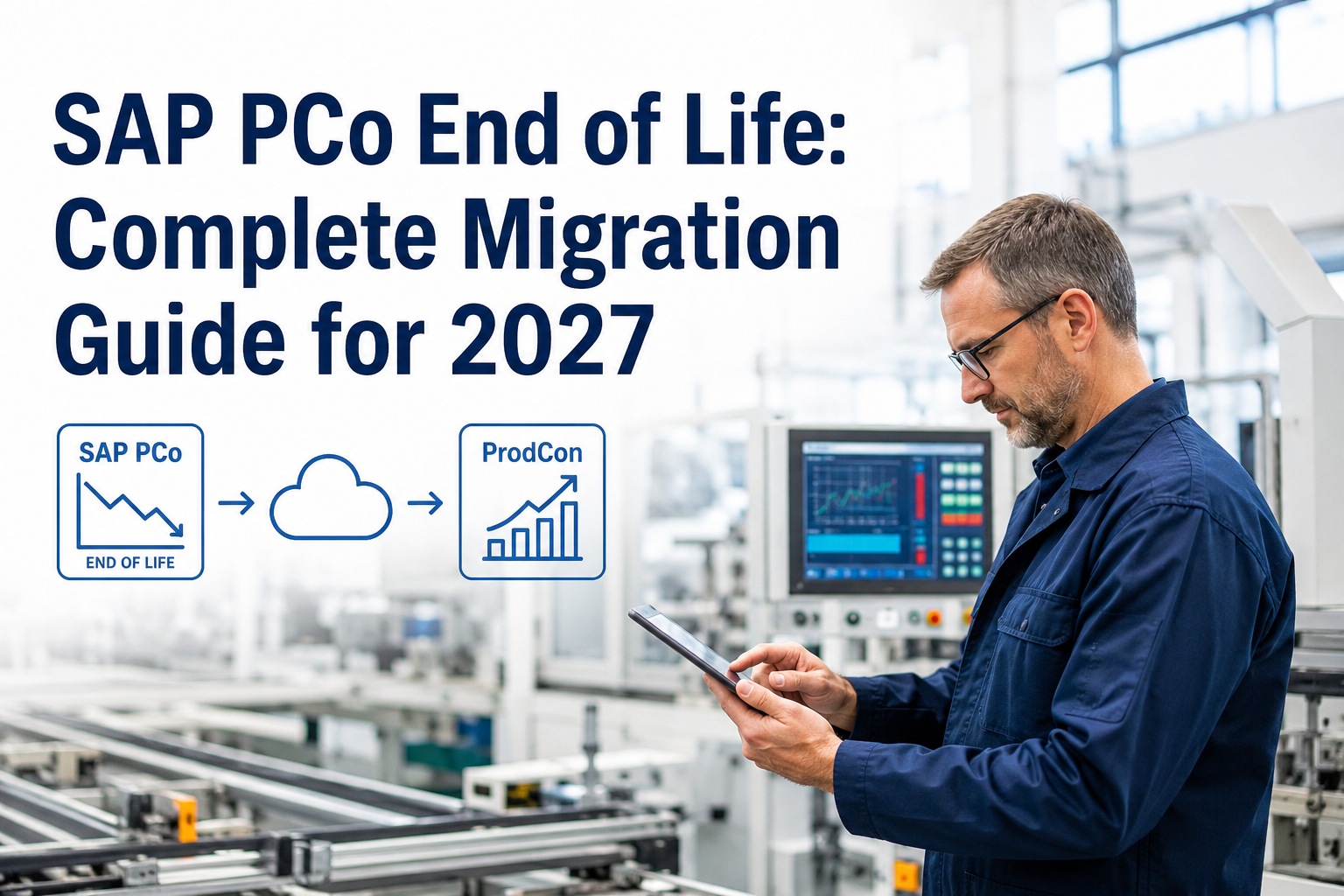
SAP Plant Connectivity (PCo) has quietly connected SAP MII and SAP ME to the plant floor for nearly two decades. It's the .NET-based Windows service running in production networks that translates OPC, OLE DB, Modbus, and socket traffic into something SAP applications can consume. With SAP MII and ME both reaching end of mainstream maintenance on December 31, 2027 (paid extended support to ~2030), PCo follows the same fate — the entire NetWeaver-based stack is sunsetting. SAP's replacement is the Production Connector (ProdCon), a re-architected edge connectivity layer that pairs with SAP Digital Manufacturing and SAP BTP instead of MII. The migration is not a simple installer swap, and several configurations block it outright. This guide walks through the timeline, the architectural shift, the migration steps and gotchas, the alternatives if ProdCon doesn't fit, and where iFactory plugs in — on-premise appliance or fully managed cloud, your choice.
SAP PCo End of Life: Complete Migration Guide for 2027
What changes when PCo retires alongside MII and ME — the ProdCon architecture, the migration path, the gotchas SAP doesn't lead with, and where iFactory delivers AI-native edge connectivity on top of any path.
What Is SAP PCo, Exactly?
If you've inherited an SAP MII or ME deployment without intimate knowledge of how the plant floor connects to it, here's the short version. SAP Plant Connectivity is a component of SAP MII that provides bidirectional connectivity between manufacturing automation systems and SAP applications. It uses standard interfaces like OPC, OLE DB, and sockets to facilitate real-time exchange of information from the plant floor to SAP MES and ERP systems. It's a Windows service, installed in the plant network, configured through the Plant Connectivity Management Console.
What PCo connects to (source systems)
- OPC standards — UA, DA, HDA, A&E
- Database — OLE DB, ODBC
- Files — File Monitor for batch records, CSV drops
- Sockets — raw TCP/UDP feeds
- Modbus — RTU and TCP
- MQTT — industrial IoT brokers
- Industry-specific standards — plastics (Euromap), semiconductor (SECS/GEM), food
What PCo writes to (target systems)
- SAP Manufacturing Execution (ME)
- SAP Manufacturing Integration & Intelligence (MII)
- SAP Cloud Platform for IoT Solutions
- SAP ERP / S/4HANA
- SAP EWM (Extended Warehouse Management)
- Third-party systems via Enhanced Notification Processing
Configuration revolves around four elements — Source System, Target System, Agent Instance (the actual connection), and Notification (the monitoring rule that triggers data transfer when tag values change). The notifications complement the legacy MII Universal Data Server (UDS). In practice, this means a typical PCo deployment carries years of carefully tuned tag mappings, trigger rules, and integration-specific agents — and that's exactly what makes the migration non-trivial.
The End-of-Life Timeline
SAP MII launched
SAP MII becomes the integration-and-intelligence backbone for industrial customers; PCo emerges shortly after as the dedicated equipment connector.
SAP Digital Manufacturing (DM) emerges as cloud successor
SAP positions DM on BTP as the strategic next-generation MES. The Production Connector (ProdCon) ships as the new edge layer designed to integrate with DM, not MII.
Mainstream maintenance ends
SAP MII, SAP ME, and the SAP NetWeaver stack they run on all reach end of mainstream maintenance. PCo, as a component of MII, is part of this sunset. SAP PI/PO end-of-maintenance also lands in 2027.
Extended paid support window
Premium extended support available at premium pricing through approximately December 2030 — but no new features, no roadmap, accumulating technical debt.
Hard sunset
Beyond 2030, SAP MII/ME/PCo enter end of life. Customers still running them are on unsupported platforms, exposed to security, integration, and audit risk.
What Replaces SAP PCo — The ProdCon Architecture
The new architecture has several moving pieces and they're worth understanding because they replace PCo's job differently than PCo did. Think of ProdCon as the next-generation replacement for SAP PCo and the machine-connectivity part of MII. It's an on-premise Windows service, typically installed inside the production network, with direct access to PLCs, SCADA, sensors, and other shop-floor systems. ProdCon acts as the bridge between physical equipment and SAP's cloud solutions.
PCo vs ProdCon comparison cardsPCo (Old) vs ProdCon (New) — Side by Side
- Tightly coupled to SAP MII / ME
- Configuration done in PCo Management Console
- Targets: SAP ME, MII, ERP, EWM, IoT Cloud
- OPC UA, DA, HDA, A&E + OLE DB, Modbus, MQTT, sockets
- Runs on NetWeaver-aligned support timeline
- No new features
- Custom agents accumulating tech debt
- Shrinking pool of PCo engineers
- Eventual security exposure
- On-premise Windows service in plant network
- Equipment models, tags, triggers configured in SAP DM
- Connects to SAP BTP via SAP Cloud Connector tunnel
- OPC UA (gold standard), MQTT, industrial protocols
- "Design Time" in DM, "Runtime" in ProdCon
- Configuration moves out of the edge into the cloud
- Tighter coupling to SAP DM (not MII)
- Some legacy agents are no longer supported
- More "plug and play" but still needs tag standardization
The new architecture stack — in plain language
At the plant edge
- SAP ProdCon — on-prem Windows service, connects directly to PLCs, SCADA, sensors
- SAP Cloud Connector — secure outbound tunnel from plant to SAP BTP, no inbound firewall changes
In SAP cloud (BTP)
- SAP Digital Manufacturing (DM) — MES execution + Production Connectivity apps (configuration surface for ProdCon)
- SAP Event Mesh — real-time event streaming, pub/sub messaging
- SAP HANA Cloud / Datasphere — operational data, structured + time-series, semantic modeling, OT+IT unified
The Migration Path — Six Practical Steps
SAP ships a migration utility (ProdConMigrationUtility) that handles some PCo configuration carryover automatically. But the realistic migration is broader than running an installer — and there are blocking configurations to know about up front.
Inventory your current PCo footprint
Catalog every PCo source system, agent instance, target system, and notification rule. Note any custom development, industry-specific agents (plastics, semiconductor, food), and the version history of the PCo Management Console. This becomes the migration scope document.
Typical mid-size plant — 50–500 tag mappings, 10–50 agent instances, 5–20 notification rules per line.Identify blocking agents before installing ProdCon
Specific PCo agents block the ProdCon installation outright. The most common is the GE Proficy Historian agent. If your PCo integration uses Proficy Historian, the ProdCon installer will refuse to proceed until you reconfigure. Other less-common edge cases exist — review the SAP installation guide compatibility section before scheduling the install window.
Best practice — run a dry-run inventory against the ProdCon installation guide compatibility matrix before booking any production change windows.Decide on coexistence vs hard cutover
SAP does NOT support running PCo with active Cloud Management and ProdCon side-by-side pointing to the same cloud endpoint. The supported migration model is to uninstall PCo first, then install ProdCon — or to operate them temporarily with PCo's cloud features disabled. For multi-line plants with mixed migration timing, plan a per-line cutover schedule rather than a big-bang.
Two cloud-services endpoints with different configurations operating against the same DM tenant is explicitly unsupported.Move design-time configuration to SAP Digital Manufacturing
Even though ProdCon has a UI, you do not configure the equipment logic there — DM is the design surface, ProdCon is the runtime executor. This replaces the old MII model where configuration and runtime logic were intertwined. Equipment models, tags, parameters, triggers, and subscriptions are now defined in DM and pushed to ProdCon. Plan time to recreate your equipment model in DM's Production Connectivity apps.
Design Time vs Runtime is the single most important conceptual shift in the migration.Run the migration utility, then refresh in DM
Run ProdConMigrationUtility from the start menu. Check the ProdConMigrationUtility*.csv log files in the install directory for any errors. If migration succeeds, use the Refresh function in DM's Configure Production Connectivity app — DM will show the system type as Production Connector with version information. If migration fails, fix the root cause in PCo first, then re-run.
Validate the end-to-end data flow before retiring PCo
Don't decommission PCo until ProdCon has been running in parallel (with PCo cloud features disabled) for at least one full production cycle. Validate tag-by-tag that values, frequencies, and trigger behavior match. Check audit trails on regulated lines. Confirm SAP Cloud Connector tunnels are stable. Only then formally remove PCo.
Pharma / GxP plants — extend validation window to a complete batch cycle plus deviation review.Migration Gotchas SAP Doesn't Lead With
The Proficy Historian block — if your PCo integration uses GE Proficy Historian as a data source, the ProdCon installer will refuse to run. You need to either remove that agent first or reroute Proficy data through a different path (often a third-party MQTT broker or direct OPC UA federation). This is the single most common reason for failed first-attempt migrations.
Configuration is not interchangeable — if you install PCo with active Cloud Management AFTER installing ProdCon, there's no automatic migration. The Control Center will flag the conflicting installation but won't resolve it. Order matters — uninstall PCo, then install ProdCon, then never reinstall PCo on the same machine.
Custom MII logic doesn't follow PCo — PCo only handles the data transport. The custom MII transactions, workflows, and screens your team wrote over the years live in MII itself, not PCo. Migrating PCo to ProdCon doesn't migrate your MII custom logic — that's a separate (and much harder) migration to SAP DM's clean-core architecture.
SAP DM is required for ProdCon — ProdCon's design-time surface lives in SAP Digital Manufacturing. You can't run ProdCon meaningfully without DM (or a third-party alternative). If you're not migrating to SAP DM, you're effectively choosing a different edge connectivity path entirely — third-party broker, iFactory, or a custom build.
Alternatives to the SAP-Native Path
The SAP-recommended path is PCo → ProdCon + SAP DM. It's the right path for many plants. But it isn't the only path, and for plants not committed to SAP DM as their MES, alternatives are worth comparing.
| Path | Edge layer | Best fit | Trade-off |
|---|---|---|---|
| SAP-native (ProdCon + DM) | SAP ProdCon | SAP-everywhere enterprises moving to DM | Cloud-only DM; custom logic redesign |
| Third-party edge broker | HiveMQ, EMQX, Kepware, Ignition, Cirrus Link | Plants wanting MES-agnostic edge layer; multi-system targets | Loses tight SAP MES integration; broker adds operational layer |
| iFactory on-prem appliance | iFactory edge with OPC UA, MQTT, historian connectors | AI-native plants; on-prem data sovereignty | Not an MES replacement; pairs with SAP DM or others |
| iFactory Cloud | iFactory edge agent + cloud pipeline | Multi-site fleets; cloud-first IT; fastest deployment | Cloud residency required; ongoing OpEx model |
| Hybrid (ProdCon + iFactory) | SAP ProdCon for SAP DM data; iFactory for AI use cases | SAP DM customers wanting AI capabilities natively | Two edge components to operate; clear separation of concerns |
Three Real Migration Use Cases
PCo + MII for batch genealogy, GxP-validated, on-prem mandatory, Proficy Historian agent in use
A pharma API plant running PCo with Proficy Historian as one of three data sources, feeding MII transactions for 21 CFR Part 11 batch records. They can't move to SAP DM Cloud because GxP validation policy doesn't allow cloud MES yet. The Proficy Historian agent blocks ProdCon installation outright. They have until end of 2030 on extended support.
Light PCo deployment, 8 plants, SAP S/4HANA standard, cloud-first strategy
A consumer-goods manufacturer with 8 plants, PCo feeding MII with OPC UA from line PLCs. Minimal custom logic. Corporate IT mandate is cloud-first and "SAP everywhere." Migration to SAP DM Cloud is already on the roadmap for 2026–2027.
PCo + MII with custom plastics agent, mid-market budget, doesn't want SAP DM
A plastics injection-molding manufacturer running PCo with the industry-specific Euromap plastics agent. MII is used for OEE and SCADA aggregation. SAP DM is overkill for the business — they don't need a full cloud MES replacement, but PCo's EOL is real. Budget is constrained.
The iFactory Edge Connectivity Layer
For plants where SAP DM isn't the right MES or where AI-native edge connectivity matters more than SAP-native architecture, iFactory delivers an end-to-end alternative. The same edge connectivity capability runs identically on iFactory's pre-configured NVIDIA on-prem appliance or in iFactory Cloud, with the choice driven by data residency and IT strategy rather than feature gaps.
iFactory On-Prem Appliance NVIDIA-powered, sub-50ms edge inference, your perimeter
- OPC UA, MQTT, Modbus, Profibus, EtherNet/IP, S7 all native.
- Historian federation — AVEVA PI, Wonderware InSQL, GE Proficy, Honeywell PHD, Yokogawa Exaquantum.
- Pre-configured NVIDIA AI server — racked, software-loaded, ready to plug in.
- All production data stays inside the plant — GxP, ITAR, defense-friendly.
- Best fit — regulated industries, sensitive IP, sites with Proficy Historian or other ProdCon-blocking agents.
iFactory Cloud Same edge stack, fully managed, no hardware
- Same protocol coverage — OPC UA, MQTT, Modbus, all historians.
- Fully managed — iFactory operates the platform, you consume the AI.
- Fastest deployment — first pipeline live in 2–4 weeks.
- Fleet benchmarking — multi-plant analytics across all sites in one tenant.
- Best fit — multi-site fleets, greenfield plants, cloud-first IT mandates.
PCo migration isn't just an installer swap. It's an architecture decision.
The 60-minute migration assessment maps your current PCo footprint, identifies blocking agents (Proficy Historian, custom industry agents), evaluates the SAP DM + ProdCon path against alternatives, and recommends the right architecture — vendor-neutral, with concrete costs and 12-week timelines.
Frequently Asked Questions
When exactly does SAP PCo go end of life?
SAP MII and ME (and PCo as a component of MII) reach end of mainstream maintenance on December 31, 2027. Paid extended support is available through approximately December 2030 for customers willing to pay premium maintenance. Beyond 2030, the platform is unsupported. No new features or enhancements have been on the roadmap since the EOL announcement.
Can I run PCo and ProdCon side by side during migration?
Not in the way you'd expect. SAP does not support running PCo with active Cloud Management alongside ProdCon pointing to the same cloud endpoint — two cloud-services endpoints with different configurations is explicitly unsupported. You can run them in parallel only if PCo's cloud features are disabled. The supported migration model is uninstall-then-install on the same host, or per-line cutover across multi-line plants.
What if I use GE Proficy Historian with PCo today?
The ProdCon installer will refuse to proceed if a Proficy Historian agent is part of your current PCo integration. Options — reroute Proficy data through a third-party MQTT broker before installing ProdCon, federate Proficy data through iFactory's native historian connector (replaces both PCo and ProdCon for that data source), or contact SAP Support for guidance on the specific agent version.
Does ProdCon require SAP Digital Manufacturing?
Effectively, yes. ProdCon's design-time surface — equipment models, tags, triggers, subscriptions — lives in SAP DM's Production Connectivity apps. You can install ProdCon without DM, but you won't be able to meaningfully configure it. If you're not committed to migrating to SAP DM as your MES, you're choosing a different edge connectivity path entirely (third-party broker, iFactory, or custom).
Do I have to buy NVIDIA servers separately if I go the iFactory route?
No. iFactory's on-prem appliance ships fully loaded — pre-configured NVIDIA AI server, software pre-installed, network gear, cabling, edge devices (Jetson Thor / IGX Thor) for line-side inference. You provide rack space, line power, and Ethernet. The cloud deployment has no hardware at all.
Can iFactory replace SAP PCo entirely without going to SAP DM?
Yes. iFactory's edge layer covers OPC UA, MQTT, Modbus, Profibus, EtherNet/IP, S7, and historian federation natively. It connects directly to SAP S/4HANA for ERP integration — no MII required as an intermediate layer. For plants that don't need a full cloud MES replacement, this is often the simplest path forward — replace PCo with iFactory's edge, keep SAP S/4HANA, capture AI value, retire MII separately on its own timeline.
How long does a typical PCo to ProdCon migration take?
For a simple single-line plant with standard OPC UA sources and no blocking agents — 4–8 weeks including testing. For multi-line plants with custom industry agents, Proficy Historian, or extensive notification rules — 3–6 months. For plants migrating PCo and MII custom logic together to SAP DM — 12–24 months. iFactory's alternative path lands in 6–12 weeks regardless of MII custom logic complexity, because it's a parallel architecture rather than a port.
What about SAP Cloud Connector — is that the same as PCo or ProdCon?
No — SAP Cloud Connector is a different component. It's the on-premise secure tunnel that allows ProdCon (and other on-prem applications) to reach SAP BTP outbound without inbound firewall changes. Cloud Connector is part of the new architecture alongside ProdCon, not a replacement for either PCo or ProdCon. ProdCon handles plant-floor protocol; Cloud Connector handles secure network transport to BTP.
PCo's EOL is real. The right next move depends on your plant.
For some plants, that's SAP ProdCon + SAP DM. For others, it's iFactory's edge layer with SAP S/4HANA direct. For most multi-site enterprises, it's a hybrid. iFactory's 60-minute migration assessment gives you a vendor-neutral roadmap with concrete costs and timelines — on-prem appliance, fully managed cloud, or both.