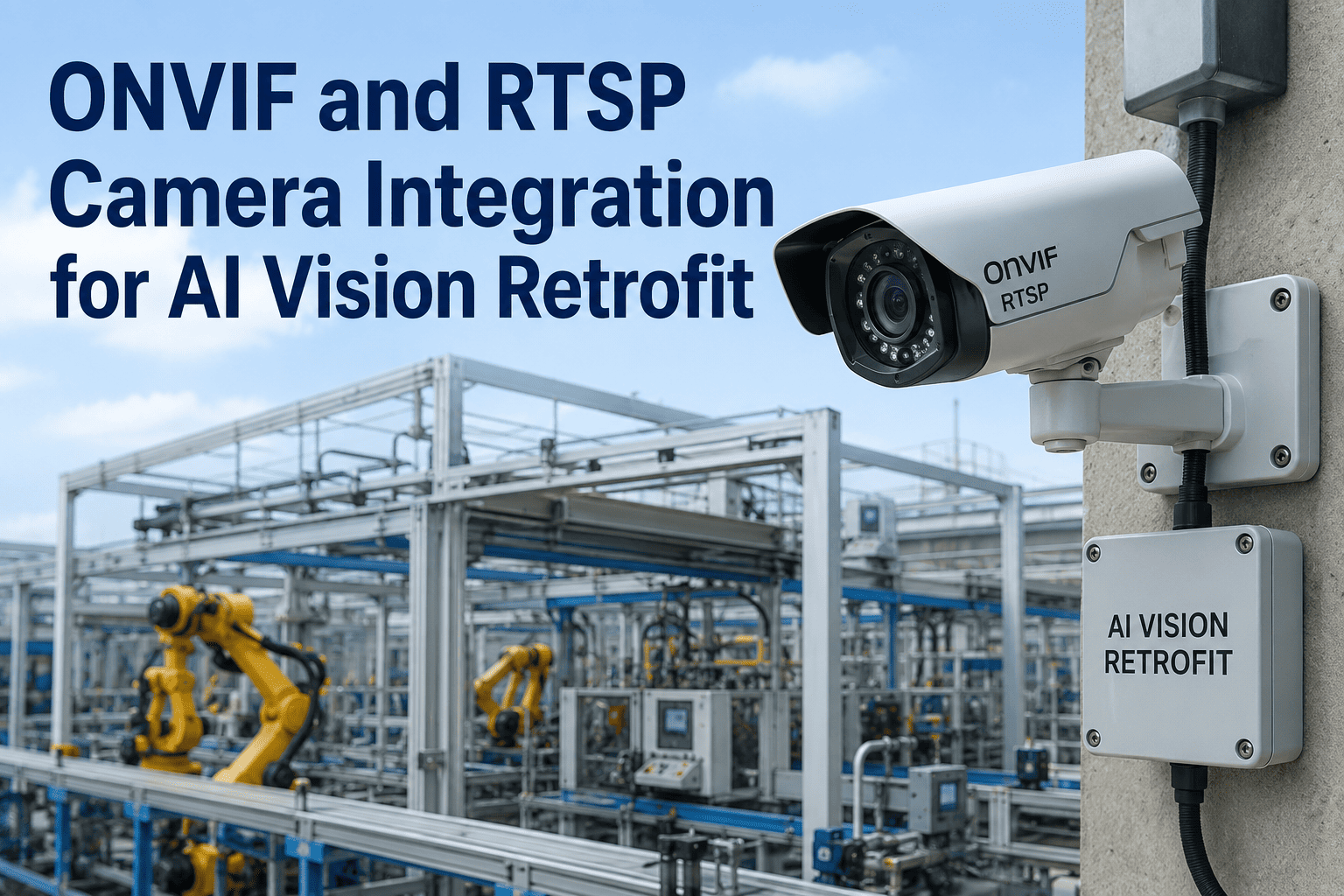
An IP camera you installed five years ago probably has more untapped intelligence sitting in front of it than any new sensor project you could greenlight this quarter. Modern plants run hundreds of network cameras across production lines, warehouses, loading docks, and perimeter walls, and almost all of them already speak two open protocols the AI vision layer understands: ONVIF for discovery and control, RTSP for the live video stream. That pairing is what lets computer vision retrofit onto your existing surveillance fabric without a rip-and-replace budget line, without new cabling, and without waiting on a hardware refresh cycle. You can book a demo to see AI analytics running live against one of your own RTSP feeds.
CAMERA RETROFIT · ONVIF · RTSP · EDGE AI
Your Existing Camera Fleet Is Already Half the AI Deployment You've Been Postponing
iFactory's vision layer attaches to the cameras you already own through the same ONVIF and RTSP standards they already speak — so defect detection, PPE monitoring, and safety analytics start delivering value in weeks, not the year a hardware swap would demand.
25,000+
ONVIF-conformant products certified across 500-plus member companies globally
1B+
IP surveillance cameras already installed worldwide, on a path toward 2B by decade end
$700-1,500
Per-camera cost of a full enterprise refresh you can skip with a retrofit
Weeks
From first RTSP connection to production-ready AI detection at a single station
THE RETROFIT REALITY
Why Rip-and-Replace Stopped Being the Default for AI Vision in 2026
For most of the 2010s, adding intelligence to a camera fleet meant swapping the cameras themselves, because the AI had to live inside the sensor. That constraint quietly disappeared. Edge appliances built around modern accelerators, like the NVIDIA Jetson AGX Orin at up to 275 TOPS in a 60-watt envelope, can now decode dozens of RTSP feeds and run real-time inference on premises without touching a single existing camera. The camera keeps recording. The network keeps flowing. A single edge box between the switch and the VMS quietly adds vision AI on top of everything already installed.
The economic argument reinforces the technical one. Retrofit avoids the enterprise-camera refresh cost of roughly $700 to $1,500 per camera, avoids weeks of production downtime for re-cabling, and avoids the change-control paperwork tied to a physical infrastructure project. The 2026 baseline in the field: retrofit is the default, not the exception.
ONVIF VS RTSP · TWO STANDARDS, TWO JOBS
ONVIF and RTSP Sound Similar, Solve Completely Different Problems, and You Need Both
The single most common source of confusion in a retrofit design meeting is treating ONVIF and RTSP as interchangeable. They are not. One is a management standard that tells software how to find and configure cameras. The other is a streaming protocol that carries the video itself. A real deployment uses them together, and understanding the split saves weeks of integration debate.
CONTROL PLANE
ONVIF
Open Network Video Interface Forum, founded 2008 by Axis, Bosch, and Sony
- Auto-discovers cameras on the network with zero manual IP entry
- Negotiates codec, resolution, and frame rate between camera and client
- Exposes PTZ control, imaging settings, and time sync in a vendor-neutral way
- Publishes analytics metadata and events over a standardised event model
MEDIA PLANE
RTSP
Real-Time Streaming Protocol, IETF RFC 7826, delivers the pixels themselves
- Opens the live H.264 or H.265 video stream from the camera to the appliance
- Runs over RTP with minimal buffering for low-latency analytics ingestion
- Works even when a vendor locks the config UI behind a proprietary API
- Feeds frames directly into the AI pipeline for detection, tracking, and inference
THE FOUR PROFILES THAT MATTER FOR AI VISION
ONVIF Profiles Decide What Your Retrofit Can Actually Do — Not All Cameras Ship Them All
ONVIF is a standard, not a single protocol, and its capabilities are grouped into profiles. Every camera datasheet lists which profiles it supports, and mismatches at this layer are the number-one silent cause of a retrofit that only "half works". These are the four profiles a vision retrofit conversation revolves around.
S
Basic Streaming
The legacy baseline. Covers H.264 video streaming, PTZ commands, and event subscription. Almost every IP camera shipped in the last decade supports it, which is why it remains the safest bet for older fleets.
T
Advanced Streaming
The 2024-and-newer default. Adds H.265 for storage savings, bidirectional audio, motion-alarm events, and analytics metadata pull. This is the profile a modern AI vision stack asks for by name.
G
Edge Recording
Covers on-camera or NVR storage, search, and playback. Useful when the retrofit needs to pull historical footage for model training or after-the-fact incident review without a separate archive tap.
M
Metadata & Analytics
The AI-era profile. Standardises how object detections, classifications, and event data flow from an edge device to a VMS or cloud analytics client, including MQTT event delivery for IoT platforms.
THE FIVE-LAYER RETROFIT STACK
What Actually Sits Between Your Existing Camera and a Live AI Detection — Layer by Layer
A working retrofit is not a single black box. It is a stack of five well-defined layers, each replaceable independently, and understanding the stack is what lets an operations team troubleshoot latency, evaluate a vendor proposal, and plan capacity growth without being locked into a single supplier.
05
Downstream Consumer
CMMS work orders, SCADA alerts, safety dashboards, and Profile M metadata streams that publish detection events back into the VMS the operator already runs.
04
Inference Model
Trained deep-learning models running on the edge appliance for defect detection, PPE compliance, thermal anomaly spotting, LPR, or people counting on the same frames.
03
Decode & Pre-Process
Hardware-accelerated H.264 and H.265 decoding, ROI cropping, colour correction, and frame normalisation so the model sees the part rather than the lighting variation.
02
Transport & Discovery
ONVIF WS-Discovery finds every camera on the subnet, then RTSP over RTP opens the live stream from each one into the appliance without any proprietary driver in the middle.
01
Existing Camera Fleet
The IP cameras you already own — from Axis, Hikvision, Dahua, Bosch, Hanwha, or any vendor shipping ONVIF conformance — stay exactly where they are and keep doing their day job.
Curious What Your Existing Cameras Could Already See?
Give us one RTSP feed. We will show you defect detection, PPE monitoring, or safety analytics running live against it inside a single working session.
DEPLOYMENT FLOW · SIX STEPS TO FIRST DETECTION
From Existing Camera on the Wall to First AI Detection in the CMMS, Without a Cabling Project
The retrofit pipeline is repeatable. Once the first station is live, the same six-step flow applies to every subsequent camera added to the fleet, which is what makes horizontal scale-out predictable rather than another custom engagement.
1
Auto-Discover
Appliance runs WS-Discovery across the surveillance VLAN and lists every ONVIF-capable camera it can see, with profile support flagged per device.
2
Authenticate
Camera credentials are supplied once, per model or per site, and stored in the appliance's local secrets vault rather than being embedded in every stream URL.
3
Open RTSP
The main-stream RTSP URL is opened for AI inference and, where useful, the sub-stream is opened separately for lower-bandwidth preview and dashboarding.
4
Assign Model
Each camera is mapped to the vision model it should run, and multiple models can run concurrently on the same frame stream when the use cases overlap.
5
Route Events
Detections publish out as Profile M metadata, as MQTT for the IoT layer, or straight into your CMMS as work orders with image evidence attached.
6
Shadow & Cut Over
AI runs alongside the manual process for a shadow week, edge cases are resolved, and the model takes over once precision and recall clear the target threshold.
USE CASES ALREADY RUNNING ON RETROFITTED FLEETS
The Six Vision Workloads Plants Are Deploying Onto Cameras That Were Never Bought for AI
The whole point of the ONVIF and RTSP retrofit is that a camera bought for perimeter security in 2019 can quietly moonlight as an inspection sensor in 2026. These are the workloads plants are actually deploying on existing hardware, not a wishlist of what might be possible.
Surface Defect Detection
Scratches, dents, and finish anomalies on conveyor-fed parts, caught at line speed and rejected before the next station adds cost on top of a bad piece.
PPE Compliance
Hi-vis vest, hard hat, and safety-glasses checks at plant entrances and hazard zones, with polite escalation only when a person actually crosses the line.
Oil and Fluid Leak Spotting
Small leaks on gearboxes, hydraulic lines, and pump seals identified from the same overhead camera, hours before an operator would notice on a walkdown.
Thermal & Hotspot Watch
Where thermal cameras exist in the fleet, their RTSP feeds surface bearing overheating and electrical panel hotspots without any new sensor procurement.
Truck & Yard Movement
License-plate recognition, dock-door dwell time, and unauthorised zone entry pulled from perimeter cameras that were already recording the same events.
Line Stoppage Attribution
When production halts, the last thirty seconds of the relevant camera can be classified automatically so the downtime code is right the first time.
RETROFIT VS RIP-AND-REPLACE
The Business Case for Retrofit, Side by Side With a Full Camera Refresh
Every CFO deserves this comparison on one page before signing a hardware order. The differences are not marginal, and they compound across every camera in the fleet.
PRE-DEPLOYMENT CHECKLIST
Five Questions to Answer Before Your First Retrofit Pilot, So the Kick-off Meeting Is Short
Retrofits succeed or stall in the pre-work. These are the five questions every project sponsor should have a clean answer to before an appliance goes on site, and they translate directly into the scoping conversation.
01
Which ONVIF profiles does the target camera actually support?
Profile S is the safe minimum, Profile T is preferred for new work, and Profile M is what unlocks metadata-native analytics. Check the datasheet, not the marketing page.
02
Is there a dedicated surveillance VLAN with adequate bandwidth headroom?
RTSP over RTP is not heavy, but running dozens of streams through the same switch that carries PLC traffic is a design conversation, not an afterthought.
03
Do the cameras have credentials the retrofit team can actually use?
Half of the delay in a first pilot is chasing a password that left the site with a former integrator. Confirm access to admin creds before the appliance ships.
04
Where should detection events land — CMMS, VMS, SCADA, or all three?
Deciding the routing up front prevents the classic anti-pattern of alerts piling up in a dashboard nobody watches instead of triggering a real work order.
05
What is the shadow-run acceptance threshold?
Recall and precision targets should be written down before the model runs, so cutover is a factual decision rather than a subjective one made under pressure.
FREQUENTLY ASKED QUESTIONS
What Operations and IT Teams Ask Before Committing to an ONVIF & RTSP Retrofit
Will this work with the mixed camera brands we already have on site?
Yes, and that is the entire point of an ONVIF and RTSP retrofit. As long as each camera supports at least ONVIF Profile S or exposes an RTSP URL, the appliance can ingest its stream regardless of vendor, model year, or firmware family. A single site running Axis at the gate, Hikvision on the shop floor, and a legacy analogue-over-encoder feed in the warehouse can all publish into the same AI vision layer with no proprietary driver work. You can
book a demo to see a mixed-brand feed running in a single dashboard.
Does the AI run on the cameras themselves or somewhere else?
In an iFactory retrofit, inference runs on an on-premises edge appliance that sits between your camera network and your VMS, not on the cameras themselves. That separation is what lets a five-year-old camera participate in a modern AI workload without a firmware upgrade or a hardware swap. The appliance decodes each RTSP stream, runs the vision model, and publishes results back to your existing systems, all inside your own network with no cloud dependency required.
Talk to our support team to size the right appliance for your camera count.
How much extra network bandwidth does the retrofit consume?
Almost none from the camera's point of view, because the retrofit consumes the same RTSP stream the cameras are already producing for the VMS rather than generating a second copy. If the AI appliance sits on the same surveillance VLAN as the cameras, the additional east-west traffic stays inside that VLAN and never crosses the plant's business network. Sub-stream ingestion is used for lower-priority workloads to keep the main stream reserved for recording. You can
book a demo for a bandwidth walk-through on your own network topology.
What happens when a camera only exposes RTSP and not full ONVIF?
The retrofit still works, but with a slightly more manual onboarding step. Some closed-ecosystem vendors lock configuration and PTZ behind a proprietary API while still exposing a plain RTSP URL. In that case, auto-discovery is skipped for that camera and the stream URL is added manually, but AI inference, event routing, and CMMS integration all continue to work exactly as they do for a fully ONVIF-conformant device.
Contact support to review any locked-vendor cameras on your existing fleet.
Do we ever need to replace cameras after starting with a retrofit?
Sometimes, but only where the physical optics or placement genuinely cannot deliver the pixels the model needs — for example, a very low-resolution camera on a fine-defect inspection line, or a fixed-angle camera pointing away from the area of interest. In every other case, retrofit removes the pressure to refresh on a fixed cycle, because new use cases arrive as software models on the appliance rather than as new hardware. Fleet replacement becomes need-driven, not calendar-driven. You can
book a demo to identify which of your cameras are truly retrofit-ready today.
START WITH ONE CAMERA · SEE AI RUN LIVE
Turn One RTSP Feed Into a Working AI Detection Before You Commit to Anything Else
The fastest way to evaluate a retrofit is to put it in front of a stream you already own. Send us one RTSP URL and we will show you defect detection, PPE monitoring, or safety analytics running against your own footage inside a single session.
01
Share one RTSP URL from a camera you already run today
02
Watch AI inference run against that stream, live, in the same session
03
See detections publish into a mock CMMS queue in the correct format
04
Get a scoped rollout plan for the rest of your camera fleet