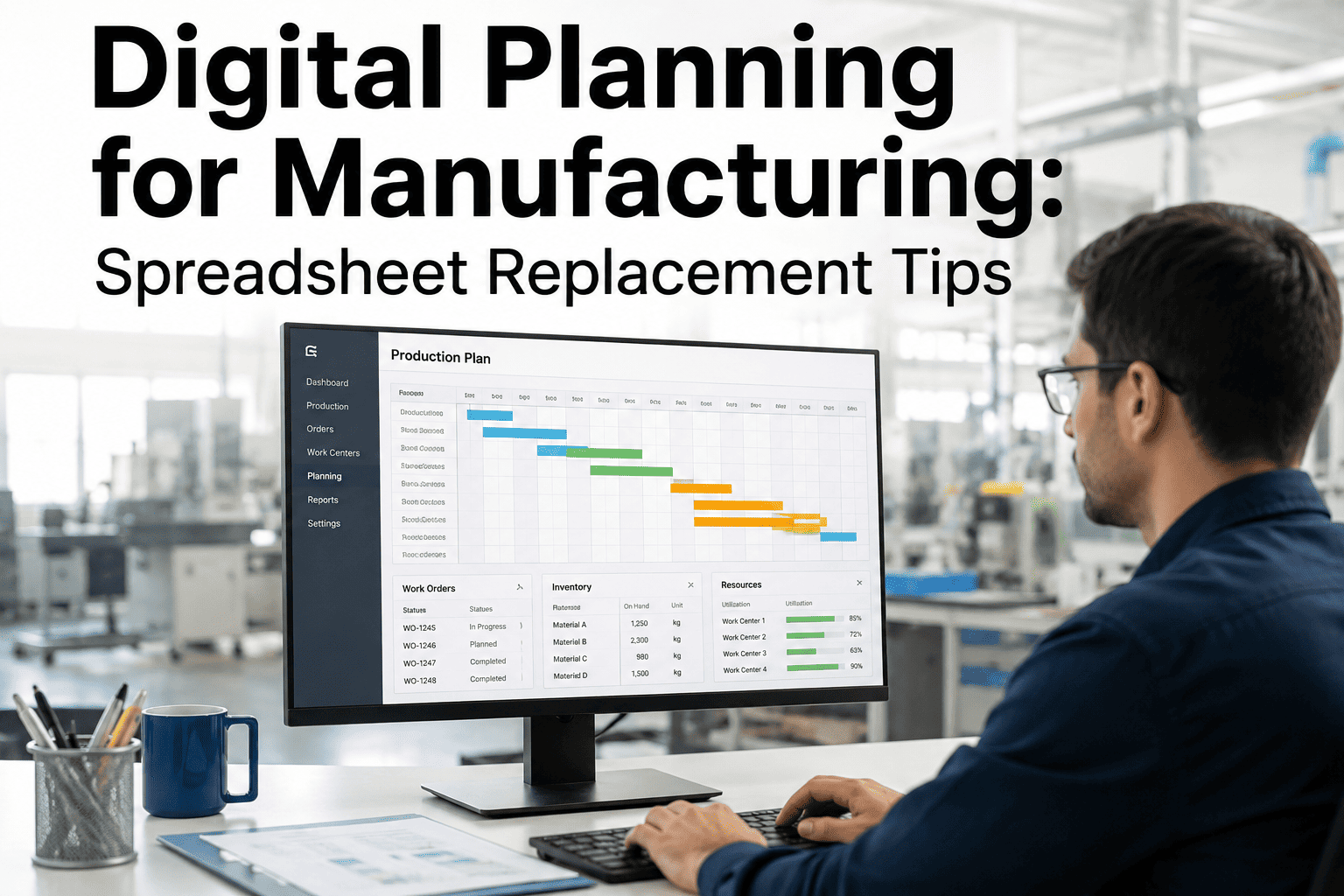
Most production schedules still live in a spreadsheet somewhere, rebuilt every Monday morning by someone who has memorized which cells to touch and which formulas will break if a row gets deleted. It works, until a rush order lands, a machine goes down mid-week, or the one planner who understands the file is out sick, and then the whole schedule has to be reconstructed by hand under pressure. Moving planning off spreadsheets is less about replacing a tool and more about removing a single point of failure from the plant, which is exactly the shift iFactory's planning platform is built to support.
CAPACITY PLANNING · DIGITAL TRANSFORMATION
Digital Planning for Manufacturing: Replacing the Spreadsheet for Good
Advanced planning and scheduling features, visual timelines, and constraint-aware scheduling that scale with your plant instead of breaking every time something changes.
What Spreadsheet Planning Actually Costs a Plant
Single point
of failure risk when one planner is the only person who fully understands the schedule file
Hours, not minutes
typically required to manually rebuild a schedule after a major disruption like a machine breakdown
No constraint checks
spreadsheets cannot automatically validate capacity, material, or tooling constraints before a plan is committed
Version confusion
multiple saved copies of the same schedule circulating by email is a common source of costly miscommunication
Common Spreadsheet Planning Failure Points
1Rescheduling after a disruption requires manually re-checking every downstream dependency by eye
2Formulas break silently when a row is inserted, deleted, or copied incorrectly by a new user
3No real-time visibility for shop floor teams, who often work from a printed or outdated version
4Capacity conflicts across shared resources are easy to miss until a bottleneck actually occurs
5Historical schedule data is rarely structured well enough to support real performance analysis later
Give Your Planning Team a Tool That Scales With the Plant
iFactory replaces the fragile spreadsheet with a live, constraint-aware schedule that updates automatically as conditions change on the floor.
Core Capabilities of a Digital Planning System
Visual Scheduling Timeline
A drag-and-drop Gantt-style view shows every job, machine, and dependency at a glance, replacing rows of dates that require mental translation into an actual sequence.
Automated Constraint Checking
Capacity, material availability, and tooling conflicts are flagged automatically before a schedule is committed, catching issues a manual review would likely miss.
Real-Time Rescheduling
When a machine goes down or a rush order arrives, the system recalculates downstream impact in seconds instead of requiring a manual rebuild under time pressure.
Shared, Live Visibility
Planners, supervisors, and shop floor teams see the same current schedule at the same time, removing the lag and confusion of emailed spreadsheet versions.
Spreadsheet Planning vs. Digital APS
Planning Method Comparison
| Capability | Spreadsheet Planning | Digital APS Platform |
|---|---|---|
| Constraint validation | Manual, error-prone | Automatic, real-time |
| Rescheduling after disruption | Hours of manual rework | Recalculated in seconds |
| Shop floor visibility | Delayed, often outdated | Live and synchronized |
| Historical performance data | Fragmented, hard to analyze | Structured and query-ready |
| Dependency on one person | High, tied to file author | Low, system-based logic |
A Practical Path Off Spreadsheet Planning
Step 1
Map What the Spreadsheet Actually Does
Document every rule, formula, and manual check the current file performs, since these become the requirements for whatever replaces it.
Step 2
Run the New System in Parallel First
Operate the digital system alongside the spreadsheet for a short period to validate outputs match before fully cutting over.
Step 3
Train the Team Who Will Actually Use It Daily
Planners and shop floor supervisors need hands-on training on the new workflow, not just a one-time walkthrough of the interface.
Step 4
Retire the Spreadsheet Deliberately
Set a firm cutover date once confidence is established, rather than letting the old file linger as an informal backup indefinitely.
Digital Planning and Spreadsheet Replacement — Common Questions
How long does it typically take to move off spreadsheet-based planning?
Timeline varies with plant complexity, but most transitions run six to twelve weeks from initial mapping through parallel operation to full cutover. Plants with well-documented current processes tend to move faster, while those relying heavily on undocumented planner knowledge need extra time upfront to capture that logic accurately.
Will a digital planning system work with our existing ERP or MES?
Modern advanced planning and scheduling platforms are generally designed to integrate with existing ERP and MES systems rather than replace them, pulling order and inventory data in while pushing schedule updates back out. This integration is usually a key part of early implementation planning rather than an afterthought.
What happens to historical scheduling data currently trapped in old spreadsheet files?
Historical spreadsheet data can often be imported to establish a baseline, though its usefulness depends on how consistently it was structured over time. Going forward, a digital system captures scheduling data in a structured, queryable format automatically, which is one of the clearer long-term advantages over spreadsheet-based history.
How does iFactory help with the transition away from spreadsheet planning?
iFactory's implementation team works directly with planners to map existing spreadsheet logic into the new system, run a parallel validation period, and support the team through cutover, so the transition happens without a gap in scheduling reliability.
Is a digital planning system worth it for a smaller plant with a simple schedule?
Even relatively simple production environments benefit once the plant depends on a single person's spreadsheet knowledge or struggles to reschedule quickly after a disruption. The core value, removing single points of failure and reducing manual rework, applies regardless of plant size, though the scale of the tooling can be matched to actual complexity.
CAPACITY PLANNING · DIGITAL TRANSFORMATION
Stop Rebuilding Your Schedule From Scratch Every Time Something Changes
See how iFactory replaces fragile spreadsheet planning with a live, constraint-aware scheduling system built for the plant floor.