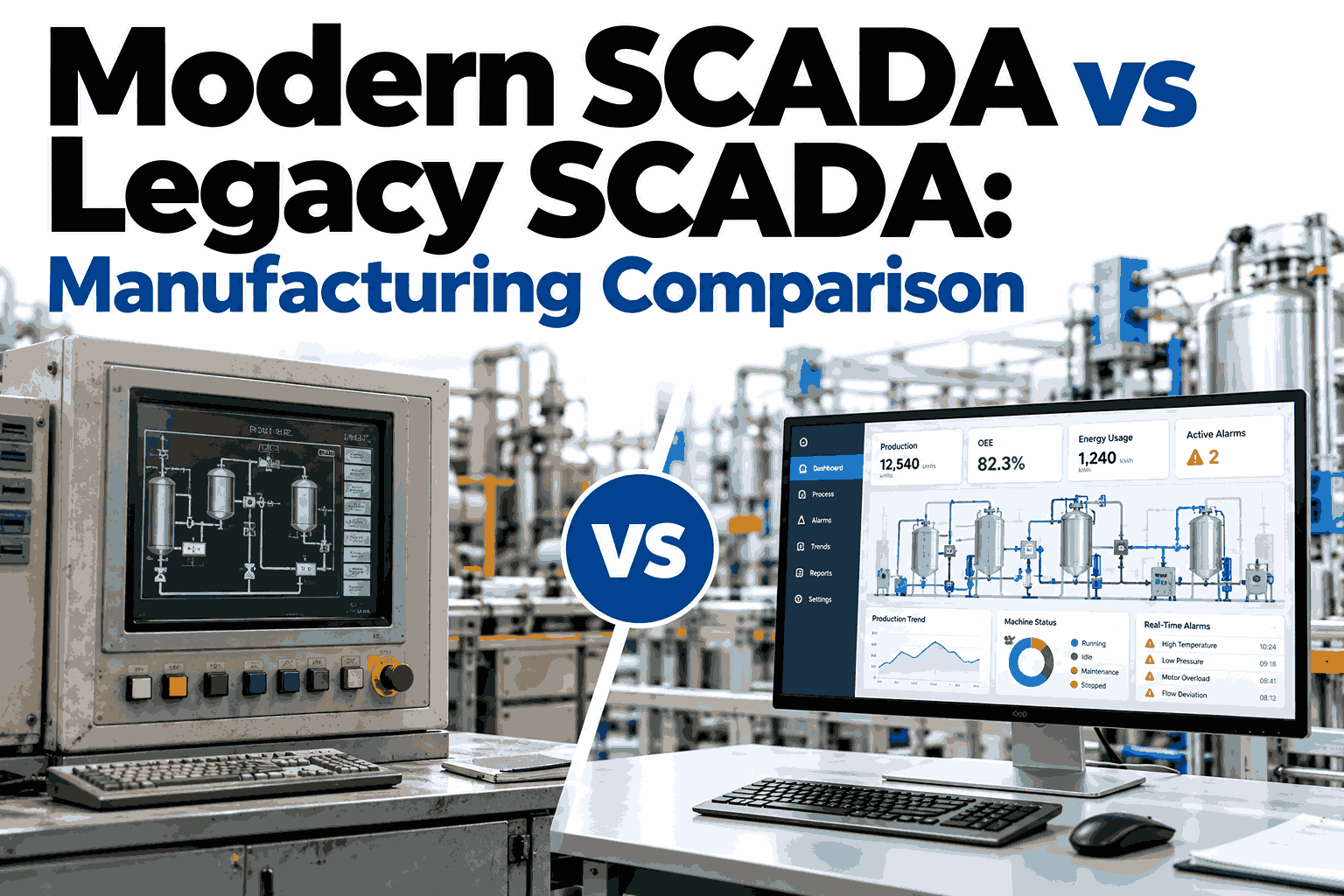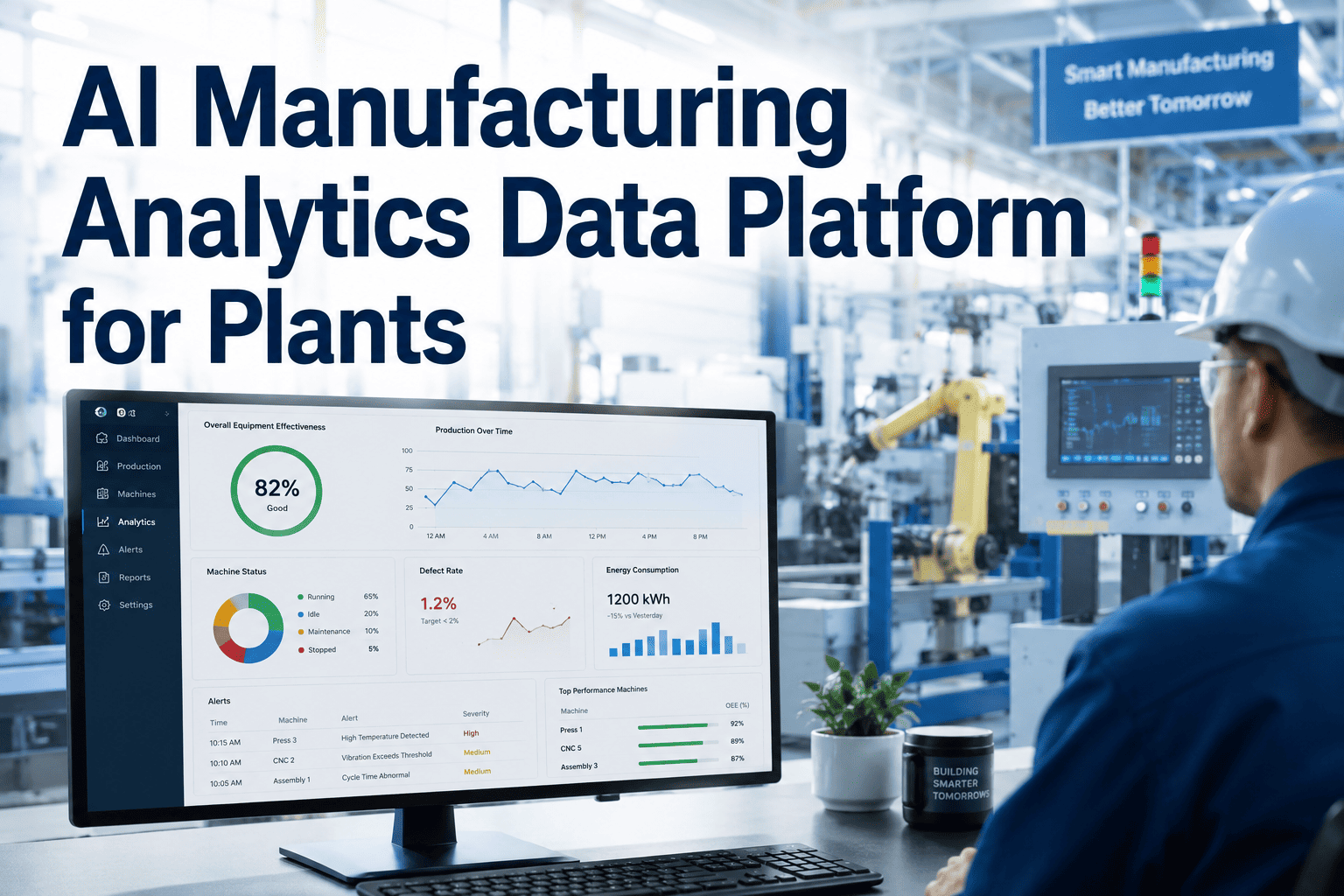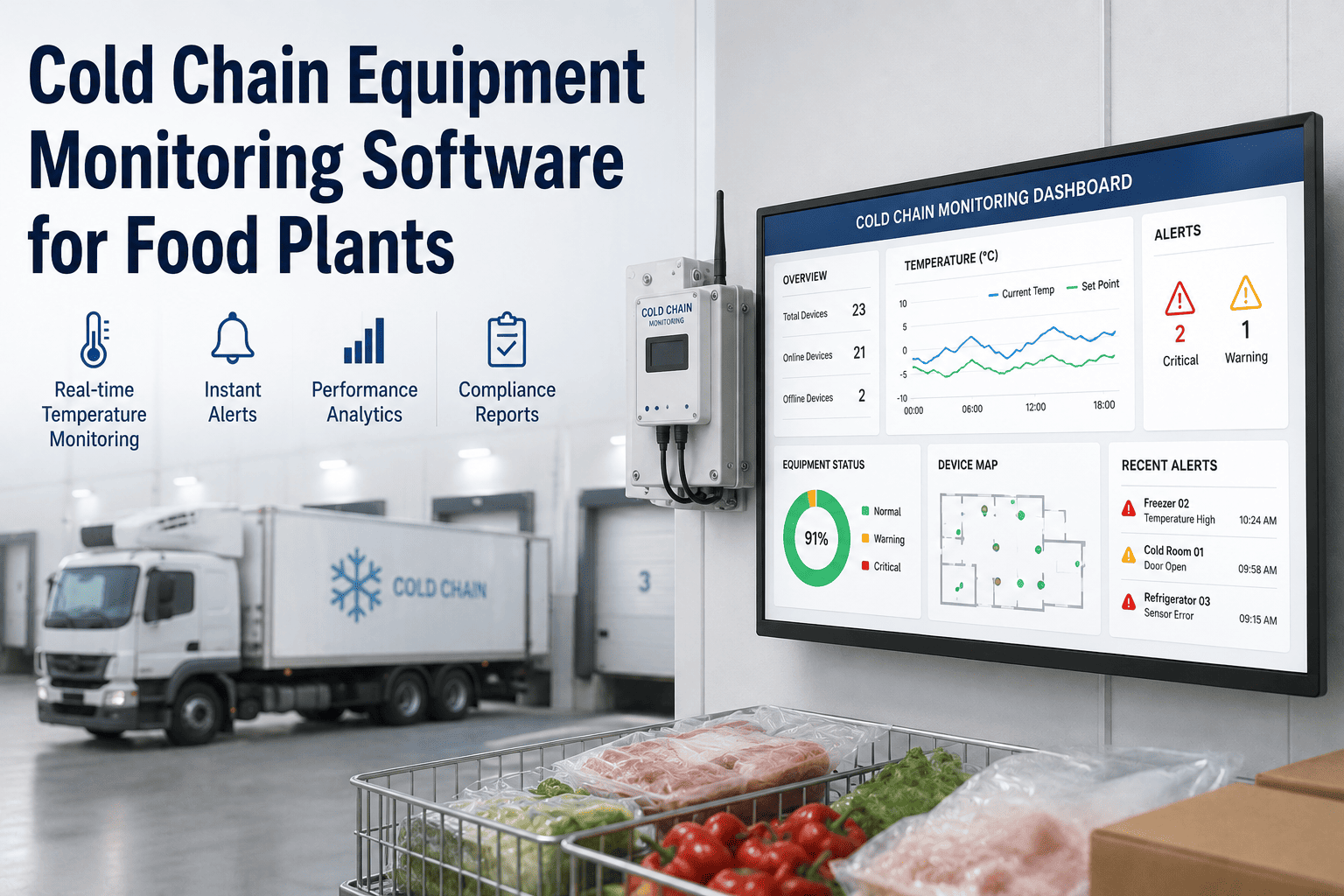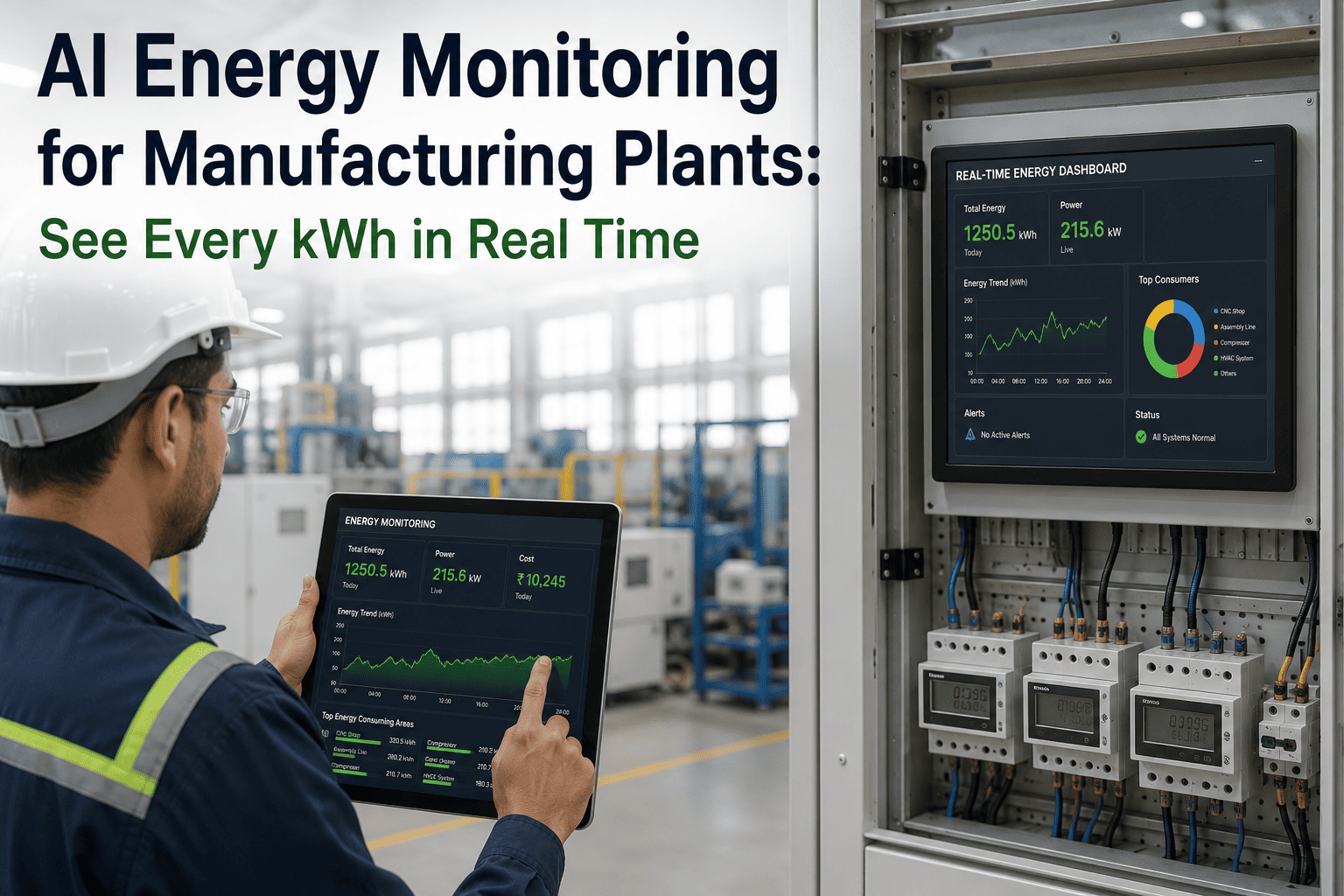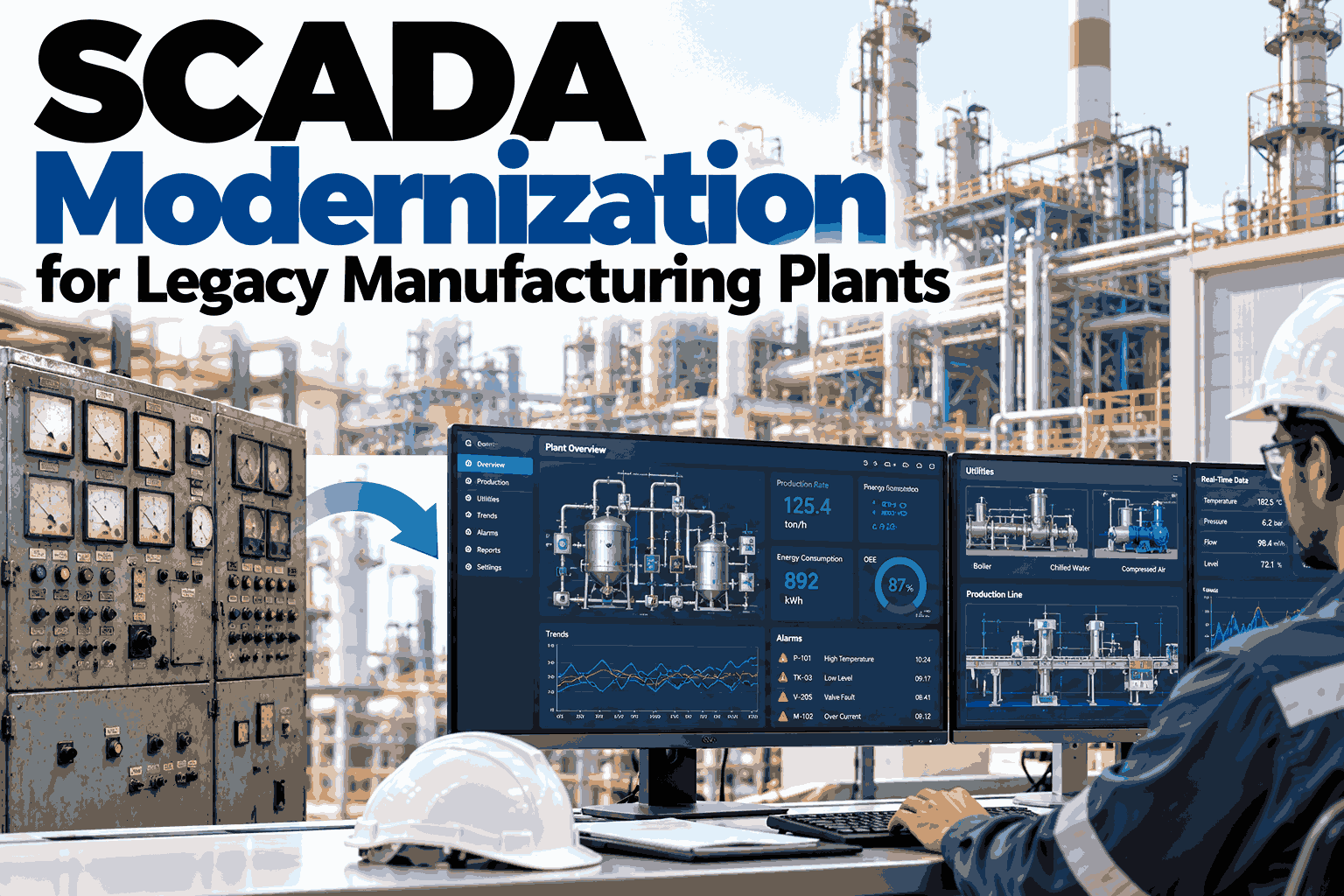
Many plants still run production on a SCADA system installed a decade or two ago, and it often works well enough that nobody wants to touch it. The trouble is what surrounds it: unsupported operating systems, scarce spare parts, screens that cannot share data, and engineers who know the system by memory alone. Modernization is rarely a single replacement project. It is a staged path that reduces risk first and adds value second. Plants planning that path can talk through a staged approach with the iFactory AI team before choosing a platform.
Modernize SCADA Without Stopping the Plant That Depends on It
iFactory AI connects to the SCADA, PLC, and historian data you already have, so modernization starts delivering insight before a single controller is replaced.
Why Legacy SCADA Becomes a Business Problem
A legacy system rarely fails all at once. It accumulates small risks until a single failure, such as a dead server or a missing part, stops a line for days. This map shows how common symptoms translate into plant risk.
| Symptom | Downtime Risk | Safety Risk | Cyber Exposure | Data Gaps |
|---|---|---|---|---|
| Unsupported operating system | Medium | Low | High | Low |
| Spare parts hard to source | High | Medium | Low | Low |
| Isolated operator screens | Medium | Medium | Low | High |
| Manual data collection | Low | Low | Low | High |
| Alarm flooding | Medium | High | Low | Medium |
| Undocumented custom logic | High | Medium | Medium | Medium |
Choosing a Path: A Simple Decision Tree
There is no single correct modernization route. The right one depends on what is still supported and how much downtime the plant can spare.
See Which Modernization Path Fits Your Plant
Book a 30-minute session and iFactory AI will review your SCADA, PLC, and data setup, then outline a staged route that protects production while you modernize.
From Data Silos to a Connected Data Layer
The biggest change in a modern setup is not the screens. It is that data stops being trapped at the machine and starts flowing to everyone who needs it.
That separation is what makes staged modernization possible. The data layer can be built first, and the control layer can be updated later, at the plant's own pace.
A Phased Roadmap Over Twelve Months
Staging keeps risk low because each phase proves itself before the next begins. The bars below show a typical overlap, not a fixed schedule.
Security Built in Rings, Not Bolted On
Older SCADA was designed for closed networks. Once data is shared, protection has to be layered, and the IEC 62443 standard family is the usual reference for doing that.
Where the Return Comes From
Return on modernization is easiest to see as a reduction in what the old system quietly costs each year. These values are illustrative and should be replaced with your own.
A Quick Readiness Self-Check
Before choosing a path, rate five areas honestly. The pattern tells you whether to start with documentation, connectivity, or a pilot.
How iFactory AI Works Alongside Your SCADA
iFactory AI does not ask you to rip out working control systems. It reads the data they already produce and turns it into decisions.
Alarm Insight
Groups related alarms so operators see the cause first.
Data Connection
Reads from SCADA, PLCs, and historians over open protocols.
Anomaly Detection
Flags drift in equipment behavior before it trips a line.
Plant-Wide Visibility
Shows every line and site in one consistent view.
iFactory AI arrives pre-configured on an NVIDIA server that ships racked and ready with software pre-loaded. Rack it, connect power and Ethernet, and plant data starts flowing into analytics. Scope covers cabling, network, ERP and MES integration, operator training, and 24×7 remote monitoring.
Frequently Asked Questions
Do we have to replace our SCADA to get modern analytics?
Not necessarily. Analytics can read data from your existing SCADA, PLCs, or historian through a gateway, then work alongside the system you have today. Many plants start there to show value before approving a larger replacement. Ask the support team what your system can expose.
How do we modernize without stopping production?
Stage the work. Begin with read-only data access that does not touch control logic, pilot on one line, and replace equipment only during planned shutdowns. Each phase should be proven before the next starts, so a problem is contained to one line rather than the whole plant.
Is connecting old equipment a cyber risk?
It can be if done carelessly. Use network zones, firewalls, controlled remote access, and read-only connections where possible. The IEC 62443 family offers a widely used framework. A well-designed data layer can actually improve security by replacing ad hoc connections with a monitored path.
What protocols does older equipment usually support?
Many older devices speak serial or vendor-specific protocols such as Modbus, and newer ones support OPC UA or MQTT. Gateways translate between them, so legacy equipment can join a modern data layer without rewriting controller code. Walk through your equipment list with the team to check coverage.
How long before we see a return?
A turnkey data and analytics rollout goes live in six to twelve weeks, and early gains often come from alarm clarity and faster fault tracing. Larger savings, such as fewer unplanned stops, build over the following months as baselines mature and more lines are connected.
Modernize at Your Own Pace, With Insight From Day One
iFactory AI connects to your existing SCADA and plant data, so you gain visibility now and keep every option open for later upgrades. Book a walkthrough to see it on your own setup.