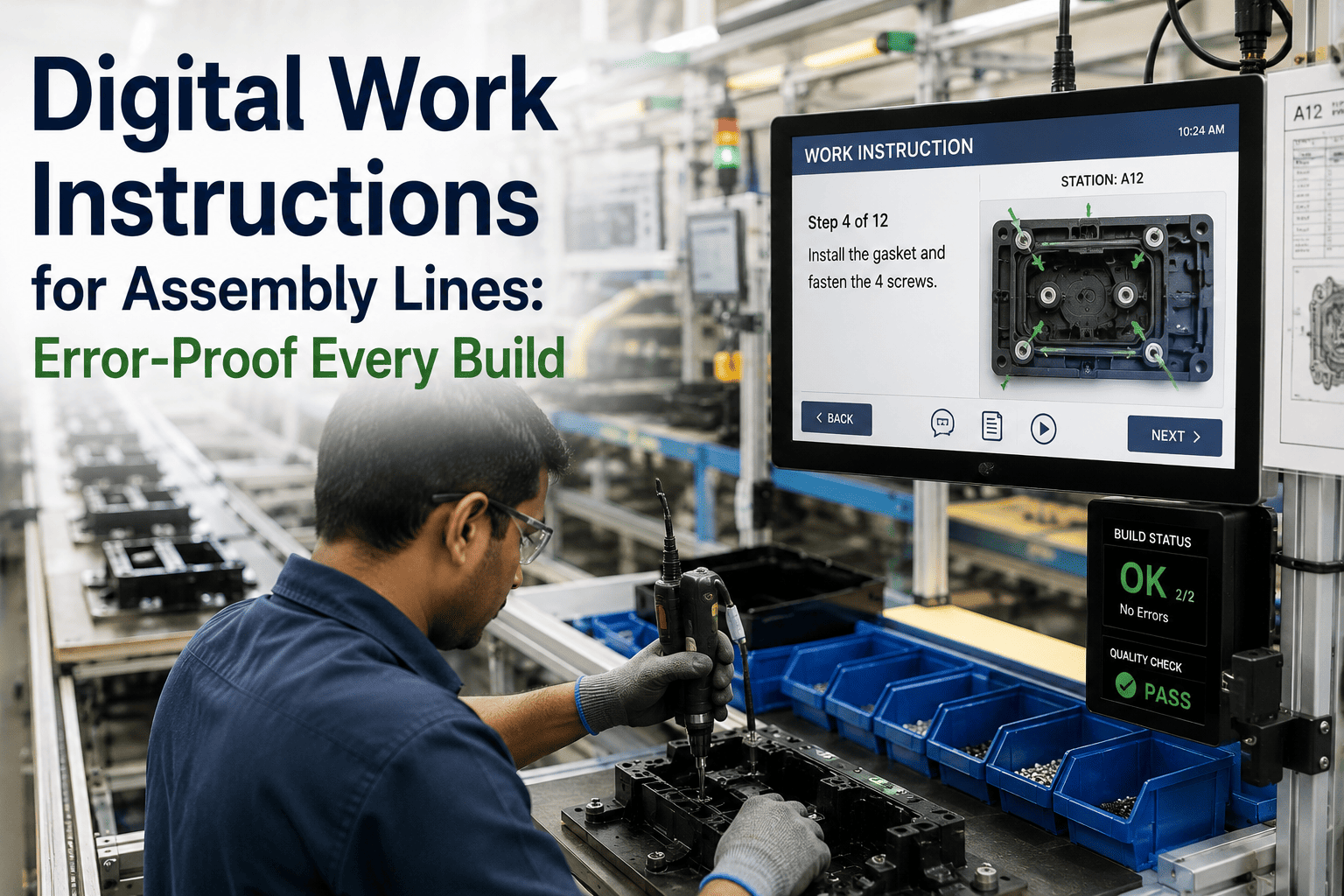
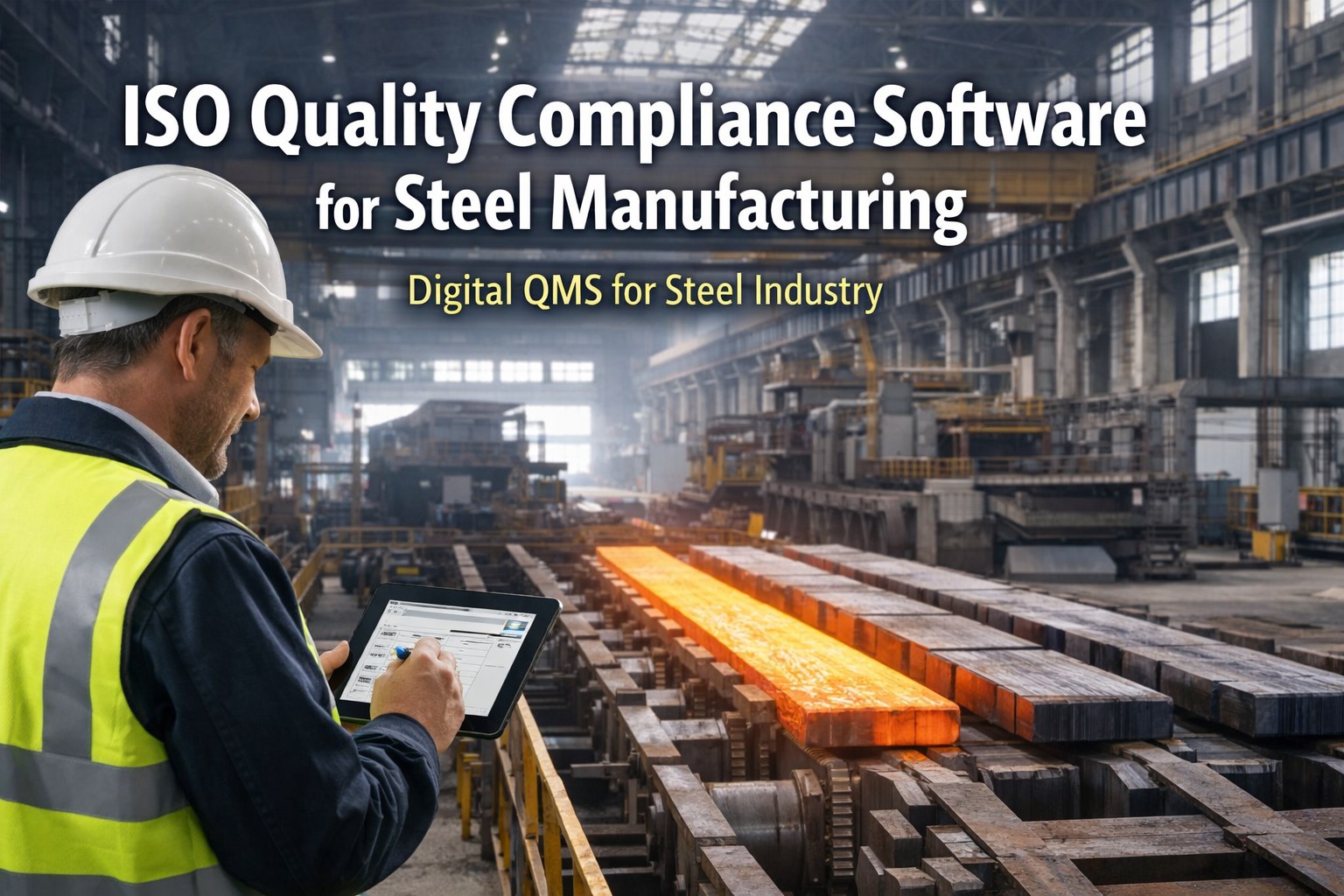
Paper SOPs are the manufacturing equivalent of a filing cabinet nobody trusts. Binders go missing from the line, revisions get printed and posted inconsistently across shifts, and there's no way to confirm an operator actually read the latest version before starting a job. Digital work instructions fix the trust problem by putting a single, always-current source in front of every operator, enriched with photos, short videos, and step-by-step validation that paper simply cannot support. Plants that make this switch typically see faster new-hire ramp time and fewer process deviations within the first quarter. iFactory's digital SOP module handles the full lifecycle from authoring to tablet deployment, and you can book a demo to see how a work instruction looks on the shop floor.
Turn Paper SOPs Into Interactive Work Instructions
Photos, video, and step validation on operator tablets, with version control that guarantees everyone is working from the current revision.
What Paper SOPs Actually Cost You
The cost of paper-based procedures rarely shows up as a single line item, which is exactly why it survives so long in manufacturing environments. It shows up instead as scattered inefficiencies across training, quality, and compliance that add up to a significant hidden burden.
Version Confusion
Outdated revisions stay posted at workstations long after an update, since someone has to physically walk the floor replacing every printed copy across every shift.
Slow New-Hire Ramp
Text-heavy paper instructions rely on a trainer standing beside the new operator to fill in what the document doesn't show, extending time to independent competency.
No Completion Evidence
There is no record confirming an operator actually followed each step in sequence, only a signature at the bottom of the page attesting the job was done.
Language and Literacy Barriers
Dense text instructions disadvantage operators who read more comfortably in a different language or who learn better from visual demonstration than paragraphs.
From Paper to Deployed Digital SOP
Converting your procedure library doesn't need to happen all at once. This is the sequence we recommend for building momentum with early wins before scaling plant-wide.
Prioritize High-Risk and High-Variance Procedures
Start with SOPs tied to quality escapes, safety incidents, or the steepest new-hire learning curve, where the visual format delivers the clearest immediate benefit.
Capture Photos and Short Video Clips
Film the actual step being performed correctly on your line rather than relying on generic stock imagery, since operators trust and recognize their own equipment and setup.
Build Step-by-Step Validation Checkpoints
Add confirmation checkpoints at critical steps, such as a torque value entry or a quality checkpoint photo, so the system captures evidence the step was actually completed.
Deploy to Tablets and Track Completion
Push the finished instruction to workstation tablets, with completion and deviation data flowing back into your quality system automatically as operators work through each job.
Paper SOPs vs. Digital Work Instructions
| Capability | Paper SOP | Digital Work Instruction |
|---|---|---|
| Version control | Manual replacement | Automatic, instant |
| Visual guidance | Static diagrams | Photos and video |
| Completion tracking | Paper signature | Step-level digital log |
| Multilingual support | Separate printed sets | Toggle per operator |
| Update turnaround | Days | Minutes |
Give Every Operator the Current Version, Every Time
No more posted revisions that nobody remembered to update. Digital SOPs stay current the moment you publish a change.
Building SOPs Operators Will Actually Use
A digital format alone doesn't guarantee adoption. The instructions that get followed consistently share a few design characteristics worth building into your authoring standard from the start.
One Action per Step
Breaking instructions into single, discrete actions with a supporting image keeps operators from skimming past details buried in dense paragraphs.
Show the Failure Mode, Not Just the Correct Way
A short clip or photo showing what a common mistake looks like helps operators recognize and self-correct errors before they escalate into a quality issue.
Keep Critical Checks Visually Distinct
Quality-critical or safety-critical steps should stand out visually from routine steps so operators don't rush through the checks that matter most.
Frequently Asked Questions
Do we need special tablets or ruggedized hardware?
Most plants deploy on standard industrial tablets already common in shop floor environments, though the software runs on a range of hardware from consumer tablets to ruggedized, wash-down rated devices depending on the environment. We can advise on hardware selection based on your specific plant conditions during setup. Contact support for hardware recommendations.
How long does it take to convert an existing SOP library?
Converting a single procedure typically takes a few hours including photo and video capture, though the timeline depends heavily on procedure complexity and how much new media needs to be filmed versus reused. Most plants convert their highest-priority twenty to thirty procedures within the first month and continue expanding the library from there.
Can digital SOPs integrate with our existing quality system?
Completion and deviation data can flow into most quality management systems through standard integrations, giving your quality team a live feed of procedure adherence rather than relying on periodic audits to catch gaps. Book a demo to see the integration options for your specific QMS.
What happens if an operator skips a required step?
The system can be configured to prevent progression past a required checkpoint until it's completed, or to log and flag the skip for supervisor review depending on how strict you want enforcement to be for a given procedure. This flexibility lets you apply hard stops to safety-critical steps while keeping softer guidance elsewhere.
Can multiple languages be supported for the same procedure?
Yes, text and voiceover can be maintained in multiple languages for the same underlying procedure, with operators selecting their preferred language at login. This eliminates the need to author and maintain separate printed sets for each language spoken on your floor.
Retire the Binder for Good
Interactive work instructions that operators actually follow, with the completion evidence your quality team needs.