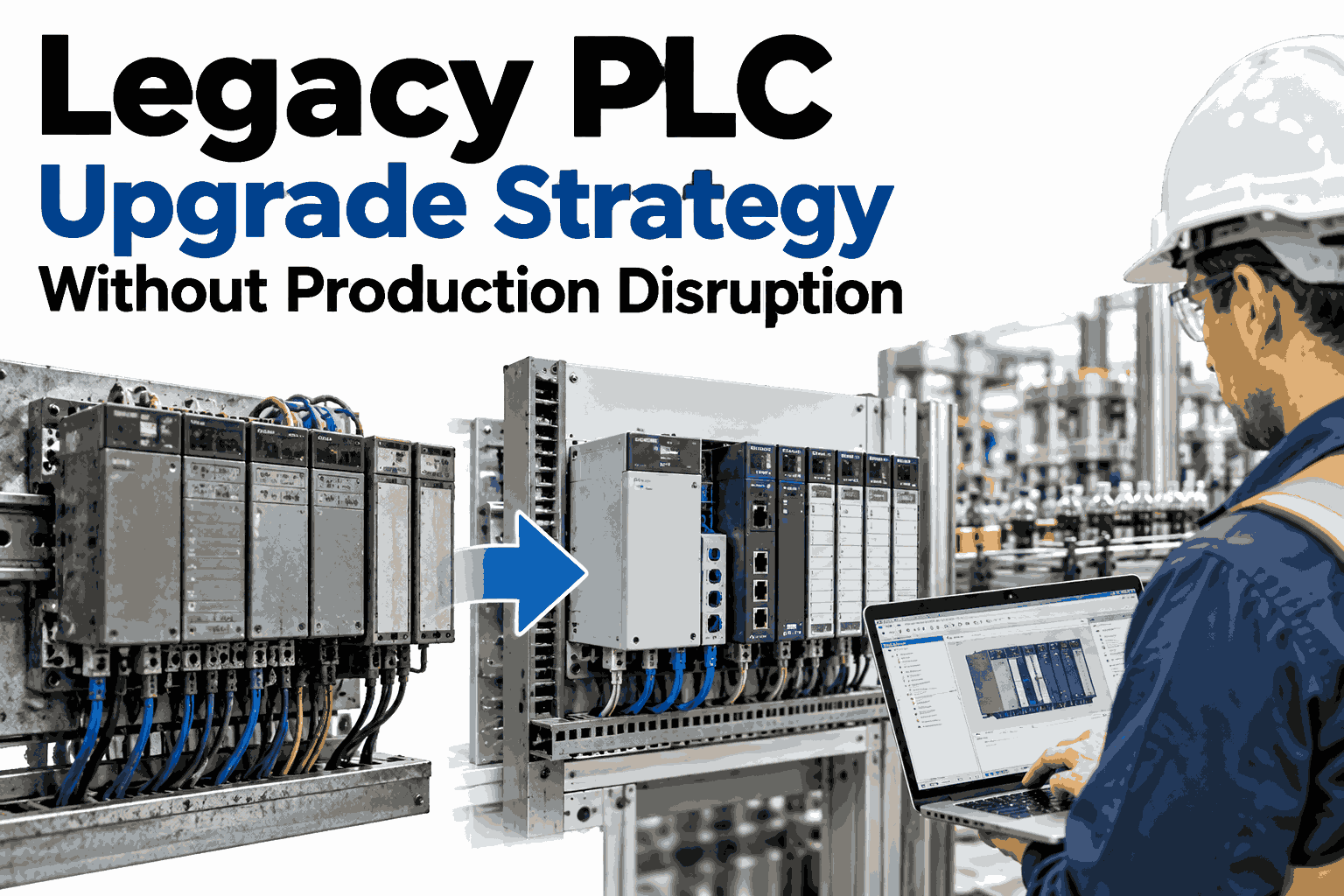
Most plants do not replace an aging PLC because it is exciting. They replace it because the spare parts are gone, the one engineer who understands the ladder logic is close to retirement, and every unplanned stop reminds everyone that the controller is running on borrowed time. The real fear is not the new hardware, it is the day the line has to stop so the old controller can come out. A good upgrade strategy removes that fear by keeping production running while the new system is built, tested, and proven in the background, and you can book a demo to see how iFactory supports that approach with live data from your own lines.
SCADA and Industrial Automation
Legacy PLC Upgrade Strategy Without Production Disruption
A practical, phase by phase plan for replacing aging controllers while your lines keep running, with iFactory providing the visibility that makes every cutover decision safer.
Why Aging Controllers Become a Production Risk
A legacy PLC rarely fails all at once. Risk builds quietly across several areas until a small fault turns into a long stoppage.
Illustrative exposure level by risk area for a typical controller that is two decades old
Data access for analytics
Dependence on one or two people
Programming software support
Network and protocol limits
Each bar is a separate way the line can stop, and none of them show up on a standard maintenance schedule until the day they matter.
The Hidden Cost of Waiting Another Year
Postponing an upgrade feels free because nothing is spent today. The cost simply moves to a place where it is harder to see.
Emergency buying
When a discontinued module fails, plants pay premium prices for refurbished stock with no warranty and uncertain history.
Knowledge loss
Undocumented logic lives in a few heads. Each retirement or job change makes a future migration slower and riskier.
Blind spots
Older controllers hide the data that predictive maintenance, OEE tracking, and quality analytics depend on.
A planned upgrade is a scheduled project with a budget. An emergency replacement is a crisis with a shutdown attached.
Four Upgrade Paths and How Much Disruption Each Brings
There is no single correct way to upgrade. The right path depends on how critical the line is, how well the logic is documented, and how much downtime the plant can absorb.
Like for like replacement
Low disruption
The new controller is a direct successor from the same family, so logic transfers with minimal change. It suits simple machines with clean documentation, but it carries old design limits forward.
Converted logic on modern hardware
Moderate disruption
Existing programs are translated with conversion tools, then reviewed line by line. It balances speed with modern capability, but converted code always needs careful testing.
Phased parallel migration
Managed disruption
The new controller runs in shadow mode beside the old one, proving itself before taking control. Cutover shrinks to a short, rehearsed window, which is why many continuous plants prefer it.
Full control re-architecture
High disruption
Logic, networks, and operator screens are redesigned together. It delivers the biggest long term gain, but it needs a planned shutdown or a well staged line by line approach.
Most plants end up combining paths, using a phased approach for critical lines and simpler replacements for stand alone machines.
Not sure which upgrade path fits your plant?
Walk through your controllers, your downtime limits, and your data gaps with the iFactory team in a focused 30 minute session.
The Six Phase Roadmap From Audit to Stable Operation
A disruption free upgrade is mostly a sequencing exercise. Each phase removes one kind of uncertainty before the next begins.
1
Discover
Inventory every controller, module, and network link, and rank each by criticality and failure risk.
2
Map
Document the logic, interlocks, and hidden dependencies between machines before touching anything.
3
Stage
Build and bench test the new controller offline, using recorded signals from the live process.
4
Shadow
Run the new controller beside the old one, comparing outputs without letting it control anything.
5
Cut Over
Switch control in a short planned window with a tested path back to the old system.
6
Stabilize
Watch performance closely, tune, and retire the legacy unit only when results are proven.
Phase One and Two in Detail: Know What You Own
Upgrades fail most often at the start, not at cutover. Teams discover mid project that a controller does more than anyone remembered.
What the audit should capture
Controller model, firmware, and last program backup date
Installed modules and which ones are already discontinued
Communication protocols and every device on each network
Which machines stop if this controller stops
Documentation status and who actually understands the logic
What the mapping should reveal
Interlocks that protect people and equipment
Timing sensitive routines that cannot tolerate scan time changes
Workarounds added over the years and never written down
Hard wired signals shared with neighboring machines
Recipes, setpoints, and counters stored inside the controller
The output of these two phases is a ranked migration order, so the riskiest and most valuable lines are planned first and the simplest ones fill the gaps.
How Shadow Mode Removes the Cutover Gamble
Shadow mode is the single most useful technique for avoiding disruption. The new controller receives the same inputs as the old one and calculates outputs that are compared but never sent to the machine.
By the time control moves, the new system has already handled weeks of real production conditions, including startups, changeovers, and the odd faults that never appear on a bench.
Comparing the Approaches Side by Side
Use this view to match each line in your plant to the approach that protects its output best.
| Factor | Like for Like | Converted Logic | Phased Parallel | Full Re-architecture |
|---|
| Downtime needed | Short planned stop | Moderate stop | Brief switch window | Extended or staged stops |
| Testing depth | Basic functional checks | Line by line review | Weeks of live comparison | Full system validation |
| Future flexibility | Limited | Good | Good to strong | Strongest |
| Data availability | Little improvement | Better access | Rich live data | Designed for analytics |
| Best suited for | Simple stand alone machines | Well documented logic | Continuous, critical lines | Plants modernizing as a whole |
Anatomy of a Cutover Window
When shadow results look clean, the actual switch is short and scripted. Every minute has an owner and every step has a rollback.
Freeze
Sync
Switch
Verify
Hold
Freeze
Stop recipe changes, take a final backup of both controllers, and confirm every team is in position.
Sync
Transfer counters, setpoints, and states so the new controller starts from the exact current condition.
Switch
Move outputs to the new controller following the scripted sequence, one signal group at a time.
Verify
Check safety interlocks, cycle times, and product quality against the baseline recorded earlier.
Hold
Keep the old controller powered and ready for rollback until the agreed stability period ends.
The rollback path is not a sign of doubt. It is what lets the team make confident decisions under time pressure.
Where iFactory Fits in the Upgrade Journey
iFactory does not replace your controllers. It gives engineers and managers the shared, live picture that makes each phase safer and faster.
Before
Collect baseline cycle times, downtime events, and quality trends from the old controller
Highlight machines whose stoppages cost the most, so migration order follows business impact
Create a performance reference that the new system must match or beat
During
Compare old and new controller behavior side by side during shadow runs
Track throughput and reject rates through the cutover window in real time
Alert the team when results drift from the agreed baseline
After
Prove the upgrade delivered results with before and after performance reports
Use the richer data from modern controllers for OEE and predictive maintenance
Feed lessons into the plan for the next line on the migration list
This is also where the return becomes visible, because the same data used to plan the project is used to measure its success.
Common Mistakes That Turn Upgrades Into Shutdowns
Most disruptions trace back to a small set of avoidable errors. Spotting them early is cheaper than recovering from them.
Skipping the backup of working logic
If the only copy of the program is on the controller being removed, a bad swap becomes permanent.
Trusting converted code blindly
Conversion tools translate instructions but can change scan behavior and timing in subtle ways.
Forgetting operator training
New screens and alarms confuse crews who knew the old system by habit, which slows recovery from small faults.
Ignoring network and cyber hygiene
Connecting a modern controller to an unsegmented network can create exposure the old device never had.
Scheduling around production, not risk
Choosing the quietest weekend matters less than choosing a window with all key people and parts available.
Retiring the old unit too early
Removing the legacy controller right after cutover removes the safety net before results are proven.
Teams that treat these as planning items rather than surprises rarely face an unplanned stop.
Measuring Success After the Upgrade
A project is only successful if the plant can show what changed. Agree on the scorecard before the first controller is touched.
Unplanned downtime
Fewer controller related stops and faster recovery when a stop does occur.
Cycle time stability
Cycle times match or improve on the recorded baseline across shifts.
Quality consistency
Reject and rework rates stay flat or improve through and after the cutover.
Data reach
More signals available to analytics, giving maintenance and quality teams earlier warning.
Support readiness
Documented logic, current backups, and several people able to maintain the system.
Reviewing this scorecard at thirty, sixty, and ninety days keeps the benefits visible and justifies the next phase of the program.
Questions Plant Teams Ask Before Upgrading
Can we upgrade a PLC without stopping the line at all?
For most processes a short switch window is still needed, but shadow mode and rehearsed cutover scripts keep it to a small fraction of what a traditional replacement takes. Truly zero stop migrations exist only for certain redundant systems.
Book a demo to review what is realistic for your line.
How long does a typical PLC migration take?
A single machine can move in weeks, while a full production line with documentation, shadow testing, and training often takes several months. The audit and mapping phases usually decide the schedule more than the hardware work does.
Reach our support team to discuss timelines for your plant.
What if nobody has the original program documentation?
This is common, and it is why the mapping phase exists. Teams recover the logic from the running controller, then confirm behavior against recorded process data before trusting it. Observation of the live process fills many gaps that documents cannot.
See a live data demo to understand how recorded behavior supports this.
Does iFactory need to replace or reprogram our controllers?
No. iFactory works as a data and visibility layer beside your control system, reading signals from existing and new controllers alike. Your control logic stays with your automation team, while iFactory supports planning, comparison, and proof of results.
Ask our support team how connections work for your equipment.
Should we upgrade every controller at once?
Rarely. A ranked, phased program lets you move the highest risk and highest value lines first, learn from each cutover, and spread cost across budgets. A single large project concentrates risk in one window.
Plan your migration order with an iFactory specialist.
Upgrade with confidence
Replace Aging Controllers Without Stopping Production
See how iFactory gives your team the baseline, the comparison, and the proof needed to modernize legacy PLCs safely and on schedule.