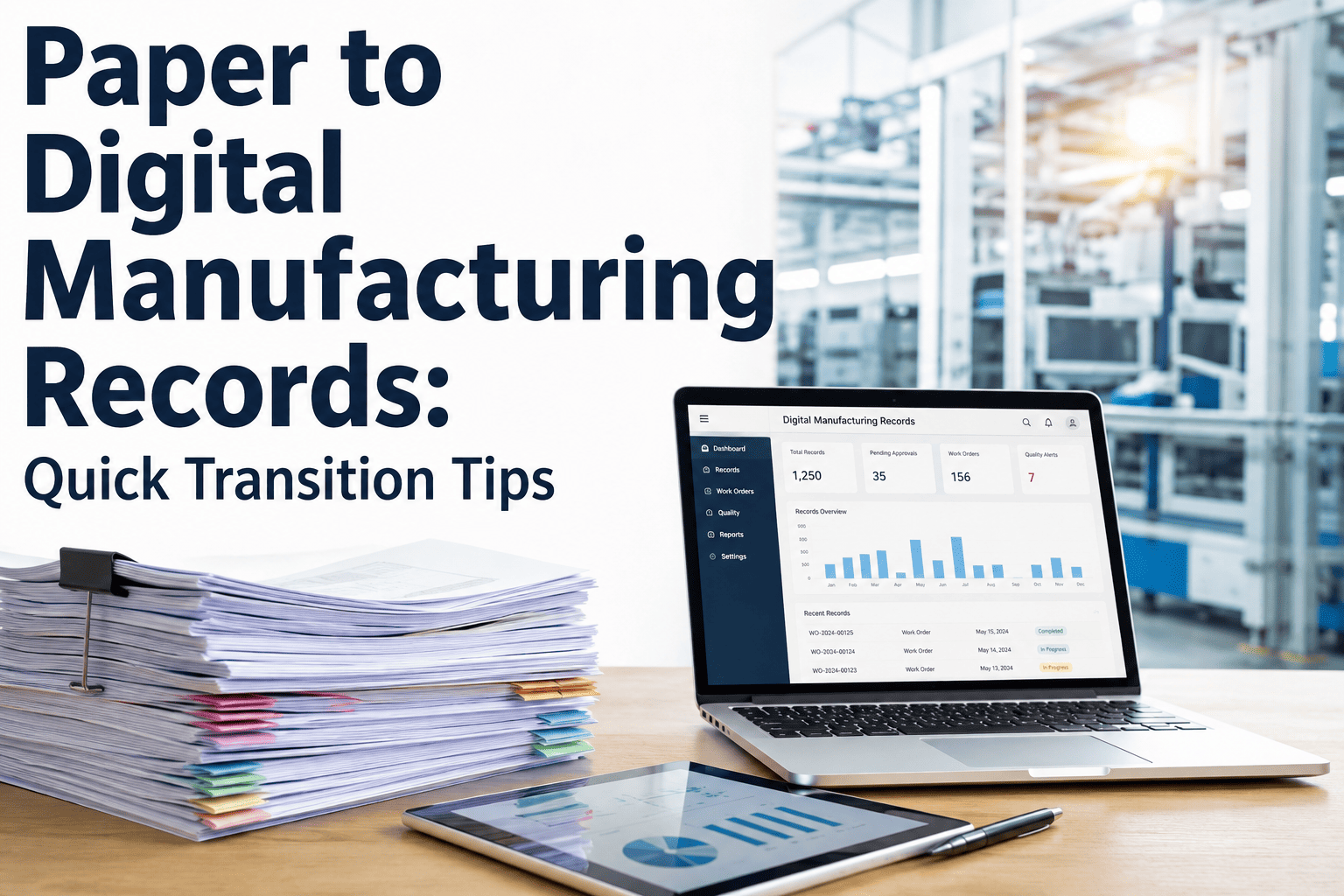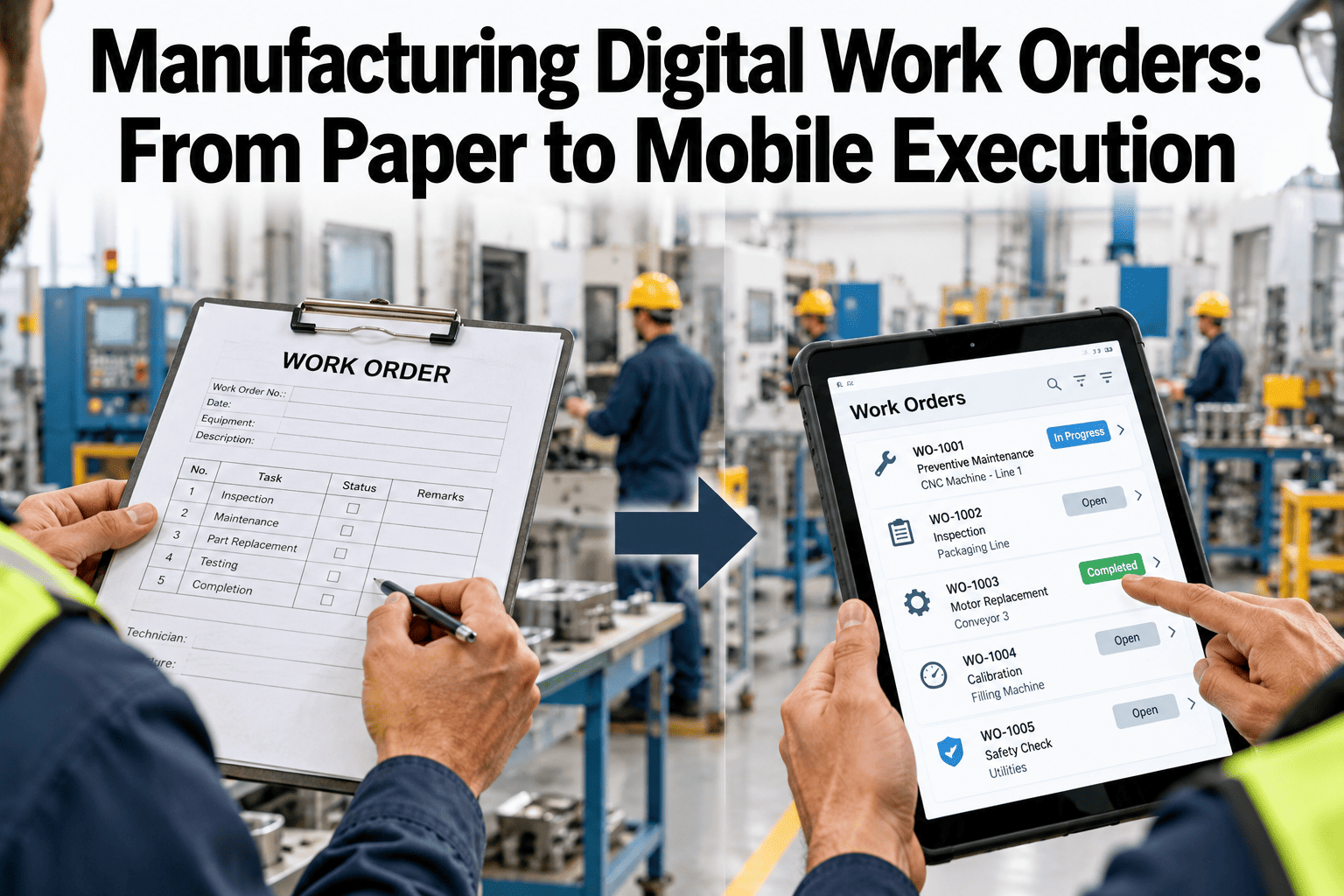
Paper work orders get printed, carried, scribbled on and typed in again later, often after the details are forgotten. Mobile work closes the job at the machine, with time, parts and photos recorded as the work happens. Plants can watch a mobile work order run on a live demo with iFactory AI.
Close the Job at the Machine, Not Back at the Desk
iFactory AI moves work orders off paper and onto the shop floor, so every repair is recorded once, while the details are fresh.
What Paper Really Costs a Plant
Paper looks cheap because the cost never shows up on a bill. It shows up in walking time, missing details and decisions made on weak data. One 2026 maintenance software vendor playbook calls this the efficiency tax and names paper work orders as one of the easiest places to cut it.
Print and carry
Orders are printed, handed out and sometimes lost in a toolbox or a pocket.
Write it down
Findings, parts and times are scribbled with grease on the page.
Walk to the desk
Technicians return to a computer, often hours or a day later.
Type it again
Details are forgotten, rounded or skipped, and the record turns thin.
How a Shift Splits, Illustrative
Time studies in many plants find that wrench time, the share of a shift spent on hands-on work, is far lower than managers expect. The bars show how the split can change when walking and re-typing fall away.
What a Good Digital Work Order Holds
A digital work order is more than a scan of the paper form. It carries the context a technician needs, and it captures what the next planner needs to know.
Asset and location
The exact machine, line and component, picked by scanning a tag instead of typing a name.
Fault and priority
The symptom in plain words, a priority level and the request photo or note.
Steps and safety
Task steps, lockout points, permits and required tools in the order of the job.
Parts and history
Reserved parts, manuals and the last repairs on the same machine.
Photos and readings
Before and after photos, measured values and pass or fail checks.
Real labor time
Start and stop captured as work happens, not guessed at the end of a shift.
Coded failure cause
Short picklists for symptom, cause and action, so records can be counted later.
Approval and handover
Operator or supervisor confirmation that the machine is safe to run again.
The Life of One Work Order
Each stage has a clear owner and a clear exit. Gaps between stages are the spots that make paper jobs go missing, while digital jobs show up on a board instead.
An operator logs a problem by scanning the asset tag and adding a photo.
A planner checks safety, priority and whether it duplicates an open job.
Steps, parts, permits and time are attached before anyone is sent.
The job lands on a technician's phone or handheld with a clear due time.
The technician follows the steps, logs readings and adds photos.
Cause, action and time are coded, and the operator signs off.
Choosing Devices and Tags for the Floor
Factory floors are rough on hardware and patchy on signal. Pick devices for the environment first and for the screen size second. Teams can ask support about device and network readiness before a pilot starts.
| Choice | Best for | Watch out for |
|---|---|---|
| Personal or shared smartphone | Quick requests, photos and short closeouts | Small screens for long checklists and policy on personal devices |
| Rugged handheld | Long checklists, drawings and manuals at the machine | Cost, charging routines and a holder that fits the job |
| Shared line-side kiosk | Operator requests and shift handover | Queues at shift change and shared logins |
| QR or barcode asset tags | Fast, error-free asset choice and history lookup | Labels that peel, fade or get covered in washdown areas |
| Offline mode | Basements, cold rooms, metal-shielded areas and remote yards | Sync conflicts and data that waits until the device reconnects |
| Voice and hands-free input | Gloved work, climbing and tight spaces | Noise levels and accents in training |
See Paper Jobs Turn Into Live Ones
Book a 30-minute session and iFactory AI will walk through a work order between request and closeout on a phone, using your own job types.
Roll Out in a Sensible Order
The vendor playbook cited above, written around an ice cream plant, offers a pattern that many teams copy. Build the case with a time study, move what already exists, then add smarter triggers.
Run a time study
Track walking, waiting and data entry across a few typical shifts to set a baseline.
Move records and PMs
Migrate history, especially records tied to regulations, then existing PM schedules.
Add smarter triggers
Layer usage-based and condition-based triggers on top, and keep calendar PMs as a backstop.
Repeat the study
Measure again a few months later, using the same method, and share the result.
Three Ways to Trigger a Job
Fixed dates for inspections and lubrication. Simple, and a good backstop for low-use assets.
Run hours, cycles or tonnes drive the schedule, so busy machines get more attention.
Temperature, vibration or amps cross a limit and raise a job before a failure.
Win the Technicians First
Digital work orders fail when they feel like extra paperwork for people who already have plenty. They succeed when technicians see their day get easier within the first week.
Closeout Quality Checklist
Tick each item before you call the rollout ready. Open items show which records will stay thin.
Which Jobs to Move First
Do not move everything on day one. Start with jobs that are frequent, simple and painful on paper, so the win is quick and visible.
| Job type | Why move it early | Watch out for |
|---|---|---|
| Routine PM inspections | High volume, repeated steps and easy to standardize | Checklists that are too long for a handheld |
| Operator breakdown requests | Fast to log with a tag scan and a photo | Duplicate requests for the same fault |
| Lubrication rounds | Route-based, time-driven and often missed on paper | Tags in hard-to-reach spots |
| Safety permits and lockout steps | Clear sign-off trail and fewer skipped steps | Rules that need local safety approval before changes |
| Calibration and gauge checks | Dates and readings matter to audits | Readings entered by hand without limits |
| Changeover checks | Short steps that affect quality right after a change | Time pressure at shift change |
A Shift, Before and After
The difference shows up in small moments. Here is how five of them change when the work order lives on a handheld.
Safety and Compliance Records
Regulated plants care as much about proof as about speed. A digital job leaves a trail that paper cannot match, as long as the right fields are required.
Every step carries a user name and a time stamp, which makes sign-offs easy to defend.
Required steps cannot be skipped, and readings outside limits trigger a follow-up job.
Photos, readings and approvals sit with the job, and old versions of a procedure stay on record.
Clean Records Make Smart Features Possible
Alerts, ranked backlogs and failure analysis all depend on the quality of closed jobs. Three habits matter more than any feature.
One name per asset
The same tag and name in maintenance, quality and machine data keeps every link intact.
Coded causes
Short lists for symptom, cause and action turn free text into counts you can trust.
Honest times
Start and stop captured at the machine show true labor, waiting time and downtime.
Closed in the moment
Jobs closed on the spot are far more complete than jobs closed the next morning.
Connect Jobs to Machine Data
A mobile work order is useful on its own. It becomes far stronger when it is linked to what the machine is doing, because the technician arrives already knowing the story.
A sensor reading crosses a limit or a trend turns, and the system flags the machine.
A work order opens with the trend, the asset history and a suggested first check.
The technician follows the steps, logs the result and closes with a coded cause.
The closed job feeds the pattern library, so the next alert is better aimed.
Quality and energy teams see the finding and can act on the same cause.
PM intervals change when jobs keep finding nothing, or finding too much.
Access, Security and Ownership
Putting maintenance data on phones raises fair questions. Settle the answers before rollout, so the plan does not stall in a late review.
Name one owner for the work order process, with a deputy in operations. Their job is to keep codes tidy, approve template changes, watch record quality and make sure the monthly review actually happens. Without an owner, even a strong rollout drifts back to old habits within a few months, and the plant ends up with two systems instead of one.
What to Measure After Go-Live
Pick a short list and review it monthly. Start with the measures that show whether technicians are getting time back and whether records are getting richer.
| Measure | What it tells you | Owner | Review rhythm |
|---|---|---|---|
| Wrench time share | Hands-on share of a shift, found by repeat time studies | Maintenance manager | Quarterly |
| Time to close a job | Gap between finished work and a completed record | Planner | Weekly |
| PM compliance | Scheduled jobs done on time | Maintenance manager | Monthly |
| Records with a coded cause | Share of jobs with a usable failure cause | Reliability engineer | Monthly |
| Repeat failures | Same machine and same cause within 30 days | Reliability engineer | Monthly |
| Emergency share of work | Breakdown jobs against planned jobs | Plant manager | Monthly |
A Simple Business Case
Finance teams can request a worksheet through support to test their own figures. The example below uses round numbers for one small team.
Common Mistakes That Stall Rollouts
How iFactory AI Fits
iFactory AI adds machine context to work orders. Alerts built on equipment data, links to quality and energy findings, and a shared view for maintenance, quality and operations all sit around the job a technician opens. It works with your existing sensors, historian and maintenance systems. Scope and timing are confirmed in a line review.
Alert-to-Job Flow
Turn a machine alert into a work order with the evidence attached.
Machine Context on the Job
Show recent trends and past repairs next to the task steps.
Quality-Aware Priority
Raise the rank of jobs that touch machines linked to defects.
Shared Live Board
Give planners, operators and managers one view of open work.
Coded Learning Loop
Use closed-job causes to find repeat failures and tune PM plans.
Works With Your Stack
Connect to existing sensors, historian, ERP and MES.
Frequently Asked Questions
How long does a paper-to-mobile move take?
A pilot on one line often runs within weeks, while a full plant move takes longer. Vendor guidance suggests early gains within a month and clearer trends after several PM cycles. Book a session to map a pilot plan for your own plant.
Do we need to replace our CMMS?
Not always. Many plants keep their maintenance system and add machine data, alerts and mobile job handling around it. The right answer depends on how well the current system handles tags, steps and closeout. A short review of the workflow and integrations shows which path fits.
What if our floor has weak signal?
Choose an offline mode and test it in the worst spots before go-live. Jobs and photos should save on the device and sync once the connection returns. Map dead zones early, and plan simple fixes such as access points. Support can help check network readiness before a pilot.
How do we get technicians to use it?
Show them what they gain: no walking to a computer and no typing the same job twice. Start with familiar jobs, give personal help to anyone who needs it, and keep closeout short. Share visible results on a shop-floor screen so crews see their entries put to work.
What should we migrate off paper?
Start with records tied to regulations, then existing PM schedules and the most-used job templates. Leave low-value history for later. Clean failure codes and asset names as you go, because a smaller, tidy set of records is more useful than a large and messy archive.
Give Every Technician the Job in Their Hand
iFactory AI turns paper work orders into fast, complete, mobile records. Book a walkthrough to see it with your own job types.