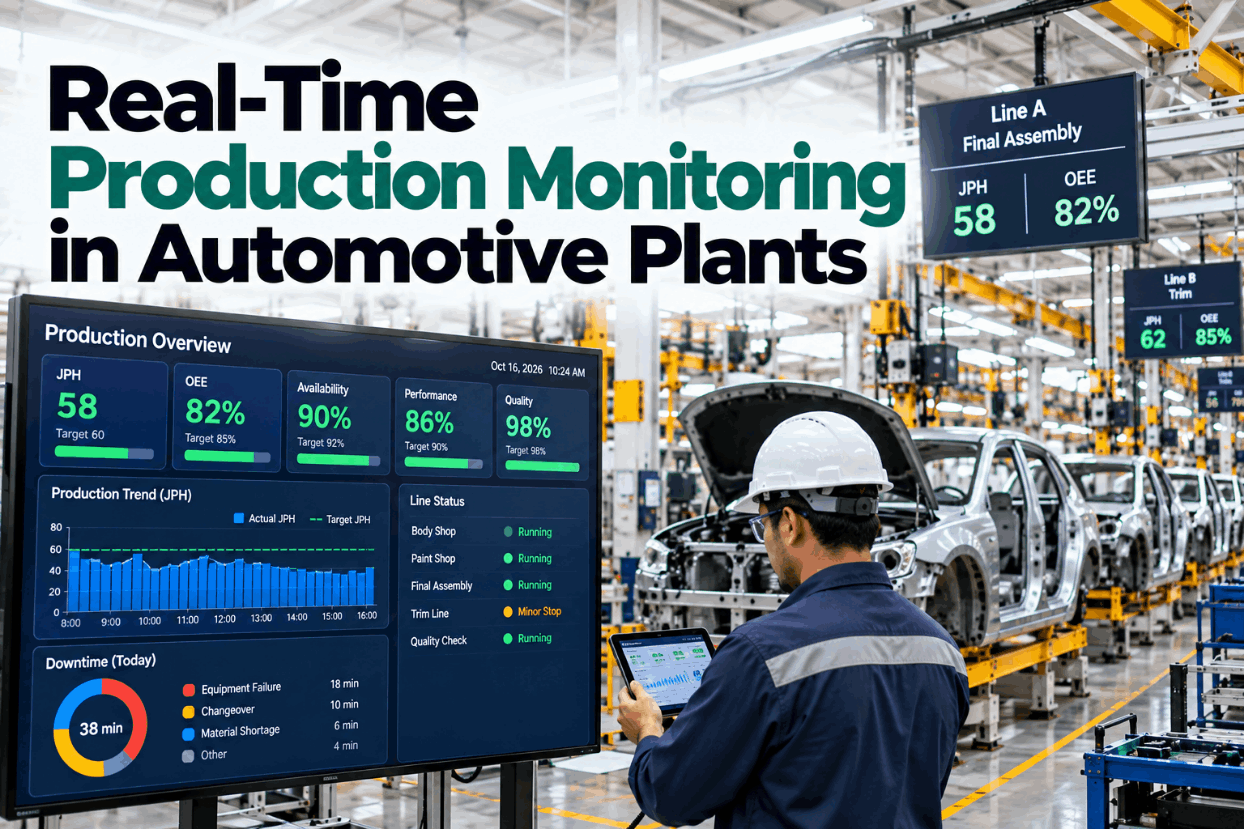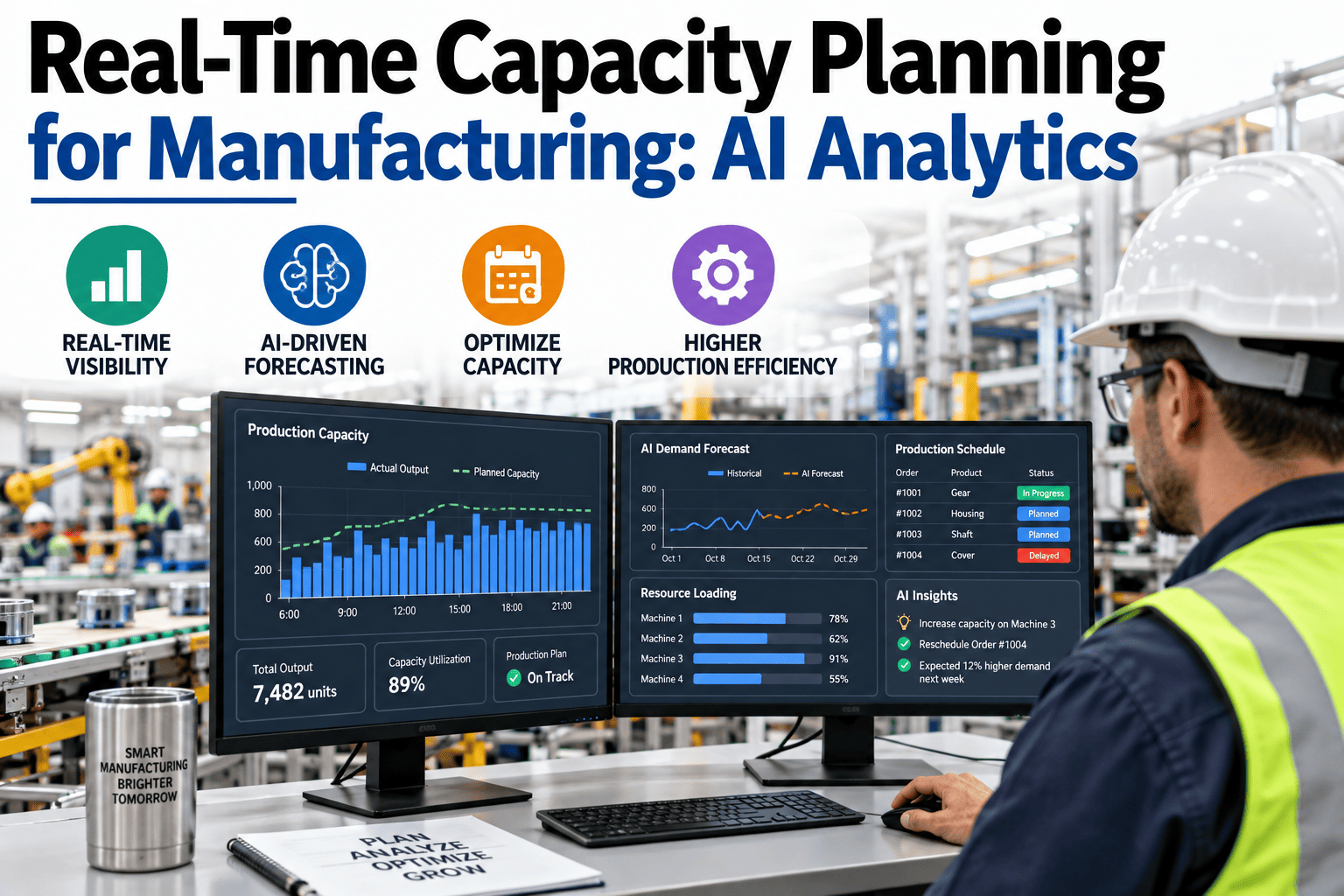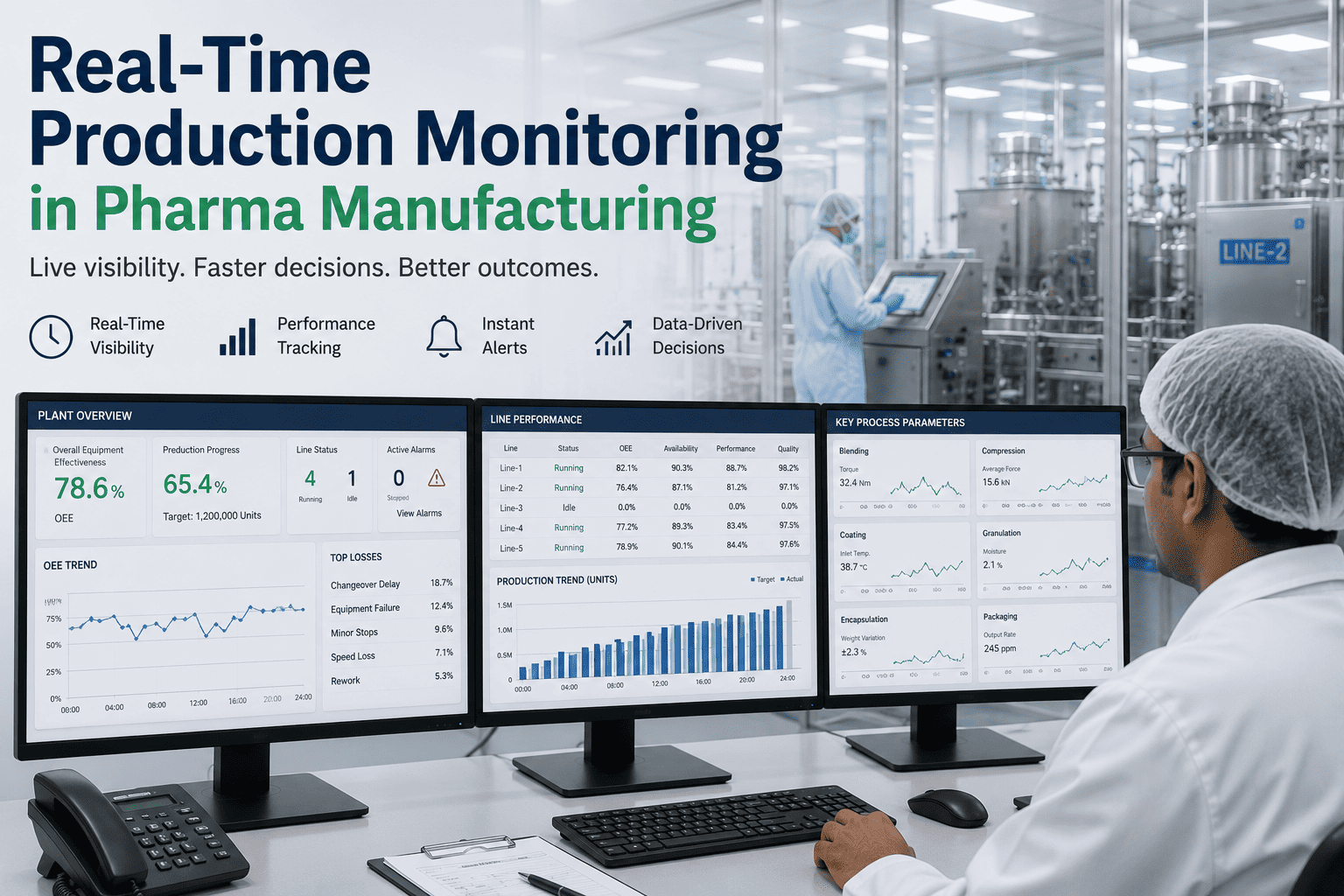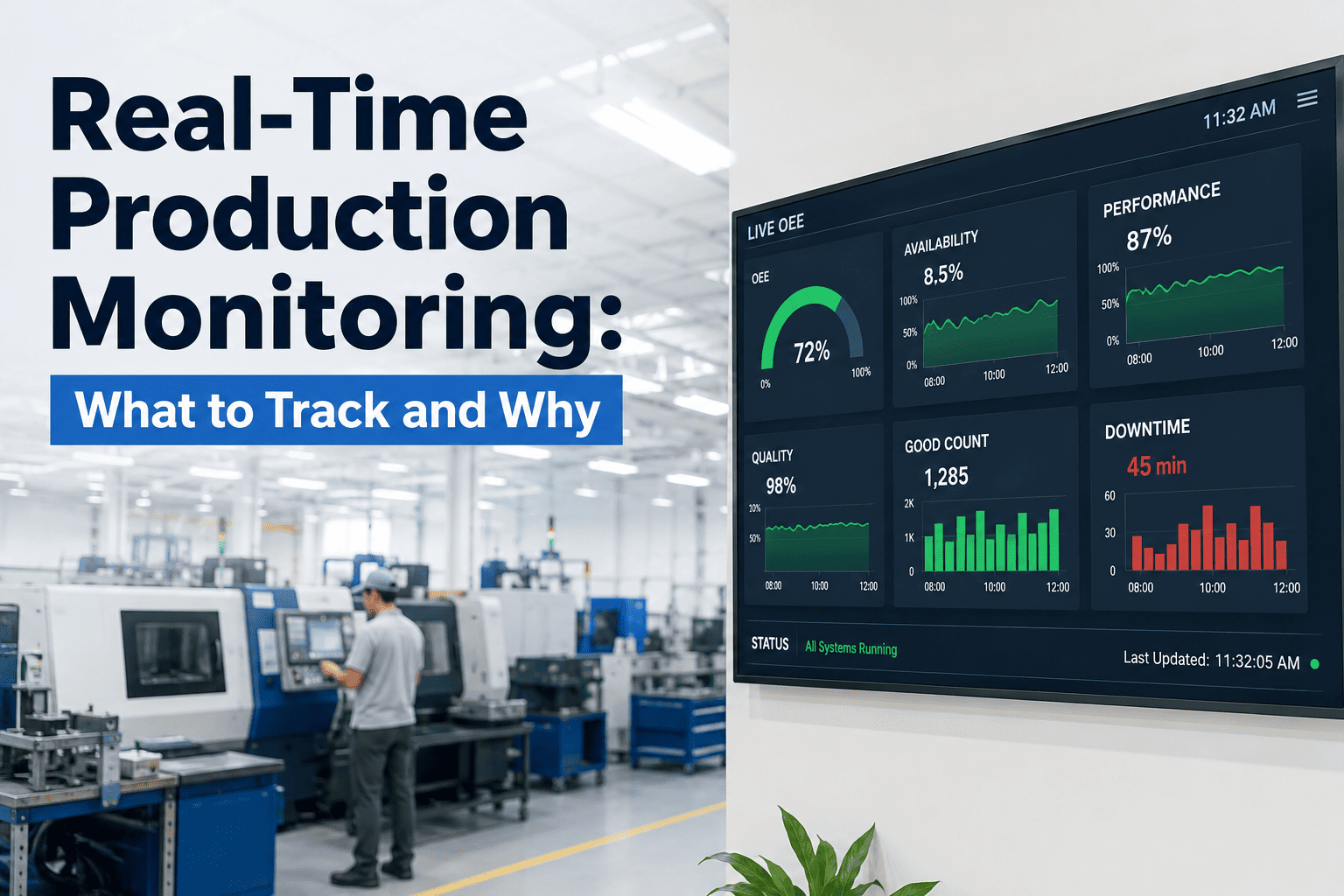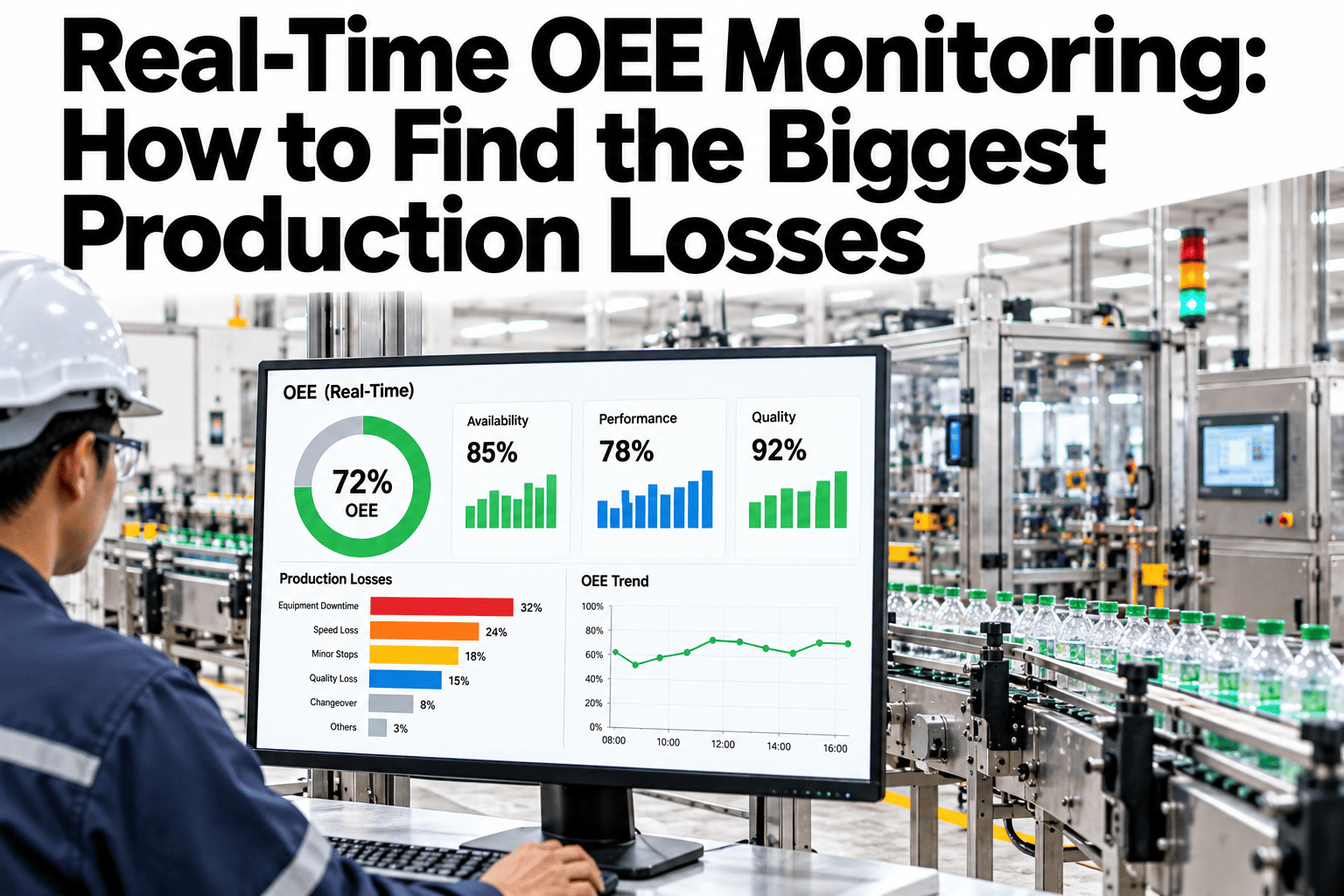
A monthly OEE report tells you the number was 68% last month. It rarely tells you, with any useful precision, which specific loss inside availability, performance or quality actually drove that number down, and by the time the report is compiled, the shift or changeover that caused the biggest loss is long past being addressed in the moment. Real-time OEE monitoring changes the question from "what was our OEE" to "what is causing our biggest loss right now," which is the question that actually drives action. Plant teams can review their own loss breakdown in a short session.
One OEE Number, Three Factors, and the Specific Losses Underneath
iFactory breaks OEE down to the specific loss driving it in real time, not a monthly summary too late to act on.
79%
91%
95%
Why Monthly Reports Miss the Biggest Losses
An aggregated monthly figure averages across every shift, every line and every loss type, which is exactly what makes it bad at pointing to a specific, actionable fix. The biggest single loss event of the month can disappear entirely into an average.
| Loss Type | Typical Cause | Why Real-Time Monitoring Catches It |
|---|---|---|
| Availability loss | Unplanned stops, changeovers, breakdowns | Each stop is logged with its actual duration and cause, not estimated after the fact |
| Performance loss | Running below rated speed, minor stops | Continuous speed tracking surfaces a slow period while it's still happening |
| Quality loss | Scrap, rework, startup rejects | Reject events link to the specific time window and process conditions |
Find Your Biggest Loss Right Now, Not Next Month
Book a 30-minute session and iFactory will break down your current OEE loss into specific, actionable contributors.
What Real-Time Monitoring Actually Changes
Immediate Loss Visibility
A stop or slowdown is visible the moment it happens, not reconstructed days later from a shift-end log entry.
Specific Contributor Ranking
Losses rank by actual impact in real time, so the team knows which issue is costing the most right now, not just in aggregate.
Shift-Level Accountability
Each shift sees its own real-time performance against target, supporting in-the-moment correction rather than a delayed review.
Signals Your Current OEE Reporting Isn't Actionable
Where iFactory Fits
iFactory breaks OEE down continuously, from the headline number to the specific loss driving it, visible to shift teams in real time.
Continuous OEE Calculation
Availability, performance and quality update in real time, not on a monthly reporting cycle.
Automatic Loss Classification
Every stop, slowdown and reject is classified automatically, building a granular, accurate loss breakdown.
Live Contributor Ranking
The biggest current loss driver is surfaced live, so teams act on today's biggest issue, not last month's average.
Shift and Line-Level Dashboards
Supervisors see their own real-time performance, supporting correction within the shift rather than after it.
Reviewed by iFactory's Production Intelligence team for alignment with standard OEE and loss analysis practice. The figures shown are illustrative; actual loss breakdown depends on your own production data and classification rules.
Frequently Asked Questions
Does real-time monitoring replace our monthly OEE reporting?
No, monthly reporting still has value for trend analysis and management review, but real-time monitoring adds the in-the-moment visibility that lets shift teams act before a loss accumulates into a monthly average. Support can walk through how the two work together.
How is a loss automatically classified without manual entry?
Classification is derived from equipment signals, like a stop state, speed deviation or reject signal, matched against defined rules, rather than depending on an operator manually selecting a reason code in real time.
Can shift-level visibility create unhealthy competition between shifts?
This depends on how it's positioned internally, and most plants find framing it around shared improvement rather than ranking shifts against each other works better. See how other plants have positioned this in a short session.
Does this require new sensors on our equipment?
Often not entirely, since many lines already generate stop, speed and reject signals through existing PLC or MES systems that can feed real-time OEE calculation without new hardware.
How does this integrate with our existing reporting tools?
Real-time data can feed into existing dashboards and reporting tools rather than requiring teams to adopt an entirely separate system. Ask support how this integrates with your current reporting stack.
Know Your Biggest Loss While It's Still Happening
iFactory breaks OEE down to the specific loss in real time. Book a walkthrough on your own production line.