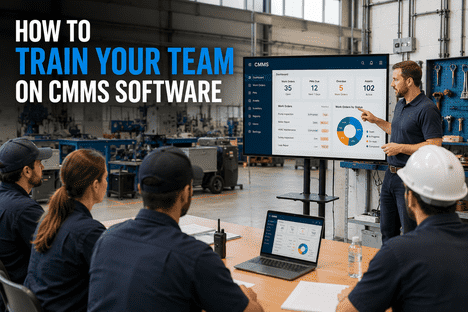
Training your team on CMMS software is the single variable that most determines whether your maintenance platform becomes an operational asset or an expensive digital graveyard. Industry data from 2026 consistently shows that the gap between CMMS purchase and effective use remains significant—not because modern platforms lack capability, but because organizations underestimate training as a discipline in its own right. A three-hour classroom session covering every feature of the system produces 22% adoption at 30 days. A structured, role-specific training program that teaches technicians the minimum viable workflow before introducing advanced capabilities produces 89% adoption in the same window. The lesson is not that training takes longer—it is that training done correctly looks nothing like a software demonstration. When iFactory's CMMS is connected to IoT sensors and AI vision cameras, role-specific training ensures that every team member—from field technician to reliability engineer to operations director—uses the system in a way that unlocks its full predictive maintenance capability from day one. To see how iFactory's onboarding framework gets teams productive in a single shift, Book a Demo with our platform engineering team.
Is Your Team Training Built to Drive Adoption or Create Resistance?
iFactory's role-based CMMS training framework connects field technicians, reliability engineers, and operations leaders to a shared maintenance intelligence platform—delivering 85%+ adoption within 90 days and measurable ROI from the first shift.
Why Generic CMMS Training Fails Industrial Teams
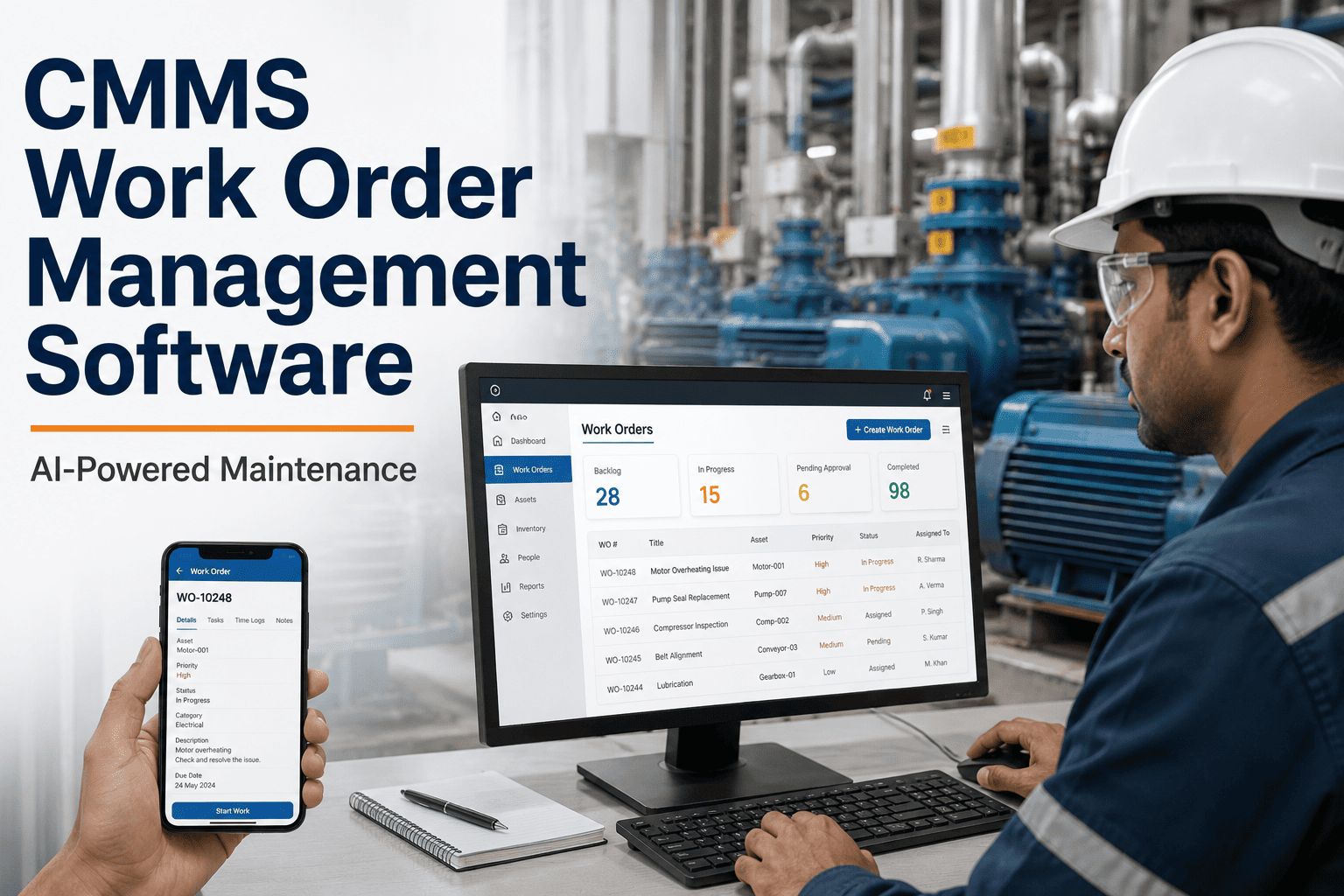
The most common training failure in CMMS deployments is the assumption that all users interact with the system in the same way. A maintenance technician, a reliability engineer, a maintenance planner, a storeroom clerk, and a facility director use a CMMS for fundamentally different purposes—and lumping them into an eight-hour session that covers every feature in sequence is one of the most reliable ways to generate confusion, resentment, and abandonment. Technicians need to become expert on five screens in the mobile app: how to find assigned work, how to log time, how to document a fault with a photo, how to access asset history, and how to close a work order. Introducing reporting dashboards, KPI configuration, and predictive alert management in the same session overloads the cognitive capacity that technicians need to form the daily habits the system depends on. Generic training is not a cost-saving measure—it is the mechanism by which CMMS investments fail.
Generic Session
All roles trained together on all features. Technicians overwhelmed. Adoption collapses within weeks.
No Pilot Phase
System deployed facility-wide before training gaps are identified. Errors propagate at full scale.
Reverting to Paper
Technicians return to whiteboards and memory. CMMS data becomes incomplete and unreliable.
Role-Based Mastery
Each user trained on their specific workflow. Adoption exceeds 85% within 90 days of go-live.
Role-Based CMMS Training: What Each User Group Needs to Know
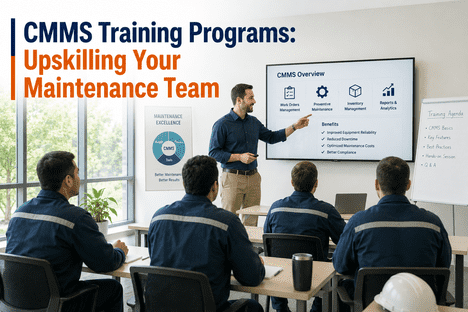
A structured CMMS training program is not a single curriculum—it is a set of parallel tracks, each calibrated to the daily workflow of a specific user group. The objective for each track is the same: reduce the cognitive distance between how the user currently works and how the system expects them to work, until that distance reaches zero. The three primary training tracks for an industrial CMMS deployment cover field technicians, reliability engineers and maintenance planners, and operations management and executive stakeholders. Each group requires different depth, different interface focus, and different success metrics that define when training is complete.
Field Technicians: The Minimum Viable Workflow
Technician training must be built around the five actions they perform every shift: receive a work order on their mobile device, navigate to the asset using QR code or location tag, log their time and parts used, document the fault condition with a photo or video, and close the work order with a standardized failure code. Training sessions should be 10–20 minutes, conducted at shift start, and restricted to these five actions until they become habitual. Advanced features—predictive alert response, cross-asset correlation reports, inventory requests—are introduced only after the core workflow has formed muscle memory. Technicians who are trained this way adopt the system at rates exceeding 85% within 30 days. Those trained in a comprehensive classroom session adopt at rates below 30%.
Reliability Engineers and Planners: Analytics and Workflow Design
Reliability engineers and maintenance planners interact with the CMMS at a fundamentally different level than field technicians. Their training focuses on work order scheduling and priority management, PM schedule configuration based on OEM specifications and historical failure intervals, failure pattern analysis using MTBF and MTTR trend data, cross-asset correlation tools that identify which failure modes are driving reactive maintenance spend, and IoT alert threshold configuration for connected assets. When iFactory's AI vision cameras are integrated, reliability engineers also need training on reviewing vision-generated work orders with photographic evidence attached, validating defect classifications, and feeding confirmed failure events back into the predictive model training loop. This group typically requires 6–8 hours of structured training and benefits significantly from sandbox access to a test environment with real historical data loaded.
Operations Directors and Executive Stakeholders: Dashboard and KPI Literacy
Operations directors and executive stakeholders need training focused exclusively on the dashboard and reporting layer: how to read real-time OEE by production line, how to interpret planned-to-unplanned maintenance ratio trends, how to drill from an aggregate KPI into the work order or asset history that explains a performance deviation, and how to use cross-plant benchmarking reports to identify improvement priorities. Their training is typically 2–3 hours and is most effective when conducted using live data from their own facility rather than vendor-supplied demo data. The objective is decision literacy—ensuring that the data the CMMS produces is trusted, understood, and actively used to drive capital allocation and operational improvement priorities.
The 6-Step CMMS Training Deployment Framework
A structured CMMS training deployment is not a single event—it is a phased program that begins before the system goes live and continues as a formal operational practice for at least 12 months after full rollout. The six-step framework below reflects the approach that consistently produces the highest adoption rates and the fastest time to measurable ROI across industrial CMMS deployments. Organizations that follow this framework and connect to Book a Demo with iFactory consistently achieve platform adoption metrics that translate directly into measurable maintenance cost reduction within the first 90 days.
Training for IoT and AI Vision Integration: The Advanced Capability Layer
Training teams on a standalone work order management system is a fundamentally different challenge from training them on a CMMS connected to live IoT sensor networks and AI vision cameras. When iFactory's platform is fully integrated, maintenance technicians need to understand not just how to close a work order but how to interpret an AI-generated alert—what sensor triggered it, what failure mode it indicates, what the recommended intervention is, and how to document the outcome in a way that improves the predictive model for the next occurrence. This is a materially higher level of operational intelligence than traditional CMMS training addresses, and it requires a distinct training track that is built into the implementation framework from the beginning, not added as a phase-two enhancement.
Technicians trained on IoT-integrated CMMS workflows learn to read sensor-generated work orders that arrive with asset location, sensor reading, threshold breach detail, and failure mode classification pre-populated. Training focuses on: understanding what each alert tier means operationally, how to navigate to the asset using the mobile app, and how to document the physical condition of the asset in a way that confirms or corrects the AI classification. This feedback loop—technician field observation confirming or correcting a sensor-generated alert—is the data that improves predictive model accuracy over time.
iFactory's AI vision cameras generate work orders with timestamped defect images attached. Reliability engineers are trained to review vision-generated work orders, validate the defect classification against physical inspection findings, and tag confirmed failure events with standardized failure codes that feed back into the predictive model training dataset. Training also covers how to adjust vision camera alert sensitivity thresholds for specific production conditions—ensuring that the false positive rate stays low enough to maintain technician trust in the alert system over time.
Platform administrators and senior reliability engineers are trained on the data governance practices that keep iFactory's predictive models accurate as the facility's operational environment evolves. Training covers: maintaining the standardized failure code taxonomy that makes historical data machine-readable, reviewing model accuracy reports and identifying which asset classes have sufficient failure event history for ML-based prediction, and managing the transition from threshold-based anomaly detection to full predictive models as the data lake matures. This training track is typically 4–6 hours and is delivered to 2–3 individuals per facility rather than to the full maintenance team.
Traditional vs. Role-Based CMMS Training: A Direct Comparison
The difference between generic and structured role-based CMMS training is not a matter of preference—it is a measurable performance gap that determines whether the platform delivers its projected ROI within the first year. The table below compares the outcomes of traditional all-hands training approaches against the structured role-based framework that iFactory's implementation team delivers as a standard component of every platform deployment. To see how this framework applies to your specific team structure and IoT integration requirements, Book a Demo and bring your current maintenance org chart.
| Training Dimension | Generic All-Hands Approach | iFactory Role-Based Framework | Performance Impact |
|---|---|---|---|
| Session Structure | Single 6–8 hour all-roles session | Parallel role-specific tracks (1–8 hours each) | 4x higher 30-day adoption rate |
| Technician Training | Full feature walkthrough in classroom | 10–20 min shift-start mobile demos, 5 core actions | 22% vs. 89% adoption at 30 days |
| Training Data | Vendor demo environment with sample data | Real historical asset data in sandbox environment | Faster workflow confidence, lower error rate |
| Pilot Phase | Skipped in favor of full facility launch | 30-day controlled pilot with daily feedback loops | Errors caught before full-scale replication |
| IoT Alert Training | Not covered or added as optional module | Built into technician and engineer tracks from day one | Predictive capability active from go-live |
| Follow-up Training | Not scheduled; ad hoc if users request it | Mandatory 3–4 week post-go-live second session | Sustained adoption above 85% at 90 days |
| Power User Program | No formal structure | Identified pre-training; advanced track; peer mentor role | 15–20 point adoption rate improvement |
Measuring CMMS Training Success: Metrics That Matter
Training success is not measured by the number of users who attended a session—it is measured by the quality and completeness of the data the system produces as a result of trained user behavior. A training program that achieves 90% attendance but 30% work order digital closure rates has failed. A training program with 70% attendance and 88% digital closure rates is succeeding. The metrics below represent the operational signals that distinguish a training program that is building the data quality and adoption momentum needed for long-term platform value from one that is producing compliance theater.
"We had implemented a CMMS twice before and abandoned it both times within six months. The first time, we ran a four-hour all-hands training and called it done. The second time, we added a follow-up session but still trained everyone the same way regardless of role. The third time, we did it completely differently—separate tracks for technicians, engineers, and supervisors, a 30-day pilot with daily check-ins, and follow-up sessions three weeks after go-live. The difference was night and day. Within 45 days we had 88% of our technicians closing work orders digitally. Within three months, our reliability engineers were using MTBF trend data to restructure PM schedules for the first time in the facility's history. Training was the implementation."
CMMS Team Training — Frequently Asked Questions
How long does CMMS training take for a full industrial maintenance team?
Initial role-specific training for field technicians is typically 10–20 minutes per session, delivered at the start of multiple shifts over a two-week period. Reliability engineers and maintenance planners require 6–8 hours of structured training with sandbox access to real historical data. Operations directors and executive stakeholders require 2–3 hours focused on dashboard and KPI literacy. Full adoption—where the system is the primary operational tool rather than a parallel to existing processes—typically takes 60–90 days from the start of the pilot phase, with follow-up training sessions 3–4 weeks after each department's go-live date.
What is the biggest reason technicians resist CMMS adoption?
Resistance to CMMS adoption is almost always a friction problem, not a motivation problem. When a technician finds that logging a work order in the system takes longer than writing it on a notepad, they will write it on the notepad. Effective training addresses this by restricting the initial workflow to the minimum number of actions—typically five—that capture the data the system needs without adding cognitive or operational burden to the technician's shift. As the workflow becomes habitual over 2–3 weeks, additional features can be introduced without encountering resistance because the baseline habit is already established.
How does iFactory's CMMS training handle IoT alert response?
IoT alert response is built into the technician training track from the beginning of iFactory's onboarding program. Technicians are trained to receive sensor-generated work orders on their mobile device, interpret the alert priority tier, navigate to the asset, perform the recommended inspection, and document the physical condition in a way that confirms or corrects the AI-generated classification. This feedback loop is what improves the accuracy of predictive models over time. Training for IoT alert response is incorporated into the same short mobile-first sessions used for standard work order training, ensuring that it becomes part of the core daily workflow rather than a separate capability that requires a separate training event.
What role do power users play in sustaining CMMS adoption after go-live?
Power users—the 2–3 technicians and engineers per department who adopt the system fastest during the pilot phase—are the primary adoption infrastructure after the formal training program ends. When a colleague encounters a workflow problem or a configuration question, peer support from a power user resolves it faster and with less friction than a help desk ticket. Facilities that formally identify power users before training begins, provide them with advanced training on configuration and reporting, and recognize their role publicly see sustained adoption rates 15–20 percentage points higher at 90 days than those without a structured power user program.
How should CMMS training be structured for facilities with multiple shifts?
Multi-shift facilities require training to be delivered at the point of shift transition rather than in dedicated classroom sessions that pull technicians off the floor. The most effective format is a 10–15 minute briefing at shift start, conducted by the shift supervisor or a power user, using a mobile device to walk through the specific workflow actions relevant to that shift's work orders. This approach maintains operational continuity, ensures that all shifts receive equivalent training without scheduling conflicts, and reinforces the mobile-first workflow that CMMS adoption depends on. Rotate the briefing focus across the core five technician actions over a two-week period to build complete workflow competency without overloading any single session.
Does iFactory provide training support for AI vision camera work order response?
Yes. iFactory's implementation framework includes a dedicated training track for vision camera work order response, integrated into the reliability engineer and maintenance planner curriculum. This track covers how to review vision-generated work orders with photographic defect evidence attached, how to validate or correct the AI defect classification based on physical inspection findings, and how to tag confirmed failure events with standardized failure codes that improve model accuracy over time. Platform administrators also receive training on vision camera alert threshold configuration and model performance review, ensuring that the vision system continues to improve in accuracy as it accumulates labeled failure event data from the facility's specific production environment.
What KPIs should we track to measure whether CMMS training is working?
The most direct indicators of training effectiveness are work order digital closure rate by department, asset QR scan usage as a percentage of all work orders, photo fault documentation attachment rate, and failure code completion rate at work order closure. These metrics measure whether trained users are performing the specific behaviors that produce high-quality maintenance data—not just whether they attended a training session. At the 90-day mark, training effectiveness is validated by operational KPIs: planned-to-unplanned maintenance ratio, first-time fix rate improvement, and PM compliance rate trending above 65%. These operational metrics confirm that high-quality data entry has translated into analytical value and operational improvement.
How does training differ when deploying a CMMS for the first time versus replacing a legacy system?
First-time CMMS deployments face a habits formation challenge: every workflow the system requires is new. Legacy system replacements face a different challenge—unlearning existing digital habits that may be deeply embedded. In legacy replacement scenarios, training must explicitly address what is different about the new system and why those differences exist operationally, rather than assuming that existing digital fluency transfers automatically. The highest-risk legacy replacement scenarios involve teams who have used the previous system for five or more years, where specific workarounds and informal processes have accumulated around platform limitations. These informal processes must be surfaced during training and explicitly addressed with new workflows in the replacement system, or they will reassert themselves under operational pressure.