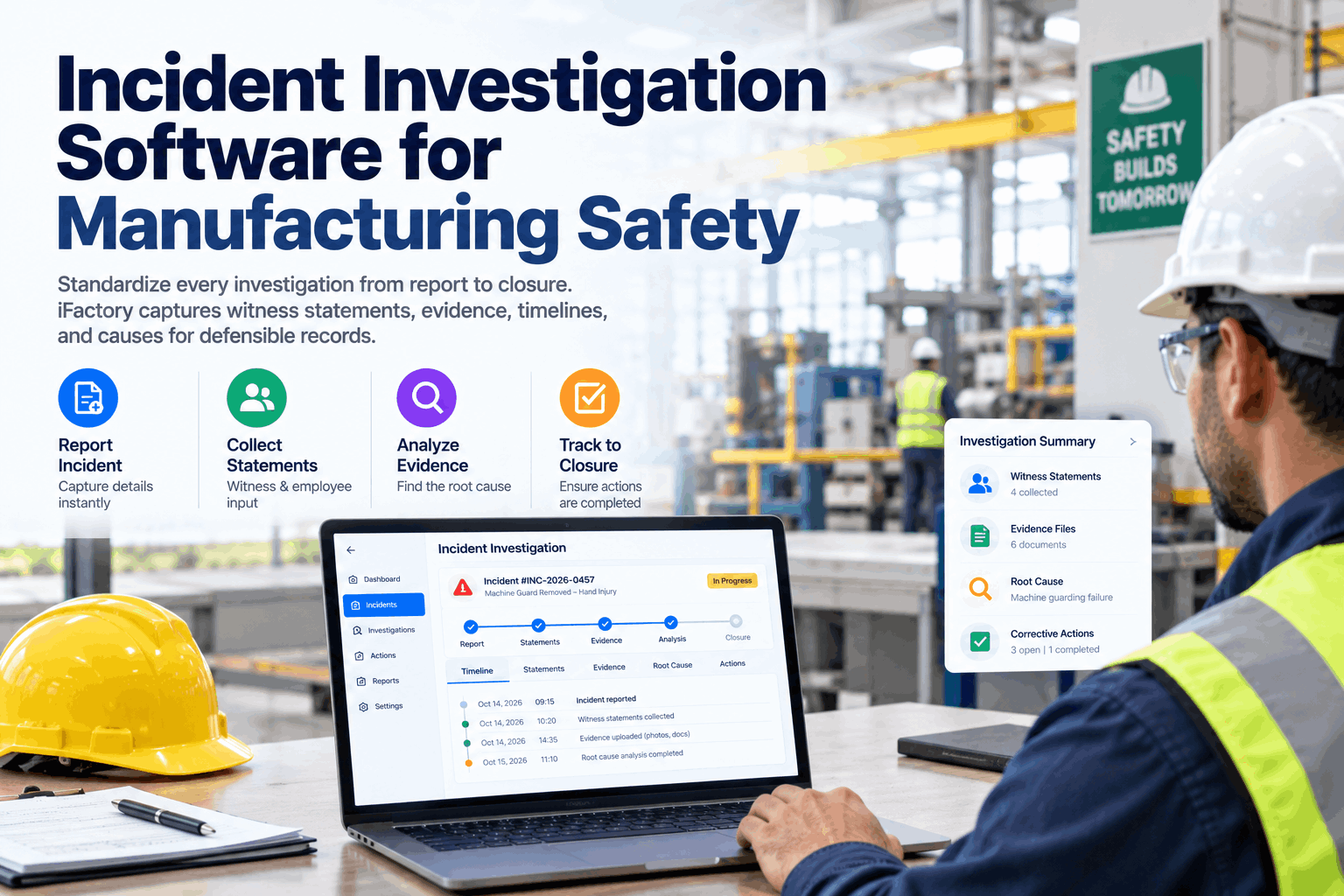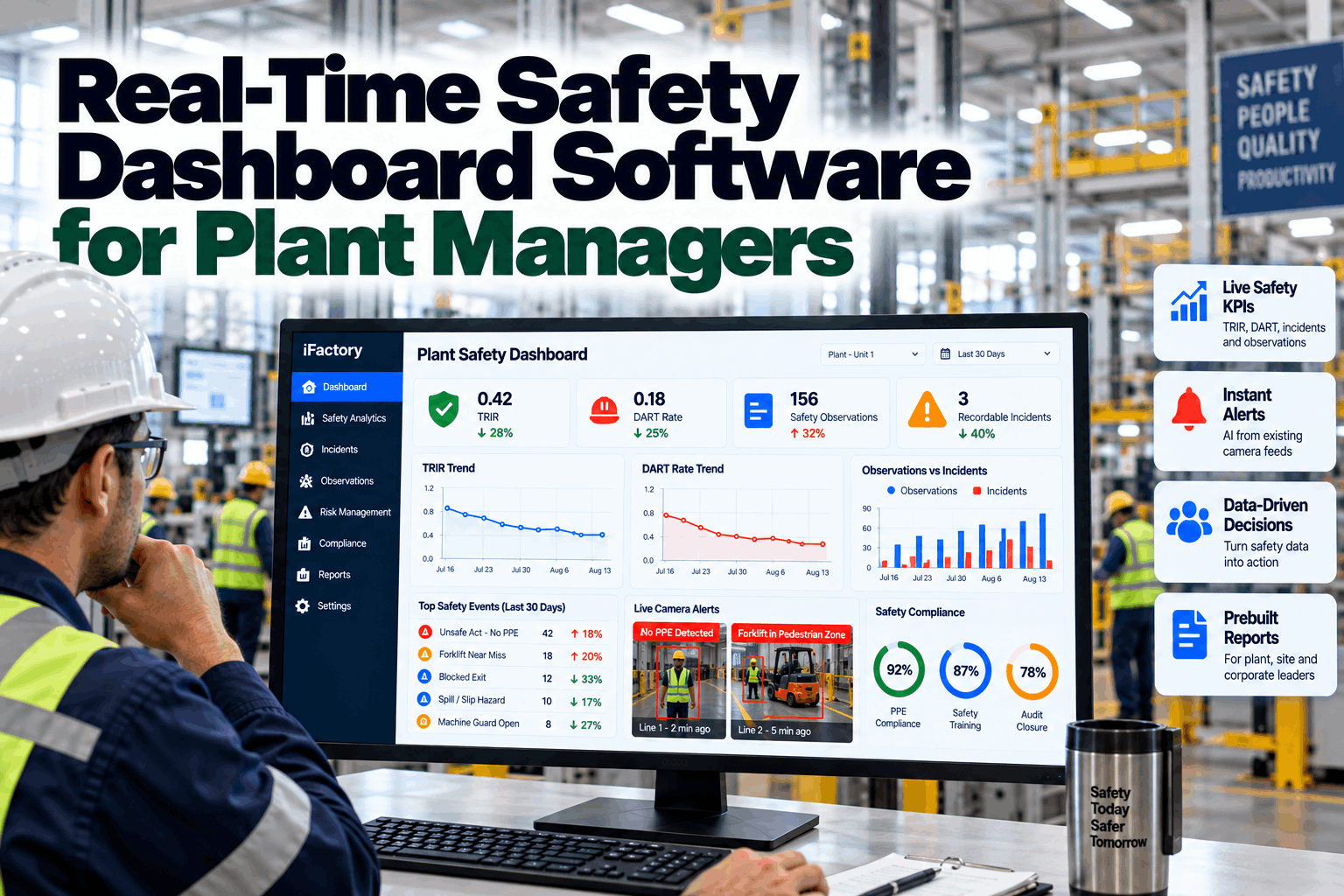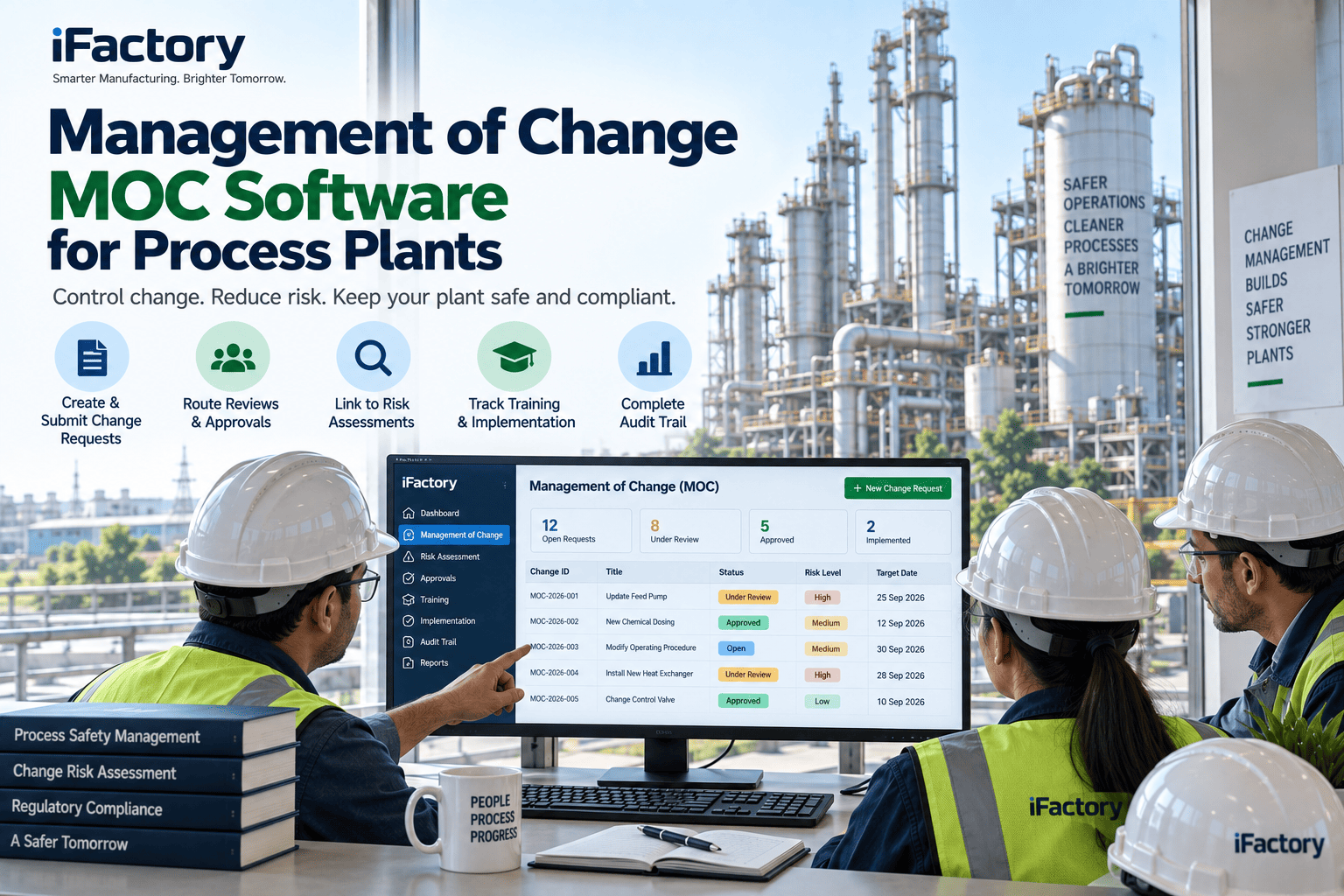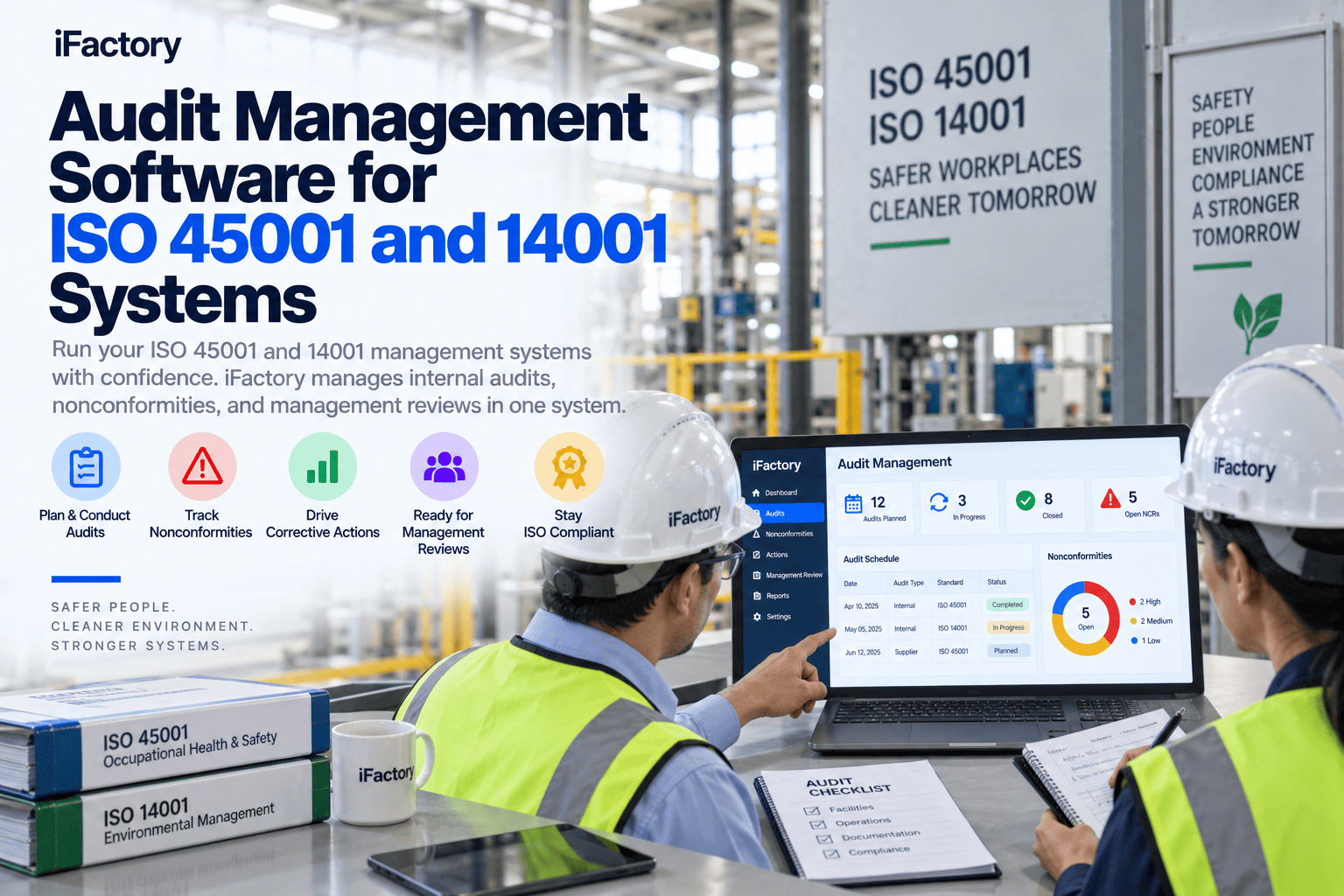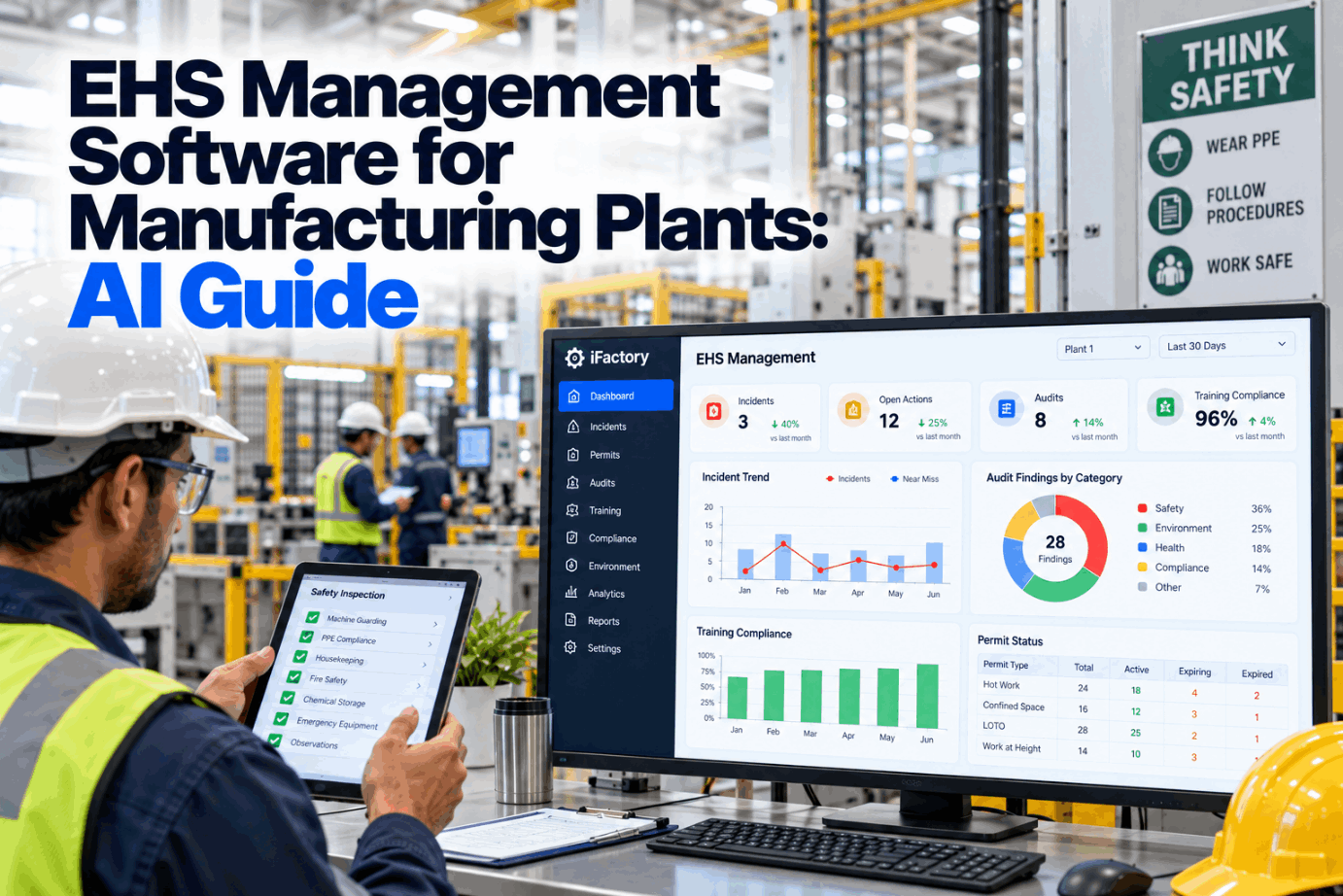
A near miss sits in an email, the hot work permit is on a clipboard, the audit finding lives in a spreadsheet and the guard repair is a work order nobody linked to any of them. Most plants still run EHS this way. This guide shows how EHS management software brings it all onto one AI system. Start with a platform walkthrough.
EHS Management Software for Manufacturing Plants: AI Guide
Incidents, permits, inspections, CAPA, training and environmental logs share one asset model with maintenance. A safety finding becomes a work order in one step, and AI shows where risk is building before it turns into an injury.
- Why separate EHS tools leave gaps on the floor
- The modules a plant EHS system needs
- How a safety finding reaches maintenance in one step
Why Separate EHS Tools Leave Gaps
The data exists. It just lives in five places.
The Bureau of Labor Statistics reported a private industry recordable rate of 2.3 cases per 100 full-time workers in 2024, the lowest since the series began, yet manufacturing still logged well over 300,000 injury and illness cases. In most plants the records that could prevent the next one are split across paper permits, spreadsheet logs, inbox threads and a CMMS that the safety team cannot see. A finding in one place does not trigger action in another, and nobody gets the full picture of an asset or an area. Our engineering team can map where your records sit today.
Paper permits
No live view of who is working where.
Spreadsheet logs
OSHA forms rebuilt by hand at year end.
Email findings
Inspection items lost between shifts.
Disconnected CMMS
A broken guard waits for someone to raise a job.
What EHS Management Software Should Cover
Eight modules, one asset list.
A plant EHS system is only as useful as its weakest link. If permits are digital but inspections are on paper, the gaps simply move. The modules below are the core set most manufacturers need, and each one should point at the same equipment, areas and people that maintenance already uses. Review the module fit for your site in a scoping call.
If incidents, permits and inspections all point at the same asset and area list as your CMMS, every record joins up on its own. Building forms first and fixing the asset list later is the most common reason EHS rollouts stall.
How a Safety Finding Becomes a Work Order
From the floor to a fixed hazard without retyping.
The biggest delay in most EHS programs is the handoff. An inspector finds a missing guard, writes it down and waits for someone in maintenance to raise a job. When EHS and maintenance share one platform, the finding becomes a planned work order on the spot, and the safety team can see when it is done. Ask our support desk how this maps to your CMMS.
Capture
Finding logged by voice or photo at the asset.
Classify
AI scores severity and serious-injury potential.
Assign
Owner and due date set from the area map.
Fix
Work order planned on the maintenance kanban.
Verify
EHS confirms the fix and closes the finding.
See Your Plant’s EHS Records in One Place
Bring permits, findings and actions together with maintenance. Most plants start with one area and two or three modules.
Where AI Helps in EHS
Less typing, earlier warning.
AI is most useful where EHS teams spend time sorting, typing and searching. It reads free text, classifies events, spots repeats and drafts documents for people to check. It does not replace judgment on recordability, permits or root cause, but it gets the facts in front of the right person faster. See these features live in a product demo.
Severity and potential
Each report scored for actual and potential severity, including serious-injury potential.
Trend spotting
Similar events grouped by task, area and asset so repeats stand out.
Investigations and forms
Timelines, 5-Why drafts and OSHA 301 fields prepared for review.
Voice capture
Reports, gas tests and check-ins logged hands-free on the floor.
Vision on CCTV
PPE and zone rules checked on existing cameras, on-site.
Recordkeeping help
Guided questions that point to the right Part 1904 section.
Every AI output in an EHS system should show its evidence and wait for a person to accept it. That keeps accountability where it belongs and builds trust in the tool over time.
EHS and Maintenance on One Asset Model
The same press, the same record, two teams.
Many serious injuries happen during maintenance: clearing jams, changing tooling, working on energized or pressurized systems. When the LOTO procedure, the permit, the inspection history and the work order all hang off the same asset, both teams work from one set of facts. Talk to our planning team about joining the two.
EHS sees on the asset
- Open permits and isolations
- Inspection findings and CAPA
- Near misses and incidents
- Who is trained to work on it
Maintenance sees on the asset
- The LOTO procedure with photos
- Safety findings as work orders
- Permit status before the job starts
- Hazards flagged by the last crew
Choosing EHS Software: Questions to Ask
Six questions that separate tools from platforms.
Most EHS tools look similar in a demo. The differences show up on the floor, in a plant with patchy Wi-Fi, an existing CMMS and auditors who want a clean trail. Bring these questions to any vendor, including us, in a fit review.
EHS Rollout Mistakes to Avoid
Software cannot fix a process nobody agreed on.
The plants that get value fastest pick one or two problems, agree the process first and then configure the tool to match. The plants that struggle try to move every form on day one. A short readiness check can spot these patterns early.
What works
- One area and two or three modules first
- A clean asset and area list
- Owners named for every finding type
- Supervisors trained on the phone app first
What fails
- Every form moved at once
- Duplicate asset lists for EHS and maintenance
- Findings with no owner or due date
- Reports that never reach the reporter again
How iFactory Runs the Unified EHS Platform
One platform, on your own network.
iFactory runs incidents, permits, inspections, CAPA, training and environmental logs on an on-prem AI server inside your plant. Every record shares one asset model with maintenance, so a safety finding can become a work order in one step. Fit questions go to our solutions team.
Incident hub
Voice, photo and QR reports, scored for severity and potential.
Digital permits
Permit types, SIMOPS checks and live status on a plant map.
Inspections and audits
Mobile routes with findings linked to assets.
CAPA tracking
Actions with owners, due dates and effectiveness checks.
Training matrix
Qualifications checked before people are assigned.
Environmental logs
Spills, waste and emissions records beside safety data.
Results depend on your current processes, data quality and adoption. We measure response times and closure rates on your own data during the pilot, rather than promising a general figure.
Turnkey AI: Delivered, Connected and Live in 6–12 Weeks
You do not build this. It arrives ready.
iFactory ships as a pre-configured NVIDIA AI server with the software pre-loaded, racked and ready. Rack it, plug in power and Ethernet, and the AI is live on your network. Our team handles cabling, network setup, PLC, SCADA and CMMS integration, migration of existing EHS spreadsheets and forms, operator training and 24×7 remote monitoring. Data stays on your network. For a scope matched to your plant, request a turnkey quote.
Ship, network and data
Server installed. Asset list, areas, people and existing records loaded.
Configuration and pilot
Permits, inspections and incident forms set up for one area.
Go-live and training
Platform live across agreed areas. Supervisors trained. 24×7 monitoring begins.
Frequently Asked Questions
What is EHS management software?
It is a system that holds environment, health and safety records, such as incidents, permits, inspections, corrective actions, training and environmental logs, in one place, with workflows that move each item to the right owner.
Why should EHS share an asset model with maintenance?
Because many hazards are equipment problems. When a finding points at the same asset as the CMMS, it can become a work order in one step and both teams see the same history.
Can it replace our spreadsheets for OSHA forms?
Yes. Incident reports feed guided recordability questions, and the 300, 300A and 301 forms are kept current from the same records.
Does the AI make safety decisions?
No. It classifies, drafts and spots trends. People approve recordability, permits, investigations and actions.
Where is our data stored?
On an on-prem server inside your network. Video, injury records and personal data stay under your own access rules.
Which module should we start with?
Most plants start with incidents and inspections, because they feed every other module. Permits follow once the asset and area list is clean.
How long does it take to go live?
Six to twelve weeks from server delivery for the agreed areas, including configuration, a pilot and training.
Bring Your EHS Records Together
In thirty minutes we look at how incidents, permits and findings move through your plant today and where they stall. You keep the notes either way.
- 1Your current incident and near miss forms
- 2A list of permit types you use
- 3Last year’s OSHA 300 log
- 4Your CMMS asset list for one area
- 5One finding that took too long to fix