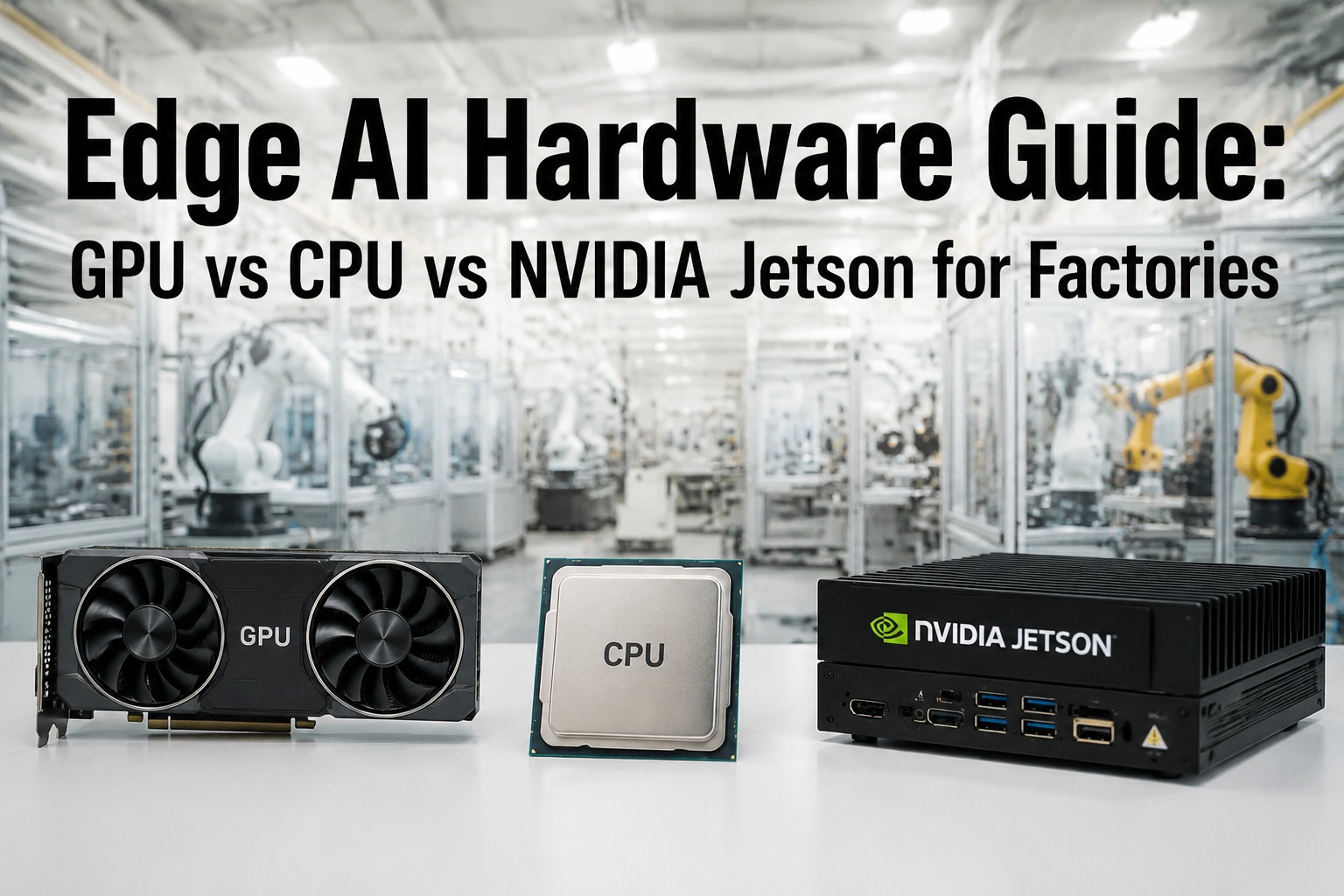
The most expensive mistake in smart factory AI infrastructure isn't buying the wrong GPU — it's applying the same compute philosophy to every workload. A defect detection camera on a production line, a digital twin simulation engine, a predictive maintenance model and an OEE analytics dashboard have fundamentally different latency, throughput, and data-residency requirements. Getting the hardware right means matching compute architecture to workload characteristics — not defaulting to the most powerful option or the cheapest one.
Get a compute sizing assessment for your facility — iFactory's infrastructure team maps your AI workloads to the right hardware before you spend a dollar on equipment.
Why One Hardware Platform Never Fits All Factory AI Workloads
Modern smart factories run AI at every layer of the production stack simultaneously. A single facility might be running defect detection inference in real time at 200+ frames per second on the production line, running a digital twin physics simulation in an on-premise server room, generating predictive maintenance alerts from 400 vibration sensors, and refreshing an OEE dashboard for shift managers every 30 seconds. These four workloads have almost nothing in common from a compute perspective — and treating them identically is the primary reason AI infrastructure projects run over budget or underperform.
TOPS delivered by Jetson AGX Orin — enough for 4K real-time vision inference at 15–75W
latency required for line-speed defect detection — only achievable with on-machine edge compute
CPU inference latency for lightweight models — often faster than GPU including transfer overhead
reduction in manual material handling time achieved with Jetson-powered vision-guided robots
The Three Hardware Profiles: What Each One Actually Does in a Factory
Before mapping workloads to hardware, it helps to understand what CPU, GPU, and Jetson architectures are each fundamentally optimized for — because the answer is not just about raw performance numbers. The right hardware profile is the one that matches the parallelism, latency, and power envelope of the specific factory workload.
Sequential, latency-sensitive tasks with complex branching logic. Handles multi-protocol communication (OPC-UA, Modbus, PROFINET), PLC interfacing, light inference on structured sensor data, and data preprocessing pipelines.
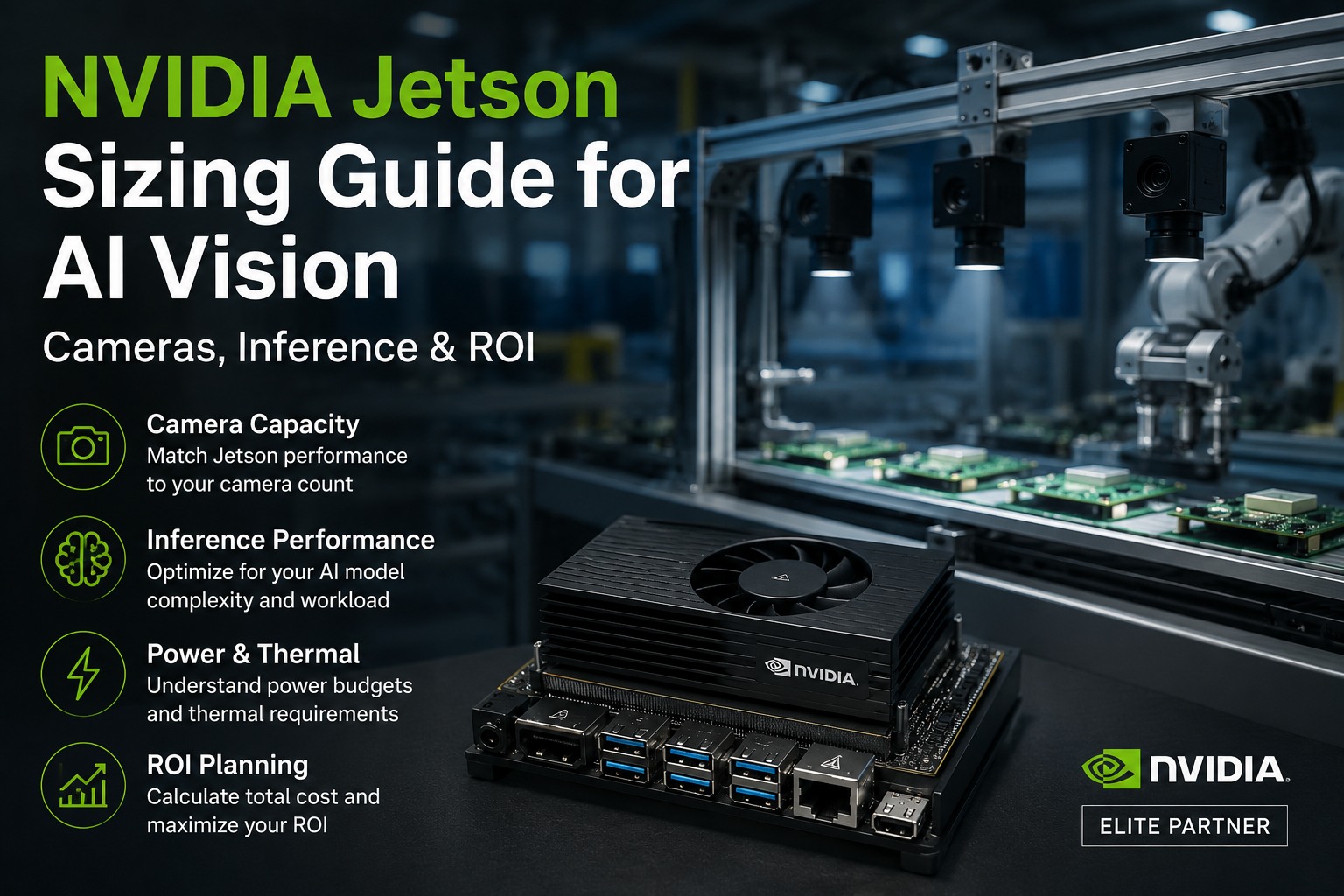
Real-time AI inference directly at the machine. Integrates CPU, GPU, deep learning accelerators (DLA), and unified memory in a single power-efficient SoC. Runs CUDA, TensorRT, and the full NVIDIA JetPack SDK. Designed to survive factory-floor thermal and vibration environments.
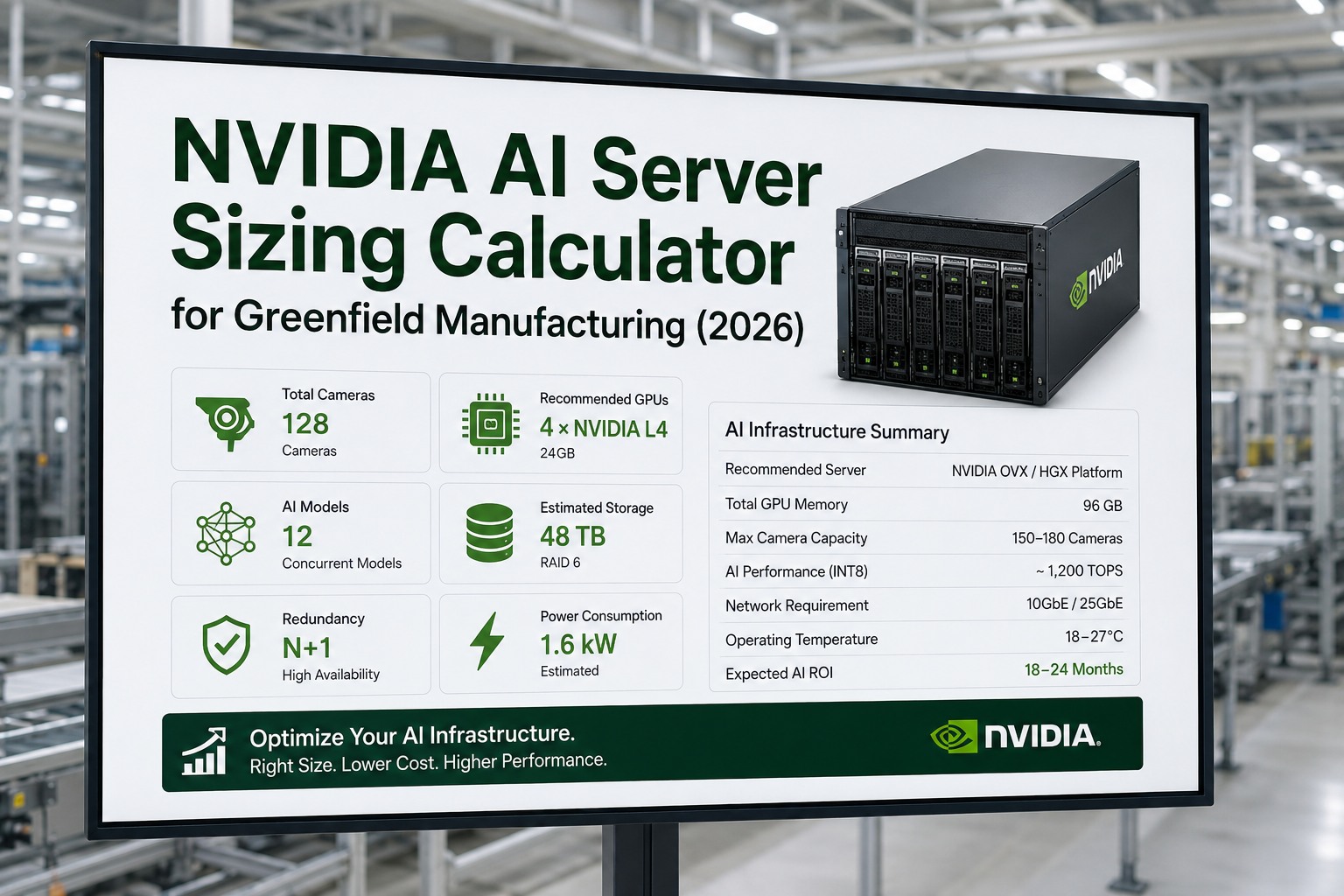
Massively parallel batch workloads: physics simulation, model training, multi-stream video analytics, digital twin rendering, and fleet-level predictive models. Lives in a server room, not on a machine. Handles the compute-heavy factory intelligence layer that Jetson modules feed data into.
Not sure which hardware tier fits your production setup? Talk to iFactory's compute architects — we spec edge AI infrastructure across vision, predictive maintenance, and digital twin workloads.
Workload-to-Hardware Decision Matrix: The Four Core Factory AI Use Cases
The decision matrix below maps the four most common factory AI workloads to their optimal hardware tier, with the primary technical rationale for each choice. Use this as a first-pass reference for infrastructure planning — the right answer for any specific facility depends on scale, concurrency, and existing network architecture.
Want this matrix applied to your specific production lines and workloads? Request a workload-to-hardware mapping session — iFactory's architects analyze your AI use cases and deliver a tier-by-tier infrastructure specification.
Right-Size Your Factory AI Hardware — Before You Procure
iFactory's edge AI platform runs vision, predictive maintenance, digital twin, and OEE analytics on pre-specified NVIDIA hardware — sized and configured for your facility's exact workload profile. No overprovisioning. No performance gaps. Production-ready in 6–12 weeks.
Choosing the Right Jetson Module for Your Production Line
The NVIDIA Jetson family is not a single product — it is a performance spectrum from the compact, low-power Orin Nano to the full-capability AGX Orin Industrial designed for harsh factory environments. The right module depends on the number of concurrent camera streams, model complexity, and whether the deployment needs extended-temperature and ECC memory certification for industrial-grade reliability.
Sizing Jetson modules for a multi-line deployment? Book a Jetson configuration workshop — iFactory specs the module, enclosure, and camera network for your exact production environment.
Expert Perspective
The factories that end up with bloated infrastructure costs are almost always the ones that treated hardware selection as a procurement decision rather than an architecture decision. They put server GPUs where Jetson would have done the job at 1/10th the power draw, and then run everything through a network hop that adds 40ms of latency to a system that needed sub-10ms. The inverse also happens: facilities that try to run digital twin simulation on edge hardware and wonder why the model runs at one frame per second. The compute layer has to match the physics of the workload.
— iFactory Infrastructure & Edge AI Architecture Team
performance improvement of Jetson AGX Orin vs. previous-gen AGX Xavier
memory bandwidth on Jetson AGX Orin — enables 4+ concurrent AI pipelines
iFactory deployment path from hardware delivery to live production AI
Deploy Factory AI on Hardware That's Right-Sized From Day One
iFactory's edge AI platform integrates vision, predictive maintenance, digital twin, and OEE analytics on pre-configured NVIDIA hardware — Jetson for machine-level inference, server GPU for simulation — all managed from a single dashboard, all with a 6–12 week path to live production AI.
Frequently Asked Questions
Can a CPU handle AI vision inspection on a factory production line?
For lightweight models and low-speed lines, yes — modern Intel Xeon-D and AMD EPYC processors with built-in AI acceleration can run quantized MobileNet-class models at latencies as low as 8ms. However, for deep CNN models (ResNet-50 and larger) at production-line speeds of 200+ frames per second, a CPU cannot maintain the required throughput. The memory transfer overhead between CPU and any attached accelerator also adds latency that can exceed acceptable inspection windows. For anything beyond simple binary classification at moderate throughput, a Jetson AGX Orin or equivalent edge GPU is the right architecture.
What is the difference between NVIDIA Jetson and a standard GPU server for factory AI?
Jetson is a system-on-module (SoM) that integrates CPU, GPU, deep learning accelerators, and unified memory into a single compact, power-efficient package (15–75W) designed to survive factory-floor environments — dust, vibration, temperature extremes. A server GPU (RTX 4000/6000, A-series) lives in a temperature-controlled rack, draws 70–400W per card, and delivers dramatically higher throughput for parallel batch workloads. Jetson wins for machine-level real-time inference where latency and physical footprint matter. Server GPU wins for digital twin simulation, model training, and aggregated multi-site analytics where throughput and memory capacity matter.
How many camera streams can a Jetson AGX Orin handle simultaneously?
With TensorRT-optimized models and NVIDIA DeepStream, a Jetson AGX Orin 64GB can handle 6 or more concurrent 4K camera streams running simultaneous AI inference pipelines. The 204 GB/s memory bandwidth and dual NVDLA accelerators enable multiple concurrent deep learning models without pipeline starvation. Real-world throughput depends on model complexity, precision (INT8 vs FP16), and the degree of pipeline optimization — pre-deployment profiling with TensorRT is essential to confirm exact stream counts for your specific defect detection models.
Does predictive maintenance AI require a GPU, or can it run on a CPU?
Most predictive maintenance workloads — time-series anomaly detection, vibration FFT analysis, LSTM-based remaining useful life prediction — run efficiently on industrial CPU hardware. These models operate on structured sensor data (vibration, temperature, acoustic signals) rather than high-dimensional image data, so the massive parallelism of a GPU is rarely justified. A CPU or Jetson Orin NX edge node can process 400+ sensor channels in real time with sub-500ms alert latency. A full server GPU is warranted only when predictive maintenance models are combined with vision-based inspection in the same inference pipeline, or when training new models on large historical datasets.
Can the same NVIDIA Jetson module run both vision inspection and predictive maintenance simultaneously?
Yes — this is one of Jetson's key architectural advantages. The AGX Orin supports multiple concurrent AI application pipelines: the GPU handles vision inference while the dedicated DLA (Deep Learning Accelerator) and CPU cores handle sensor-based predictive maintenance models simultaneously. This concurrency eliminates the need for separate hardware nodes for each workload on a single machine cell, reducing per-station infrastructure cost significantly. For high-throughput lines with 6+ cameras and large sensor arrays, the AGX Orin 64GB is the appropriate module — smaller Orin NX and Nano variants handle the workloads sequentially rather than simultaneously.