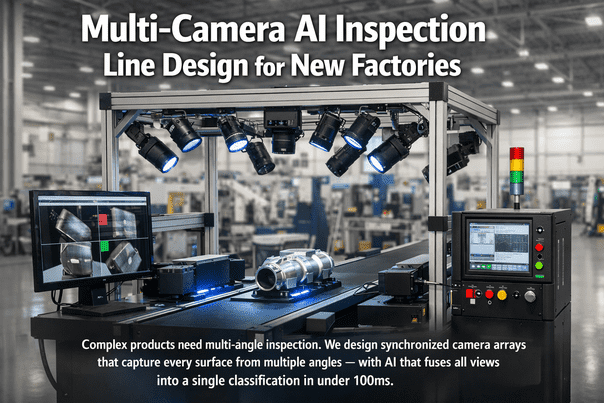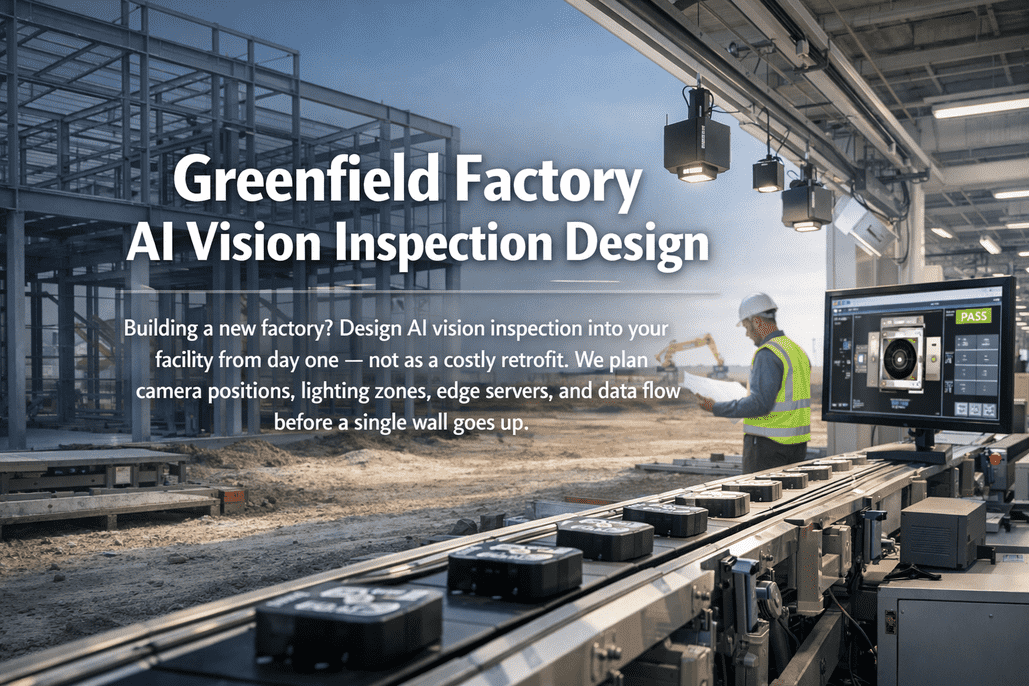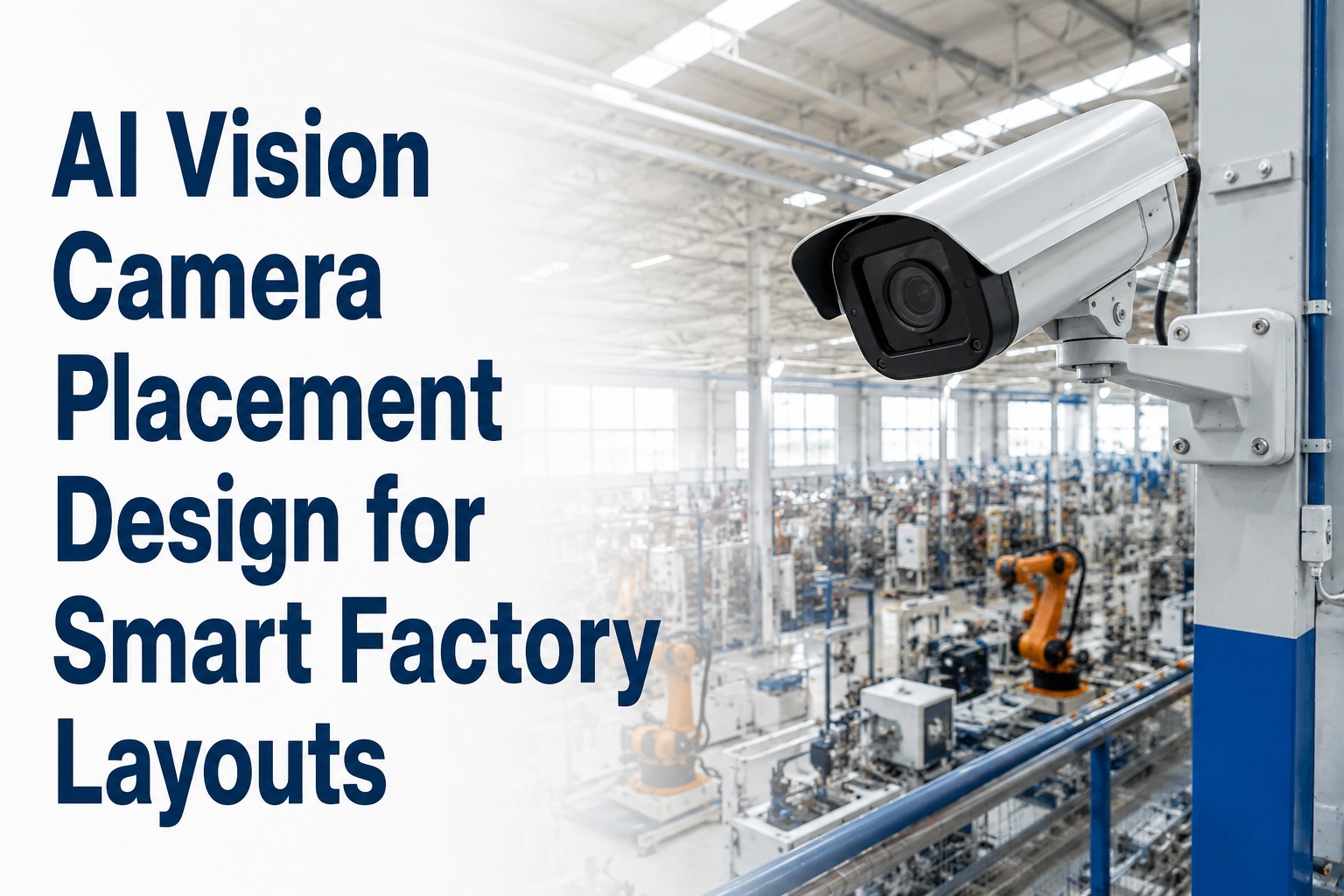
Camera placement is where most factory AI vision projects lose ROI before a single image is processed. A camera positioned 40cm too high misses sub-surface defects. The wrong lens choice leaves the last 30% of a conveyor run outside the depth of field. A gap in coverage between two area-scan cameras creates a 200mm blind zone that passes bad parts every cycle. In greenfield facilities, these mistakes are fixable at drawing-board cost — a few hours of layout simulation in the digital twin. Retrofitting them after production starts means downtime, remounting, and retraining the AI model on new focal geometry.
Get your camera placement design validated in iFactory's digital twin — we simulate full coverage geometry against your line layout before a single bracket is welded.
Coverage Architecture
Factory Floor Camera Placement: Coverage Zones & Blind-Zone Analysis
A correctly designed layout achieves 100% inspection coverage with no overlapping compute waste and zero blind zones between camera fields of view
Why Camera Placement Fails: The Four Blind-Zone Sources
Blind zones in factory vision systems do not come from using the wrong AI model or an insufficient number of cameras. They come from four geometric and optical design decisions that interact with each other in ways that are only visible when the system is simulated as a complete layout — not evaluated camera by camera. Understanding these four sources is the starting point for any coverage design process.
FOV Gap Between Adjacent Cameras
When adjacent cameras are spaced based on nominal FOV width without accounting for lens distortion at the edges, a gap opens between their effective inspection zones. At line speeds of 0.5m/s, a 40mm gap means parts pass through unchecked every 80 milliseconds. This error is invisible in a per-camera specification sheet but immediately apparent in a coverage simulation.
Fix: Calculate effective FOV at 85% of nominal (accounting for edge distortion), then set camera spacing so effective FOVs overlap by 10–15% at the conveyor surface.
Depth-of-Field Mismatch With Product Height Variation
A camera focused at a nominal working distance of 600mm with a ±5mm depth of field will fail to capture surface defects on product surfaces that vary in height by more than ±5mm. In practice, packaging tolerances, pallet stack variation, and part-to-part height differences routinely exceed the depth-of-field envelope of a fixed-focus system.
Fix: Characterize the full height variation envelope of your product and specify camera working distance and lens selection to achieve depth of field that spans the entire envelope plus 20% margin.
Lighting Shadow Zones
A camera with perfect geometric coverage can still produce effective blind zones when its illumination geometry creates shadows that obscure surface features. Dark-field lighting that reveals scratches on flat surfaces creates hard shadows at raised edges and seams. A single ring-light source creates specular hotspots on reflective materials that saturate the sensor. Both effects produce image regions where defects are undetectable regardless of AI model quality.
Fix: Design lighting geometry alongside camera placement — not as a separate step. Use structured light simulation to verify that illumination covers the full FOV without shadow or saturation at any product feature.
Angle-of-Incidence Failure on 3D Features
A top-down camera inspecting an assembly with vertical walls, recessed slots, or undercuts cannot image those surfaces regardless of resolution — the geometry is simply outside the camera's line of sight. These are not software problems. They are physical blind zones that require either a supplementary angled or side-looking camera, or a 3D structured-light system to resolve.
Fix: During the coverage design process, explicitly list every product surface feature and assign a camera angle and position that achieves at least a 45° angle of incidence on each feature requiring inspection.
Want a blind-zone analysis run on your current or planned camera layout? Book a coverage simulation session — iFactory models your layout geometry in the digital twin and identifies every gap before hardware is purchased.
Camera Type Selection by Inspection Workload
Selecting the right camera type for each inspection point is the second critical design decision after placement geometry. Area scan, line scan, 3D, and smart cameras are not interchangeable — each has a specific geometric and application profile that either matches or conflicts with the production process it is inspecting.
Area Scan
Full 2D frame capture per trigger
Captures a complete rectangular image on a single trigger — ideal for stationary or indexed parts. The industry workload: part presence checks, dimensional verification, label reading, barcode scanning, and AI defect classification on discrete parts at fixed stations.
- Resolution: 0.3MP to 25MP+
- Trigger: PLC encoder signal or motion trigger
- Best mounting: Fixed overhead or angled at station
Use when: Parts are discrete, indexed, or momentarily stationary during inspection
Avoid when: Continuous web/sheet material, or product never stops moving at speed
Line Scan
One pixel row per cycle, image assembled from motion
Captures one row of pixels at a time; the full image is assembled as the product moves past the sensor. Mandatory for continuous web manufacturing (film, foil, textile, paper). Available up to 16,000 pixels per line at speeds reaching 1 MHz — enabling unlimited-length inspection without geometric distortion.
- Resolution: 2k to 32k pixels per line
- Trigger: Encoder-synchronized with conveyor speed
- Best mounting: Fixed perpendicular to material motion
Use when: Continuous web/sheet/roll material, unlimited length surface inspection
Avoid when: Product speed varies — encoder signal is mandatory for consistent pixels per mm
3D Structured Light
Depth map generation via laser or fringe projection
Projects a known light pattern onto the surface and calculates depth from distortion in the reflected pattern. Delivers height maps and volumetric measurements unachievable with 2D cameras. Essential for bead inspection, solder joint height, gasket compression verification, and any application where the defect is a dimensional deviation rather than a surface marking.
- Resolution: ±0.01mm Z-axis on precision systems
- Trigger: Encoder or part-in-position sensor
- Best mounting: Angled to maximise depth gradient
Use when: Height, volume, or geometric profile is the inspection criterion
Avoid when: High-gloss or mirror surfaces — specular reflection disrupts depth calculation
Smart Camera
On-board compute — no external vision PC
Integrates sensor and inference processor in a single compact unit. Eliminates cabling to an external vision computer and simplifies cabinet layout. Best suited for presence checks, barcode reading, and simple AI classification tasks. Not appropriate for multi-camera synchronization tasks or complex multi-model pipelines that benefit from shared GPU compute.
- Compute: Embedded SoC, limited parallel pipelines
- Output: Direct PLC pass/fail signal
- Best mounting: Compact stations, tight cabinet space
Use when: Single-task inspection point with minimal compute requirements
Avoid when: Multi-model AI, synchronization across stations, complex defect taxonomy
Not sure which camera type fits each inspection station on your line? Book a camera type selection session with iFactory — we match area scan, line scan, 3D, or smart camera to every inspection point based on your product geometry, line speed, and defect requirements.
Camera Placement Designed Right in the Digital Twin — Before Any Hardware Ships
iFactory's vision system design service specifies camera type, mounting position, working distance, lens selection, lighting geometry, and blind-zone validation for every inspection point on your production line — all simulated in the digital twin before a single camera is ordered.
The Five-Step Camera Placement Design Process
Effective camera placement design follows a structured sequence — starting from defect requirements and working backward through inspection geometry to mounting specifications. Skipping any step introduces the kind of coverage gap that only appears during production ramp-up, when fixing it requires line downtime and remounting costs that far exceed the original design time investment.
-
Defect Taxonomy & Minimum Detectable Feature Size
Before selecting any camera, define the complete list of defects the system must detect and the minimum physical size of each defect type. This determines the required pixel resolution at the inspection surface. A 0.2mm scratch requires a minimum pixel pitch of 0.1mm/px — which, combined with the inspection zone width, directly calculates the minimum megapixel count of the camera sensor.
Output: Defect specification sheet with minimum feature size per defect category
-
Inspection Zone Mapping on Production Line Layout
Overlay the defect specification sheet onto the production line P&ID and layout drawing. Identify every surface of every part that must be inspected — top, bottom, sides, edges, and recessed features. Assign a required angle of incidence for each surface. This map defines the minimum number of camera positions and their approximate orientations before any camera is selected.
Output: Inspection zone map with surface coverage requirements per station
-
Working Distance & Lens Selection Per Camera Position
For each camera position, calculate the working distance from the mounting constraint (ceiling height, machine frame clearance, safety guarding). From the working distance and required FOV width, calculate the focal length using the formula: Focal Length = (Working Distance × Sensor Width) / FOV Width. Select the nearest standard focal length and verify depth of field covers the full product height variation envelope.
Output: Lens specification per camera (focal length, aperture, sensor format match)
-
Digital Twin Coverage Simulation & Blind-Zone Validation
Import the complete camera layout — positions, orientations, FOVs, depth-of-field envelopes — into the facility digital twin. Run a coverage simulation that renders the effective inspection area on the production line surface at the pixel resolution specified in Step 1. Any surface below the minimum resolution threshold or outside the depth-of-field envelope is flagged as a blind zone. Adjust camera positions until 100% coverage is achieved.
Output: Coverage heat map with verified 100% inspection coverage at required resolution
-
Lighting Geometry Design & Illumination Validation
For each camera position, specify the lighting geometry that maximizes contrast for the target defect types. Coaxial lighting for shiny surfaces, dark-field for surface scratches, diffuse dome for elimination of shadows on complex 3D shapes, structured fringe projection for depth measurement. Validate that illumination uniformity across the full FOV meets the contrast threshold required for the AI model — typically a minimum 30% contrast ratio between defect and background.
Output: Lighting specification per camera with illumination uniformity validation
Ready to run this process on your line layout? Talk to iFactory's vision design team — we execute all five steps using your facility drawings and product specifications before any hardware procurement begins.
Expert Perspective
The most expensive camera placement mistakes we see are never about choosing the wrong AI model or buying an insufficient number of cameras. They are about placing the right camera at the wrong working distance, or discovering during ramp-up that a 30mm height variation in the product family blurs the defect image at every other part run. The digital twin simulation catches these errors in hours. The production floor catches them in weeks of lost throughput and emergency mounting modifications that cost ten times the simulation would have.
global AI vision inspection market in 2025, growing at 22.5% CAGR
of industrial automation systems already using machine vision cameras for defect detection
defect detection accuracy achievable with correct camera placement and AI model training
Zero Blind Zones From Day One — Coverage Validated Before Commissioning
iFactory designs your complete camera placement architecture — defect taxonomy, inspection zone map, working distance calculations, digital twin coverage simulation, and lighting specification — then validates it against your production line geometry before a single camera is mounted. Greenfield plants that skip this step spend the first three months of production remounting hardware.
Frequently Asked Questions
How do you calculate the working distance and lens focal length for a factory inspection camera?
The calculation starts from two known values: the required field of view width (determined by the inspection zone size) and the available working distance (determined by the mounting constraint at that station). The focal length is then calculated as: Focal Length = (Working Distance × Sensor Width) / Field of View Width. For example, a camera with a 2/3" sensor (8.8mm width), mounted at 600mm working distance to inspect a 200mm wide part, requires a focal length of approximately 26mm. You then select the nearest standard focal length (typically 25mm or 28mm) and verify that the resulting depth of field covers the full height variation of your product at that working distance. Depth of field scales with aperture (f-stop) and inversely with magnification — longer focal lengths at the same working distance give shallower depth of field and require smaller apertures (higher f-numbers).
What is a blind zone in factory AI vision and how is it eliminated?
A blind zone is any area on a production surface that is outside the effective inspection coverage of the camera network — either geometrically (not within any camera's field of view) or optically (within the FOV but outside the depth of field, obstructed by a shadow, or at an angle of incidence too shallow to resolve the target defect). Blind zones are eliminated through a four-step process: first, map the complete set of surfaces requiring inspection; second, calculate effective FOV for each camera at the required resolution; third, simulate the full camera layout in a digital twin to identify any surface gaps; fourth, iterate camera positions, add supplementary cameras, or adjust angles until coverage is verified at 100%. The digital twin simulation is the critical step — blind zones from FOV gaps, depth-of-field mismatches, and lighting shadows are all invisible in a per-camera specification review but immediately apparent in a layout simulation.
When should a factory use line scan cameras instead of area scan cameras?
Line scan cameras are mandatory when the inspection target is a continuously moving material — film, foil, web, textile, paper, extruded profiles, or any material that moves through the inspection zone without stopping. Area scan cameras require the product to be either stationary or indexed (momentarily stopped) at the inspection point, because the entire frame is captured in a single exposure. When material runs continuously at production speed, an area scan camera captures a motion-blurred image of a partial product segment, not a full-resolution inspection image. Line scan cameras avoid this problem because they capture one pixel row per encoder pulse — meaning they assemble the image at exactly the resolution dictated by the product speed and encoder pulses, regardless of line speed. The critical configuration requirement is a reliable encoder signal synchronized to conveyor speed — without it, the assembled image compresses or stretches, making dimensional measurements inaccurate.
How does a digital twin validate camera placement before production starts?
A digital twin camera validation workflow imports the CAD geometry of the production line, conveyor, and product into a 3D simulation environment. Camera positions, orientations, focal lengths, and sensor sizes are modeled as parameterized virtual cameras. The simulation renders the coverage footprint of each camera on the product surface at the correct resolution — accounting for lens distortion, depth-of-field fall-off, and angle-of-incidence effects. A coverage heat map is generated showing pixel density across the inspection surface: zones below the minimum required resolution are flagged in red, zones with adequate resolution in green. Engineers iterate camera positions in the simulation, repositioning virtual cameras until the heat map shows 100% green coverage. This process takes hours in the digital twin and would take weeks of trial-and-error on the physical line — making it the most cost-effective step in greenfield vision system design.
What is the right lighting type for different industrial inspection applications?
Lighting choice is driven by both the surface material and the defect type. Coaxial lighting (light source aligned with camera axis) eliminates shadows on flat, reflective surfaces — ideal for reading labels, barcodes, and detecting fine surface markings. Dark-field lighting (low-angle illumination parallel to the surface) maximizes contrast on scratches, cracks, and surface texture variations by making them appear bright against a dark background. Diffuse dome lighting wraps light from all directions, eliminating shadows entirely — best for inspection of complex 3D shapes or shiny curved surfaces where any directional light would create specular highlights. Structured fringe projection lighting patterns (used with 3D cameras) projects known patterns for depth calculation — requires that the surface neither absorb all light (matte black) nor reflect it mirror-like (polished metal). For most greenfield facilities, the correct approach is to specify two lighting variants per inspection station: the primary lighting for the main inspection task, and a secondary lighting option for surface type variations across the product family that will run on the same line.