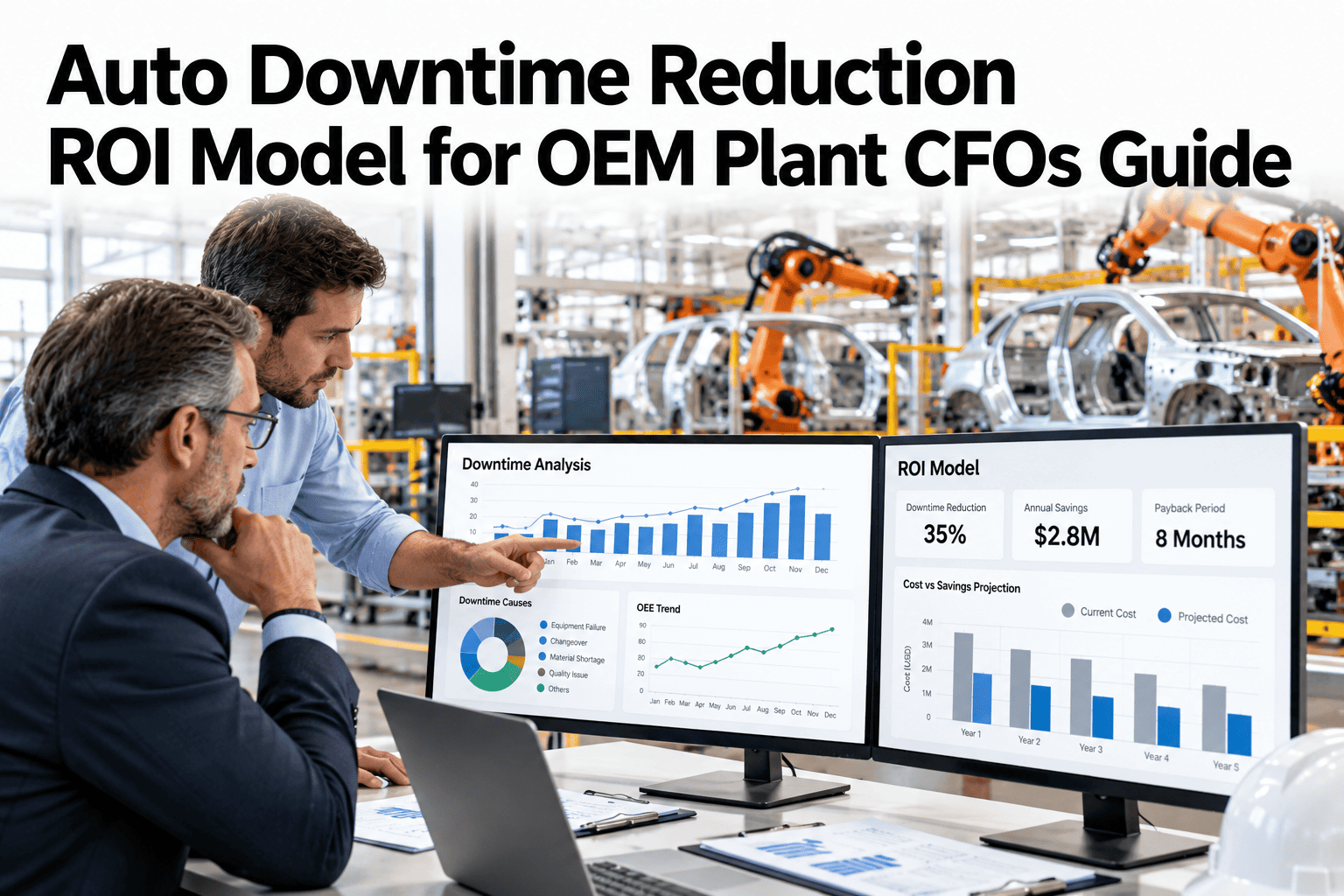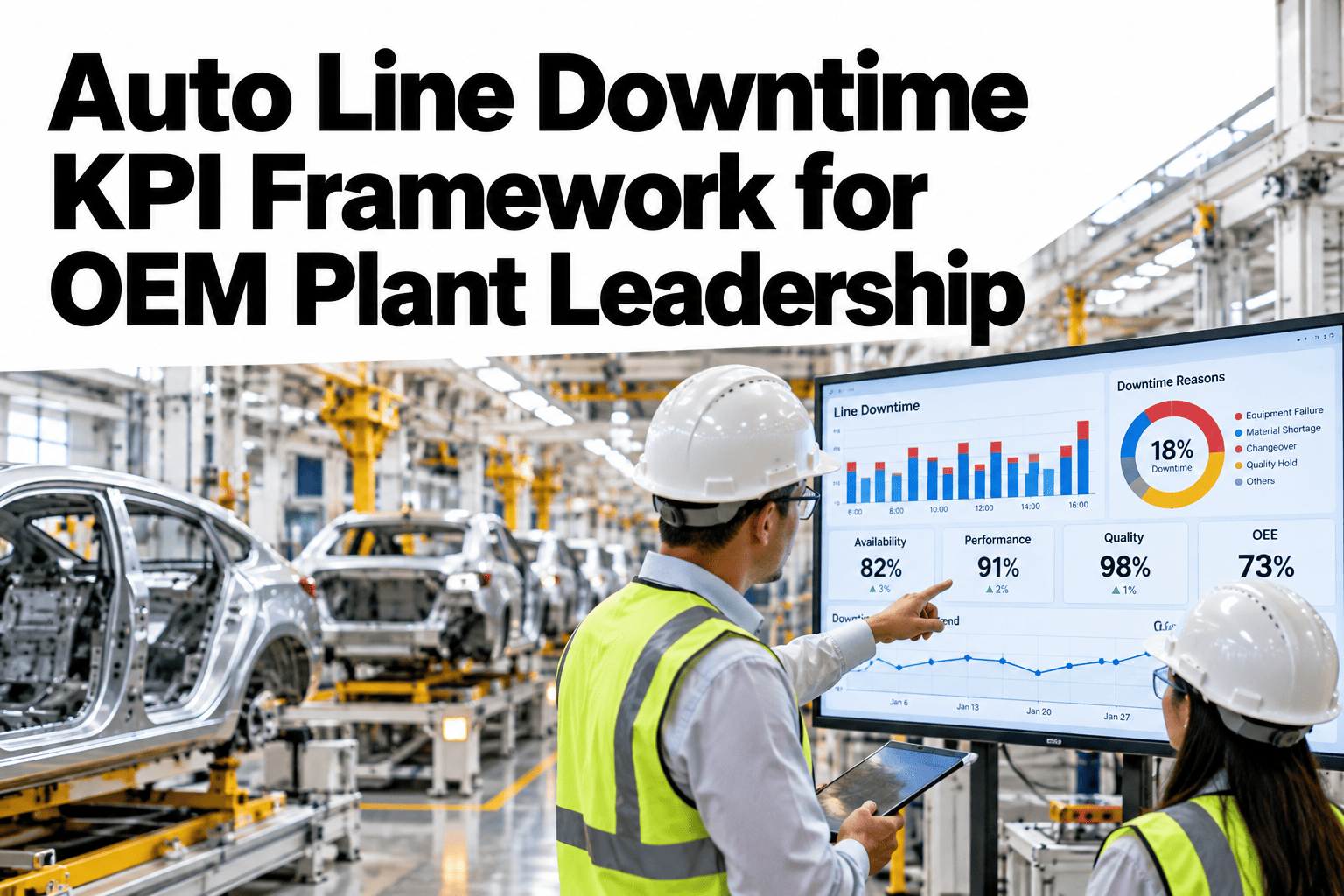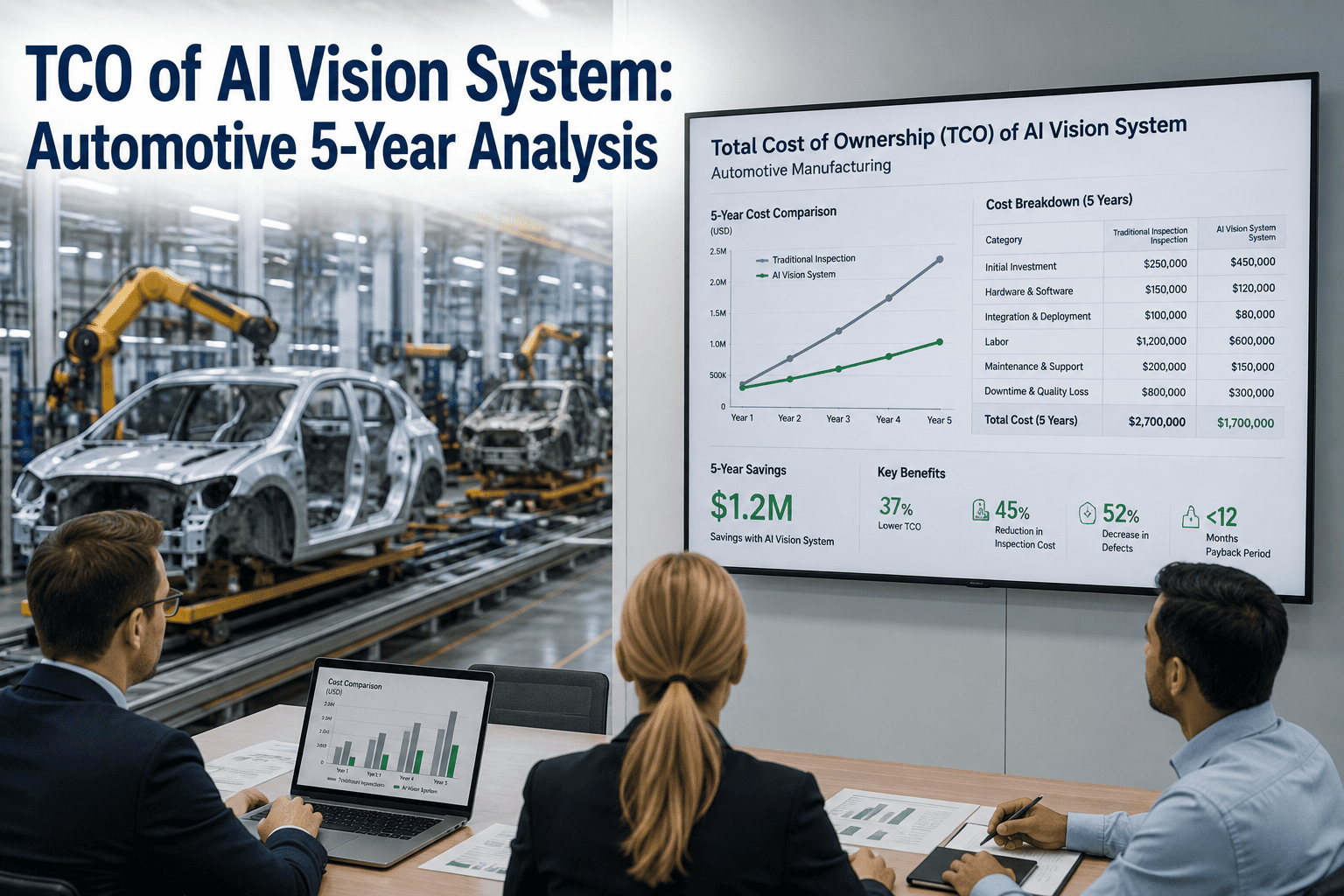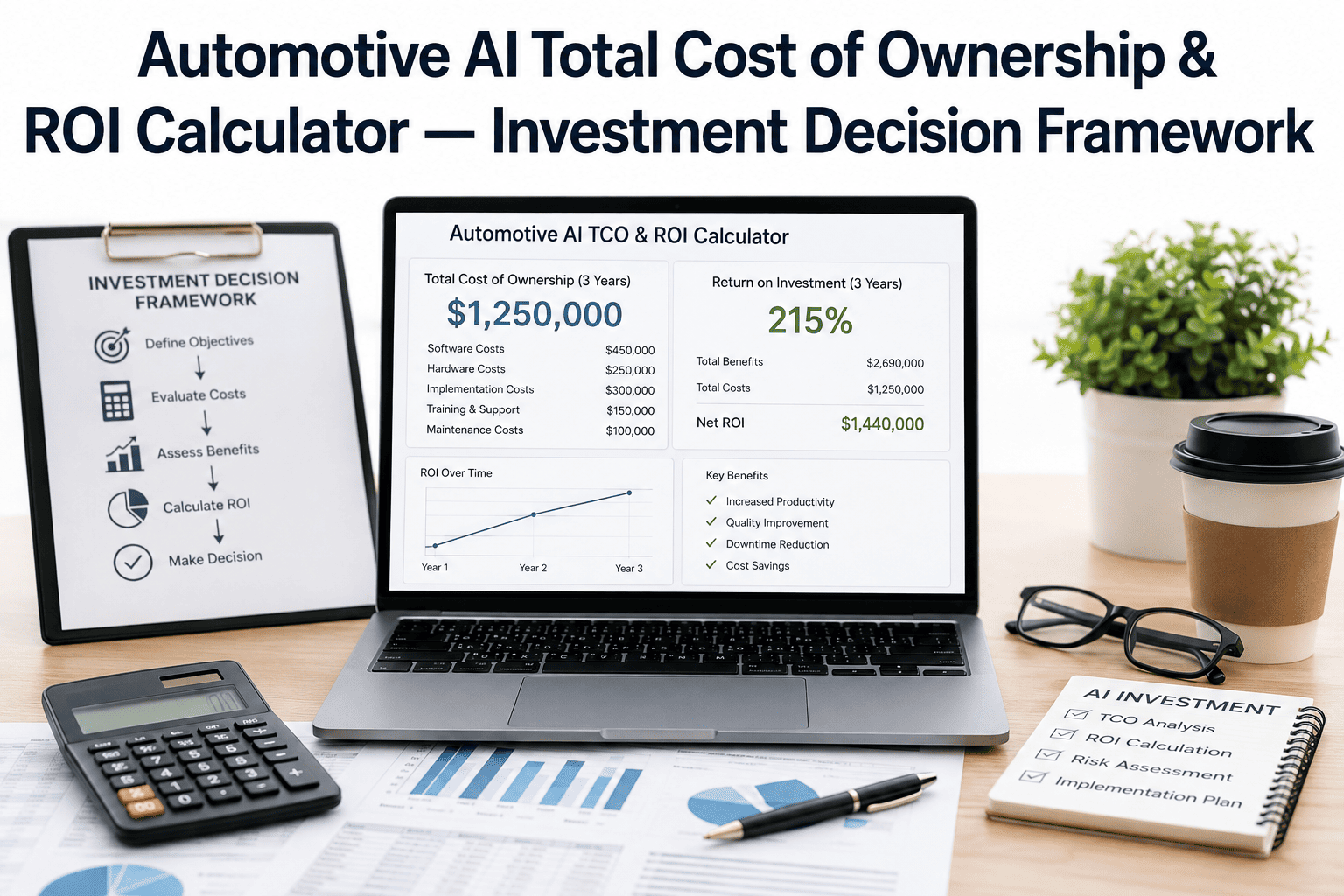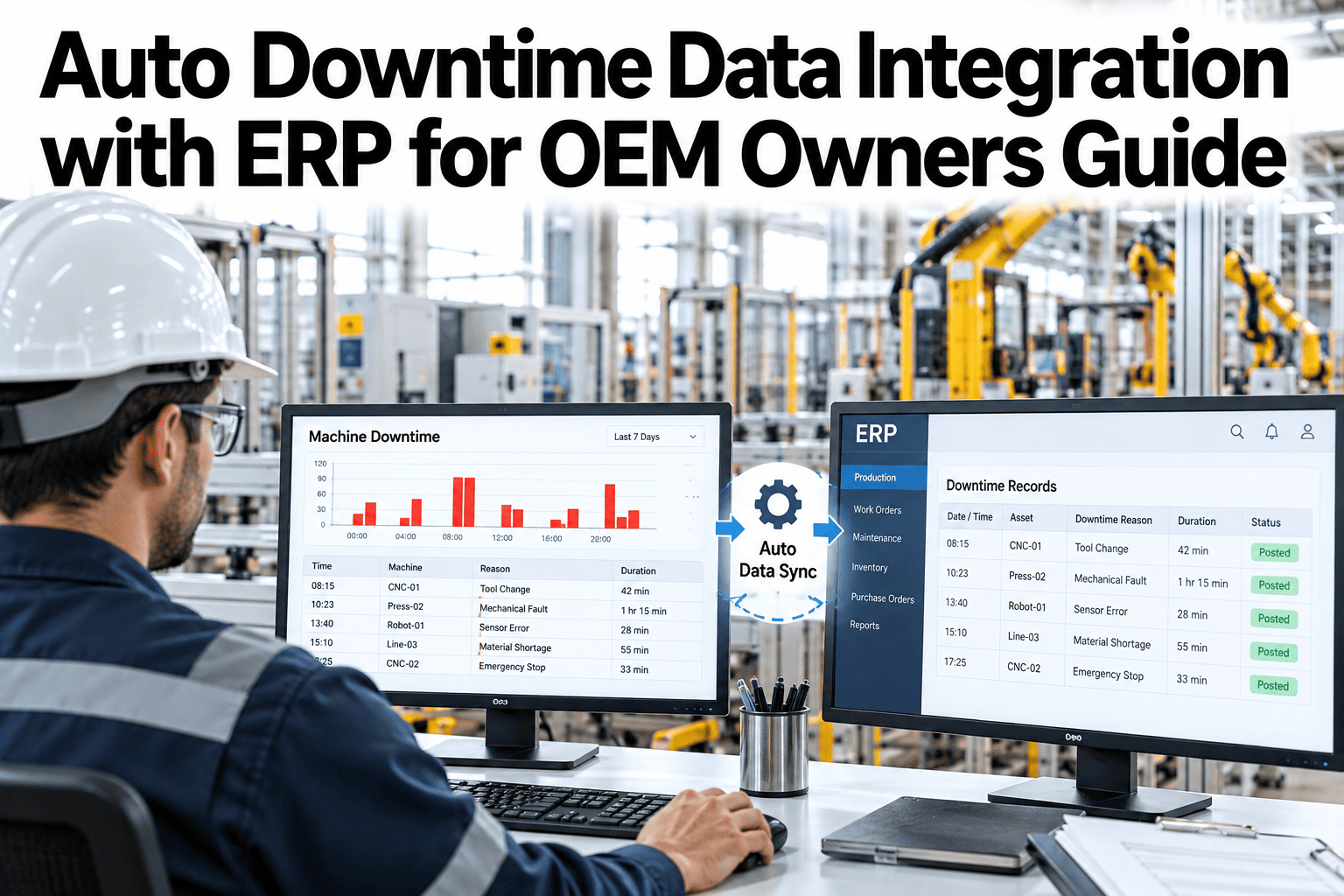
Downtime data that lives only on the plant floor never reaches the people who approve the budget to fix it. A line can report excellent uptime on a shop-floor dashboard while the same downtime, translated into cost, never shows up anywhere a plant owner or controller actually looks. Connecting downtime data to SAP or Oracle closes that gap, attributing cost to the general ledger accounts and cost centers finance already uses. OEM plant owners can see a downtime event flow from the line into an ERP cost center on iFactory AI before scoping an integration project.
Make Downtime Show Up Where Finance Already Looks
iFactory AI connects line downtime data to SAP or Oracle, so the cost lands on a P&L line owners already review.
Why Downtime and Finance Speak Different Languages
The plant floor tracks minutes and stations. Finance tracks dollars and cost centers. Someone has to translate between the two, usually by hand, usually too late to matter.
Common Connector Patterns
| Pattern | What It Does | Typical Fit |
|---|---|---|
| Direct API connector | Pushes downtime cost records into ERP in near real time | Modern SAP S/4HANA or Oracle Fusion |
| Scheduled batch feed | Sends a daily or shift-level summary file | Older ERP versions, limited API access |
| Middleware layer | Translates and routes data through an integration platform | Multiple plants, multiple ERP instances |
| Manual export with template | Structured file matched to ERP import format | A starting point before full integration |
Map Your Own ERP Connector Pattern
Bring your ERP version and cost center structure to a 30-minute session and scope which connector pattern fits.
Cost Attribution, Step by Step
Line, station, category, duration logged at source.
Line-specific dollar-per-minute value applied to the duration.
Event routed to the correct GL account and cost center.
Record lands in SAP or Oracle, traceable to its source event.
Five Things to Confirm Before Scoping the Integration
ERP version and modules
API access differs significantly between versions.
Cost center structure
How downtime should map to existing GL accounts.
Update frequency needed
Real time, daily or shift-level, based on how it will be used.
Who owns the mapping
A named person from finance and from plant operations.
Multi-plant consistency
Whether the same mapping applies across every site.
A Composite Scenario: The Line That Looked Fine on Paper
Picture a plant owner reviewing quarterly P&L with no visible downtime line item, while the plant floor dashboard shows a line running well below target for weeks.
With downtime connected to the ERP cost center, the same weeks would show up as a specific, growing cost line in the quarterly review, giving the owner the number and the trend at the same time instead of discovering it later in a separate conversation.
Where iFactory AI Fits
Connects to SAP and Oracle
Supports common connector patterns matched to your ERP version.
Automates cost attribution
Applies cost rates and cost center mapping without manual rework.
Keeps the trace
Links every posted cost back to its originating line event.
Scales across plants
Applies a consistent mapping across multiple sites and ERP instances.
Expert Review
A manufacturing systems integration perspective, reviewed for accuracy before publication: the technical part of connecting downtime to an ERP is usually straightforward. The part that stalls projects is agreeing on the cost center mapping between plant operations and finance before any data moves. Scoping that mapping in a working session upfront saves far more time than it costs.
Frequently Asked Questions
Which connector pattern fits our ERP setup?
It depends on your specific ERP version, module configuration and how often finance needs updated data. Modern cloud ERP instances often support a direct API connector, while older on-premise versions may need a scheduled batch feed or a middleware layer. A short review of your current setup is the fastest way to confirm the right pattern. See which connector pattern matches your own ERP version in a short session.
Who should own the cost center mapping decision?
Both finance and plant operations need to be involved, since finance owns the chart of accounts and cost center structure while operations understands what each downtime category actually represents on the floor. Projects that skip this joint step tend to need rework later. Ask for help facilitating that mapping conversation between your teams.
Does this require real-time integration, or is a daily batch enough?
It depends on how the data will be used. A daily or shift-level summary is often enough for monthly financial reporting, while a plant trying to catch a cost trend early may want closer to real-time visibility. Starting with batch and moving to real time later is a reasonable path for many plants. Explore which update frequency fits your reporting needs.
How long does a typical ERP integration like this take?
Timelines vary significantly based on ERP complexity, how many plants are involved, and how quickly the cost center mapping is agreed. A single-plant, single-ERP-instance project with a clear mapping can move faster than a multi-plant rollout with varying cost structures. Try a scoping session that estimates a timeline for your own environment.
Can downtime cost be traced back to the original line event later?
Yes, when the integration is built to carry a reference ID through from the line event to the posted ERP record. This matters for audit, for root cause review months later, and for reconciling why a particular cost center moved. Confirming this traceability is part of a proper integration design rather than an afterthought. Join a review of how traceability would work in your integration.
Put Downtime on the P&L Where Owners Already Look
iFactory AI connects line downtime to SAP or Oracle so cost reaches finance automatically. Book a walkthrough on your own ERP setup.