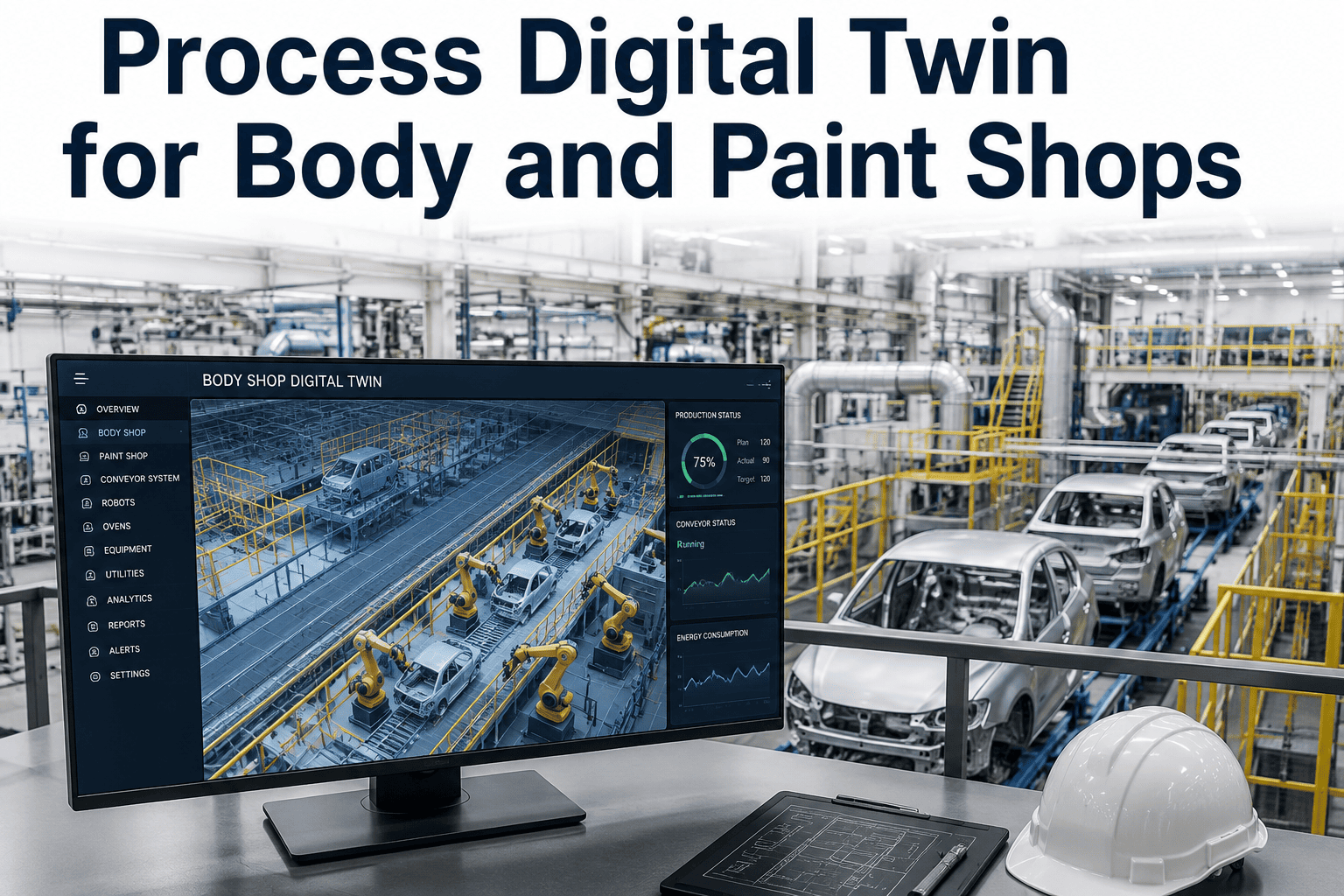
Changing a single parameter on a live paint line — booth airflow, oven dwell time, a robot's spray path — is not something any plant manager wants to test on real product. A miscalibrated change can mean a full shift of rework, a batch of units with finish defects, or in the worst case a line stoppage while engineering figures out what went wrong. A process digital twin removes that risk by giving engineers a working simulation of the body or paint shop where changes can be tested, measured, and refined before they ever touch a physical unit. Plants exploring this approach can Book a Demo to see how AI-driven process twins de-risk body and paint shop changes.
Why Process Changes Are So Expensive to Test Live
Body and paint shops run on tightly interdependent process parameters, where a change intended to fix one problem can quietly introduce another. Adjusting oven dwell time to improve cure quality might shift throughput timing downstream. Changing a robot's spray path to reduce material usage might introduce coverage gaps that only show up under specific humidity conditions. Testing these changes live means accepting the risk of scrap, rework, or a line stoppage while the actual impact becomes clear.
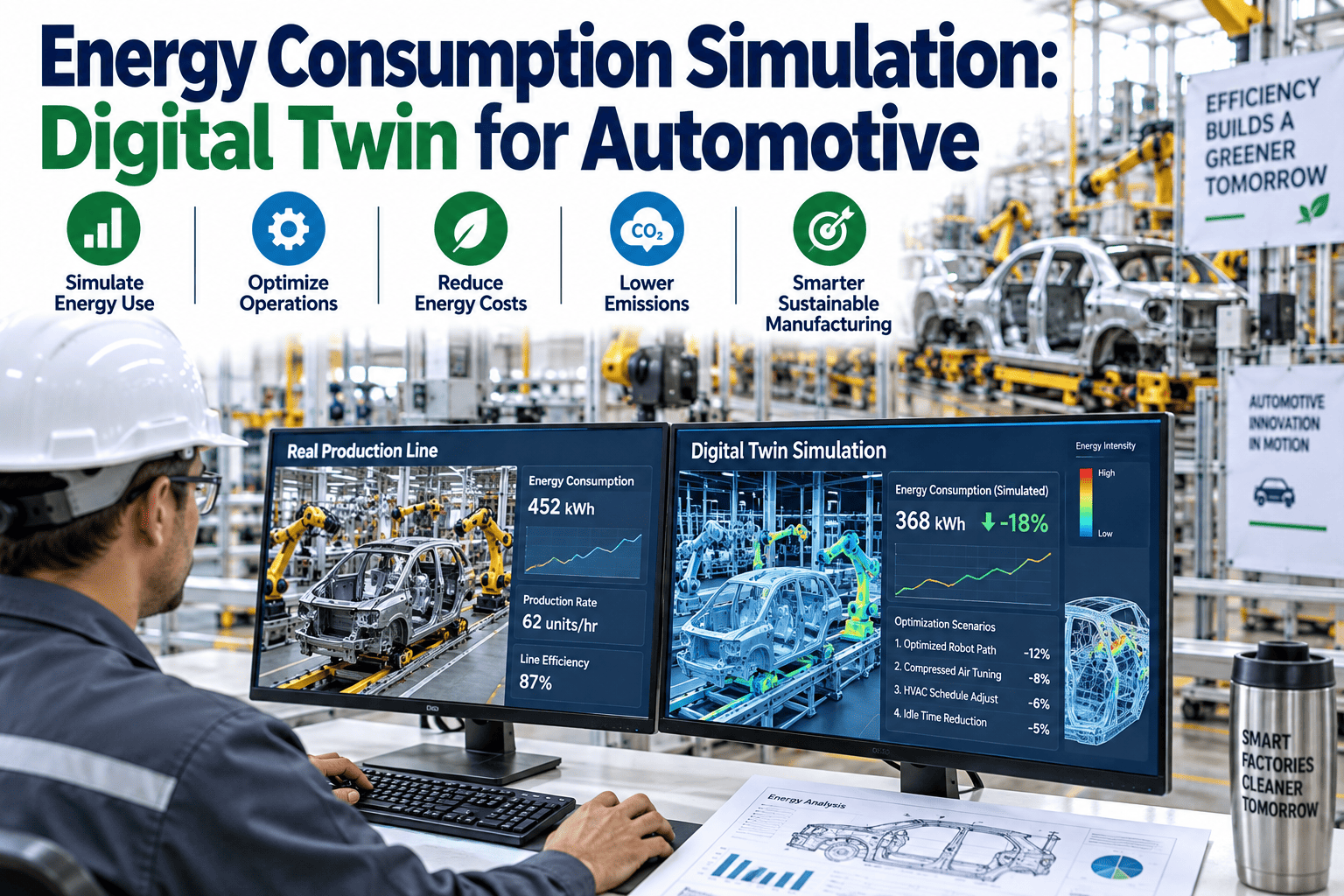
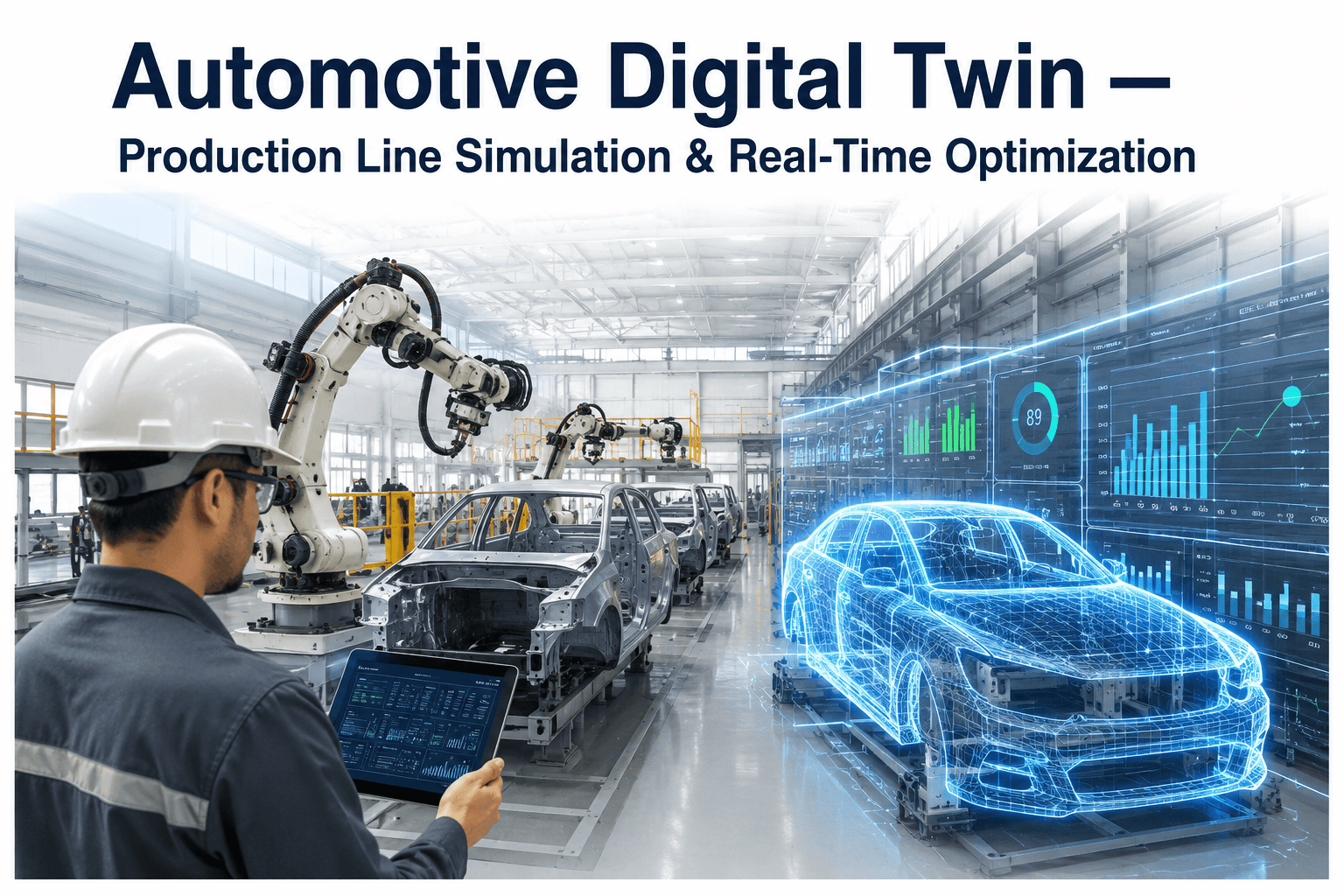
A process digital twin breaks that trade-off. Instead of testing a change on the physical line and hoping for the best, engineers run the same change against a simulation model built from the real process data — booth geometry, material behavior, thermal profiles, and historical throughput — and see the projected outcome before committing any physical resource to the change.
How the Physical Shop and the Twin Stay in Sync
A process twin is only useful if it reflects the real shop closely enough that a tested change behaves the same way on the physical line. That fidelity comes from continuous synchronization between the live process and the model.
Live Process Data
Sensor feeds, SCADA data, and process parameters stream continuously from the real body and paint shop floor.
Simulated Model
The twin ingests live data to stay calibrated, so simulated changes are tested against current, not stale, process conditions.
Body & Paint Shop Changes Best Suited to Twin Testing
Paint Booth Airflow
Airflow and filtration changes are simulated against particulate and finish quality models before altering the physical booth setup.
Oven Cure Profiles
Dwell time and temperature ramp changes are tested against thermal models to confirm cure quality without risking a batch of scrapped units.
Robot Spray Paths
New or modified spray paths are validated for coverage and material usage in simulation before being deployed to the physical robot controller.
Weld Sequence Changes
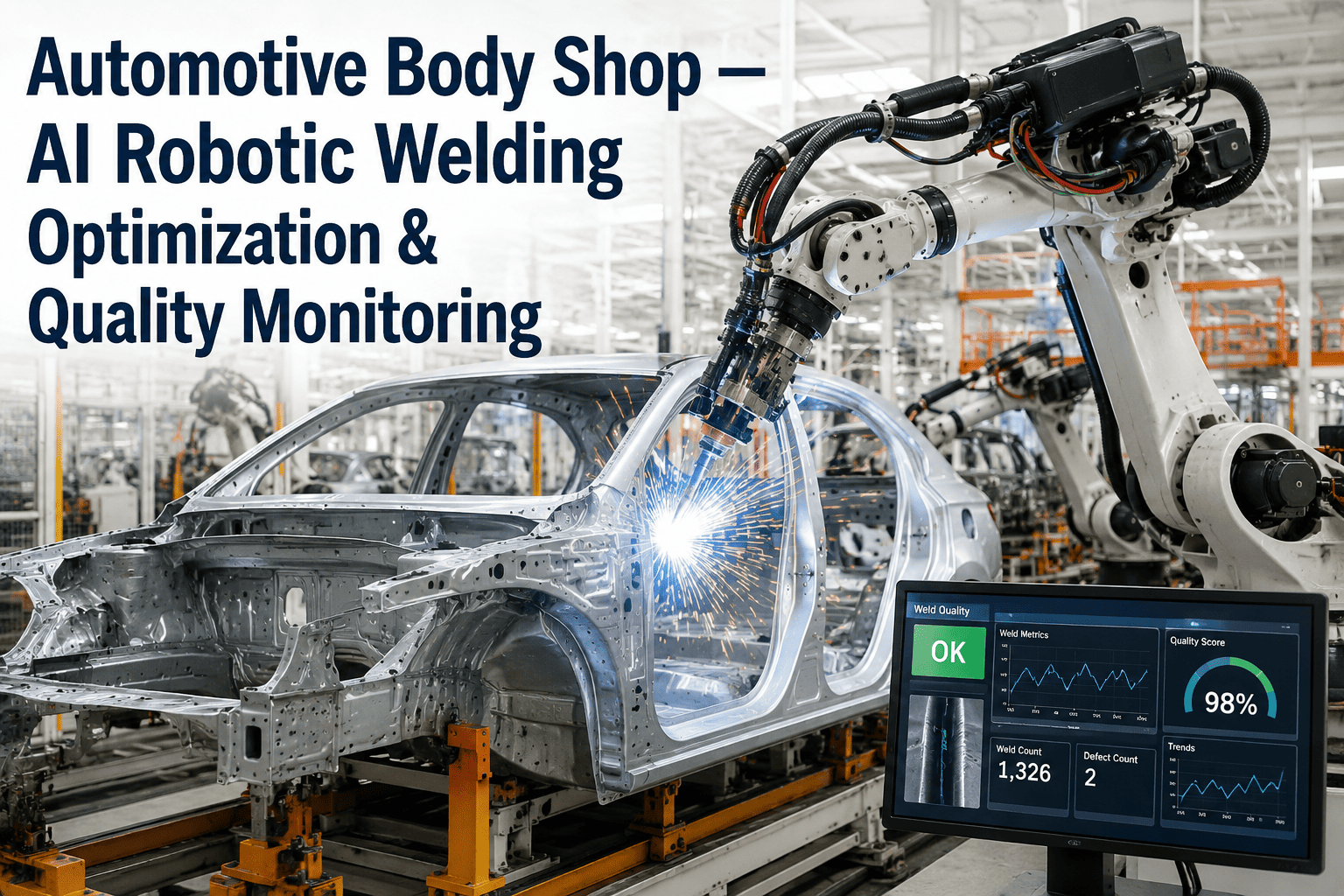
Sequence and timing adjustments in the body shop are simulated for thermal distortion impact before altering the physical weld program.
Testing Live vs. Testing in the Twin
| Factor | Live Process Testing | Process Digital Twin |
|---|---|---|
| Risk of scrap or rework | Direct exposure | None — simulated first |
| Iteration speed | Limited by line availability | Multiple scenarios run in parallel |
| Downstream impact visibility | Discovered after the fact | Modeled before implementation |
| Confidence before rollout | Based on judgment | Based on simulated outcome data |
Building a Process Twin Without Disrupting Production
Model the Baseline Process
Booth geometry, thermal profiles, and historical throughput data are used to build a twin that reflects current shop performance accurately.
Calibrate Against Live Data
The twin's projected outcomes are compared against real shop data over a validation period, tuning the model until its predictions align closely with reality.
Run Change Scenarios
Proposed process changes are tested against the calibrated twin, with projected impact on quality, throughput, and cost surfaced before implementation.
Deploy With Confidence
Validated changes move to the physical shop with a documented projected outcome, giving engineering a benchmark to confirm against actual results.
What Body & Paint Shops Report After Twin Adoption
Process changes are validated in simulation first, removing the exposure of testing directly on production units.
Multiple change scenarios can be simulated in parallel, rather than waiting for scarce line time to test one at a time.
Engineering teams deploy changes with a documented projected outcome to validate against, rather than relying on judgment alone.
Process Digital Twin — Common Questions
How closely does the twin need to match the physical shop to be useful?
The twin needs to be calibrated against real shop data closely enough that its projected outcomes reliably match what actually happens when a change is deployed physically. This calibration is not a one-time step — the twin continues ingesting live process data so its predictions stay accurate as the physical shop's baseline conditions shift over time, whether from equipment wear, material changes, or seasonal humidity variation that affects paint cure.
Can the twin model interactions between body shop and paint shop processes?
Yes, when the twin is built to span both processes rather than modeling them in isolation. Weld sequence changes in the body shop can affect thermal distortion that shows up as a fit issue downstream in paint, and modeling that interaction is exactly the kind of cross-process risk a twin is designed to surface before a change reaches physical production. Plants building out a twin program often start with a single process area and expand scope once the initial model is validated.
Who typically uses the process twin day to day?
Process and manufacturing engineers use the twin to test parameter changes before implementation, while quality engineering reviews projected outcome data as part of the change approval process. Because the twin produces a documented projected result for each tested scenario, it also creates a useful record for post-implementation review, helping teams confirm whether the physical rollout matched the simulated prediction.
How long does it take to build a process twin for an existing shop?
Building and calibrating an initial process twin for a single body or paint shop area typically takes several weeks, depending on the availability of existing process data and the complexity of the area being modeled. Teams with strong historical SCADA and quality data generally see faster calibration, since the twin has more real data to validate against. The iFactory Support team can scope a specific timeline based on available data.
Is a process twin only useful for major changes, or does it help with smaller adjustments too?
Process twins are useful across the full range of change sizes, from a major spray path redesign down to a minor oven dwell time adjustment, since even small changes in a tightly interdependent process can have unexpected downstream effects. The value of testing in the twin scales with how uncertain the outcome is and how costly a mistake would be, which makes it especially useful for changes that look simple on paper but touch a process with many interacting variables. Teams can Book a Demo to see a specific change scenario modeled.