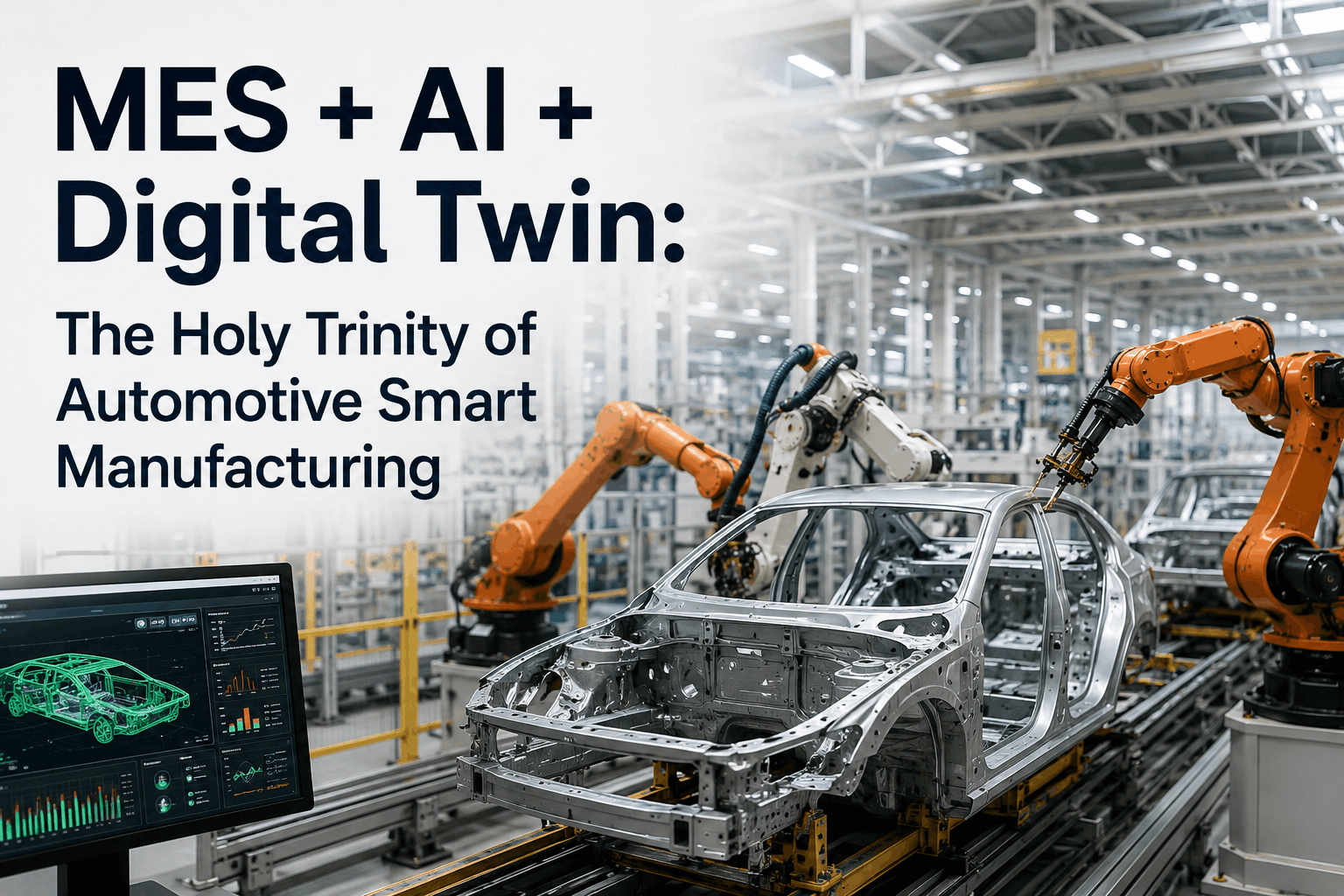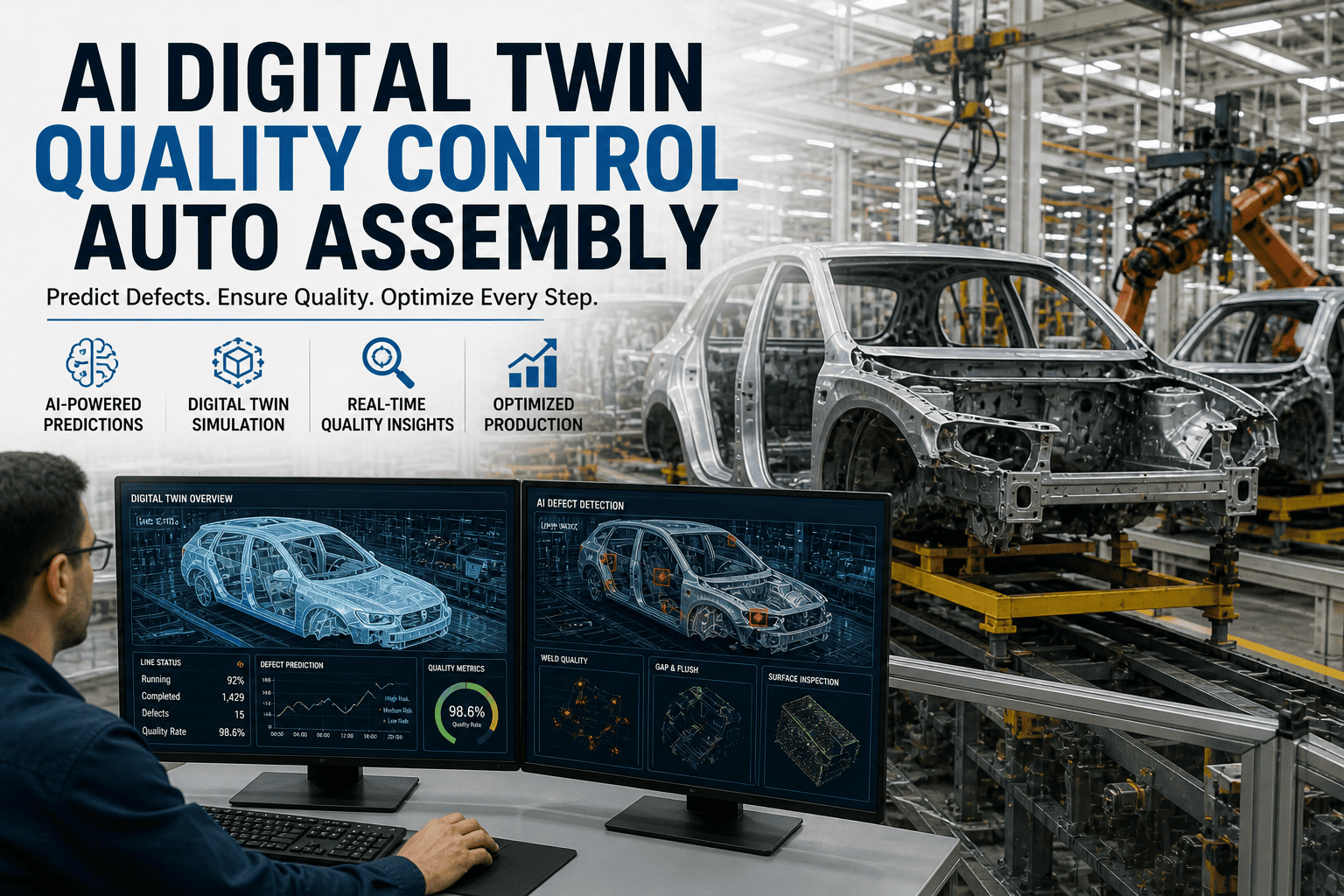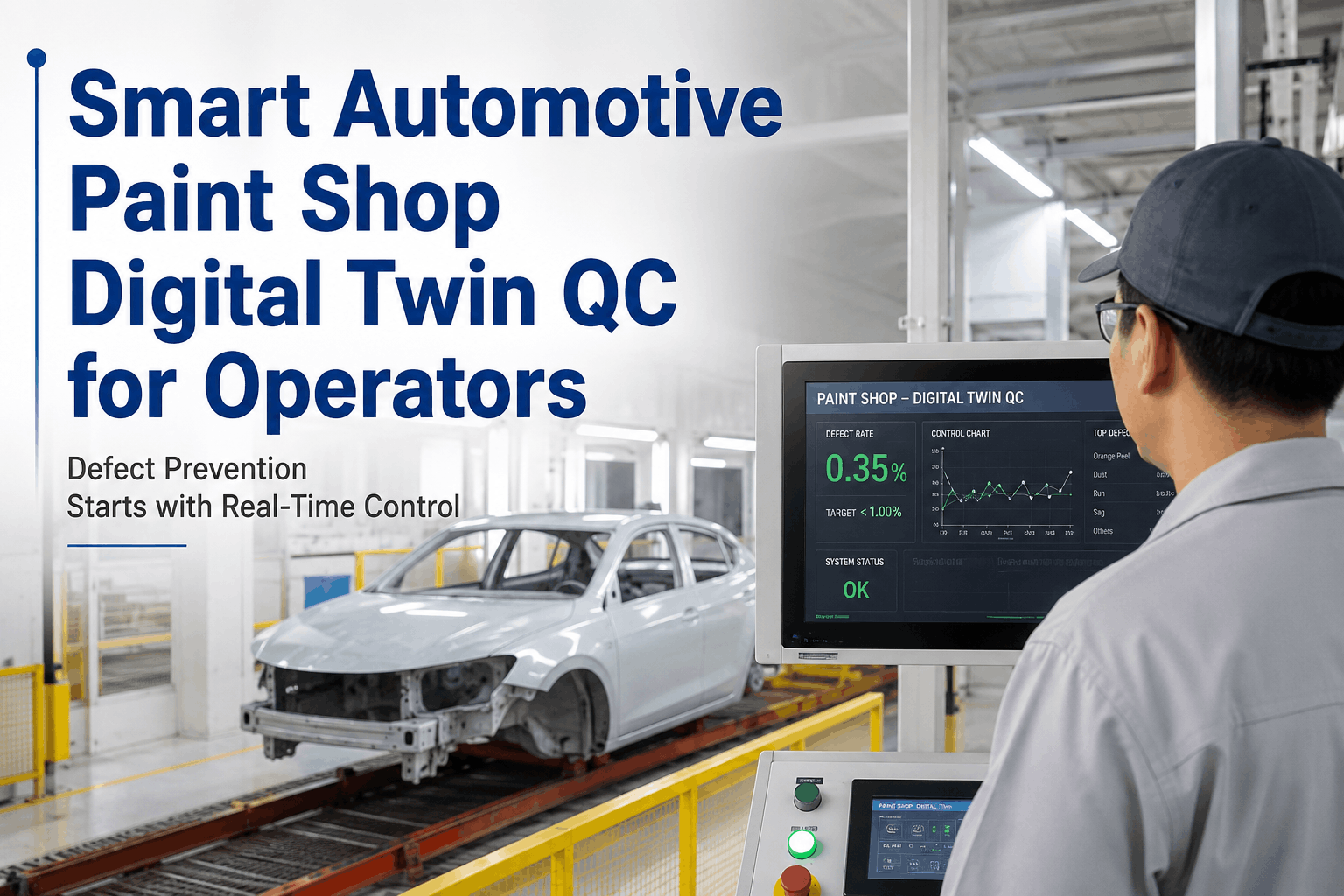
Stand in any modern automotive paint shop on a moving line at 50–60 jobs per hour and watch what a top-coat operator actually does. Eyes scanning every body for runs, sags, fisheyes, dirt nibs, orange peel, craters. Hands ready to mark with rework tape the moment a defect catches the booth light at the right angle. Mind tracking booth temperature, humidity, atomizer settings, flow rates, viscosity — all without taking eyes off the line. It's skilled work, but it's also work where the smallest drift in one booth parameter shows up as 80 defects across a shift before anyone connects the dots. That's the operator problem Digital Twin Quality is built to solve. A Digital Twin of the paint shop is a continuously updated virtual mirror of every booth, robot, atomizer, dryer zone, and conveyor — fed by real sensor data, paired with AI Vision inspection on every body, running predictive models that flag when a parameter is drifting toward a defect zone before defects appear. For the operator, it's not another screen to manage — it's an early warning that says "humidity in booth 2 climbed 4% in the last 30 minutes, fisheye risk elevated, recommend adjusting setpoint" before the next twenty bodies become rework. This guide is written for shop-floor operators and line technicians in automotive paint shop operations. It explains what Digital Twin Quality actually does on a paint line, how operators use it day-to-day, which defect classes it prevents, and how Predictive SPC and AI Vision work together to push paint-shop defect rates down 30–70% on the line you already run.
Smart Automotive Paint Shop Digital Twin QC for Operators
A how-to guide for shop-floor operators and line technicians. How Digital Twin Quality in the paint shop catches drift before defects appear, how real-time SPC charts and AI Vision work together, and how operators apply it day-to-day to cut paint defects 30–70%.
What Is a Digital Twin of the Paint Shop?
A Digital Twin of the paint shop is a live, working virtual copy of the physical line. Every booth, every robot, every atomizer, every dryer zone, every conveyor section has a software representation that mirrors what the real equipment is doing right now. The twin is updated every few seconds by sensor feeds — booth temperature, humidity, airflow rates, atomizer settings, paint viscosity, flow, body speed, robot positions. AI Vision cameras at booth exit, post-flash, and post-bake feed defect data back into the twin. Predictive models running on top of the twin learn what "normal" looks like and forecast where parameters are heading next.
Mirror the line
Every booth, robot, atomizer, dryer zone, and conveyor section has a software representation that mirrors what the real equipment is doing right now.
Update from sensors
Booth temperature, humidity, atomizer settings, paint viscosity, flow, body speed, robot positions — fed in continuously, every few seconds.
Learn what "normal" looks like
AI builds a model of how booth parameters typically behave when paint is good. Drift away from that envelope is flagged before defects appear.
Predict & recommend
"Humidity in booth 2 trending up · fisheye risk in next 30 min · recommend adjusting setpoint to 52% RH." Operator decides, twin documents.
The Paint Defects Digital Twin Quality Prevents
Paint shop defects fall into recognized classes that every operator knows by sight. What Digital Twin Quality changes is the time-to-detection — from "spotted on the body after bake" to "flagged before the next body enters the booth." Here are the defect classes the twin catches earliest.
Fisheyes & Craters
Caused by silicone contamination, oil residue, or booth humidity. Twin watches humidity, booth pressure, and detects via AI Vision on first body — usually within 1–2 bodies of onset.
Runs & Sags
Caused by excess film build, low viscosity, slow flash, or robot speed mismatch. Twin correlates atomizer flow, viscosity sensor, robot trajectory — flags trajectory drift before sag appears.
Dirt Nibs & Inclusions
Caused by booth-air contamination, glove fibers, or pre-treatment carryover. Twin tracks booth filter pressure differential, escalating particle counts, and AI Vision catches even single-nib defects.
Orange Peel
Caused by atomization, distance-to-body, viscosity-to-flow ratio, flash-off conditions. Twin's atomizer-distance model flags when robot offset drifts beyond ideal envelope.
Color Deviation
Caused by paint batch variation, mixer ratio drift, or contamination. Twin reads color-delta-E from in-line spectrophotometer at booth exit; flags trend before going out of customer tolerance.
Coating Thickness Variation
Caused by atomizer pattern, robot speed, booth airflow uniformity. Twin's thickness map per body — compared to ideal coverage map — flags thin/thick zones before they leave booth.
How Operators Actually Use the Digital Twin — Day to Day
Operators don't manage the digital twin. They use it. The twin runs continuously in the background; what the operator sees is a clean, focused display: a real-time SPC chart for the parameters that matter to their station, an alert list (only when something actually matters), and a recommendation panel when the twin has a suggestion. Here's what a typical shift looks like with Digital Twin Quality.
Twin shows green across all stations
Operator's screen shows real-time SPC charts for booth humidity, atomizer flow, robot path adherence, and viscosity — all within learned envelopes. AI Vision confirms first 5 bodies clean. No action needed. Operator settles into rhythm.
Twin flags humidity creep in Booth 2
"Booth 2 humidity drifted from 48% to 52% in last 30 minutes · fisheye risk elevated in next 18 bodies if uncorrected · recommend setpoint adjustment to 47%." Operator confirms with eyes on booth, makes the adjustment. Twin logs decision and updates forecast.
Twin shows humidity back in envelope
SPC chart shows humidity back at 47.2%. AI Vision on the last 18 bodies confirms zero fisheye events. Operator's call validated. The drift event is now in the twin's learning data — making the next prediction even more accurate.
Twin flags robot R-04 offset increase
"Robot R-04 atomizer offset increased from nominal by 6mm over last 20 cycles · orange peel risk in next 12 bodies · recommend robot path recalibration at next changeover or pause for inspection." Operator escalates to maintenance, schedules quick inspection at next break.
Maintenance addresses R-04
Robot inspected, atomizer nozzle found slightly fouled — cleaned and recalibrated in 8 minutes. Twin confirms offset returned to nominal. Production resumes with no orange-peel cluster, no scrap, no rework.
Twin summary for shift handover
Two early-warning events handled cleanly. Zero defects routed to rework from operator's station. Twin generates one-page shift summary for handover — covering events, decisions, outcomes, and forecast for incoming shift. Operator signs and hands over.
Want to see this in a live walkthrough on a paint-shop SPC dashboard, with actual humidity, atomizer, and robot path data flowing in real time? Book a Live SPC Walkthrough — sessions run 30 minutes with paint-shop-specific examples. Available this week.
Real-Time SPC Charts — What the Operator Sees on Screen
The most useful thing about Digital Twin Quality from the operator's seat is the real-time SPC chart. Not the static control charts you've used for years — these are adaptive charts where the upper and lower limits move with grade, line speed, customer specification, and recent learning. Here's what's different.
Fixed limits set once
- Upper and lower control limits set at commissioning
- Revised quarterly or after major incident
- Same limits regardless of color, body style, line speed
- Alerts only when limit is crossed — already in defect zone
- False alarms during legitimate color/material changes
Limits adapt to context
- Limits learn from real production — tighter when needed, wider when legitimate
- Auto-adjust for color, body style, line speed, customer spec
- Predictive band shows the forecast trajectory ahead
- Alert fires when trajectory heads to defect zone — before crossing
- Far fewer false alarms — operator trusts the system
The Three AI Capabilities Behind Digital Twin Quality
Predictive SPC
LSTM forecasting plus autoencoder anomaly detection on every booth parameter. Forecasts drift hours before traditional control-limit breach. This is what produces the "fisheye risk in next 18 bodies" lead time.
AI Vision Inspection
CNN-based detection at booth exit, post-flash, and post-bake. Catches fisheyes, craters, runs, sags, dirt nibs, orange peel, color delta, thickness variation. ≥99% coverage on body. Feeds defect data back into the twin.
Autonomous Root Cause Engine
When a defect does occur, the twin doesn't just record it — it runs the multivariate investigation across upstream booth parameters, robot paths, and material batches to identify the cause in minutes, not days.
Defect-Prevention Outcomes — What Plants Actually See
Want a paint-shop-specific defect baseline analysis? Talk to Support with your top defect classes and current rework volumes — the paint-shop team will return a defect-prevention forecast typically within 3 business days.
Day-One vs Day-90 — What the Operator Notices
New screen, same job
Operator sees the new SPC dashboard on the existing HMI. Limits look familiar. The first prediction alert arrives within a few hours — humidity, viscosity, or atomizer flow. Operator confirms by eye, makes the adjustment, twin logs the outcome.
Predictions start landing
The twin has seen enough production to calibrate. Predictive alerts come 15–45 minutes ahead of legacy alarm thresholds. Operator starts trusting the lead time — first time, then routinely.
Defect clusters stop appearing
The 80-defect clusters that used to show up at end-of-shift on bad humidity days simply don't happen anymore. Operator's rework station goes quiet. End-of-shift defect counts drop noticeably.
New normal · operator becomes orchestrator
The operator's role shifts from spotting defects to validating twin recommendations and coordinating with maintenance on early-warning escalations. Shift handover is auto-generated. Defect KPIs are at the new lower baseline.
Integration With Your Existing Paint Shop — What Changes & What Doesn't
Familiar to the operator
- Existing HMIs and consoles remain in use
- Robots, atomizers, booths, dryers — no changes
- Paint suppliers and material spec — unchanged
- Standard SPC chart formats operators already read
- IATF 16949 and customer-specific reporting flows
- Existing alarm handling for safety-critical events
Added to the operator's screen
- Adaptive SPC limits that move with grade and context
- Predictive band showing forecast trajectory ahead
- Consolidated alert feed (only what matters, prioritized)
- Twin recommendations in plain language
- AI Vision results integrated into the same dashboard
- Auto-generated shift summaries for handover
Tips From Paint-Shop Operators Already Using Digital Twin Quality
Trust the predictive band — but verify with the booth
The twin's prediction is data-driven, but operators still know the booth better than any model. Use the prediction as the early warning to walk out and look — the value is the lead time, not blind compliance.
Log every "saved" event in the comment field
When you act on a prediction and prevent a defect cluster, log it. The twin learns from validated outcomes, and the maintenance team sees the saves accumulate — supporting the case for proactive booth maintenance scheduling.
Use the shift summary in handover
The auto-generated summary covers events, decisions, and current forecast. Incoming shift starts with full context. The 5-minute end-of-shift conversation gets sharper because both shifts are working from the same data picture.
Watch for compound drift signals
Single-parameter drift is easy to spot. The hardest defects come from two slow drifts that combine — slight humidity creep plus slight viscosity drift. The twin's multivariate model catches these; learn to look at the multi-parameter view, not just individual charts.
Defect prevention starts with seeing drift before it becomes defect.
Digital Twin Quality in the paint shop isn't about replacing operators — it's about giving operators a 15–45 minute head start on every drift event that would otherwise become a 20-body defect cluster. The Live SPC Walkthrough is the fastest way to see exactly what the operator dashboard looks like on a paint-shop floor, with real humidity, atomizer, and robot data flowing through it.
Frequently Asked Questions
Do operators need to learn a new system to use Digital Twin Quality?
No. Operators continue using their existing HMI screens and operator consoles. The twin's outputs — adaptive SPC charts, prediction alerts, recommendations — appear inside the same operator dashboard, formatted as familiar SPC charts. A typical operator gets comfortable with the new view within one shift. The biggest behavioral change is positive: less time triaging false alarms, more time on intentional booth management.
How long before the twin starts being useful on our paint line?
Predictive value starts within the first week as the twin calibrates to your specific booths, robots, and product mix. By week 4, defect-cluster prevention is measurable in the rework station volumes. By week 12, the twin is fully calibrated across your color portfolio, seasonal variation, and customer spec book. Full deployment of the AI Vision and twin layer on a typical 4-booth paint shop is 8–12 weeks end-to-end.
What if the twin's prediction is wrong?
Predictions come with a confidence score, and operators always retain the final call. When a prediction doesn't pan out — false positive — the operator marks it as such, and the twin learns from that feedback. Over time, false-positive rates drop below 2–3% on mature deployments. The point isn't 100% accuracy; the point is 15–45 minutes of lead time on real drift events that would otherwise produce defect clusters.
Does this work with our existing AI Vision system from another vendor?
Yes. The twin integrates with major automotive paint-shop vision systems (ISRA, AOI, Cognex, Keyence, and others) via standard data exchange formats. If your existing vision system is hitting accuracy limits or struggling with new defect classes, iFactory's CNN-based AI Vision can be added to the twin as a complementary or replacement layer — your call. Both options keep the operator interface consistent.
Will the twin help us with IATF 16949 audit prep and PPAP packaging?
Yes. The twin maintains an automated audit trail of every quality decision, every model version, every operator action, and every defect event with image evidence. PPAP Level 3 packages for customer-specific submissions can be auto-generated with control plan, FMEA links, MSA records, and capability studies. IATF 16949 surveillance audit prep that used to consume 4–6 weeks typically drops to 1–2 weeks of validation review.
Can this be deployed on a single booth as a pilot before going line-wide?
Strongly recommended approach. Start with one booth — typically the booth with the highest defect rate or the most challenging color portfolio. Validate the twin's prediction accuracy, confirm the operator workflow, prove the defect-prevention outcome. Then expand to the next booth in 2–3 weeks. Full paint-shop deployment for a 4-booth operation typically completes in 8–12 weeks total.
What does the Live SPC Walkthrough cover?
A 30-minute working session that shows the operator dashboard live — adaptive SPC charts with predictive band, AI Vision results inline, twin recommendations in plain language, alert prioritization, and shift summary generation. Walked through with a paint-shop-specific scenario (humidity drift, robot path drift, color delta trend). Aimed at operators, line supervisors, and quality engineers who want to see exactly what changes day-to-day on the floor. Sessions can be group-attended.
Walk the booth with foresight. See drift before it becomes defect.
Digital Twin Quality in the paint shop is the operator's early-warning system. 15–45 minute lead time on humidity, atomizer, robot, and viscosity drift. 30–70% reduction in defect clusters across top-coat, primer, and E-coat. The Live SPC Walkthrough is the fastest way to see exactly what the operator dashboard looks like in production.
.png)
.png)