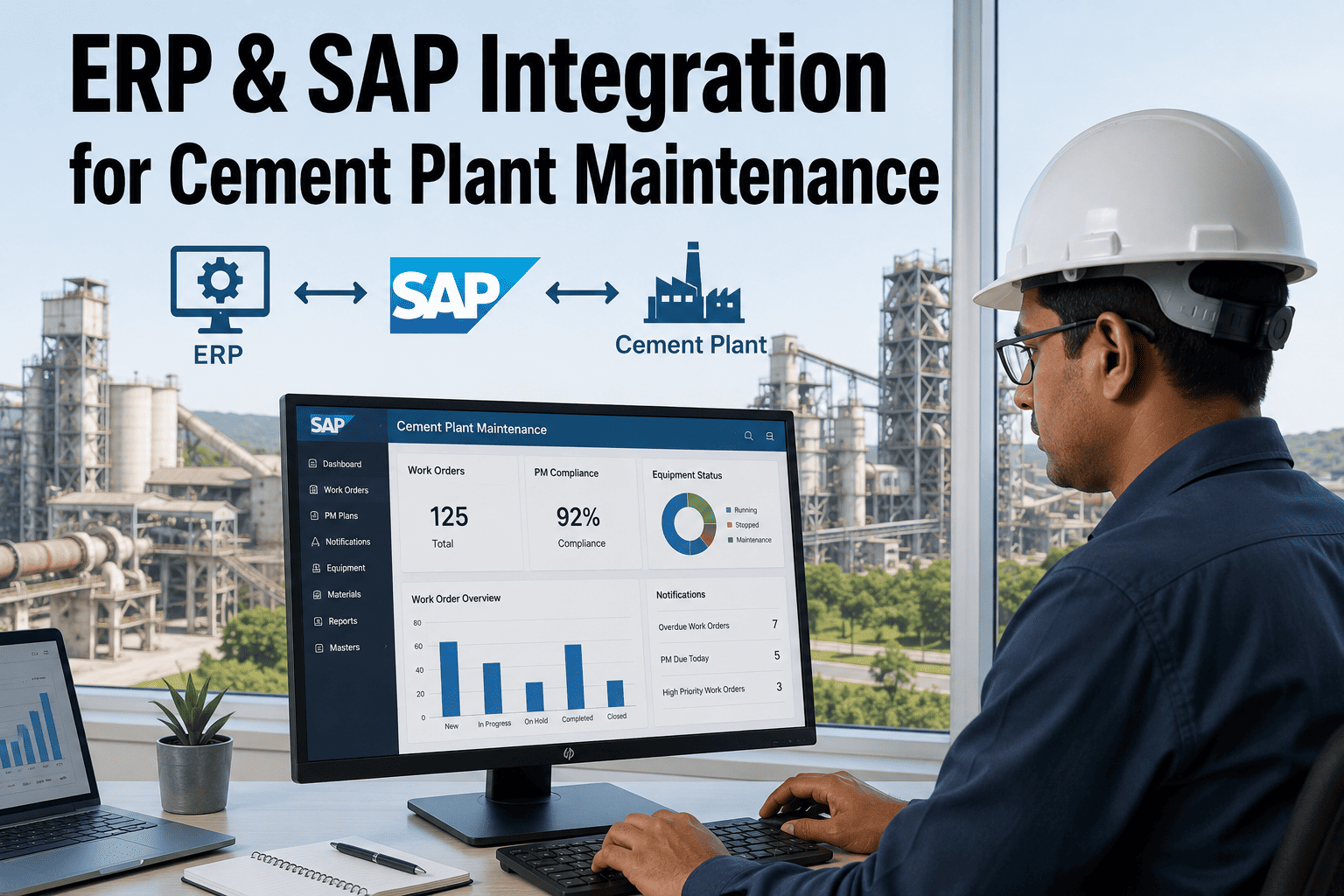
Most cement plants already own an ERP system capable of running a full maintenance program, yet the plant maintenance module often sits half-configured, with work orders logged days after the fact and spare parts data that never quite matches what is actually on the shelf, a gap that quietly compounds every year the system runs without correction. The gap is rarely the software itself; it is the integration work connecting equipment hierarchies, spare parts catalogs, and work order workflows to how the plant floor actually operates. A properly configured SAP PM module, or its equivalent in another ERP platform, turns maintenance from a paper trail chasing yesterday's breakdown into a live system driving tomorrow's planned work, a shift teams can walk through via a maintenance module configuration review.
CEMENT PLANT ERP & SAP INTEGRATION
Get the Maintenance Module ERP Actually Deserves
Work order automation, spare parts integration, and SAP PM configuration built around how a cement plant actually runs, not a generic manufacturing template.
Why Cement Plant ERP Rollouts Stall
Cement plants are not typical discrete manufacturing environments, and ERP systems configured with generic manufacturing templates rarely fit well without deliberate customization. A process industry running continuous kiln operations, batch-based raw material blending, and long-lead capital spares has very different maintenance patterns than the discrete parts assembly lines many ERP maintenance templates were originally built around. A kiln that cannot be stopped without a costly and time-consuming restart sequence needs a fundamentally different planning approach than a work cell that can be paused and resumed within minutes. Three gaps show up repeatedly once a plant PM module goes live.
Equipment Hierarchy Mismatch
Generic templates rarely map cleanly to a cement plant's real functional structure of kiln lines, preheater strings, and grinding circuits, forcing maintenance planners to work around the system rather than through it, often resorting to spreadsheets or paper logs to bridge the gap between what the hierarchy shows and how the plant is actually organized.
Disconnected Spare Parts Data
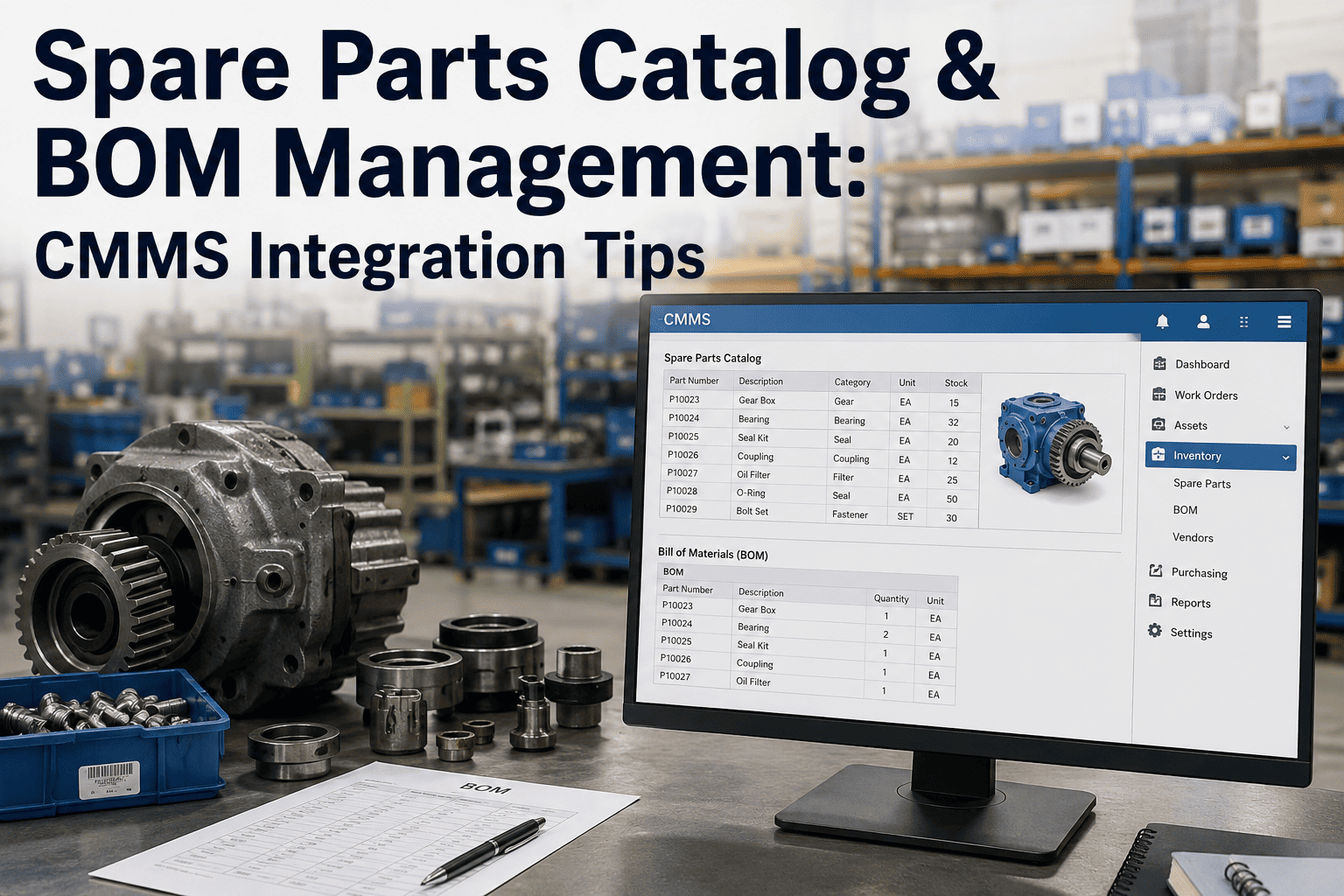
Spare parts records in the ERP frequently drift out of sync with physical stock, so planners either over-order out of caution, tying up working capital in excess inventory, or discover a critical part is missing only after a breakdown has already started, extending an otherwise short repair into days of unplanned downtime.
Manual Work Order Entry
When work orders are typed in after the fact rather than triggered by actual conditions, the data in the system reflects paperwork discipline more than real equipment history, undermining every report built on top of it, from failure frequency analysis to spend forecasting, since a system fed with inconsistent data produces analysis that looks precise but is not actually trustworthy.
Integration Architecture
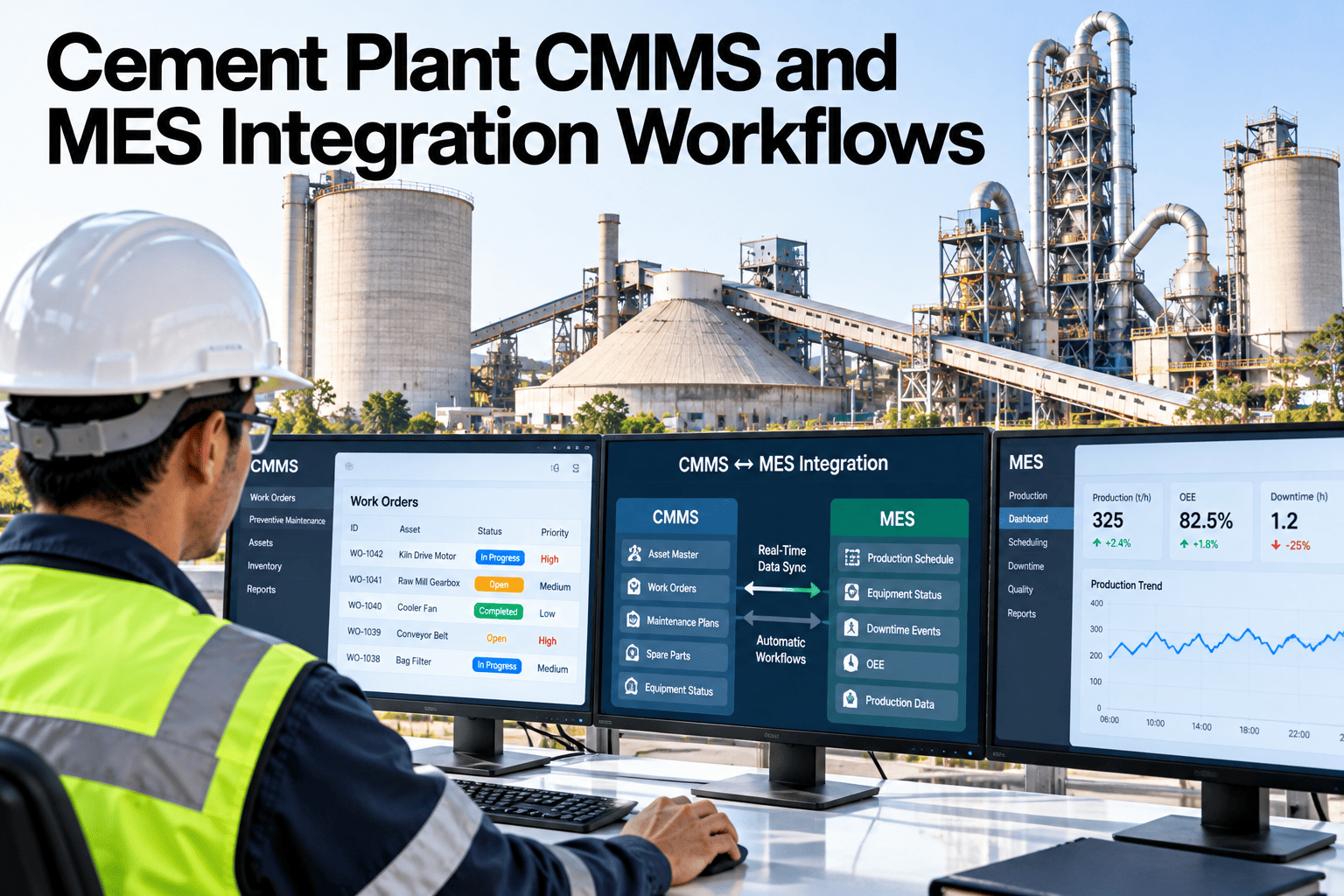
A well-integrated maintenance module sits between the plant floor and the ERP core, translating real equipment events into structured records the ERP can act on, and turning ERP-side planning decisions back into instructions the floor can execute. Without this translation layer, the two sides of the operation, the physical plant and the digital system meant to manage it, drift apart quietly until a major failure exposes just how disconnected they had become.
Plant Floor SignalsCondition monitoring, sensor alerts, operator logs
↓
Integration LayerEvent mapping, equipment ID matching, data validation
↓
SAP PM CoreNotifications, work orders, equipment master
Materials ManagementSpare parts stock, reservations, purchase requisitions
Planning & SchedulingMaintenance plans, resource allocation, calendars
Core Modules Involved
A cement plant maintenance integration rarely touches a single module in isolation. Because equipment condition, spare parts availability, and scheduling all feed into and depend on each other, the configuration work has to be planned across four connected areas, each with its own common failure point if handled without cement-specific context.
| Module | Cement Plant Function | Common Configuration Gap |
|---|
| Plant Maintenance (PM) | Equipment master, notifications, work orders, maintenance plans | Equipment hierarchy not reflecting real kiln line structure |
| Materials Management (MM) | Spare parts stock, reorder points, purchase requisitions | Reorder points set generically rather than by criticality and lead time |
| Plant Maintenance Scheduling | Preventive maintenance calendars, shutdown planning | Static intervals not adjusted based on actual condition data |
| Quality Management (QM) | Inspection results tied to equipment and batch records | Inspection data captured on paper rather than logged against the equipment record |
See a Cement-Specific PM Configuration
Walk through how equipment hierarchy, spare parts, and work order automation should be structured for a real kiln line, not a generic template.
Implementation in Four Phases
Cement plant ERP maintenance integrations that succeed tend to follow a phased approach rather than a single big-bang cutover, since equipment hierarchy and spare parts data need real validation before automation is layered on top.
Phase 1
Equipment Hierarchy Mapping
Build the functional location and equipment master structure to mirror the plant's real kiln lines, mills, and auxiliary systems, since every later configuration step depends on this being accurate first, and correcting a flawed hierarchy after spare parts and work order data have already been layered on top is far more disruptive than getting it right at the outset.
Phase 2
Spare Parts Data Cleanup
Reconcile physical stock against ERP records, assign criticality ratings to spares tied to kiln and mill drives, and set reorder points based on actual lead times rather than default values. This phase often surfaces long-forgotten obsolete stock alongside genuine shortages in critical spares, both of which carry real financial and operational cost, and a physical cycle count is usually the only way to know for certain which records can be trusted.
Phase 3
Work Order Automation
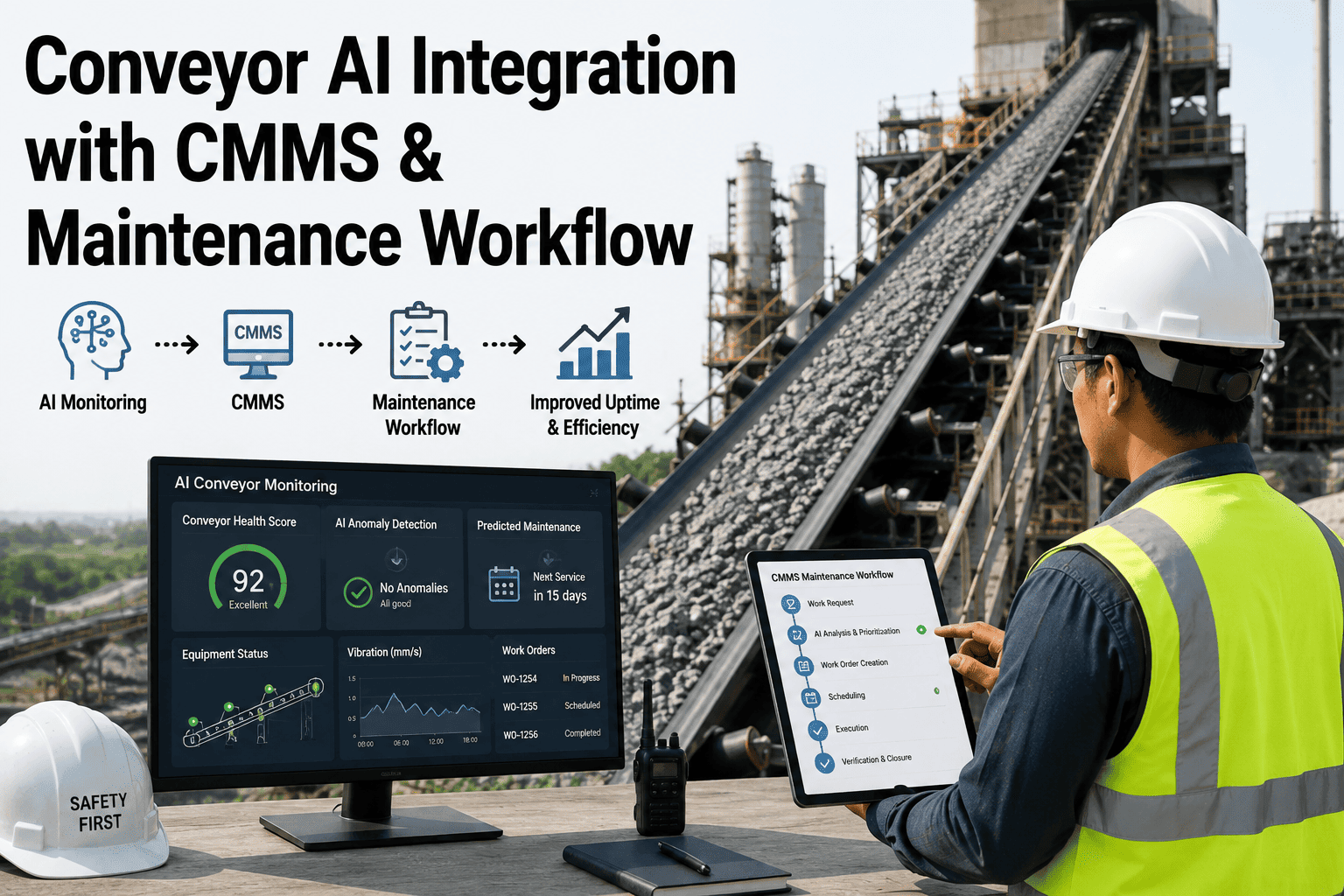
Connect condition monitoring alerts and inspection findings directly to automatic notification and work order creation, removing the lag between a problem being found and a work order existing for it. That lag, often measured in days rather than hours, is frequently where the gap between a minor issue and a major failure opens up.
Phase 4
Reporting and Continuous Refinement
Stand up maintenance cost, backlog, and reliability reporting from the now-accurate data, then use those reports to keep refining preventive maintenance intervals and spare parts thresholds over time, turning the ERP from a static record-keeping tool into an active input to planning decisions.
4 Core Modules
PM, Materials Management, Scheduling, and Quality Management working together
Phased Rollout
Hierarchy, spares, automation, and reporting built in sequence
Live Data Flow
Condition signals feed work orders automatically instead of manual entry
What Changes Once Integration Is Done
The value of a properly integrated maintenance module is not really about the software; it is about what a plant can do once the data inside it can actually be trusted. Maintenance planners stop spending the first hour of every shift reconciling what the system says against what they know is really happening on the floor. Purchasing stops placing emergency orders for parts that were technically in stock but recorded against the wrong storage location, a surprisingly common and entirely avoidable source of unplanned spending in plants running on stale spare parts data. Reliability engineers can finally build meaningful failure history reports because work orders are created consistently and closed with real completion data rather than backdated entries.
This also changes how maintenance is perceived by the rest of the plant. A maintenance function that can produce accurate backlog numbers, forecast spare parts needs weeks in advance, and show a documented history for every major equipment failure earns a different kind of trust from operations and finance than one that is constantly explaining discrepancies between what the ERP says and what actually happened on the floor.
Master Data Governance After Go-Live
The hardest part of an ERP maintenance integration is rarely the initial configuration; it is keeping equipment hierarchy, spare parts records, and work order data accurate months and years after the project team has moved on to other priorities. Master data quality decays quietly. A technician assigns a work order to the wrong functional location because the correct one was one click deeper in the hierarchy. A new spare part gets created from scratch instead of matched to an existing catalog entry because searching felt slower than typing. None of these individual actions look like a problem, but accumulated across a plant with thousands of equipment records and tens of thousands of spare parts line items, they are exactly how a clean go-live degrades into the same messy system it replaced.
Plants that avoid this decay typically assign clear ownership for master data quality rather than treating it as everyone's shared responsibility, which in practice means no one's. A designated maintenance planner or reliability engineer reviewing new equipment and spare parts entries on a fixed cadence, catching duplicates and misclassifications before they propagate into reports, is a small recurring investment that protects a much larger one-time integration effort. Some plants formalize this further with a quarterly data quality audit, spot-checking a sample of records against physical reality the same way a financial audit spot-checks transactions against source documents.
Choosing Between SAP PM and Alternative Platforms
SAP PM remains the most widely deployed maintenance module among large cement producers, largely because it integrates natively with the materials management, finance, and production planning modules many plants already run for other purposes, avoiding the data silos that come from bolting on a separate best-of-breed maintenance system. That said, SAP PM is not automatically the right answer for every plant. Smaller operations or those without an existing SAP footprint elsewhere in the business sometimes find a dedicated computerized maintenance management system faster to configure and lower in total cost of ownership, at the expense of the deeper cross-module integration SAP offers, a tradeoff worth evaluating honestly rather than defaulting to whichever platform the corporate IT team already favors.
The decision usually comes down to how much value a plant places on having maintenance, materials, and finance data live in a single system versus how much complexity that single-system approach adds to configuration and ongoing administration. Plants already running SAP for finance or production planning almost always find extending into PM more efficient than introducing a second platform, since equipment cost data, purchase requisitions, and work order history can flow through existing approval chains without a separate integration layer. This is particularly relevant for multi-site cement producers, where a consistent maintenance data structure across plants makes it possible to compare reliability performance and spare parts strategy across the group rather than treating each site as an isolated system.
Frequently Asked Questions
Does this require replacing our existing SAP or ERP system?
No, in the large majority of cases the work is configuration and integration on top of the ERP system already in place rather than a replacement. Most cement plants already have SAP PM or an equivalent maintenance module licensed and partially set up; the gap is usually in how equipment hierarchy, spare parts data, and work order triggers are configured to match real plant operations, not in the underlying platform itself. Teams can review their current configuration through
a compatibility assessment before any changes are planned, which typically identifies whether the gap is a configuration issue, a data quality issue, or simply a training and adoption issue among planners.
How long does a full ERP maintenance module integration typically take?
A phased rollout covering equipment hierarchy mapping, spare parts cleanup, work order automation, and reporting commonly spans several months for a single-line plant, with multi-line or multi-site plants taking longer given the additional equipment master complexity. The equipment hierarchy and spare parts cleanup phases are almost always the largest time investment, since they involve reconciling years of accumulated data drift rather than simply configuring new workflow rules. Plants that underestimate this phase and rush toward automation often end up automating around bad data, which tends to create more rework later than moving carefully in the first place.
Can condition monitoring data actually trigger work orders automatically in SAP?
Yes, once the integration layer is in place, condition monitoring alerts, whether from vibration sensors, thermal imaging, or process parameter deviations, can be mapped to automatically generate a maintenance notification and, where thresholds are clearly defined, a work order in the PM module. This removes the delay that happens when a technician notices an issue but has to manually type it into the system later, which is often when maintenance backlog data starts to diverge from reality. Getting the threshold logic right takes some tuning, since alerts set too sensitively generate work order noise that planners learn to ignore, while thresholds set too conservatively miss the early warning signs the integration was meant to capture.
What happens to spare parts inventory accuracy during the transition?
Spare parts reconciliation is typically the most labor-intensive part of the project because it requires physically verifying stock against ERP records, correcting storage location errors, and assigning criticality ratings that reflect actual risk to production, not just historical usage patterns. Plants often run a cycle count program in parallel with the ERP cleanup so that inventory accuracy improves progressively rather than requiring a single disruptive full shutdown for verification, prioritizing high-criticality kiln and mill drive spares first since those carry the greatest downtime risk if a record turns out to be wrong.
How does this integration connect to preventive maintenance scheduling?
Once equipment hierarchy and condition data are reliable, preventive maintenance intervals in the scheduling module can be shifted from fixed calendar-based rules toward condition-informed intervals, extending time between services on equipment that is running well while tightening it on equipment showing early wear signals. This is a meaningful step beyond simply automating work orders, since it starts to change how maintenance frequency itself is decided, and teams can discuss this transition during
a scheduling walkthrough, which typically starts by identifying which equipment classes have enough historical condition data to support the shift and which should remain on calendar-based schedules for now.
STOP FIGHTING YOUR OWN MAINTENANCE DATA
Configure a Maintenance Module Built for Cement
Get equipment hierarchy, spare parts, and work order automation set up to match how your kiln lines actually run.