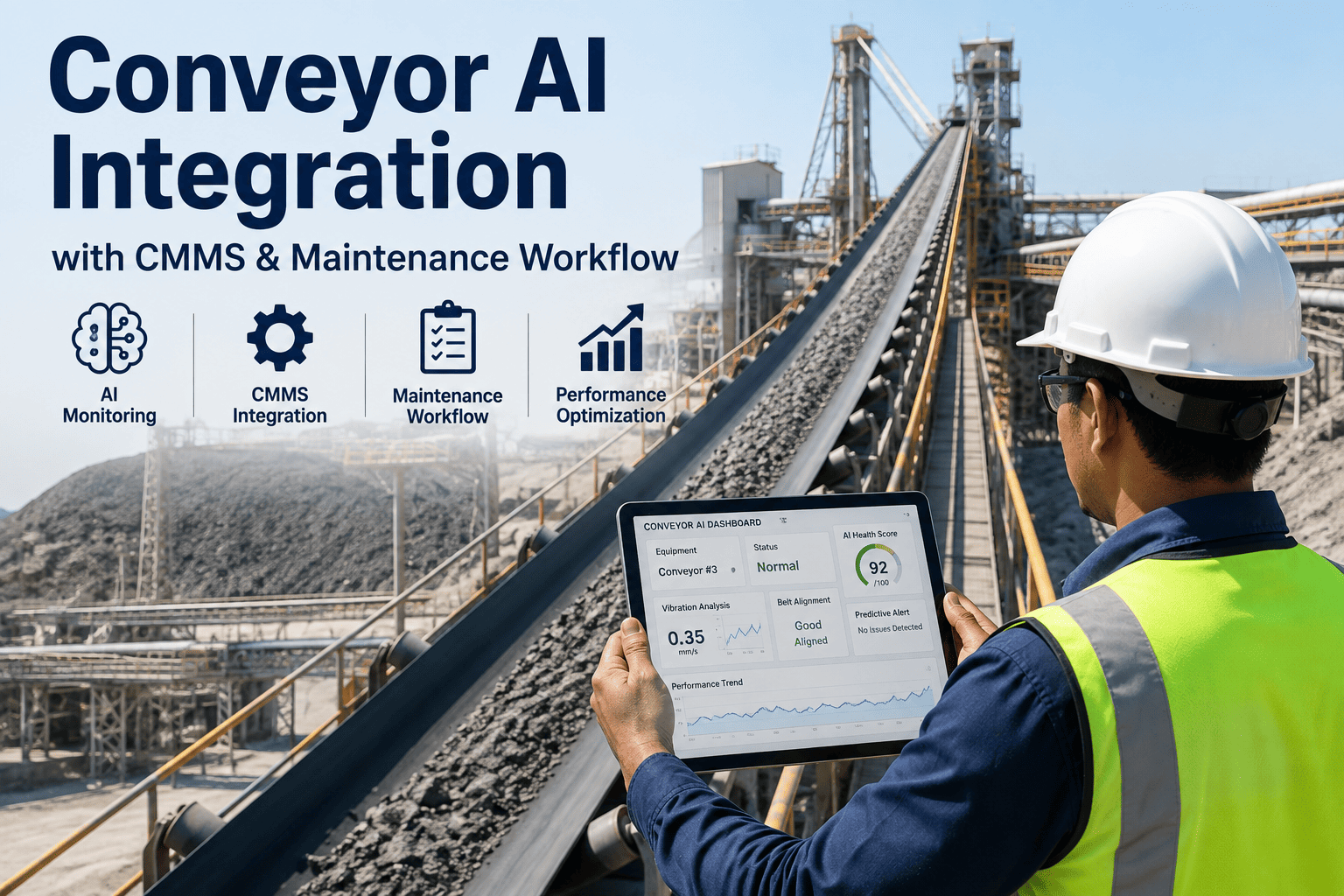
An AI system that detects a conveyor problem and a maintenance team that never sees it in their work queue produces the same outcome as having no AI system at all. Detection without a workflow attached to it just moves the bottleneck — instead of missing the failure, plants miss the alert, because it sat in a dashboard nobody was watching instead of landing as a prioritized work order in the system technicians actually use. iFactory's conveyor monitoring connects detection directly into CMMS, so an alert becomes an assigned, tracked work order automatically.
Detecting a Conveyor Problem Is Only Half the Job. Getting It to a Technician Is the Other Half.
Most AI monitoring tools stop at the alert. iFactory closes the loop — automatically converting a detected issue into a prioritized, assigned, trackable work order inside the CMMS your maintenance team already runs on.
Why AI Alerts Alone Don't Change Maintenance Outcomes
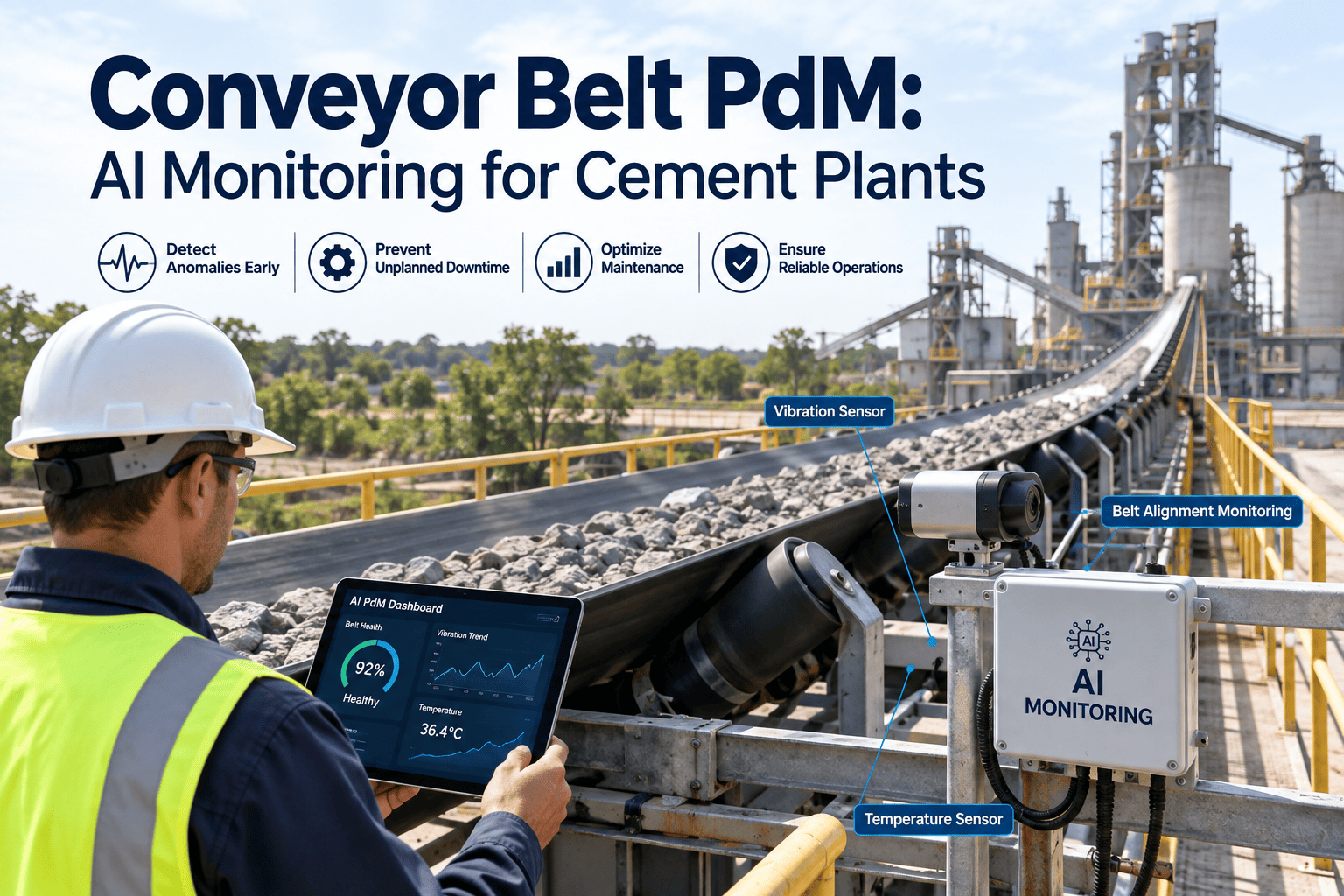
A growing number of plants have added AI vision or sensor-based monitoring to their conveyors over the past few years, and the detection technology itself has genuinely improved — belt tears, misalignment, chute blockage, and idler failures can now be caught earlier and more reliably than manual inspection alone ever managed. The gap that remains isn't detection accuracy. It's what happens in the minutes and hours after an alert fires. If that alert lands in a standalone dashboard, a notification email, or a chat channel disconnected from the CMMS where technicians actually get their work assignments, it competes with dozens of other demands on someone's attention — and competing alerts lose.
Alert Fatigue
A standalone monitoring dashboard generates notifications nobody has time to triage manually, and over time the alerts get ignored the same way a smoke detector with a low battery gets muted.
Manual Work Order Creation
Someone has to see the alert, decide it's worth acting on, and manually open a CMMS ticket — a step that introduces delay and depends entirely on that person being available and paying attention at the right moment.
No Consistent Priority Logic
Without a systematic severity framework, work order priority ends up depending on who created the ticket and how urgent it felt to them in the moment, rather than the actual risk the underlying issue represents.
No Closed-Loop Tracking
Without a connection back to the original detection, there's no record of how long it took from alert to acknowledgment to resolution — so there's no way to measure whether the monitoring investment is actually improving response time.
The Automated Alert-to-Work-Order Flow
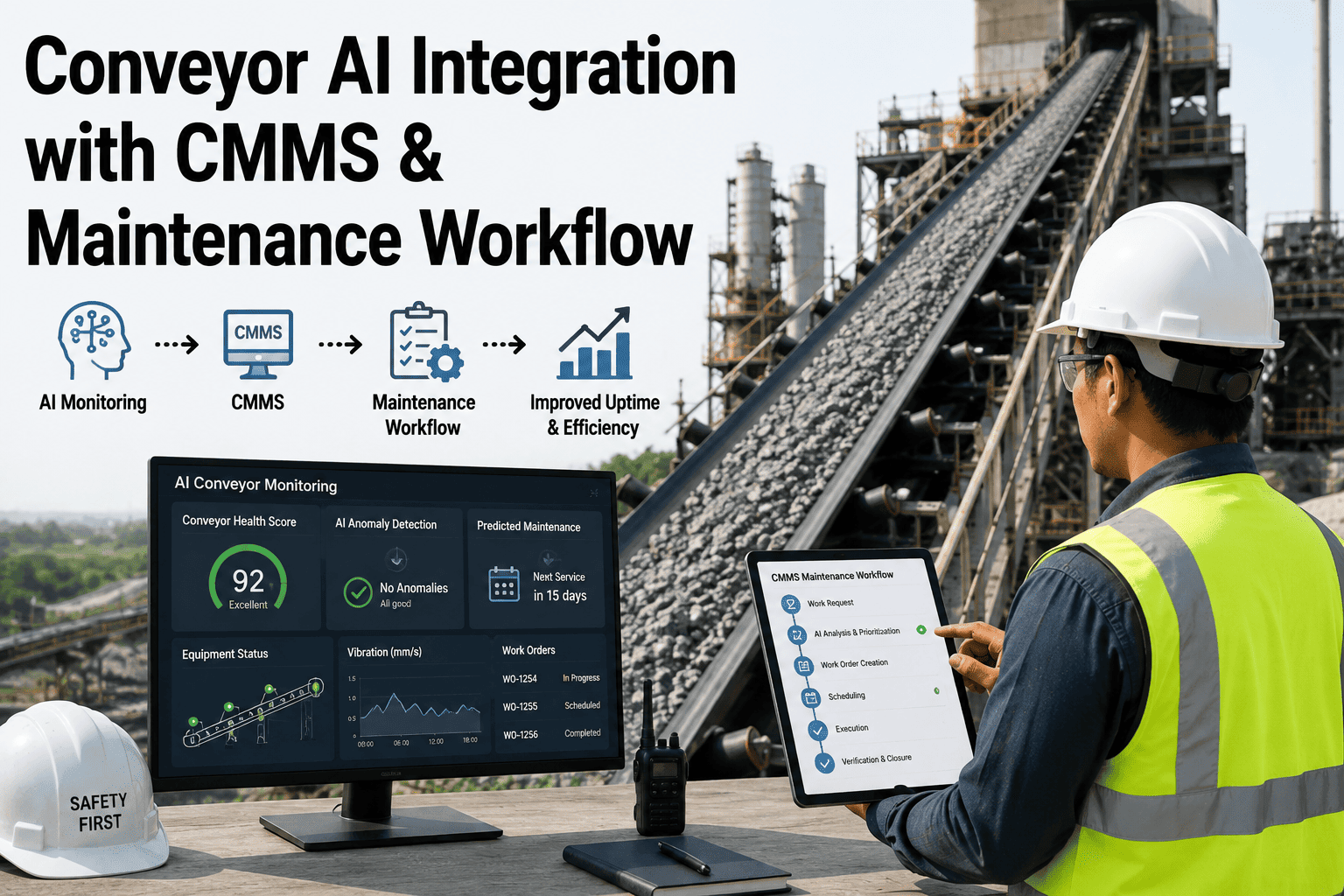
A workflow that closes the loop from detection to resolution follows a consistent sequence, regardless of which specific conveyor issue triggered it. Each step removes a manual handoff that would otherwise introduce delay or inconsistency.
AI detects a deviation
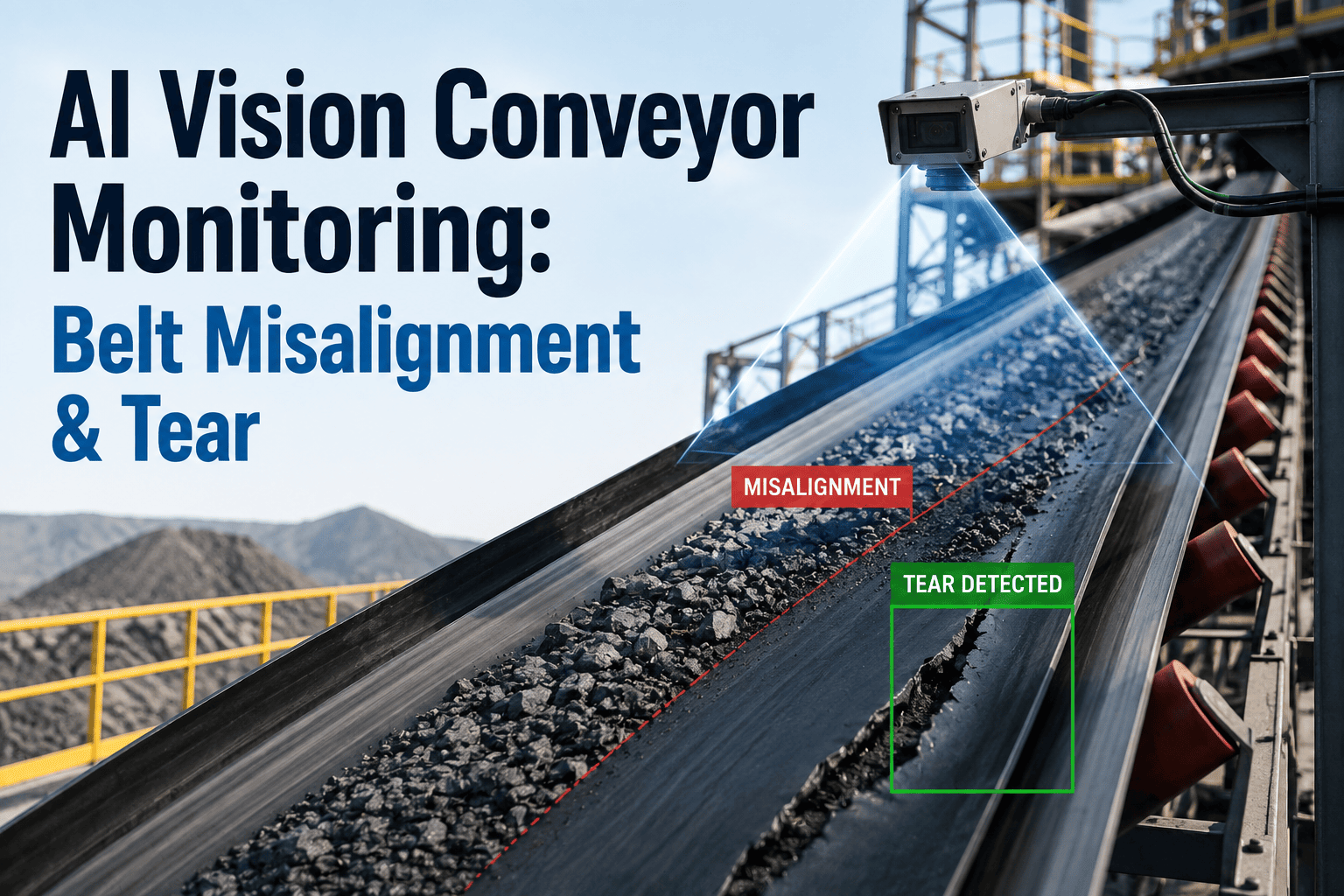
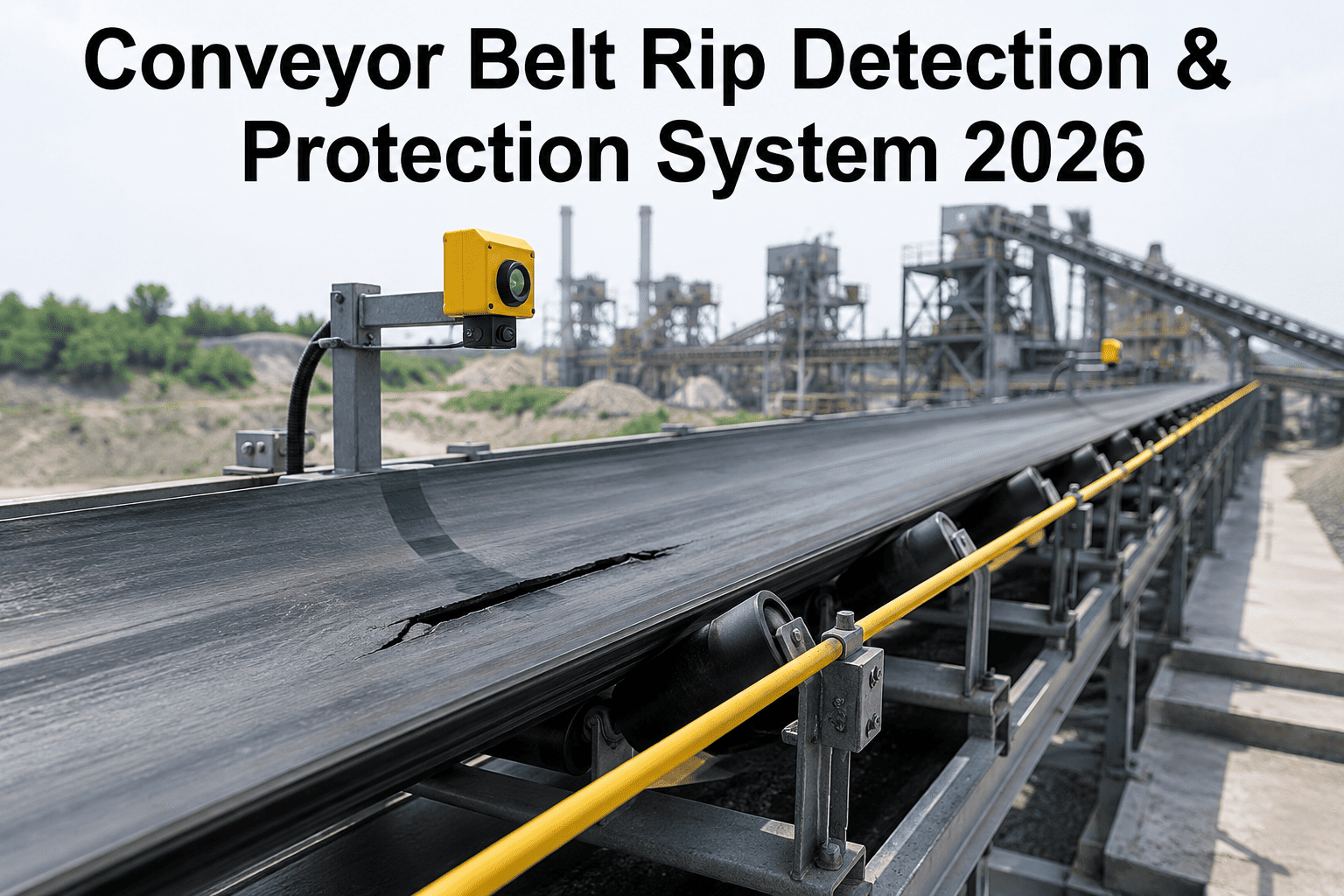
Vision or sensor-based monitoring identifies a developing issue — belt tracking drift, tear propagation, chute buildup, idler bearing anomaly — against its established baseline for that specific asset.
Severity and asset context are attached automatically
The detected issue is classified by severity and linked to the specific conveyor, section, and asset ID it applies to, so the resulting work order arrives already scoped rather than requiring someone to figure out what it refers to.
A work order is created in the CMMS
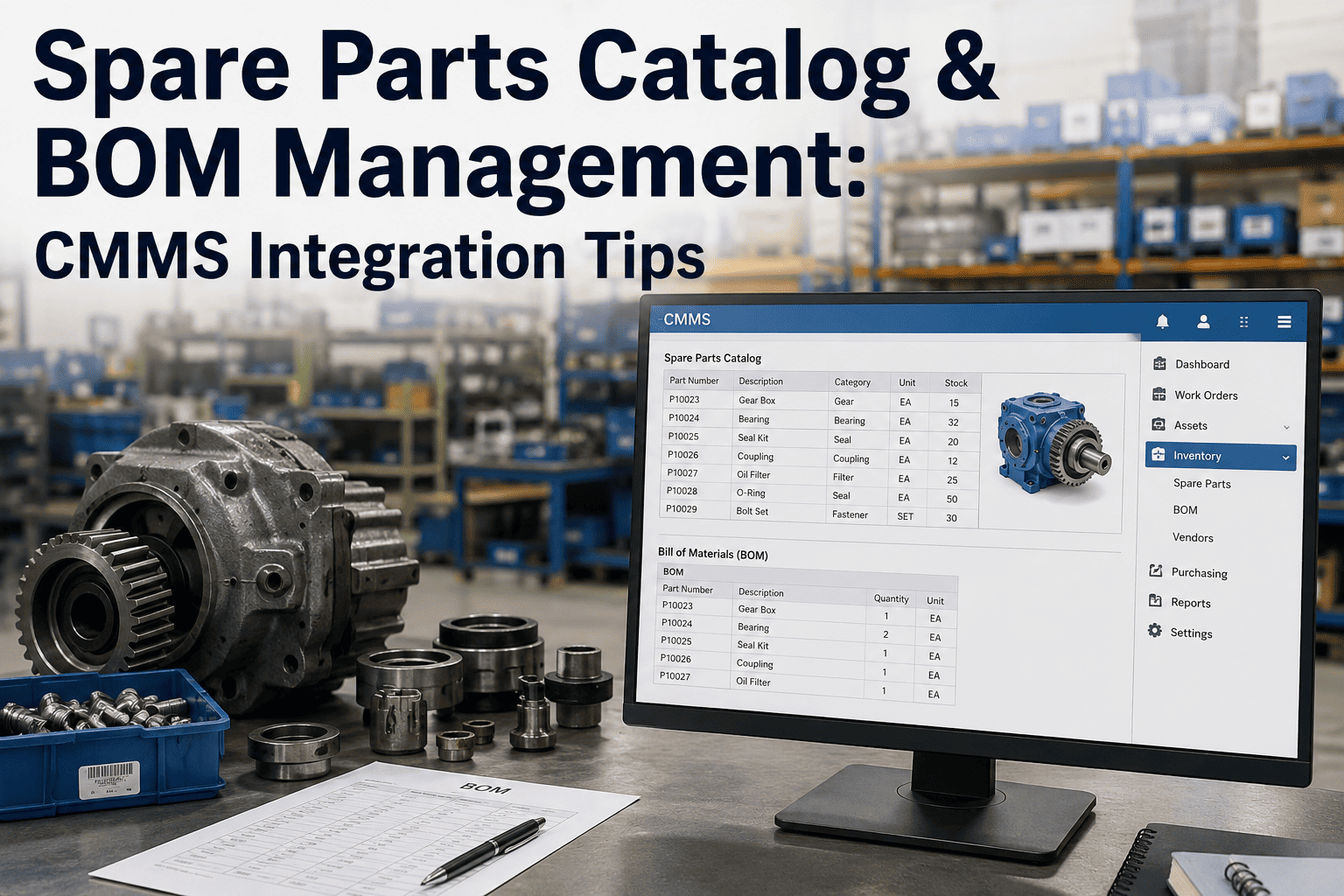
The system generates a work order directly inside the plant's existing CMMS, pre-populated with the asset, the detected condition, severity, and any supporting image or data — no manual re-entry required.
Assignment routes to the right team automatically
Based on severity and asset, the work order routes to the appropriate crew or individual technician following the plant's existing assignment rules, rather than sitting in an unassigned queue waiting for someone to claim it.
Response and resolution are tracked end to end
Time from detection to acknowledgment to work completion is recorded automatically, building a response-time record tied to each alert type without requiring anyone to manually log timestamps.
Manual Workflow vs. Automated Workflow
| Step | Manual / Disconnected Workflow | Automated Workflow |
|---|---|---|
| Alert visibility | Standalone dashboard or email, easy to miss during a busy shift | Delivered directly into the CMMS work queue technicians already check |
| Work order creation | Manual entry, dependent on someone noticing and acting on the alert | Auto-generated with asset, condition, and severity pre-populated |
| Priority assignment | Subjective, inconsistent between shifts and individuals | Systematic, based on a consistent severity framework tied to the detected condition |
| Response tracking | Rarely captured, no reliable record of time-to-acknowledge or time-to-resolve | Automatically logged from detection through closure |
An Alert That Never Reaches a Work Order Never Prevented Anything
iFactory connects conveyor AI detection straight into your CMMS, so every flagged issue becomes a tracked, prioritized work order — not a notification lost in a dashboard.
How Priority Gets Assigned Automatically
Consistent priority logic is what makes an automated workflow trustworthy — technicians need to know that a "high priority" work order actually reflects meaningful risk, not an overcautious algorithm crying wolf on every minor deviation. Priority assignment weighs both the severity of the detected condition and the criticality of the specific conveyor it affects.
| Priority Level | Example Trigger | Typical Response Target |
|---|---|---|
| Critical | Active tear propagation or blockage on a main-line conveyor with no buffer capacity downstream | Immediate — same-shift response |
| High | Tracking drift or bearing trend accelerating on a critical asset, not yet failed | Within the current or next shift |
| Medium | Early-stage wear indicator on a non-critical or buffered conveyor | Scheduled into the next planned maintenance window |
| Low | Informational trend worth monitoring, no immediate action needed | Logged for review, no work order required yet |
What Response Tracking Actually Reveals
Once alert-to-resolution timing is captured automatically, it becomes possible to measure maintenance responsiveness in a way most plants have never had visibility into before — not just whether a work order eventually got closed, but how the response time behaved at each stage.
How long a work order sits before someone accepts it — a rising trend here often points to staffing gaps or unclear ownership, not a technology problem.
Total elapsed time from detection to work completion, broken down by severity level so critical issues can be measured against a tighter target than routine ones.
What percentage of critical and high-priority alerts were resolved within their target window, giving maintenance leadership a defensible metric to report upward.
Whether the same conveyor or asset keeps generating similar alerts, which often points to a root cause that a one-off repair isn't actually fixing.
A Composite Scenario: The Same Alert, Two Different Outcomes
Consider a mid-size cement plant that installed AI vision monitoring on its main clinker transport conveyor, feeding alerts into a standalone dashboard that maintenance supervisors checked when they had time. A belt tracking drift was flagged on a Thursday afternoon, correctly identified as a developing issue well before failure. The dashboard notification arrived during a shift change, was seen briefly, and — with no formal work order attached to it and no one specifically assigned to act — got mentally filed as "something to look at soon." Four days later, the drift had progressed far enough to cause edge wear severe enough to require an unplanned belt replacement, at several times the cost and downtime of the tracking adjustment that would have resolved it initially.
With an automated CMMS-integrated workflow, the same Thursday-afternoon detection generates a work order immediately — asset identified, severity classified as high given the conveyor's critical, unbuffered position in the process, and routed to the on-shift mechanical technician's queue with a same-shift response target. The technician acknowledges the work order within the hour and completes a tracking adjustment before the end of the shift. The total cost is a routine adjustment instead of an unplanned belt replacement, and the response time — detection to resolution in under four hours — is automatically logged as a data point proving the monitoring investment is working, not just installed.
Getting Started: What to Confirm Before Integration
Integration works best as a phased rollout rather than a plant-wide switch on day one — starting with the highest-criticality conveyors, confirming the priority logic matches how your team actually wants to triage issues, and expanding coverage once the workflow is proven on the assets where downtime cost is highest.
Frequently Asked Questions
Which CMMS platforms does this integrate with?
Integration is built to work with the CMMS platforms most cement plants already run, connecting through standard work-order APIs rather than requiring a separate system technicians have to learn. Visit support for a current list of supported CMMS platforms and integration specifics for your environment.
Can we customize the priority logic to match our existing maintenance procedures?
Yes — severity thresholds and priority mapping are configured to reflect your plant's existing criticality rankings and response expectations rather than a generic default, so the automated workflow reinforces procedures your team already follows instead of replacing them with an unfamiliar framework.
What happens if a detected issue turns out to be a false alarm?
Technicians can close out a work order as a false positive directly in the CMMS, and that feedback is used to refine detection sensitivity for that specific asset over time, reducing the false-alarm rate rather than leaving it static. Response tracking data also makes false-positive rates visible as a metric, not just a frustration.
Do we need to change how our technicians currently work in the CMMS?
No — the goal is for work orders to arrive in the same system and format technicians already use, pre-populated with detection context, rather than requiring a new interface or workflow to learn. Book a demo to see how the work order appears from a technician's perspective.
How long does a typical integration take to set up?
Timelines vary by CMMS platform and how many conveyors are in scope for the initial rollout, but a phased integration starting with the highest-priority assets is typically the fastest path to proving value before expanding coverage plant-wide. Starting narrow and specific tends to produce a cleaner rollout than attempting full-plant coverage from day one.
Close the Loop Between Detection and Action
iFactory turns conveyor AI alerts into prioritized, trackable CMMS work orders automatically — see how the integration fits your maintenance workflow.