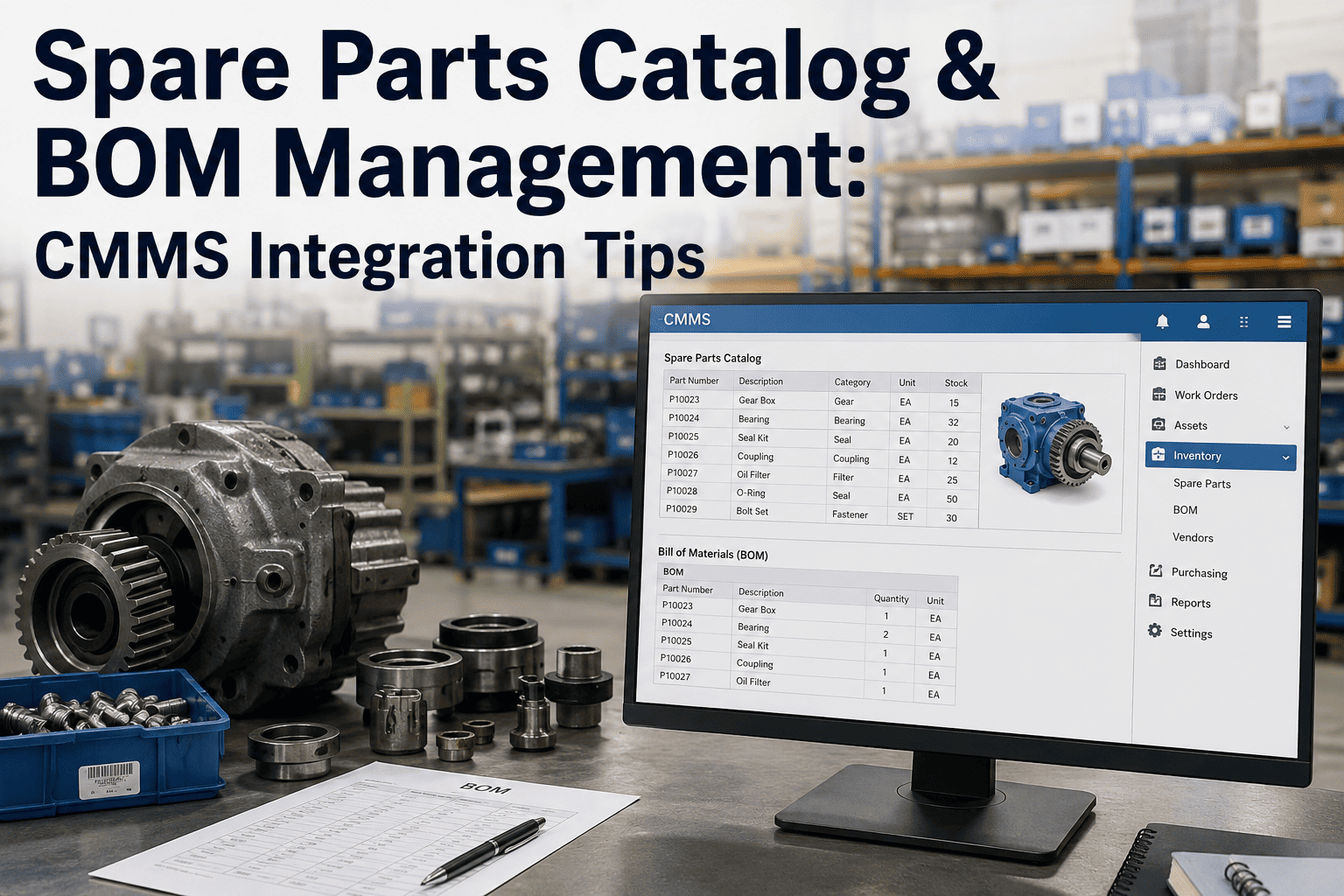
Most cement plants don't decide to implement a CMMS after a single bad day — they decide after months of the same pattern repeating: a work order gets written on paper or in a spreadsheet, it sits in someone's inbox, a technician chases down whether the part is in stock, and by the time the job actually happens nobody can say for certain whether it was preventive or reactive. That pattern is expensive in ways that don't show up on a single invoice — it shows up in mean time to repair, in spare parts bought twice because nobody could see what was already on the shelf, and in institutional knowledge that walks out the door every time an experienced technician retires. A demo can walk through what a structured rollout actually looks like against your current asset list.
Why Cement Plants Are Slower to Digitize Maintenance Than Other Industries
Cement operations run continuous 24/7 production cycles across kiln, mill, and packing lines simultaneously, which makes a phased CMMS rollout genuinely harder to schedule than in a facility with regular downtime windows. On top of that, plant floors, kiln galleries, and preheater towers frequently sit in areas with weak or nonexistent wireless coverage, which rules out any CMMS that depends on a constant connection to log a work order or check a spare part against inventory. The plants that stall out mid-implementation are almost always the ones that picked a platform built for a cleaner, better-connected industry and then discovered the gaps only after go-live.
The other recurring stall point is scope. Plants that try to migrate every maintainable asset into the system at once — kilns, mills, crushers, conveyors, motors, instrumentation, down to the smallest auxiliary pump — routinely see data quality problems that delay any real value delivery by months, because nobody has time to populate accurate nameplate data and PM history for two thousand assets simultaneously. A criticality-ranked rollout, starting with the equipment that actually drives unplanned downtime cost, gets technicians using the system productively within weeks instead of leaving it half-configured for a quarter.
What Separates a Cement-Grade CMMS From a Generic Work Order Tool
Most software marketed broadly as a CMMS handles the basics — a work order gets created, assigned, and closed — but cement equipment breaks in ways that a generic asset model doesn't capture well. A refractory lining doesn't wear out on a calendar schedule; it wears based on heat count and temperature exposure, which means a cement-grade system needs to treat refractory as its own asset type with a remaining-life projection, not a generic maintenance item with a due date. The same applies to girth gears, kiln shell condition, and clinker cooler grate plates, all of which have failure patterns specific enough that forcing them into a generic asset template usually means someone builds a workaround in a spreadsheet anyway, defeating the point of digitizing in the first place.
Spreadsheets vs. a Real CMMS: What Actually Changes on the Floor
The gap between a plant running work orders on paper or spreadsheets and one running a structured CMMS isn't really about the software itself — it's about what becomes visible once the data exists in one place instead of scattered across shift logs, individual technicians' notebooks, and whatever the last person to touch a spreadsheet remembered to update. A supervisor reviewing a spreadsheet can tell you what happened last week if they dig; a supervisor reviewing a CMMS dashboard can tell you which asset is trending toward failure right now, because the system is comparing today's reading against every reading that came before it automatically.
| Capability | Spreadsheet / Paper | Structured CMMS |
|---|---|---|
| Work order history per asset | Scattered across shifts and logs | Complete, searchable history |
| Spare parts visibility | Manual stock checks, frequent duplicate orders | Real-time inventory tied to work orders |
| PM compliance tracking | Reviewed periodically, if at all | Tracked continuously with overdue alerts |
| Multi-site comparison | Requires manual data collection and rollup | Live cross-site benchmarking |
| Root cause trend analysis | Dependent on individual memory | Failure codes aggregated automatically |
Getting Technician Buy-In: The Step Most Implementations Skip
A CMMS implementation can be technically flawless and still fail if the technicians who actually create and close work orders don't trust it enough to use it consistently. The pattern that shows up across successful rollouts is almost always the same: engagement shifts visibly the first time a system-generated work order arrives ahead of a failure the technician would otherwise have caught reactively, because that's the moment the system stops feeling like extra paperwork and starts feeling like it's actually doing part of their job for them. Implementations that lead with mandatory data entry before technicians have seen that value tend to generate exactly the kind of quiet non-compliance — jobs done but not logged — that defeats the entire purpose of digitizing in the first place.
Training that focuses narrowly on button-pushing rarely produces that shift. What works better is training built around the specific assets that technician already owns, showing them their own equipment's history and how a properly logged failure code today becomes a faster diagnosis for the next technician who works on that same pump or gearbox six months from now. That framing turns the CMMS from a compliance requirement into a tool the crew has a reason to actually maintain accurately.
Measuring ROI After Go-Live: What Actually Tells You the Rollout Worked
A CMMS rollout is easy to declare finished the moment work orders start flowing, but the metrics that actually prove it delivered value take a few months to show a real trend. Mean time to repair is the fastest-moving indicator, usually improving within the first quarter as technicians spend less time chasing paperwork and parts location and more time on the actual repair. Preventive-to-reactive work order ratio is the metric worth watching longer term, since a plant that starts at mostly reactive maintenance and shifts toward a majority preventive ratio over six to twelve months is the clearest sign the system is actually preventing failures rather than just logging them faster.
Spare parts carrying cost is the metric finance tends to care about most, and it moves in a less obvious direction than people expect: it often rises slightly in the first few months as the system reveals gaps in stock that were previously invisible, before falling below the pre-implementation baseline once purchasing is tied to actual usage data instead of guesswork. Plants that only look at cost in the first quarter sometimes conclude the system isn't paying for itself yet, when the real signal is still a few months away.