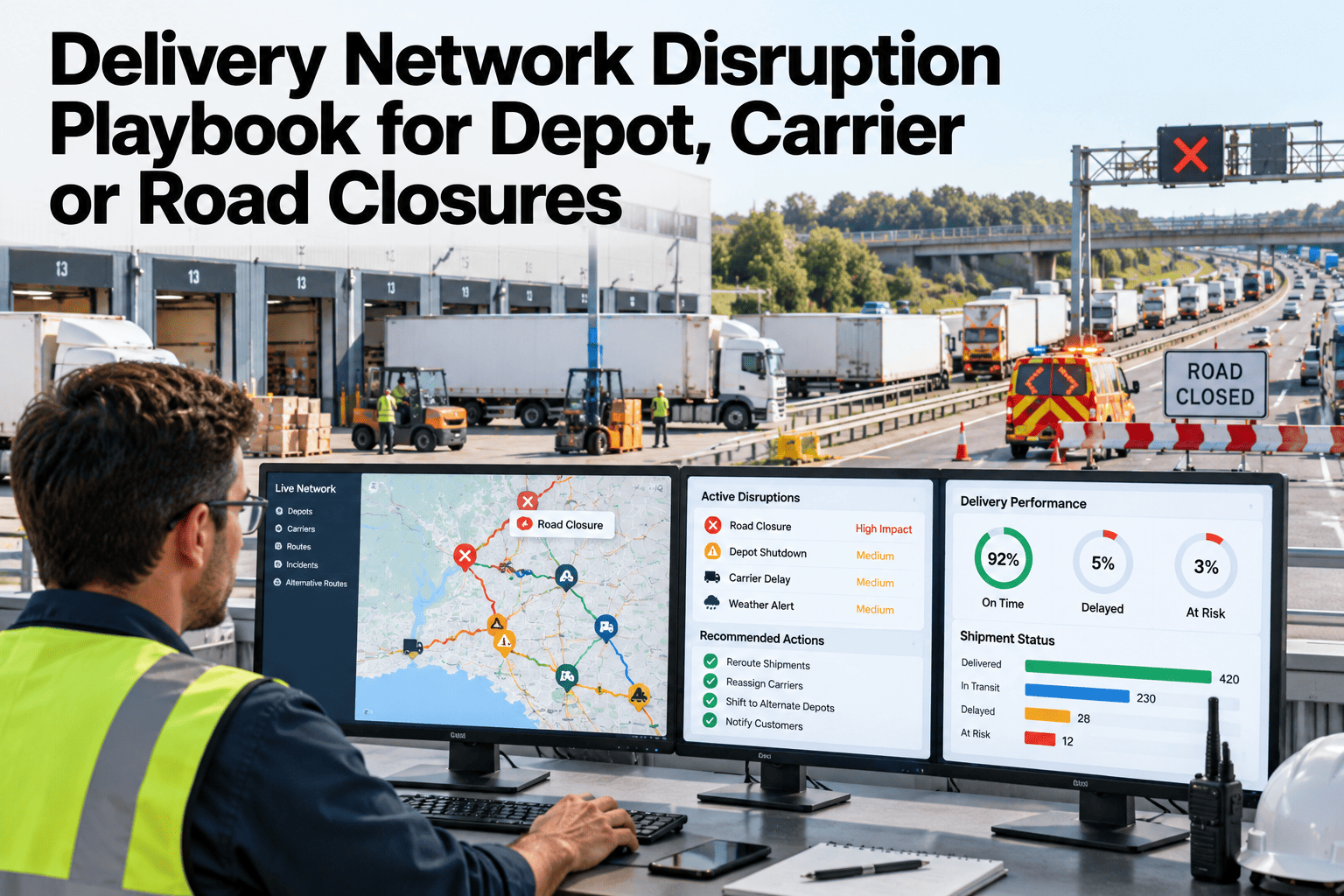
A depot fire, a flooded highway, or a carrier suddenly pulling capacity rarely gives more than a few hours of warning, and most delivery networks only discover how weak their contingency plan is in the middle of living through it. The plants and depots that recover fastest are not the ones with the most backup capacity, they are the ones that already know exactly who gets called first. Walk through a disruption playbook built for your own network.
Know the Next Move Before the Disruption Hits
iFactory AI turns depot, carrier, and road-closure disruptions into a pre-built response: alternate routing, priority orders, and who gets notified, in that order.
A Depot Outage, Hour by Hour
Picture a regional depot losing power for six hours during a storm. Orders scheduled for same-day delivery do not stop arriving just because the depot did.
Without a pre-built response, the first hour is usually spent figuring out who can even make the reroute decision, which is exactly the hour that matters most for keeping priority orders on time.
Build Your Own Disruption Playbook
Book a 30-minute session and map a response plan for your most exposed depot or carrier lane.
Disruption Triggers Worth Pre-Planning
Not every disruption needs the same response. Matching the trigger to the right playbook keeps the reaction proportional.
| Trigger | First Response | Typical Duration |
|---|---|---|
| Depot Closure | Reroute to nearest alternate depot with capacity | Hours to days |
| Carrier Pulls Capacity | Activate next-ranked backup carrier on affected lanes | Days to weeks |
| Road Closure | Re-route affected stops through alternate service area | Hours to days |
| Regional Weather Event | Pre-emptive priority reshuffle ahead of forecasted impact | Days |
The Response Chain
Every disruption response follows the same five steps, so nothing depends on which planner happens to be on shift.
Who the Communication Tree Reaches
A disruption response is only as fast as the slowest notification in the chain.
Operations Leadership
Notified first with the scope of the disruption and the activated response plan.
Affected Depots
Receiving depots alerted to incoming rerouted volume ahead of arrival.
Carrier Partners
Backup carriers notified with lane and volume detail as capacity is engaged.
Customer-Facing Teams
Given advance notice on priority orders likely to see delayed service windows.
Getting It Running on Your Network
iFactory AI connects to your depot, carrier, and order management systems to build playbooks from your actual network structure.
Frequently Asked Questions
Does the system reroute orders automatically?
Recommended rerouting and backup carrier activation are surfaced to the responsible planner for approval, since the final call on committing capacity stays with your team.
How are backup carriers ranked for activation?
Ranking is based on lane coverage, contracted capacity, and historical service performance, configured to match your current carrier relationships during setup.
Can this handle a disruption affecting multiple depots at once?
Yes, the response plan scales to a regional event affecting several depots simultaneously, coordinating alternate capacity across the wider network rather than one site at a time.
What happens after the disruption ends?
A recovery review captures what was activated and how it performed, feeding back into the playbook so the next response starts from a sharper plan. Support can walk through a sample recovery review.
Does this integrate with our existing order management system?
Yes, priority order flagging pulls directly from your order management system rather than requiring a separate parallel list. Ask about your specific system in a walkthrough.
Stop Figuring It Out Mid-Disruption
iFactory AI turns depot, carrier, and road closures into a pre-built response plan, ready before the next disruption hits. Book a walkthrough.