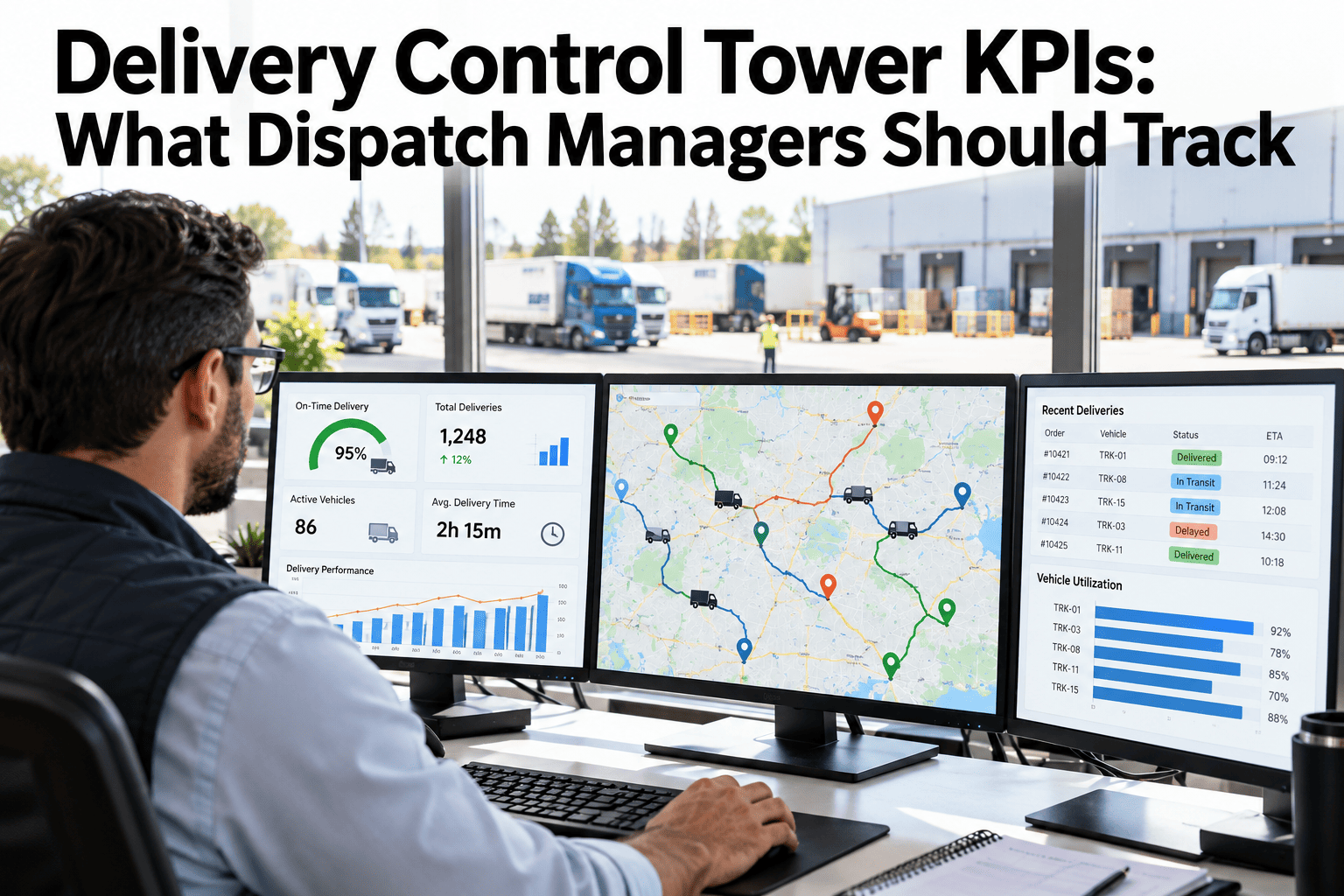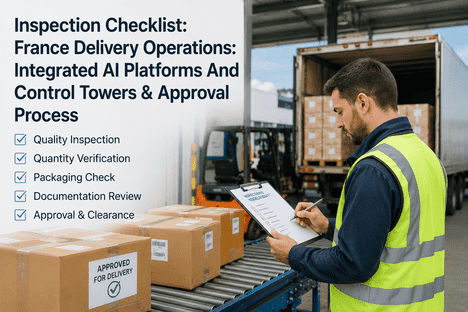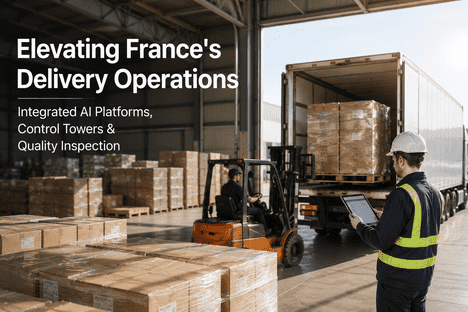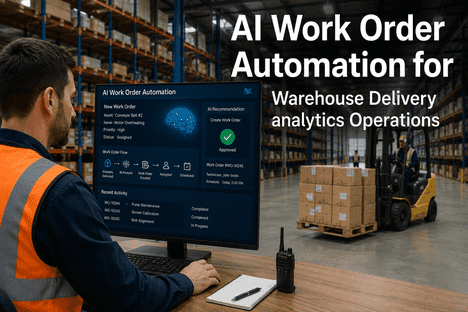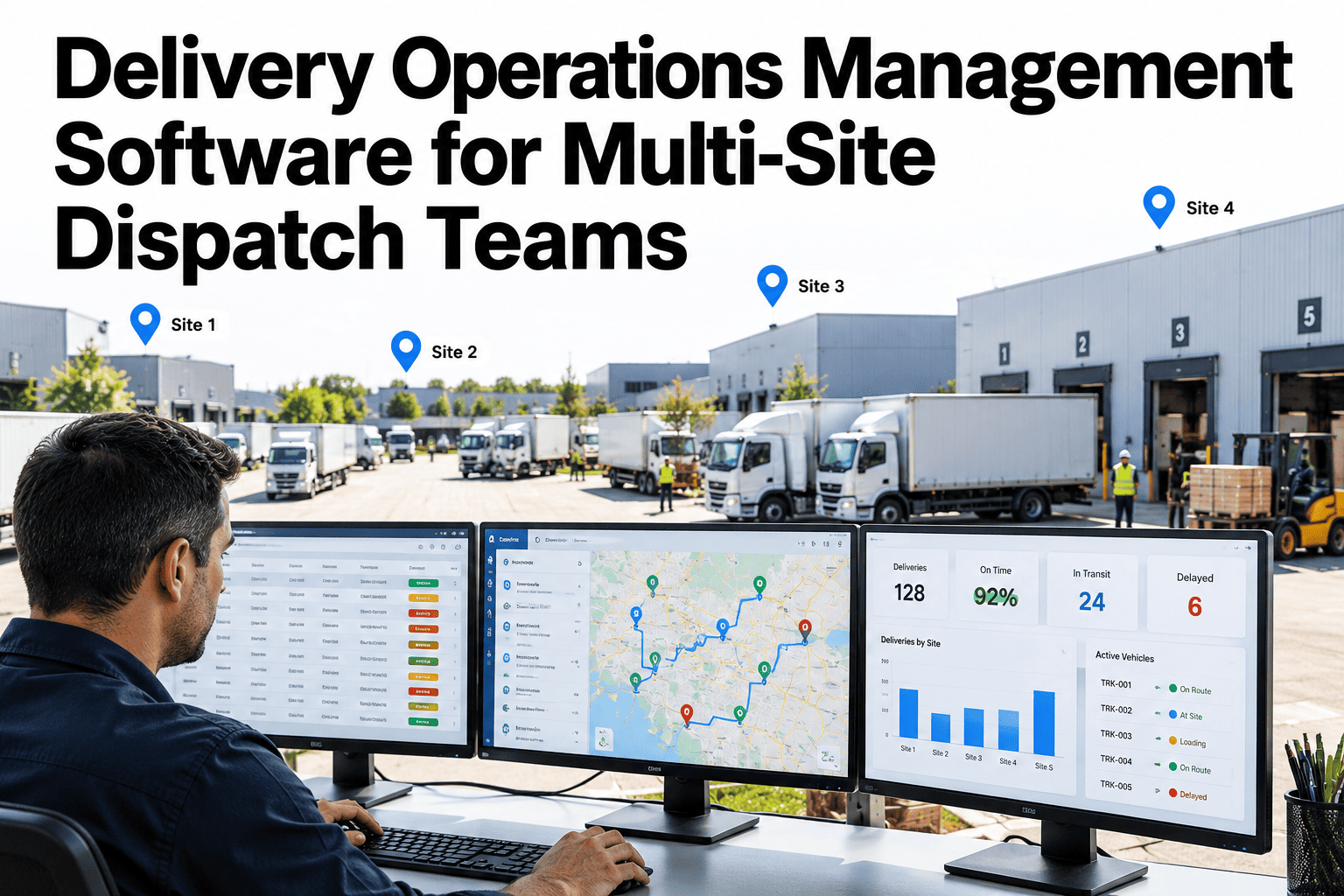
Multi-site dispatch rarely fails because people are not working hard. It fails because each site sees only its own piece of the delivery. One warehouse knows an order was loaded, another knows a truck is delayed, and customer service hears about it from the customer. Without a shared picture, the same questions get asked on repeat and exceptions are found late. A delivery operations platform brings order status, dispatch and exceptions into one view that every site can use. Operations leaders can walk through a multi-site dispatch view using their own delivery data and see where visibility breaks today.
One Control Tower for Every Site, Order and Delivery
iFactory brings dispatch, order status and delivery exceptions into one view, so multi-site teams act on the same picture at the same time.
Fragmented Dispatch vs a Shared Control Tower
The gap is not effort. It is whether every site and role works from the same live picture of each delivery.
A control tower does not replace dispatchers. It gives them the information they used to chase.
How a Control Tower Connects the Network
Sites feed the center, and the center returns one consistent view to every site and role.
Simplified network. Real operations may include depots, carriers and customer locations.
Order-to-Delivery Visibility in Five Stages
Every order passes through the same stages. Visibility means knowing which stage each one is in and how long it has been there.
Site-Level Dashboards for Different Roles
One data set, several views. Each role needs different detail at a different pace.
| Role | What They See First | Decision It Supports |
|---|---|---|
| Dispatcher | Live list of deliveries by risk and time window | Which load or driver needs attention now |
| Warehouse supervisor | Orders waiting for pick, pack and loading | Where to put people to hit the cut-off |
| Site manager | Site performance against promise dates | Whether to add capacity or move work |
| Network lead | Comparison across sites and lanes | Where to fix process or rebalance volume |
| Customer service | Status and expected time for each order | What to tell the customer and when |
See Your Network on a Single Delivery View
Share your sites, lanes and a sample of recent deliveries. We will walk through how a control tower would show status, risk and ownership.
Exception Ownership: Who Does What
An exception without an owner is just a delay nobody is working on. Define ownership before problems arrive.
Dispatcher owns timing
Delays, reroutes and driver or vehicle issues during execution
Warehouse owns readiness
Short picks, late loading, packing and documentation errors
Customer service owns contact
Informing customers and agreeing new windows or actions
Where Dispatch Time Goes Without Shared Visibility
Much of the day is spent finding information, not acting on it.
Illustrative split. Your own dispatch teams can estimate the real one.
How Mature Is Your Delivery Visibility
A simple grade shows where to start and what the next step is.
What a Demo Workflow Covers
A good demo uses your own scenarios, not a generic script.
What Experienced Dispatch Leaders Look For in a Control Tower
Frequently Asked Questions
Do all sites need the same systems to join a control tower?
Not usually. Sites can keep their own warehouse or transport tools as long as key events such as picked, loaded, dispatched and delivered reach one place. Differences in how sites name statuses are mapped once during setup. Check which of your site systems can feed a shared view with our team.
How quickly does delivery status refresh across sites?
Refresh depends on how each source system shares events, from near real time to a few minutes. Time-critical events such as dispatch and delay are given the fastest path, while slower trends can update less often. Each value shows when it was last updated, so users know how current it is.
Who should own an exception when it spans two sites?
Give ownership to the role that can fix the cause, and name a coordinator when two sites are involved. For example, the dispatcher owns a delay in transit, while the origin warehouse owns a short pick. Draft your ownership rules with our team before launch so nothing falls between sites.
Can a control tower help customer service teams too?
Yes, because many status calls come from customers asking where an order is. A shared view lets customer service see stage, expected time and any exception without calling the site. This frees dispatchers to work the problem instead of answering the same question repeatedly across the day.
How do we know a control tower is paying off?
Choose a few measures before launch, such as time to detect an exception, on-time delivery and the number of status calls. Record a baseline and review monthly with site leads. Plan how to measure value from the first month on a short call.
Give Every Site the Same View of Every Delivery
Bring your site list and a week of delivery issues. We will show how a shared control tower would have surfaced them earlier.