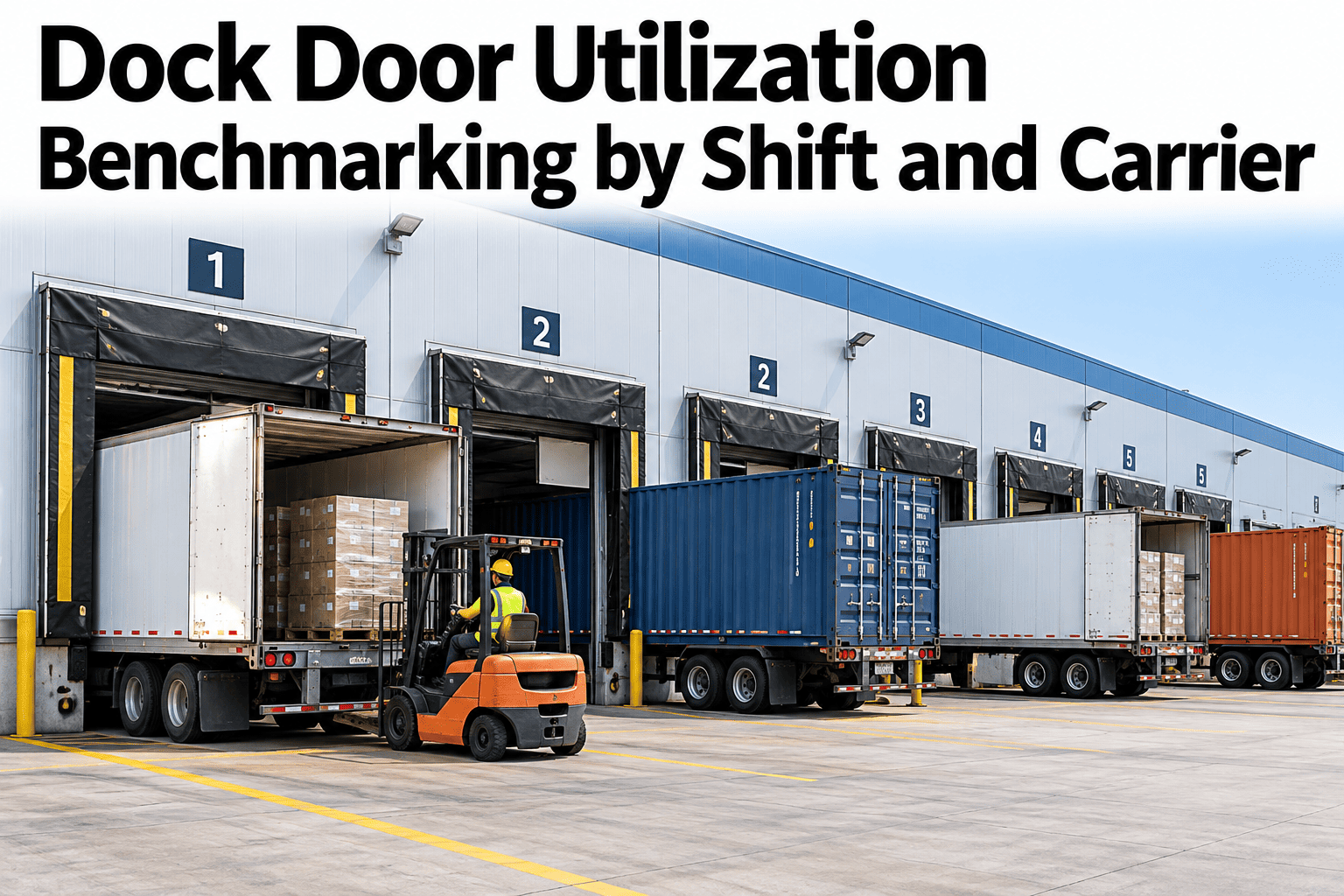
A warehouse can feel short of dock doors while some of them sit empty. Trucks queue at the gate in the afternoon, yet the same doors were idle in the morning, and the difference usually depends on which shift, which carrier and how the day was scheduled. Benchmarking dock door utilization turns that feeling into numbers, showing how much of the available time is actually occupied and how much of that is productive. Teams who want to measure it can ask iFactory AI how dock door time is tracked by shift and carrier.
Benchmark Dock Door Utilization by Shift and Carrier
iFactory AI measures available, occupied and idle time for every dock door, so imbalances between shifts and carriers become visible and fixable.
Defining Utilization So Everyone Agrees
Utilization sounds simple, but it depends on definitions. Settle them first, or two teams will report different numbers for the same door.
A Worked Utilization Example
This is illustrative arithmetic for a site with ten doors and a sixteen-hour operating day.
| Item | Basis | Result |
|---|---|---|
| Available door-hours | 10 doors times 16 hours | 160 door-hours |
| Occupied door-hours | Trucks at doors, door-in to door-out | 104 door-hours |
| Utilization | 104 divided by 160 | 65% |
| Productive door-hours | Hands-on loading and unloading | 70 door-hours |
| Productive share of occupied time | 70 divided by 104 | About 67% |
Where Occupied Time Goes
Occupied does not mean working. The bar shows an illustrative split of time a truck spends at a door.
Comparing Shifts
Shifts often use the same doors very differently. The chart shows an illustrative comparison.
See How Much Dock Capacity You Are Not Using
Book a 30-minute session and iFactory AI will review your dock records to show utilization by shift and carrier, and where idle and waiting time hides.
Comparing Carriers
Carriers behave differently at the door. The matrix, shown as an illustration, ranks typical patterns.
| Pattern | Carrier A | Carrier B | Carrier C |
|---|---|---|---|
| Arrives within the booked slot | High | Moderate | Low |
| Long time at the door | Low | Moderate | High |
| Incomplete paperwork on arrival | Low | High | Moderate |
| Short idle gaps between trucks | Moderate | Moderate | High |
Idle Intervals: The Hidden Capacity
Gaps between trucks are where capacity hides. This flow shows how to find and use them.
Why Benchmarks Should Be Internal First
Industry figures vary widely with product, layout and carrier mix. Start with your own history.
Building the Benchmark in Five Steps
A first benchmark takes a few weeks of clean data.
Agree available, occupied and productive time.
Record door-in and door-out reliably.
Rank shifts, doors and carriers.
Aim for best demonstrated, not theoretical, performance.
Look at results weekly and act on the biggest gap.
Dock Utilization Review Checklist
Use this list at the weekly operations meeting. Each box should be answerable from dock data.
A Composite Scenario: The Afternoon Queue
This is a composite example, not a named site. It shows how benchmarking changes a schedule.
Mistakes That Distort Dock Benchmarks
These habits make the numbers unreliable.
Counting closed time as idle
It makes utilization look worse than it is.
Using truck arrival instead of door-in
Gate waiting time hides door performance.
Judging carriers on one week
Short samples mislead.
Chasing 100 percent
Some idle time is needed to absorb variation.
What iFactory AI Adds to Dock Analytics
iFactory AI is smart manufacturing and industrial software that supports operations and dispatch workflows. Capabilities described here should be confirmed against your specific setup. Explore dock analytics in a live product tour on realistic data.
Door Timelines
Every door shows occupied, productive and idle time across the day.
Shift and Carrier Comparison
Utilization is ranked by shift, carrier and door.
Idle Interval Detection
Repeating gaps are flagged for scheduling action.
Benchmark Tracking
Targets and progress are shown against your own best results.
A 30-Day Plan to Start
A month is enough to build a first benchmark for one site.
Review of Dock Door Utilization Benchmarking
A practical review of what makes dock benchmarks credible, written as editorial guidance rather than a named expert quote.
Define time carefully
Utilization numbers are only as good as the definitions behind them.
Compare like with like
Shifts, doors and carriers need fair, consistent comparison.
Leave some slack
A door at constant full use has no room to absorb a late truck.
Frequently Asked Questions
How is dock door utilization calculated?
Divide occupied door time by available door time, where available time excludes planned closures. See it calculated on live dock data in a short demo. Productive utilization narrows occupied time to hands-on work.
What is a good dock utilization benchmark?
There is no universal number, because layout, product and carrier mix differ. Use your own best demonstrated results by shift and door as the target. Some idle time is healthy for absorbing variation.
How do I compare carriers fairly?
Compare door time, punctuality and paperwork completeness over several weeks and for similar load types. Ask support how carrier comparisons account for load type in the analysis. Share the data constructively.
Do we need new sensors?
Often not at first. Door-in and door-out times from a yard or dock system, or even consistent manual logging, are enough to start. Sensors can improve accuracy later.
How soon can we see results?
Many sites see their first imbalance within weeks of consistent data. Book time to scope a dock benchmarking pilot with your operations team. A schedule change that removes a queue proves the value.
Free Up Dock Capacity Before Buying More Doors
iFactory AI shows how every door, shift and carrier uses time so capacity is found where it already exists. Book a walkthrough to see it on your own dock data.