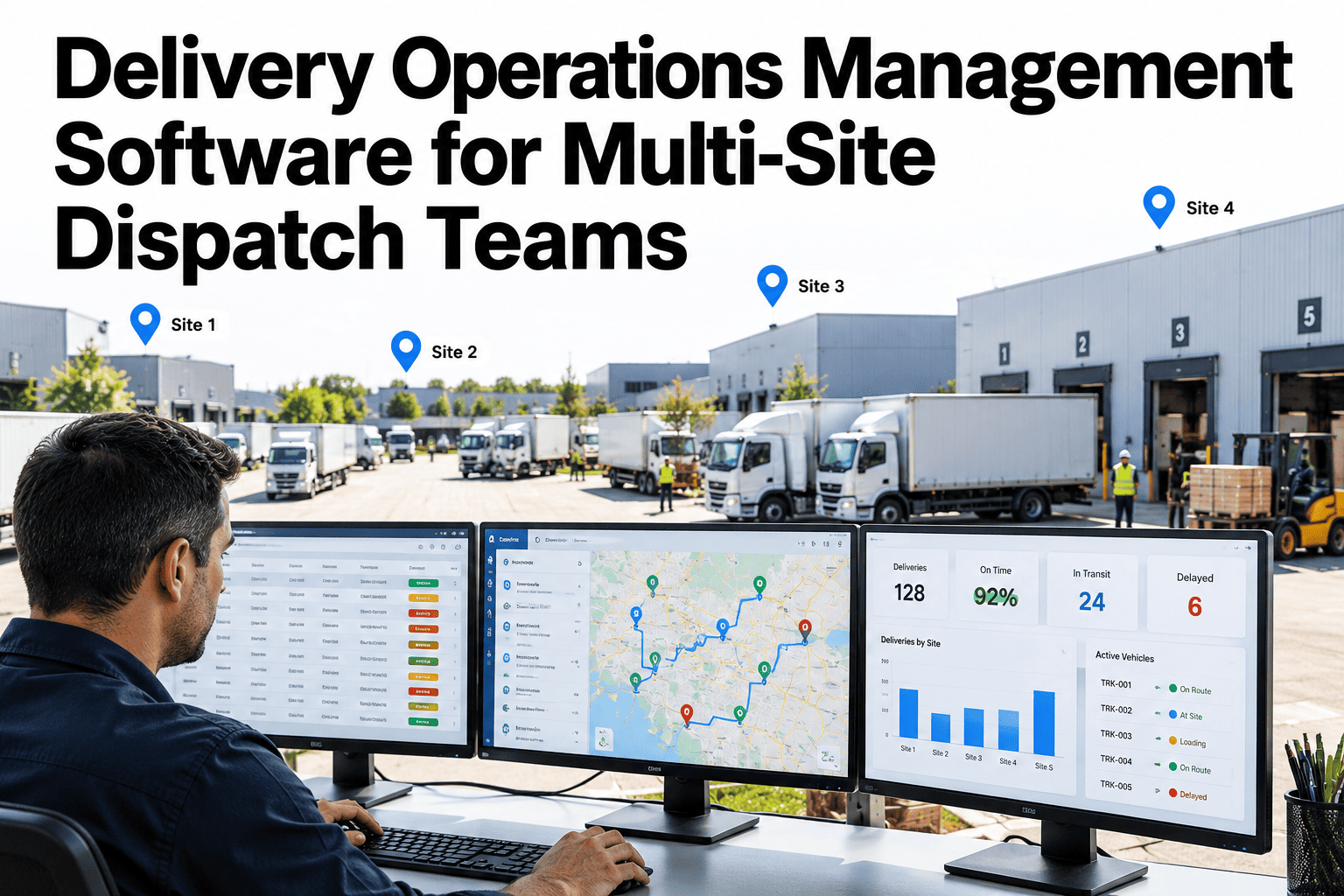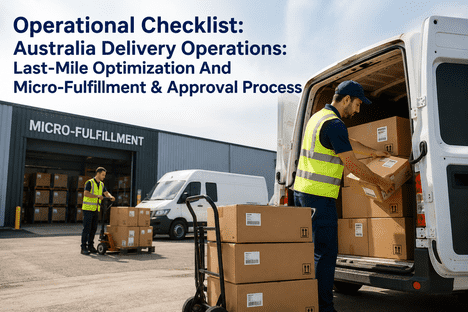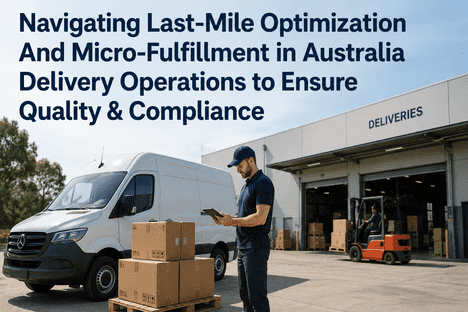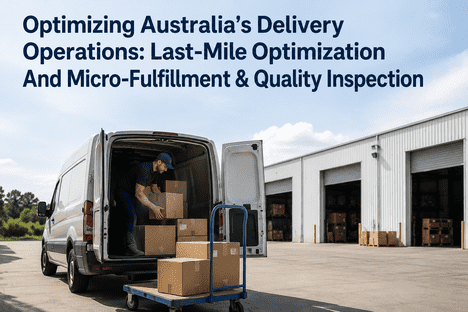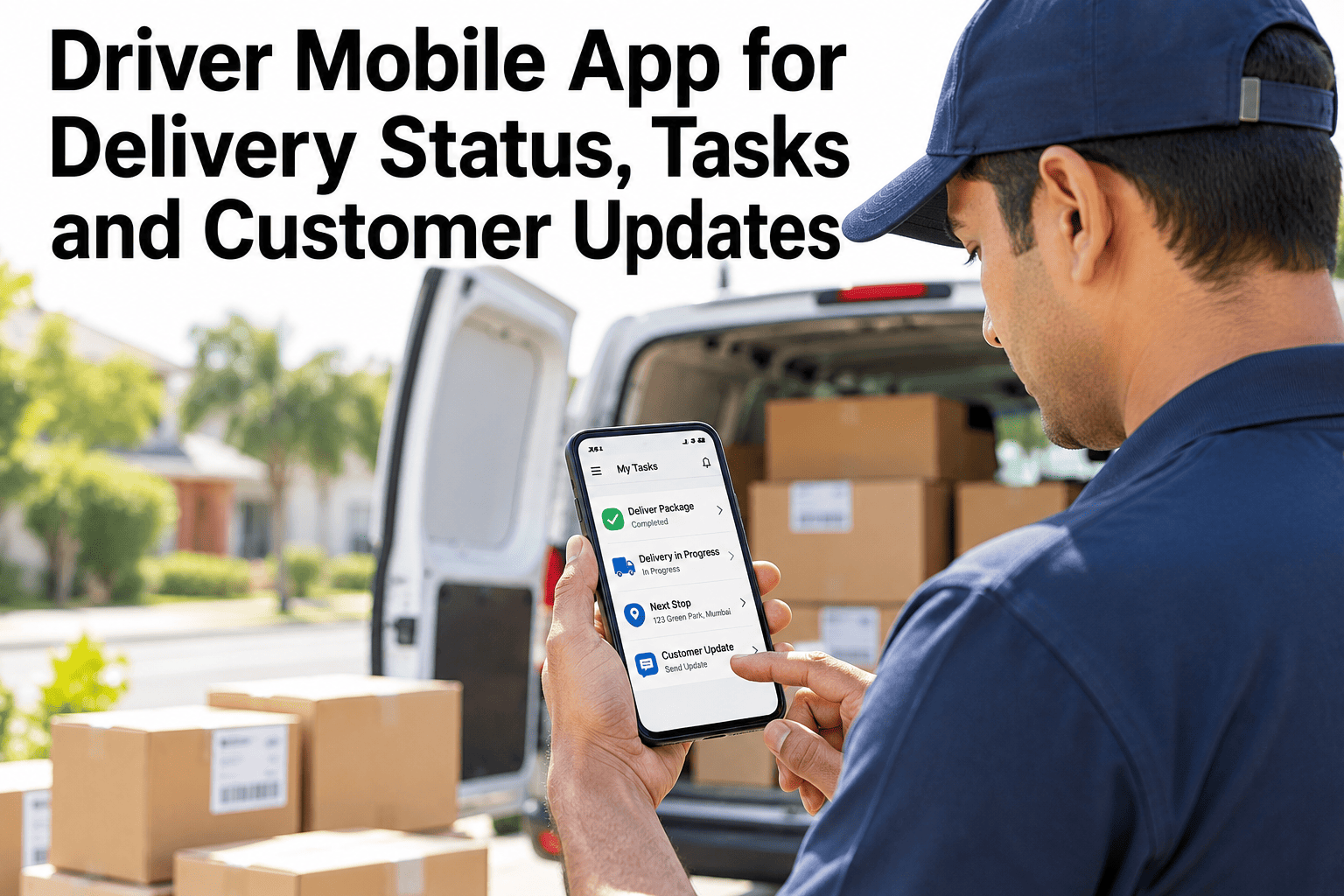
A driver app lives or dies on how it feels at the twelfth stop of the day, in the rain, with a customer waiting at the door. If the next stop is hard to find, completing a delivery takes too many taps or the signal drops, drivers go back to paper and the data behind customer updates and route control disappears. A good app puts the route, the task and the proof in one short flow, and sends status and customer messages as a by-product. Delivery teams comparing options can talk through a driver workflow and see how it would map to their routes in a short session.
Make the Twelfth Stop as Easy as the First
A practical guide to what a driver mobile app should do for stops, tasks, status and customer updates, and how to judge one before you buy.
The Stop List: What the Driver Needs First
The route screen is read dozens of times a day, in seconds. The order of information matters more than the amount of it.
Task Completion in Few Taps
Every extra tap is multiplied by every stop. The columns compare an illustrative cluttered flow with a short one, and teams can time a draft stop flow against their own route sizes in a short walkthrough.
See Whether the Flow Fits the Way Your Drivers Work
Tell us how a stop works today, from arrival to proof. We will walk through it step by step and show where taps, delays and paper creep in.
Status Updates Without Extra Work
Dispatch and customers need to know where each stop stands. Status should change as a by-product of the driver's tasks, not as an extra chore.
Customer Updates Across the Day
Customers need few messages, at the right moments. The timeline shows one common pattern, and the timing should follow your own service promise.
Devices and Connectivity
Most driver app problems are really device problems. The table lists what to check before rollout.
| Need | Why It Matters | What to Check |
|---|---|---|
| Offline mode | Signal drops in basements, rural roads and depots | Can stops complete and sync later? |
| Battery life | A full shift with navigation and camera | Test on a real route, with a charger in the cab |
| Camera and scanning | Photo proof and barcode checks | Speed and reliability in poor light |
| Screen readability | Sunlight, gloves and rain | Large buttons and high contrast |
| Shared or personal devices | Handover between shifts | Login, data separation and updates |
What to Ask When Evaluating a Driver App
Demos look good in an office. These questions test the app against real routes.
A Composite Scenario: A Pilot Route, Two Weeks
A delivery team piloted a new driver flow on two routes. The figures below are illustrative.
Expert Review: Choosing a Driver App Wisely
Driver apps fail on adoption, not features. This review sets out how experienced delivery operations leaders judge one.
Frequently Asked Questions
Do drivers need their own smartphones?
Not necessarily. Some operations issue company devices, which gives control over updates, batteries and cameras, and others allow personal devices to reduce cost. Each choice has trade-offs for security, support and driver comfort. Our team can talk through the options for your fleet and your policies.
How do we get drivers to use it?
Involve them early, keep the flow short and fix the issues they raise quickly. Training should happen on a real route, not in a classroom. Track adoption by stops completed in the app, not by log-ins. When drivers see that the app saves them paperwork and arguments, use follows.
What proof of delivery should the app capture?
It depends on your products and contracts. Common choices are signature, photo, barcode scan and recipient name, often combined. The proof should support the quantities delivered and not just the visit. See proof options compared in a short walkthrough using your own delivery types.
How are customer messages kept from becoming noise?
By sending few messages at defined moments, such as confirmation, shortly before arrival and after the stop. Messages should carry useful information, like the updated window. Customers should be able to reply or reschedule where your process allows it, and the content should follow your brand and local rules.
What should we measure after rollout?
Track the share of stops completed in the app, the delay between delivery and status update and the rate of first-attempt success. Add driver feedback each month. Ask for a sample rollout scorecard to use in your operations reviews.
Put the Driver's Day on One Short Screen
Talk through your routes, stops and customer promises with a last-mile specialist, and see what a workable driver flow would look like for you.