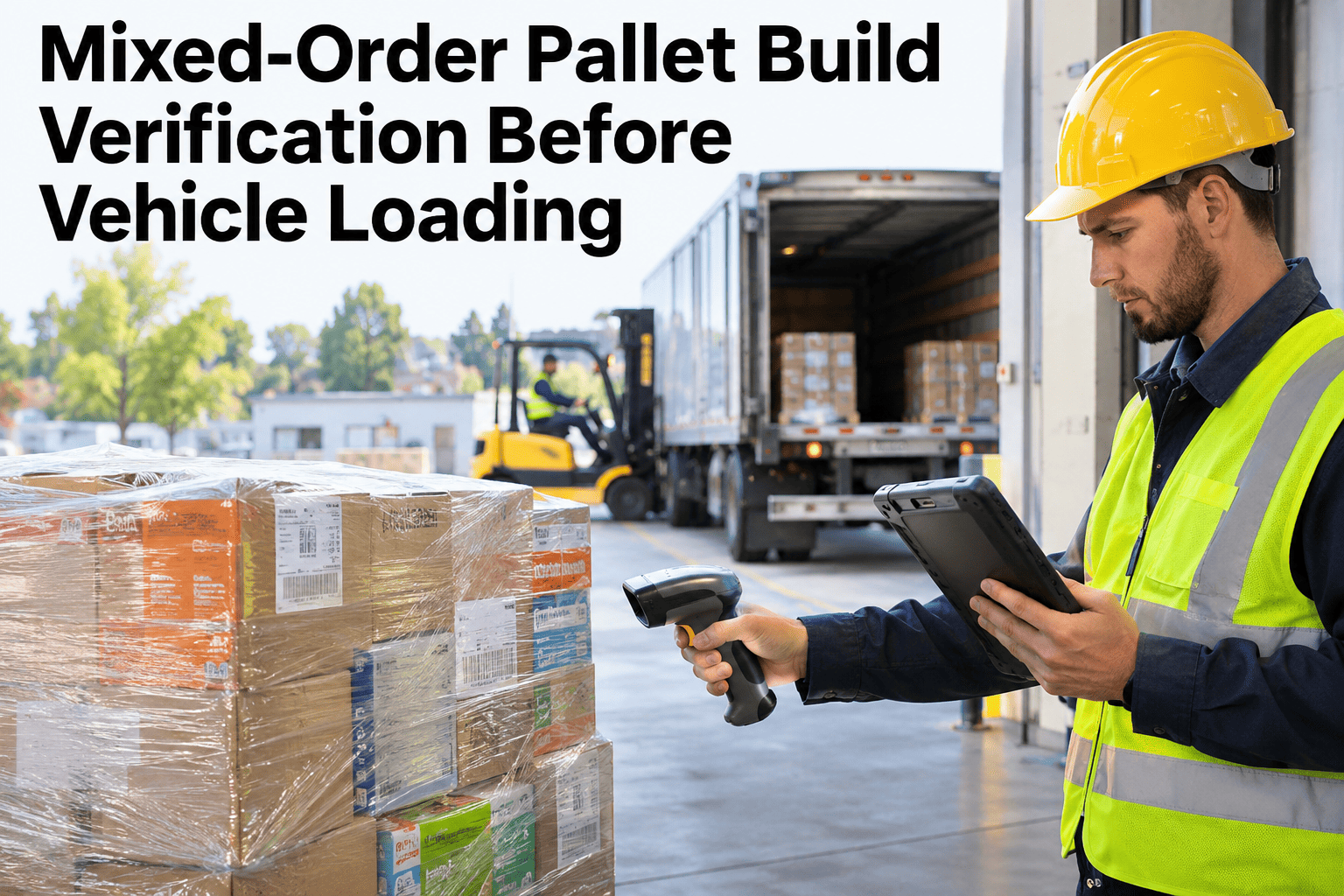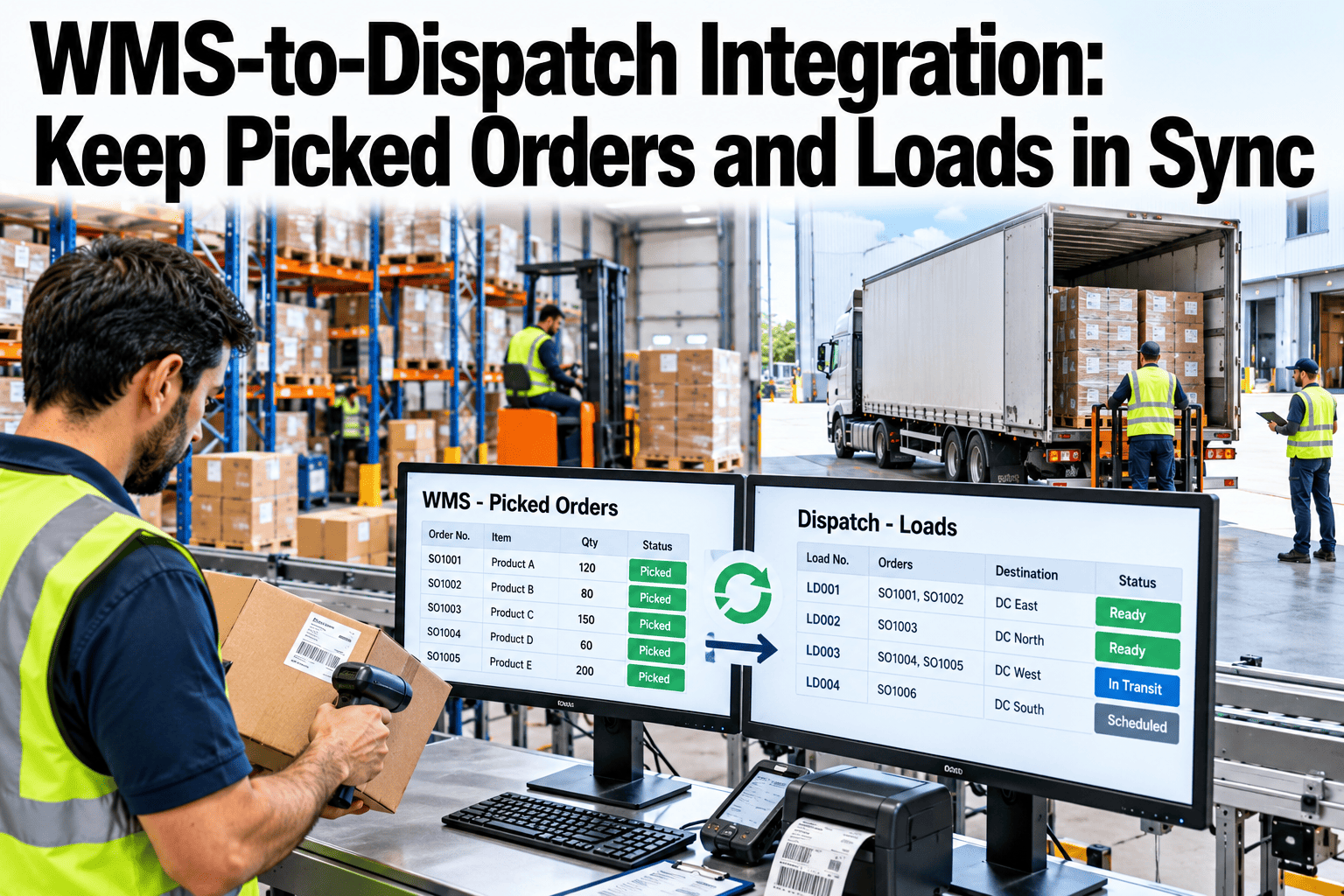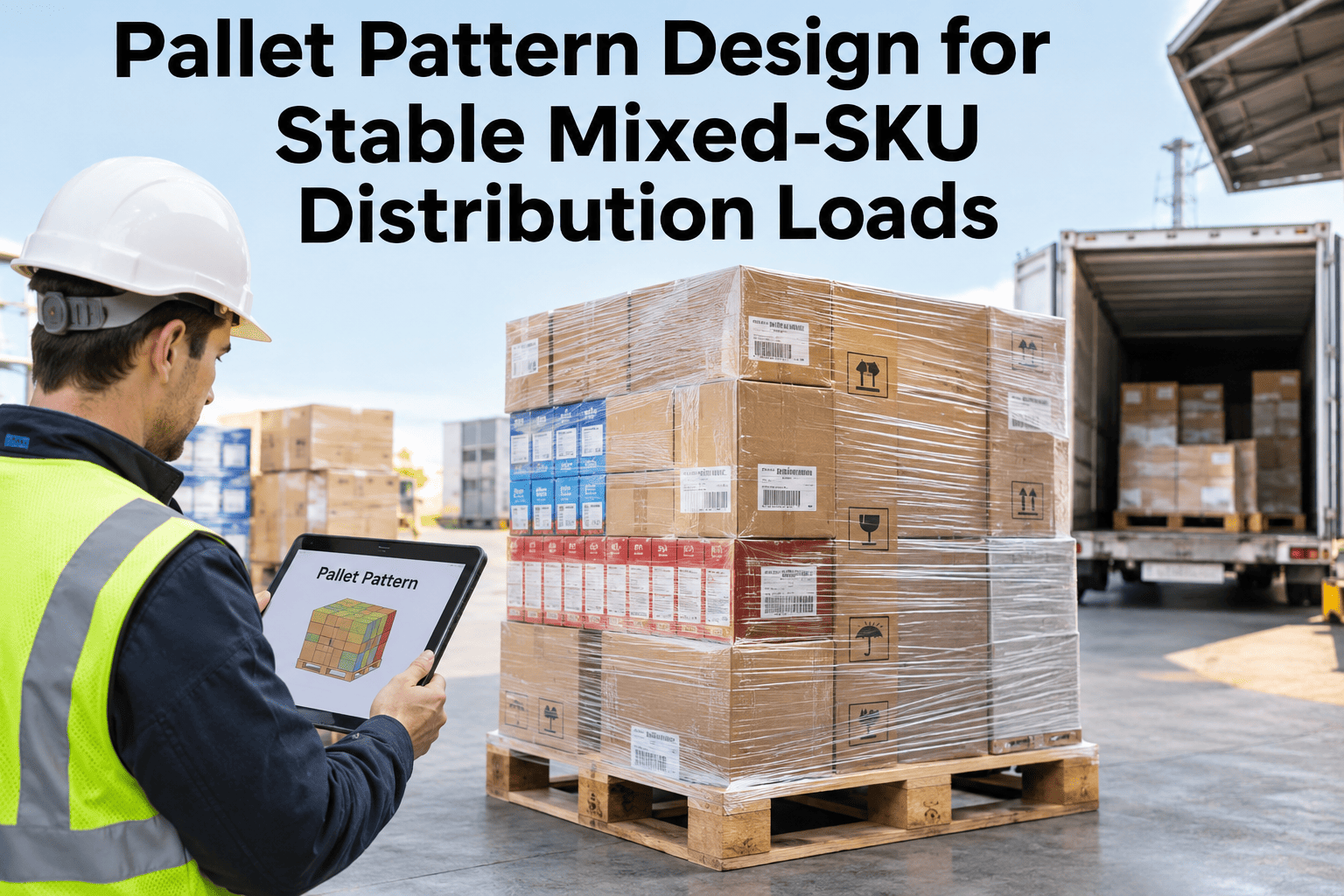
A mixed-SKU pallet does not fail because a pattern was chosen badly. It fails because the pattern, the weight order and the unloading sequence were each decided separately, usually by whoever was standing at the pack station that shift. A case that crushes two states later was never a packing mistake in isolation — it was a pattern decision, a layering decision and a sequencing decision that each looked fine on their own and never got checked against each other. Warehouses that want their own SKU mix run against a tested pattern can walk through a pallet pattern review built from their actual case dimensions with the iFactory AI team.
Three Decisions, Made Separately, Build Every Unstable Mixed-SKU Pallet
iFactory AI checks pattern, weight order and unload sequence together against each SKU's own dimensions, so a pallet that passes the build is the pallet that survives the truck.
Why a Single-SKU Pattern Rule Breaks on a Mixed Load
Most pattern guidance is written for uniform cases, where every box on the pallet shares the same footprint and weight. A mixed-SKU pallet has none of that uniformity, which is exactly why the pattern decision cannot be made once and reused across SKU families.
Four Patterns, and What Each One Actually Trades Away
Every stacking pattern buys stability or buys cube efficiency — rarely both. The breakdown below shows what each pattern is actually trading, so the choice is a deliberate tradeoff rather than whichever pattern a crew happens to default to.
Run Your Own SKU Mix Through This Comparison
Bring case dimensions and weights for your top mixed-SKU orders to a 30-minute session and see which pattern actually fits.
Weight Distribution Is a Gradient, Not a Rule About "Bottom"
The instruction to put heavy items on the bottom is correct but incomplete. The more precise version used by palletizing engineers is a gradient: each successive layer should be slightly lighter than the one beneath it, not simply heavy-somewhere-low and light-somewhere-high with no plan for the layers in between.
The Crush Test Every Mixed Layer Has to Pass
Before any case goes on top of another, one question decides whether the layer is safe: will this item crush what's underneath it? Software-assisted pallet building runs this check case by case rather than relying on a general heavy-to-light instinct.
Build the Pallet for the Unload, Not Just the Trip
A pallet that travels well can still fail at the dock if nobody designed for how it comes apart. The last case placed is usually the first case removed, so the pattern has to put first-needed SKUs where they can be reached without destabilizing everything underneath.
Items needed first at the destination are placed higher and more accessible in the build order.
Each layer should hold its own shape so a layer can be removed without the ones below shifting.
Film applied so a top layer can be exposed and removed without cutting the whole load loose.
A build card or pattern record lets receiving confirm the unload sequence matches what was planned.
Internal vs External Decisions in Pattern Design
Some pattern decisions can be made once, from the SKU catalog, before a single case is picked. Others can only be confirmed at the moment of build, once the actual order mix is known.
Treating catalog-level decisions as fixed and build-level decisions as variable is what lets a warehouse standardize without pretending every order is identical.
A Composite Scenario: The Pallet That Passed Every Individual Check
A distribution center built a mixed-SKU pallet for a retail order. The heaviest cartons were on the bottom layer, as the house rule required. The interlocking pattern was correctly applied. The load was wrapped to the standard spiral tension.
What nobody checked was whether the second layer's weight, concentrated toward one side to leave a forklift-access gap, sat within the crush rating of the cases directly beneath it. Three states into the route, vibration had collapsed two cartons along that edge, and the shift in weight had begun pulling the whole layer out of square. Every rule had been followed individually. None of them had been checked against the others for this specific SKU mix.
Where iFactory AI Fits
Per-SKU Pattern Rules
Dimensions, weight and crush strength are tracked per SKU, so the pattern recommendation changes with the actual order mix.
Crush-Test Enforcement
A proposed layer sequence is checked against each case's rated stacking strength before it is approved for build.
Build-Order Documentation
The planned layer and unload sequence is recorded against the pallet ID, so receiving can confirm it matches what was built.
Pattern-to-SKU-Family Mapping
Standard patterns are mapped to SKU families and packaging classes, so crews are not deciding the pattern from scratch each time.
Frequently Asked Questions
Which pallet pattern is best for mixed-SKU loads?
Interlocking or pinwheel patterns generally outperform simple column stacking for mixed-SKU loads, because the offset between layers engages neighboring cases and resists the lateral shifting that column stacks are prone to. The right choice still depends on the specific case sizes involved. See which pattern fits your SKU mix in a short working session.
How many layers of weight gradient do we actually need?
There is no fixed number — the gradient should follow the actual weight spread of the SKUs in that order, with each layer stepping down from the one below it rather than jumping straight from heavy to light. A pallet with only two or three true weight tiers in its mix needs only that many steps. Walk through a gradient plan using your own SKU weights.
What should trigger a reinforcing board or interlayer sheet?
Add one whenever a case's crush rating is close to the load it will actually carry, or whenever case dimensions mismatch enough to leave a point-load rather than a spread load across the layer below. Treat it as a standard option in the build, not an emergency fix after damage shows up. Ask support how dunnage rules are configured for specific SKU families.
How do we design for unloading without slowing down the build?
Decide the first-out SKUs for a given destination once, at the catalog or route level, and bake that into the default pattern rather than re-deciding it at every build. The documentation and pattern mapping do the planning work in advance, so the floor crew is following a build card, not improvising a sequence. See how build-order documentation works on a line similar to yours.
Can this replace our existing palletizing software or robotics?
No, and it is not meant to. Palletizing software and robotic palletizers execute a build; iFactory AI supplies and enforces the per-SKU pattern, weight and crush rules those systems should be building against, and documents the result against the pallet record. Ask how this integrates with your current build system rather than replacing it.
Make Pattern, Weight Order and Unload Sequence One Decision, Not Three
iFactory AI checks each mixed-SKU pallet's pattern, weight gradient and build order against each other before it is approved, so the pallet that passes the build is the one that survives the route. Book a walkthrough with your own SKU mix.