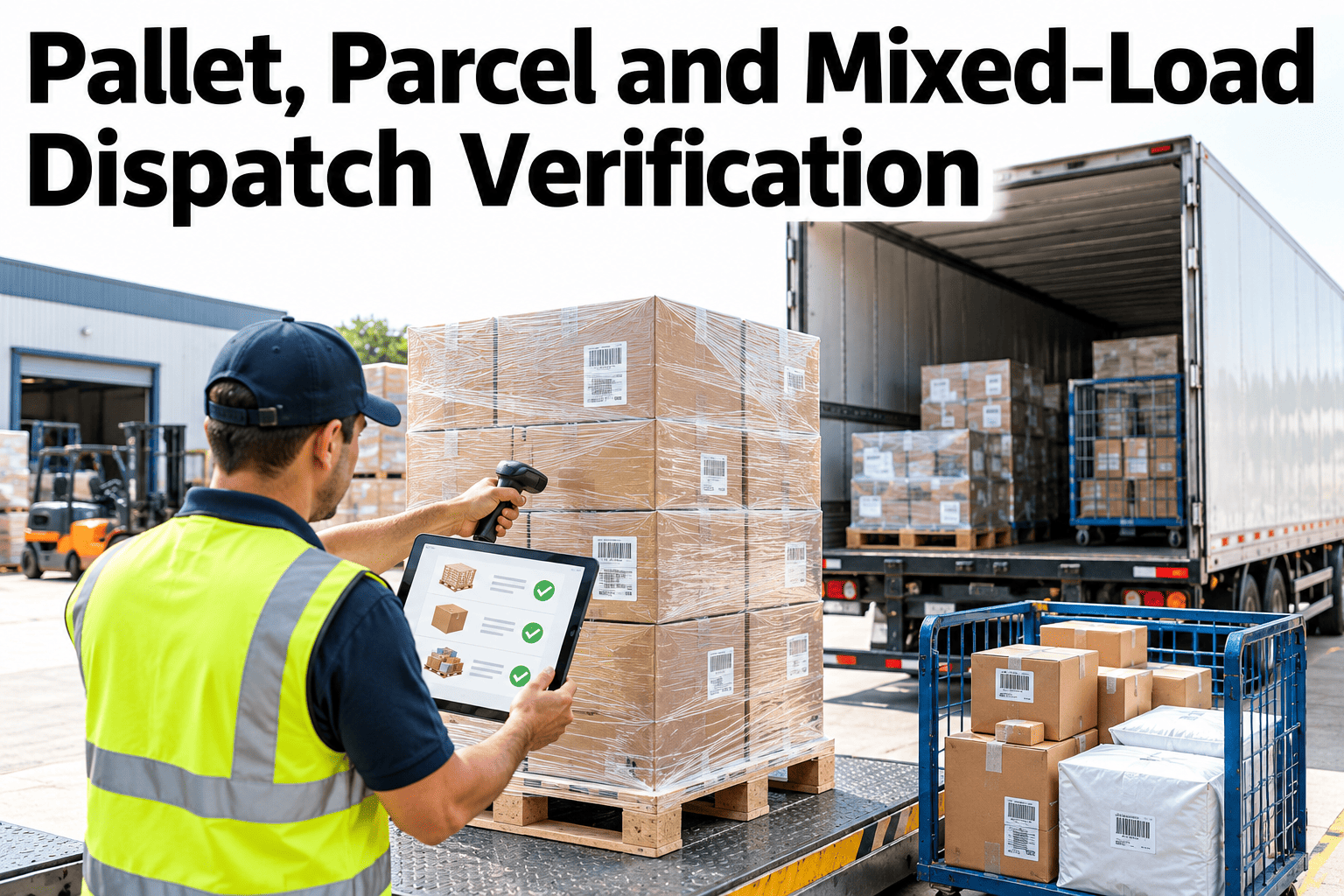
Loading errors are cheap to prevent and expensive to find. A pallet on the wrong truck, a parcel missing from a mixed load or a short shipment signed off as complete will usually be discovered by the customer, days later. Dispatch verification closes that gap by checking identity, scanning what is loaded, matching it to the order and counting what is missing before the truck leaves. Teams who want to build that check into their dock routine can ask iFactory AI how loading verification and sign-off are recorded.
Verify Every Pallet, Parcel and Mixed Load Before the Truck Leaves
iFactory AI checks load identity, scans, order matching and shortages in one flow, so errors are caught at the dock instead of at the customer.
The Five Checks of a Verified Dispatch
Each check catches a different kind of error. Together they cover most loading mistakes.
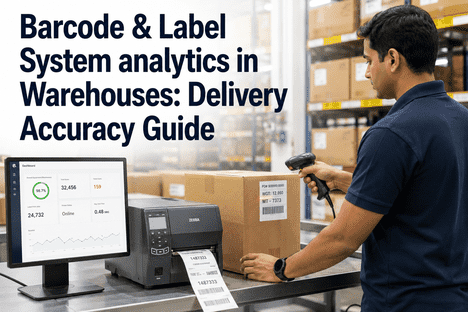
Load identity
Every pallet, carton or parcel has a unique, scannable label tied to an order.
Scan validation
Each item is scanned as it is loaded, and the scan is checked against the plan.
Shipment-to-order matching
Loaded items are matched to the right order and the right destination.
Short-load detection
Missing or surplus items are flagged before the doors close.
Dispatch sign-off
A named person confirms the load, and the record is stored.
Pallets, Parcels and Mixed Loads Need Different Checks
The three load types fail in different ways. The table shows typical identity, checks and errors.
| Load Type | Identity | Typical Error |
|---|---|---|
| Pallets | Pallet label or serial shipping code | Wrong pallet loaded or pallet left behind |
| Parcels | Parcel barcode and order number | Parcel missed in a cage or tote |
| Mixed loads | Pallets and parcels both, tied to one manifest | Part of the order on the truck, part still in the building |
Where Dispatch Errors Come From
Errors cluster around a few causes. The chart shows an illustrative ranking.
Which Errors Affect Which Load Type
The matrix, shown as an illustration, ranks typical errors by load type.
| Error | Pallets | Parcels | Mixed Loads |
|---|---|---|---|
| Wrong item loaded | High | Moderate | High |
| Item left behind | Moderate | High | High |
| Quantity short | Moderate | High | High |
| Wrong destination or truck | High | Moderate | High |
| Damaged or unreadable label | Moderate | High | Moderate |
Catch Loading Errors at the Dock, Not at the Customer
Book a 30-minute session and iFactory AI will review your loading process and past shipping errors to show where verification can prevent them.
The Verification Flow at the Dock
The check runs alongside loading. This flow shows how it fits into the normal sequence.
Trust Memory or Verify With Scans
Experienced loaders are accurate, but volume and rush create gaps. Scanning removes the dependence on memory.
A Five-Step Way to Introduce Verification
A good rollout starts with one dock and one load type.
Make sure every item has a unique, scannable identity.
Create a load plan or manifest for each truck.
Scan items as they are loaded.
Fix mismatches before departure.
Record who confirmed the load and when.
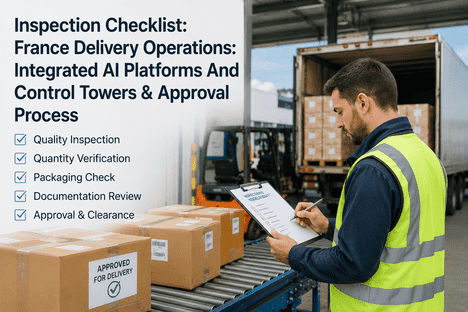
Dispatch Verification Checklist
Use this list on every truck. Each box should be answerable from the load record.
A Composite Scenario: The Missing Pallet
This is a composite example, not a named site. It shows how a scan check changes the outcome.
Mistakes That Let Errors Through
These habits let loading errors escape.
Scanning after the truck is loaded
Errors can no longer be fixed cheaply.
Allowing sign-off with open mismatches
The check becomes a formality.
Poor label quality
Unreadable labels cause missed scans.
No record kept
Disputes cannot be resolved with evidence.
What iFactory AI Adds to Dispatch Verification
iFactory AI is smart manufacturing and industrial software that supports operations and dispatch workflows. Capabilities described here should be confirmed against your specific setup. Explore dispatch verification in a live product tour on realistic data.
A 30-Day Plan to Start
A month is enough to prove verification on one dock.
Review of Dispatch Verification
A practical review of what keeps loads accurate, written as editorial guidance rather than a named expert quote.
Verify while loading
Errors are cheapest to fix before the doors close.
Treat mixed loads carefully
They combine the risks of pallets and parcels.
Keep the record
Evidence settles disputes in minutes, not days.
Frequently Asked Questions
What is dispatch verification?
It is checking that what is loaded matches the order, by scanning items, matching them to the manifest and flagging shortages before the truck leaves. See it run on a live load in a short demo. It catches errors at the dock instead of at the customer.
Do we need to scan every item?
For the best protection yes, though some sites start with pallets or high-value orders. Scanning at the point of loading is far more reliable than counting later. Start where errors cost most.
How are short loads detected?
The manifest lists what should be loaded, and scans show what has been. Ask support how short and surplus items are flagged at the dock in practice. The system alerts before the doors close.
Will scanning slow loading down?
Not when labels are good and the process is designed well, since each scan takes seconds. Time saved on investigating errors usually outweighs it. Train loaders and fix label quality first.
How quickly can we start?
Many sites run verification on one dock within a month. Book time to scope a dispatch verification pilot with your dock team. The first caught mismatch usually wins over the sceptics.
Make Every Truck Leave Complete and Correct
iFactory AI verifies identity, scans, matching and shortages so loads leave right the first time. Book a walkthrough to see it on your own dock.