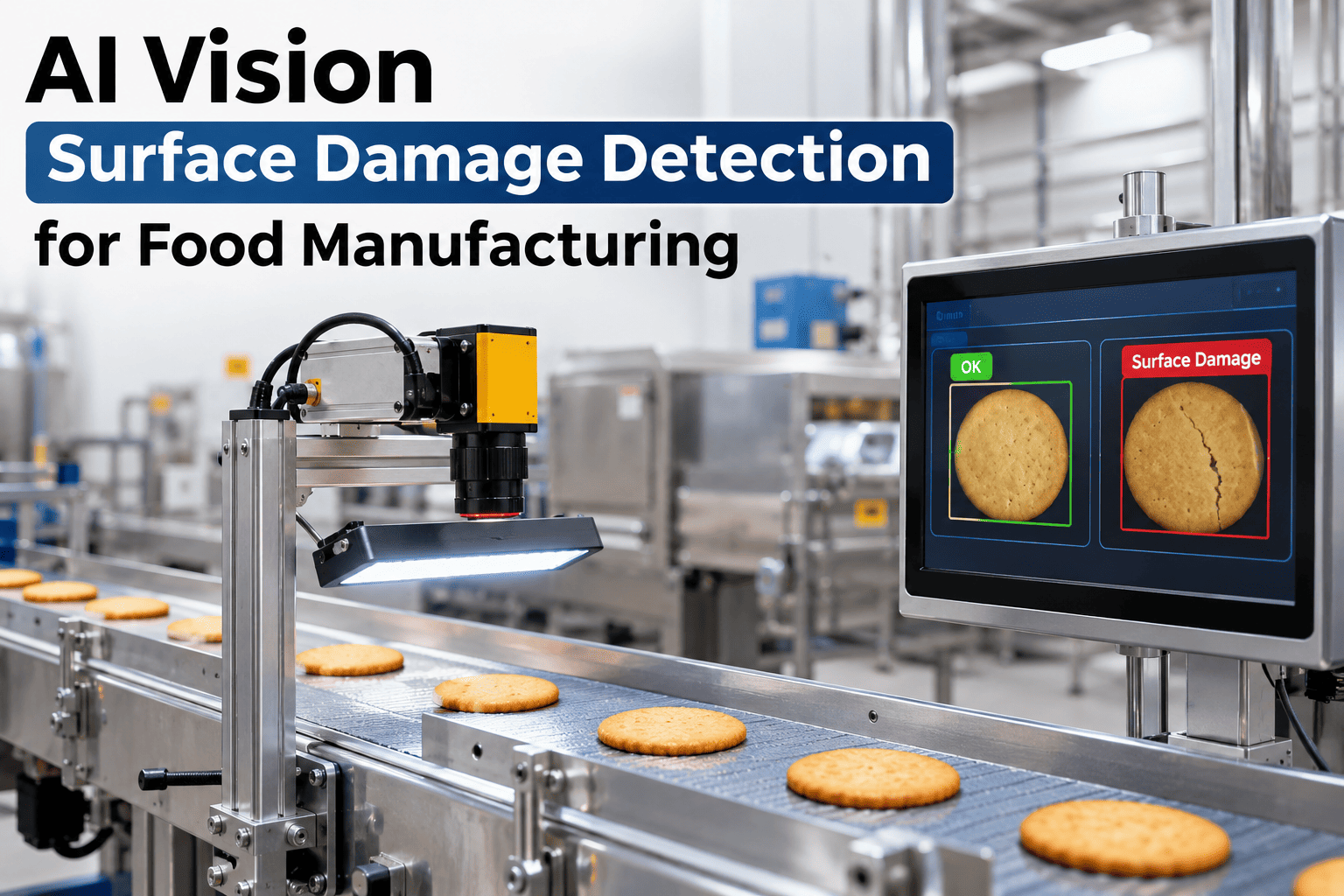
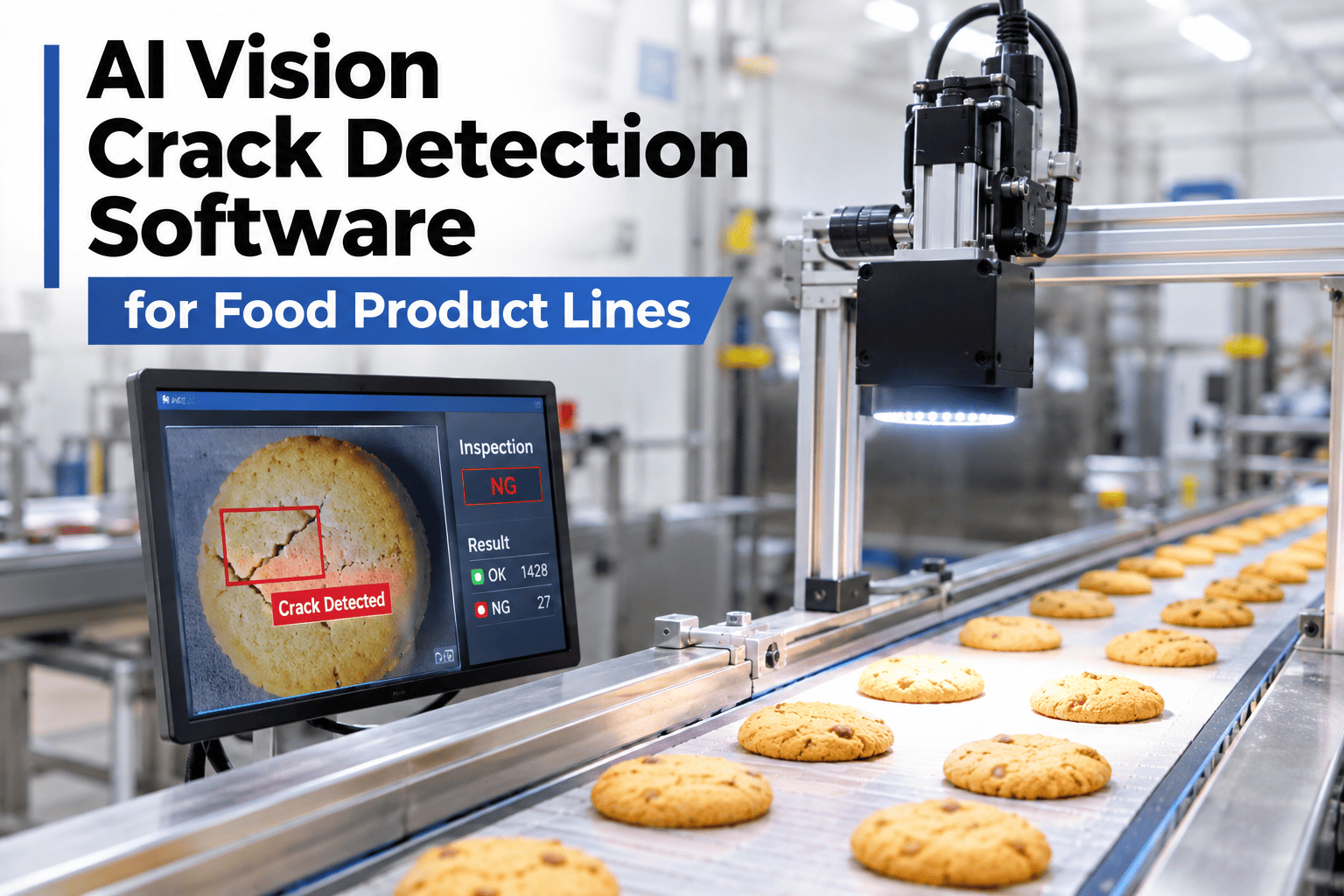
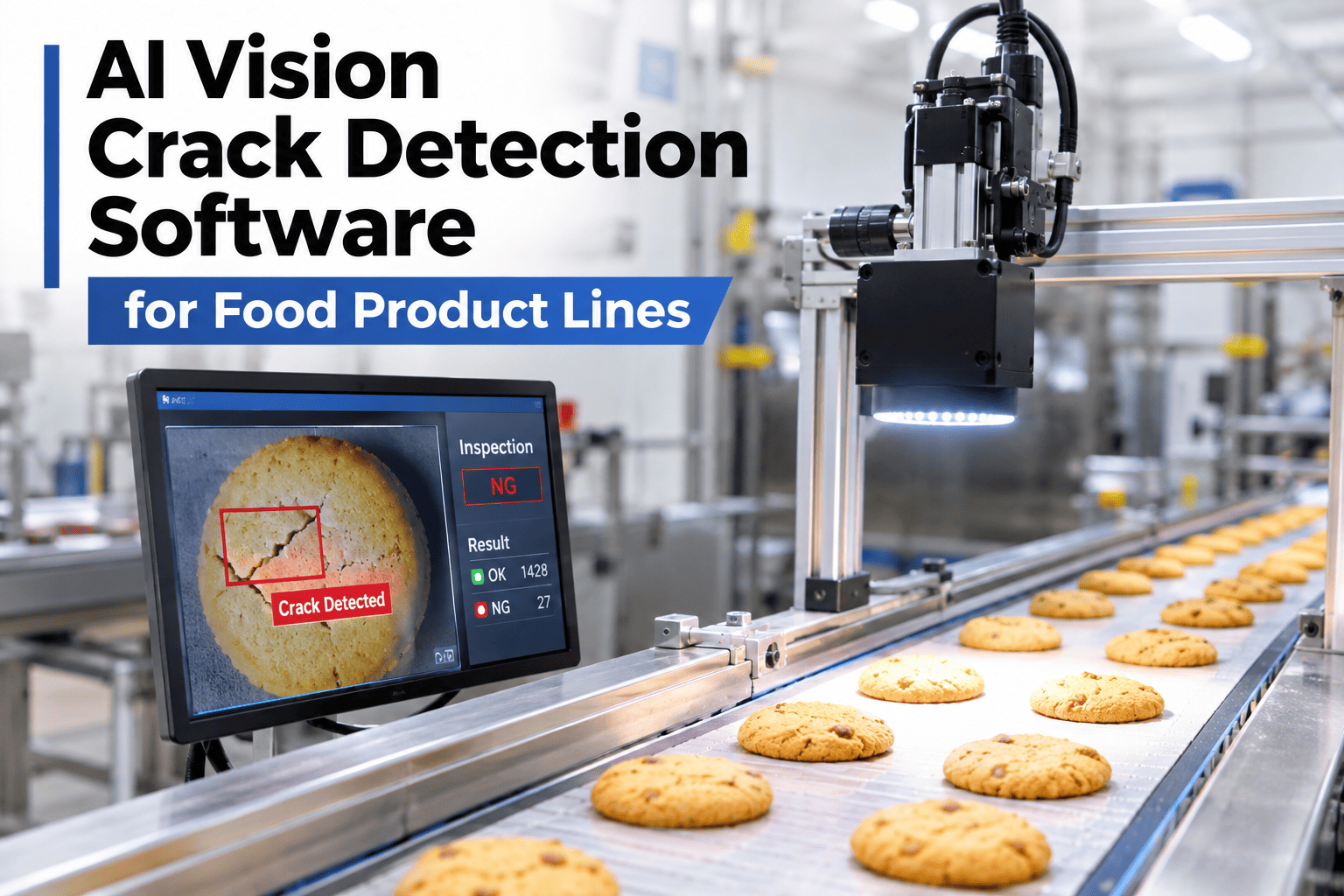
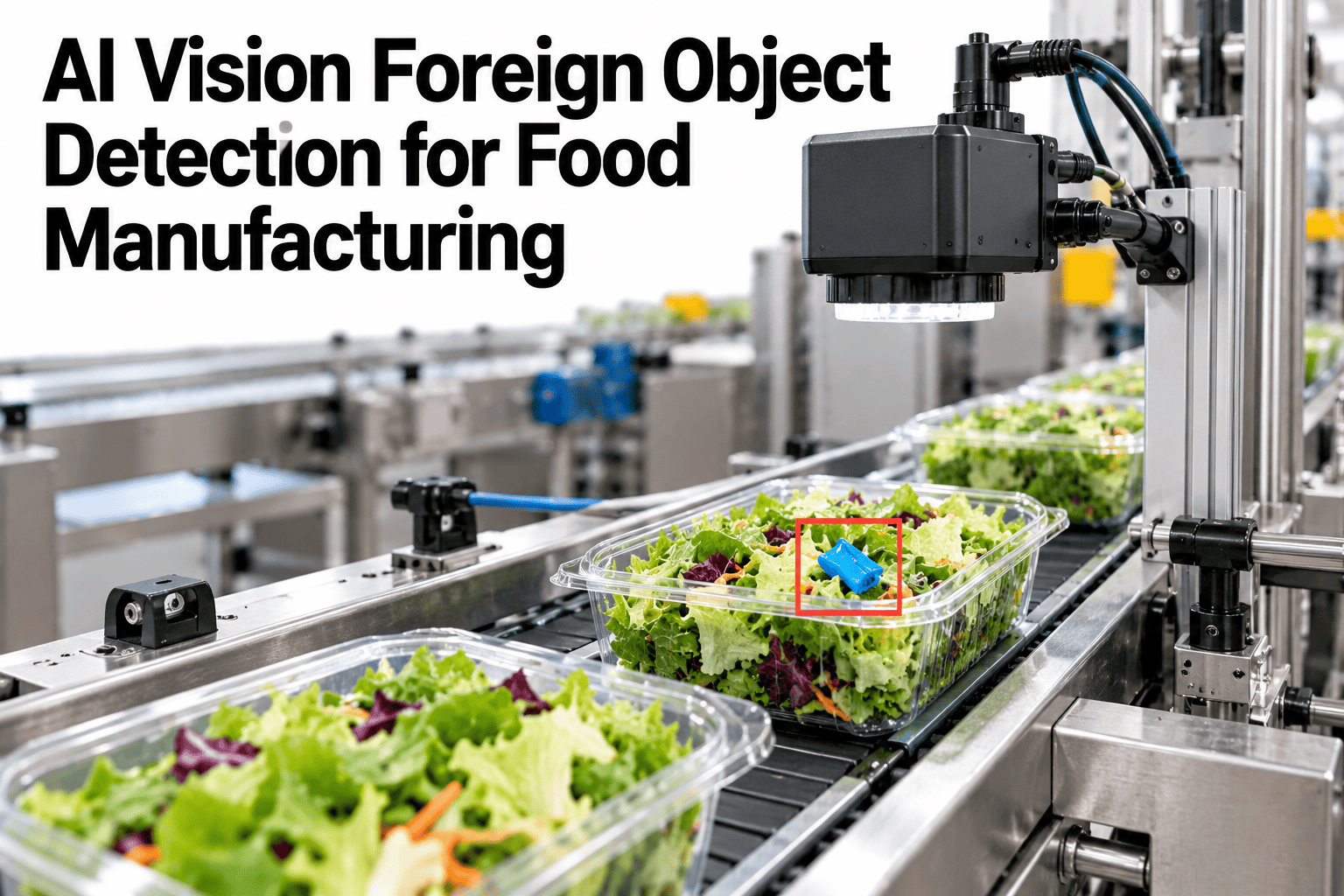
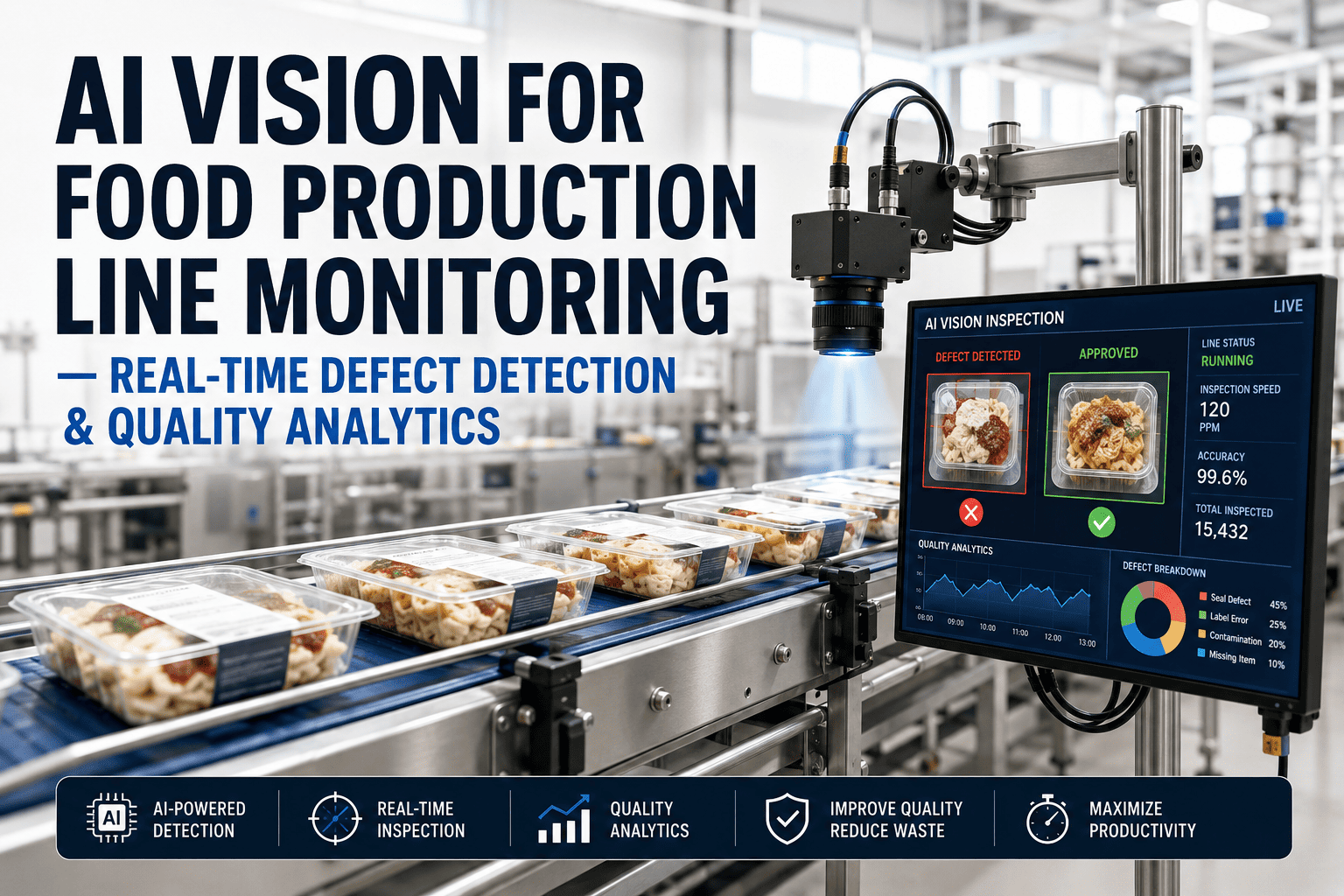
AI vision surface damage detection finds cracks, scars, spots and abrasions on produce, meat and bread by comparing each unit's surface with examples the model has learned, then grading and removing damaged units. One platform can serve all three product families, but each family still needs its own labeled examples and validation. A model trained on one food type can lose more than 30 percent accuracy when applied to another (University of Central Lancashire study), which is why product-specific training matters. iFactory, an on-premise AI platform for food manufacturing, trains and runs one set of inspection models on the plant server, and teams can watch damage graded on a recording of their own product in a short session.
Food Vision · Surface Damage
One Trained Model Family for Every Crack, Scar and Spot
iFactory AI inspects the surface of produce, meat and bread, then grades each unit by damage type and size.
Meat
Skin break and scratch
Illustrative. Dark marks show detected damage.
The definition
What Counts as Surface Damage in Food Manufacturing?
Surface damage is any visible flaw on the outside of a unit. Four types cover most of it.
Cracks
Splits in crust, shell or skin.
Scars
Healed or scraped marks, often thin and long.
Spots
Local discoloration, mold or blemish.
Abrasions
Rubbed or scuffed areas from handling.
Vision sees only the surface, so interior problems need other sensors such as X-ray or near-infrared (Food Engineering, November 2026). To see what vision can and cannot catch on your product, ask our team which inspection layers fit your line.
The approach
Can One AI Model Inspect Produce, Meat and Bread?
One platform can, but not one undifferentiated model. Each product family gets its own training examples, limits and validation, inside a shared system.
Separate tools per product
Different software and dashboards
Separate training workflows
Data scattered across systems
One platform, product-specific models
One interface and one data record
Own labels and limits per product
Shared alerts, KPIs and root cause
Rare classes, such as small bruises or fine cracks, have few examples and tend to overfit unless data is collected on purpose.
See How Many Damaged Units Slip Past Today
Share a recording of your line. iFactory AI will grade each unit and show the damage types it finds.
The matrix
Which Damage Types Appear on Which Products?
| Product Family | Common Damage | Typical Cause | Detection Note |
|---|
| Produce | Pressure bruises, scars, spots | Impact, handling, field marks | Bruises change in look after impact |
| Meat and poultry | Skin breaks, scratches, scars | Plucking, scalding, sharp tools | Low contrast against healthy skin |
| Bread and baked goods | Cracks, scuffs, pale spots | Rapid cooling, transfers, oven zones | Crust texture varies naturally |
Apple bruises, for example, change in appearance with location, severity and time since impact, which makes early detection hard (Frontiers in Plant Science, 2026). Plan imaging for the hardest case, not the average one.
The imaging
Do You Need More Than a Standard Camera?
Often a standard color camera with good lighting is enough. Some damage is nearly invisible in visible light and needs a different view.
Color camera
Cracks, large spots, scuffs
Fast and low cost
Hyperspectral or near-infrared
Early bruises, skin damage with low contrast
Higher cost, used where needed
Research on poultry shows hyperspectral imaging helps where damage looks like healthy skin to a normal camera (MDPI Foods, 2026). To choose the right view, review imaging options with our specialists.
The training loop
How Is a Damage Detection Model Trained and Kept Accurate?
1
Collect
Images of good and damaged units.
2
Label
Inspectors mark each damage type.
3
Train
The model learns from examples.
4
Validate
Test on fresh product, by family.
5
Retrain
Add missed and new cases on schedule.
AI trained on thousands of images labeled by experienced inspectors can learn to recognize defects such as pressure bruises and mechanical damage (Food Engineering, November 2026). The labels are the real asset.
The grading
How Is Damage Turned Into a Grade?
Grades combine damage type, size and count. Rules come from your customers and specifications.
Grade A
No damage above the minor size limit.
Grade B
Limited damage. Diverted to processing or lower-priced packs.
Reject
Severe damage, spreading mold or a broken surface.
Counting and sizing each defect, not only flagging it, makes grades consistent between shifts. To define grades for your product, ask support about grading rules and limits.
Dashboards and SOPs
What Should Dashboards, SPC and SOPs Cover?
Percent damaged by product, line and shift
Damage type mix over time
Control chart of damage rate
Damage linked to handling and process settings
Written response for each alert level
Weekly root cause review of top damage types
iFactory is delivered on an on-premise NVIDIA server, live in 6–12 weeks, with integration, training and 24×7 remote monitoring in scope.
First 90 days
What Does a Realistic First 90 Days Look Like?
Start with one product family and one line. The plan below keeps scope small and proof quick.
Days 1–30
Collect and label images on one line, then run the model in shadow mode beside inspectors.
Days 31–60
Set grading rules, review misses weekly and add rare damage cases to training.
Days 61–90
Switch on alerts or rejection, track damage rate and extend to a second family.
To scope a pilot like this, discuss a ninety-day damage pilot with our team.
Pitfalls
What Mistakes Weaken Surface Damage Programs?
Most failures trace to data and habits, not to the model itself.
Training on one product only
Validate separately for each family, since accuracy can fall sharply across food types.
Too few rare defect examples
Collect fine cracks and small bruises on purpose, or the model will overfit.
Inconsistent labels
Write definitions and review labels between inspectors.
Changing lighting
Fix light and shielding so surface appearance does not move with the shift.
Never retraining
Add missed cases on a schedule as products and seasons change.
Key terms
Which Terms Should Quality and Production Share?
Labeling
Marking damage on images so a model can learn it.
Segmentation
Outlining the exact damaged area on a unit.
Overfitting
A model that memorizes examples and fails on new product.
False reject
Good product wrongly removed.
Escape
Damaged product that passes inspection.
Hyperspectral imaging
Capturing many wavelengths to reveal hidden damage.
Expert review
Using Surface Vision Responsibly
Holds up
Deep learning on labeled images is an established way to detect and grade surface defects on food.
Verify
Accuracy per product family, false reject rates and lighting control before relying on automatic rejection.
Avoid
Treating vision as a safety check. It sees the surface only, so foreign material and interior defects need other methods.
Questions
Frequently Asked Questions
How does AI detect surface damage on food?
A model trained on labeled images learns what cracks, scars, spots and abrasions look like, then finds and sizes them on every unit. Grades follow your rules.
See damage graded on your product.
Do we need separate systems for produce, meat and bread?
Not separate software. One platform can run product-specific models with their own labels, limits and validation, sharing alerts and KPIs.
Ask how multi-product setups work.
How many example images are needed?
Can it find damage hidden inside the product?
Does the data stay inside our plant?
Remove the Damage Before It Reaches the Customer
Book a session to see iFactory AI detect and grade surface damage on your own produce, meat or bread.
{"@context":"https://schema.org","@type":"FAQPage","mainEntity":[{"@type":"Question","name":"How does AI detect surface damage on food?","acceptedAnswer":{"@type":"Answer","text":"A model trained on labeled images learns what cracks, scars, spots and abrasions look like, then finds and sizes them on every unit. Grades follow your rules."}},{"@type":"Question","name":"Do we need separate systems for produce, meat and bread?","acceptedAnswer":{"@type":"Answer","text":"Not separate software. One platform can run product-specific models with their own labels, limits and validation, sharing alerts and KPIs."}},{"@type":"Question","name":"How many example images are needed?","acceptedAnswer":{"@type":"Answer","text":"Common damage needs hundreds to thousands of labeled images, and rare damage needs targeted collection. Starting small and growing the set is normal."}},{"@type":"Question","name":"Can it find damage hidden inside the product?","acceptedAnswer":{"@type":"Answer","text":"No. Vision sees the surface only, so interior problems need X-ray or near-infrared inspection. iFactory can combine data from several layers."}},{"@type":"Question","name":"Does the data stay inside our plant?","acceptedAnswer":{"@type":"Answer","text":"Yes. iFactory runs on-premise on a plant server, so images and results stay on site."}}]}