DCS vs PLC for University Utilities: Distributed Control Systems Explained for Campuses
By james Hart on June 2, 2026
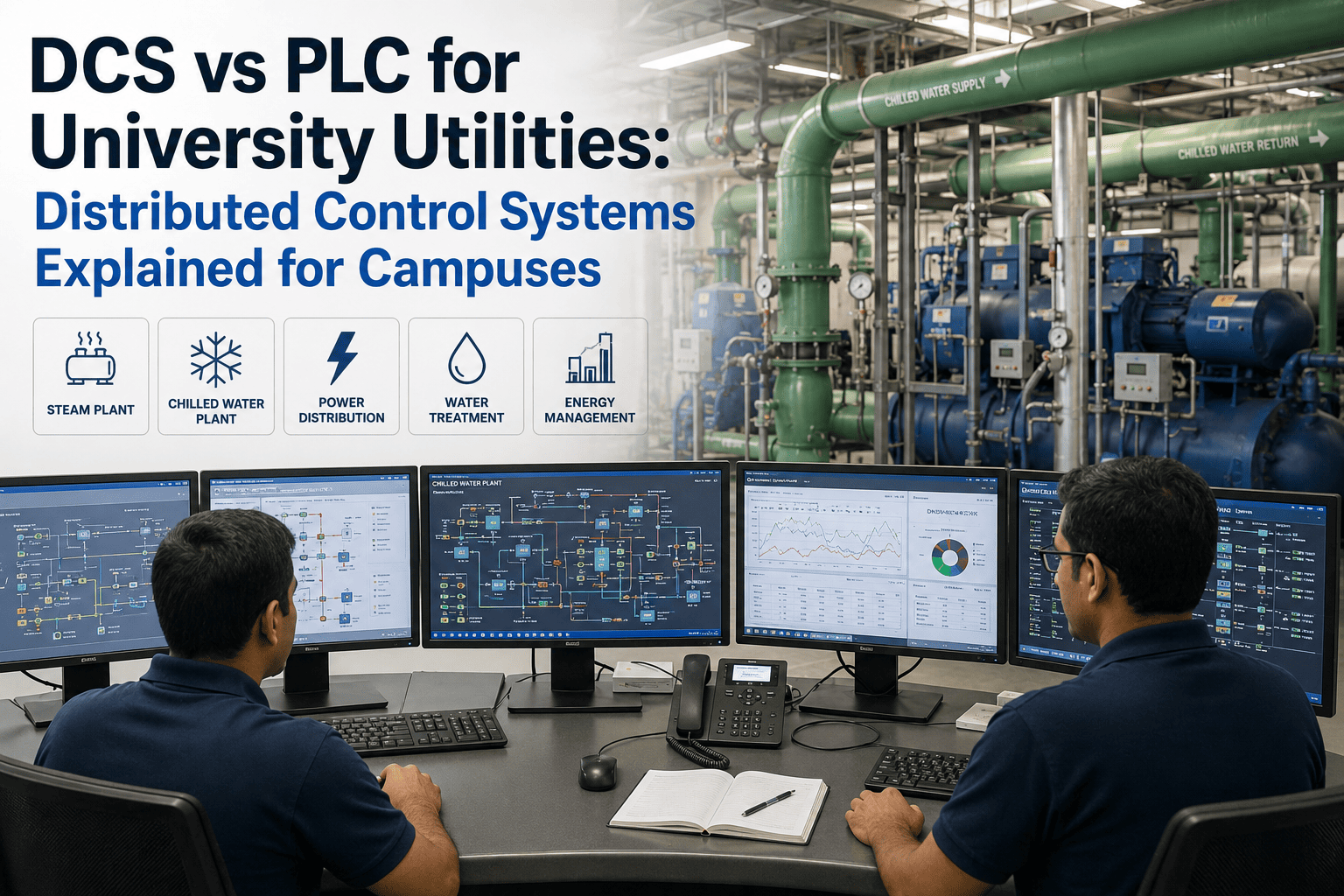
University utility plants—steam, chilled water, cogeneration, and emergency power—run on complex control systems. Two dominant architectures are PLC (Programmable Logic Controller) and DCS (Distributed Control System). 68% of campus facility managers still rely on hybrid or outdated systems, leading to unplanned downtime that costs an average of $1.2M per major outage at a large research university. This guide explains what a DCS is, how it differs from a PLC, and where each fits in modern campus utility operations. Book a demo to see how iFactory connects your DCS or PLC to predictive maintenance.
Distributed Control Systems Explained
DCS vs PLC for Campus Utilities: Which Control Architecture Belongs in Your Steam, Chilled Water, and Power Plant?
From continuous process control to discrete logic — understand the core differences, typical applications, and how modern analytics can extend asset life by 30%.
Average outage cost at a large research university
40%
Faster root cause with unified data historian
What is a DCS? Distributed Control System Architecture Explained
A Distributed Control System (DCS) is not a single controller. It is a hierarchical network of controllers, I/O modules, operator workstations, engineering stations, and data historians — all connected via redundant networks. Unlike a PLC+SCADA system where each PLC runs independently and SCADA provides a separate visualization layer, a DCS presents a single, unified database across every controller. When an operator changes a setpoint on the DCS HMI, that change is instantly and consistently applied across all relevant controllers without additional programming. This architecture makes DCS the natural choice for continuous processes that require tight coordination across hundreds or thousands of loops — exactly what a campus utility plant demands.
Typical DCS Application
Continuous processes — boiler steam control, chilled water distribution, cogeneration turbine control
$500K – $2M per major outage for mid‑to‑large universities
Architecture Deep Dive: How DCS and PLC Actually Differ Under the Hood
Controller Architecture
DCS: Distributed Intelligence with a Single Database
Every DCS controller has its own processor and I/O, but all share a single global database. An operator change to a loop in controller A is immediately available to controller B because the database is unified. This eliminates the "database alignment" problem that plagues PLC+SCADA systems, where changes must be manually synchronized across multiple PLC programs and the SCADA tag database. For a campus utility plant with 5,000–20,000 I/O points, DCS reduces engineering effort by 40–60% compared to PLC+SCADA.
Unified database = no tag mismatch, no manual synchronization
Controller Architecture
PLC: Distributed Intelligence with Separate Databases
Each PLC has its own processor, I/O, and a separate tag database. A SCADA system provides a third database (the HMI tags). When an engineer changes a setpoint in one PLC, the SCADA database and other PLCs do not automatically receive that change unless explicit communication logic (e.g., MSG instructions) is written and maintained. This leads to database drift — a leading cause of unexplained control behavior and maintenance headaches. For a campus plant with 10+ PLCs from multiple vendors (Allen‑Bradley, Siemens, Schneider), the integration burden is significant.
Database drift causes 15–25% of unexplained control issues
Alarm Management
DCS: ISA‑18.2 Compliant, Centralized Alarm System
Modern DCS platforms (Honeywell Experion, Emerson DeltaV, Yokogawa Centum) include built‑in alarm management that complies with ISA‑18.2. This provides alarm shelving, grouping, dynamic prioritization, and nuisance alarm reduction tools. Operators see the right alarm at the right time. For a campus utility plant, nuisance alarm rates can be reduced by 70% compared to a PLC+SCADA system with basic alarm bits.
70% reduction in nuisance alarms with DCS alarm management
Alarm Management
PLC+SCADA: Basic Alarm Bits, Limited Coordination
PLCs typically provide simple alarm bits per condition. SCADA systems (Wonderware, Ignition, FactoryTalk) add alarm management but it operates above the PLC level — not coordinated across controllers. Features like alarm shelving require custom scripting. Dynamic alarm prioritization based on plant state (e.g., chiller offline vs. online) is difficult. Alarm floods (100+ alarms per minute) are common during upsets, leading to operator overload and delayed response.
Alarm floods cause 50% longer response times during upsets
Data Historian
DCS: Integrated, High‑Performance Historian
DCS vendors include a high‑performance data historian (e.g., Honeywell PHD, Emerson OPC Historian) as a standard component. Data is automatically time‑stamped, compressed, and stored for years. Engineers can trend any point back to any date without additional software. For root cause analysis after a turbine trip, the DCS historian provides instant access to all relevant data streams — pressure, temperature, vibration, valve position — at 1‑second resolution.
80% faster root cause analysis with integrated DCS historian
Data Historian
PLC+SCADA: Separate Historian, Often Not Deployed
A PLC+SCADA system requires a separate historian software package (e.g., OSIsoft PI, Canary Labs, Ignition Historian). Many campus utility plants skip the historian due to cost or complexity. Without a historian, root cause analysis relies on operator memory, paper logs, or low‑resolution SCADA trends. A 2024 survey of 85 campus utility plants found that 42% had no working data historian — making reliability analysis essentially impossible.
42% of campus utility plants operate without a data historian
KPI Scorecard: DCS vs PLC — Head‑to‑Head for Campus Utilities
Distributed Control System vs PLC+SCADA — Campus Utility Performance Comparison
Higher asset life with DCS + predictive analytics (from condition monitoring)
Alarm & Response
70%
Lower nuisance alarm rate with DCS ISA‑18.2 compliance
50%
Longer operator response time during alarm floods (PLC+SCADA)
40%
Faster root cause analysis with integrated DCS historian
Cost & Engineering
$250–500
PLC per I/O cost (lower upfront for small plants)
$500–1500
DCS per I/O cost (higher engineering, but lower lifecycle cost above 2,000 I/O)
40–60%
Less engineering effort for large systems (DCS vs PLC+SCADA)
The 10 Critical Differences Every Campus Utility Engineer Must Know
01
Single Database vs. Multiple Databases
DCS has one global database for all controllers and HMI. PLC+SCADA has a separate database per PLC plus the SCADA tag database. Database misalignment is the #1 source of "inexplicable" control issues in hybrid campuses. Book a demo to see how iFactory unifies data from both architectures.
02
Built‑in Redundancy vs. Optional Add‑on
DCS includes redundant controllers, power supplies, and communication networks as standard. PLC redundancy requires additional hardware and licensing (e.g., Allen‑Bradley ControlLogix Redundancy module). On a campus utility plant with 50+ controllers, the DCS approach reduces engineering complexity by 60%.
03
Integrated Historian vs. Separate (Often Missing)
A DCS historian is built in and automatically archives every process value. In PLC+SCADA, a separate historian is an extra purchase, and 42% of campus plants operate without any historian — making reliability analysis impossible. Without historical data, you cannot predict failures, only react to them.
04
Centralized Alarm Management vs. Bits and Pieces
DCS alarm management is centralized, ISA‑18.2 compliant, and includes shelving, grouping, and dynamic prioritization. PLC+SCADA offers basic alarm bits. When a chiller trips in a DCS plant, the operator sees one prioritized alarm. In a PLC+SCADA plant, they may see 50+ unrelated alarms simultaneously.
05
Seamless Scalability vs. Point‑to‑Point Integration
Adding a new process unit to a DCS is a configuration exercise — the new controllers automatically join the existing database and HMI. Adding a new PLC to an existing PLC+SCADA system requires programming communication (Profinet, EtherNet/IP, Modbus TCP), updating SCADA tags, and testing each integration point. A DCS scales to 100,000+ I/O without integration headaches.
06
Advanced Process Control (APC) Built‑In vs. Custom
DCS platforms include APC libraries (model predictive control, fuzzy logic, neural networks) that can reduce energy consumption by 15–30% in chiller plants and boiler optimization. PLC+SCADA requires custom programming of advanced control — rarely implemented on campuses due to the engineering cost.
07
Vendor Lock‑In vs. Multi‑Vendor Flexibility
DCS is a single‑vendor ecosystem (e.g., Emerson DeltaV, Honeywell Experion). PLC+SCADA allows mixing vendors (Allen‑Bradley PLCs, Siemens PLCs, Ignition SCADA). The tradeoff: DCS offers seamless integration but ties you to one vendor. PLC+SCADA offers flexibility but requires significant integration engineering when mixing brands. 68% of campuses choose hybrid — DCS on central plant, PLCs on distribution.
08
Engineering Environment: Integrated vs. Disparate
DCS uses a single engineering environment (e.g., DeltaV Control Studio) for control logic, HMI graphics, alarm configuration, and historian setup. PLC+SCADA requires separate software for PLC programming (RSLogix, TIA Portal), SCADA development (FactoryTalk, Ignition), and historian configuration. Each environment has its own learning curve, licensing, and version management.
09
Lifecycle and Obsolescence
DCS vendors typically support a platform for 20+ years with backward‑compatible upgrades. PLC families (e.g., ControlLogix L7 to L8) require program conversion and often hardware replacement. A campus that standardised on a PLC platform 15 years ago may face 3–4 hardware migration cycles, each requiring weeks of downtime and six‑figure engineering costs.
10
Integration with Analytics and CMMS
Both architectures can connect to iFactory's predictive analytics platform. DCS provides a unified data stream from a single historian. PLC+SCADA requires aggregating data from multiple PLCs and the SCADA historian. iFactory supports both — on‑premise edge for data sovereignty or cloud for multi‑plant fleets. Talk to iFactory about connecting your existing DCS or PLC to modern reliability workflows.
The iFactory Integration: Turning DCS/PLC Data Into Reliability Actions
Whether your campus runs on a DCS, PLC+SCADA, or a hybrid of both, iFactory provides the integration layer that turns process data into maintenance intelligence. The same architecture that made the Giga Texas Optimus pilot operationally successful—live data ingestion, condition monitoring, automated work order generation, and mobile field execution—is available for your utility plant. Both on‑premise edge deployment and cloud analytics are supported, with standard deployment in 8–12 weeks.
On‑Premise Edge
For Campuses Requiring Data Sovereignty
iFactory edge nodes connect directly to your DCS historian or PLCs via OPC UA, Modbus, or native drivers. All process data (temperature, pressure, flow, vibration, valve position) stays on‑site. Condition monitoring rules run locally. When an anomaly is detected (e.g., boiler tube leak predicted, chiller efficiency drop), a maintenance work order is generated automatically in your CMMS — without sending any data to the cloud.
For universities with multiple campuses or satellite utility plants, iFactory's cloud platform aggregates data from all sites — cross‑campus asset performance benchmarking, predictive model updates, fleet maintenance scheduling, and enterprise reliability dashboards. One university with five campuses reduced unplanned downtime by 40% in the first six months using cloud analytics.
Cross‑campus utility plant dashboard
AI model updates distributed to all edge nodes
Fleet maintenance analytics and scheduling
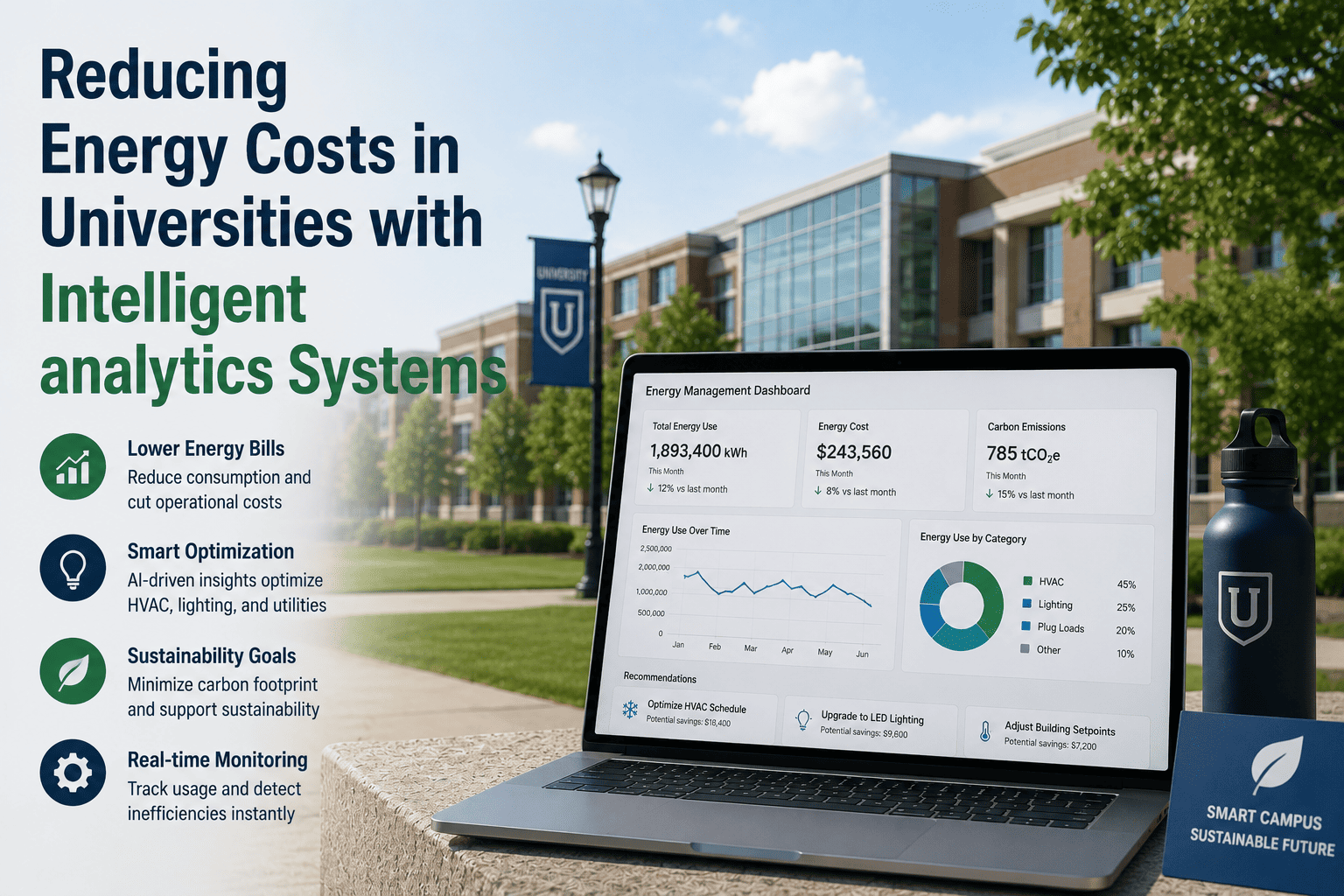
Energy consumption trend analysis across all campuses
Sustainability reporting for Scope 1 & 2 emissions
A DCS is a complete control system where every controller shares a single, unified database — think of it as one giant brain with distributed arms. A PLC+SCADA system is more like multiple independent brains (PLCs) that talk to a separate visualisation system (SCADA). For a campus utility plant with 5,000+ I/O points, the DCS approach eliminates the "database alignment" problem that causes most unexplained control issues. Book a demo to see a live comparison.
Yes, and 68% of campuses do exactly that. The central plant (boilers, chillers, cogen) typically uses a DCS for continuous process control. Distribution equipment (pump skids, air handlers, building-level controls) often uses PLCs. The challenge is integrating the two. iFactory connects both architectures into a single reliability platform — no rip and replace required.
For a plant with 5,000 I/O points, DCS installed cost is typically $2.5M–$5M, while PLC+SCADA is $1M–$2.5M. However, the lifecycle cost (20 years) often favors DCS due to lower engineering maintenance, no database drift, and integrated historian. Above 10,000 I/O points, DCS has lower total cost of ownership in most cases. Book a demo for a personalized TCO analysis.
iFactory uses standard industrial protocols: OPC UA for modern DCS/PLC, Modbus TCP for legacy equipment, and native drivers for Allen‑Bradley (CIP), Siemens (S7), and Schneider (Modbus). An edge appliance installs inside your plant network, reads process data (temperature, pressure, vibration, flow), applies condition monitoring rules, and generates work orders automatically in your CMMS (e.g., Maximo, SAP, Maintenance Connection). Typical deployment is 8–12 weeks.
Campuses typically see full payback within 6–12 months from three sources: 30–50% reduction in emergency repairs (predictive alerts catch failures early), 15–25% reduction in energy consumption (optimised chiller/boiler operation), and 40% faster root cause analysis (integrated historian with automated anomaly detection). One university with a 50,000‑student campus saved $420,000 in the first year. Talk to support for a campus‑specific ROI model.
Yes. iFactory supports legacy protocols including Modbus RTU, Profibus, and even serial connections via edge gateways. We can read data from older DCS systems (e.g., Honeywell TDC 2000/3000, Bailey INFI 90, Westinghouse WDPF) without modifying the control system or risking uptime. Many campuses have extended the life of their legacy DCS by adding iFactory's predictive analytics layer. Book a demo for a legacy DCS assessment.
Connect Your DCS or PLC to Modern Reliability Workflows
iFactory delivers the integration layer that turns your utility plant's process data into actionable maintenance intelligence — on‑premise for data sovereignty, cloud for multi‑campus fleet management, or both. Support for all major DCS and PLC platforms. Standard deployment in 8–12 weeks.