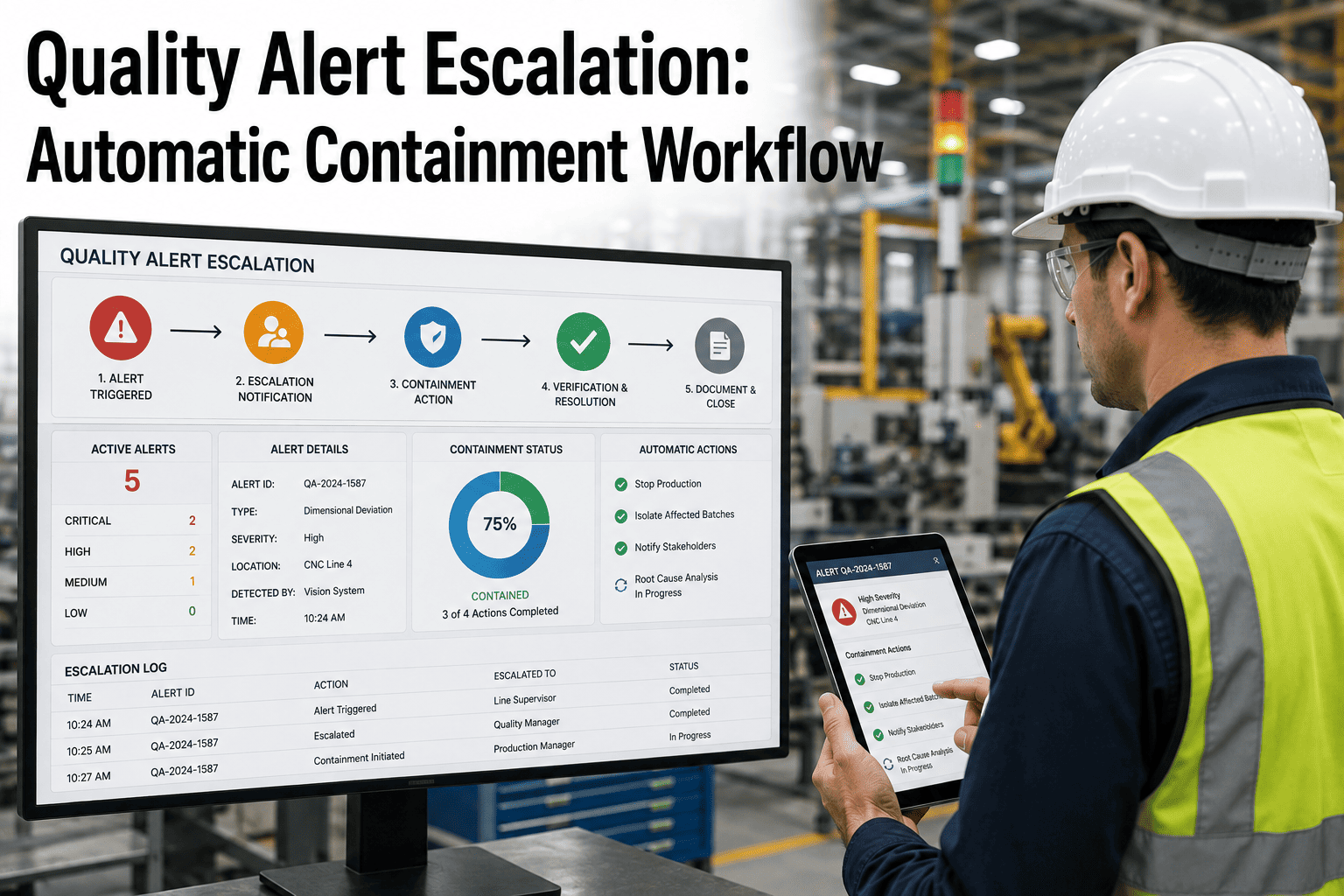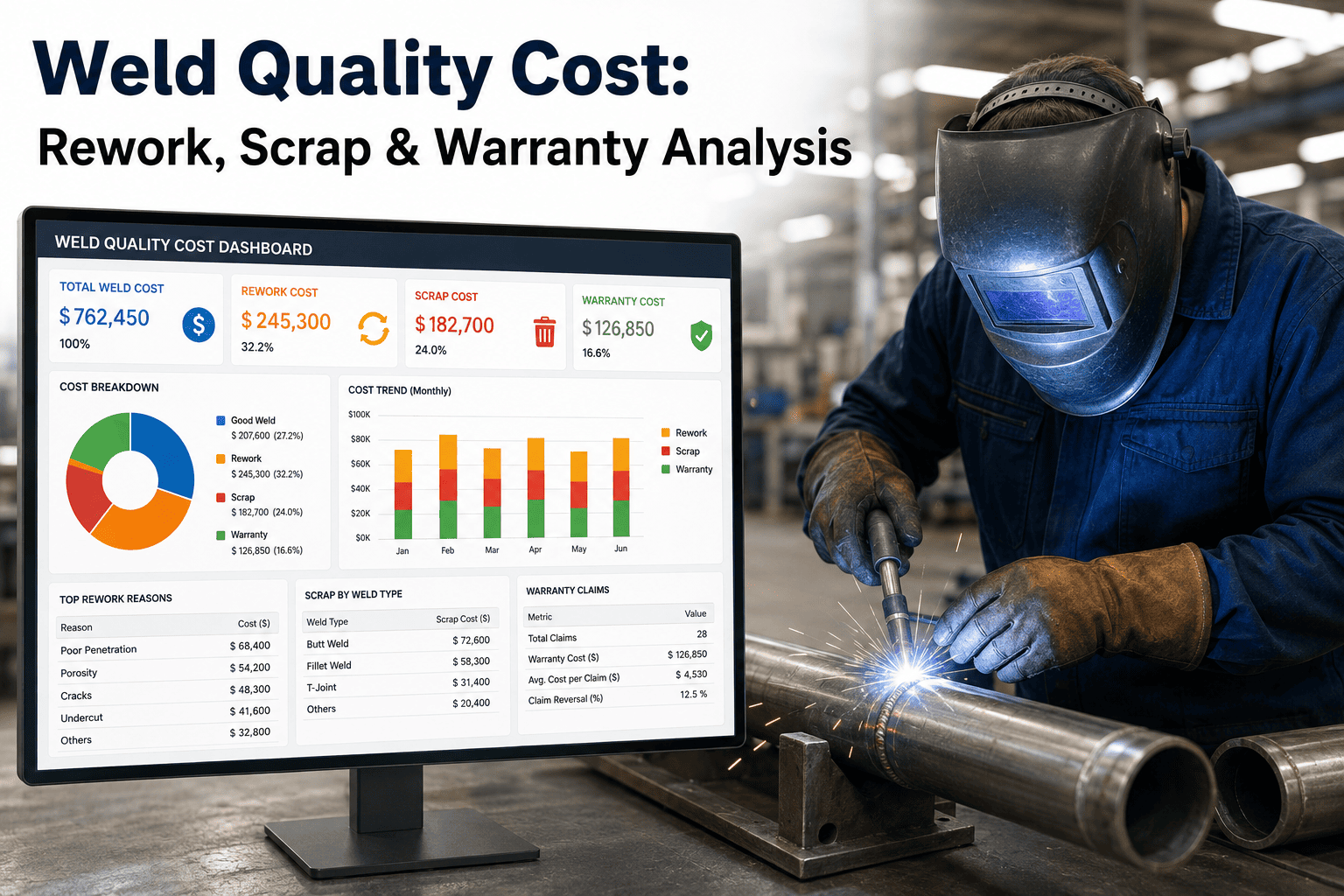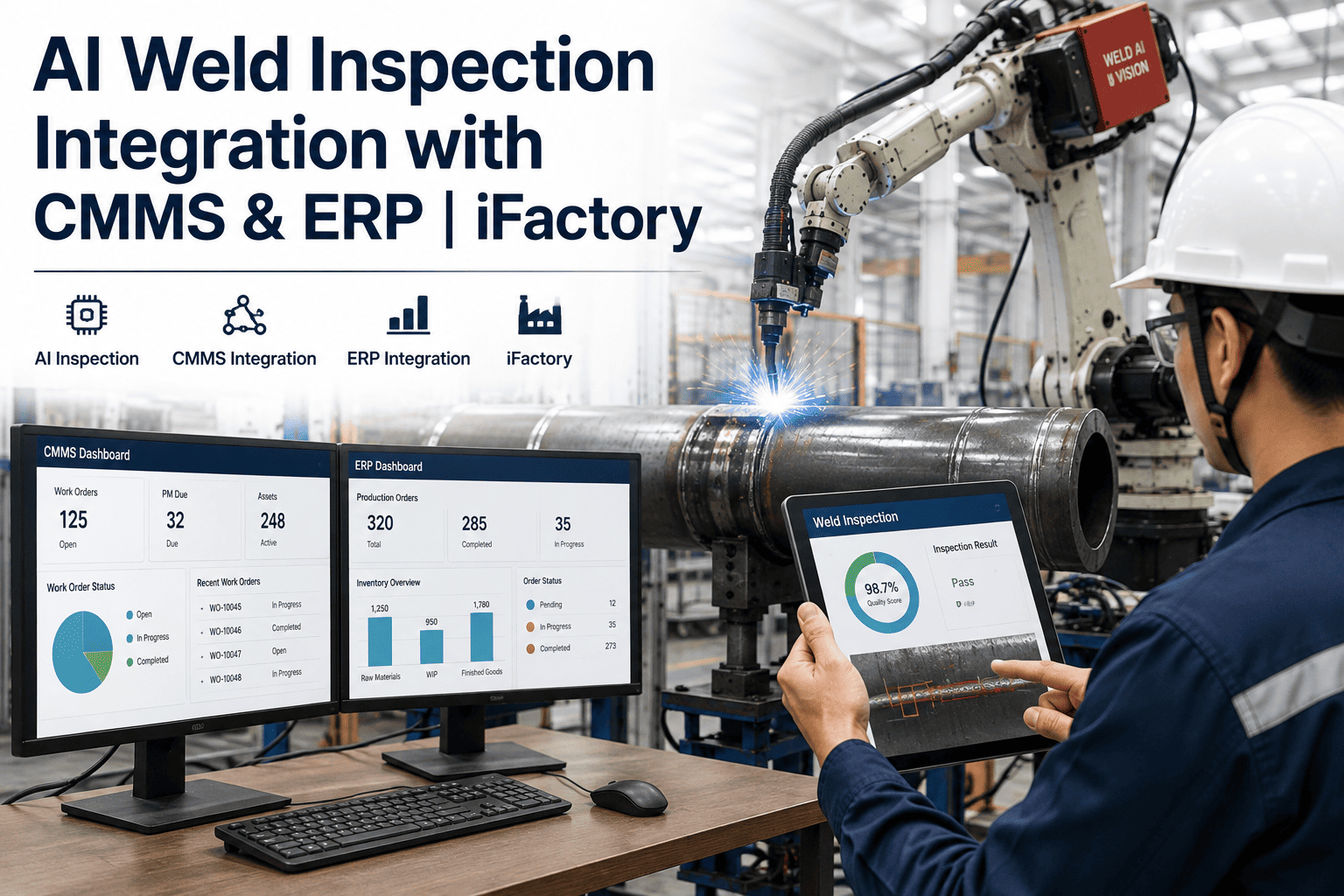
A weld inspection system that flags a defect and stops there hasn't actually solved anything — it's just moved the problem from "undetected" to "detected but sitting in a queue nobody owns." The value of AI weld inspection shows up at the handoff: does a confirmed defect automatically become a rework order, a quality hold, and a traceable record in the systems your plant already runs on, or does someone have to notice the alert and manually re-enter it three times before anything happens. iFactory's weld inspection platform is built to close that loop directly into your CMMS and ERP.
A Flagged Weld Defect Is Only Useful If It Actually Becomes a Work Order
Standalone weld inspection tools generate reports. Integrated ones generate action — automatic NCRs, routed rework orders, and quality data that flows into the systems your plant already runs.
Why Standalone Inspection Tools Create a New Bottleneck
Plenty of AI weld inspection tools do the core job well — they classify defects accurately, in real time, at the weld cell. But if that classification lives only in a vendor dashboard nobody else in the plant looks at, the inspection system has effectively become a second silo rather than a fix for the first one. A quality engineer still has to log in, review flagged welds, manually write up a nonconformance report, and separately notify production to schedule rework. Every one of those manual steps is a place where a real defect sits unactioned.
What the Integration Actually Touches
"Integration" is a broad word, and the value depends entirely on which specific workflows it reaches. A weld inspection system earns its keep in a manufacturing environment when it connects to the systems people already work in daily, not when it adds one more login to check.
Real-time defect classification
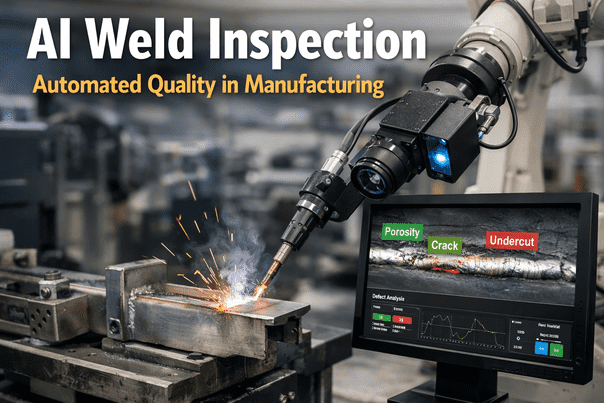
The vision model classifies weld defects — porosity, undercut, incomplete fusion, spatter, and other standard defect categories — at the point of inspection, in-line or post-weld.
Automatic NCR generation
A confirmed defect above the configured severity threshold auto-generates a nonconformance report, pre-populated with defect type, location, and supporting image, in your quality system.
Rework work order routing
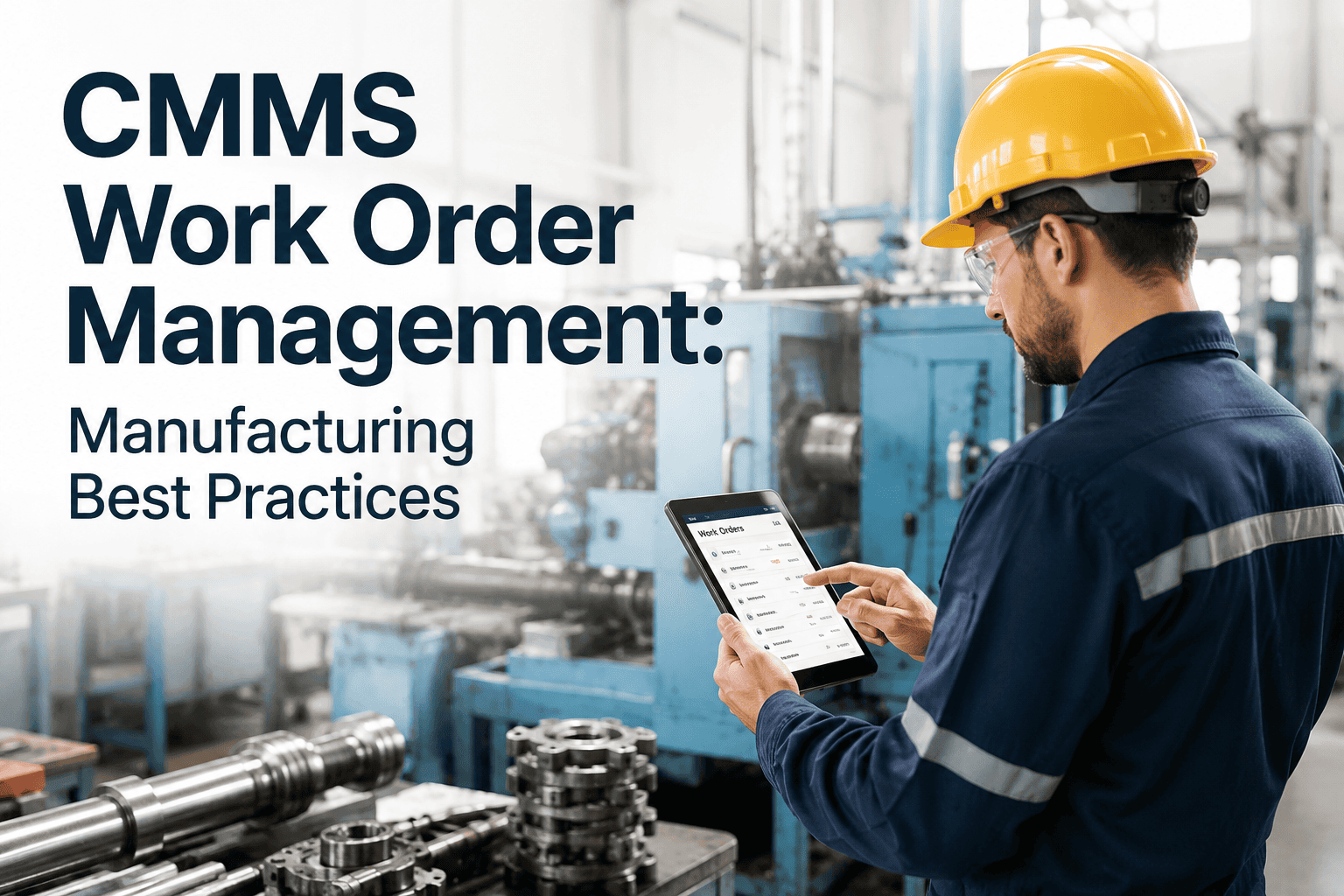
The NCR triggers a rework work order in the CMMS, routed to the appropriate work center, so the part is flagged for correction before it moves further down the line.
ERP traceability linkage
Weld quality results attach to the part's ERP record alongside other production and material data, so full genealogy is available if that part is later flagged in the field.
Aggregated quality reporting
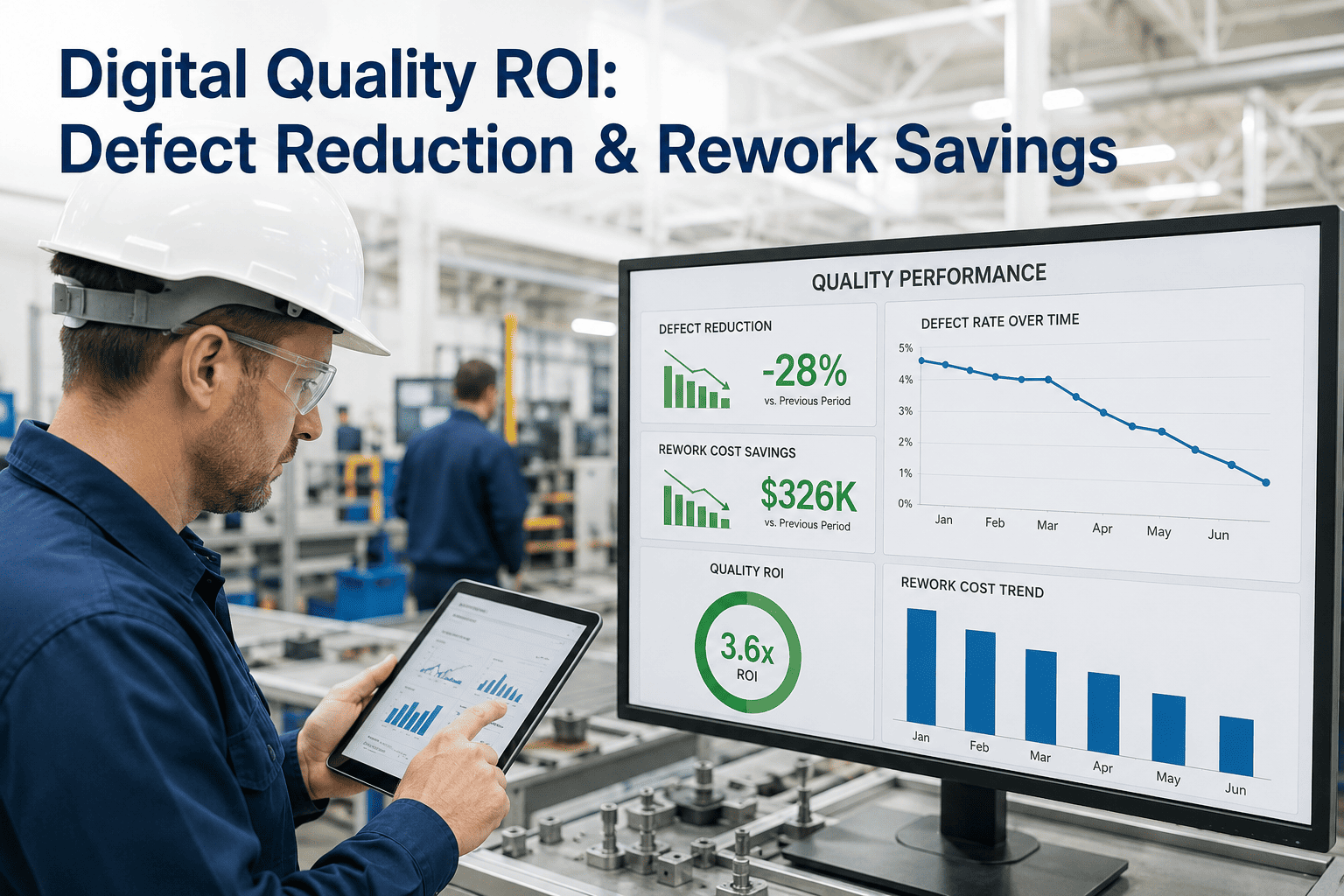
Defect rates, rework volume, and trend data roll up automatically for quality reviews, without a team manually reconciling data across separate systems every reporting cycle.
Common Integration Targets by System Type
| System Type | What Connects | Resulting Workflow |
|---|---|---|
| CMMS | Work order creation, work center routing | Confirmed defect auto-generates a rework work order |
| ERP / MES | Part traceability, production records | Weld quality data attached to full part genealogy |
| Quality Management System | NCR workflow, CAPA tracking | Defect classification pre-populates nonconformance records |
| Reporting / BI Layer | Aggregated defect and rework metrics | Trend dashboards update automatically, no manual reconciliation |
A Detected Defect That Doesn't Reach the Floor Isn't Detected — It's Delayed
iFactory routes confirmed weld defects directly into your CMMS and ERP workflow, so quality action starts the moment the defect is confirmed, not whenever someone reviews the dashboard.
A Composite Scenario: From Flagged Weld to Closed Rework Order
Consider a structural steel fabricator running robotic welding on a repeating beam assembly, previously inspecting welds through a combination of visual spot checks and a standalone AI inspection tool that flagged defects on a separate screen the quality team checked a few times a shift. A porosity defect on a load-bearing joint was detected mid-shift but sat unreviewed for close to four hours before anyone in quality happened to check the dashboard — during which time three more identical assemblies moved further downstream before the root cause, a shielding gas flow issue, was caught and corrected.
After integrating inspection results directly into the plant's CMMS, the same defect type today generates an NCR and rework work order within minutes of detection, routed automatically to the fabrication cell rather than waiting for a manual dashboard check. The underlying detection accuracy didn't change — what changed was how fast a confirmed defect actually reached someone who could act on it, which is the difference between catching one bad part and catching four.
Planning the Integration: What to Line Up Before Go-Live
Integration projects stall most often on access and mapping details rather than on the AI model itself — knowing which fields in the CMMS map to which defect classifications, and who owns approval for API access, tends to take longer to sort out than the actual technical connection once those decisions are made.
Confirm API Access Early
Identifying who owns API credentials and change approval for the CMMS and ERP systems ahead of time avoids the integration timeline stalling on internal IT approvals mid-project.
Map Defect Categories to NCR Fields
Aligning AI defect classification categories to the exact fields your quality system expects keeps auto-generated NCRs consistent with how your team already reports and reviews them.
Set Severity Thresholds Deliberately
Deciding which defect severities auto-generate a work order versus route for engineer review is a quality policy decision, not a default the integration should make silently.
Validate Against Manual Records First
Running integrated and manual NCR workflows side by side for an initial period catches mapping errors before automated records fully replace the manual process.
Metrics That Show the Integration Is Paying Off
Once detection and workflow are connected, the value shows up in numbers a quality manager already tracks — it just moves faster and requires less manual reconciliation to produce. These are the indicators worth watching in the months after go-live.
Frequently Asked Questions
Which CMMS and ERP platforms does this typically integrate with?
Integration approach depends on the specific platforms already running at your facility — most modern CMMS and ERP systems expose APIs that support this kind of work order and traceability connection, and the exact scope of what's technically feasible is best assessed during a site-specific integration review. Visit support for platform-specific integration guidance.
Does every flagged defect automatically generate an NCR, or is there a review step?
This is typically configurable by severity threshold — high-confidence, high-severity defects can auto-generate an NCR and work order immediately, while lower-confidence or borderline cases can be routed for quality engineer review before an NCR is finalized, so the automation matches your existing quality risk tolerance rather than overriding it.
How does the traceability data hold up if a part is flagged later in the field?
Because weld inspection results are attached to the part's ERP record at the time of production, a field failure investigation can pull the exact inspection image, classification, and timestamp tied to that specific part, rather than relying on a general process capability assumption or a paper travel card.
What happens to existing manual inspection and NCR processes during rollout?
Most facilities run the integrated workflow alongside existing manual processes during an initial validation period, comparing AI-flagged results against manual inspection findings before fully transitioning NCR generation to the automated path, which keeps quality coverage continuous through the transition.
Can this support multi-site reporting if we run weld inspection across several plants?
Yes — when inspection data feeds into a shared ERP or reporting layer, defect rates and rework trends can be aggregated and compared across plants, which is useful for identifying whether a defect pattern is specific to one work center or reflects a broader process or material issue. Book a demo to see multi-site reporting in practice.
Weld Quality Data Is Only as Useful as the Workflow It Reaches
iFactory connects AI weld inspection to the CMMS and ERP systems your plant already runs, so a confirmed defect becomes a work order — not a dashboard entry waiting to be noticed.