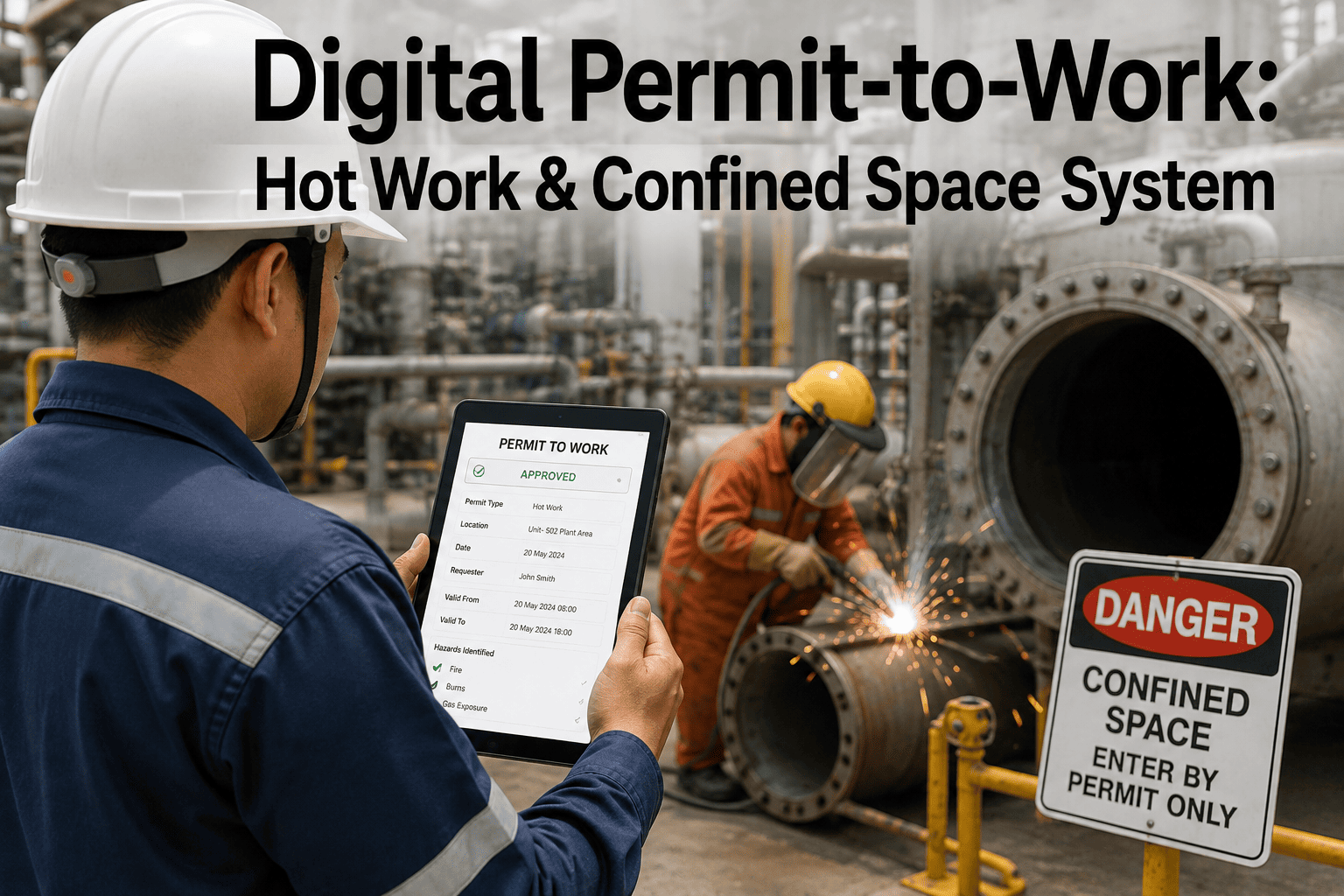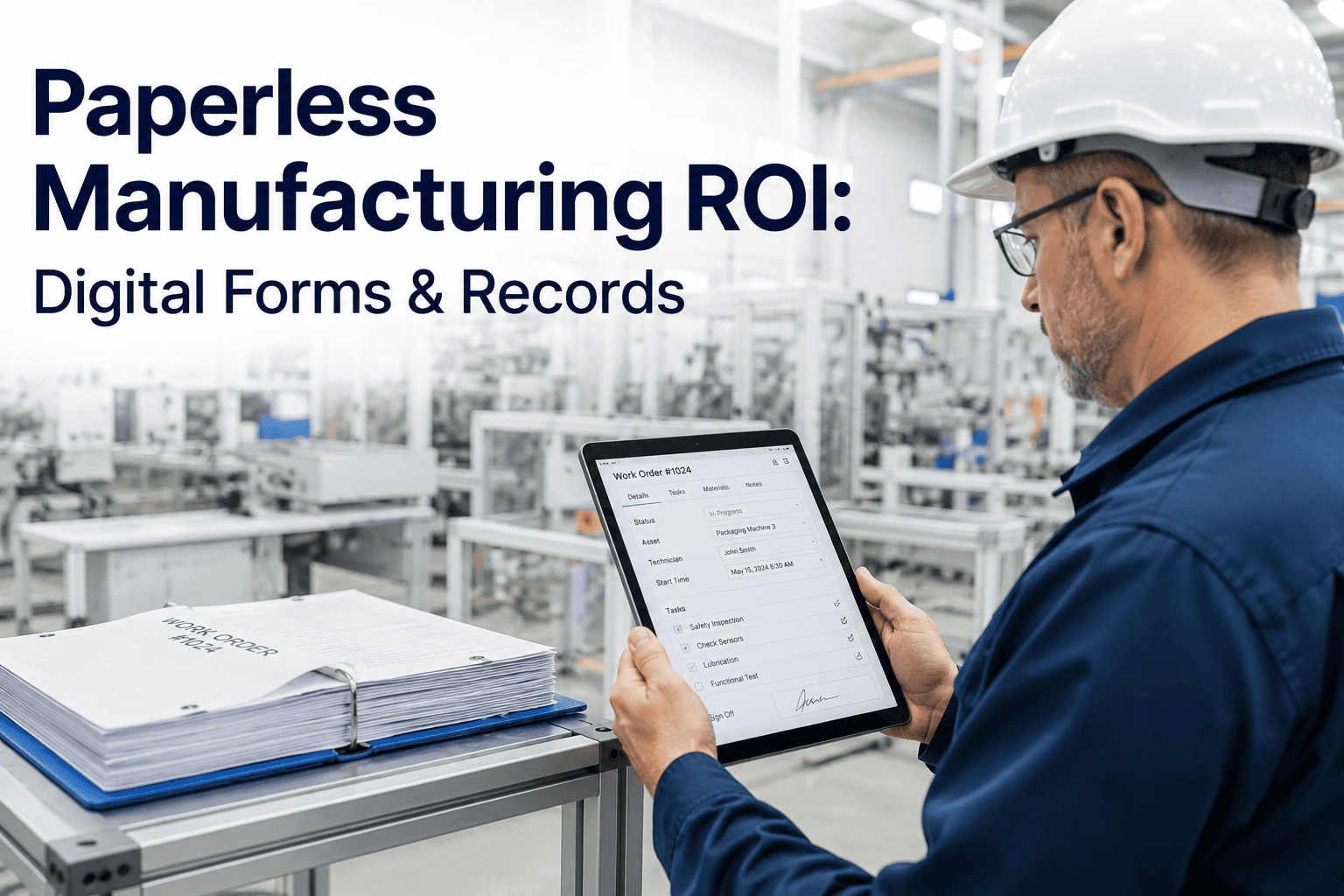
A hot work permit signed at 6 a.m. can still be sitting unread in a supervisor's inbox by the time the welding crew reaches the vessel, and that gap between paperwork and presence is where preventable incidents happen. Confined space entries, energized electrical work, and excavation all carry conditions that shift by the hour, since gas readings drift, isolation points get bumped, and adjacent crews start unrelated work nearby, yet a permit issued on paper only reflects the moment it was signed. Digital permit-to-work systems close that gap by keeping the permit alive: conditions are checked continuously, approvals route to the right person immediately, and the system flags a permit the instant a linked hazard changes. Safety engineers evaluating this shift can Book a Demo to see a live permit route across isolation, gas testing, and sign-off in real time.
Why a Signed Permit Doesn't Mean a Safe Permit
A paper permit captures a single snapshot: the hazards identified, the precautions agreed, and the names of whoever signed off at that moment. The problem is that plant conditions do not hold still for the duration of the work window. A gas test taken at issuance can be stale two hours later. An isolation point verified at 7 a.m. can be reinstated by another crew at 9 a.m. without the permit holder ever knowing. A confined space entry can proceed under an atmosphere that has quietly drifted outside safe limits because nobody re-tested.
Manual permit systems also struggle with simultaneous operations. When two crews are working adjacent tasks with conflicting hazards, such as hot work near a line that is being purged, catching that conflict depends entirely on someone noticing two separate paper forms and connecting the dots. Digital permit-to-work systems remove that dependency by cross-referencing every active permit against every other active permit and every live sensor feed, flagging conflicts and expired conditions the moment they occur rather than after an audit.
How a Permit Moves From Request to Closeout
A digital permit does not stop working once it is approved. It stays connected to the conditions it was issued against, which is what separates a permit-to-work platform from a simple e-signature form.
Request Submitted
The requesting supervisor specifies work type, location, and duration, and the system auto-populates known hazards tied to that asset and area.
Risk Review & Isolation Check
The platform checks the request against active isolations, adjacent permits, and equipment status before routing it forward, catching conflicts before a human reviewer even opens it.
Gas Testing & Approval Routing
Gas readings, where required, are logged directly against the permit, and approval requests route automatically to the qualified authorizer on shift instead of waiting for someone to walk to an office.
Active Monitoring
While the permit is open, the system continues watching linked conditions, such as gas levels or isolation status, and automatically suspends the permit if a monitored condition drifts out of range.
Closeout & Audit Trail
Every action, timestamp, and approver is logged automatically, producing a complete audit trail without anyone needing to file or scan a paper form afterward.
Built for the Permit Categories That Carry Real Risk
Hot Work
Welding, cutting, and grinding permits are cross-checked against fire watch assignments and nearby flammable material logs before approval routes forward.
Confined Space Entry
Atmospheric testing thresholds are enforced automatically, and entry is suspended in real time if a monitored reading moves outside the safe range.
Electrical & LOTO
Lockout points are verified against the isolation register so a permit cannot be approved while a required isolation is missing or incomplete.
Excavation
Ground disturbance permits are checked against buried utility maps and prior excavation history for the same location before work begins.
Paper Permits vs Digital Permit-to-Work Systems
| Factor | Paper Permit | Digital Permit-to-Work |
|---|---|---|
| Condition monitoring | Checked once at issuance | Continuously monitored while open |
| Conflict detection | Depends on manual cross-check | Automatic against all active permits |
| Approval routing | Physical walk or fax to authorizer | Routed instantly to qualified approver |
| Audit trail | Filed forms, often incomplete | Full timestamped record automatically |
| Expiry handling | Manual tracking of end time | Auto-suspends on expiry or drift |
Results From Digital Permit Rollouts
Reduction in average time from permit request to authorized start of work.
More simultaneous-operations conflicts identified before work begins compared to manual cross-checks.
Less time spent assembling permit records for regulatory or insurance audits.
Digital Permit-to-Work — Common Questions
Does a digital permit still require a qualified human authorizer?
Yes. The platform routes requests to the correct qualified authorizer based on permit type and area, but a trained person still reviews and approves the work. What changes is speed and completeness: the authorizer sees pre-checked isolation status, gas readings, and conflicting permits in one view instead of having to track each down manually, which shortens the review without removing human judgment from the decision.
What happens if monitored conditions change after a permit is approved?
The permit stays linked to its monitored conditions for the full duration it is open. If a gas reading drifts outside the safe threshold, an isolation point is reinstated, or a conflicting permit is issued nearby, the system automatically suspends the permit and alerts the permit holder and area supervisor, rather than leaving an unsafe condition undetected until the next scheduled check.
Can this integrate with our existing isolation and lockout register?
Yes, the permit workflow is designed to read from your existing lockout and isolation register rather than replacing it, so a hot work or electrical permit cannot be approved while a required isolation point is missing from that register. Most deployments connect to the register during initial setup so isolation status updates flow through automatically.
How is the audit trail structured for regulatory review?
Every request, review, approval, gas reading, suspension, and closeout is timestamped and tied to the individual who performed it, producing a chronological record for each permit. This record can be exported for inspectors, insurers, or internal audits without anyone needing to reconstruct events from paper files or memory, which is typically the most time-consuming part of a manual audit.
How long does it take to roll out on a new site?
A single site with a handful of permit types can typically be configured, tested against real work orders, and rolled out within four to six weeks, including integration with the isolation register and gas monitoring feeds. Safety teams ready to scope a pilot can Book a Demo or reach the iFactory Support team directly.