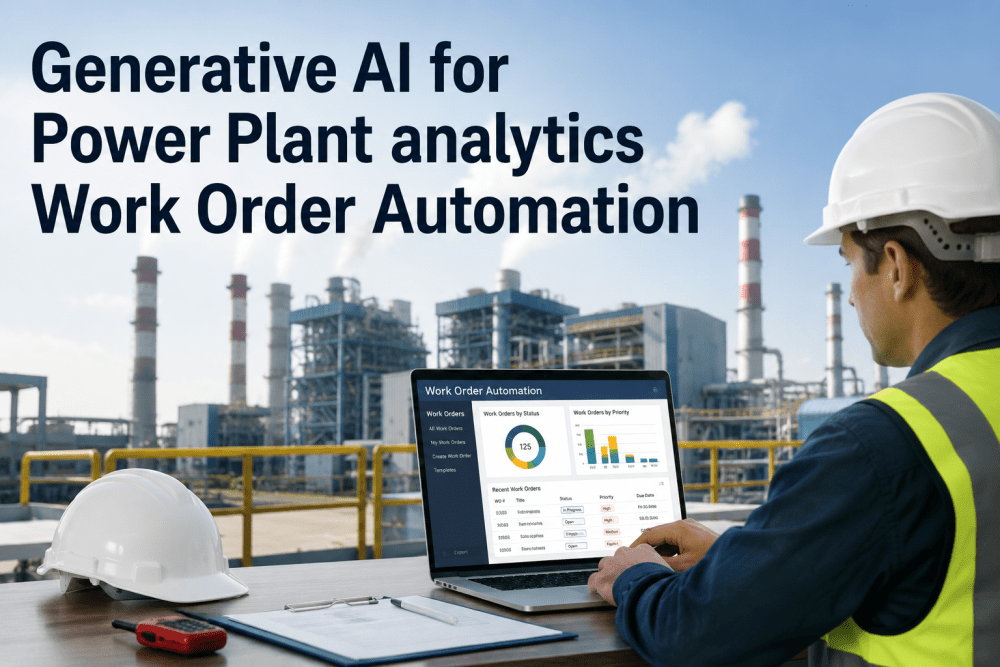
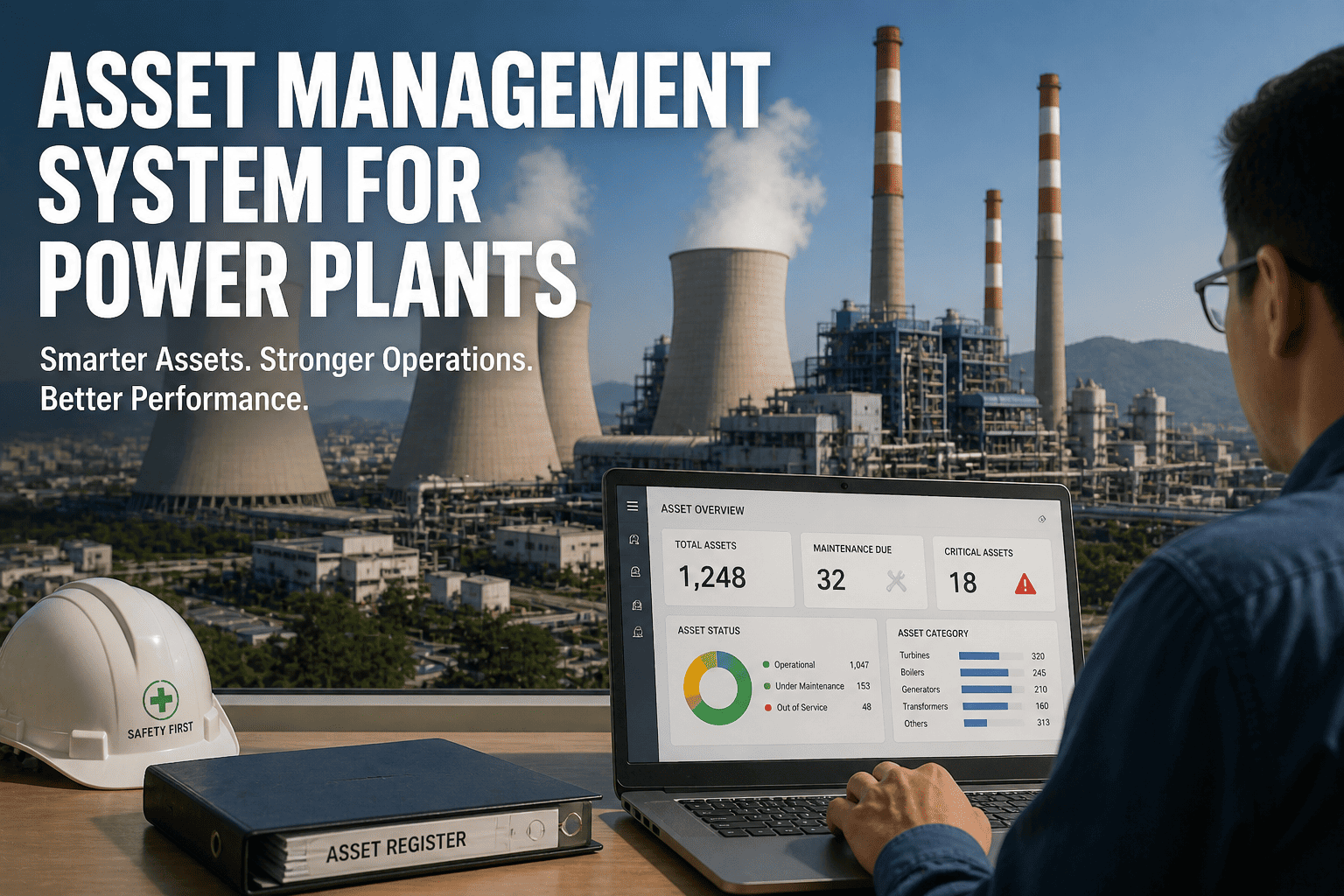
A work order that takes 4 hours to create manually, sits in an inbox for a shift before it is assigned, and closes without recording the actual repair outcome is not a maintenance management system — it is a paper trail that happens to be digital. iFactory's automated work order platform eliminates every manual step: AI findings generate pre-populated work orders in 60 seconds, assignment routes to the correct crew automatically, and every closure captures fault confirmation, repair action, parts used, and time-to-repair against the original AI prediction. The result is not just faster maintenance — it is a continuously improving AI system where every work order outcome makes the next fault prediction more accurate. Book a free work order automation assessment.
Quick Answer
iFactory automatically generates condition-based work orders from every AI fault detection — pre-populated with asset ID, fault classification, severity, sensor evidence, and recommended action — routed to the correct crew via SAP PM, IBM Maximo, Oracle EAM, or iFactory's native CMMS within 60 seconds of fault confirmation. Zero manual triage. Continuous model improvement from work order outcomes.
How iFactory Solves Every Failure in Conventional Work Order Management
Manual work order creation introduces delay, inconsistency, and information loss at every step. iFactory automates the full lifecycle — from AI detection to CMMS work order, from assignment to close-out, from outcome to model improvement — without removing engineering judgement from the decisions that require it. Book a demo to see work order automation applied to your plant and CMMS configuration.
Automatic Work Order Generation from AI Findings
60 secDetection to CMMS
Every confirmed AI fault finding generates a work order automatically — pre-populated with asset ID, fault type, severity classification, sensor evidence, recommended action, and estimated urgency window. No planner writes the work order. No engineer triages the alarm list. The work order arrives in CMMS ready for approval or immediate dispatch, with all the information the technician needs already populated.
Zero manual triage — classified findings go directly to CMMS
Automatic Routing & Crew Assignment
BySkill, Shift & Priority
Work orders route automatically to the correct crew based on fault type, required skill set, current shift, and crew availability — without a planner making manual assignment decisions for every order. Critical-severity faults escalate immediately to shift supervisor and on-call engineer simultaneously. Routine condition-based work orders queue to the next available planned maintenance window.
Priority-1 faults escalate to supervisor and on-call simultaneously
Priority Ranking by Failure Consequence
FinancialImpact Ranked
Open work orders are ranked by failure consequence — the estimated cost of the forced outage or production loss that would result if the work order is not completed within its urgency window. A bearing replacement with a 14-day RUL on a 500MW turbine ranks above a non-critical cooling water pump with 90 days of remaining life, regardless of which work order was created first.
Planners act on consequence — not on work order creation date
Multi-Shift Visibility & Handover Automation
AutoShift Handover Report
Shift handover reports generated automatically at each shift change — listing all open work orders by priority, new AI findings since last handover, work orders completed this shift with outcomes, and any assets with deteriorating health scores requiring attention. No engineer manually compiles the handover. The incoming shift has complete situational awareness within 2 minutes of the report generating.
Complete shift picture in 2 minutes — zero manual compilation
Close-Out Capture & Outcome Recording
100%Outcome Structured
Every work order close-out captures: fault confirmed or not found, repair action taken, parts replaced with part numbers, time-to-repair, and technician notes — structured automatically against the AI prediction that generated the work order. Close-outs that previously took 20 minutes of manual CMMS entry take 3 minutes on mobile. Every outcome feeds back into AI model improvement.
Every close-out feeds AI model accuracy improvement
CMMS Integration — SAP, Maximo, Oracle
NativeBi-Directional Sync
iFactory integrates natively with SAP PM, IBM Maximo, Oracle EAM, and Infor EAM — work orders created in iFactory appear as standard work orders in your existing CMMS, and completions recorded in CMMS sync back to iFactory automatically. Your planners continue working in the system they know. No parallel system. No manual export. No batch overnight sync.
Planners stay in SAP or Maximo — iFactory adds AI intelligence
From AI Fault Detection to CMMS Work Order in 60 Seconds — Without a Planner in the Loop.
iFactory connects to your existing SAP PM, IBM Maximo, or Oracle EAM. Work order automation goes live within the standard 6-week deployment — no separate CMMS project required.
iFactory vs Competitor Work Order Management Platforms
SAP PM, IBM Maximo, Infor EAM, and Fiix all offer work order management. None generates condition-based work orders automatically from AI fault detection, ranks open orders by failure consequence, or feeds close-out outcomes back into predictive models. Book a demo to see iFactory mapped against your current CMMS.
| Capability |
iFactory |
SAP PM |
IBM Maximo |
Infor EAM |
Fiix |
| Work Order Creation |
| Auto work order from AI fault detection | 60 sec — fully auto | Manual creation only | Workflow trigger required | Manual creation only | Manual creation only |
| Pre-populated with fault classification + evidence | AI-classified — all fields | Manual entry | Manual entry | Manual entry | Manual entry |
| Condition-based PM trigger (RUL-driven) | Per component RUL | Interval only | Interval only | Interval only | Interval only |
| Prioritisation & Routing |
| Priority ranking by failure consequence ($) | AI-calculated — financial impact | Manual priority entry | Manual priority entry | Manual priority entry | Manual priority entry |
| Auto routing by skill, shift, availability | Fully automatic | Configurable workflow | Configurable workflow | Configurable workflow | Basic assignment |
| Critical fault escalation — supervisor + on-call simultaneous | Automatic multi-channel | Workflow required | Workflow required | Workflow required | Not available |
| Shift Operations & Visibility |
| Auto shift handover report generation | Every shift change — auto | Manual report | Manual report | Manual report | Manual report |
| Live backlog ranked by consequence — not date | AI-ranked continuously | Date/priority only | Date/priority only | Date/priority only | Date/priority only |
| Close-Out & Learning |
| Structured close-out linked to AI prediction | Outcome vs prediction recorded | Unlinked manual entry | Unlinked manual entry | Unlinked manual entry | Unlinked manual entry |
| Close-out outcomes improve AI model accuracy | Continuous learning | Not available | Not available | Not available | Not available |
| Mobile close-out — 3 min vs 20 min manual | Structured mobile form | SAP mobile available | Maximo mobile available | Mobile available | Mobile-first |
Based on publicly available product documentation as of Q1 2025. Verify current capabilities with each vendor before procurement decisions.
Our Numbers — Work Order Automation Outcomes Across iFactory Deployments
60 sec
AI Finding to CMMS Work Order
Zero
Manual Alarm Triage Required
70%
Manual Rounds Eliminated
74%
Predictive vs Reactive Work Order Split
3 min
Mobile Close-Out vs 20 Min Manual Entry
100%
Work Order Outcomes Captured and Structured
22%
Maintenance Spend Reduction
6 wks
To Full Work Order Automation Go-Live
Your Planners Should Be Planning — Not Creating Work Orders From Alarm Lists.
iFactory adds AI-driven work order automation on top of your existing SAP PM or Maximo — your planners continue in the system they know, but every AI finding arrives as a pre-populated, pre-classified, pre-prioritised work order. No parallel system. No retraining.
What Our Clients Say
"We had a planning team spending 60% of their time creating work orders from alarm printouts and email notifications from the operations shift. The work orders were incomplete — no fault classification, no sensor evidence, no recommended action — because the planner was not the engineer who diagnosed the problem. After iFactory, every work order arrives fully populated from the AI finding. Our planners now spend their time scheduling and resourcing, not transcribing. The reactive-to-planned work order ratio went from 38% reactive to 12% reactive in 8 months. MTTR dropped 31% because technicians arrived with the right information and the right parts."
Head of Maintenance Planning
1,400MW Multi-Unit Generating Station — Middle East
Frequently Asked Questions
QDoes iFactory replace our existing SAP PM or IBM Maximo — or work alongside it?
Alongside. iFactory adds AI-driven work order generation on top of your existing CMMS — work orders appear as standard SAP PM or Maximo records in your planners' existing workflow. No migration. No retraining. No parallel system to maintain.
Book a CMMS integration review.
QWhat happens if engineers disagree with an AI-generated work order recommendation?
Every AI-generated work order goes through an approval step before dispatch — engineers can accept, modify, defer, or reject with a recorded reason. Rejections and modifications feed back into the AI model as learning data. The system improves from engineer disagreements, not just from confirmed faults.
QHow does iFactory handle work orders for assets not covered by AI monitoring?
Assets without AI monitoring continue on their existing PM schedule, with work orders generated from CMMS intervals in the normal way. iFactory manages both streams in the same backlog, ranking all open work orders — AI-generated and schedule-generated — by consequence. The pre-deployment assessment identifies which additional assets would benefit most from AI monitoring coverage.
QCan iFactory work order automation operate offline — for sites with intermittent connectivity?
Yes. iFactory's on-premise NVIDIA edge architecture means all AI analysis and work order generation runs locally — no internet connection required for fault detection, work order creation, or CMMS synchronisation within the plant network. Mobile close-outs cache locally and sync when network is restored. Full offline capability is maintained at all times.
Continue Reading
From AI Fault Detection to CMMS Work Order in 60 Seconds. Zero Manual Triage. Continuous Model Improvement.
iFactory work order automation connects to SAP PM, IBM Maximo, Oracle EAM, or iFactory native CMMS. Live in 6 weeks. On-premise. NERC CIP compliant from day one.
60-Second AI to CMMS
Consequence-Ranked Backlog
Auto Shift Handover
SAP / Maximo / Oracle
Continuous Model Learning