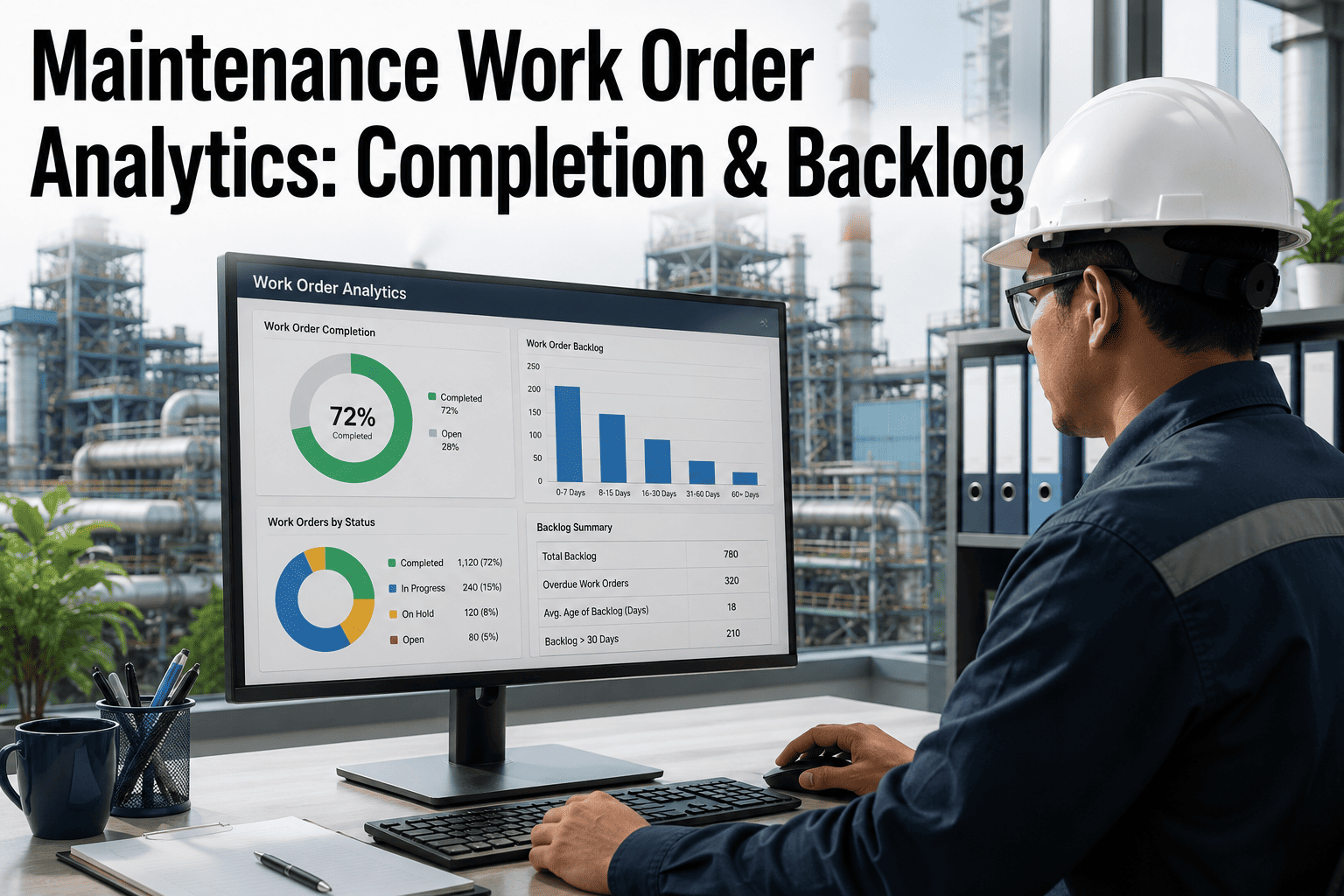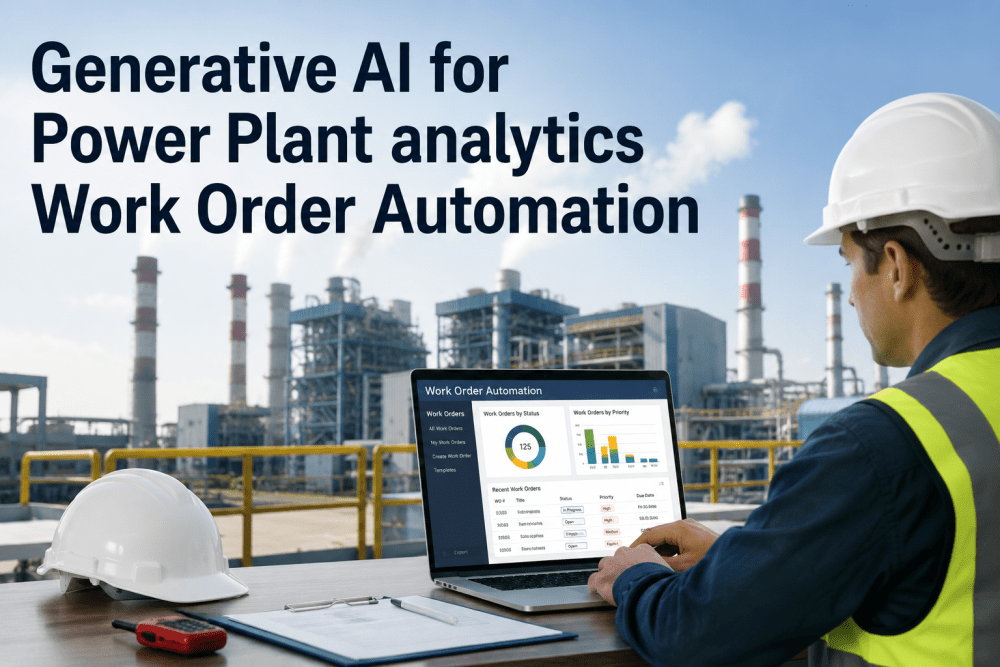
A maintenance technician standing beside a failed boiler feed pump shouldn't need to navigate three dropdown menus, select an asset hierarchy, choose a failure code from 200 options, and type a structured description into a CMMS form — all while the plant is losing $15,000 per hour of unplanned downtime. The result is predictable: work orders logged with "pump broken" in the description field, no failure code selected, wrong asset tagged, and zero useful data for reliability analysis. iFactory's NLP engine lets technicians describe faults in plain language — spoken or typed — and the AI automatically extracts the asset, failure mode, severity, and affected system; classifies the work order by type and priority; and routes it to the correct craft and supervisor without a single dropdown selection. The maintenance data that was never captured because the entry process was too slow now flows into your reliability analytics automatically. Book a demo to see NLP work order creation live.
iFactory uses natural language processing to convert plain-language fault descriptions — typed or voice-dictated — into fully structured, classified, and routed work orders. The AI extracts asset identity, failure mode, priority, and craft assignment from unstructured text, eliminating manual dropdown selection and ensuring every work order carries the structured data that reliability analytics require. Average result: 74% reduction in work order creation time, 3.2x increase in usable failure mode data captured per work order.
How NLP Transforms a Fault Report Into a Structured Work Order
The pipeline below shows the five-stage process iFactory applies to every plain-language fault description — from raw technician input to a fully classified, routed, and prioritised work order ready for scheduling.
See how iFactory converts plain-language fault descriptions into fully classified work orders — with correct asset tags, failure codes, and craft routing — in under 30 seconds.
Work Order Quality Problems NLP Eliminates
Every card below represents a real data quality failure that degrades reliability analytics, inflates maintenance costs, and makes root cause analysis impossible. These problems exist because the CMMS entry interface was designed for database administrators — not for technicians working in noisy, time-pressured plant environments. Talk to an expert about your current work order data quality.
NLP fix: The description IS the input. A single spoken sentence captures more useful information than 10 filled dropdown fields — and NLP extracts the structured data automatically.
NLP fix: AI maps natural language to the correct failure code from context — "inner race defect" maps to BEAR-IR, not BEAR-GEN. The technician never sees the taxonomy; the AI navigates it.
NLP fix: NLP analyses the fault description to determine the correct craft — "drive end bearing" routes to mechanical; "motor insulation resistance dropping" routes to electrical. No human routing decision required.
NLP fix: AI calculates priority from equipment criticality rating, failure mode severity, and language indicators ("getting worse," "loud noise," "visible damage") — assigning P1–P4 without requiring the technician to make a subjective priority call.
NLP fix: NLP detects semantic similarity between new and existing open work orders — flagging potential duplicates before creation and linking related observations to the same root fault for consolidated planning.
NLP fix: iFactory accepts observation-level entries ("pump sounded different today — slightly louder than normal") as condition notes linked to the asset. NLP tags the observation type and tracks trend accumulation — three related observations trigger an automatic inspection work order.
Voice Analytics — Field-to-CMMS in Seconds
NLP work order creation is most powerful when combined with voice input. Technicians wearing PPE in noisy plant environments cannot type on a tablet — but they can speak into a headset or phone. iFactory's voice analytics pipeline converts speech to structured work orders through the same five-stage NLP process.
NLP Accuracy by Data Quality Metric
The table below compares work order data quality between traditional CMMS entry and iFactory NLP-assisted entry — measured across deployed power plant sites after 90 days of operation.
| Data Quality Metric | Traditional CMMS Entry | iFactory NLP Entry | Improvement |
|---|---|---|---|
| Work orders with usable failure code | 28–35% | 92% | +57–64 pts |
| Correct asset tag on first entry | 72% | 96% | +24 pts |
| Description field with actionable detail | 18–25% | 89% | +64–71 pts |
| Correct craft routing on first submission | 65% | 94% | +29 pts |
| Priority accurately reflects severity | 40% | 91% | +51 pts |
| Duplicate work orders created | 12–18% of volume | 2–3% of volume | -10–15 pts |
| Average WO creation time (field to CMMS) | 4.5 minutes | 72 seconds | 74% faster |
| Observation-level entries captured | Near zero | 8–12 per shift | New data stream |
Platform Capability Comparison — Work Order NLP
SAP PM, IBM Maximo, and GE APM offer structured work order creation with form-based entry. iFactory differentiates on NLP-driven unstructured input, automatic failure code classification, semantic duplicate detection, and voice-to-work-order capability — features that require language AI, not traditional CMMS form design. Book a comparison demo.
| Capability | iFactory | SAP PM | IBM Maximo | GE APM | Generic CMMS |
|---|---|---|---|---|---|
| NLP & Input | |||||
| Plain-language work order creation | NLP from text or voice | Form-based only | Form-based only | Limited text parsing | Form-based only |
| Voice-to-work-order pipeline | Industrial speech-to-WO | Not available | Not available | Not available | Not available |
| Auto failure code classification | NLP maps to taxonomy | Manual selection | AI Assist add-on | Basic text matching | Manual selection |
| Routing & Deduplication | |||||
| Auto craft routing from description | NLP-based, auto-routed | Rule-based only | Rule-based only | Rule-based only | Manual assignment |
| Semantic duplicate detection | Cross-shift, cross-phrase | Not available | Not available | Not available | Not available |
| AI priority calculation | Criticality + severity + trend | Manual selection | Rule-based escalation | Condition-based alerts | Manual selection |
| Analytics Integration | |||||
| Observation-to-inspection trigger | 3 observations = auto WO | Not available | Not available | Not available | Not available |
| Spare parts check at WO creation | Auto stock + RUL check | MRP integration | Materials integration | Manual check | Varies |
Based on publicly available product documentation as of Q1 2025. Verify current capabilities with each vendor before procurement decisions.
Measured Outcomes Across Deployed Plants
iFactory's NLP engine transforms the weakest link in your maintenance data chain — manual work order entry — into an automated, accurate, and complete data capture process.
From the Field
Frequently Asked Questions
Continue Reading
iFactory's natural language processing converts plain-language fault descriptions into fully structured, classified, and routed work orders — giving your reliability engineers the failure mode data they need without adding burden to your maintenance technicians.