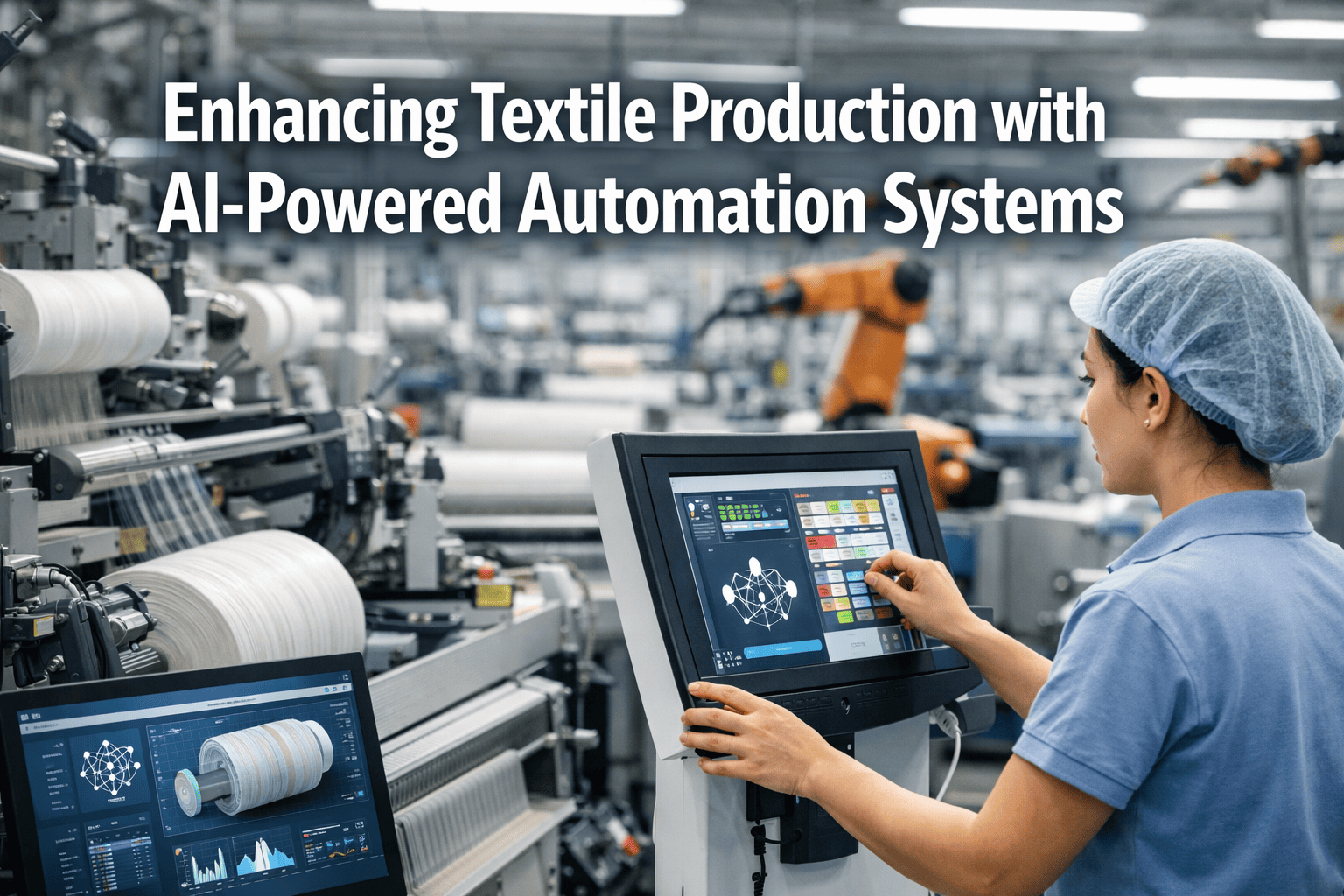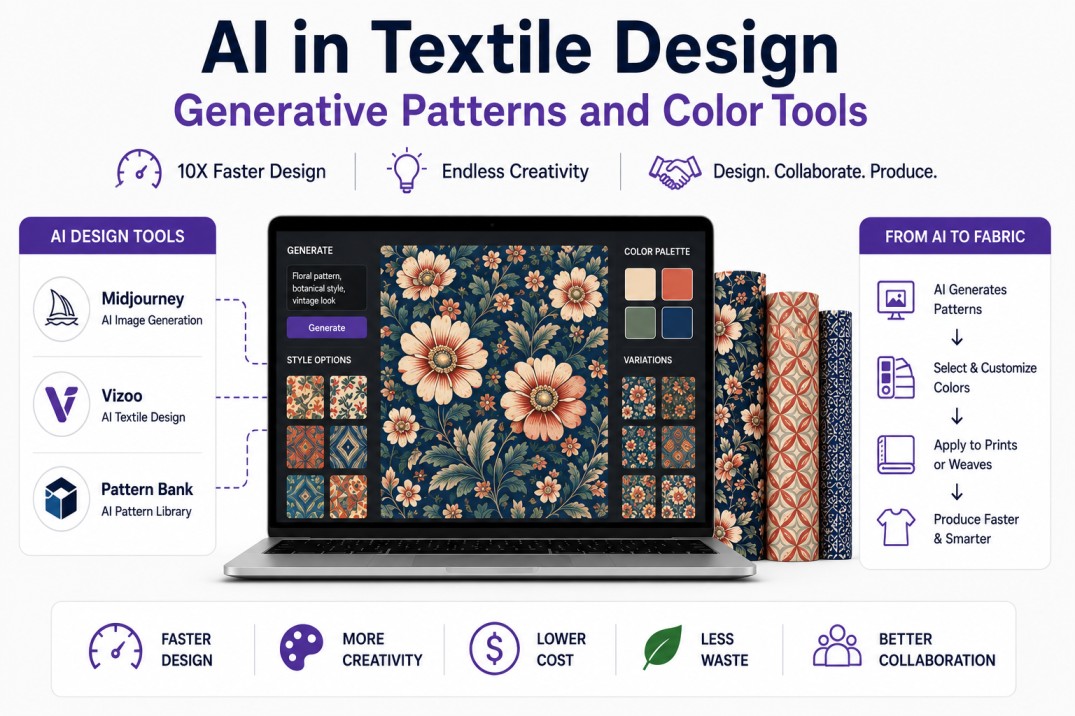
Generative artificial intelligence has introduced a paradigm shift in textile design, compressing the concept-to-sample cycle from weeks to days and enabling design exploration at a scale impossible with traditional CAD tools. Fashion brands and textile mills are deploying AI tools across the design workflow — Midjourney and DALL-E for concept generation and mood board creation, Vizoo for photorealistic 3D material visualization, Pattern Bank and Stylezone AI for automated seamless repeat generation, and Adobe Firefly for commercially safe print and pattern creation with copyright-cleared training data. The 2025 McKinsey Fashion & Technology report found that early-adopter textile mills using generative AI in their design process reduced concept-to-approval time by 60 to 70 percent, increased design output per designer by 3 to 5 times, and reduced sample fabric waste by 40 to 55 percent by eliminating physical sampling of rejected designs. For mills supplying fast-fashion, luxury, and performance brands, AI-augmented design is becoming a competitive requirement rather than an experimental tool — brands increasingly expect mills to respond to design briefs with AI-generated options within 24 to 48 hours, a cadence impossible with traditional manual design methods.
Accelerate Your Design-to-Sample Pipeline with AI
iFactory Design AI module integrates generative pattern tools, color reduction engines, and digital sample management into a single workflow from brief to production-ready artwork.
AI Design Tools Comparison — Capabilities and Best Use Cases
Each AI design tool occupies a different position in the textile design workflow, from early-stage concept exploration to production-ready artwork generation.
| Tool | Primary Function | Output Format | Copyright Safety | Textile-Specific | Learning Curve |
|---|---|---|---|---|---|
| Midjourney | Concept generation, mood boards | Raster images, 1024–2048 px | Limited — trained on web data | No — requires prompt engineering | Medium |
| DALL-E 3 | Concept exploration, variations | Raster images, 1024 px | Moderate — content policy filters | No — general purpose | Low |
| Adobe Firefly | Commercial print & pattern | Raster + vector, up to 4K | High — trained on licensed Adobe Stock | Partial — pattern generation tools | Low |
| Vizoo | 3D material scanning & visualization | PBR textures, 3D assets | Full — own designs only | Yes — fabric-specific capture hardware | Medium |
| Pattern Bank | Seamless repeat generation | Vector + raster repeats | High — trained on owned patterns | Yes — dedicated textile repeat engine | Low |
| Stylezone AI | Print design with color reduction | Vector files, color-separated | High — brand-owned data only | Yes — screen print + digital print ready | Low |
From Prompt to Print — Six-Stage AI Design Workflow
The AI-augmented textile design workflow replaces iterative manual sketching with rapid digital exploration at every stage, from initial brand brief to production-ready artwork.
AI Color Matching and Reduction — From Thousands to Production-Ready
One of the most valuable AI applications in textile design is intelligent color reduction — converting full-color generative artwork into production-ready color-separated files that minimize screens, ink usage, and setup cost without sacrificing visual quality.
Groups pixel colors into K clusters where K equals target color count. Fast and effective for artwork with distinct color regions. Works best for 8–16 color targets.
Recursively divides color space into boxes with equal pixel counts. Preserves detail in high-density color areas. Preferred for photographic and gradient-rich designs.
AI constrained to a brand-specific or print-specific color palette. Maps nearest available colors while minimizing perceptual distance. Ensures brand color compliance.
Uses CIEDE2000 color difference formula to optimize reduction for human visual perception rather than pixel-value proximity. Produces visually superior results at low color counts.
From Generative Art to Production-Ready Color Separation
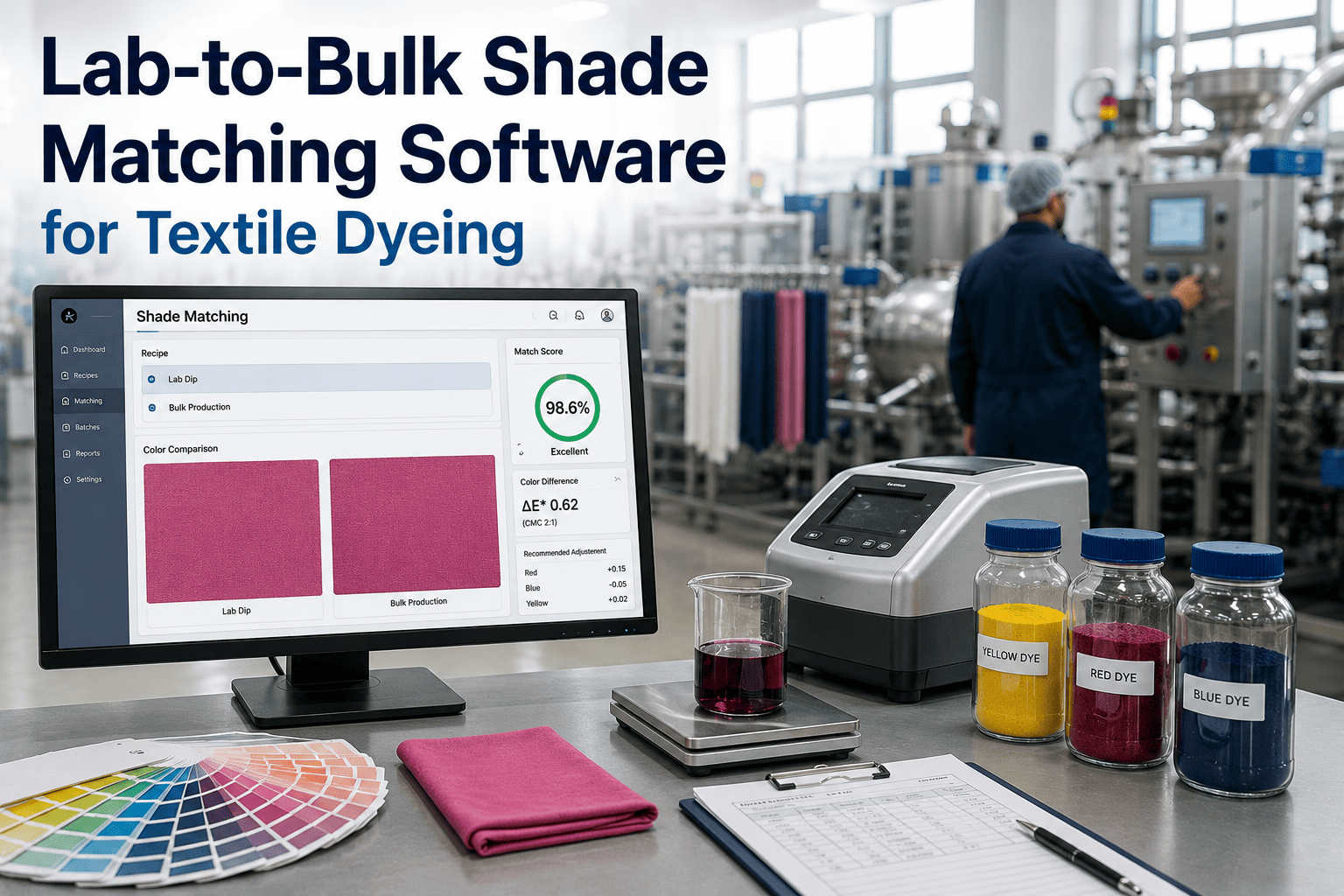
iFactory Color AI module automates color reduction, Pantone mapping, and screen separation file generation from any AI-generated or scanned artwork input.
Speed, Cost, and Sustainability — Measured Impact of AI Design
The business case for AI-augmented textile design rests on three measurable outcomes: faster time-to-sample, lower design cost, and reduced physical waste from eliminated sampling rounds.
Frequently Asked Questions
Can AI-generated textile designs be copyrighted?
The copyright status of AI-generated designs depends on the tool's training data and the degree of human creative input. In the United States, the Copyright Office has ruled that works created entirely by AI without human creative contribution are not eligible for copyright protection. However, designs where a human artist provides significant creative direction — such as composing detailed prompts, selecting and arranging AI outputs, and making manual modifications — may qualify for copyright on the human-authored elements. Adobe Firefly offers the strongest commercial copyright protection because its training data is limited to licensed Adobe Stock content and public-domain works where rights have been cleared. Midjourney and DALL-E have more uncertain copyright status for commercial textile use because their training data includes web-scraped images. For mills producing designs for brand customers, the safest approach is to use AI as a concept generation tool and have a human designer create the final production artwork, or to use tools like Firefly and Pattern Bank that offer copyright indemnification for commercial use.
How does AI handle pattern repeat generation for textile printing?
AI-powered pattern repeat generation automates the most time-consuming manual task in textile design — creating seamless repeating patterns that match at all four edges with no visible seams. Pattern Bank and similar tools use convolutional neural networks trained on thousands of textile repeats to analyze a base design and compute optimal repeat boundaries. The AI identifies the dominant motif elements, calculates the repeat dimensions that best preserve the design intent, and blends edge regions using content-aware fill algorithms. Advanced tools offer multiple repeat types: block repeat (simple grid), half-drop repeat (offset every other row), brick repeat (offset every other column), and random or scattered repeats for organic patterns. The AI also handles complex technical requirements for textile printing, including rapport size specifications for rotary screens, overlap allowances for wallpaper-style matching, and color separation boundaries that ensure each screen layer has adequate registration tolerance. iFactory's Pattern AI module generates production-ready repeat files that are compatible with all major textile CAD and RIP systems.
What skills do textile designers need to work effectively with AI tools?
Textile designers working with AI tools need three skill sets beyond traditional design expertise. Prompt engineering is the most immediately useful skill — the ability to write structured, detailed prompts that consistently produce usable designs requires practice and an understanding of how different AI models interpret language. Designers who document successful prompts and build prompt libraries achieve 3 to 5 times higher productivity than those who write prompts from scratch each time. Color management knowledge is essential because AI-generated colors rarely match production-ready specifications — designers must understand color separation, Pantone mapping, and how different printing technologies (screen, digital, rotary) handle color. Technical textile knowledge — understanding how repeat size, motif scale, and color count affect production cost and feasibility — becomes more important rather than less important in an AI-augmented workflow, because AI can rapidly generate designs that are technically impossible to produce. iFactory's AI Design module includes role-specific training that helps designers build these skills incrementally, with guided prompt templates and automated production-feasibility checking that flags non-producible designs before they reach the sampling stage.
How does AI color reduction affect print quality compared to manual color separation?
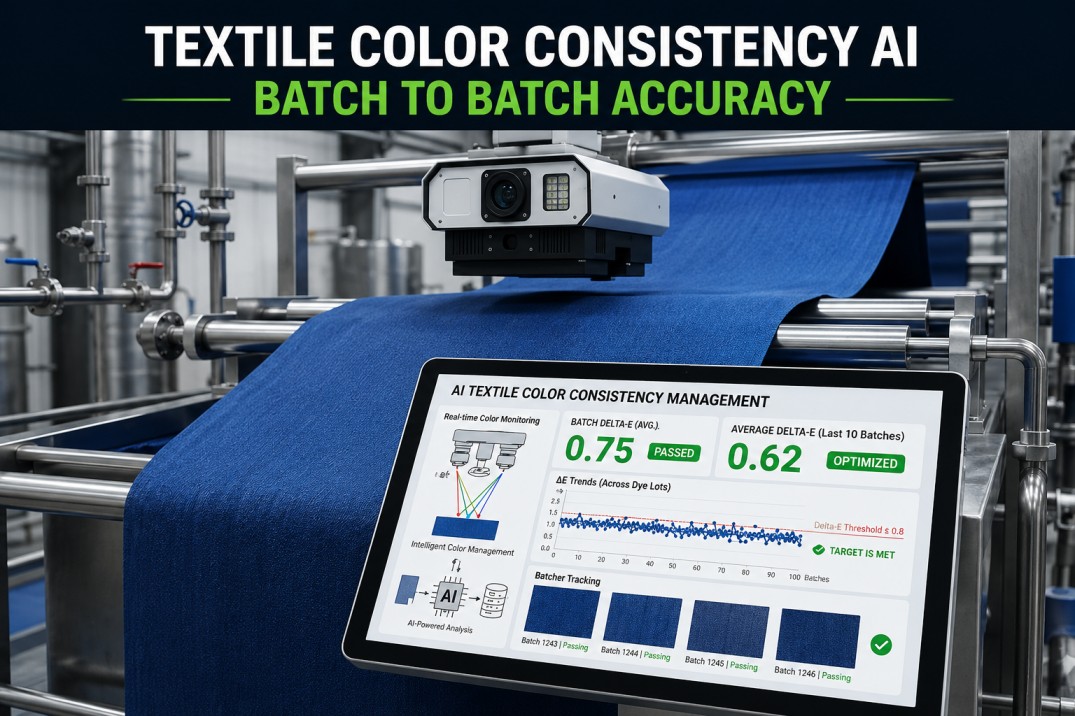
AI color reduction has reached parity with manual color separation for the majority of commercial textile applications and exceeds manual quality in certain areas. For designs with 8 to 14 target colors — the most common range for rotary screen printing — modern AI quantization algorithms produce color separations that experienced print technicians rate as equal or superior to manual separations in blind tests, particularly for complex designs with photographic elements, gradients, and fine detail. The CIEDE2000 perceptual color difference formula used by advanced AI tools produces color mappings that better preserve visual contrast and detail than the nearest-color and manual selection methods traditionally used by screen printers. For very low color counts (2 to 5 colors), experienced human color separators still hold an advantage in preserving design intent through selective color merging, though the gap is narrowing with each generation of AI tools. For high-color digital printing (full CMYK plus spot colors), AI color management outperforms manual methods by automatically generating ICC profiles optimized for specific fabric and ink combinations.
What is the ROI of implementing AI in a textile mill design department?
The ROI of AI implementation in a textile mill design department typically reaches breakeven within 6 to 12 months based on three quantifiable benefits. First, increased design capacity: a 5-person design team using AI tools generates 15 to 25 design options per week versus 3 to 5 without AI, allowing the mill to respond to more brand briefs and win more business without headcount growth. Second, sample cost reduction: each physical strike-off sample costs $50 to $200 in fabric, ink, and labor. AI-powered virtual prototyping eliminates 2 to 4 sampling rounds per design, saving $500 to $2,000 per approved design. For a mill producing 500 approved designs per year, annual savings range from $250,000 to $1,000,000. Third, faster time-to-sample reduces brand response time from 2 to 3 weeks to 3 to 5 days, which directly improves win rates on competitive bids by 15 to 25 percent. Software costs for AI design tools range from $50 to $200 per user per month for Midjourney, Firefly, and similar tools, plus $10,000 to $30,000 per year for Pattern Bank or Vizoo licenses. iFactory's ROI calculator module tracks these metrics against your actual design volume, sample costs, and win rates.
From Brief to Production-Ready Artwork in Days, Not Weeks
iFactory Design AI module connects generative pattern tools, color separation engines, and sample management into one workflow that matches your mill's production capabilities.