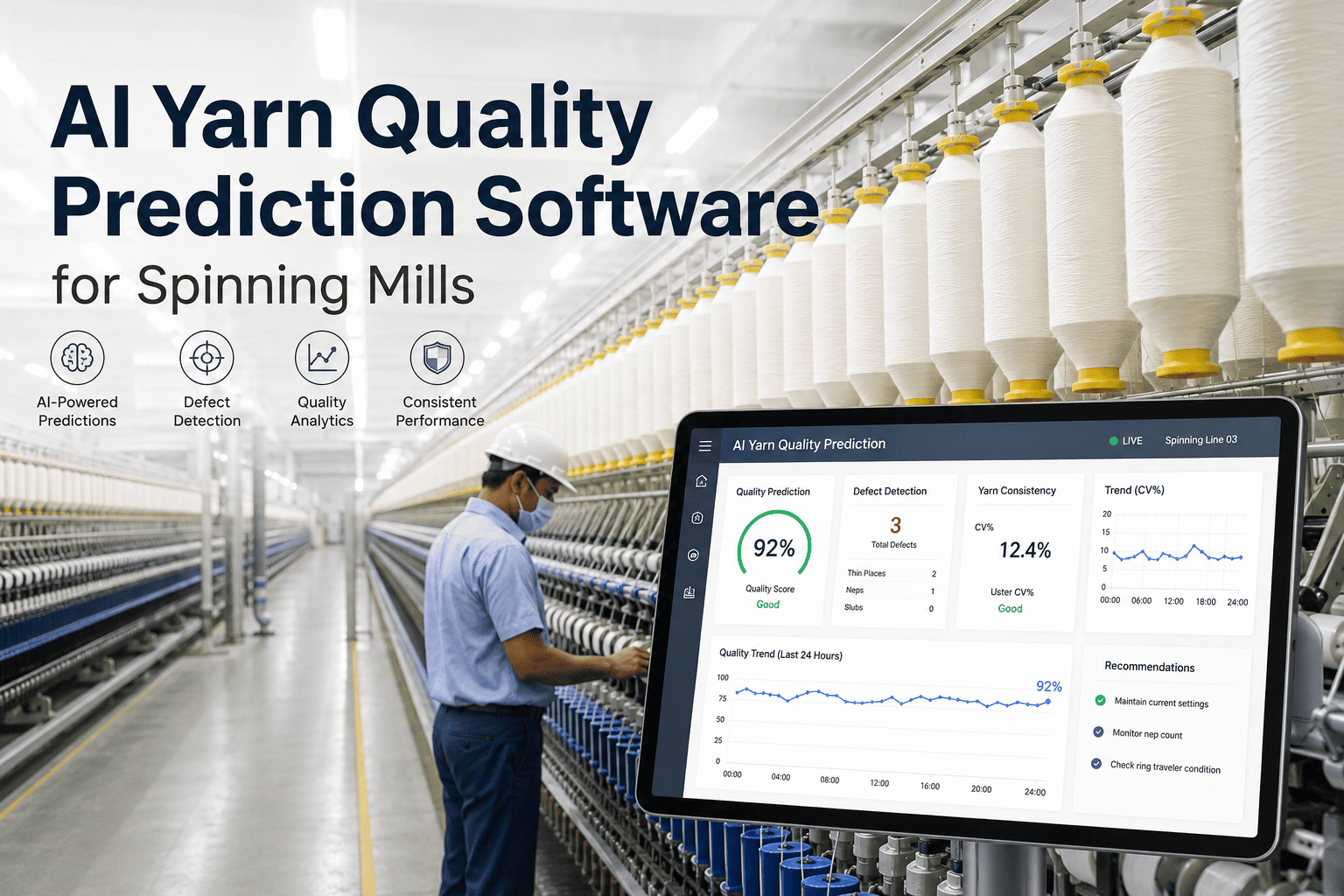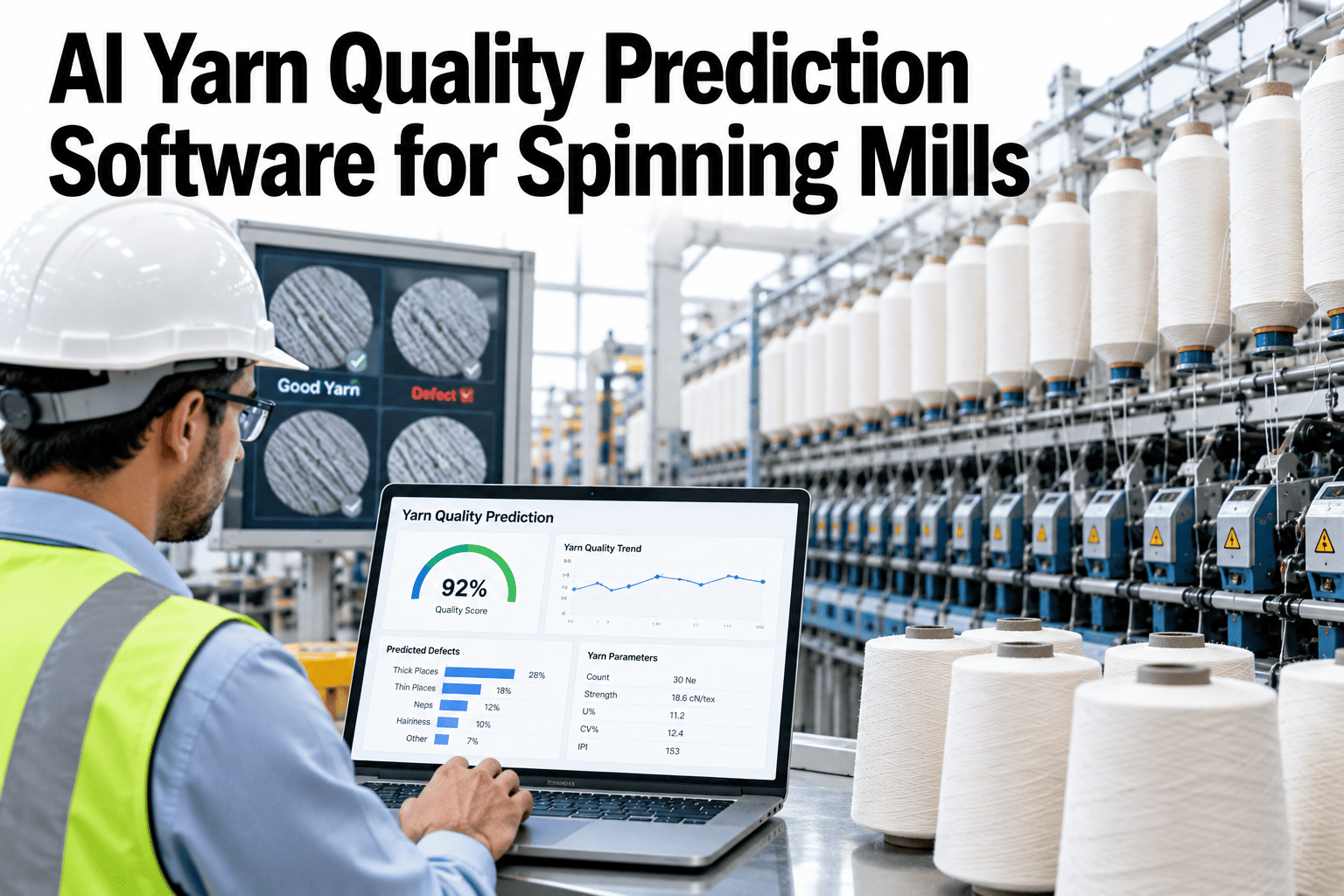
Yarn quality is usually known after the fact, once the lab has tested a bobbin and the lot is already on the floor. A prediction layer reads fiber, machine and process data ahead of that test and points to lots likely to drift in strength, evenness or breaks. See how iFactory AI scores yarn quality risk on your own mill data.
See Yarn Problems Before the Lab Report Arrives
iFactory AI reads fiber, machine and quality history to score each lot for strength, unevenness and breakage risk, so the spinning team can act while the lot is still running.
What Yarn Quality Prediction Actually Predicts
Prediction is only useful when the target is clear. Each yarn property below is tested in the lab today, so each can also be forecast and checked against a real result.
| Target | What it means | Why the mill cares |
|---|---|---|
| Breaking strength | The maximum force needed to break the yarn | Weak yarn breaks in spinning, winding and weaving |
| Elongation at break | How far the yarn stretches before it breaks | Too high can mean softness, too low can mean brittleness |
| Evenness (CVm) | Variation in thickness along the yarn, so a lower value is more even | Uneven yarn shows in fabric and raises complaints |
| Thin and thick places | Points more than 50% thinner or thicker than average, counted per km | Faults that mark fabric and trigger downgrades |
| Neps | Points more than 200% thicker than average | Often linked to fiber entanglement and visible in dyed cloth |
| Hairiness | Length of fibers protruding off a short yarn segment | Affects weaving, knitting and surface look |
| End breakage | Yarn breaks on the ring frame per unit of running | Drives labor, waste and lost output |
Pick two or three targets to start. A model that forecasts strength and breakage well is worth more than one that touches every property and none of them reliably.
The Five Input Families
Published models show the same pattern. They start with fiber properties, count and twist, and the stronger ones add machine and process settings as well.
Fiber and lot data
Bale test results, mix ratios, lot size and supplier, pulled out of the laydown record.
Yarn settings
Count, twist, draft and roving count, set for each style.
Machine condition
Frame number, machine age, spindle speed and traveller type or change date.
Shed conditions
Temperature and humidity at the frame, since fiber behavior moves with the air.
Quality history
Past lab results and break rates for the same style, frame and mix.
Keys that join them
Lot, frame, doff and date, so every row can be matched to a lab result.
Be Honest About Accuracy
Prediction in spinning is hard, and public studies are modest about it. A realistic plan treats the first model as a screening tool, not an oracle.
Test Prediction on Your Own Lab History
Book a 30-minute session and iFactory AI will review your lab, lot and frame records and show which targets forecast well.
Watch the Spread, Not Only the Average
One analysis of end breaks in worsted spinning ranked three drivers. Variation in yarn strength came first, then mean yarn strength, then spinning tension.
Strength variation
A yarn with a good average but weak spots still breaks at the weak spots.
Mean strength
Lower average strength raises break risk across the whole lot.
Spinning tension
Tension settings decide how hard the yarn is pulled at each stage.
For a mill, the lesson is practical. Forecast the spread of results, such as the share of tests below a strength limit, and not only the mean.
The Prediction Pipeline in Six Steps
Define targets
Choose properties, units and the lab method behind each one.
Join the data
Match fiber, process, machine and lab rows by lot, frame and date.
Train and test
Train on older lots and test on newer ones, never on the same lots.
Score live lots
Give each running lot a risk band for every target.
Act on risk
Match each band to a short action list for the shift team.
Close the loop
Feed each lab result back, so the model keeps up with the mill.
Risk Band to Shop Floor Action
A score changes nothing until it is tied to a decision. Agree the response for each band in advance, with a named owner.
| Risk band | Typical reading | Action | Owner |
|---|---|---|---|
| Low | Score close to the style's normal range | Normal sampling plan | Quality lab |
| Medium | Score rising or close to a limit | Extra sample and a check of draft and twist settings | Spinning supervisor |
| High | Score well above the style's normal range | Immediate check of travellers, roving and frame settings | Shift fitter and supervisor |
| Repeat high | Same frame or mix flagged several times | Root cause review and a planned fix | Reliability lead |
| No score | Missing inputs or bad data | Fix the data feed before trusting the lot | Automation team |
Reading One Forecast Step by Step
The example below is illustrative and does not describe a real lot. It shows how a supervisor might use a score on an ordinary shift.
Open the lot view
The lot shows a high breakage band and a medium evenness band, each with a score range.
Check the reasons
The top drivers are a new fiber supplier and a recent traveller change on the same frame.
Take the small action
The supervisor asks for an extra lab sample and a check of the traveller wear on that frame.
Record the outcome
The result and the fix are logged against the lot, so the next forecast learns off the real answer.
Fiber Lots, Mixes and Suppliers
Raw material is usually the largest source of change. A prediction layer should know which bales went into which lot, and how the mix was built.
Who Uses the Forecast
| Role | Looks at | Decides | Feeds back |
|---|---|---|---|
| Quality manager | Lot bands and accuracy trend | Sampling plan and lot holds | Lab results and method changes |
| Spinning supervisor | Running lots and top drivers | Checks on settings and frames | Action taken and outcome |
| Maintenance planner | Repeat flags by frame | Planned jobs on flagged frames | Findings and closure notes |
| Purchasing | Quality by fiber supplier and mix | Supplier and mix choices | Delivery and bale records |
| Plant manager | Monthly summary by style | Targets and follow-up | Priorities for the next quarter |
Shed Conditions and Machine Wear
Air and machines both change through the year. Add them to the model early, because they often explain scatter that fiber data cannot.
Temperature and humidity
Log them at the frame, not only at the plant controller, and keep the time step steady.
Traveller age
Store the type and the change date, so wear shows up as a number the model can use.
Spindle speed
Record speed changes by lot, since the same yarn behaves differently at another speed.
Machine age
Older frames behave differently, and one study listed machine age among its input variables.
Over time these extra fields turn into the mill's own knowledge base. New staff can see what has driven quality in the past, and why.
Start with the data you already trust. Most mills hold years of lab reports in spreadsheets or the tester's own software, and that history is the raw material for the first model. Cleaning it once, with agreed keys for lot, frame and date, pays off in every later project.
Then add one live feed at a time. Frame speed and break counts usually come first, shed conditions next, and fiber test data last, since it often sits in a separate system. Each added feed should show a clear gain in the accuracy tracker before the next one is connected.
Finally, keep the people in the loop. Supervisors know why a lot behaved oddly, and a short note beside the score is often worth more than another input column. Build a simple way for them to add it, and read those notes at every monthly review.
Using Forecasts in Customer Conversations
Buyers care about consistency. A mill that can show how it watches each lot has a stronger story than one that only sends a test report after the fact.
Ground Rules for Data and Models
Questions to Ask Before Starting
What do we lose most?
Claims, downgrades, breaks or rework. The answer picks the first target.
How fast is the lab?
A slow lab makes early warning more valuable. A fast lab needs less of it.
Who will act?
Name the person for each band before the model goes live.
How will we know?
Agree the measures and review dates in advance.
Answering these four questions on paper takes an hour, and it prevents most of the disappointments seen in analytics projects.
Data Readiness Checklist
Keep the Model Honest Over Time
Mills change. New suppliers, new counts and worn machines all move the data, so a model that was good last spring can slip by autumn.
Mistakes That Sink Prediction Projects
Too many targets
Trying every property at once spreads thin data across weak models.
Unmatched records
Lab and process rows that cannot be joined leave nothing to learn.
Testing on old lots
A model checked on the lots it trained on looks better than it is.
Score with no action
A risk number nobody owns turns into one more unread dashboard.
How to Judge the Pilot
| Measure | How to count it | What good looks like |
|---|---|---|
| Hit rate on high-risk lots | High-band lots that later tested poorly, divided by all high-band lots | Clearly above the base rate for poor lots |
| Missed poor lots | Poor lots that were not flagged | Falling month by month |
| False alarm load | Flags per week with no real problem found | Within the agreed budget |
| Time to act | Hours between a flag and the first action | Shorter than the lab turnaround |
| Repeat causes | Frames or mixes flagged more than once in a quarter | Few, each with a recorded cause |
How iFactory AI Supports Yarn Quality Prediction
iFactory AI joins lab, lot, frame and shed data, scores running lots, and keeps score of its own accuracy.
Lot risk scoring
Strength, evenness and breakage bands for each running lot.
Data joiner
Lab, fiber and process rows matched by lot, frame and date.
Score bands
Each forecast shown with a band, so users see the uncertainty.
Action playbooks
Short, owned actions linked to each risk band.
Accuracy tracker
Forecast error by style and frame, with drift alerts.
Work order link
Repeat flags turn into maintenance jobs in your system.
A 90-Day Starting Plan
Choose targets
Pick two or three properties and fix their units and methods.
Join and clean data
Match a year of lab and process records by lot and frame.
Train and test
Test on newer lots and agree the miss and alarm budgets.
Go live and review
Score running lots, log results and review accuracy.
Frequently Asked Questions
How much history do we need to start?
A year of lab results tied to lot, frame and date is a good start, and more history helps. Thin data limits what can be predicted. Book a demo to review your lab history before you commit.
Will the model replace our yarn tester?
No. The lab stays the source of truth, and each lab result is used to check and retrain the forecast. Book a demo to see forecast against lab results, or ask support about lab links.
How accurate will the predictions be?
It depends on your data, your styles and your targets. Published studies show moderate accuracy, so we test on your own lots first. Book a demo to run an accuracy check on past lots.
Which yarn properties should we predict first?
Start with the one or two that cost you most, often strength and end breakage. Add evenness and imperfections once those work. Book a demo to rank your targets with the team.
How long does a pilot take?
The turnkey build runs 6–12 weeks, with the first lot scores after the training and test period. Book a demo to plan your pilot dates around your style plan.
Know Which Lots Will Disappoint Before They Ship
iFactory AI gives spinning teams a risk score for every running lot, backed by an honest record of its own accuracy. Book a walkthrough on your lab data.