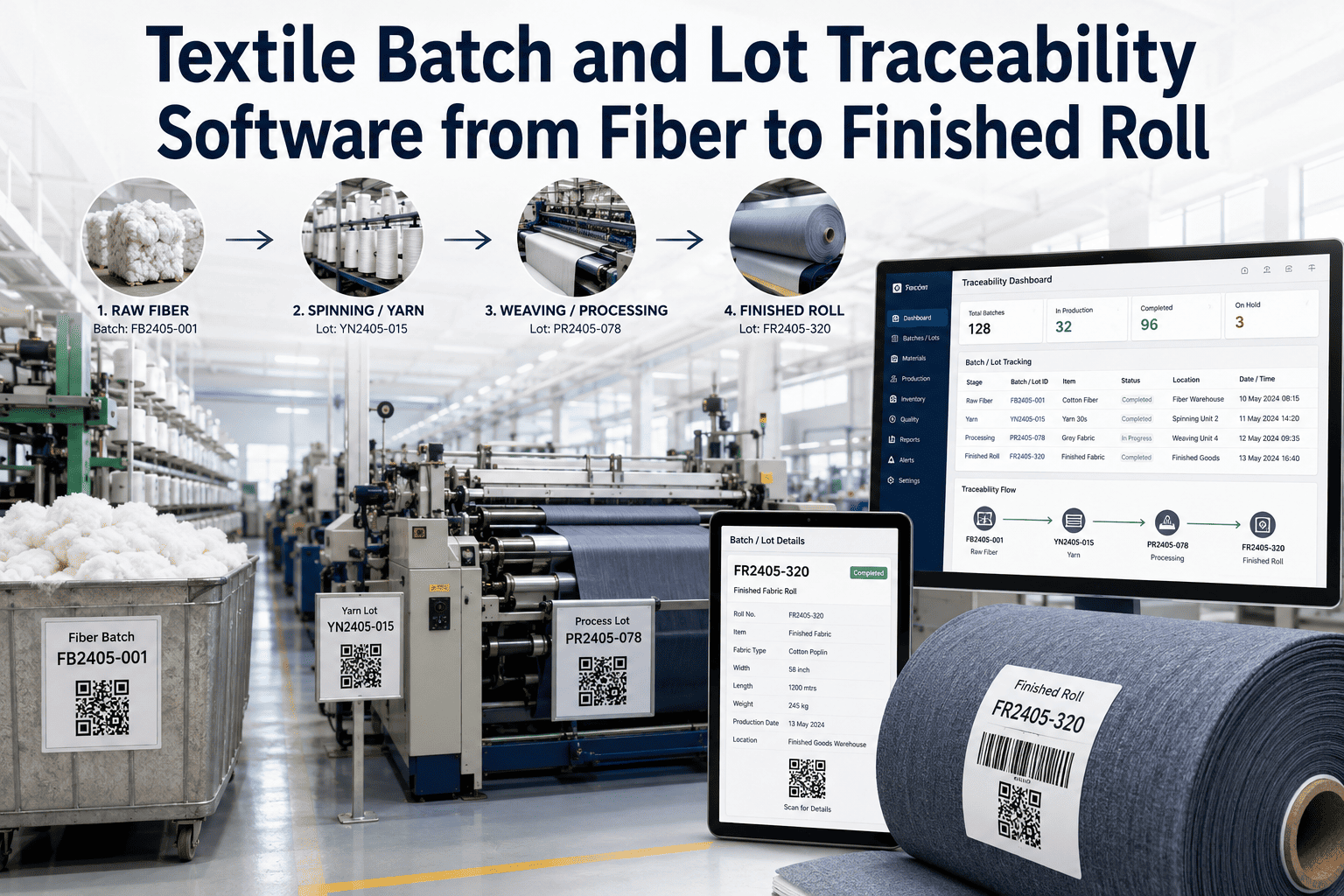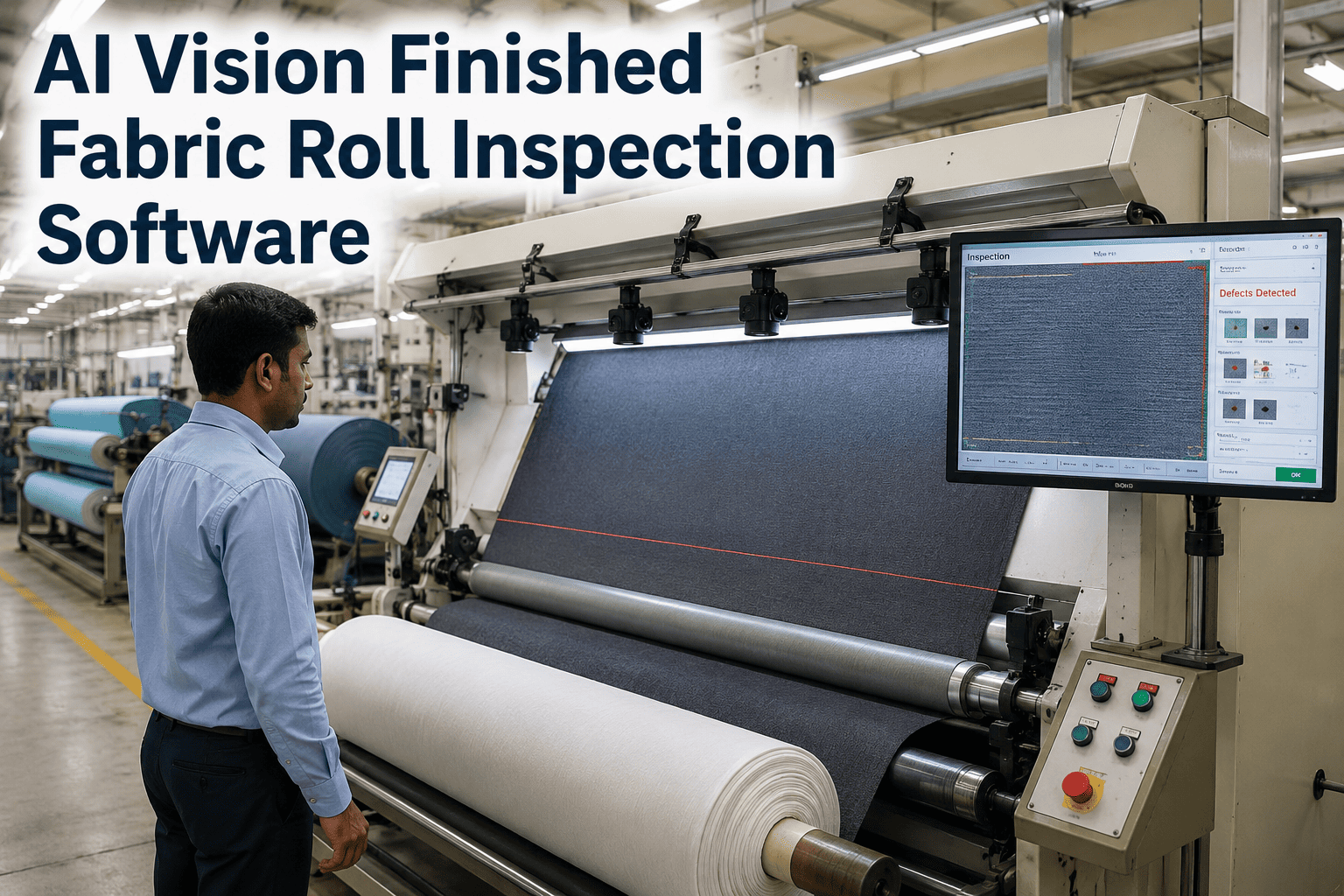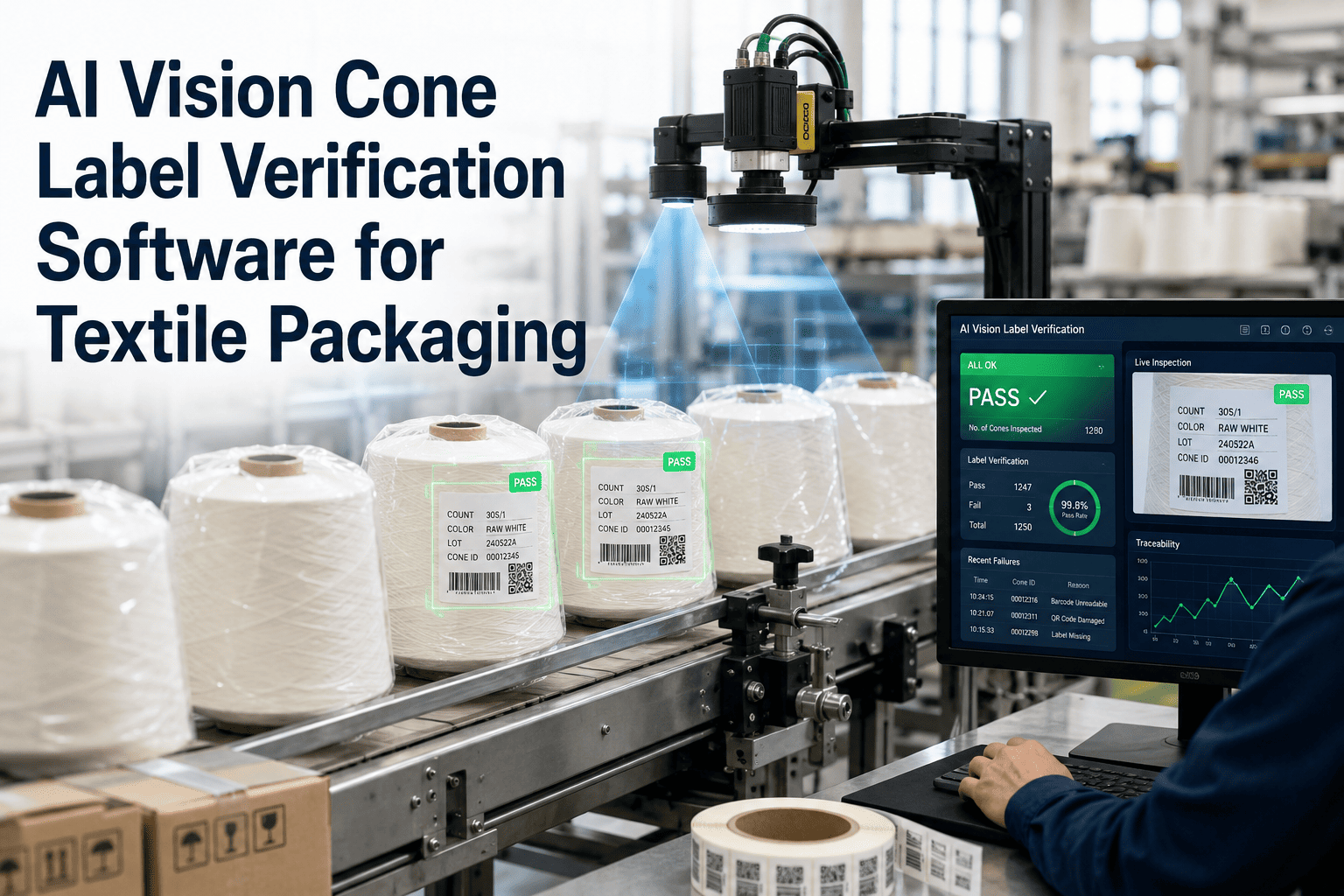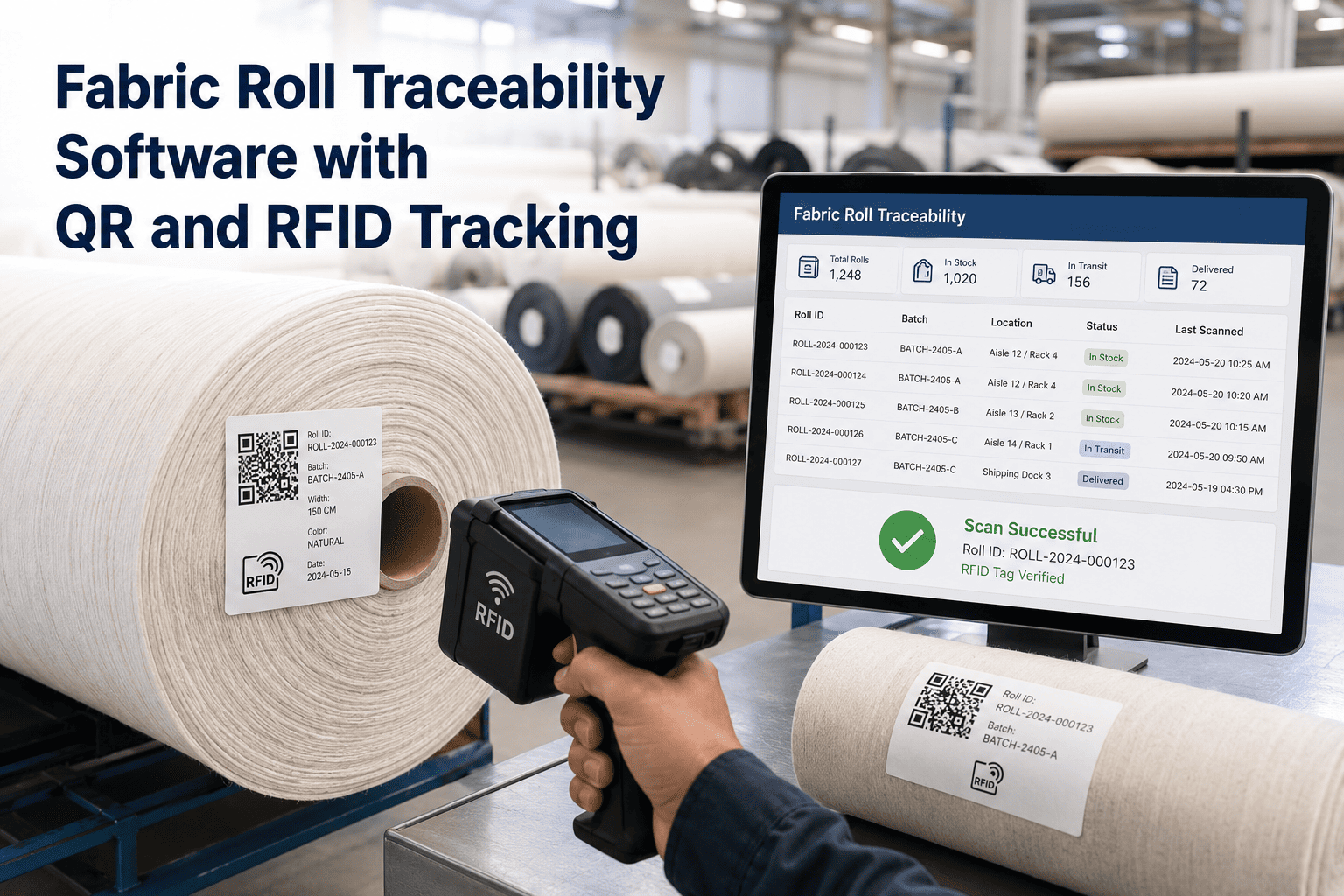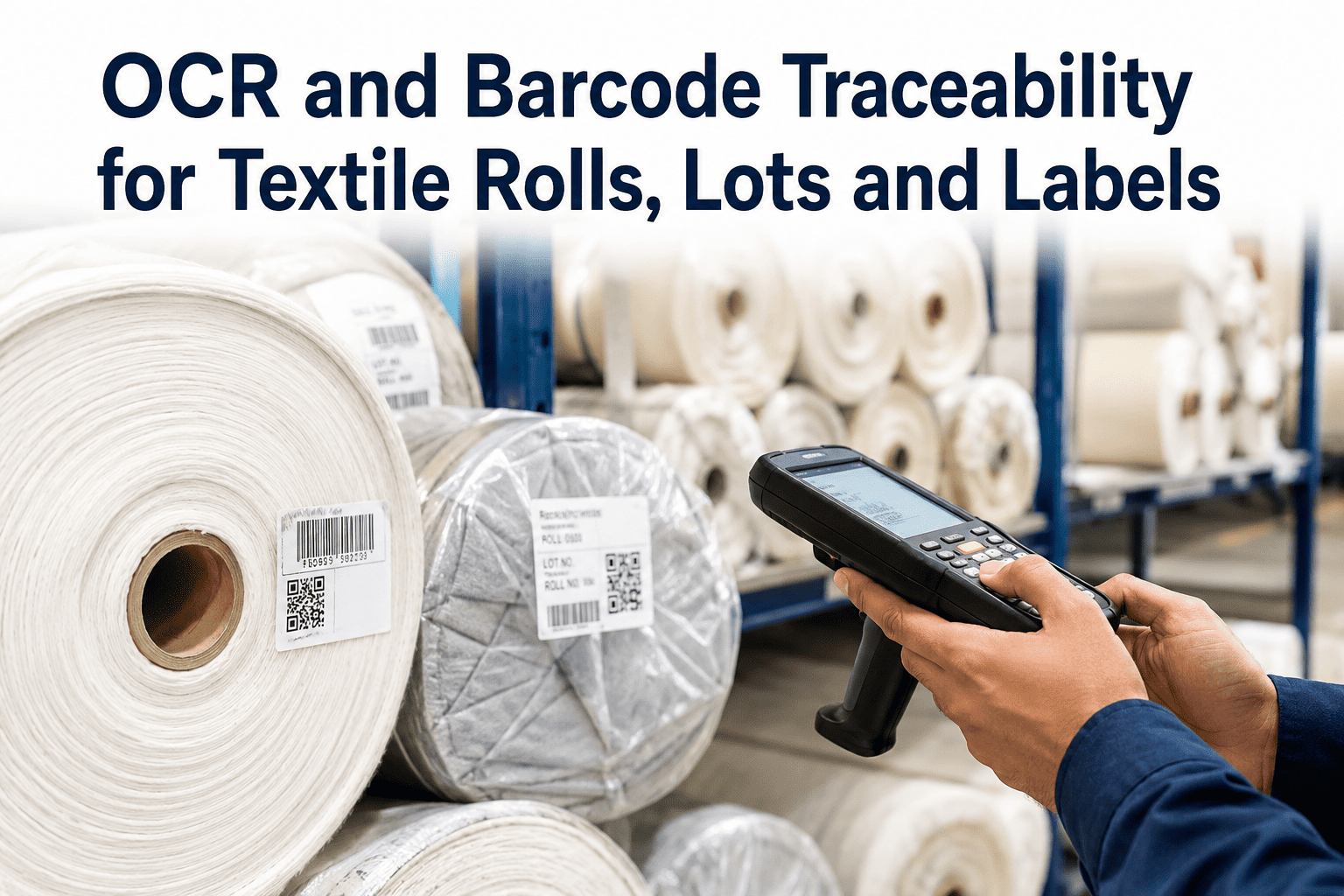
A customer complaint comes in about a dye lot mismatch on a fabric shipment, and the traceability chain that is supposed to answer "which machine, which lot, which shift" turns out to be a stack of handwritten roll tags and a spreadsheet that someone updates once a day if they remember. By the time the quality team reconstructs the lot history, the answer is a guess dressed up as a report. OCR and barcode capture solve this by reading every roll label, lot tag and printed identifier automatically as the roll moves through the mill, so the lineage exists the moment the roll is made rather than being rebuilt after a complaint arrives. Book a traceability assessment to see what your current lot history actually looks like once it is captured this way.
Every Roll Should Know Its Own History
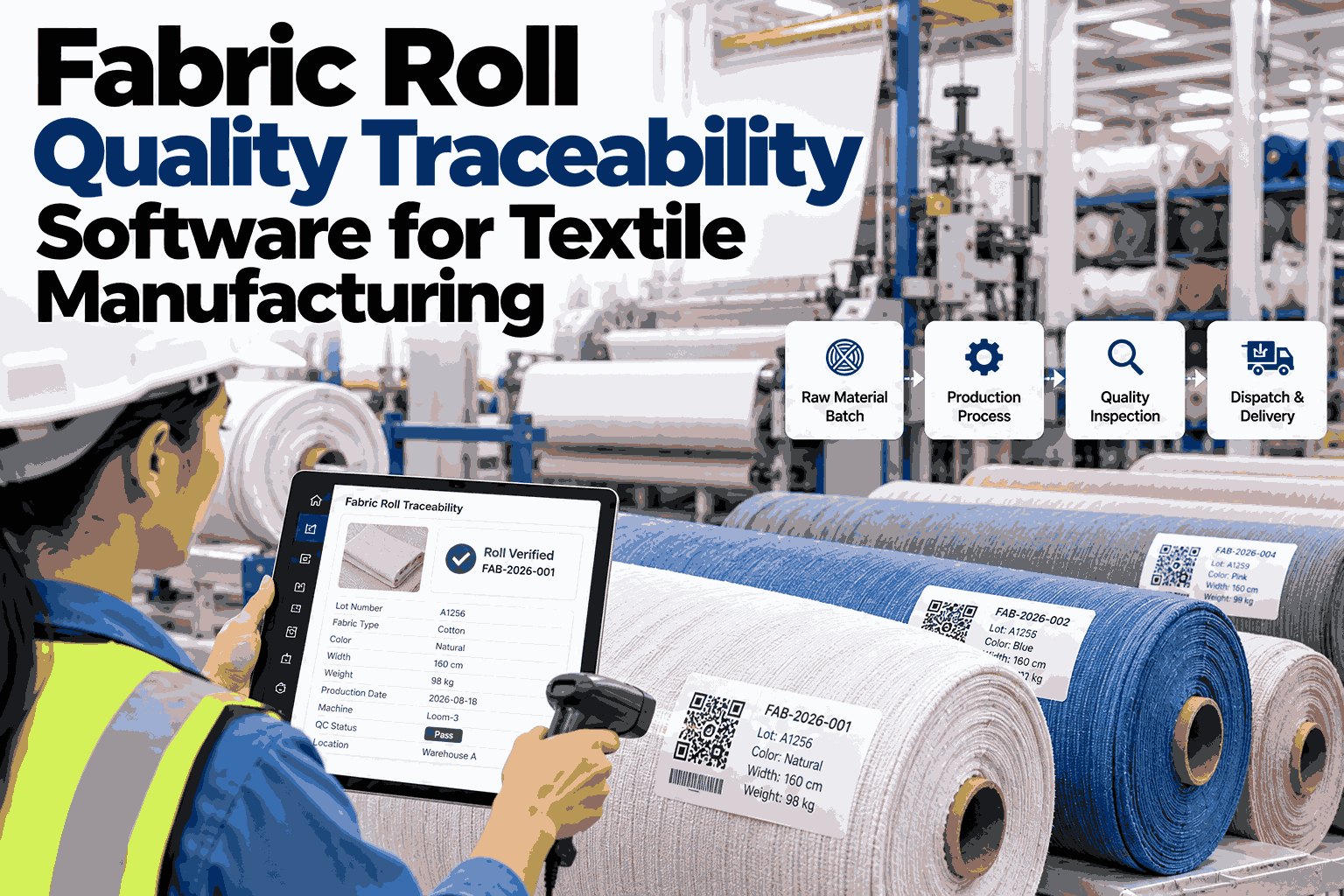
iFactory reads roll labels, lot barcodes and printed tags at each production and warehouse checkpoint, building a lineage record automatically instead of relying on manual logging that breaks down under shift pressure.
What Breaks When Traceability Is Manual
Manual lot tracking depends on someone writing the right number on the right tag at the right time, on every shift, on every machine. It works until it does not, and it usually fails exactly when it matters most: during a customer claim, a recall scope check, or an internal quality investigation.
Illegible Tags
Handwritten roll tags smudge, fade or get misread when transcribed into the ERP, breaking the link between physical roll and system record.
Delayed Logging
Operators log lot data at the end of a shift from memory, not in real time, leaving gaps that reconciliation cannot fully close.
Broken Genealogy
A roll that moves from dyeing to finishing to packing loses its lot link at each handoff unless someone re-enters the identifier manually.
Slow Claim Response
When a customer flags an issue, tracing it back to source machine and shift takes days of manual document review instead of minutes.
How Automated Capture Builds the Lineage
Cameras positioned at each checkpoint read printed and barcoded identifiers directly off the roll, tag or carton, no manual scanning step required, and write the result into a continuous lineage record.
Capture Layer
OCR reads printed lot numbers, roll IDs and production dates directly off labels, even on fabric with variable texture or partial print wear. Barcode and QR readers capture structured codes in the same pass, so mixed labeling formats across older and newer rolls are handled without separate workflows.
Linkage Layer
Each captured identifier is tied to the machine, shift and process parameters active at that checkpoint, then chained to the identifier captured at the next checkpoint. The result is a genealogy record that follows the roll from greige to finished good to shipment without manual re-entry at any step.
See Your Own Roll Labels Read Live
Bring a sample of your current roll tags and lot labels, printed or handwritten, and iFactory will show you what accurate capture looks like against your actual labeling formats.
Where OCR and Barcode Capture Apply Across the Mill
Dye Lot Tracking
Links each roll to the specific dye bath, recipe and lot so a shade complaint traces back to one bath, not the entire week's production.
Finishing Handoffs
Captures the lot identifier again at finishing and packing, keeping the chain intact across every internal transfer point.
Shipment Verification
Confirms the lot and quantity loaded onto a truck matches the packing list before dispatch, catching mix-ups before the customer does.
Claim Investigation
Pulls the complete lineage for a disputed roll in minutes, including machine, shift and process data, for faster claim resolution.
Manual Tag Logging vs Automated Capture
| Factor | Manual Logging | iFactory Automated Capture |
|---|---|---|
| Capture point | End of shift, from memory | Real time, at each checkpoint |
| Legibility risk | Handwriting fades or is misread | OCR reads printed and worn labels |
| Genealogy continuity | Breaks at every handoff | Chained automatically across stages |
| Claim response time | Days of document review | Minutes, lineage already exists |
Impact on Traceability Response Time
reduction in time to trace a disputed roll back to source lot and shift
OCR read accuracy on printed roll labels across tested facilities
manual re-entry steps required between production checkpoints
Frequently Asked Questions
Can OCR read handwritten roll tags, or only printed labels?
The OCR engine is optimized for printed labels, which is where most mills get the most immediate value, but it can also be configured to handle consistent handwritten formats such as standardized lot cards filled in with block numerals. Fully freeform handwriting has lower reliability, so most facilities transition to printed labels for the fields that matter most to traceability while keeping OCR as the automated capture layer for both formats during the changeover period.
What happens if a label is torn, faded or partially covered when the camera reads it?
The system flags low-confidence reads for a quick human review rather than silently recording a wrong or incomplete identifier. Over time, the model improves at reading degraded labels common to your specific printing and handling conditions. This fallback matters because a wrong automated read is worse than no read, so the confidence threshold is tuned during the pilot to match how your labels typically wear in production.
Does this replace our existing barcode scanners, or work alongside them?
It typically works alongside existing barcode infrastructure, reading barcodes and QR codes in the same camera pass as OCR text, so you are not maintaining two separate systems. Where a checkpoint currently relies on someone manually scanning a handheld reader, the camera-based capture removes that manual step entirely while still producing the same structured barcode data your systems already expect.
How does the captured data connect to our ERP or quality management system?
Captured identifiers and their linked lineage data are pushed through an API integration into your ERP or QMS on a schedule you configure. This means claim investigations, supplier chargebacks and internal audits can pull the same lineage record your quality team already knows how to work with, just populated automatically instead of manually. Talk to a specialist about your specific ERP integration needs.
How long does a traceability pilot take to show results on one production line?
Most single-line pilots are running within four to six weeks, covering camera installation at two or three key checkpoints, OCR model tuning against your actual label formats, and integration testing with your ERP or MES. Book a scoping call to get a timeline built around your specific process flow and checkpoint count.
Build the Lineage Before the Complaint Arrives, Not After
Traceability that only exists on paper is traceability that fails exactly when a customer needs it fastest. Automated OCR and barcode capture turns lot tracking from a reconstruction exercise into a live record that already exists the moment a roll leaves the machine. Mills that make this shift stop spending days chasing down a lot history and start answering claim questions in minutes, with data instead of guesswork behind every answer.