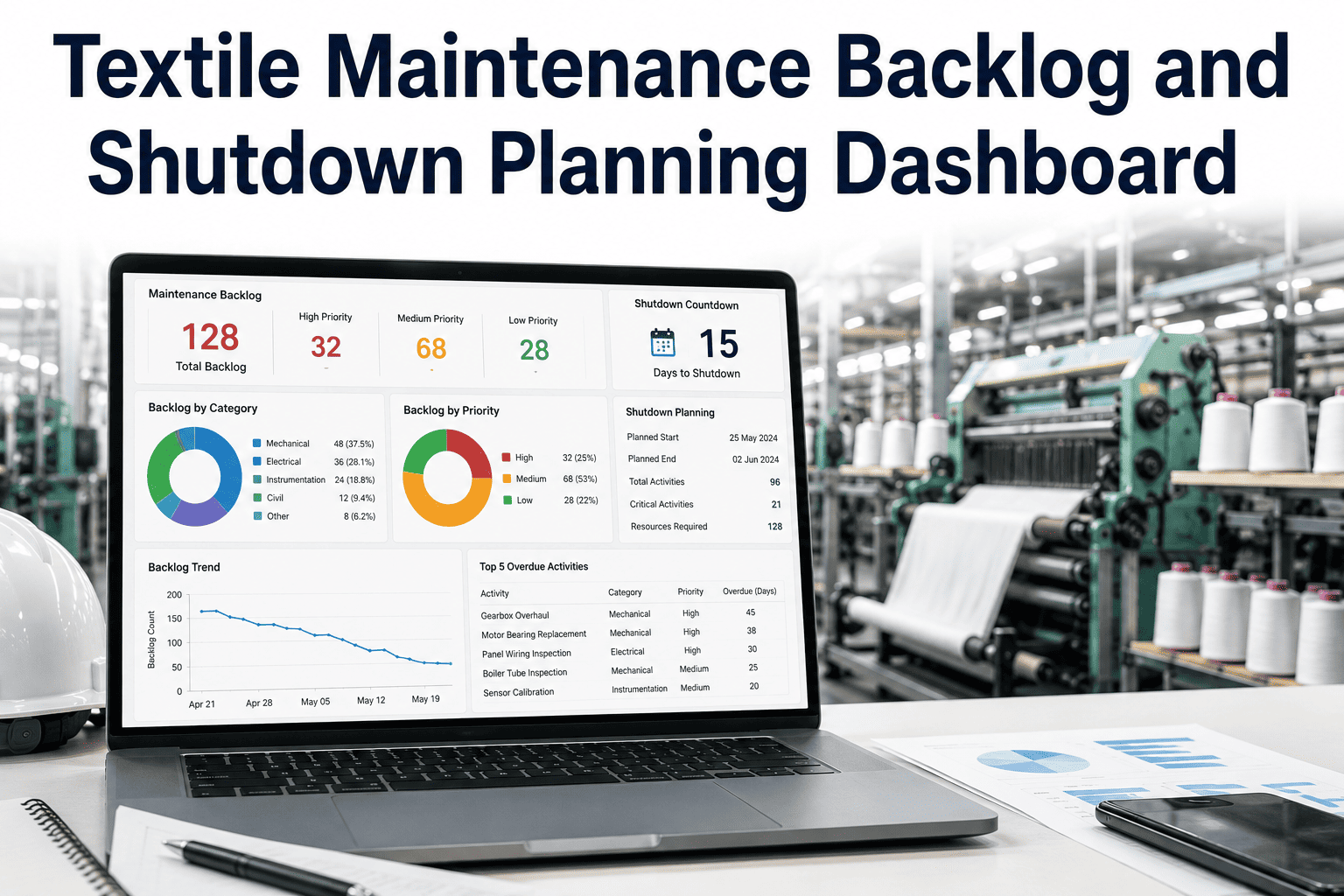
Every textile mill carries a maintenance backlog — the growing list of preventive tasks, minor repairs and equipment upgrades that never quite make it to the top of the priority list because production can't afford to stop. Left unmanaged, that backlog doesn't stay static: it compounds, turning deferred bearing replacements into full breakdowns and pushing what should have been a two-hour repair into a two-shift shutdown nobody planned for. A proper backlog and shutdown planning dashboard gives maintenance leaders the visibility to prioritize what actually matters, allocate labor and spares against real constraints, and schedule shutdown windows that production can plan around instead of resent. If your backlog list lives in a spreadsheet nobody trusts, Book a Demo to see how iFactory turns backlog chaos into a plan.
See Every Open Work Order Ranked by What It's Actually Costing You
Why Backlogs Grow Silently Until They Explode
Backlog growth is rarely dramatic — it happens one deferred work order at a time, each individually justified because production needed the machine running for one more shift, one more order, one more week. The problem is that maintenance backlog has a compounding cost curve: a bearing showing early wear signs is a routine replacement today, but left unaddressed for two months it becomes an unplanned breakdown that stops the machine entirely, often during the worst possible production window.
Without a dashboard that ranks backlog by actual risk and cost, maintenance teams default to addressing whatever is loudest — the machine currently down — rather than whatever is truly most urgent. A structured backlog view breaks that pattern by surfacing the deferred items quietly accumulating the highest downtime risk, before they force their way to the top of the list on their own terms.
Priority Isn't Just Urgency — It's Risk Times Impact
Critical
High failure risk, high production impact — scheduled within days, spares reserved automatically.
High
Rising failure risk or significant impact — scheduled into the next available maintenance window.
Medium
Moderate risk, limited impact — bundled into planned preventive or shutdown windows.
Low
Low risk, cosmetic or minor efficiency items — addressed opportunistically without disrupting production.
This risk-times-impact model is what separates a real prioritization dashboard from a simple sorted list. A work order sitting on a rarely used auxiliary machine and one sitting on a critical bottleneck spinning frame should never be prioritized the same way just because they were logged on the same day — and iFactory's dashboard weights every open item accordingly, automatically re-ranking as machine condition data updates. Maintenance leaders can Book a Demo to see their current backlog re-ranked against this model live.
Shutdown Planning: Turning a Necessary Evil Into a Competitive Advantage
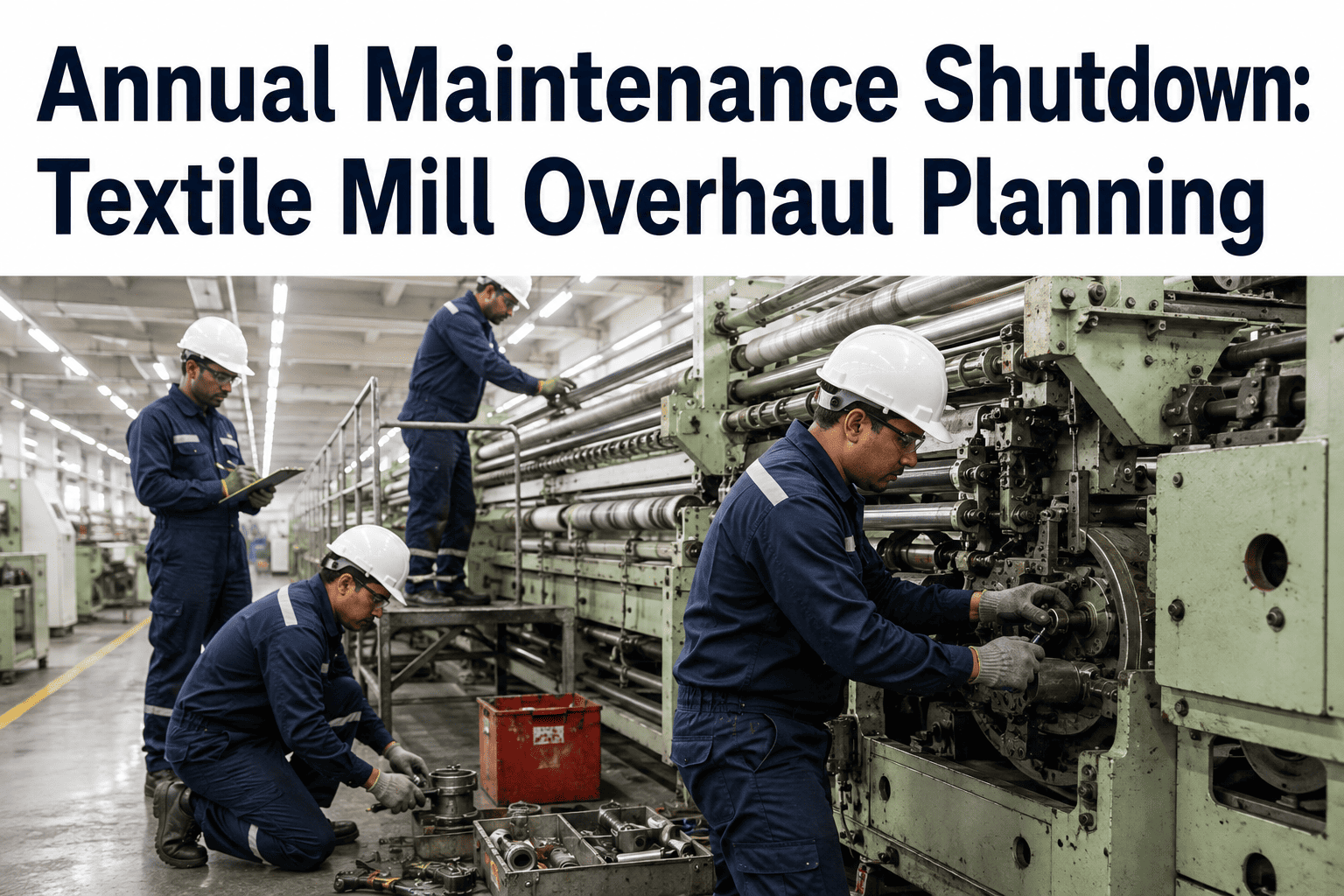
Planned shutdowns are unavoidable in a textile mill, but poorly planned ones cost far more than the shutdown itself — labor sits idle waiting on parts that weren't ordered in time, work bundled inefficiently means machines stay down longer than necessary, and production loses more capacity than the maintenance work actually required. A shutdown planning dashboard treats the shutdown window as a scarce resource to be optimized, not just a date on a calendar.
Scope Definition
Backlog items eligible for the window are pulled automatically based on priority score, machine grouping and required downtime.
Resource Allocation
Labor and spares are checked against the full scope before the window is confirmed, preventing a shutdown that starts short-staffed.
Sequence Optimization
Tasks are sequenced to minimize total downtime, grouping work by machine and department so crews aren't waiting on each other.
Execution Tracking
Real-time progress against the plan lets supervisors catch slippage early and adjust before it extends the shutdown window.
Plan Your Next Shutdown Window Before It Plans Itself
See how backlog scope, labor and spares come together into a single shutdown plan instead of a scramble the week before.
KPIs Every Maintenance Leader Should Track Weekly
| KPI | What It Tells You | Healthy Range |
|---|---|---|
| Backlog Age | How long critical items sit unaddressed on average | Under 7 days for critical items |
| Backlog Growth Rate | Whether new work orders are outpacing completion rate | Flat or declining month over month |
| Critical Item Ratio | Share of backlog classified as high downtime risk | Below 15% of total open items |
| Shutdown Schedule Adherence | How closely actual shutdown duration matches the plan | Within 10% of planned duration |
| Spares Readiness | Percentage of scheduled work with parts already on hand | Above 90% at window start |
Frequently Asked Questions
How is backlog priority calculated automatically?
Priority is calculated by combining failure risk data, production impact if the machine goes down, and how long the item has already been deferred, producing a single ranked score for every open work order. This removes the guesswork and politics from deciding what gets addressed next, and the score updates automatically as machine condition or production schedule changes.
Can we still manually override priority for specific situations?
Yes — supervisors can manually adjust priority for context the system may not fully capture, such as an upcoming order that makes a specific machine temporarily more critical. The automated score remains the default baseline, but final judgment always stays with your maintenance team.
How far in advance should a shutdown window be planned?
Most mills plan major shutdown windows four to six weeks in advance to allow sufficient time for spares procurement and labor scheduling, while minor windows can be planned with as little as one to two weeks' notice using the dashboard's automated scope and resource checks. Reach out through Support for guidance specific to your shutdown frequency.
Does the dashboard integrate with our existing CMMS work orders?
The backlog and shutdown dashboard runs on the same work order data already captured in your CMMS, so there is no duplicate data entry required and every backlog item reflects the live status of the underlying work order.
What happens if spares aren't available for a scheduled shutdown item?
The resource allocation check flags any shutdown-scoped item without confirmed spares availability before the window is finalized, giving planners the chance to either expedite procurement or defer that specific item to a later window rather than discovering the gap mid-shutdown. Book a Demo to see this check running against your current spares data.
Stop Letting Backlog Decide Your Shutdown Schedule for You
A maintenance backlog that grows unmanaged eventually forces your hand — an unplanned breakdown will always demand attention on its own timeline, at the worst possible moment for production. iFactory's backlog and shutdown planning dashboard puts you back in control, ranking risk honestly, checking resources before commitments are made, and turning shutdown windows into planned, efficient events instead of scrambles.
Bring Your Current Backlog List
We'll show you exactly how it re-ranks under a risk-and-impact model, and what your next shutdown window could look like.