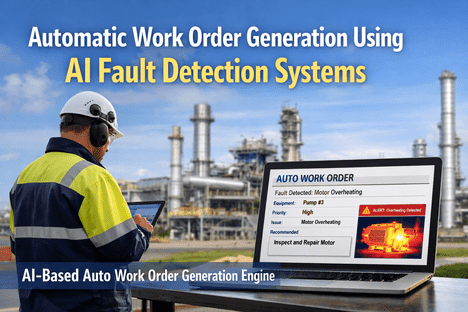
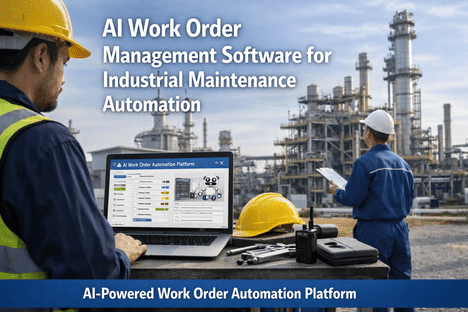
A packaging plant in Ontario ran two maintenance shifts covering 340 assets with 22 technicians. Every morning, the maintenance planner spent 2.5 hours manually sorting the work order backlog — scanning 30–50 open orders, checking who was available, guessing who had the right skills, and assigning work through a spreadsheet. The result: 42% of work orders were assigned to technicians who lacked the ideal certification for the task. 3.2 hours of average idle time per misassignment while the order waited to be reassigned. And the four most skilled technicians were chronically overloaded while junior techs waited for jobs. When the plant activated AI-based work order assignment, the morning ritual vanished. At shift start, every technician's phone displayed their optimised queue — ordered by priority, matched to their certifications, balanced against the rest of the team's workload, and pre-loaded with parts locations and repair procedures. The planner's 2.5-hour sorting session became a 10-minute review. First-time-fix rate climbed from 64% to 89%. Mean Time to Repair dropped 38%. And the planner finally had time to do what planners are supposed to do: plan.
iFactory AI Workforce Intelligence
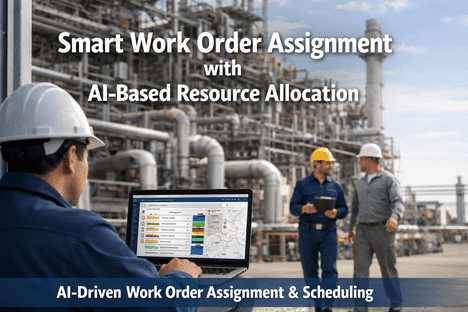
Smart Work Order Assignment with AI-Based Resource Allocation
How AI matches every work order to the right technician, at the right time, with the right parts — while balancing the entire team's workload in real time
18–25hrs
Per week wasted on manual work order assignment
3.2hrs
Average idle time per misassigned work order
28%
First-time-fix improvement with AI skill matching
73%
Of routine work orders dispatched without supervisor input
Why Manual Work Order Assignment Fails
Manual work order assignment is not just slow — it is structurally incapable of optimising across the variables that matter. A human planner juggling a spreadsheet cannot simultaneously evaluate technician certifications, current workload across two shifts, geographic proximity to the asset, parts availability in the storeroom, production schedule constraints, overtime implications, and asset criticality scoring — for 30–50 open work orders at once. The result is predictable: the wrong person gets the job, the right person is overloaded, parts are not ready, and repairs take longer than they should.
The Five Failure Modes of Manual Assignment
01
Skill Mismatch
Work orders assigned to whoever is available, not who is best qualified. A general mechanic gets an electrical fault. A junior tech gets a critical compressor. The result: rework, callbacks, and longer MTTR.
42% of manual assignments are skill-mismatched
02
Workload Imbalance
Top performers get overloaded because planners trust them. Junior technicians sit idle. Burnout on one side, underutilisation on the other. Neither outcome is efficient.
Top 20% of techs carry 60% of the workload
03
Priority Inversion
Without real-time criticality data, the loudest requester gets priority — not the most critical asset. A sticking door queues ahead of a failing air handler because someone escalated louder.
Priority set by persistence, not data
04
Parts Not Ready
The technician arrives to find the required part is out of stock or in the wrong location. The work order stalls. A second trip is scheduled. Wrench time drops, travel time climbs.
Average of 1.4 trips per WO without parts pre-staging
05
Invisible Overdue Work
Without automated tracking, overdue work orders accumulate silently. 34% of manual work orders exceed their target completion time with no escalation triggered — discovered only during audits.
34% of WOs overdue with zero escalation
How many of these failure modes are active in your plant right now? Get a free workforce allocation audit.
What AI Evaluates When Assigning a Work Order
AI does not assign work orders randomly or to the "next available" technician. It simultaneously evaluates every relevant variable in real time — a calculation that would take a human planner hours to perform for a single assignment, and that AI completes in milliseconds for every work order in the queue.
The AI Assignment Decision Matrix
Skill & Certification Match
Does the technician hold the certifications required for this specific fault type? Electrical, mechanical, hydraulic, HVAC, instrumentation — matched against the work order's classified failure mode.
Asset Criticality & Priority Score
How critical is this asset to production? A P1 work order on a bottleneck machine outranks a P4 task on a non-critical utility — regardless of which was logged first.
Current Workload & Backlog
How many hours of work are already assigned to each technician this shift? AI balances the load — preventing overwork on veterans and underutilisation of junior team members.
Shift Schedule & Availability
Who is on shift? Who starts next? Can the repair wait for the right person on the next shift, or does urgency require immediate dispatch from the current roster?
Proximity & Travel Time
Where is the technician physically located relative to the asset? In multi-building or campus facilities, travel time between assignments becomes a significant efficiency factor.
Parts Availability
Are the required parts in stock? If yes, which storeroom? If no, should the work order queue behind parts procurement, or can it proceed with available alternatives?
Historical Performance
How has each technician performed on similar tasks previously? Completion time, first-time-fix rate, and quality scores on comparable work orders inform better matching over time.
Production Schedule Constraints
Is the asset currently in production? Can the repair be scheduled during a planned changeover or break? AI coordinates with the production schedule to minimise disruption.
The Measurable Impact of AI Assignment
When every work order is matched to the right technician with the right skills at the right time, the impact cascades across every maintenance KPI. Here is what documented deployments show.
Administrative Time
40–60% reduction in scheduling overhead
First-Time Fix Rate
28% improvement with AI skill matching
Mean Time to Repair
40–50% reduction — techs arrive prepared
Emergency Repairs
35% fewer emergencies via predictive task gen
Technician Utilisation
25–35% more productive work per tech
Workforce Efficiency
Equivalent of 2.5 FTEs saved per 15 technicians
How Smart Assignment Works in Practice
Here is the end-to-end flow from the moment a work order enters the system to the moment the technician's phone buzzes with their optimised assignment.
1
Work Order Enters the System
Auto-generated from sensor alerts, scheduled PM triggers, manual requests, or inspection findings. Every entry is classified with asset ID, fault type, and priority score within 2 seconds.
2
AI Evaluates the Full Decision Matrix
All eight variables — skills, criticality, workload, shift, proximity, parts, history, production — are scored simultaneously. The algorithm identifies the optimal technician and optimal timing in milliseconds.
3
Dynamic Schedule Optimisation
The new work order is inserted into the selected technician's queue at the optimal position — considering their existing backlog, travel sequence, and parts readiness. Other assignments adjust dynamically.
4
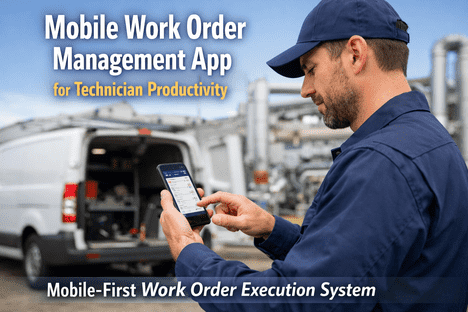
Technician Receives Mobile Notification
Push notification with complete work order — repair procedure, parts list with bin location, asset history, safety requirements, and estimated duration. The technician arrives prepared, not investigating.
5
Continuous Rebalancing
As conditions change — emergency work orders, technician callouts, delayed parts — AI recalculates the entire schedule in seconds. The team adapts without supervisor intervention. Escalation triggers automatically for overdue work.
Want to see AI assignment running on your own work order data? Talk to our scheduling specialists.
Frequently Asked Questions
Does AI assignment replace the maintenance planner?
No. AI eliminates the low-value, repetitive sorting and dispatching tasks that consume 18–25 hours per week. The planner shifts from manually shuffling work orders to reviewing AI recommendations, handling exceptions, and focusing on strategic improvement. In 73% of routine cases, no supervisor input is needed. The planner's role becomes more valuable, not less.
How does AI handle emergency work orders that disrupt the schedule?
When an emergency work order arrives, AI instantly recalculates the entire schedule — pulling the best-qualified available technician from their current queue, rescheduling their displaced tasks across other team members, and re-optimising the full team's day in seconds. The planner is notified of the change but does not need to manually rearrange anything.
What data does the system need to start making assignments?
At minimum: technician profiles (skills, certifications, shift schedules) and asset registry (location, criticality, equipment type). Most CMMS platforms already have this data. AI begins optimising immediately and improves over time as it learns from completed work orders, actual repair times, and first-time-fix outcomes.
Can technicians override or swap their AI-assigned work orders?
Yes. AI assignments are recommendations, not mandates. Technicians and supervisors can override, swap, or reassign any work order. The AI learns from these overrides — if a supervisor consistently reassigns a certain fault type to a different technician, the model adapts to reflect that preference in future assignments.
How does AI build skills for junior technicians?
AI balances skill utilisation to prevent over-reliance on top performers while building junior technician capabilities through appropriate task assignment. Lower-complexity work orders are deliberately routed to developing technicians, with escalation paths to senior team members if needed. This structured skill-building replaces the informal "shadow a senior tech" model with data-driven development.
Ready to Stop Sorting and Start Optimising?
Your Planner Spends Hours Assigning Work Orders. AI Does It in Milliseconds.
iFactory's AI assignment engine evaluates every technician, every skill, every schedule, and every priority simultaneously — delivering optimised work queues to your team's phones before the shift starts.
2.5
FTEs saved per 15 techs