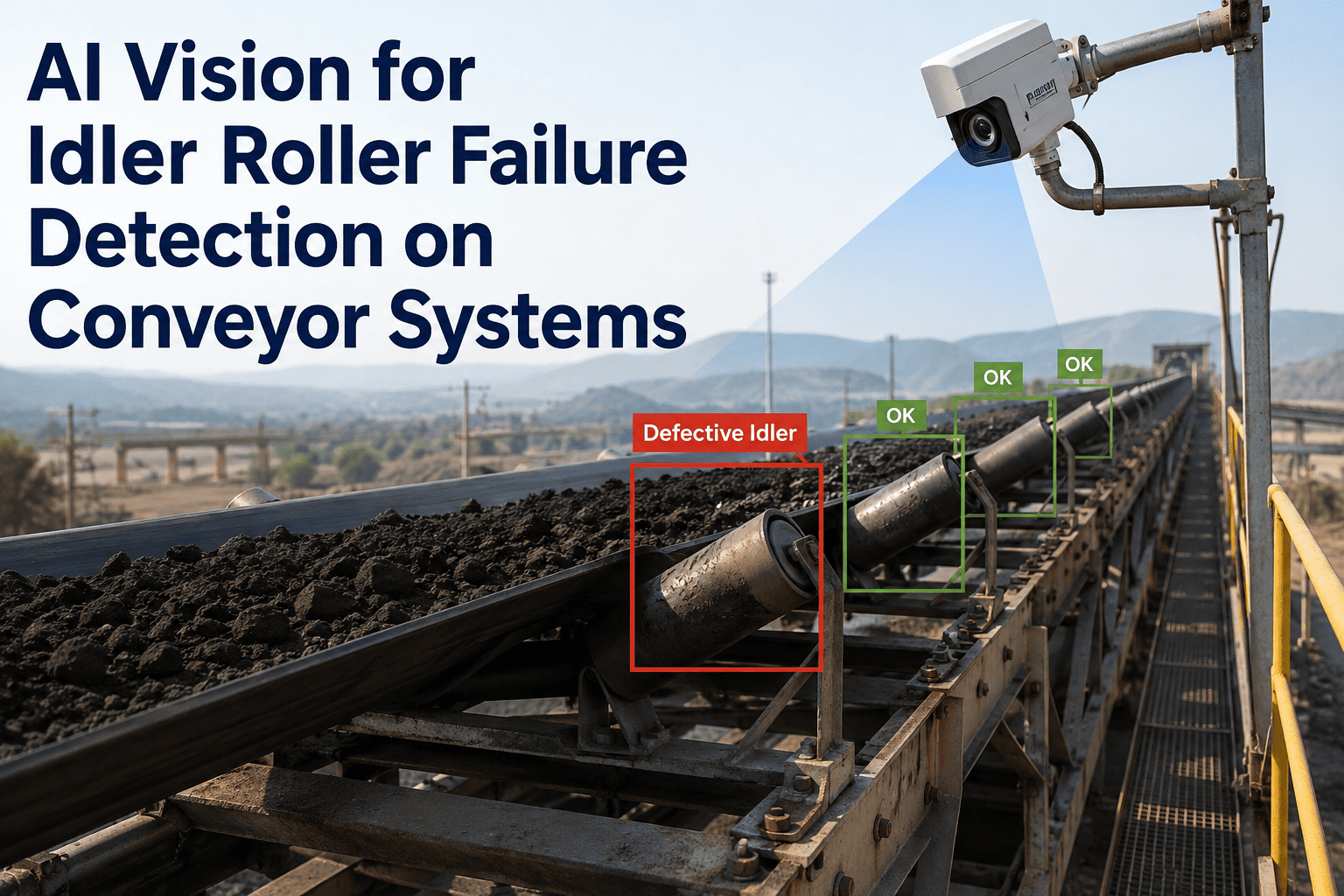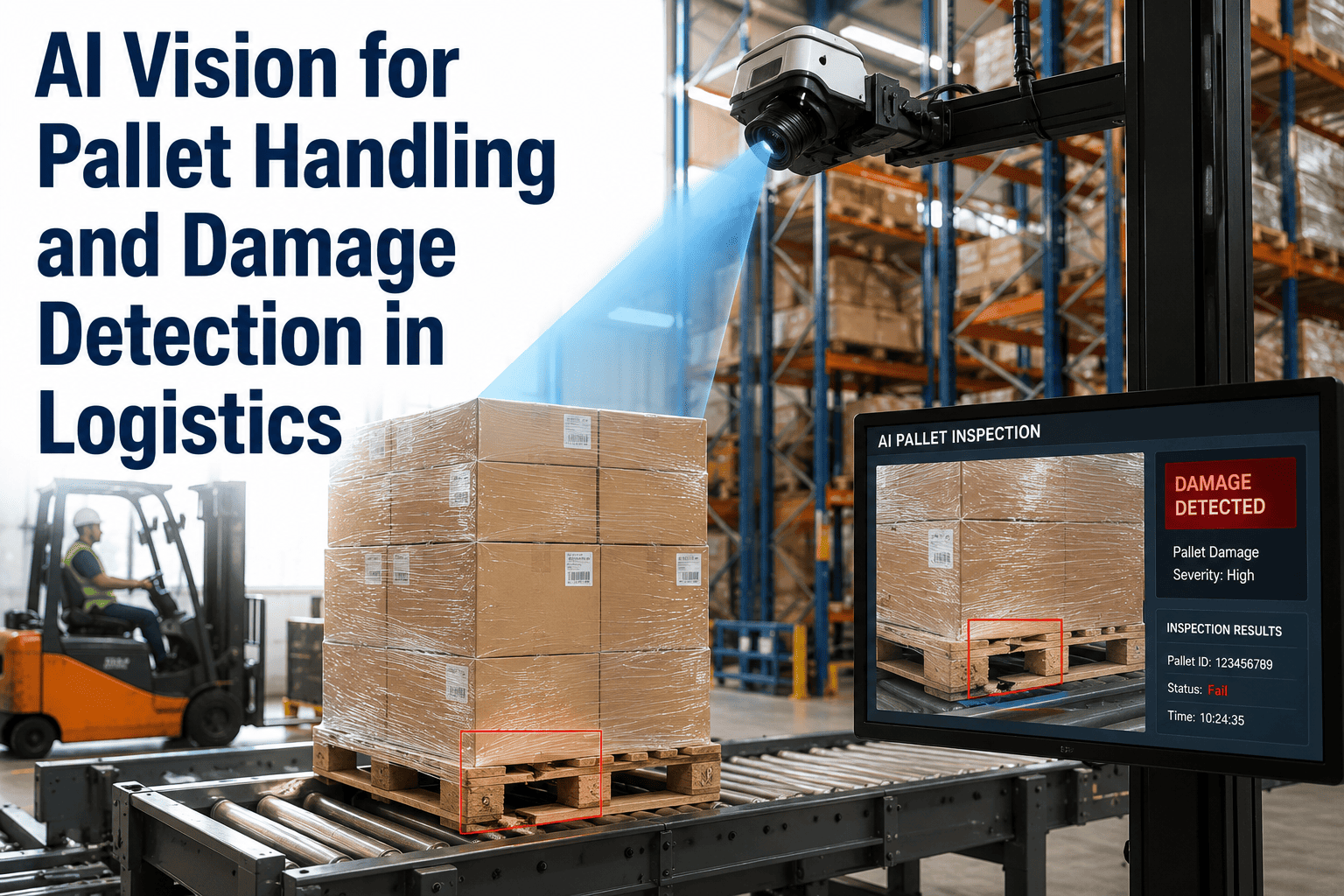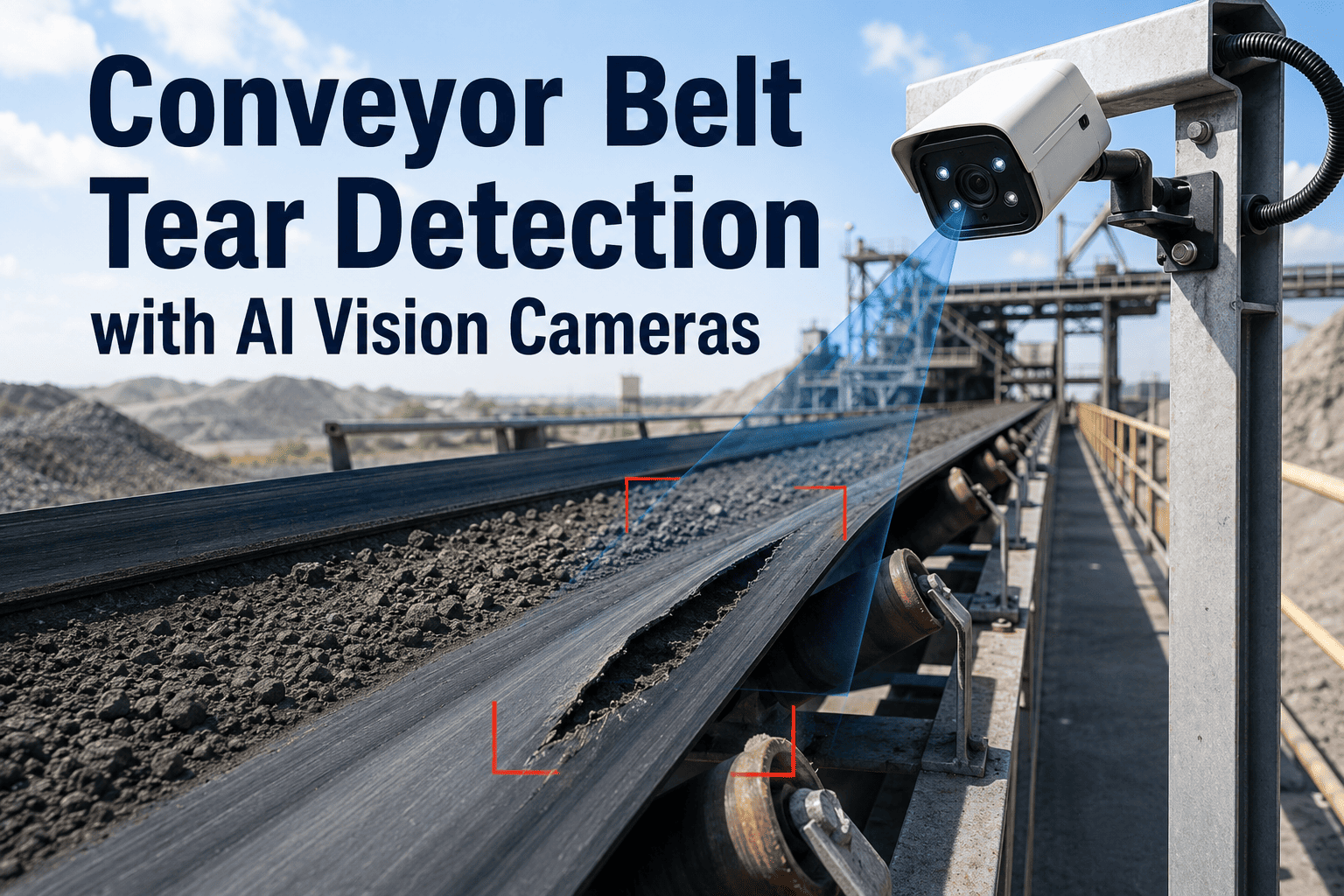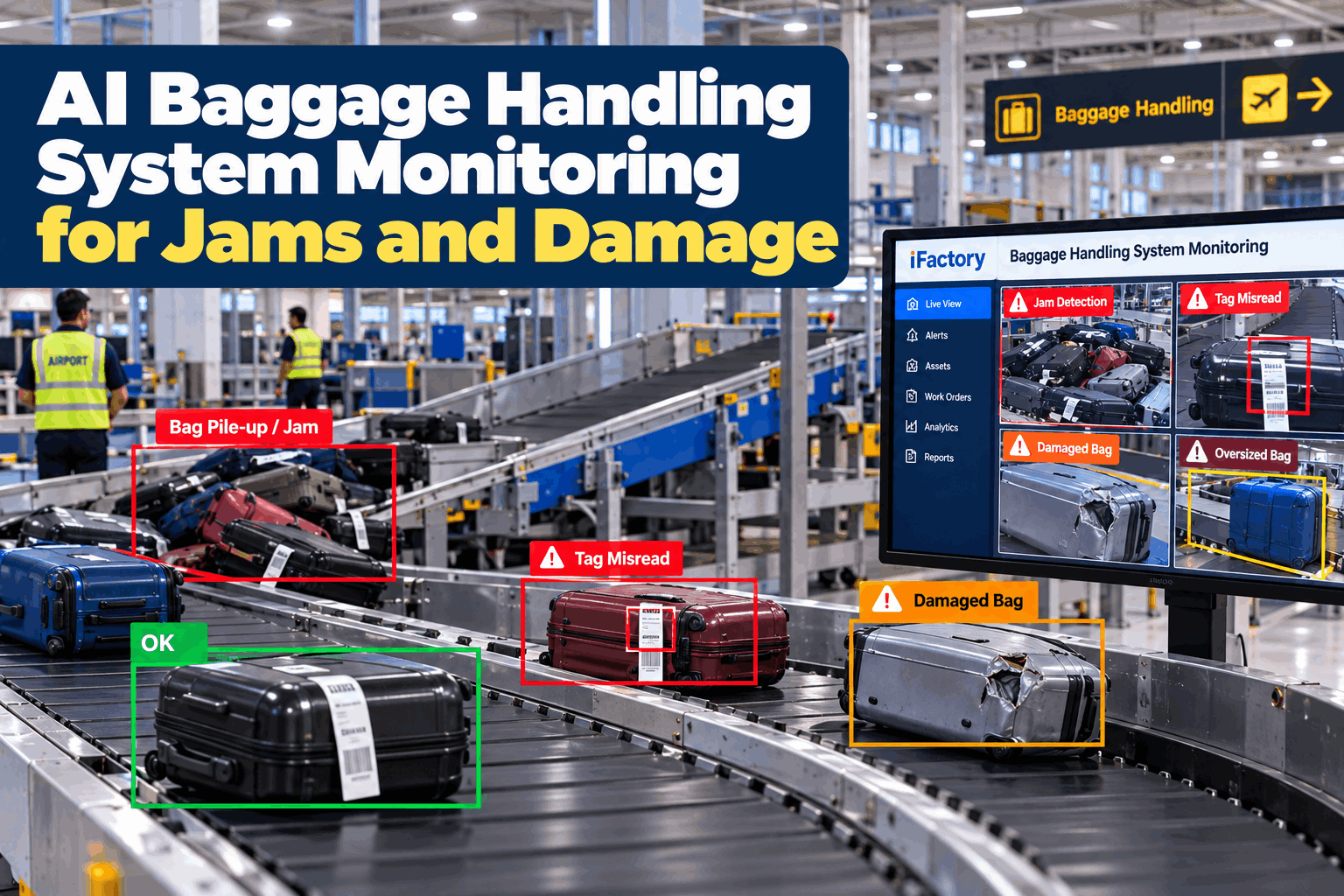
A baggage handling system rarely fails all at once. A bag leans on a divert plate, a tag faces the belt, a pile builds at a make-up chute, and ten minutes later a whole sorter loop is slowing down. Control systems tell you a photo-eye was blocked. They do not show you the bag. Baggage handling system monitoring with AI vision adds the missing view, using cameras the terminal already has, and turns what it sees into an alert and a work order. Operations teams can see it on their own conveyors in a BHS monitoring demo.
AI Baggage Handling System Monitoring for Jams and Damage
Detect jams, bag pile-ups, tag misreads and damaged bags on airport BHS conveyors with AI vision. Every event arrives with a clip, a location and a work order, on a turnkey on-prem server.
- Jams and pile-ups flagged while they are still small
- Damage evidence with a clip and a timestamp
- Each event can open a CMMS work order
Why BHS Problems Cost More Than They Look
The first minutes of a fault decide how far it spreads.
Most baggage losses start as a small, local event on a conveyor. By the time a controller sees a stopped section, bags are already queuing upstream and flights are closer to departure. Early sight of the event, with the bag in view, gives the team a chance to act while the loop is still moving. Our airport operations specialists can map where early warning matters most in your terminal.
Jams cascade
One stalled bag backs up the line behind it.
Silent misreads
Tags that fail to scan send bags to manual coding.
Damage disputes
No footage means no answer on where it happened.
Late reaction
Photo-eyes show a block, not the cause.
What AI Vision Detects on the Conveyor
Each detection has a trigger, a picture and a next step.
The table below shows what the cameras look for and what happens after. The vision layer works beside your BHS control and scanning systems and does not replace them. It adds the visual evidence they cannot give. Scope the detections for your layout in a working session.
IATA Resolution 753 asks airlines to track bags at key hand-over points. Camera events do not replace those scans. They explain why a bag was missed or delayed between them, which helps the investigation after the fact.
From Detection to Work Order
An alert only helps if someone owns the next step.
Every detection follows the same path. The system flags the event, a person confirms it, and a work order goes to the right technician with the clip attached. The fix is then closed against the same record, so the next shift can see what was done. Plan the workflow with our implementation team.
Detect
Camera flags a stalled or damaged bag.
Verify
Controller views the clip and confirms.
Create
Work order opens for the section.
Dispatch
Technician receives location and clip.
Close
Fix is logged and trends are updated.
See Your Own Conveyors Through the Model
Bring a layout and a list of problem areas, and leave with a camera plan for the detections that matter most.
Ask the System What Happened
Questions about the line get answers with evidence.
Duty managers and maintenance leads can ask plain questions about events and get the clip, the place and the time. That shortens investigations and keeps conversations with airlines and ground handlers factual. See it on your own events in a live walk-through.
Where the Cameras Matter Most
A few well-placed views cover most of the risk.
You rarely need every metre of belt. Start with the points where bags change direction, join other streams or stop, and add views as the data shows where events cluster. Camera positions come out of a short site survey with our vision team.
Merges and diverts
Where streams join and jams start.
Make-up chutes
Where bags pile up before loading.
Reader tunnels
Where tag faces fail to scan.
Oversize infeed
Where odd items enter the system.
What Is in Scope and What You Add
Plan the whole project, not just the server.
The turnkey package covers the system from server to training. A few items sit with the terminal team, and agreeing them early keeps the schedule steady. Your quote lists every item, and you can request one through our quote team.
Included in the turnkey scope
- NVIDIA AI server, installed and networked
- Vision models for jams, pile-ups, tags and damage
- Camera links and CMMS work order integration
- Training and 24×7 remote monitoring
Worth arranging on your side
- Access to conveyors and cameras for the survey
- Lighting or camera upgrades where views are poor
- Airside security approvals for installers
- Controllers and technicians for review sessions
How iFactory Monitors Your Baggage System
Vision, alerts and work orders from one server.
iFactory reads the camera streams on a server inside your network, flags the events above and sends each one to the people who act on it. Work orders flow into your CMMS with the clip attached. Questions about fit go to our solutions team.
Anomaly detection
Jams, pile-ups, misreads and damage.
Work orders
Opened from the event with the clip attached.
Fast alerts
Sent to the control room as events happen.
Trend views
Events by section, shift and cause.
Evidence library
Clips kept for damage and handler reviews.
On-prem
Video stays inside the airport network.
The figures, timelines and exchanges on this page are illustrative. Detection accuracy and results depend on camera views, lighting, bag mix and layout, and we measure them on your system during the pilot.
Turnkey AI: Delivered, Connected and Live in 6–12 Weeks
You do not build this. It arrives ready.
iFactory ships as a pre-configured NVIDIA AI server with the software pre-loaded, racked and ready. Rack it, plug in power and Ethernet, and the AI is live on your network. Our team handles cabling, network setup, camera links, CMMS integration, operator training and 24×7 remote monitoring. Video stays on your network. For an implementation guide and a quote matched to your terminal, request a turnkey quote.
Ship, network and survey
Server installed. Cameras linked and key conveyor points surveyed.
Setup and pilot
Detections tuned on your bags. Live pilot runs on selected sections.
Go-live and review
Roll-out across the system. Teams trained. Results reviewed against baseline.
Frequently Asked Questions
How does AI baggage handling system monitoring work?
Cameras on key conveyor points feed an on-site AI server that looks for stalled bags, pile-ups, unreadable tags and damage. Each event is sent to the control room with a clip and can open a work order.
Can it detect BHS jams before the line stops?
It flags a bag that stalls, tilts or wedges at a merge or divert, which is often the start of a stop. Early sight gives the team time to act, though results depend on camera views and layout.
How does it help reduce mishandled baggage?
It shows where bags jam, miss a scan or get damaged, so repeat causes can be fixed at the source. It supports your existing tracking and does not replace scans.
Does it relate to IATA Resolution 753?
Resolution 753 concerns baggage tracking at key points. Vision events add context between those points, which helps explain a missed scan or a delay during an investigation.
Can the footage be used for damage claims?
Each damage event is saved with a clip, a location and a time. How the footage is used with airlines or handlers follows your own policies and agreements.
Do we need new cameras?
Often not. Existing CCTV can be used where the view, angle and lighting are good enough. A site survey shows where a camera must be added or moved.
Does it connect to our CMMS?
Yes. Events can open work orders with the clip attached, and the fix is closed against the same record. Integration scope is confirmed during scoping.
What does it cost?
Cost depends on the number of cameras, sections and integrations, so we issue a turnkey quote after a short scoping call. The pilot then tests the results on your own system.
How do we start?
Start with a short session on your layout and problem areas. A 6-week pilot then links cameras on selected sections and measures events against your baseline. To plan it, contact our team.
Give Your Control Room a View of the Bag
In thirty minutes we walk through your layout and problem areas and show where AI vision would help first. You keep the plan either way.
- 1A layout of the BHS sections
- 2Your most frequent jam locations
- 3Mishandled bag and damage records
- 4Current camera coverage list
- 5Your CMMS and control system names