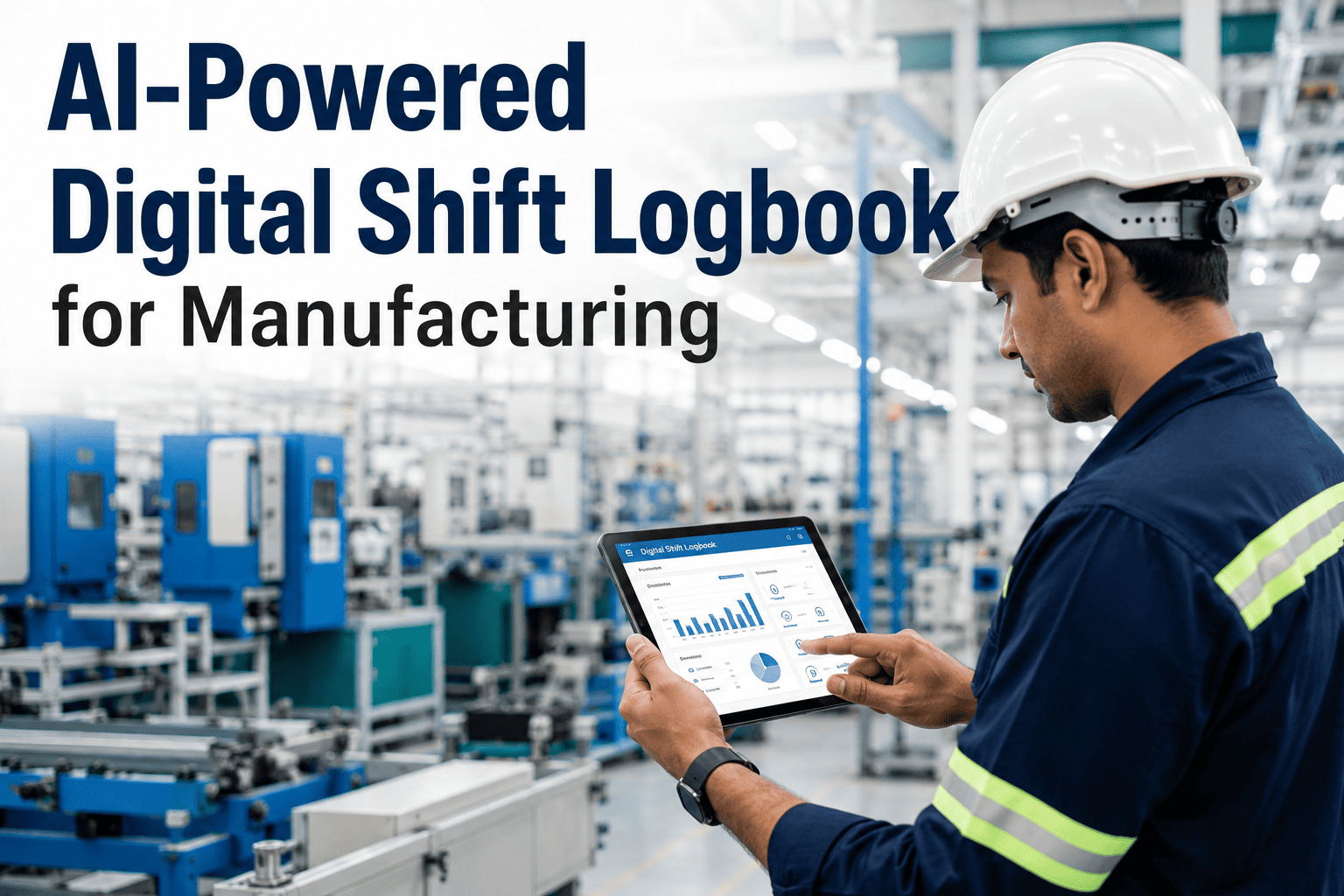
Ask any second-shift supervisor how much of the previous shift's context actually made it into their hands, and the honest answer is usually "whatever fit on the handwritten note by the coffee machine." Paper logbooks and half-filled spreadsheets are still the default handover method in a huge share of manufacturing plants, which means the knowledge of what happened, what almost happened, and what to watch for lives in someone's memory rather than in a searchable record. A digital shift logbook built around AI does not just move the paper online — it summarizes the shift automatically, tags recurring issues, and makes sure nothing gets lost between the outgoing and incoming crews. Learn more about how this connects to your floor at iFactory's shift management page.
The Handover That Used To Take 20 Minutes And A Legible Handwriting Now Takes One Tap
AI-powered digital shift logbook that replaces paper handovers with automated shift reports, structured issue tracking, and searchable knowledge transfer between production teams.
What Actually Gets Lost In a Paper Handover
A paper logbook entry is written under time pressure, at the end of a physically demanding shift, by someone whose main goal is clocking out on time. It captures the big events — a line stoppage, a safety incident, a quality hold — but it rarely captures the smaller context that turns out to matter later: the machine that sounded slightly off but kept running, the operator who mentioned a supplier's parts felt inconsistent, the near-miss nobody formally reported. That informal knowledge either gets passed verbally in a rushed handover conversation or does not get passed at all.
The cost shows up weeks later, when the same recurring issue resurfaces and nobody can trace it back to the first time it was noticed, because it was never written down in a place anyone would think to search. A digital, structured logbook changes the default from "write it down if you remember and have time" to "the system prompts for it and keeps it searchable forever."
- Handwriting quality determines whether the next shift can even read the note
- Issues are described inconsistently, making patterns impossible to spot
- Historical entries live in a drawer, not a searchable system
- Supervisors only see problems when someone walks over and tells them
- Structured entry forms guarantee every handover captures the same core fields
- AI auto-tags issues by category so recurring patterns surface automatically
- Every past entry is instantly searchable by line, shift, date, or keyword
- Supervisors get a live summary the moment a shift closes, no walk-over needed
A Shift, From Clock-In to Handover
The clearest way to see the difference is to walk through how a single shift's information flows through the system, from the first entry at clock-in to the automated summary waiting for the next crew.
Want to see a real shift summary generated from sample data? Book a demo and we'll walk you through it.
What Gets Automatically Tracked and Tagged
Not every entry needs the same level of structure, so the logbook is organized around categories that reflect how supervisors and reliability teams actually think about a shift. Each category feeds a different downstream report, which is part of why the data stays useful long after the shift ends rather than sitting unread in a binder.
Why This Matters More Than It Seems
A shift logbook feels like a small operational detail until you calculate how much institutional knowledge a plant loses every time an experienced operator retires or transfers. That knowledge, if it only ever lived in memory and verbal handovers, leaves with the person. A structured, searchable digital record turns tribal knowledge into a plant asset that survives staff turnover, which becomes especially valuable in a labor market where experienced manufacturing talent is difficult to replace quickly.
Fits Around Shifts You Already Run
Whether a plant runs three straight eight-hour shifts, a rotating twelve-hour pattern, or a weekend crew that only comes in occasionally, the logbook structure adapts to the handover pattern rather than forcing a standard schedule onto the operation. Entries are timestamped and attributed automatically, and the summary generated at the end of any shift reflects exactly the handover window that applies to your specific schedule, whether that is eight hours, twelve hours, or a partial weekend shift.
| Shift Pattern | Handover Frequency | Typical Entry Volume | Summary Delivered To |
|---|---|---|---|
| 3-shift, 8-hour rotation | Every 8 hours | 15-30 entries per shift | Incoming supervisor, plant manager |
| 2-shift, 12-hour rotation | Every 12 hours | 25-45 entries per shift | Incoming supervisor, reliability lead |
| Single day shift + weekend crew | Daily, plus weekend summary | 10-20 entries per shift | Plant manager, Monday opening crew |
| Continuous 24/7 operation | Every shift change | 30-50 entries per shift | All shift supervisors, quality lead |
Frequently Asked Questions
Stop Losing Shift Knowledge To Handwriting And Memory
See how a real handover summary looks, generated from your own shift structure and issue categories.