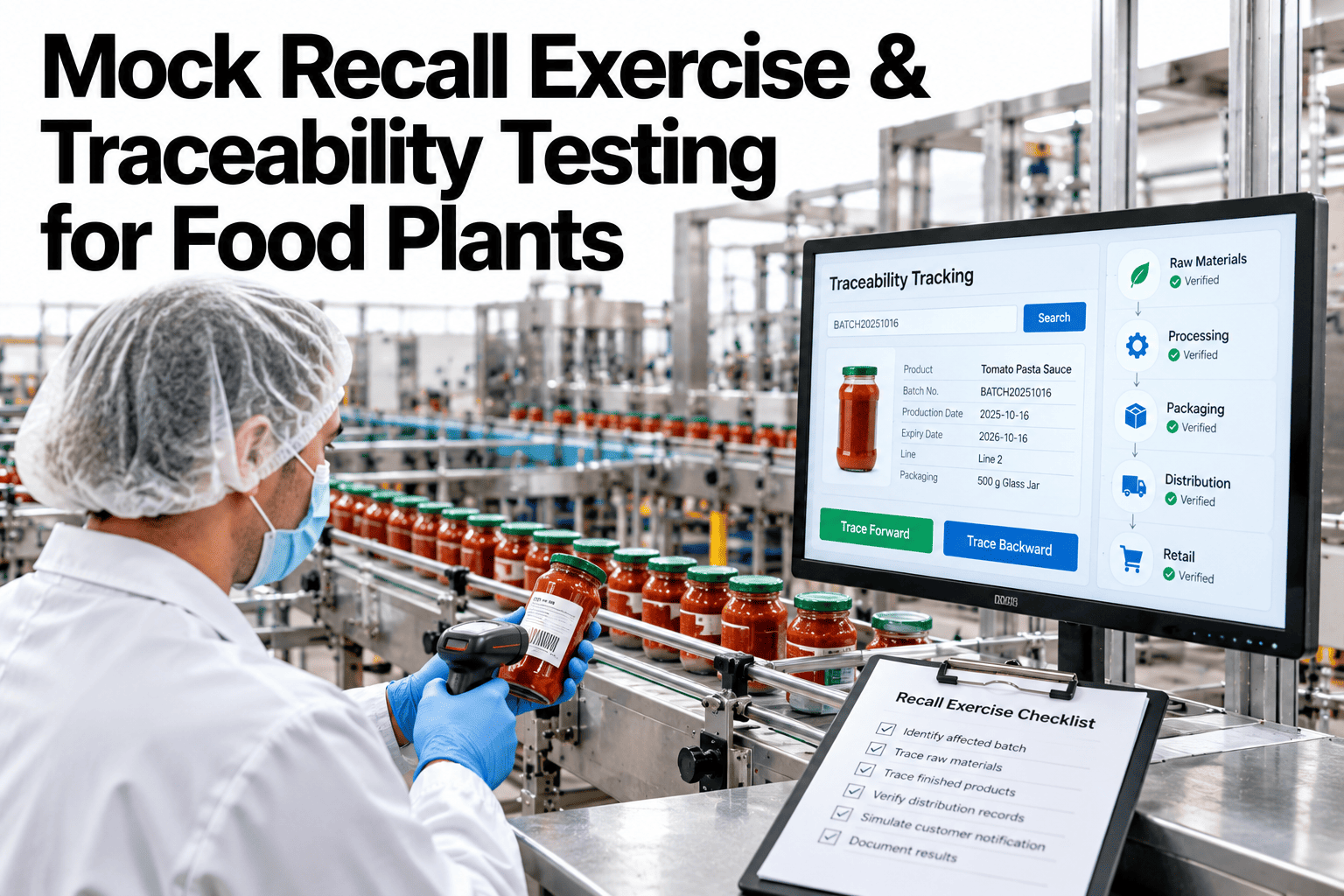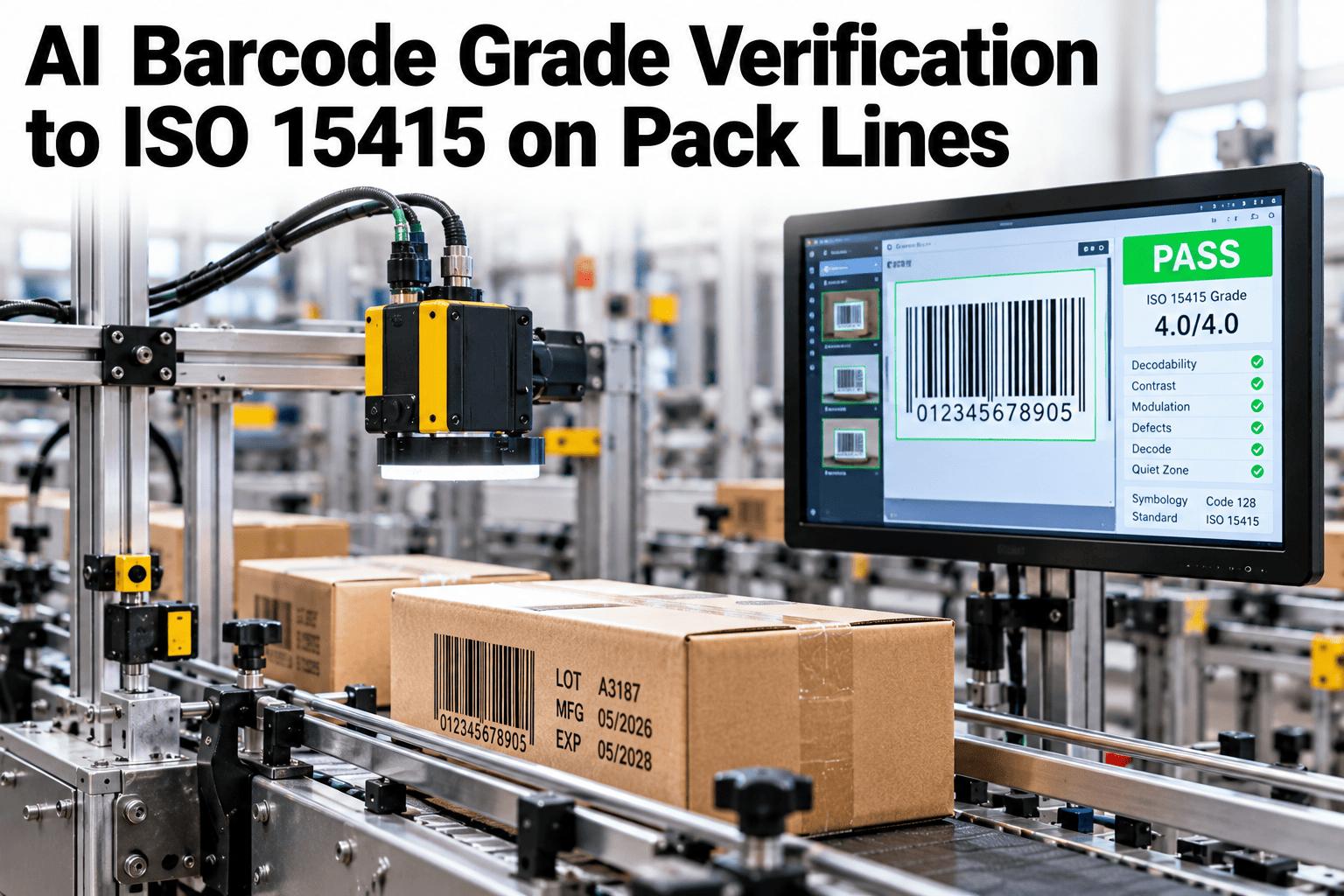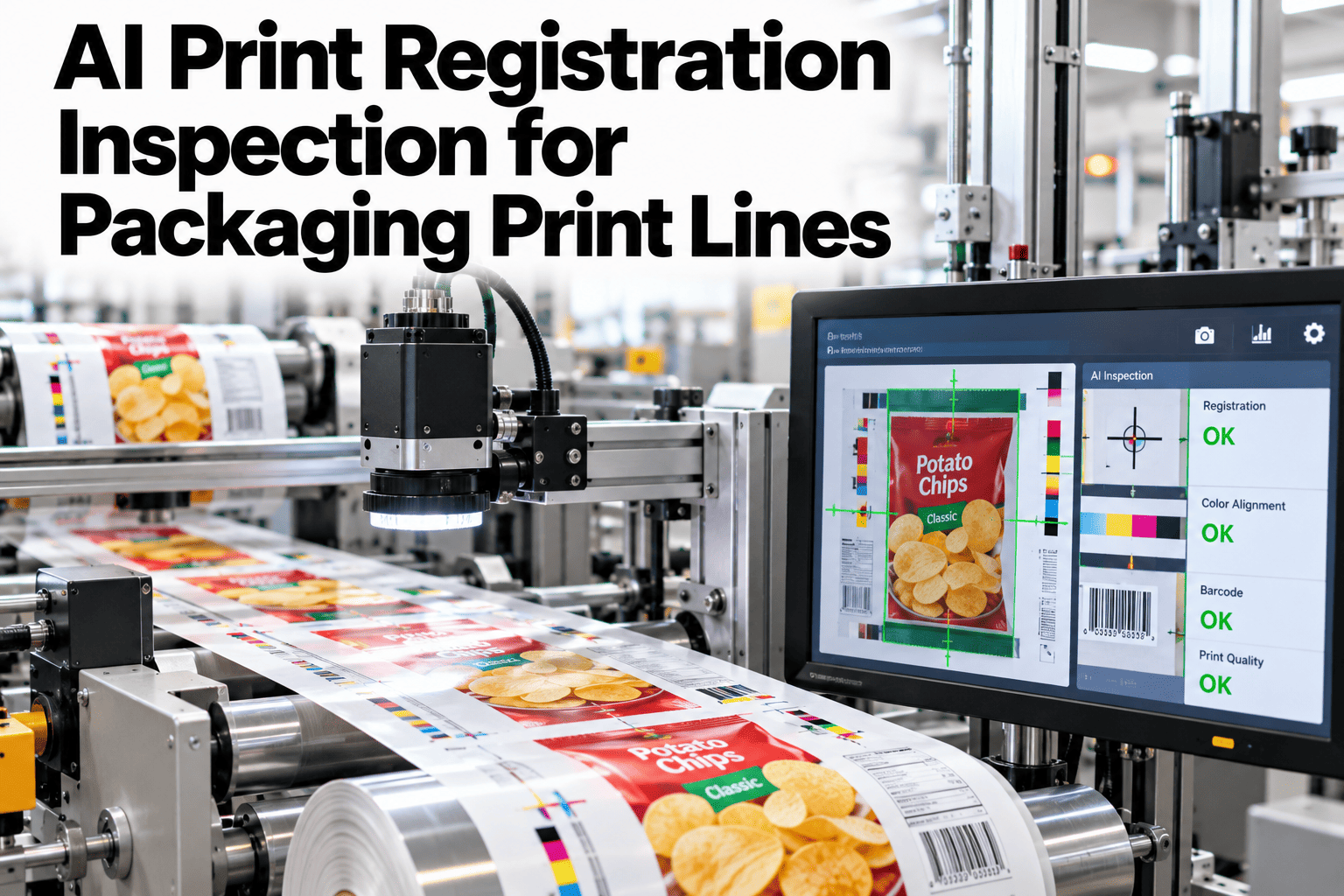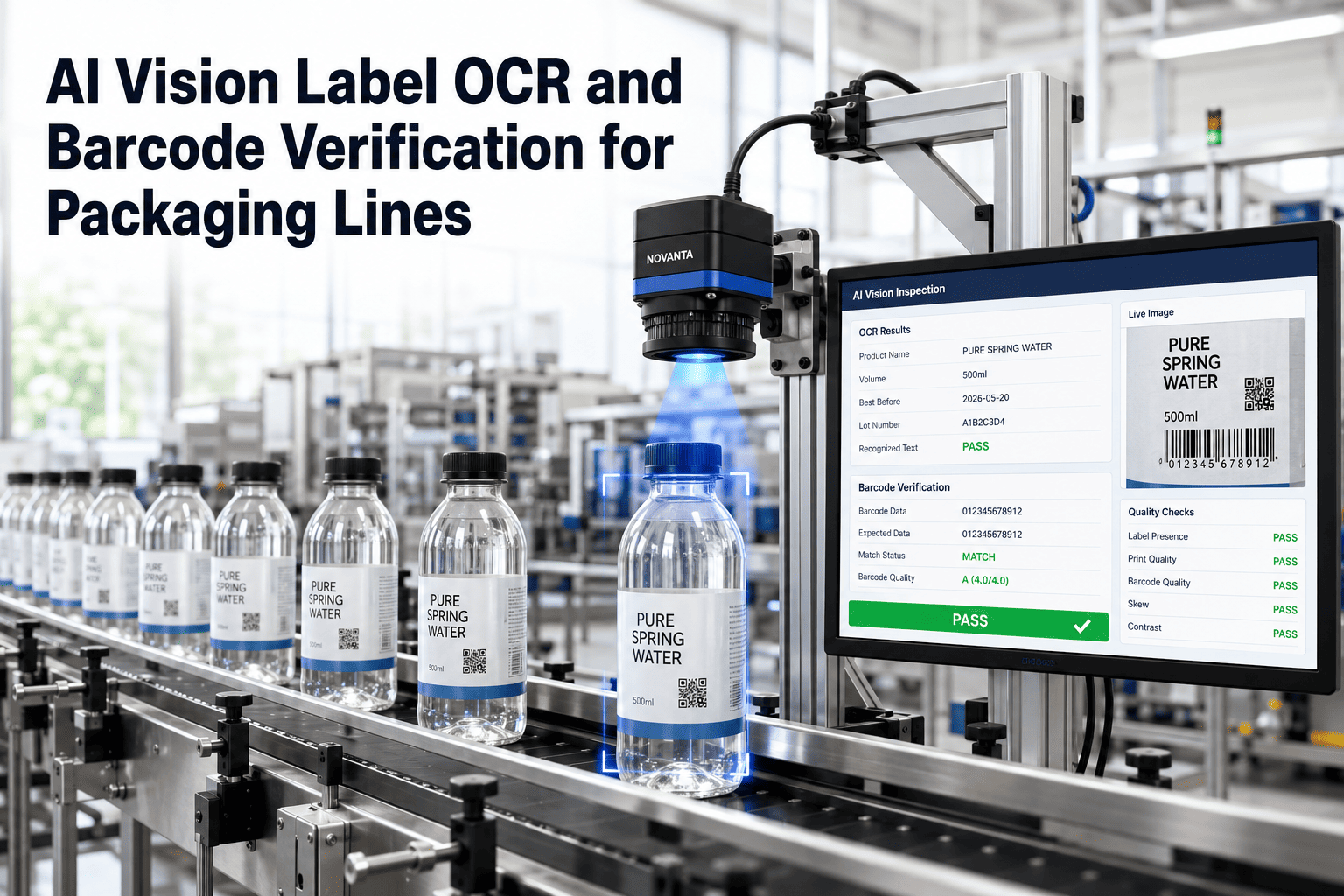
A date code that prints as a smudge, or prints the previous shift's value because nobody reset the applicator after a changeover, looks like a cosmetic problem until a retailer's receiving dock rejects the pallet or a regulator treats it as a recall trigger. Shelf life data only protects anyone if the code on the package actually matches what the shelf life study says it should, and that match depends on two things most plants manage separately: print quality at the applicator and governance over the shelf life numbers feeding it. A packaging line that checks both at the point of print, rather than catching the gap during an audit, is what a working date code verification setup looks like on a real line.
Read Every Code the Way a Scanner Will, Not the Way a Human Glances
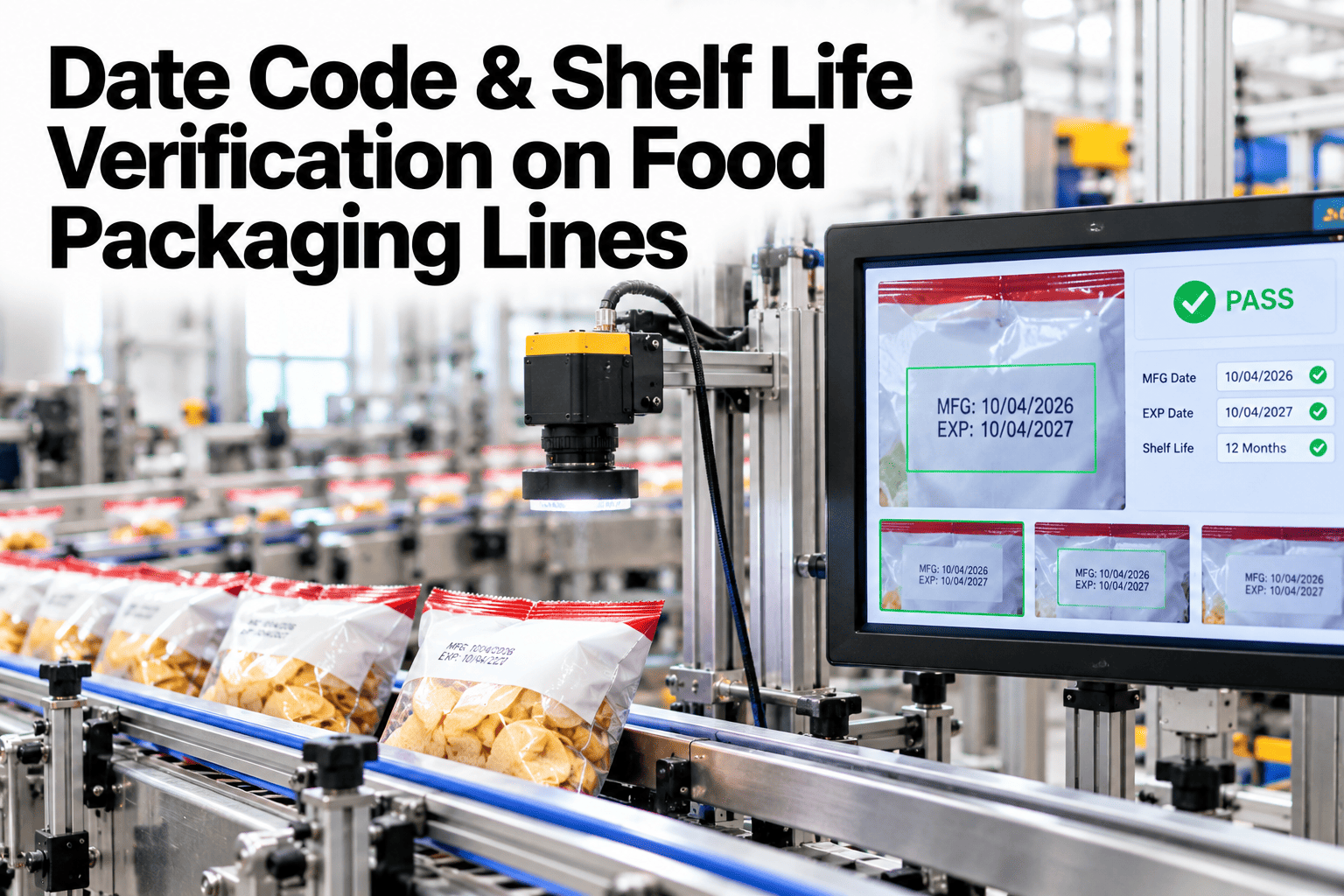
iFactory AI reads date codes with OCR at the applicator, checks them against the active shelf life record, and flags a bad print before the case is sealed.
Why a Date Code Error Becomes a Recall, Not a Reprint
A missing or unreadable date code is treated differently than most packaging defects because it removes the information a recall depends on, not just the information a shopper sees.
Applicator Drift Between PMs
A thermal printhead loses contrast gradually, not all at once, so a code can degrade from crisp to marginal over days without triggering an obvious fault.
Changeover Without a Reset Check
A new product or shelf life value loaded into the applicator's queue still needs a verified first-article check, which a fast changeover can skip under time pressure.
Human Visual Checks Miss Marginal Prints
An operator glancing at a code from a few feet away can read a print that a scanner, or a customer trying to verify freshness, cannot.
OCR Reading vs a Human Visual Check
The two methods catch different things, which is why relying on one alone leaves a gap the other would have closed.
| Check Type | What It Confirms | What It Misses |
|---|---|---|
| Human visual check | A code is present and roughly readable from normal viewing distance | Marginal contrast that fails at a scanner's stricter threshold |
| OCR verification | The exact characters printed match the expected value, character by character | Nothing within its field of view, but it only checks what it is pointed at |
| Barcode scan alone | A barcode decodes without error | The human-readable date text printed beside it, which a barcode scan never reads |
OCR verification is what closes the gap, because it applies the same legibility standard every time rather than the variable judgment of whoever is walking the line that shift.
See the Confidence Threshold Applied to Your Own Codes
Bring a sample of recent code prints to a 30-minute session and see where they would land on a scanner-grade legibility check.
What Keeps a Code Applicator From Drifting
Print quality problems are usually maintenance problems that have not been caught yet. These are the checks that prevent a slow drift from reaching the line.
Where Shelf Life Data Has to Connect to the Printer
A correct print is only correct if the value behind it is current. The shelf life study governs the number, and the printer queue has to stay in sync with it as recipes and formulations change.
An Illustrative Comparison: Code Rejects Reaching the Case Packer
The figures below are a labeled illustrative composite, not a reported customer result, showing how code rejects can change once verification runs at the applicator instead of downstream.
Most date code escapes trace back to a maintenance gap or a queue that was never updated after a formulation change, not to a printer that is fundamentally unreliable. The teams that stay ahead of this build the check into the printer station itself rather than relying on a downstream inspection to catch it, since by the time a case is sealed, a reject means breaking it back open.
Frequently Asked Questions
What legibility standard does OCR verification actually use?
The check applies a contrast and completeness threshold similar to what a handheld or fixed scanner would require, which is stricter than what a human eye accepts from normal viewing distance. See this threshold applied to a sample from your own line in a short session.
Does this require replacing our existing code applicators?
Usually not. A verification camera is typically added downstream of the existing applicator rather than replacing it, reading whatever the current printer produces. Ask the iFactory AI team about your specific applicator model before planning a change.
How does the system know the shelf life value is still current?
Verification checks the printed value against the approved record tied to the active work order, so the record has to be updated whenever a shelf life study or formulation change affects that SKU. Walk through how your shelf life records would feed this check in a demo.
What happens to a pack that fails the code check?
It is flagged and diverted before case packing, with the specific failure reason logged, such as low contrast or a value mismatch, rather than a generic reject. See how divert logic is configured for your line layout on a short call.
Can this catch a code that is legible but shows the wrong date?
Yes, because OCR reads the actual characters and compares them to the expected value for the active work order, so a crisp, fully legible code with the wrong date still fails the check. Get implementation guidance for catching this specific failure mode from the support team.
Stop a Bad Code at the Applicator, Not at the Dock
iFactory AI reads, verifies, and logs every date code against your approved shelf life record. Book a walkthrough built around your own packaging line.